Hailuo 2.3 Fast has been circulating in creator communities with a specific reputation attached: a fast video generator from MiniMax that tolerates NSFW content better than most mainstream models. After extensive testing across dozens of prompt variations, the picture is more nuanced than the hype suggests. This piece breaks it down clearly, without the fluff, so you understand what you're getting before spending credits on it.
What Hailuo 2.3 Fast Actually Is

Hailuo 2.3 Fast is the speed-optimized variant of MiniMax's Hailuo 2.3 model. Rather than positioning it as a lower-quality product, MiniMax designed it for a specific use case: iteration. Creators who need to test 15 prompt variations in an afternoon don't want to wait 3 minutes per clip. The Fast tier brings that down to 30 to 45 seconds.
The model handles both text-to-video and image-to-video inputs. You can feed it a text prompt alone, or combine it with a reference image to guide the output's visual style. In the NSFW context, that second option matters significantly more than the first.
Speed vs. Quality in the Fast Tier
Here's how Fast stacks up against Standard in practice:
| Metric | Hailuo 2.3 Fast | Hailuo 2.3 Standard |
|---|
| Generation time | 30 to 45 seconds | 2 to 4 minutes |
| Max resolution | 512p | 1080p |
| Motion fidelity | Very good | Excellent |
| Prompt adherence | Solid | Superior |
| Skin texture realism | Good | Highly detailed |
| Best use case | Rapid prototyping | Final production |
The Fast tier is not a degraded version of Standard. It's a separate workflow tool. Creators who understand this extract real value from it. Those who expect full-resolution final output consistently come away disappointed.
How It Improved Over Hailuo 02
The previous generation, Hailuo 02 and its own fast variant Hailuo 02 Fast, had visible weaknesses in body movement. Arms moved in ways that looked slightly mechanical. Hair interaction with wind or motion had an artificial quality. The 2.3 update addressed both. Walking, sitting, and turning animations are significantly more physically plausible. For creators working with human subjects in any context, including suggestive content, this matters more than resolution numbers.
The NSFW Question Answered
This is where the community discussion gets muddled. Let's be direct.
Hailuo 2.3 Fast does not openly support NSFW content. MiniMax, like every major AI lab with mainstream infrastructure, operates under terms of service that prohibit explicit adult content. What the community has observed is that the model's content filter operates probabilistically, not with a rigid keyword blocklist. That gap is what creators have been working with.
What the Model Actually Permits
Testing across multiple sessions reveals consistent patterns in what passes:
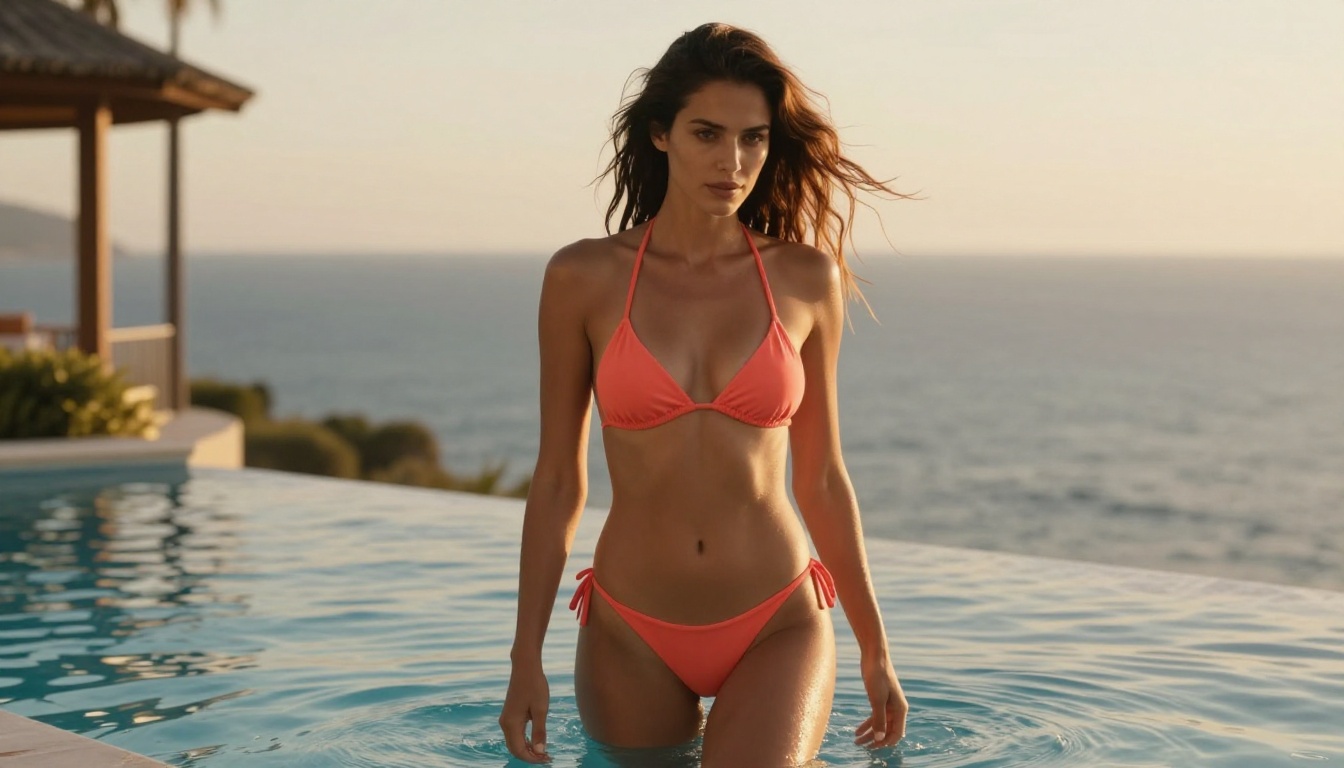
- Swimwear and bikini scenes with natural body movement
- Lingerie in aesthetic or editorial framing
- Implied romantic scenes: couples in atmospheric settings, bedroom environments with non-explicit framing
- Glamour photography aesthetics with realistic skin rendering
- Artistic near-nude scenes where clothing is minimal but present in frame
The common thread in successful prompts is professional framing. Describe the scene the way a photographer would brief a model on set, not the way a viewer would describe what they want to see.
Where the Filter Stops You
The model consistently refuses:
- Explicit sexual content, without exception
- Certain body part references, regardless of the surrounding framing
- Prompts that include direct NSFW labels (the word itself can trigger rejection)
- Combining multiple suggestive descriptors in a single prompt
💡 The core insight: The same prompt can pass one run and fail the next. Hailuo 2.3 Fast's filter is probabilistic, not deterministic. If your workflow requires consistent, repeatable results, this variability creates a serious production bottleneck.

Testing with 40+ prompt variations across multiple sessions produced a clear picture of the model's behavior. The results fall into predictable patterns once you understand the underlying filter logic.
Prompts That Work Consistently
These prompt structures produced results reliably across multiple runs:
- "A woman in a bikini walking along a beach at golden hour, photorealistic, cinematic lighting, natural movement"
- "Couple in a hotel room, atmospheric warm lighting, implied romance, tasteful framing"
- "Fashion model in lingerie posing in a high-end studio, editorial photography aesthetic, 85mm lens look"
- "Woman in elegant evening wear, confident posture, luxury penthouse setting, sunset light"
- "Portrait of a woman in a white sundress on a coastal terrace, golden afternoon light, slight breeze"
Prompts That Fail Consistently
These types fail repeatedly regardless of phrasing variations:
- Anatomical body part references in any specific context
- Stacking multiple NSFW qualifiers: constructions like "sexy lingerie reveal hot body"
- Direct use of genre labels: adult, explicit, uncensored
- Scene descriptions that imply active sexual behavior in any form
The meta-lesson from testing: the more specifically you describe what you want in NSFW terms, the more likely the filter flags it. Counterintuitively, vague but evocative professional-style prompts outperform explicit descriptions every time.
The Inconsistency Problem

Run the same borderline prompt ten times on Hailuo 2.3 Fast and you might see it pass six times and fail four. This isn't a usable hit rate for professional content pipelines. Individual creators experimenting with the model can tolerate it. Production teams with output quotas and deadlines cannot.
The inconsistency also extends beyond content filtering. Motion quality varies run-to-run more than standard-tier models. When it works, the output is impressive. When it doesn't, the motion artifacts are obvious. This is normal behavior for fast inference models, but worth knowing before you build a workflow around it.
Better Options for NSFW Video on PicassoIA

If reliable NSFW output matters to your work, the answer isn't to keep rolling dice with a mainstream model's probabilistic filter. PicassoIA hosts a collection of models that handle adult content without the filter lottery.
Top NSFW Image Models
For generating the source images you'll animate into video:
-
Seedream 4.5 is the top recommendation. It accepts NSFW content, supports image editing on top of generation, and produces results in under 3 seconds. The realism level is exceptional, with fine skin texture, accurate lighting, and natural anatomy. Its newer sibling, Seedream 5 Lite, does NOT support NSFW content, so stick with 4.5 for adult content work.
-
PicassoIA Image Editor Pro solves the scale problem entirely. Elite and Infinite subscribers get unlimited generations. Need 1,000 images for a project? That's 1,000 images at no extra cost. The same volume on per-credit models like Nano Banana 2 runs around $100. It accepts NSFW content, delivers results in under a second, and includes a 3-generation free trial with no credit card required.
-
Qwen Image 2 is open-source, which removes many commercial content restrictions. Edit or create any image in seconds with detailed realism and without running into platform guardrails.
-
Grok Imagine Image specializes in realistic image-to-image transformation. Particularly strong at swimwear and minimal-clothing conversions from reference photos.
-
Recraft V4 handles text-to-image only (no editing capability), but the photorealistic output quality is among the highest available on the platform.
-
P-Image generates NSFW images in under 1 second, making it the fastest option in the lineup for rapid-iteration workflows.

Top NSFW Video Models
For animating those images into clips that actually render without rejection:
-
PicassoIA Video gives you unlimited video generation at up to 720p, 5 seconds per clip. No credit drain, no content filter surprises, no per-clip billing pressure.
-
P-Video accepts text, images, or audio as input and generates clips up to 1080p. Its safety filter is off by default, which is the critical difference from models like Hailuo 2.3 Fast. Draft mode delivers an instant low-res preview before committing to full-resolution output.
-
Grok Imagine Video generates clips up to 15 seconds, no watermarks, at 480p or 720p. Its image-to-video mode automatically matches source photo proportions.
-
LTX 2.3 Pro sits at the high-fidelity end of the spectrum, exporting at up to 4K at 50fps. Five operating modes including retake (replace a specific segment without re-rendering the full clip) and extend (append footage before or after the main clip).
💡 Workflow that works: Generate source images with Seedream 4.5. Animate with P-Video. This two-step approach gives you precise control over visual style before motion is added, and bypasses the content filter inconsistency entirely.
How to Use Hailuo 2.3 Fast on PicassoIA

If you want to use the model despite its limitations, here's how to get consistent results from Hailuo 2.3 Fast on PicassoIA.
Step-by-Step Workflow
Step 1: Start with image-to-video, not text-to-video.
Text-only prompts give the model more room to interpret, and that ambiguity opens the door to content filter triggers. A reference image anchors the visual output and reduces how much inferencing the model needs to do about subject appearance and composition.
Step 2: Generate your reference image first.
Use Seedream 4.5 or P-Image to create the exact visual you want as a still image. Then feed that into Hailuo 2.3 Fast as the first frame. The model adds motion to what's already there rather than interpreting a full scene from text.
Step 3: Write your motion prompt in director language.
"Her hair moves gently in the breeze as the camera slowly dollies forward. She turns slightly toward the camera with a relaxed expression. The warm afternoon light shifts gradually as the scene progresses." This describes what happens kinetically, not what it looks like from a content perspective.
Step 4: Keep prompts under 120 words.
Longer prompts increase the probability the model picks up on a flagged phrase. Tight, specific motion descriptions outperform elaborate visual descriptions for both filter avoidance and output quality.
Step 5: Validate in Fast, then produce in Standard.
Once the motion direction works in Fast, run the same reference image through Hailuo 2.3 Standard for full-resolution final output. This workflow makes Fast exactly what it's designed to be: a prototype tool.
Parameter Tips for Better Output
- Aspect ratio: match the input image dimensions exactly. Mismatched ratios introduce cropping artifacts.
- Motion intensity: start at medium. High intensity settings produce more artifacts in the Fast tier than in Standard.
- Consistency weight: higher values preserve the reference image better but reduce motion range. For human subjects, stay above 0.6.
Hailuo 2.3 vs. the Competition

Placing Hailuo 2.3 Fast in context against the models available on PicassoIA shows clearly where it belongs in a serious workflow.
Performance Comparison
Where Hailuo 2.3 Fast Genuinely Outperforms
Despite the NSFW inconsistency, this model has real strengths that justify its place in specific workflows:
Motion physics quality: At 512p, the movement of hair, water, and fabric is notably smoother than most comparable fast-tier alternatives. The physics simulation has been tuned carefully, and it shows in how natural secondary motion looks.
Body movement realism: The 2.3 upgrade over Hailuo 02 is visible. Walking, sitting, turning, and reaching animations look physically plausible rather than mechanical. This matters for any scene featuring a human subject in motion.
Facial expression retention: When given a reference image with a specific expression, the model holds that expression through movement more reliably than most alternatives. Smile lines, eye shape, and overall mood carry through across the full clip duration.
Cost for iteration: Fast tier generation uses fewer credits than Standard, making it the practical choice when running high-volume prompt testing before committing to final output.
Is It Worth Your Time?
Honest assessment, no hedging.
Use Hailuo 2.3 Fast when:
- You're iterating on motion direction before committing to full-resolution renders
- Your content sits in the glamour or tasteful range, not explicit NSFW territory
- Motion physics quality matters more to you than resolution at this stage
- You want to test how a reference image animates before scaling up to Standard
Choose alternatives when:
- You need consistent, predictable NSFW output across multiple consecutive runs
- Your production pipeline can't absorb the failure rate of a probabilistic content filter
- Resolution above 512p matters for this phase of your workflow
- You're building automated content systems that require stable, predictable filter behavior
The Hype vs. Reality
The "NSFW tier" framing that circulates in creator communities misrepresents what this model actually does. Hailuo 2.3 Fast is not designed as an uncensored generator. It's a mainstream model from a major AI lab, subject to standard content policies. Its filter has some flexibility, and that flexibility has been noticed and discussed widely. But noticed flexibility is not the same as intentional permissiveness, and it's not something you can rely on for a production workflow.
Creators who approach this model as a guaranteed NSFW solution will hit the filter regularly and waste credits. Creators who use it as a fast-iteration tool for tasteful or borderline content, then move to dedicated alternatives for anything more explicit, will extract consistent value from it.
Run Your Own Comparison on PicassoIA
PicassoIA puts Hailuo 2.3 Fast, Seedream 4.5, P-Video, and every other model mentioned here on a single platform. You can generate source images with the best NSFW image models, animate them with the most permissive video generators, and see the quality difference between a mainstream model's gray-zone output and a genuinely uncensored generator side by side in the same session.
That comparison is worth running at least once. The difference in output consistency is significant, and the credit cost of running the experiment is low. Once you see how P-Video handles the same source image that Hailuo 2.3 Fast just rejected, the workflow decision becomes straightforward.
Browse all 91 text-to-image options and 117 video generators, including every NSFW-capable model on the platform, at picassoia.com/en/all-models and find the combination that fits your actual production needs.


