Hailuo 2.3 is one of the most talked-about text-to-video models right now, and MiniMax's decision to offer a free trial tier has brought in a wave of new users who want to test cinematic AI video before committing to a paid plan. The question everyone asks is the same: what does "free" actually mean here? How many videos do you get, how good do they look, and where does the free tier quietly fall short? This article gives you the straight answers.
What Hailuo 2.3 Actually Does

Hailuo 2.3 is a text-to-video and image-to-video model developed by MiniMax. It sits at the top of the Hailuo line, improving substantially on the motion quality, prompt adherence, and temporal consistency of its predecessors. In practical terms, it turns a text description or a still image into a short MP4 clip with realistic physics, smooth motion, and a cinematic look that has made it popular with content creators, marketers, and filmmakers.
Text-to-Video: How It Performs
The text-to-video output from Hailuo 2.3 is genuinely impressive at full resolution. Give it a well-crafted prompt and you get clips that hold up visually for short-form social content, YouTube intros, or product showcases. Motion is fluid rather than twitchy, and the model handles lighting, atmospheric effects, and camera movement better than many of its peers in the same price bracket.
Where it can still trip up is with complex multi-subject prompts and very specific physical interactions. Asking for "two people shaking hands in a forest at sunset with a slow dolly-in" will get you something close, but hand interactions and subject positioning remain imperfect, as they do across the entire text-to-video category right now.
Image-to-Video: Animating Your Stills
The image-to-video mode is where Hailuo 2.3 often gets more practical for day-to-day work. Upload a still photograph or an AI-generated image, add a motion prompt describing how the scene should move, and the model animates it. Results tend to look more controlled than pure text-to-video because the model has a concrete reference for composition, colors, and subject placement.
On PicassoIA, you can use Hailuo 2.3 for both modes from the same interface. The platform also offers Hailuo 2.3 Fast for quicker turnarounds at slightly lower fidelity, which is useful when you are iterating on a prompt and don't want to wait for a full generation each time.
💡 Tip: Image-to-video tends to produce cleaner results than text-to-video on the free tier because the model has less creative ambiguity to resolve from a blank canvas.
The Free Trial: Exactly What You Get
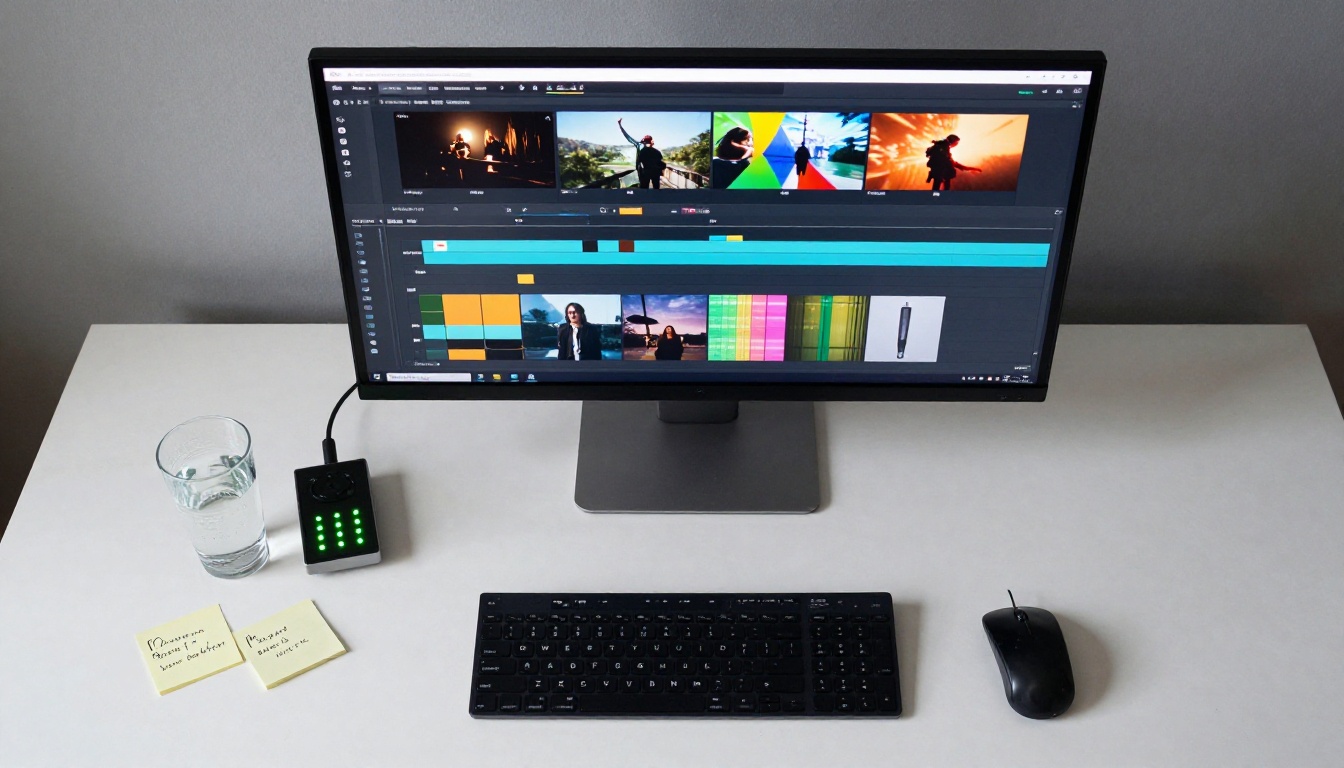
This is the section most people are actually looking for. Here is a precise breakdown of what the Hailuo 2.3 free trial currently includes, and where the real walls are.
Daily Credits and How They Reset
The free trial gives you a set number of generation credits per day, typically in the range of 5 to 10 video credits depending on the platform you access Hailuo 2.3 through. Credits reset every 24 hours on a rolling basis from your first generation of the day, not at a fixed midnight reset.
Each credit produces one video clip at the default duration. On PicassoIA, Hailuo 2.3 clips run at 6 seconds at 24fps, which is the standard for the MiniMax Hailuo line.
If you want to stretch your free credits further:
- Write precise prompts before you generate. Think through exactly what you want before spending a credit. Vague prompts waste credits on unusable results.
- Use image-to-video when you have a reference. The model needs less guesswork and tends to succeed on the first attempt.
- Generate during off-peak hours. Queue times on free tiers are longer during peak hours (roughly 12:00 to 18:00 UTC), and long waits add friction to creative momentum.
- Use Hailuo 2.3 Fast for concept iterations. Save your full Hailuo 2.3 credits for final outputs.
Resolution and Video Length
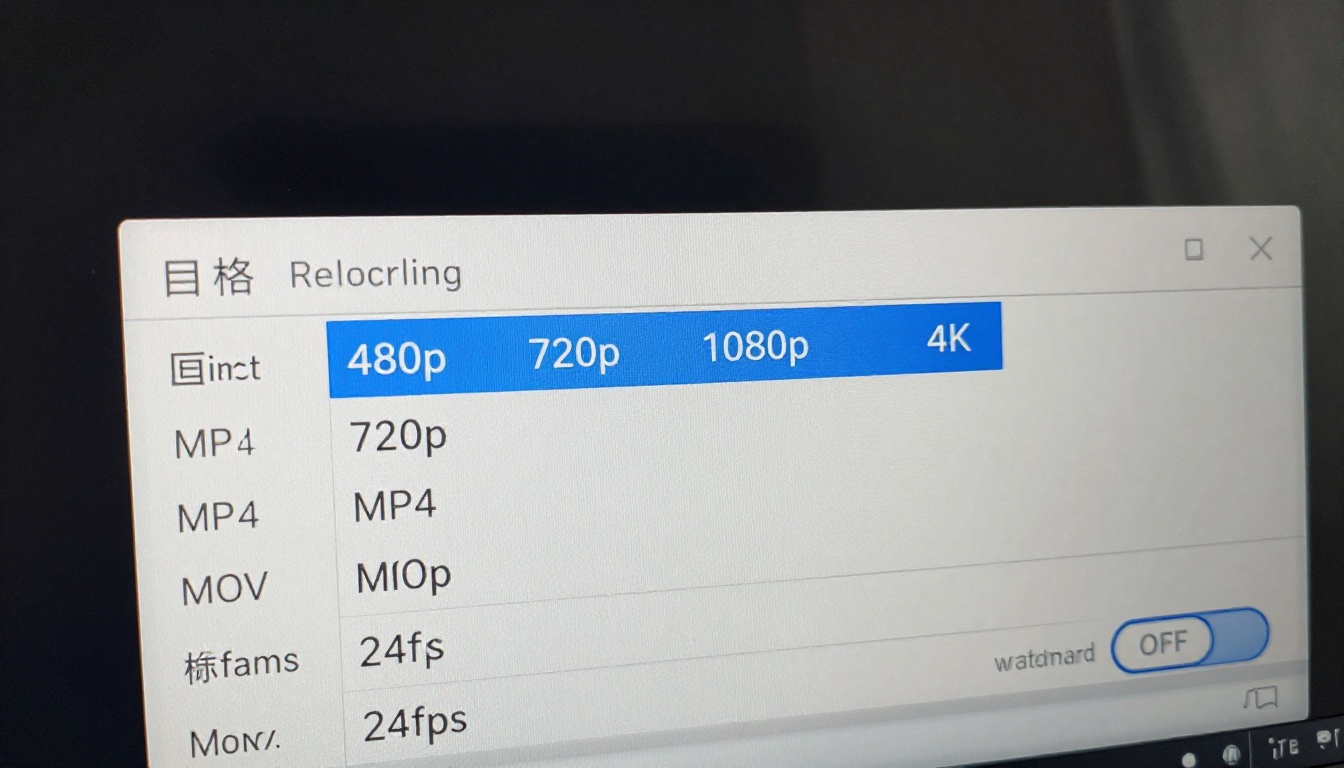
Free tier access to Hailuo 2.3 caps output at 720p. The paid version unlocks 1080p. For social media content, 720p is workable, and many platforms re-compress uploads anyway. For commercial use, product demos, or anything displayed on larger screens, 1080p makes a visible difference.
The clip length is fixed at 6 seconds on the standard Hailuo 2.3 model. The fast variant, Hailuo 2.3 Fast, targets 512p at higher speed, which is the right trade-off when you need rapid iteration during ideation rather than polished final output.
💡 Tip: If you need longer clips up to 10 seconds, Seedance 2.5 Lite on PicassoIA is genuinely free and unlimited without daily credit caps.
Watermarks and Export Quality
Watermarks are where free tiers most visibly differ from paid ones. Hailuo 2.3's free output includes a semi-transparent watermark in the corner of every clip. For personal experimentation, prompt testing, or non-public work, this is a non-issue. For anything client-facing or published to social media, it's a dealbreaker.
Export bitrate is also lower on the free tier. This is visible in fast-motion sequences where you may notice compression artifacts in areas of rapid movement. The overall quality is still usable, but it is not production-ready in the technical sense.
Free vs. Paid: The Real Numbers
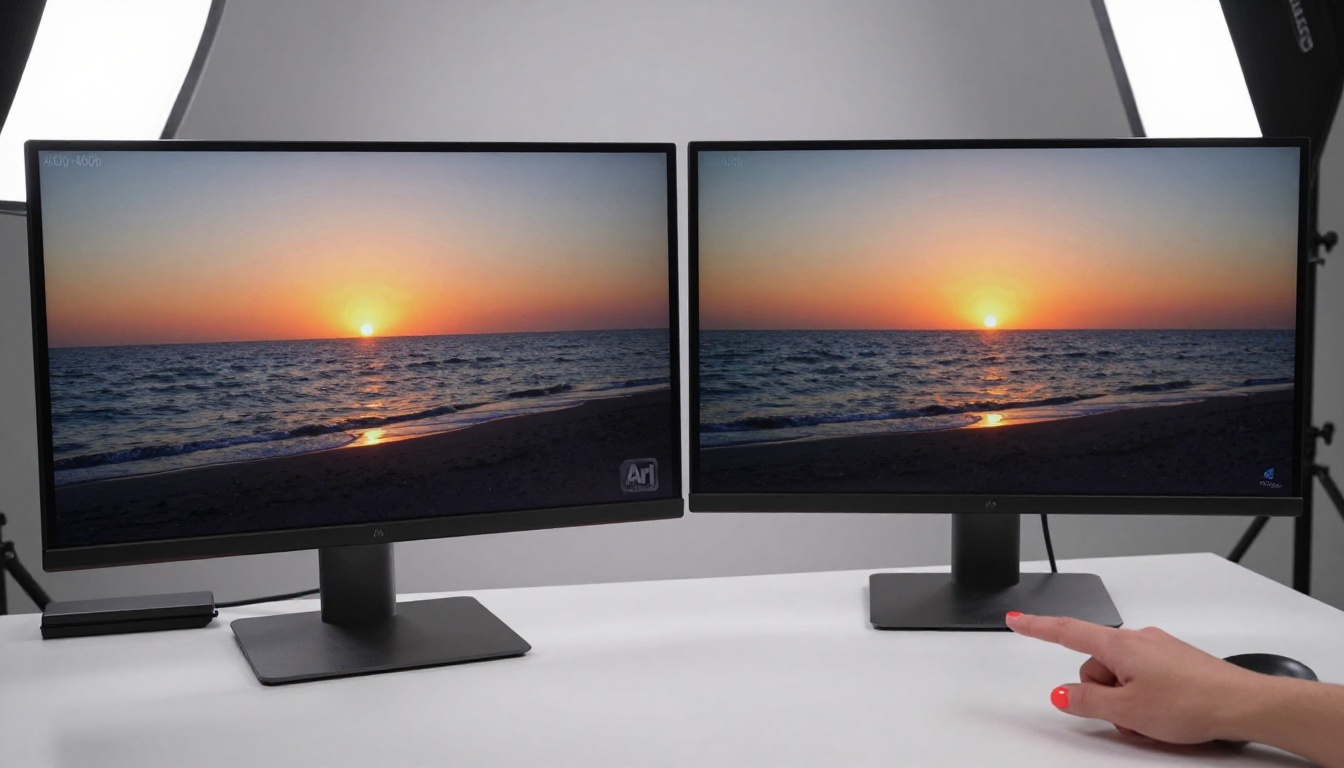
Here is a clear breakdown of what changes between free and paid access to Hailuo 2.3:
| Feature | Free Trial | Paid Plan |
|---|
| Daily video credits | 5-10 per day | High or unlimited |
| Maximum resolution | 720p | 1080p |
| Watermark on output | Yes | No |
| Export bitrate | Compressed | Full quality |
| Queue priority | Standard (slower) | Priority |
| Clip duration | 6 seconds | 6 seconds |
| Image-to-video | Yes | Yes |
| Text-to-video | Yes | Yes |
| API access | No | Yes (select plans) |
The clip duration stays the same across both tiers, which is worth noting. You are not paying for longer videos with Hailuo 2.3 specifically. You are paying for resolution, no watermarks, higher bitrate output, faster queue priority, and more credits per day.
How to Use Hailuo 2.3 on PicassoIA
PicassoIA hosts both Hailuo 2.3 and Hailuo 2.3 Fast as part of its text-to-video collection of over 121 models. The workflow is straightforward.

Step-by-Step: Your First Generation
- Go to PicassoIA and navigate to the Hailuo 2.3 model page.
- Choose your mode: Text-to-Video or Image-to-Video from the input tabs.
- Write your prompt: be specific. Include subject, action, environment, lighting, and camera movement. For example: "A woman walks slowly along a rain-wet cobblestone alley at night, amber streetlights reflecting in puddles, slow forward pan, cinematic depth of field."
- Set resolution: 720p for free tier or 1080p on paid.
- Click Generate and wait for the queue. Free tier times range from 30 seconds to a few minutes depending on server load.
- Review and download: preview the clip in the platform player, then download the MP4 directly or share via the platform's link.
Prompt Structure That Works
The best prompt structure for Hailuo 2.3 follows a consistent pattern:
[Subject] + [Action] + [Environment] + [Lighting] + [Camera movement]
Keep it under 150 characters for best adherence. Longer prompts with too many competing instructions tend to produce outputs that partially ignore some elements.
Here are a few examples that consistently produce strong results:
- "A red sports car accelerates on a wet highway at dusk, motion blur on wheels, low-angle tracking shot"
- "Ocean waves crash against black volcanic rocks at sunrise, slow-motion, wide establishing shot"
- "A woman in a white dress reads on a park bench in autumn, golden leaves falling, gentle zoom in"
Stretch Your Free Credits
Getting the most out of a limited daily credit pool requires a bit of discipline. These habits make a real difference:
- Draft prompts in a text file first. Think through what you want before spending a credit.
- Use Hailuo 2.3 Fast for concept tests. Once you have a prompt that works, switch to standard Hailuo 2.3 for your final output.
- Check the PicassoIA model catalogue regularly. Newer models sometimes launch with free access or promotional credits. Seedance 2.5 Lite is currently among the most generous free options on the platform, with unlimited generation up to 10 seconds.
- Save your prompts. When a prompt produces a great result, save it. You'll want to reuse the structure for similar scenes.
Other Top Models Worth Testing
If you exhaust your Hailuo 2.3 daily credits or want to compare output quality directly, PicassoIA's collection gives you real alternatives across different strengths.

Seedance 2.5 for Longer Clips
Seedance 2.5 from ByteDance supports clips up to 30 seconds with built-in synchronized audio, which is something Hailuo 2.3 does not yet offer on its free tier. If you're making social content where background music or ambient sound matters, Seedance 2.5 is a strong contender. The free variant, Seedance 2.5 Lite, offers unlimited free generations up to 10 seconds with no daily cap.
Kling v2.6 for Cinematic Control
Kling v2.6 from Kwai is a strong Hailuo alternative for users who want finer cinematic control over camera trajectories. It handles complex motion paths well and produces smooth, high-quality output at 1080p. For even higher quality, Kling v3 Video is the latest generation option from the same developer.
Ray 3.2 for HDR Visual Quality
Ray 3.2 from Luma AI brings HDR color grading to AI video, producing richer shadows and highlights compared to Hailuo 2.3's standard output. For product videos or lifestyle content where visual polish is the priority, it's a compelling choice.
Wan 3 for Speed
Wan 3 from Alibaba is one of the fastest high-quality text-to-video models on PicassoIA. If queue time is your main frustration on the Hailuo 2.3 free tier, Wan 3 often delivers comparable cinematic quality at significantly shorter wait times.
Veo 3 for Maximum Fidelity
Veo 3 from Google is the highest-fidelity text-to-video option currently on PicassoIA, with native audio generation built into the output. It's a paid model, but if you've already outgrown Hailuo 2.3's limits and want the best the industry has to offer, Veo 3 is the benchmark.
Common Limits New Users Hit

Most frustrations with the Hailuo 2.3 free trial fall into one of three categories. Knowing them in advance saves a lot of friction.
Queue Times on the Free Tier
The free tier uses standard queue priority. During peak hours, this can mean waiting 3 to 8 minutes per generation. This is not specific to Hailuo 2.3. It's a structural reality of running large video models on shared GPU infrastructure. If you are iterating on a prompt across multiple generations, these waits add up fast.
What to do: Generate during off-peak times (early morning UTC or late evening), or use Hailuo 2.3 Fast as your iteration model and reserve standard Hailuo 2.3 for final outputs. You'll use fewer credits overall and spend less time waiting.
Running Out of Credits Mid-Project
This happens to almost everyone on their first serious project. You have 6 or 8 credits, you burn through them iterating on a single scene, and then you're locked out until the next day.
The straightforward answer is to have backup models ready. Pixverse v5 and LTX 2.5 Fast on PicassoIA both offer free generation options that can fill the gap when your Hailuo 2.3 credits are exhausted for the day.
Watermarks in Deliverables
This is the limit that pushes users toward paid plans most often. A watermark is invisible in your own testing but immediately obvious when you drop a clip into a client presentation or post it to social media.
If you need watermark-free output without a paid Hailuo 2.3 plan, Seedance 2.5 Lite on PicassoIA delivers watermark-free results for free. The quality trade-off at higher resolutions is real, but for many short-form use cases, it's more than adequate.
💡 Tip: Check the Hailuo 02 model on PicassoIA as well. It supports 1080p output and is a strong option when you need higher resolution without necessarily using the newest model version.
Start Creating on PicassoIA
The Hailuo 2.3 free trial is genuinely useful for testing the model's capabilities, building a sense of which prompts work, and producing initial concepts before committing to a paid plan. The limits are real but predictable: 720p, a daily credit cap, watermarks, and slower queue priority. Once you know where the walls are, you can work around them effectively.
PicassoIA gives you access to Hailuo 2.3 and Hailuo 2.3 Fast alongside 119+ other video generation models, all in one place with no installations or local hardware required. Whether you're working with Seedance 2.5 for longer clips with audio, Wan 3 for fast generation, or Veo 3 for the highest fidelity output, the entire catalogue is accessible from the same workflow.
Go to picassoia.com/en/all-models and see which video model fits your project. The free credits reset daily, and you don't need a paid plan to start generating right now.


