If you have been watching the AI video space for the past few months, Hailuo 2.3 from MiniMax has been impossible to ignore. Creators on social platforms keep sharing outputs that look closer to real cinematography than anything the space produced two years ago. But social media clips are cherry-picked by definition. So here is an honest, detailed look at what Hailuo 2.3 actually does, where it delivers on its promises, and where it still has real ground to cover. No hype. Just the output.
What Hailuo 2.3 Actually Is

MiniMax built a name in the AI space with earlier models: Video 01 and Hailuo 02, both of which impressed the creator community with smooth motion and surprisingly cinematic color science. Hailuo 2.3 is not a minor patch update on top of those releases. MiniMax rebuilt the temporal attention mechanism and retrained the model on a significantly larger corpus of high-framerate cinematographic footage. The practical result is a model that handles complex motion with noticeably more coherence than its predecessors and most competitors at the same price tier.
The MiniMax Lineage
The Hailuo line has consistently prioritized motion smoothness over resolution numbers. While other labs chased 4K outputs and long-form generation, MiniMax stayed focused on the quality of movement itself, treating each video as a temporal object rather than a sequence of disconnected frames. That philosophy deepens in 2.3. Skin deformation when a character turns their head, fabric movement in wind, the way water surface responds to an object dropped into it, these physical simulations feel more grounded than most competing models at comparable inference costs.
What makes Hailuo 2.3 architecturally interesting is its approach to temporal attention. Rather than evaluating frames independently and stitching them, the model maintains cross-frame awareness throughout the denoising process. This produces the characteristic smoothness that the Hailuo line is known for, but in 2.3 that smoothness extends to objects and secondary elements, not just primary subjects.
💡 Worth noting: Hailuo 2.3 was built with temporal coherence as its primary objective. Frames are evaluated as sequences, not independently. This is a meaningful architectural difference from older diffusion-based approaches that still produce flickering or inconsistent textures across frames.
Two Modes, One Engine
Hailuo 2.3 runs in standard mode for full-quality 1080p outputs, while Hailuo 2.3 Fast targets rapid iteration at 512p resolution. Both share the same underlying model weights. The difference is inference steps and output resolution, not architecture. This matters because the Fast variant is not a "lite model" in the way some competitors handle their speed tiers. You get the same reasoning engine at lower resolution and fewer denoising passes, which means prompts that work in Fast mode translate directly to standard mode without behavioral surprises.
Real Output Quality

This is where Hailuo 2.3 earns its reputation. Testing across a range of prompt types reveals a model that is particularly strong in three areas: natural environments, human subject motion, and camera movement interpretation. The outputs feel like they were shot, not generated. That distinction is harder to achieve than it sounds.
Motion Realism
Characters walking, running, or performing physical actions maintain structural consistency across frames better than Kling v2.0 at the same resolution and significantly better than older MiniMax outputs. The face-swap artifacts that affected Video 01 when characters turned their heads have been largely addressed. A subject can turn 90 degrees mid-clip while speaking and the result holds identity reasonably well through the rotation.
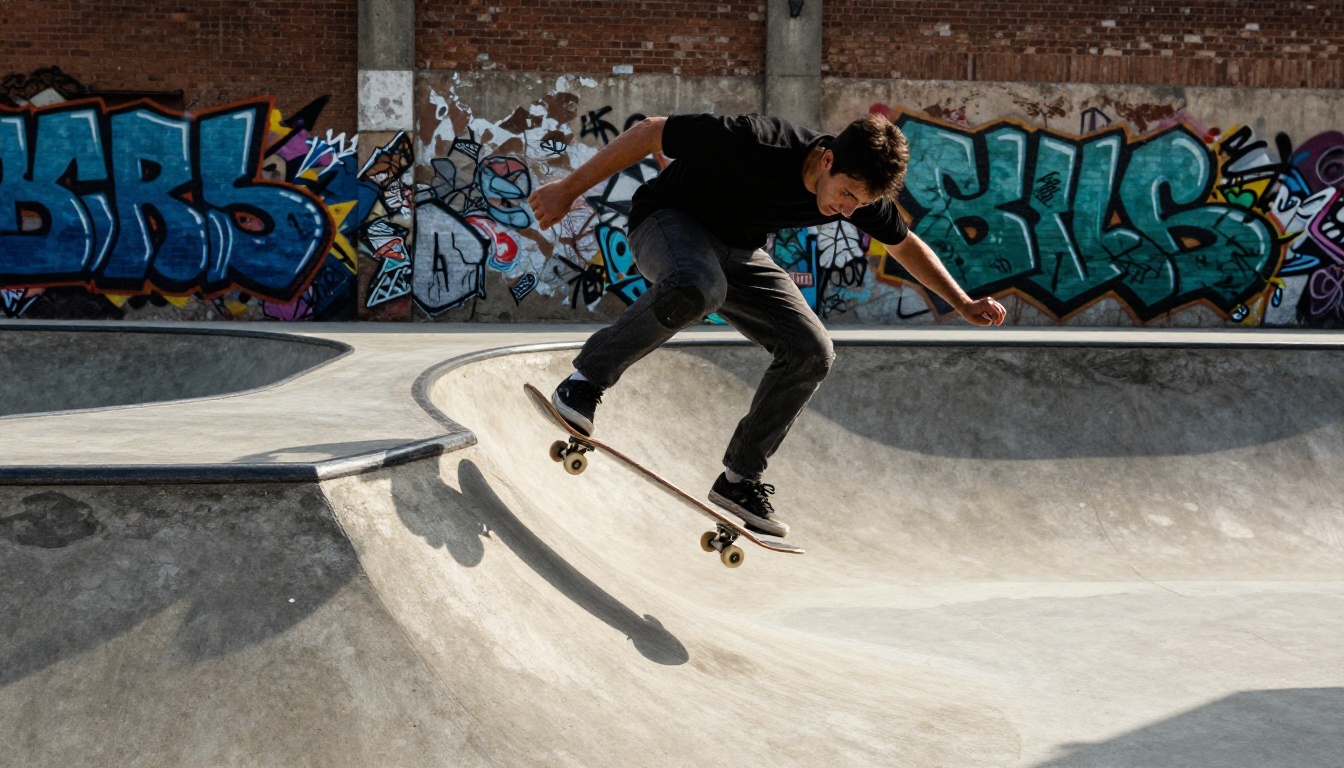
Where Hailuo 2.3 genuinely surprises is in secondary motion: elements in a scene that move reactively rather than as primary subjects. Hair moving when a character steps out of a building into wind. A coffee cup sliding slightly when a table is bumped. Curtains billowing from an open window. Leaves on trees responding to a passing vehicle. These secondary physics feel less scripted than in models that evaluate each scene element independently. The result is footage that reads as physically coherent rather than separately animated.
Prompt Accuracy
Prompt adherence in Hailuo 2.3 is honest but not uniform. The model excels at:
- Scene composition: camera angle descriptions, lighting direction, depth relationships between foreground and background
- Subject count and placement: two or three subjects maintain their positions without the common merging artifact that affects many text-to-video models
- Atmospheric conditions: fog, rain, golden hour, blue hour, overcast, each render with distinct visual character
- Camera movement: slow dolly, gentle pan, handheld shake, static wide all translate with reasonable accuracy
Where prompt accuracy drops is in specific object detail. A red vintage bicycle becomes a bicycle that is approximately red and approximately vintage. Text appearing in frame is unreliable. Detailed architectural specifics like particular window shapes or facade materials wash out under the model's tendency to generalize spatial detail into plausible approximations.
💡 Practical tip: Hailuo 2.3 responds better to mood and atmosphere prompts than to technical specification prompts. "Warm cinematic golden hour, shallow depth of field, woman walking through autumn leaves" will consistently outperform "woman walking in front of a Victorian brick building at 4:15pm with a red mailbox on the left."
Speed vs Quality Tradeoff

Benchmarking both modes reveals a genuine production decision rather than an obvious winner. The choice between Fast and Standard is about workflow stage, not quality ceiling.
Hailuo 2.3 Fast Mode
Hailuo 2.3 Fast generates at 512p and returns clips significantly faster than the standard model. For ideation, storyboarding, or testing whether a prompt direction produces the right motion energy, Fast mode is genuinely useful in daily production. The motion quality holds up well at 512p. The main loss is in texture sharpness and fine detail resolution, which matters in close-up work but is nearly invisible in establishing shots or wide environmental clips.
Typical use cases for Fast mode:
- Testing prompt phrasing before committing to full-quality generation
- Creating reference clips for client animatics or presentation decks
- High-volume concept iteration where speed matters more than final resolution
- Social media content where 512p is acceptable for the platform
Standard Mode Results
Standard mode at 1080p is where Hailuo 2.3 earns its competitive position. Output quality in this mode sits among the best available for naturalistic, human-centered content at accessible pricing. Generation times are longer but within a range that works in real production workflows. The texture rendering in standard mode is where the gap between Hailuo 2.3 and its predecessors becomes most visible: skin, fabric, hair, and environmental surfaces all hold up under scrutiny in a way that earlier MiniMax models could not consistently achieve.
| Feature | Hailuo 2.3 | Hailuo 2.3 Fast |
|---|
| Output Resolution | 1080p | 512p |
| Motion Quality | Excellent | Excellent |
| Texture Detail | High | Moderate |
| Generation Speed | Standard | Fast |
| Best Production Stage | Final delivery | Ideation and iteration |
How It Stacks Up

The AI video generation space moved quickly this year. Hailuo 2.3 enters a competitive market with several strong alternatives that appeal to different production needs. Here is where it sits relative to the three models most creators compare it against.
vs Kling v2.6
Kling v2.6 from Kwai is the closest competitor in terms of cinematic ambition. Kling edges Hailuo 2.3 in photorealistic texture rendering at the pixel level, particularly for outdoor environments, material surfaces, and architectural detail. Hailuo 2.3 edges Kling in temporal coherence and motion naturalism, especially for human subjects performing actions. Neither model wins universally. The practical distinction: if your output is primarily landscape and environment-focused without human subjects, Kling v3 Video may serve better. If your content features humans prominently, Hailuo 2.3 holds character structure through motion more reliably.
vs Seedance 2.5
Seedance 2.5 from ByteDance takes a different architectural approach, producing longer-form outputs with native synchronized audio generation. Hailuo 2.3 and Seedance 2.5 are not direct substitutes for each other. Seedance wins decisively on video duration and built-in ambient audio. Hailuo 2.3 wins on the quality of individual seconds, particularly in close-up character work and fine motion physics. If your workflow regularly requires 10-second clips with synchronized ambient sound, Seedance 2.5 is the more practical choice for that specific need. If you need the highest-quality 5-second clips with photorealistic human motion, Hailuo 2.3 is the stronger option. Seedance 2.0 is also worth testing if fast action sequences are your primary content type.
vs Veo 3
Veo 3 from Google operates at a higher price point with different access considerations. Where Veo 3 is accessible, its prompt accuracy and compositional photorealism exceed Hailuo 2.3, particularly in complex multi-element scenes. However, Hailuo 2.3 is more accessible for creators who need consistent access without waitlists or enterprise agreements. For independent creators and small studios, Hailuo 2.3's availability through platforms like PicassoIA makes it a more realistic production option than Veo 3's current access model for most workflows.
💡 Also worth testing: Ray 3.2 from Luma excels in HDR rendering and camera movement fidelity. LTX 2.3 Pro is worth considering for 4K output requirements where generation time is less of a constraint.
How to Use Hailuo 2.3 on PicassoIA

PicassoIA hosts both Hailuo 2.3 and Hailuo 2.3 Fast with no local installation or API setup required. The workflow below gets you to high-quality results faster than raw experimentation.
Step 1: Choose your mode deliberately
Navigate to Hailuo 2.3 for final-quality output, or Hailuo 2.3 Fast for iteration speed. Start with Fast mode to validate your prompt direction before committing generation credits to standard mode.
Step 2: Write motion-forward prompts
Hailuo 2.3 was built for movement. Describe not just the scene but what is happening in it. Weak prompt: "a woman in a park." Strong prompt: "a woman in a sun-dappled park, light breeze moving her hair, slow pan left, golden afternoon light filtering through oak leaves, shallow depth of field."
Step 3: Specify camera behavior explicitly
Camera movement prompts translate with high accuracy in Hailuo 2.3. Adding one of these to every prompt meaningfully improves cinematic feel:
slow dolly forward for building tension or intimacygentle pan right for revealing establishing shotsstatic wide shot for composed, editorial outputshandheld slight movement for naturalistic, documentary-style footageaerial descent for dramatic environmental reveals
Step 4: Use image-to-video for character consistency
If character identity consistency across clips is critical to your project, start from a generated or uploaded reference image and use Hailuo 2.3's image-to-video mode. This anchors the subject's visual identity to your reference frame and eliminates the identity drift that purely text-based prompts can produce when generating multiple clips of the same character.
Step 5: Iterate in Fast, finalize in Standard
Spend your prompt development iterations in Fast mode. Once the motion energy, composition, and mood feel right in 512p, switch to standard Hailuo 2.3 for the final high-quality output. The behavioral consistency between modes means this workflow produces predictable results.
Where It Falls Short

No honest assessment ignores real limitations. Hailuo 2.3 has meaningful ones that matter depending on your production context.
The Consistency Problem
Multi-shot character consistency is not solved in this model. If you need ten separate clips that feature the same character to cut together seamlessly, Hailuo 2.3 will require significant post-processing work to align. The model does not maintain character appearance across separate text-based generations. Image-to-video with a consistent reference image mitigates this substantially, but it does not eliminate it entirely. This is an industry-wide limitation rather than a Hailuo-specific failure, but it is a real constraint for narrative content production.
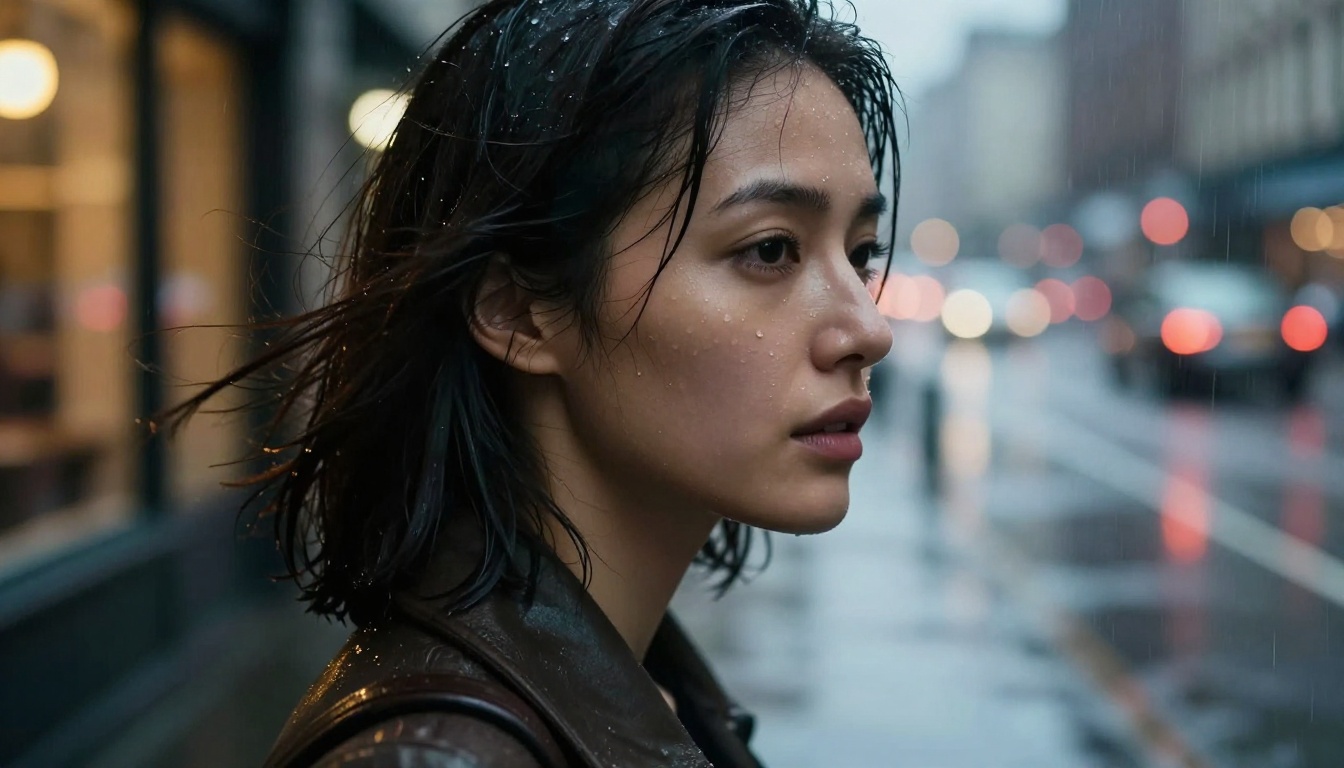
Background consistency also shows occasional drift in longer motion sequences. A surface texture that reads correctly in the first two seconds can shift subtly by the fourth second of a five-second clip. In tight close-up work this is nearly invisible. In wide shots with large static background areas it can appear as a faint shimmer or texture inconsistency that is noticeable at normal viewing size.
Prompt Ceiling
There is a point at which more prompt detail stops improving output and starts producing confused results. Hailuo 2.3 handles roughly 50 to 80 words of prompt well. Beyond that, adherence to specific elements becomes unreliable. Complex multi-subject scenarios with explicit spatial relationships, person A positioned to the left of person B, both facing the camera, object C visible between them, rarely produce accurate spatial results without image-based anchoring. The model's strength is in mood, motion, and atmosphere. Its weakness is in specific geometric or relational precision.
What Hailuo 2.3 Is Best For
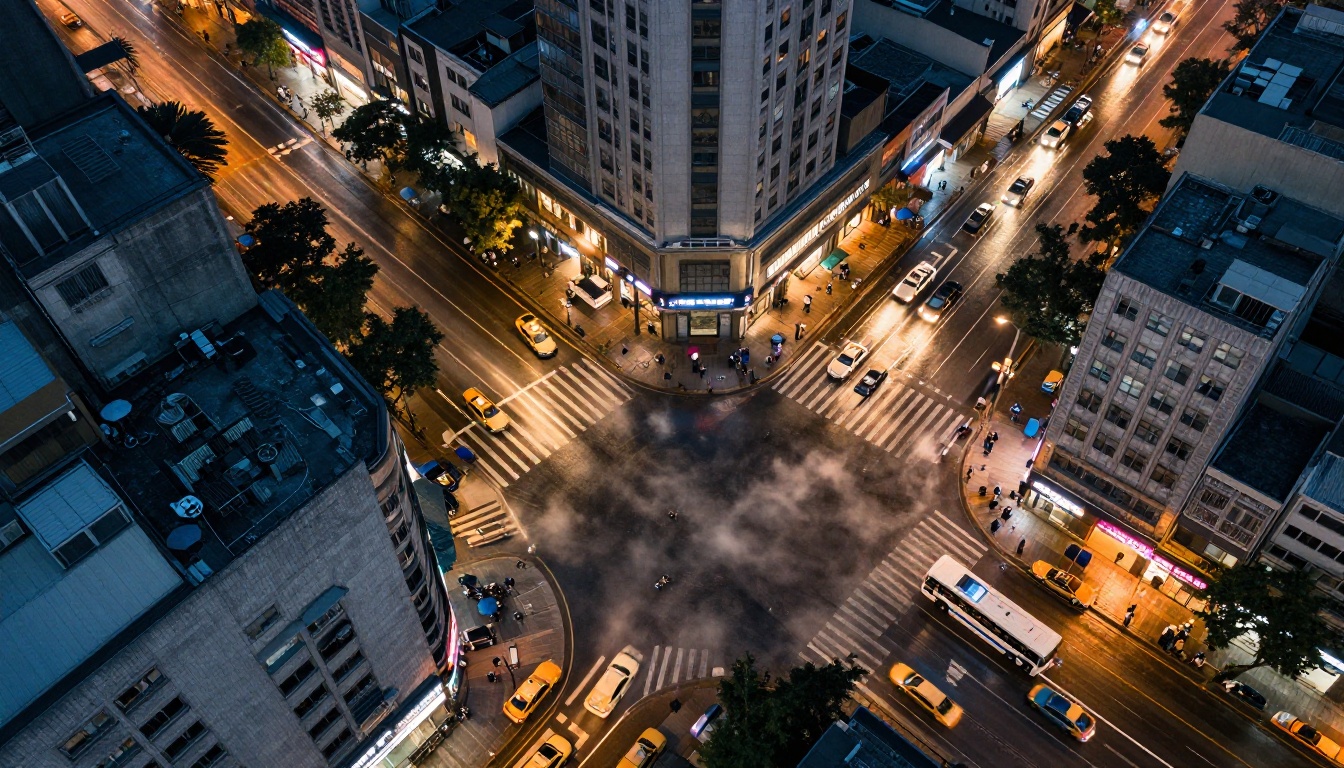
After thorough testing across content types, Hailuo 2.3 fits best in specific production contexts where its strengths align with the content demands.
Social media short-form content: Creators who need cinematic quality clips quickly will find Hailuo 2.3 Fast practical for daily iteration and the standard mode impressive for final deliverables. The motion quality reads well at social platform compression levels.
Character-forward narratives: Any content centered on human subjects in motion benefits directly from Hailuo 2.3's strength in body movement physics and face consistency during motion sequences.
Mood-driven atmospheric content: Travel, lifestyle, and brand content that prioritizes emotional feeling over specific technical detail plays directly to Hailuo 2.3's strongest capabilities. The model is particularly good at evoking specific times of day and weather conditions.
B-roll and cutaway generation: Establishing shots, atmospheric inserts, and visual transitions are reliable outputs from Hailuo 2.3, making it practical for video editors who need high-quality cinematic inserts without full production setups.
Rapid concept visualization: Pitching visual concepts to clients or collaborators is a natural fit for the Fast mode workflow. Generate multiple stylistic directions quickly, refine the winner in standard mode.
| Use Case | Hailuo 2.3 Rating |
|---|
| Human character motion | Excellent |
| Natural environments | Very Good |
| Atmospheric conditions | Very Good |
| Urban and architectural scenes | Good |
| Complex multi-subject scenes | Moderate |
| Consistent character across clips | Moderate |
| Long-form generation | Limited |
For creators who need image-to-video with different motion styles, Wan 2.7 I2V is worth benchmarking for its own approach to animating still images. Kling v3 Video serves creators whose primary content type is cinematic environmental footage.
Run Your Own Test
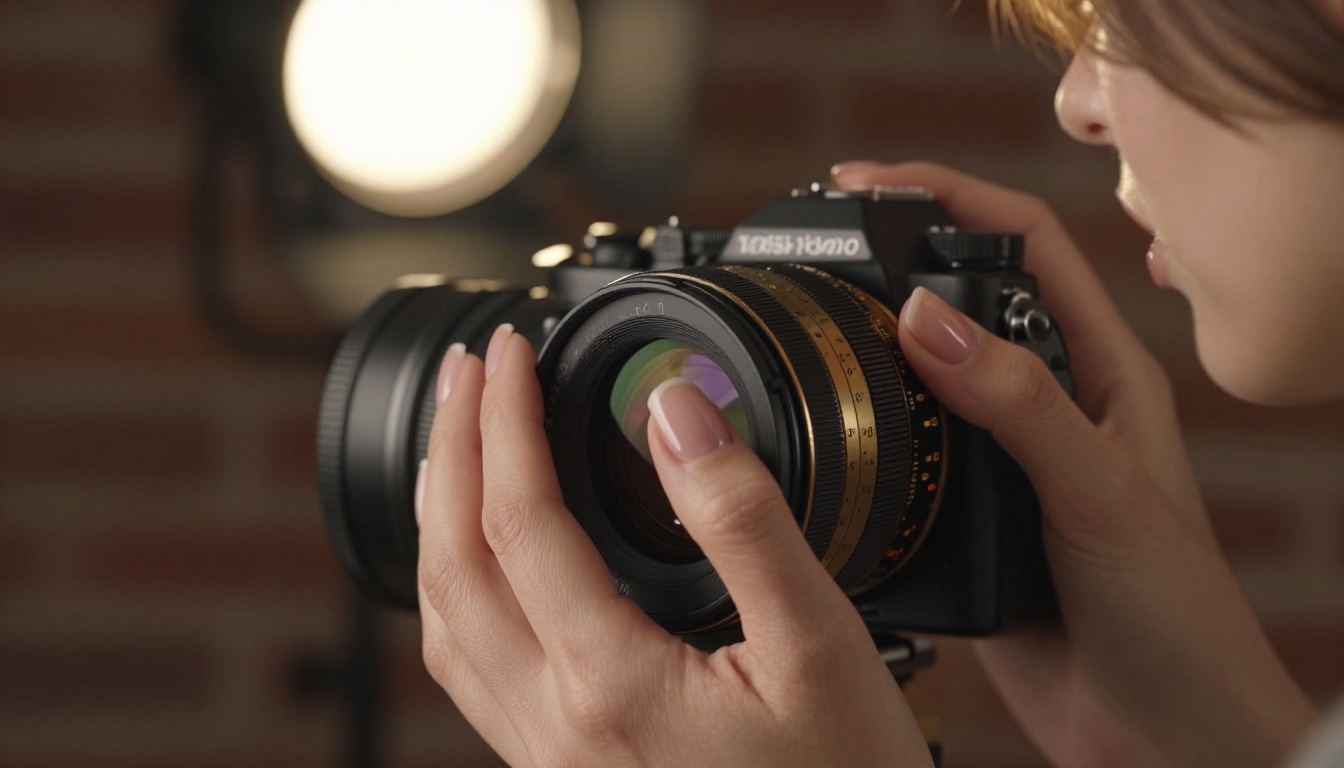
The most useful thing after reading this is running your own test with your own content type. The difference between reading about motion quality and watching your specific prompt come to life is significant, and no written assessment replaces that direct experience.
PicassoIA gives you access to both Hailuo 2.3 and Hailuo 2.3 Fast without setup friction. Start with a single strong atmospheric prompt that involves human motion. Run it in Fast mode first to validate the direction, then take your best result to standard mode for final output. That workflow will tell you more about Hailuo 2.3's fit for your projects than any written assessment can.
The model is genuinely impressive for what it does well. The limitations are real but manageable once you know where they sit. For most independent creators and small production teams, Hailuo 2.3 lands at a practical intersection of quality and accessibility that few competing models currently match at its pricing tier.
If you want to see the full range of what AI video generation offers right now, PicassoIA's catalog has over 80 video models available, from Veo 3 to Seedance 2.5 to Kling v3 Video. Testing across models with the same prompt side by side remains the fastest way to identify which engine fits your creative workflow. Hailuo 2.3 is a strong contender for that shortlist.


