Speed has always been the compromise nobody wanted to make in AI video creation. With Hailuo 2.3 Fast, MiniMax reframes that calculus entirely, delivering a generation tier that processes video clips significantly faster than its Standard counterpart without asking you to gut your output quality. The real question is not whether Fast is quick. It clearly is. The question is whether the speed-to-quality ratio makes it a practical daily driver, or whether Hailuo 2.3 Standard still earns its slower pace for serious cinematic work. Here is the full, no-fluff breakdown.
What Fast Tier Actually Changes
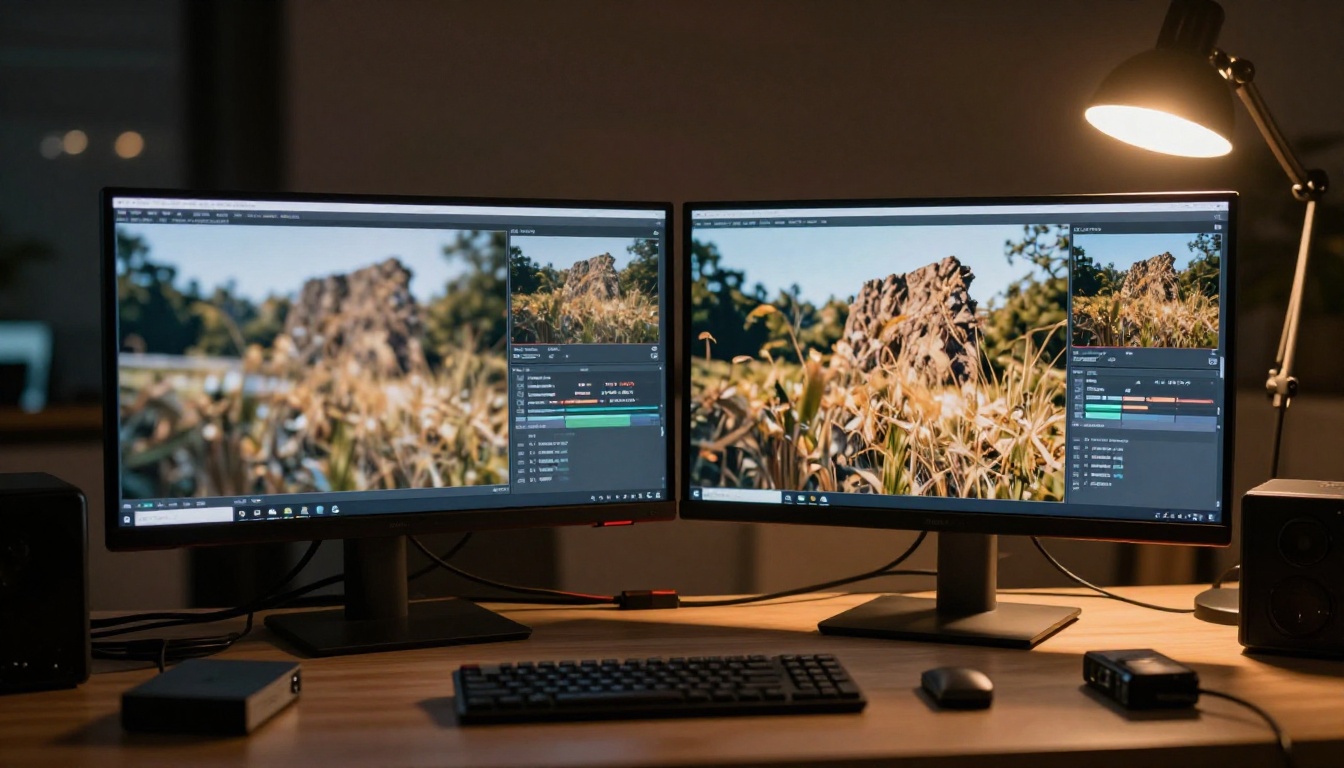
Before measuring anything, it helps to know what MiniMax actually altered between the two tiers. Hailuo 2.3 Fast is not a reduced-parameter version of Standard. It uses an optimized inference pipeline, meaning the same underlying model runs through an accelerated compute path with fewer denoising steps. Fewer steps means shorter generation time, and in practice that difference is substantial.
Standard tier typically finishes a 6-second clip in roughly 3 to 5 minutes depending on server load. Fast tier cuts that to under 90 seconds in most conditions. For a creator generating 20 clips a day for content testing or storyboarding, that difference is not a minor convenience. It is the difference between finishing before lunch and finishing the next morning.
Note: The speed improvement is consistent across prompt complexity. Simple prompts and highly detailed prompts both benefit at roughly the same ratio, making Fast tier predictably faster regardless of what you feed it.
The Architecture Behind the Speed
The Fast tier relies on distilled diffusion techniques, similar in principle to what LTX 2.3 Fast uses in the Lightricks pipeline. Fewer denoising passes mean certain fine-grain details resolve with less precision. The skeleton of the motion remains accurate, and temporal coherence holds well. However, surfaces with complex texture, such as fabric weave, natural hair in wind, or water ripple patterns, show slight softening compared to Standard.
Processing Speed at a Glance

Visual Quality: Side by Side
This section matters most to creators whose final outputs end up on screens larger than a phone. The honest answer is that Hailuo 2.3 Fast is visually competitive in the majority of use cases, with specific gaps that only appear under close scrutiny.
Motion Coherence
Temporal consistency is where Fast tier genuinely impresses. Subject motion across frames remains locked and stable. A walking figure does not drift. A vehicle does not jitter. Camera movements, whether a slow push-in or a gentle pan, execute cleanly without the frame-to-frame ghosting that plagued older fast models. This is where the Hailuo 2.3 architecture, even in Fast mode, outperforms many rivals in the same speed bracket.
Note: If your video features complex camera motion layered over detailed subject motion, such as a tracking shot of a sprinting athlete through a crowd, Standard tier preserves edge definition better in those compound-motion scenarios.
Fine Detail Rendering
The clearest visible gap between Fast and Standard appears in specific content types:
- Fabric texture under directional lighting (linen, silk, knitwear)
- Hair strands in motion against a bright background
- Water surfaces at close range (waves, ripples, splashes)
- Text and signage within the frame (Fast softens letterforms noticeably)
- Specular highlights on metallic or glass surfaces
For close-up product shots or any video where surface detail is the central visual element, Standard still delivers a harder edge. For mid-shot and wide-shot compositions, most viewers will not identify a meaningful quality gap between the two tiers.

When Fast Tier Wins
Knowing the limits is useful. Knowing when to ignore them is practical. Fast tier is the right call in these specific scenarios.
Content ideation and storyboarding. When you are generating 15 variations of a scene to find the right motion and framing before committing to a final render, generation speed multiplies your iteration rate. Fast tier lets you reject bad outputs and move on without burning your workday on wait times.
Social media content at platform-standard resolutions. A clip delivered to an Instagram Reel or TikTok feed at portrait orientation, then compressed by the platform's encoder, loses most of the fine-detail advantage that Standard tier offers. Fast becomes indistinguishable from Standard in these delivery contexts.
Background and B-roll footage. Video that plays behind a presenter, fills a lower third, or serves as ambient visual texture in an edited piece does not need the absolute sharpest frame resolution. Fast tier is more than adequate here, and the time savings are immediately felt.
High-volume batch production. Agencies and content operations generating dozens of videos daily benefit most from Fast. At scale, the per-clip time savings compounds into serious operational efficiency that directly affects monthly output capacity.
Workflow tip: For rapid ideation, pair Hailuo 2.3 Fast with Seedance 2.5 as a second-opinion model. Generate the same prompt in both, compare outputs in under 3 minutes total, and identify the creative direction that works before refining in Standard.

When Standard Still Matters
Speed is addictive, but there are situations where the slower tier pays for itself in output quality.
Hero footage for broadcast or film deliverables. If a client is screening output on a cinema projector or broadcast monitor, Fast tier's texture softening becomes visible. Standard is the professional choice for final deliverables in these contexts.
Close-up product advertising. A cosmetics brand needs perfected skin texture. A watch brand needs visible gear-work through a crystal face. Standard tier holds those micro-details in a way Fast cannot match reliably.
Complex lighting scenarios. Multi-source practical lighting with specular highlights across metallic or glass surfaces benefits from Standard's additional denoising passes. The difference in material realism is visible on any calibrated display.
Architecture and interior visualization. Straight lines, hard surfaces, and geometric precision all benefit from Standard's fuller processing. Fast occasionally introduces slight edge waviness in scenes with strong linear geometry.
The decision framework is straightforward: if the video is the product, use Standard. If the video supports a product or process, Fast is almost always sufficient.
Credit and Cost Efficiency
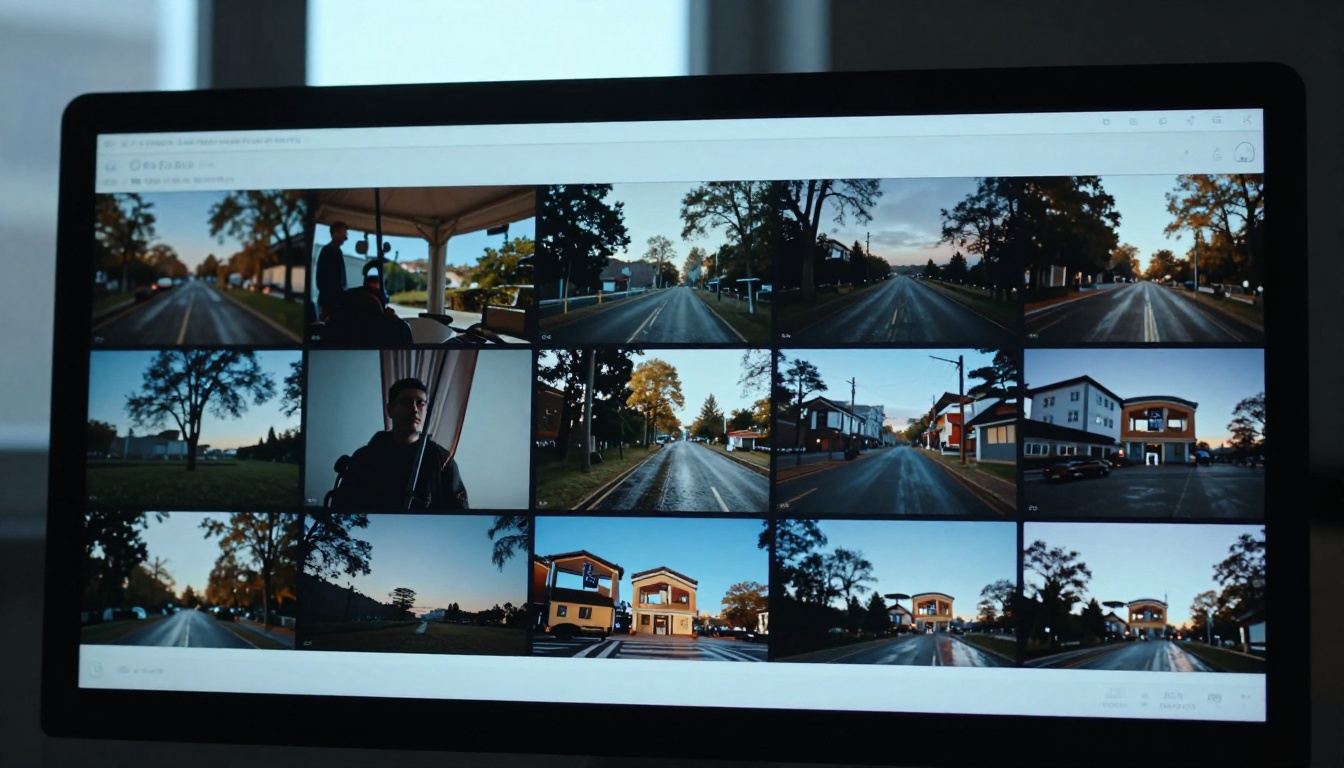
The economic argument for Fast tier is real and worth quantifying directly.
Credit Cost Per Clip
Hailuo 2.3 Fast costs fewer credits per generation than Standard. The directional difference is consistent: Fast is approximately 30 to 40 percent cheaper per clip on average. For teams operating under monthly credit budgets, that delta creates meaningful room to generate more iterations, test more prompts, or reserve credits for Standard renders on approved final outputs.
Production Math at Scale
Consider a content team generating 100 video clips per month:
- At Standard tier: Full credit allocation consumed
- At Fast tier: Roughly 60 to 70 percent of that credit cost, freeing 30 to 40 percent for extended Standard renders on the best-performing concepts
The practical workflow becomes clear: ideate at volume in Fast, finalize the selected outputs in Standard. This structure costs less than running everything through Standard while producing more total iterations for better creative selection.
Budgeting tip: Allocate roughly 70% of your monthly credits to Fast-tier exploration and 30% to Standard-tier final renders. This ratio maximizes both iteration rate and the quality floor of your published output.

Using Hailuo 2.3 Fast on PicassoIA
Hailuo 2.3 Fast is available directly on PicassoIA. Here is how to get the most from it.
Step-by-Step Setup
- Go to the Hailuo 2.3 Fast model page on PicassoIA.
- Enter your text prompt in the prompt field. Be specific about motion, camera angle, and lighting conditions.
- Optionally upload a source image to use as the first frame for image-to-video mode.
- Submit and wait for generation, typically 60 to 90 seconds.
- Download your video or copy the URL directly to your editing project.
Best Prompts for Fast Tier
Fast tier responds best to prompts that specify camera behavior and scene structure clearly:
- Camera type and movement: "slow dolly-in," "static wide shot," "gentle pan left"
- Lighting description: "warm afternoon backlight," "overcast diffused light," "rim-lit from right"
- Subject motion clarity: "walking at a measured pace," "turning slowly to face camera"
- Scene simplicity: fewer simultaneous moving elements produce cleaner Fast-tier output
Avoid prompts that demand fine surface texture at close range when using Fast. Prompts like "extreme close-up of embroidered fabric in direct sunlight" will show the tier's softening most visibly. Save those scenarios for Standard.

Tips for Better Output
- Use 16:9 aspect ratio for horizontal delivery or 9:16 for mobile-first social content.
- If the first generation misses your motion intent, do not rewrite the prompt entirely. Add one motion-specific word and regenerate.
- For image-to-video mode, supply an image with strong compositional clarity: a clear subject, a defined horizon line, minimal visual ambiguity about what should move.
- Fast tier performs exceptionally well with outdoor scenes in natural light, where its texture softness actually reads as naturalistic photography rather than a quality limitation.
- Generate 3 to 5 Fast-tier variations of any prompt before deciding to escalate to Standard. In many cases, one of the Fast outputs will be final-quality as-is.
How It Compares to Other Models
Hailuo 2.3 Fast does not exist in isolation. It competes directly with other speed-optimized video models, each with different strengths.

vs. Kling v2.6
Kling v2.6 generates high-quality cinematic video with strong motion dynamics and excellent color science. At its Pro setting, Kling v2.6 is slower than Hailuo Fast but delivers stronger fine detail on close-up shots with complex lighting. For teams that prioritize cinematic color grading and motion physics over raw throughput, Kling v2.6 is a legitimate contender. Hailuo Fast wins on generation speed and credit efficiency per clip.
vs. Seedance 2.5
Seedance 2.5 from ByteDance is one of the strongest models for extended video clips up to 30 seconds with native audio synchronization. In the sub-10-second clip category, Hailuo 2.3 Fast is competitive in quality while offering faster turnaround. Seedance 2.5 edges ahead for audio-synchronized content and longer clips. Hailuo Fast wins for rapid visual iteration at shorter durations.
vs. Veo 3 Fast
Veo 3 Fast from Google is arguably the strongest fast-tier model for photorealistic surface detail. Its inference optimization preserves more texture than Hailuo Fast in direct comparisons. However, Veo 3 Fast runs at a higher credit cost per generation. Hailuo 2.3 Fast wins on value per credit. Veo 3 Fast wins on peak detail quality at comparable generation speeds.
vs. Ray 3.2
Ray 3.2 from Luma delivers exceptional cinematic motion with HDR-quality output. It is slower than Hailuo Fast and priced accordingly as a premium tier model. For commercial-grade productions where visual impact per frame is the sole priority, Ray 3.2 is the right choice. Hailuo Fast serves the high-volume production workflow that Ray 3.2 is not optimized to support.
vs. Pixverse v5.6
Pixverse v5.6 is a capable fast model with solid 1080p output. In direct comparison, Hailuo 2.3 Fast demonstrates stronger temporal coherence (smoother frame-to-frame consistency), while Pixverse v5.6 can produce crisper still-frame texture in some scenarios. Both occupy the same speed bracket, making them strong A/B partners for prompt testing before committing to a final render.
Who Should Switch Right Now
The answer depends entirely on what you build and how you build it.
Switch to Fast if you:
- Generate more than 15 clips per week as part of a regular production workflow
- Create content primarily for social media platforms where platform compression erases fine-detail advantages
- Use AI video as part of a larger editing and compositing pipeline where further post-processing happens downstream
- Are storyboarding or concept-testing before committing budget to final production
- Operate under credit constraints and need to maximize output volume within a monthly budget
Stay with Standard if you:
- Deliver video directly to clients without any post-processing or re-encoding
- Produce close-up product footage where surface texture is a primary selling element
- Work in architecture, real estate, or automotive visualization where geometric precision is non-negotiable
- Produce broadcast or digital cinema deliverables screened on calibrated professional displays
Use both if you:
- Run an agency producing content across multiple clients and categories with varying quality requirements
- Want Fast-tier iteration speed for early creative concepts and Standard-tier quality for approved final outputs
- Manage a team with different roles using different quality thresholds at different production stages
There is no universal right answer here. The ideal workflow treats Fast and Standard as complementary tools rather than competing options. Fast is your ideation layer. Standard is your delivery layer. Running both strategically costs less in total credits than using Standard exclusively while producing more iterations per month for better creative selection.
Try It on PicassoIA Today
If you have not tested Hailuo 2.3 Fast yet, the most useful thing you can do right now is run the same prompt through both tiers back-to-back. The output will tell you everything the specs cannot capture. PicassoIA gives you direct access to Hailuo 2.3 Fast alongside Hailuo 2.3 Standard, so you can make that comparison without switching platforms or managing separate API credentials.
Beyond the two Hailuo tiers, the platform hosts over 87 text-to-video and image-to-video models, including Kling v2.6, Seedance 2.5, Veo 3 Fast, Ray 3.2, Pixverse v5.6, and LTX 2.3 Fast. If Hailuo Fast is not the right fit for a particular project, something in that library will be. Generate, compare outputs, and let the work tell you which tier belongs in which phase of your process.

Start with Hailuo 2.3 Fast on PicassoIA, generate your first clip in under two minutes, and see exactly where it lands in your workflow. The speed advantage is real. Whether it is enough for your specific use case is a question only your own output can answer.


