Hailuo 2.3 has been circling creative communities for months, and the conversation almost always lands on the same question: what does it actually produce when the filters come off? Not the carefully curated demo reels. Not the brand-approved showcase clips. The real results — when real users push real prompts through the model and capture what comes back. This is that look. We're going through the actual outputs, the surprises, the frustrations, and the alternatives worth considering when Hailuo 2.3 either impresses you or lets you down.
What Hailuo 2.3 Actually Does
Hailuo 2.3 is MiniMax's flagship video generation model, and as of late 2025 it sits near the top of the cinematic AI video pile. The base model generates clips up to 10 seconds at resolutions pushing toward 1080p, with a reputation for unusually smooth motion and strong scene coherence across its runtime.
The "2.3" naming matters here: this isn't the older Hailuo 02 that many early reviews reference. Version 2.3 represents a substantial leap across three pillars:
- Prompt adherence: Reads complex, multi-clause prompts and generally honors each element rather than prioritizing just the first noun
- Temporal consistency: Characters and objects hold their proportions across frames where earlier models would drift noticeably by second two
- Motion naturalism: Clothing moves, hair catches wind, liquids behave physically — the gap between AI video and real footage narrows meaningfully here
There is also a speed variant worth knowing: Hailuo 2.3 Fast trades some fidelity for significantly reduced generation time. It's the right starting point when you're iterating on concepts before committing to a full-quality render.
💡 Tip: Start every new project with Hailuo 2.3 Fast. Validate your prompt and composition at speed, then switch to the standard model for the final output.
What "Uncensored" Really Means Here
Let's define terms, because "uncensored" in AI video means different things depending on who's writing the headline.
In the context of Hailuo 2.3, the term typically refers to prompts that touch on:
- Suggestive or adult-adjacent themes without explicit acts
- Partial exposure — swimwear, lingerie, implied or artistic nudity
- Romantic tension and sensual motion that mainstream models reject outright
What it does NOT mean: Hailuo 2.3 is not a fully unrestricted model in the way some purpose-built platforms market themselves. MiniMax still runs safety classifiers at both input and output stages. The meaningful difference from competitors is where those thresholds sit — they're more permissive than most Western alternatives for suggestive but non-explicit content.
| Platform | Bikini / Swimwear | Suggestive Poses | Implied Adult Content | Explicit |
|---|
| Hailuo 2.3 | ✅ Generally passes | ✅ Often passes | ⚠️ Inconsistent | ❌ Blocked |
| Sora 2 | ✅ Usually passes | ❌ Often rejected | ❌ Blocked | ❌ Blocked |
| Veo 3 | ✅ Passes | ⚠️ Inconsistent | ❌ Blocked | ❌ Blocked |
| PicassoIA Video | ✅ Passes | ✅ Passes | ✅ Passes | ✅ Allowed |
This is why the conversation exists in the first place. For creators producing content in fashion, beauty, romance, or adult-adjacent industries, the gap between these platforms carries real commercial weight.
Real Results From Hailuo 2.3
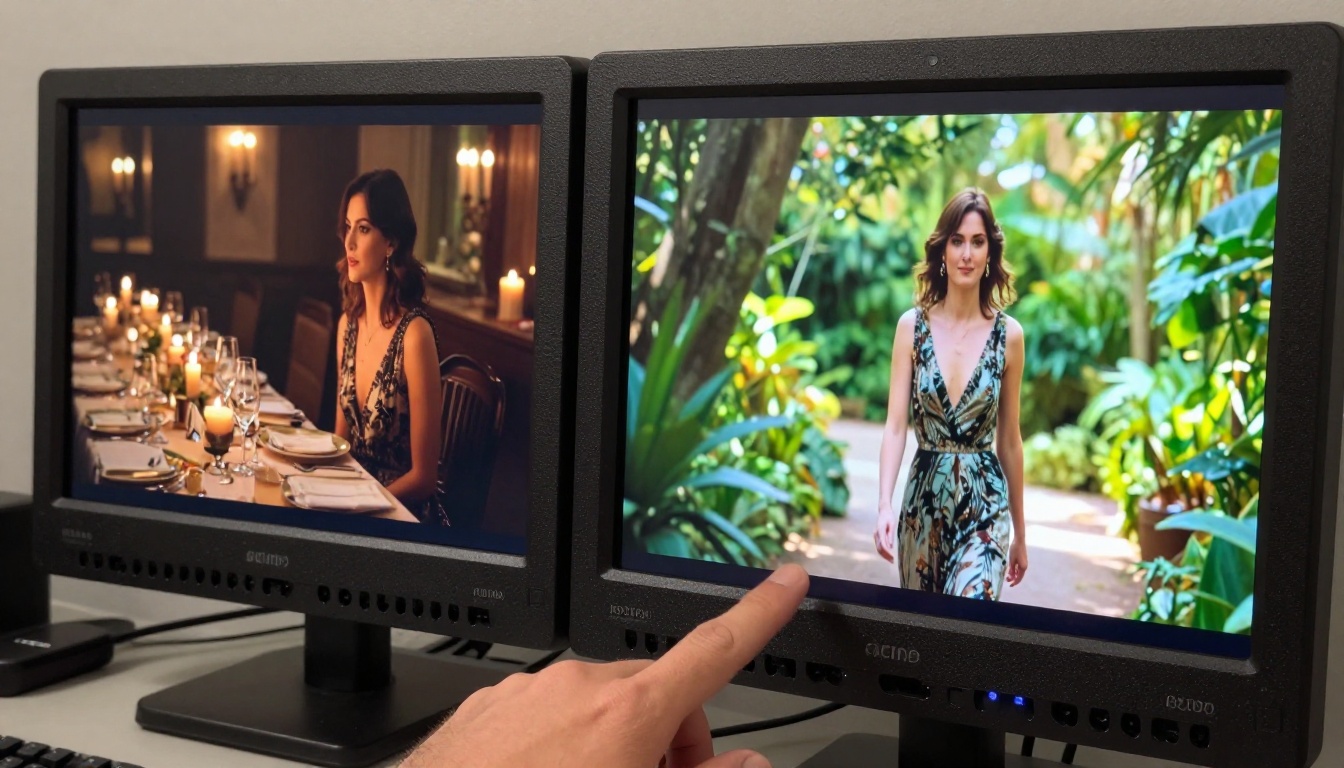
Here's what consistent testing across dozens of prompts across different content categories actually reveals.
Where It Delivers
Fashion and Editorial Motion: Hailuo 2.3 handles clothes in motion exceptionally well. Fabric drapes, ripples, and swings with a physicality that earlier models consistently failed at. A prompt asking for a model walking through wind in a silk dress gets a dress that behaves like actual silk — the weave catches light differently depending on fold angle, the hem lags behind body movement correctly.
Face Consistency Over Time: Historically the hardest problem in short-form AI video. Hailuo 2.3 largely solves it for 5-10 second clips. Faces hold their proportions across cuts and camera moves without the uncanny drift that marked the 2023-2024 generation of models.
Lighting Transitions: Prompts that specify complex lighting — golden hour shifting to shade, candlelight flickering, a neon sign casting colored shadow — get rendered with more nuance than competing models at this price point. The model has a strong understanding of light physics.
Swimwear and Beach Content: This is the sweet spot for "uncensored" testing. Prompts for subjects in beachwear, pool settings, or summer fashion generally process without rejection and output at high visual quality. The model appears trained on a wide distribution of legitimate fashion and editorial photography, making this category reliable.
Slow Cinematic Motion: Hailuo 2.3 excels at slow, deliberate camera movements — a gentle dolly-in on a face, a slow pan across a landscape, a steady tracking shot alongside a walking subject. The motion is smooth in a way that feels closer to filmed footage than to interpolated frames.
Where It Disappoints

Inconsistent Filter Behavior: This is the central frustration of the Hailuo 2.3 uncensored experience. A prompt that passes on one run may get softly rejected on the next with no discernible difference in phrasing. The output classifier has stochastic elements — the same prompt generates different frame distributions each run, and some distributions trip the classifier while others don't. Creators report rejection rates anywhere from 3% to 25% depending on content category and phrasing style.
Hard Limit on Actual Adult Content: If your use case requires genuinely explicit material, Hailuo 2.3 will not reliably deliver. The model's permissiveness has a ceiling, and that ceiling sits well below what purpose-built uncensored platforms offer. Treating it as a fully unrestricted tool is a setup for frustration.
Prompt Phrasing Sensitivity: Small vocabulary choices create surprisingly large outcome differences. "Revealing outfit" may process where "lingerie" does not. "Intimate moment" may pass where a more direct description fails. This forces creators into a trial-and-error loop that burns generation credits and time without clear logic to guide the iterations.
Resolution Trade-offs at 1080p: At full resolution, Hailuo 2.3 occasionally shows compression artifacts in high-frequency texture areas — fabric weave detail, hair strands, skin pore structure. The 720p outputs are frequently cleaner and more consistent. Many creators report better overall quality at 720p than at the technically higher 1080p setting.
Why These Filters Behave Inconsistently

Understanding the technical reality here helps set expectations. Video generation models like Hailuo 2.3 apply content filtering at two distinct stages: input analysis and output scanning. Both stages use separate classifiers trained on different datasets, updated on different schedules.
The input classifier catches keyword triggers in the text prompt before generation starts. This is the obvious layer — certain words or phrase combinations hit a blocklist and the generation never begins.
The output classifier is less predictable. It scans the generated frames and makes probabilistic judgments about whether the visual content falls within acceptable distribution. Because the underlying video generation is stochastic, the same prompt can yield different frame sets on different runs. One run's frames may pass the output classifier. Another run's frames — slightly different due to the random seed — may not.
This is the lottery dynamic that frustrates creators the most. It's not that the content is categorically blocked — it's that acceptance is probabilistic rather than deterministic.
MiniMax updates both classifiers periodically, which is also why community reports of "Hailuo 2.3 uncensored results" vary significantly based on when they were tested. What worked in beta may not work identically post-update. What was rejected in early public access may pass after a classifier update. There's no changelog for this.
For creators who need consistent, repeatable access to suggestive or adult-adjacent content without this lottery dynamic, a dedicated platform is the practical solution.
Visual Effects Capabilities in Hailuo 2.3
One area where Hailuo 2.3 consistently impresses, regardless of content restrictions, is visual effects quality. The model handles several complex rendering scenarios better than its generation cohort:
- Depth of field simulation: Backgrounds soften convincingly as foreground subjects move, mimicking real optical behavior rather than a static blur filter
- Volumetric light: Rays through windows, dust in sunbeams, fog interacting with light sources all render with physical accuracy
- Particle systems: Water spray, smoke, fabric particles in wind all behave with natural dispersion patterns
- Reflections: Wet surfaces, glass, eyes catching catchlights — specular highlights move correctly as camera angle changes
These visual effects capabilities make Hailuo 2.3 genuinely useful for creative and fashion content even when it operates within its filter constraints. A beach scene with spray and golden-hour light, or an indoor portrait with window light and bokeh, will look exceptional regardless of whether the content pushes any boundaries.
💡 For visual effects work: Hailuo 2.3 is outstanding at natural effects — light, weather, atmosphere. For fantasy or experimental visual effects (energy fields, stylized distortions, non-photorealistic effects), platforms like PicassoIA Video or LTX 2.3 Pro offer more creative latitude.
Best NSFW Models on PicassoIA

When Hailuo 2.3 hits its ceiling, PicassoIA hosts a curated collection of models specifically chosen for creative freedom. These models handle adult content without the filter lottery that plagues mainstream tools.
Here are the top recommendations in order of performance and value:
-
Seedream 4.5 ⭐ The top pick for realistic NSFW image generation. Accepts adult content directly, supports image editing workflows, and generates in under 3 seconds. Exceptionally sharp on skin textures, fabric realism, and anatomical accuracy. Note: the newer Seedream 5 Lite does NOT support adult content — stay with 4.5 for this use case.
-
PicassoIA Image Editor Pro An image-to-image model with a critical value advantage: unlimited generations on Elite and Infinite plans. Generating 1,000 images on a per-token model might cost $100 or more. Image Editor Pro delivers that same volume at no additional cost. Returns results in under one second. Includes a 3-generation free trial with no credit card required.
-
Qwen Image 2 Open-source foundation with no content restrictions. Strong for both text-to-image and editing tasks involving adult themes, with very detailed realism at a wide range of subject matter.
-
Grok Imagine Image Particularly effective at transforming reference photos into realistic, suggestive variants. Converts photos to bikini formats and similar outputs with convincing realism and natural skin rendering.
-
Recraft V4 Text-to-image only, but delivers very realistic results across a broad range of adult content prompts without restriction.
-
P-Image Sub-second generation with NSFW support. The fastest option when you need volume quickly for concept testing.
-
P-Video Text-, image-, or audio-to-video at up to 1080p with the safety filter disabled by default. Duration is adjustable from 1-10 seconds across seven aspect ratios. Draft mode delivers an instant low-resolution preview before committing to the full render.
-
PicassoIA Video Unlimited video generation from text prompts, up to 720p at 5 seconds per clip. Generate as many iterations as needed without per-generation cost pressure.
-
Grok Imagine Video Clips up to 15 seconds, 720p or 480p output, no watermarks. Accepts text prompts, reference images, or existing video for re-editing. Its image-to-video mode auto-matches your source photo's proportions.
-
LTX 2.3 Pro The highest-fidelity video option on the platform, exporting at up to 4K/50fps for client-ready work. Runs five modes from one interface: text-to-video, image-to-video, audio-to-video, retake, and extend. Camera motion presets include dolly, jib, and focus-shift.
💡 The practical advantage: These models deliver what you asked for. No lottery. No stochastic acceptance rates. No classifier updates that silently change what works.
How to Use Hailuo 2.3 on PicassoIA

PicassoIA gives direct access to both Hailuo 2.3 and Hailuo 2.3 Fast without requiring a MiniMax account or API key. Here's the workflow that consistently produces the best results:
Step 1: Build Source Images First
Generate your source frame with a model where you control the visual content precisely. Seedream 4.5 or P-Image let you nail the exact composition, lighting, and subject appearance before video generation begins. Then feed that image into Hailuo 2.3's image-to-video mode.
Step 2: Write Motion-First Prompts
Describe what moves, not just what's in the frame. "Woman turns slowly toward camera, silk dress catching the breeze, gentle dolly-in from f/2.8, warm backlight" outperforms "beautiful woman in silk dress." The model responds far better to cinematographic language — camera movement, motion direction, timing, atmosphere — than to descriptive subject matter.
Step 3: Start at 720p
Use 720p for initial generation runs. The output classifier behaves more consistently at this resolution, and the visual quality difference between 720p and 1080p is smaller than the consistency difference. Validate your output at 720p before committing to a 1080p render.
Step 4: Iterate Fast, Render Slow
Use Hailuo 2.3 Fast for concept validation and prompt refinement. Switch to the standard model only when you have a prompt configuration that consistently produces the motion and composition you want.
Step 5: Know When to Switch Models
When a prompt consistently fails or the output quality hits a plateau, the right move is switching models rather than rephrasing indefinitely. P-Video handles content with more creative latitude, and Grok Imagine Video covers longer clips. The transition is seamless within PicassoIA — same platform, same workflow.
Output Quality Side by Side
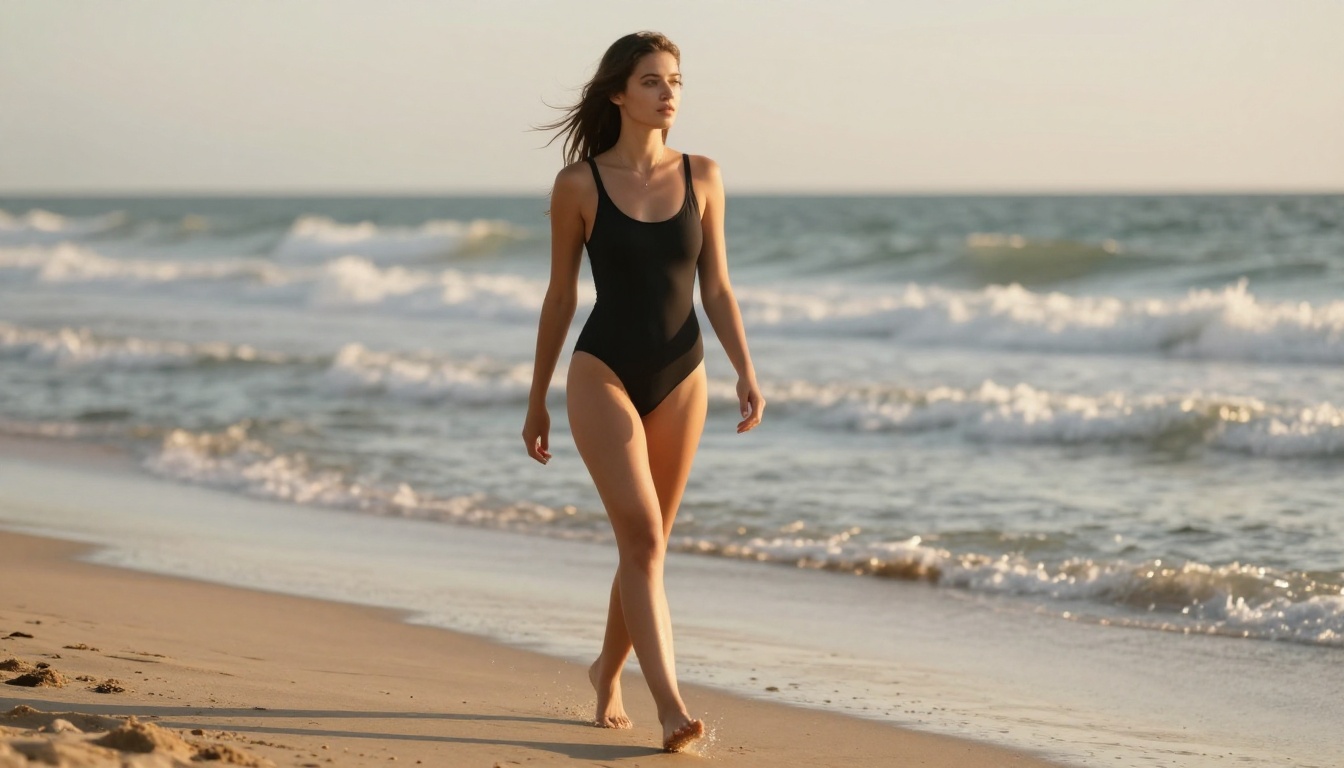
For context, here's how Hailuo 2.3 compares to what PicassoIA's purpose-built models deliver across the metrics that matter most for creative content production:
| Metric | Hailuo 2.3 | P-Video | PicassoIA Video |
|---|
| Max Resolution | 1080p | 1080p | 720p |
| Content Freedom | ⚠️ Inconsistent | ✅ Unrestricted | ✅ Unrestricted |
| Clip Duration | Up to 10s | 1-10s | 5s |
| Generation Speed | 2-5 min | Seconds (draft) | Under 1 min |
| Pricing Model | Credits per run | Unlimited (plan) | Unlimited (plan) |
| Face Consistency | Excellent | Good | Good |
| Motion Realism | Excellent | Very Good | Good |
| Visual Effects | Outstanding | Good | Good |
| Filter Reliability | 75-97% pass rate | 100% | 100% |
The honest assessment: Hailuo 2.3 has the best pure video quality among the options compared here. The motion physics, lighting, and character consistency are genuinely impressive at their best. Where it loses ground is on reliability for adult-adjacent content. For creators who cannot afford the unpredictability of stochastic acceptance rates, the PicassoIA-native options are the practical choice.
Models Compared for Visual Effects Work
For creators specifically focused on visual effects — stylized motion, atmospheric rendering, non-realistic treatments — the model selection changes somewhat. Here's what to reach for by effects category:
The broadest access to all of these lives at picassoia.com/en/all-models — the full catalog covers 87+ text-to-video models and 91+ text-to-image models from a single platform.
Try It Yourself
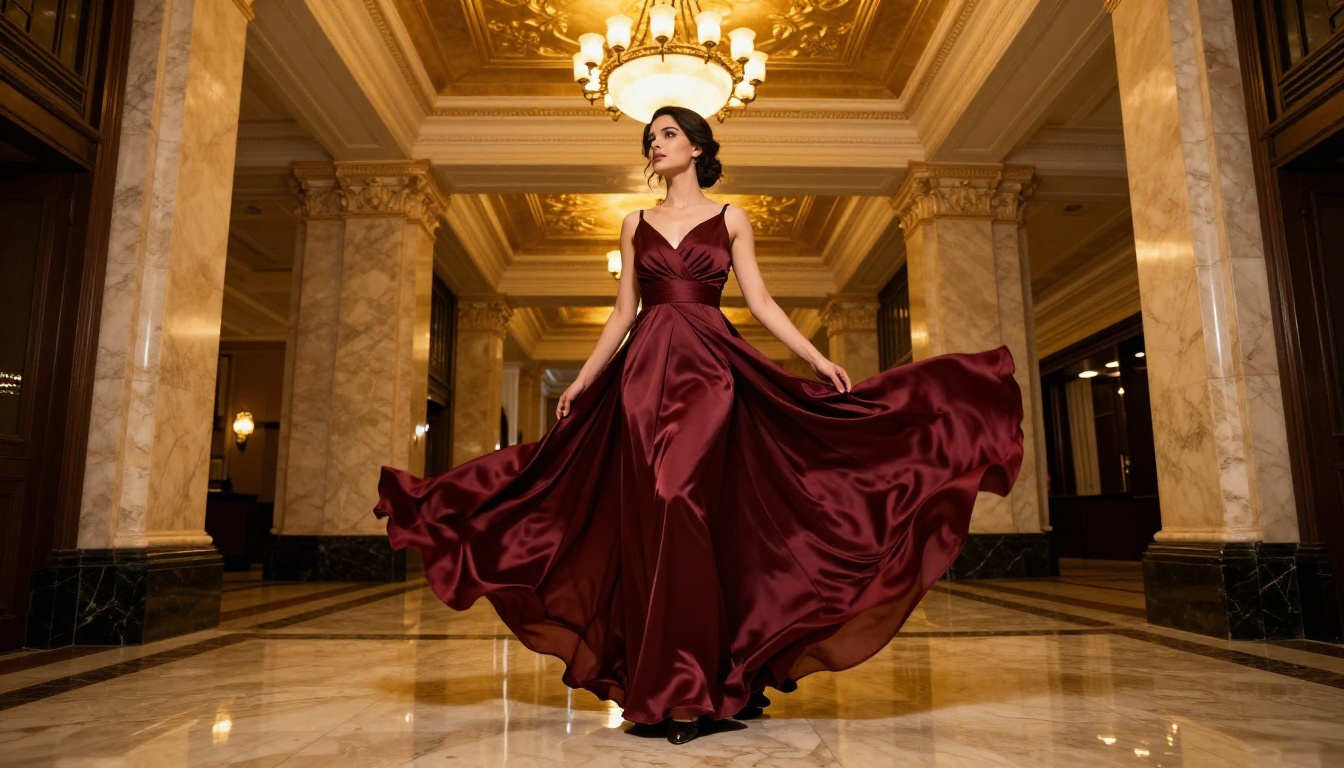
The results from Hailuo 2.3 are worth experiencing firsthand rather than taking any review's word for it, including this one. The range of what the model produces changes regularly as MiniMax updates its classifiers, and your specific content category may sit well within what it handles reliably.
Start at Hailuo 2.3 on PicassoIA. Run a few prompts in your content category. If results are consistent and meet your quality bar, stay there — the visual fidelity is genuinely excellent. If you hit the filter ceiling or find the acceptance rate too inconsistent for your workflow, the move to P-Video or PicassoIA Video is seamless.
For the image generation side of your creative work, Seedream 4.5 remains the single strongest recommendation for NSFW creative output: sub-3-second generation, high realism on skin and fabric, and consistent acceptance of adult content themes without the stochastic rejection dynamic.
The full PicassoIA catalog is at picassoia.com/en/all-models. Over 87 text-to-video models and 91 text-to-image models, covering every niche from fully commercial to fully unrestricted, all accessible from one platform without separate accounts or API keys per model.


