If you're choosing between Hailuo 2.3 and Veo 3.1 Lite for short-form social content, you're not alone. These two models are sitting at the top of the AI video conversation right now, and for good reason. Both produce high-resolution, realistic footage from text prompts. Both are fast enough for production workflows. But they behave very differently depending on your content type, distribution platform, and budget.
This article breaks it down with no filler. We're comparing output quality, motion behavior, prompt response, generation time, cost, and practical platform performance for TikTok, Instagram Reels, and YouTube Shorts so you know exactly which model to reach for on any given project.
What Each Model Actually Does
Hailuo 2.3 at a Glance
Hailuo 2.3 is MiniMax's flagship text-to-video model. It generates up to 6-second clips in 1080p resolution with notably smooth motion interpolation. The model is optimized for portrait-oriented and human-centric subjects, making it a strong choice for lifestyle, fashion, and people-driven social content.
Where Hailuo 2.3 really stands out is in cinematic motion. Pan movements feel natural, facial expressions hold detail across frames, and the model handles complex lighting transitions without the flickering artifacts common in earlier video generation models. It also has a dedicated fast variant, Hailuo 2.3 Fast, which trades a small amount of fine detail for significantly faster generation times.
Technical specs:
- Resolution: Up to 1080p
- Clip length: 6 seconds (standard), 10 seconds (extended)
- Motion: High-fidelity interpolation
- Strength: Human subjects, lifestyle, portrait video
Veo 3.1 Lite at a Glance
Veo 3.1 Lite is Google's fast and cost-optimized variant of Veo 3.1. It delivers 1080p text-to-video with native audio generation. Unlike most video AI models, Veo 3.1 Lite can generate ambient sound, dialogue, and background noise synchronized to the visual content — a capability that is genuinely rare at this price tier.
It builds on the same architecture as the full Veo 3 model but reduces compute-intensive post-processing to deliver faster results. The trade-off is occasionally softer edge detail on complex scenes, but for social video formats this rarely matters.
Technical specs:
- Resolution: 1080p
- Clip length: Up to 8 seconds
- Audio: Native text-driven sound generation
- Strength: Scene-based content, product videos, audio-native Reels
Output Quality Side by Side

Motion Smoothness
Hailuo 2.3 wins this category for human subjects. Walking sequences, hair movement, and hand gestures maintain temporal coherence across frames, avoiding the morphing effect that cheaper models produce. For a TikTok video of a person speaking or moving through a scene, Hailuo's interpolation produces results that many viewers won't immediately identify as AI-generated.
Veo 3.1 Lite handles environmental motion better than character motion. Waves, clouds, fabric in wind, and vehicle movement all look natural. For product shots or travel-style content, the atmospheric motion is compelling. But push it to generate a close-up of a person talking and you'll sometimes see subtle distortions around the mouth and eyes.
Visual Fidelity at 1080p
Both models output genuine 1080p, not upscaled lower-resolution clips. The visual quality difference comes down to texture rendering. Hailuo 2.3 produces richer skin texture and fabric detail in close-up shots. Veo 3.1 Lite produces sharper background environments but slightly softer subject textures in the foreground.
For social video where the subject fills the frame, Hailuo 2.3 has a clear edge. For wide-angle or scenery-dominant clips, Veo 3.1 Lite's crisp backgrounds make it the more visually compelling option.
Prompt Adherence
Both models handle direct, concrete prompts well. Where they diverge is with abstract or stylistic prompts:
| Prompt Type | Hailuo 2.3 | Veo 3.1 Lite |
|---|
| Specific action ("woman walks through market") | Excellent | Good |
| Mood and atmosphere ("dreamy sunset, warm tones") | Good | Excellent |
| Multi-element scene | Good | Very good |
| Character consistency across cuts | Good | Average |
| Audio-matching text | Not supported | Excellent |
Speed and Cost Per Video

Generation Time
In real-world usage, Hailuo 2.3 Fast typically completes a 6-second clip in 60 to 90 seconds. The standard Hailuo 2.3 takes 2 to 4 minutes for higher quality output.
Veo 3.1 Lite generates an 8-second clip in roughly 90 seconds to 2.5 minutes depending on scene complexity. Its full counterpart, Veo 3.1, takes considerably longer. For a social creator publishing daily, both Hailuo 2.3 Fast and Veo 3.1 Lite sit in a comfortable production sweet spot.
💡 If you're batching video content for a week of posts, use the fast variants. For hero content or sponsored posts, invest the extra generation time with the standard models for better output fidelity.
Pricing Breakdown
Both models are accessible through PicassoIA, which aggregates pricing across providers. At current rates:
- Hailuo 2.3 is priced per second of output, making 6-second clips more affordable than longer formats.
- Veo 3.1 Lite operates on a similar per-second model but slightly cheaper per clip due to reduced compute requirements.
For high-volume social creators producing 10 or more videos per week, Veo 3.1 Lite offers a lower cost-per-clip. For quality-focused creators doing 2 to 5 videos per week, Hailuo 2.3's output quality justifies the marginal price difference.
Best for TikTok and Reels
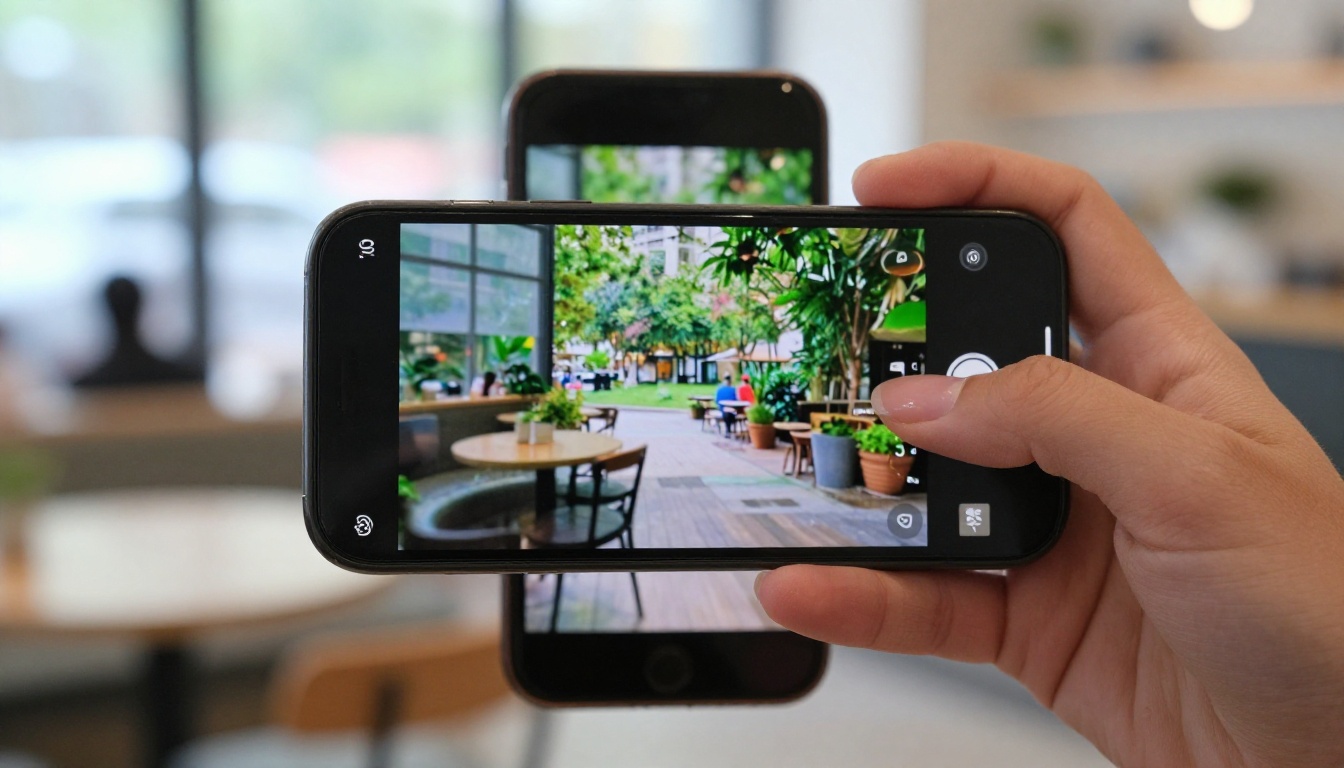
TikTok and Instagram Reels both reward content that feels authentic and visually engaging within the first 2 seconds. The algorithm doesn't care if it's AI. Viewers do care if it looks "off."
Hailuo 2.3 is the stronger pick for TikTok and Reels because of its human motion quality. Lifestyle content, fashion walk-throughs, and person-centric stories benefit from Hailuo's superior character rendering. When a video shows a person moving naturally, viewers stay longer, and retention rates are the metric that drives reach on both platforms.
The Hailuo 2.3 Fast variant is particularly useful for TikTok since the platform's mobile-first compression already limits perceptible quality differences, making the speed trade-off worthwhile for daily publishing schedules.
Best for YouTube Shorts
YouTube Shorts performs differently from TikTok in one important way: audio retention matters more. YouTube's algorithm measures whether viewers watch with sound on and whether they replay. Veo 3.1 Lite's native audio generation gives it a structural advantage for Shorts.
A 60-second Short that opens with ambient sound synced to the visual content instantly feels more professional and produced. Veo 3.1 Lite's audio capability, absent from Hailuo 2.3, creates a perceivably more polished product for Shorts audiences who tend to watch with headphones.
Veo 3.1 Lite is the stronger pick for YouTube Shorts where audio-visual cohesion directly drives performance metrics.
💡 Use Veo 3.1 Lite for YouTube Shorts and pair the output with a voiceover. The ambient audio layer adds immediate production value without any post-production sound work.
Which Handles Text On-Screen
Neither model excels at generating readable in-video text. Both Hailuo 2.3 and Veo 3.1 Lite tend to produce distorted or partially readable characters when prompted to include text in the scene. For social content requiring on-screen text, the standard workflow is to generate the clip with the AI model and then add text overlays in post using CapCut, Adobe Premiere, or the platform's native editor.
This is not a limitation unique to these two models. Most current text-to-video systems struggle with text rendering inside generated content.
When to Use Hailuo 2.3
Portrait and People Videos
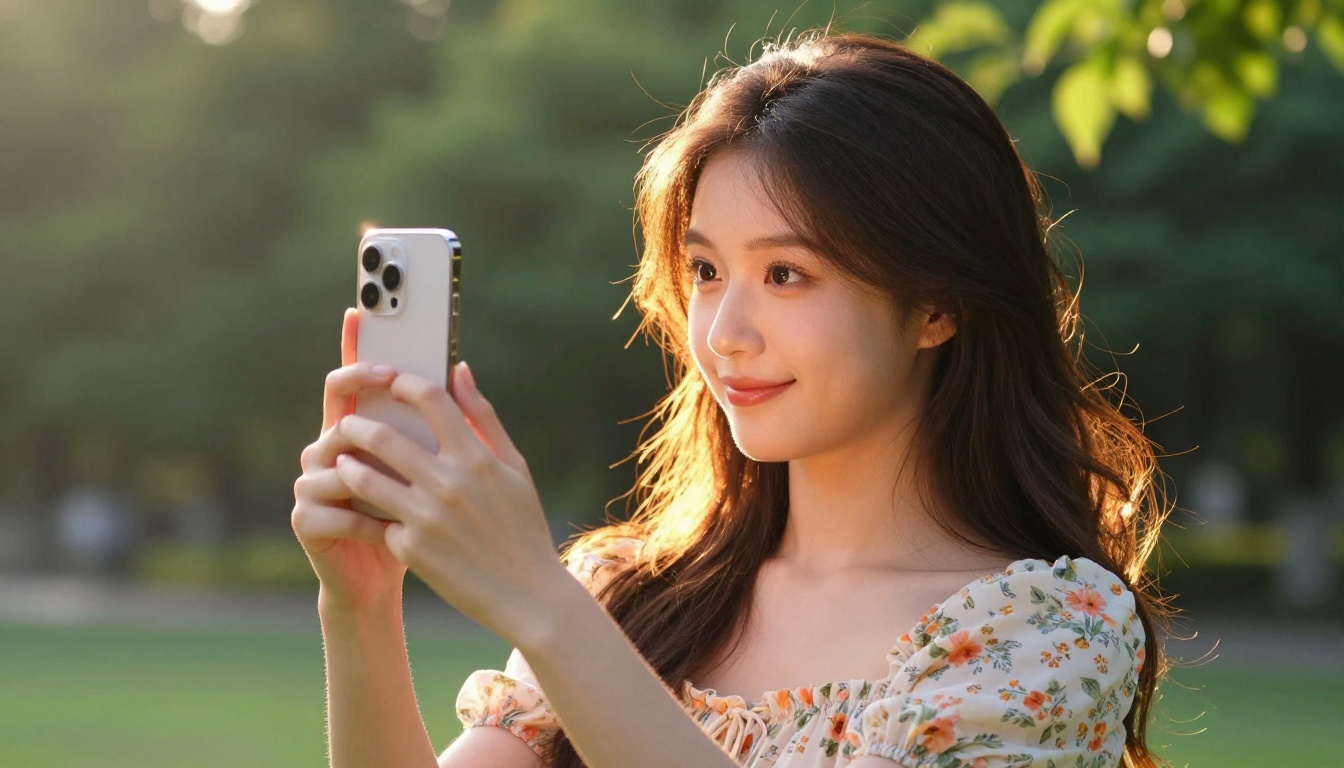
Hailuo 2.3 is the clear choice whenever the main subject is a person. Whether it's a fashion editorial, a fitness demonstration, a travel vlog-style clip, or an influencer talking to camera, the model's handling of human anatomy, facial detail, and natural movement stands above Veo 3.1 Lite in this category.
Brands running lifestyle campaigns, beauty brands creating social assets, and influencer-style content accounts will get consistently stronger results with Hailuo 2.3. The motion quality holds up even after platform compression, which is the real test for social video.
Practical use cases:
- Fashion and beauty Reels: Model walking, styling, close-up product use
- Fitness content: Exercise demonstrations and before/after visuals
- Lifestyle TikToks: Coffee shop scenes, morning routine aesthetics
- Portrait-style storytelling: Single-subject narrative clips
Cinematic Scene Generation
Beyond people, Hailuo 2.3 produces rich cinematic scenes with strong lighting coherence. Sunset scenes, urban nightscapes, and dramatic weather footage all carry strong visual weight. If your social content leans heavily on mood and atmosphere through human characters placed in dramatic settings, Hailuo 2.3 handles the intersection between subject and environment with real precision.
For accounts focused on travel content, aesthetic lifestyle, or visual storytelling, the model's cinematic look performs particularly well in Reels formats where viewer retention depends directly on visual beauty.
When to Choose Veo 3.1 Lite
Audio-Native Video Creation
This is where Veo 3.1 Lite becomes genuinely hard to match. The ability to generate ambient audio, environmental sound effects, and even basic dialogue in sync with the visual output removes an entire production step from the workflow.
For solo creators without a sound engineer or a licensed audio library, Veo 3.1 Lite's audio generation is a real time-saver. A clip of rain hitting a window, waves on a beach, a crowded cafe in the background, or traffic on a city street, all of these sound layers add authenticity to social video that silent AI clips simply cannot replicate.
Use Veo 3.1 Lite when:
- The clip needs to feel immersive with environmental sound
- The content is for YouTube Shorts where audio metrics affect reach
- You're creating ambient video backgrounds for other content layers
Brand and Product Content
Veo 3.1 Lite handles product-centric scenes, architecture, and environment-dominant shots better than Hailuo 2.3. A shot of a product on a kitchen counter with natural lighting, a building exterior at sunset, a restaurant interior with ambient movement, these all render with clean detail and strong spatial coherence.
Brands in food, hospitality, real estate, and tech often produce social content where the environment matters as much as any human subject. For those content types, Veo 3.1 Lite's environmental rendering quality makes it the practical choice.
How to Use Both Models on PicassoIA

Both Hailuo 2.3 and Veo 3.1 Lite are available directly through PicassoIA, which means you can switch between them within the same session without managing separate accounts or APIs.
Using Hailuo 2.3 Step by Step
- Open the model page: Navigate to Hailuo 2.3 or Hailuo 2.3 Fast on PicassoIA.
- Write a specific prompt: Describe your subject, action, setting, and lighting. Concrete prompts perform better than abstract ones. Example: "A young woman in a yellow sundress walks through a farmers market on a bright morning, slow motion, cinematic."
- Set aspect ratio: For TikTok and Reels, select 9:16. For Shorts, the same vertical format applies.
- Submit and review: The model generates a 6-second clip. Review for motion artifacts around edges or faces.
- Iterate with variations: Adjust lighting descriptors or subject motion details for a cleaner take.
💡 For Hailuo 2.3, leading the prompt with subject description before environment gives better character rendering results.
Using Veo 3.1 Lite Step by Step
- Open the model page: Go to Veo 3.1 Lite on PicassoIA.
- Describe the scene and audio intent: Since Veo 3.1 Lite supports audio, include sound context in the prompt. Example: "A rain-soaked street in Tokyo at night, neon signs reflecting in puddles, sound of rainfall and distant traffic."
- Choose resolution: 1080p is the standard. Select it to ensure the output meets social platform quality standards.
- Check audio sync: After generation, play back with sound to verify the audio matches the visual rhythm of the clip.
- Export for Shorts: Download and upload directly to YouTube Shorts. The native audio removes the need for a separate sound layer in post-production.
💡 Veo 3.1 Lite responds well to atmospheric and environmental prompts. The more sensory detail you include (sound, texture, weather, temperature), the more cohesive the output tends to be.
Other Models Worth Trying
If neither Hailuo 2.3 nor Veo 3.1 Lite fits a specific project, PicassoIA offers a wide range of alternatives:
- Kling v2.6: Cinematic text-to-video with strong structural prompt adherence, excellent for scripted social clips
- Seedance 2.0: ByteDance's model with native audio, a direct competitor to Veo 3.1 Lite for sound-driven social content
- Wan 2.6 T2V: High-resolution video with strong color grading, useful for brand content
- Pixverse v5.6: Fast generation with solid motion quality for volume production workflows
- Veo 2: Google's previous-generation model, still strong for environmental and scene-based content at a lower price point
The right model depends on your content mix. Many creators run Hailuo 2.3 for people-centric content and Veo 3.1 Lite for environment and ambient clips within the same channel's content calendar.
Head-to-Head Summary

| Category | Hailuo 2.3 | Veo 3.1 Lite |
|---|
| Human motion quality | Excellent | Average |
| Environmental rendering | Very good | Excellent |
| Native audio generation | Not supported | Supported |
| Prompt adherence | Very good | Very good |
| Generation speed | Fast (with fast variant) | Fast |
| Cost per clip | Moderate | Lower |
| Best for TikTok and Reels | Yes | Conditional |
| Best for YouTube Shorts | Conditional | Yes |
| Best for brand and product | Conditional | Yes |
| Best for portrait content | Yes | No |
The honest answer: neither model is universally better. They solve different problems for different creator types. If you run a people-focused channel on TikTok, Hailuo 2.3 is the stronger choice. If you're building a YouTube Shorts channel or producing brand content with environmental scenes, Veo 3.1 Lite delivers more per dollar spent.
The LSI factors worth noting: AI video generation speed, short-form video tools, social media video AI, text-to-video for TikTok, AI Reels generator, motion quality comparison, AI video for creators, and prompt-driven video content all point toward the same practical split these two models represent.
Start Generating Your Social Videos Now
You don't have to pick one and commit. PicassoIA lets you run both models side by side, compare outputs, and build a workflow that uses each where it performs best. Whether you're a solo creator looking to fill a content calendar or a brand team producing weekly social assets, the combination of Hailuo 2.3 and Veo 3.1 Lite covers most social video use cases without requiring expensive studio production.
Start with your most common content type: if it involves people, try Hailuo 2.3. If it's scene-based or you need audio, try Veo 3.1 Lite. Within a few generations, you'll have a clear sense of which model fits your channel's needs.
Both models are available now through PicassoIA alongside 80+ other text-to-video options, including Kling v2.6, Seedance 2.0, and Wan 2.6 T2V, so you can test, iterate, and build a video production workflow that actually scales with your output goals.


