Hailuo 3.0 is real, and it is already out. MiniMax unveiled the model at WAIC on July 17, 2026, opened it to the public on July 31, 2026, and calls it MiniMax H3, while the Hailuo app and most creators say Hailuo 3.0. Earlier reporting had pointed to a June launch, so the date slipped by roughly a month. What arrived is a bigger jump than a normal version bump: native 2K output, clips up to 15 seconds, stereo sound generated in the same pass, and one model that reads text, images, video, and audio together.
This article sets out the dates, the specs, the reported pricing, the open weights situation, and what you can run today on Picasso IA while H3 itself is not in the catalog. Where a number comes from a third-party write-up instead of MiniMax directly, we say so, because early specs for a new model shift fast.
💡 Quick answer: Hailuo 3.0 and MiniMax H3 are the same model. Unveiled July 17, 2026. Launched July 31, 2026. Weights reported open from August 3, 2026. Today you reach it through the Hailuo app, the MiniMax API, or third-party gateways. For models you can run on Picasso IA right now, jump to the tutorial section.
When Hailuo 3.0 Launched
The Official Timeline

The launch happened in stages, which is why you see two different dates quoted online. Here is the sequence as reported:
| Date | What happened |
|---|
| Earlier in 2026 | Reports pointed to a June window for the next Hailuo model |
| July 17, 2026 | MiniMax presents H3 at WAIC 2026 |
| July 31, 2026 | Official launch on the MiniMax API (model ID MiniMax-H3) and the Hailuo AI app |
| August 3, 2026 | Base weights reported released under a community license |
| August 6, 2026 | Luma announces H3 inside Luma Agents, with access terms still unclear |
| Late August 2026 | More gateways add H3, including Vercel AI Gateway on August 30 |
Both dates are right. July 17 was the stage reveal. July 31 was the day ordinary users could actually generate with it. When an article says "released July 17", it is counting the announcement, not availability.
Why the Name Confuses People
MiniMax is the company. Hailuo is its consumer video brand. H3 is the model's own designation. Creators say "Hailuo 3.0" because the line ran Hailuo 02, then Hailuo 2.3, and the next step felt obvious. Searching "Hailuo 3" and "MiniMax H3" lands on the same release.
The jump in numbering is not cosmetic. According to MiniMax's announcement, earlier generations split the work across separate expert systems for text-to-video, image-to-video, first and last frame, subject reference, motion reference, and video editing. H3 folds all of that into a single pre-training paradigm and expresses references and edits in plain language. That is a different design, not a polished version bump.
What MiniMax H3 Can Do
H3 is a general-purpose omni-modal model. The specs below are the ones that line up across the announcement and the write-ups we checked.
| Spec | Reported value |
|---|
| Resolution | Native 2K |
| Frame rate | 24 fps |
| Clip length | Up to 15 seconds per generation |
| Audio | Native stereo, generated with the picture |
| Aspect ratios | From 21:9 to 9:16 |
| Inputs | Text, images, video clips, audio clips |
| Editing | Instruction based |
Native 2K at 24 fps

Native is the word that matters. Many video models render at 720p or 1080p and upscale afterward. H3 is described as rendering at 2K directly, which gives finer texture: fabric weave, skin pores, wet asphalt. At 24 fps it also keeps the filmic cadence most editors expect.
One caveat. A detailed third-party write-up reports that the downloadable weights stop below 2K because the 2K regeneration module stays proprietary. If that holds, the hosted service and a self-hosted copy will not produce the same output.
Sound Built Into the Clip

Dialogue, effects, and room tone come out of the same pass as the picture. That removes a whole step from rough cuts: no separate sound pass just to judge whether a scene works. It also means the mouth movement and the voice are produced together instead of being stitched afterward.
A practical habit for dialogue scenes: put the spoken line in quotation marks inside the prompt and say who speaks it, how loudly, and in what space. A whisper in a stairwell and a shout across a warehouse should not sound alike, and the prompt is where you tell the model so.
💡 Tip: Treat generated audio as a strong draft layer. Listen to every take for odd room tone or swallowed words before it goes to a client.
One Model, Many Inputs
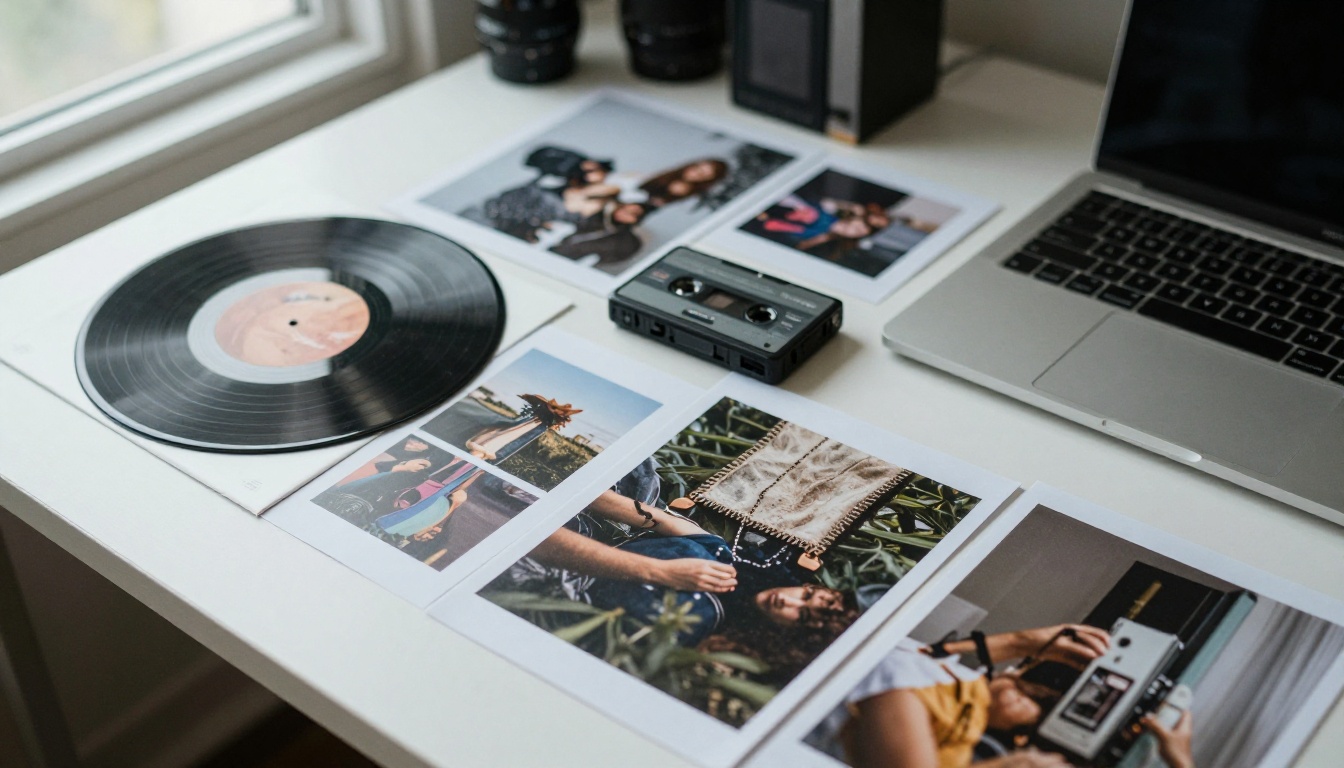
This is the headline feature. You can feed H3 a mood board: a face from a photo, a camera move from a short clip, a rhythm from an audio file, and a text line tying them together. Third-party write-ups list up to nine images, three video clips, and three audio clips in one request. Limits have differed between write-ups, so check MiniMax's current documentation before you design a workflow around a specific number.
Editing With Plain Sentences
Instead of regenerating a whole shot, you describe the change: make the street wet, swap the jacket color, slow the camera. Instruction based editing is where an omni-modal design pays off, because the same model that made the clip also reads your correction. Expect it to be best on small, clear changes and weaker on big structural ones.
Where Creators Are Using It
The use cases that fit H3's feature list best are the ones where sound and consistency matter as much as the picture:
- Ad and product spots. A product photo as a reference, a voice line as audio, and a 15 second clip that already has its soundscape.
- Previs for film and series. Directors can block a scene with convincing camera movement before a single day of shooting is booked.
- Music visuals. An audio clip becomes the rhythm reference, and the cut follows the beat.
- Social teasers. Vertical 9:16 output with sound included means fewer export steps before posting.
None of these needs perfection on the first try. They need fast, cheap iteration, which is where per-second pricing and long clips start to matter.
Hailuo 3.0 Against Its Predecessor

Here is how H3 lines up against Hailuo 2.3, the newest Hailuo model in the Picasso IA catalog. The 2.3 column comes from that model's page.
| Feature | Hailuo 2.3 on Picasso IA | MiniMax H3 (Hailuo 3.0) |
|---|
| Top resolution | 1080p (6 second clips) | Native 2K |
| Longest clip | 10 seconds at 768p | Up to 15 seconds |
| Inputs | Text prompt, optional first frame image | Text, images, video, audio together |
| Audio | Not listed in the model features | Native stereo |
| Editing | Not offered | Instruction based |
| On Picasso IA | Yes | Not in the catalog at time of writing |
Where the Gap Is Widest
- Length and resolution. Fifteen seconds at 2K versus ten seconds at 768p or six at 1080p changes what a single generation can hold.
- References. One first frame image is a long way from a stack of images, clips, and audio.
- Sound. Silent drafts and sound-included drafts are different workflows.
That said, Hailuo 2.3 is still a sound pick for social clips, product teasers, and quick concept tests where 1080p is plenty.
Open Weights and Real Pricing
What "Open" Really Means
At launch MiniMax said it planned to publish the model weights. Reports say the base weights followed on August 3 under a community license. One write-up describes the planned terms as free commercial use for organizations under $20 million in revenue, with prominent attribution. Final terms may differ, so read the license text before you build a product on it.
Two more points. "Open weights" is not the same as open source in the strict sense. And it does not mean a laptop can run it: no hardware floor had been verified when those write-ups were published. For most creators the practical route is not downloading anything. It is a hosted option: the Hailuo app, MiniMax's own API, or one of the gateways that added H3 after launch.
What a Clip Costs

Hosting providers report about $0.13 per second at 2K and $0.08 to $0.09 per second at 768p. MiniMax positions its 2K price at under a third of what mainstream video models charge per second. At the 2K rate:
| Clip length | Approximate cost at 2K |
|---|
| 5 seconds | $0.65 |
| 10 seconds | $1.30 |
| 15 seconds | $1.95 |
| 60 seconds of finished footage | $7.80 |
A sensible workflow is to draft at the cheaper 768p rate where a provider offers it, pick the winning take, and only then render at 2K. You pay full price for one clip instead of five.
💡 Budget tip: Those figures are per generated second, not per usable second. If you keep one take in three, your real cost per finished second is about triple. Prices also vary by provider and change with promotions, so confirm before you commit.
Where It Stands on Picasso IA
The Honest Status
At the time of writing, H3 is not listed among the text-to-video models on Picasso IA. The Hailuo family in the catalog runs through Hailuo 2.3. Checking the catalog page before you plan around a model is always worth thirty seconds.
There is no confirmed date for H3 on the platform. When a newer Hailuo model does appear, the workflow below carries over: pick the model, write the prompt, choose resolution and duration, generate. Only the options list grows.
Closest Models You Can Use Today
If you want that MiniMax look now, or you need audio and long clips from another provider, these are the nearest options in the catalog:
How to Use Hailuo 2.3 on PicassoIA
Because H3 is not in the catalog, the tutorial below uses Hailuo 2.3, the closest MiniMax model you can run on Picasso IA today.
Step by Step
- Open the Hailuo 2.3 page on Picasso IA.
- Write your prompt: one scene, one main action, one camera move.
- Optional: add a first frame image. The video keeps that image's aspect ratio and builds the clip around it.
- Pick the resolution and duration (see the table below).
- Leave the prompt optimizer on unless you need exact wording.
- Generate, review the motion, then refine the prompt and run it again.
Settings Worth Knowing
| Setting | Options | Default | Note |
|---|
| Resolution | 768p, 1080p | 768p | 1080p supports only 6 second clips |
| Duration | 6 or 10 seconds | 6 | 10 seconds is only available at 768p |
| Prompt optimizer | On or off | On | Refines motion, framing, and consistency |
| First frame image | Optional upload | None | Output matches the image's aspect ratio |
If you only want to animate a single photo and care more about speed than resolution, Hailuo 2.3 Fast is the quicker route in the same family.
💡 Tip: Generate a still with one of the text-to-image models on Picasso IA first, check that the composition is right, then use it as the first frame. It is the cheapest way to control how a clip opens.
Prompts for a Cinematic Look

A reliable structure is subject and starting pose, motion over time, camera move, lighting. Short and concrete beats long and poetic. Two examples:
- A fisherman in a yellow raincoat pulls a net over the side of a small boat, slow dolly-in, gray dawn light, light drizzle on the water.
- A baker dusts flour over a wooden counter, then lifts a tray of bread from the oven, handheld camera drifting right, warm tungsten light.
With a model that generates sound, like H3, you would add one line for audio: the clatter of the tray, the hiss of rain. For Hailuo 2.3, keep the prompt visual.
Who Should Switch and Who Should Wait
Go to H3 now if your work needs 2K frames, clips near 15 seconds, sound generated with the picture, or heavy use of reference material. Use the Hailuo app or the MiniMax API.
Stay on a catalog model if you want everything in one place. Hailuo 2.3 handles social clips and teasers well, and Seedance 2.0 or Sora 2 handle the audio side.
Wait a few weeks if your pipeline depends on self-hosting. Weights, license terms, and hardware requirements are still settling, and early benchmark rankings move as votes come in.
Whichever camp you land in, run the same prompt on two or three models before you commit. A fixed prompt is the only fair test: same subject, same camera move, same lighting note. Save the results next to each other and judge motion, face stability, and texture on a full-size monitor, not a phone preview.
Make Your Own Clips on Picasso IA

You do not need to wait for H3 to start experimenting with this style of video. Pick a scene you can describe in two sentences, generate a first frame, and run it through Hailuo 2.3. Then run the same idea on Seedance 2.0 and compare the motion and sound side by side.
Three easy first tests: a slow product reveal, a street scene in rain, and a close portrait with a small head turn. Browse every available model at picassoia.com/en/all-models, start with one prompt, and keep the ones that surprise you.


