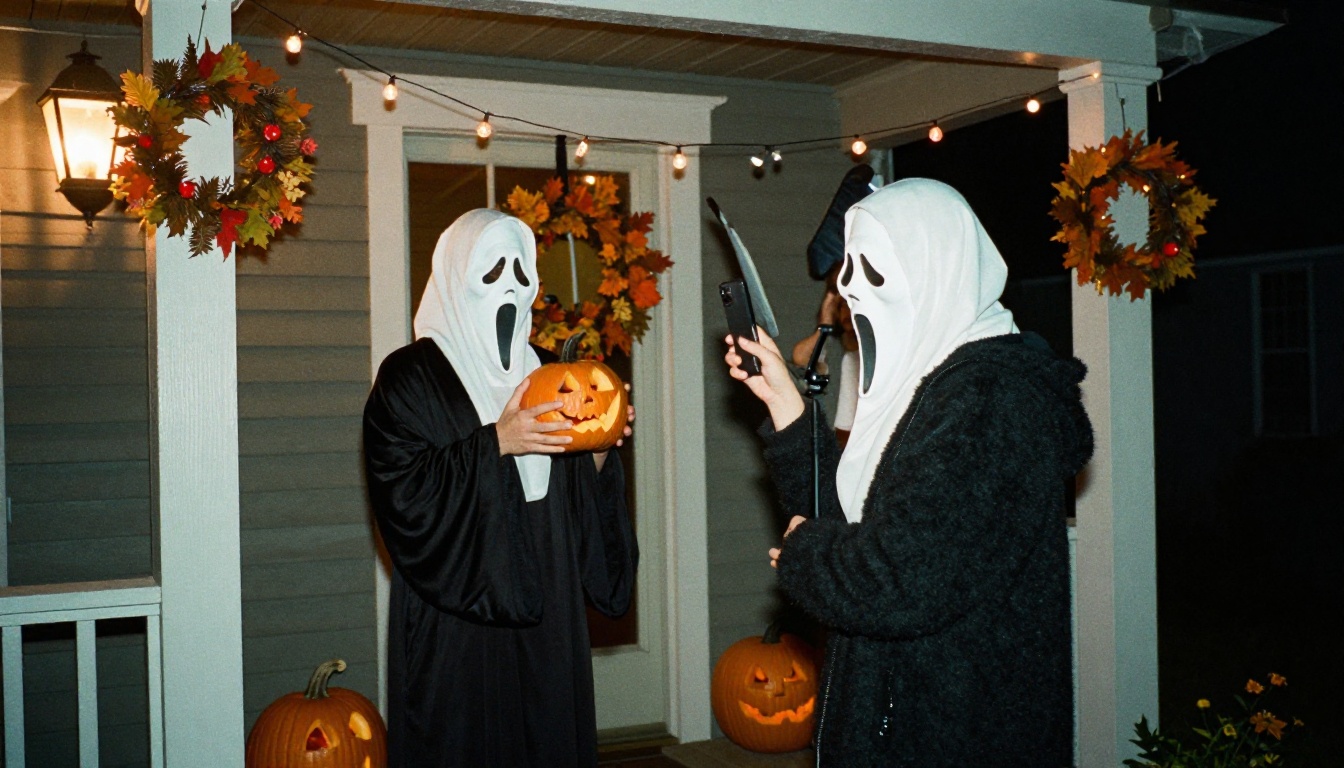
Halloween AI Trend Prompt: Ghostface and Michael Myers Photos
Halloween AI photos of Ghostface and Michael Myers style costumes are a popular prompt idea this October. This article breaks down the exact prompt formula, ready-to-paste scene prompts, camera and lighting settings, and fixes for masks that look fake, so your portraits read as real photography.
Every October, people send each other the same kind of photo: a friend or a cousin standing in a dark hallway wearing a white mask, looking like a still from a slasher movie. The Halloween AI trend prompt for Ghostface and Michael Myers photos is simple on the surface, but the gap between a cheap mask edit and a believable costume portrait comes down to a handful of details in the text. Below you get the prompt formula, four ready-to-paste scene prompts, the exact settings to use in Seedream 4.5, and fixes for the problems that ruin most results.
💡 Quick version: describe the mask and clothing first, the room second, the light third, and the camera last. Add "no blood, no gore" so the model keeps the mood tense and the photo shareable.
Why This Halloween Trend Works
A good costume portrait lets the viewer read the mask first and the person second.
Two Faces Everyone Recognizes
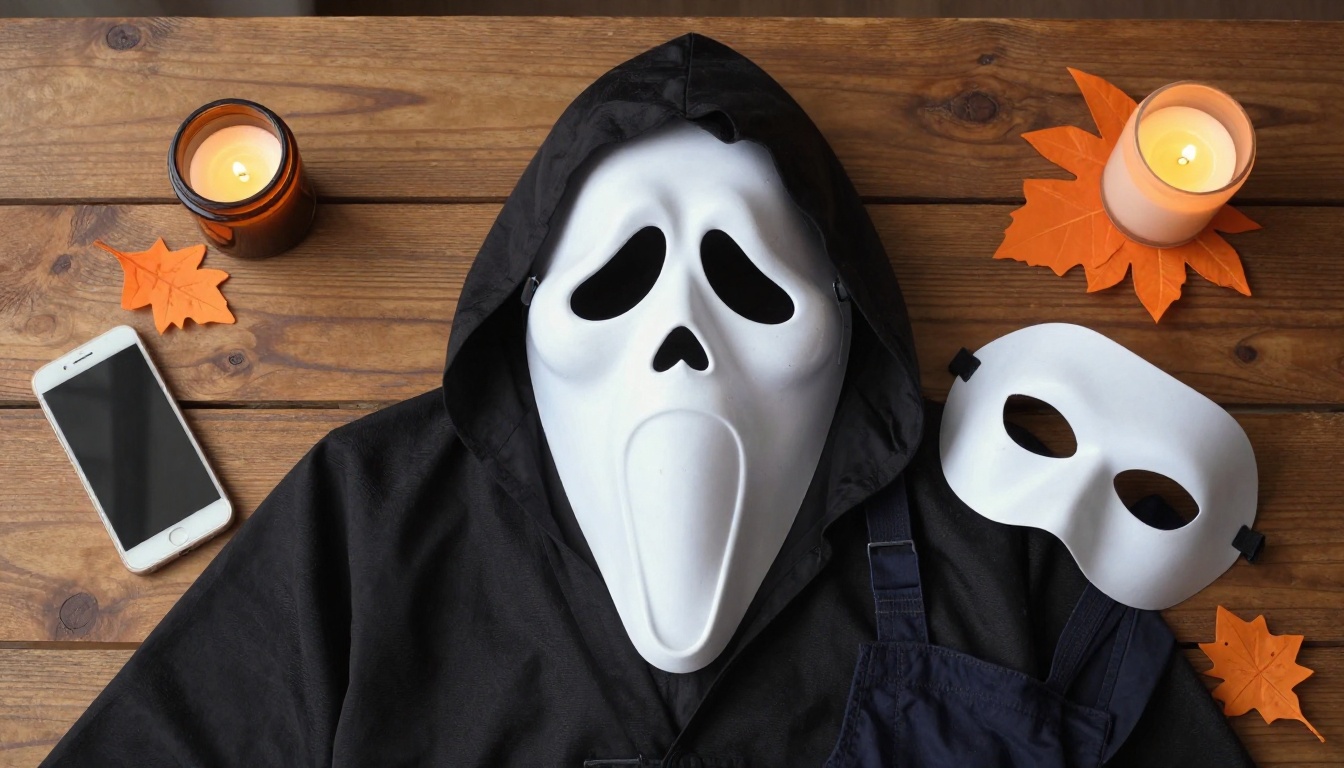
Ghostface and Michael Myers give an image generator three things it handles well: a pale, simple mask shape, dark layered clothing, and a quiet suburban night setting. There are no tiny details to invent. A white elongated mask over a black hooded robe is one of the clearest silhouettes in horror costume design, and a blank pale mask over dark work clothes is just as easy to read.
Both are also costumes real people wear, so models have seen thousands of party photos to draw from. That is why the best results look like a friend in a costume instead of a movie poster.
💡 Both characters belong to film franchises. Use your results for personal posts and costume inspiration, not for selling products.
What the Prompt Actually Does
The trend prompt is a recipe with five parts. Most viral versions only include the first two, which is why they look like a sticker pasted onto a selfie. Add the other three and the picture starts to feel like photography.
Part
What it controls
Example wording
Mask
The character read
white elongated ghost-face mask, matte plastic
Clothing
Body shape and silhouette
black hooded robe with soft wrinkles
Setting
Story and mood
dim suburban hallway on an October night
Light
Realism and tension
cold moonlight from the left, warm porch lamp
Camera
Photographic feel
35mm lens, f/2.0, low angle, film grain
The Prompt Formula Behind the Photos
Lay the costume pieces out in your head before you write a single word of the prompt.
Subject and Mask First
Start the prompt with the person and the mask, because the opening words carry the most weight. Write "a person in a white elongated ghost-face mask and black hooded robe" or "a person in a pale blank white mask and dark navy mechanic jumpsuit". Then add one physical detail about the material: matte plastic with fine scratches, coarse cotton fabric, soft wrinkles at the elbows.
Character names alone leave the model guessing at the details. Describing the mask shape and surface gives it something concrete to render, and a concrete object looks like a photographed object.
Setting, Light, and Camera
Put the story in the middle of the prompt and the photography at the end.
Setting: porch, hallway, kitchen, street, or hedge. Pick one place per image.
Light: name a direction and a color. "Cold moonlight from the left, warm porch lantern on the doormat" beats "dark and spooky" every time.
Camera: a focal length, an aperture, and an angle. "35mm lens at f/2.0 from a low angle" tells the model how deep the focus should be.
Film look: "Kodak Portra 400 film grain, natural shadows, realistic textures".
Safety line: "no blood, no gore, no text".
That last line matters more than it looks. Horror vocabulary pulls generators toward blood and weapons, and those images are hard to post anywhere. Keeping the mood at "tense costume photoshoot" is what gives you photos you can actually share.
Here is the template you can fill in for any scene:
A person in [mask description] and [clothing], standing [position] in [setting], [light direction and color], [lens, aperture and camera angle], [material textures], Kodak Portra 400 film grain, tense Halloween costume photoshoot, no blood, no gore, no text, photorealistic, 16:9
Ghostface Photo Prompts That Work
The Ghostface look depends on contrast: a pale mask against a dark space. Shoot it from a distance or from a doorway, and let the shadows do the work.
The Porch Doorway Shot
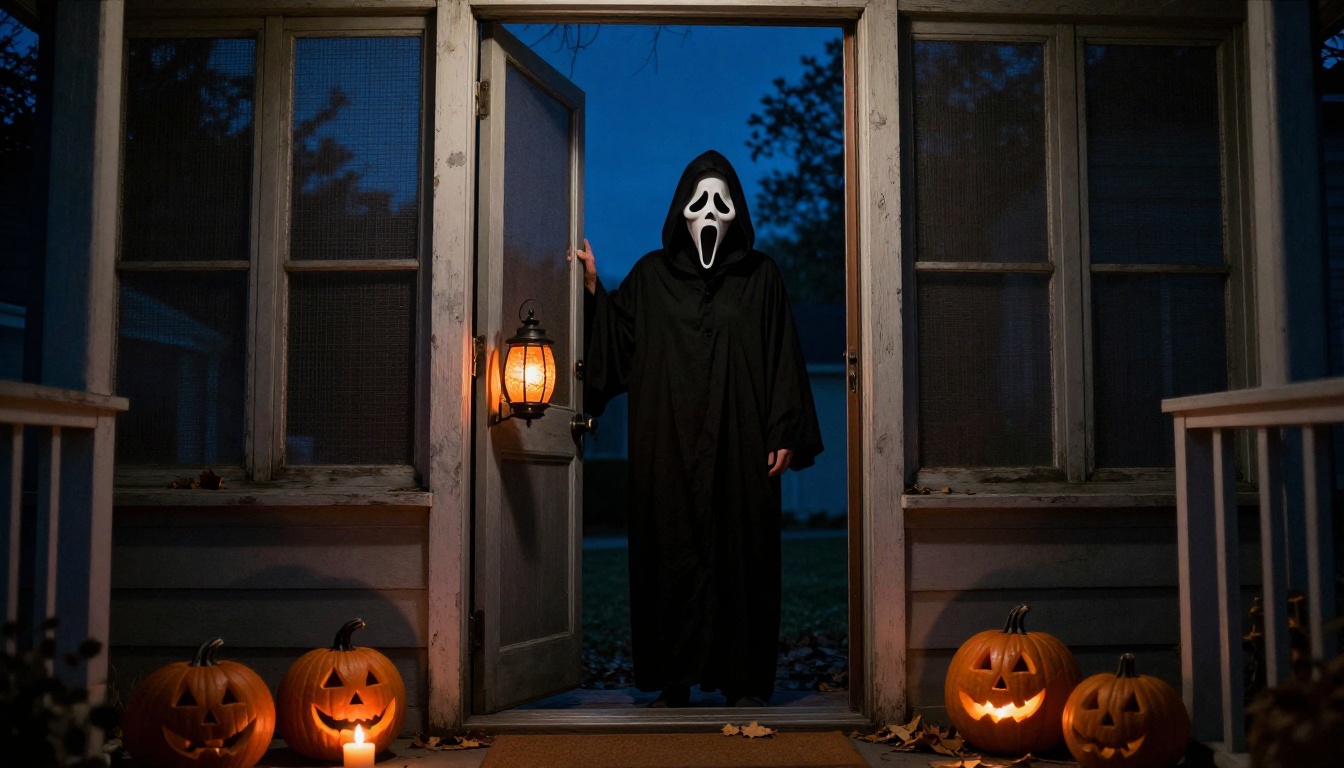
A screen door adds a natural frame and a layer of texture between you and the figure.
Doorways work because the frame leads the eye straight to the mask. Shooting from inside the house looking out also gives you two light sources for free: the warm lantern on the porch and the cold blue of the night sky.
Low-angle shot from inside a dark entryway of a person in a white elongated ghost-face mask and black hooded robe standing on a front porch behind an open screen door, orange porch lantern light across the doormat, scattered dry leaves, jack-o'-lanterns with candle flames on the steps, cold blue night sky, 28mm lens at f/2.8, mesh screen and weathered paint texture, Kodak Portra 400 film grain, tense Halloween costume photoshoot, no gore, no text
💡 If the screen mesh looks too sharp and distracts from the figure, lower the aperture number in the prompt to f/2.0. A shallower focus softens the mesh and keeps attention on the mask.
The Kitchen at Night
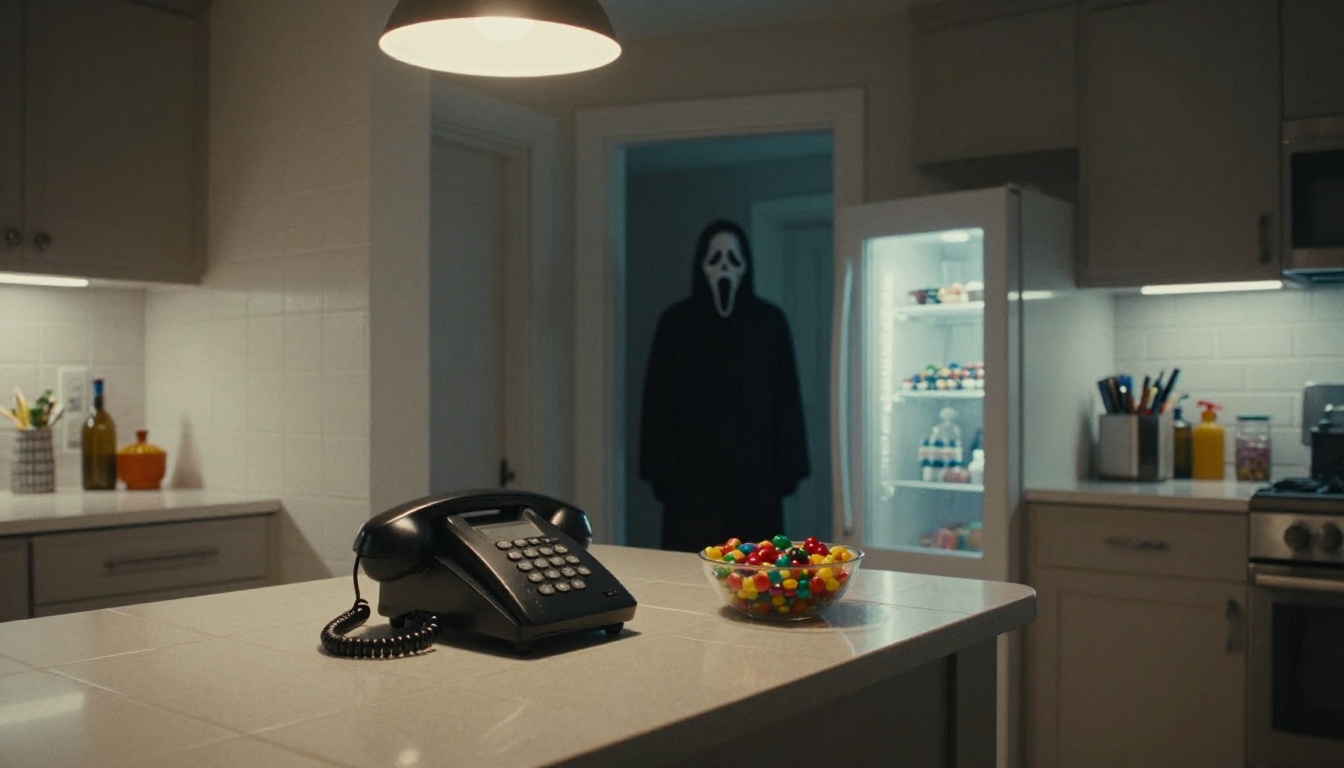
Sharp objects in front and a soft figure behind create depth without a single special effect.
This one tells a story with props. A corded phone and a bowl of candy sit in focus on the counter, while the figure waits out of focus in the hallway. The refrigerator light gives you a cool white spill across the floor that feels like a real house at midnight.
Eye-level wide shot of a quiet suburban kitchen at night, a corded landline phone and a bowl of candy on the counter in sharp focus, a distant figure in a white ghost-face mask and black robe softly out of focus in the dark hallway doorway, refrigerator door light spilling cool white across tiled floor, warm pendant lamp above the island, 35mm lens at f/2.0, ceramic tile reflections, stainless steel texture, Kodak Portra 400 film grain, suspenseful costume photoshoot, no blood, no text
Michael Myers Photo Prompts That Work
The Michael Myers look is flatter and quieter. A pale blank mask, dark work clothes, and a lot of distance. The scariest version of this photo is the one where the figure does nothing at all.
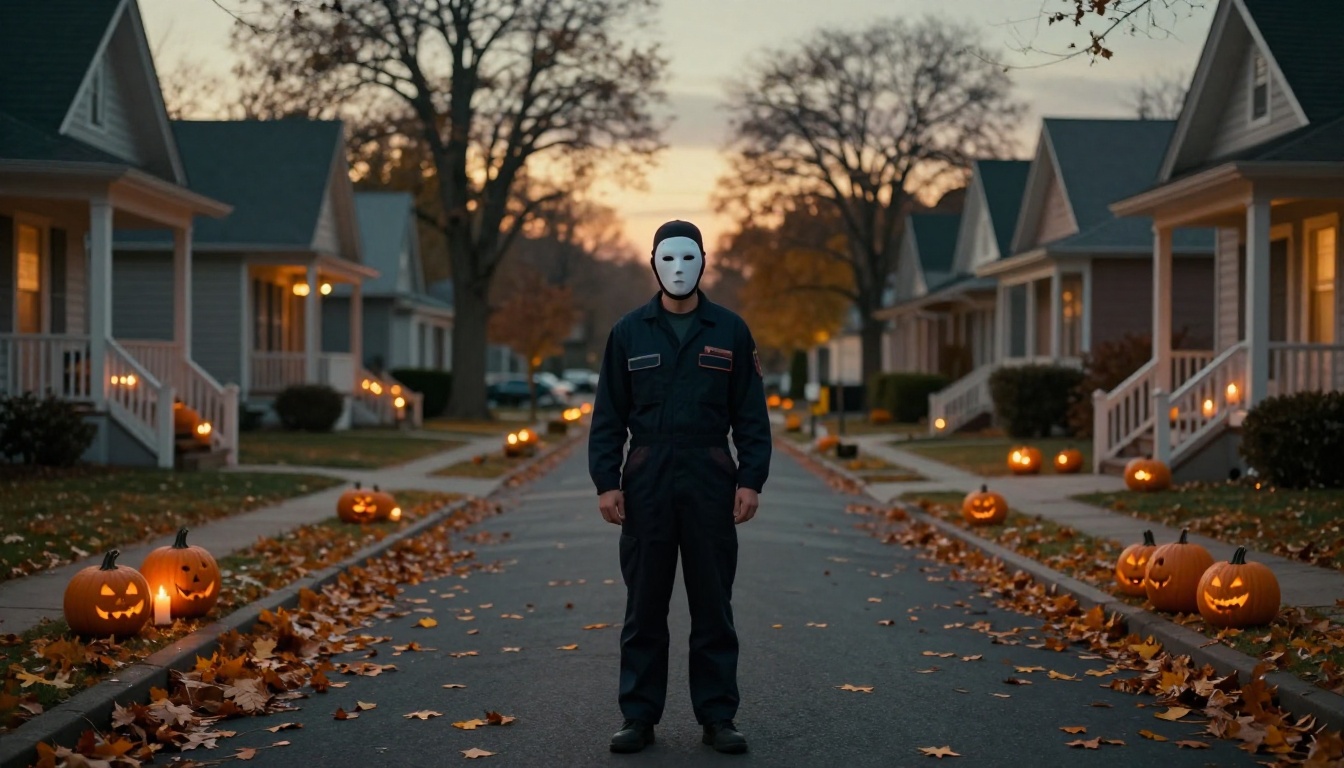
Suburban Street at Dusk
A long lens stacks the houses behind the figure and makes the street feel endless.
Use a 200mm telephoto in the prompt. Long lenses compress the distance, so the porches, pumpkins, and trees pile up behind the figure like a wall of Halloween decorations. Dusk is the best hour for this: the sky still has color, but the porches have already lit their candles.
Telephoto compressed view down a suburban street at dusk, a lone person in a pale blank white mask and dark navy mechanic jumpsuit standing motionless in the middle of the road, rows of porches with carved pumpkins and candle flames on both sides, fallen orange and brown leaves on asphalt, low golden light from the horizon, 200mm lens at f/4, fabric creases and wet leaf texture, Kodak Portra 400 film grain, eerie but playful Halloween costume photo, no gore, no text
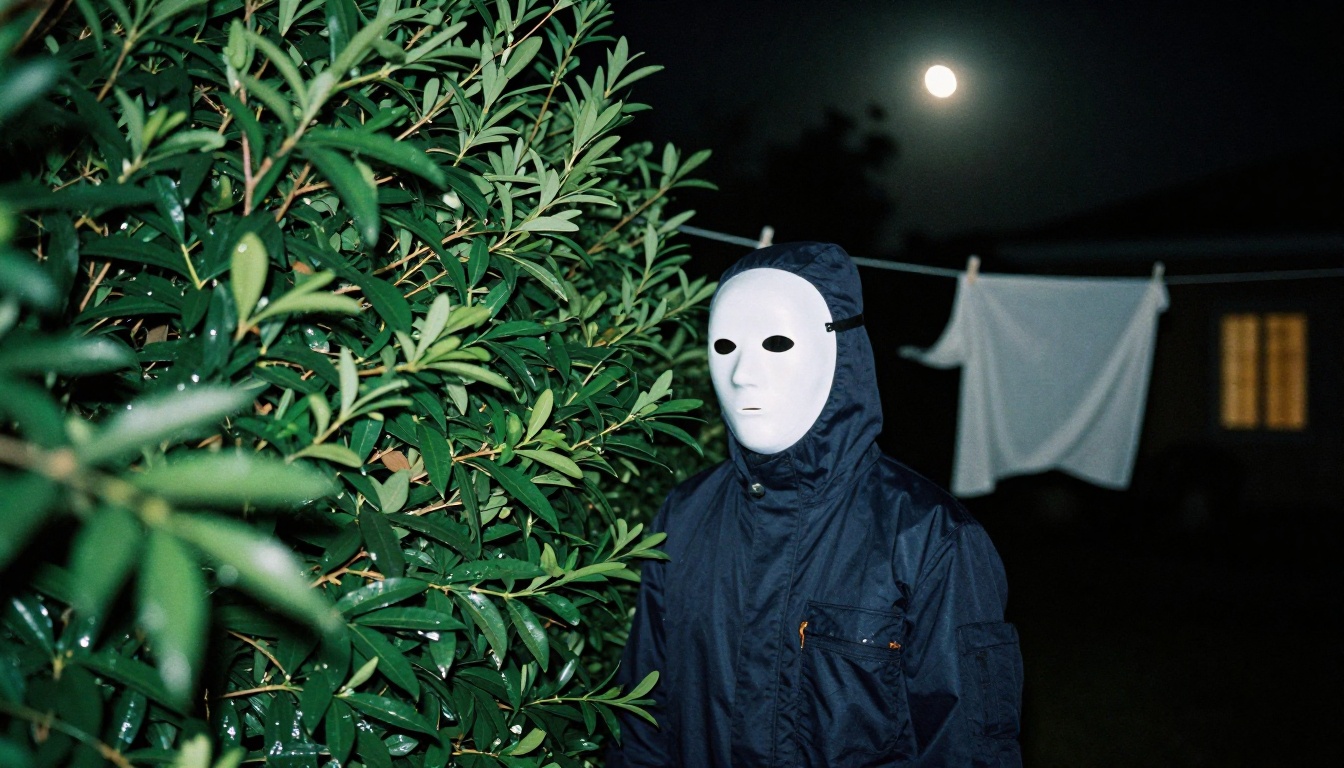
Behind the Hedge
Foreground leaves out of focus make the viewer feel like they are the one hiding.
Peeking through foreground leaves is a classic way to make a still photo feel like surveillance. Ask for "shot through out of focus leaves in the foreground" and the model will blur them for you. White sheets on a clothesline add a second pale shape that echoes the mask without competing with it.
Backyard at night, a person in a pale blank white mask and dark navy jumpsuit half hidden behind a tall green hedge, shot through out of focus leaves in the foreground, a clothesline with white sheets moving slightly in the breeze, cold moonlight from above right with a faint warm window light far behind, 85mm lens at f/1.8, damp leaf veins, coarse fabric and matte mask surface, Kodak Portra 400 film grain, quiet suspense, no blood, no text
Here is how the four scenes compare, so you can pick the right one for your feed:
Scene
Lens
Angle
Light
Porch doorway
28mm
Low, from inside
Warm lantern plus blue night
Kitchen
35mm
Eye level
Refrigerator glow plus pendant lamp
Suburban street
200mm
Eye level
Low dusk light
Behind the hedge
85mm
Through foreground leaves
Moonlight plus faint window
How to Use Seedream 4.5 on PicassoIA
Seedream 4.5 is a strong fit for this trend because it accepts reference photos. It outputs at 2K or 4K, takes 1 to 14 reference images, offers nine aspect ratios including 16:9, 9:16 and 21:9, and can produce up to 15 related images in one run. That covers everything the trend needs: a selfie goes in, a costume scene comes out.
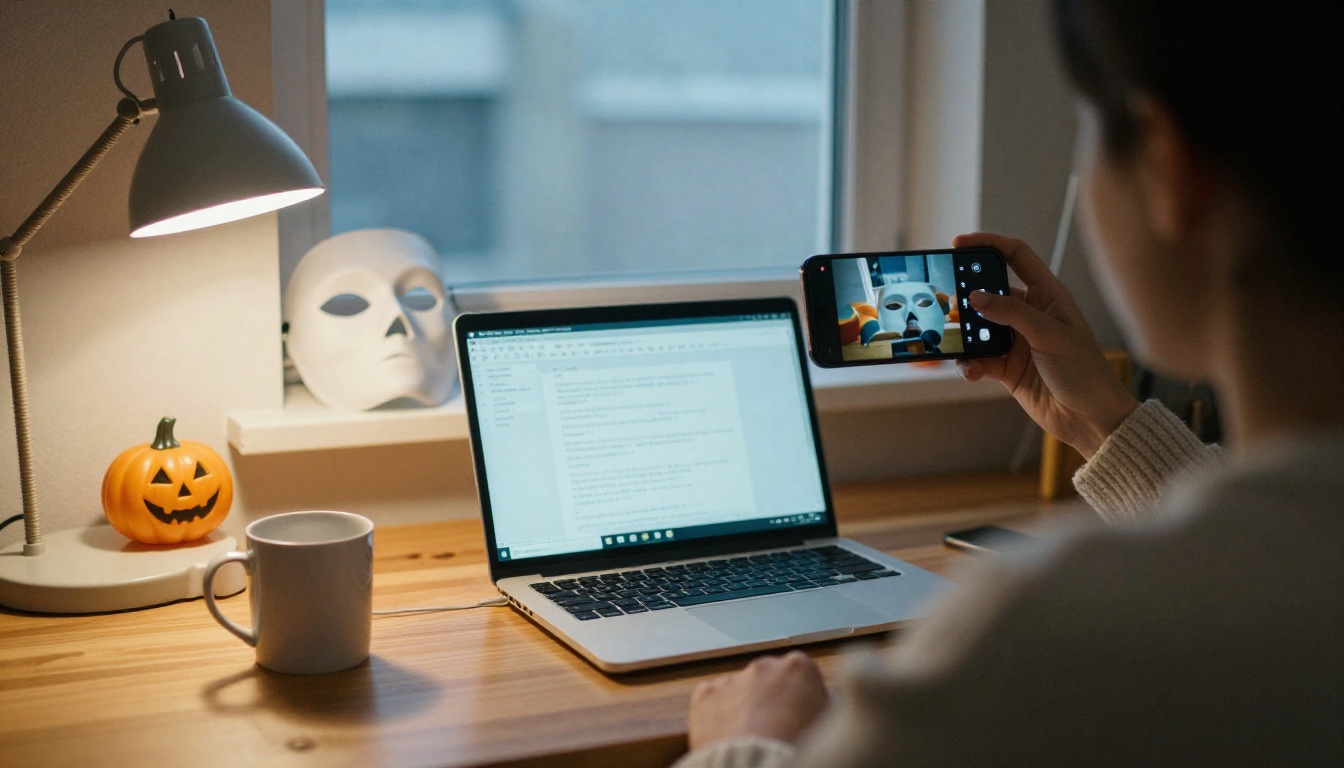
Prepare a Reference Photo
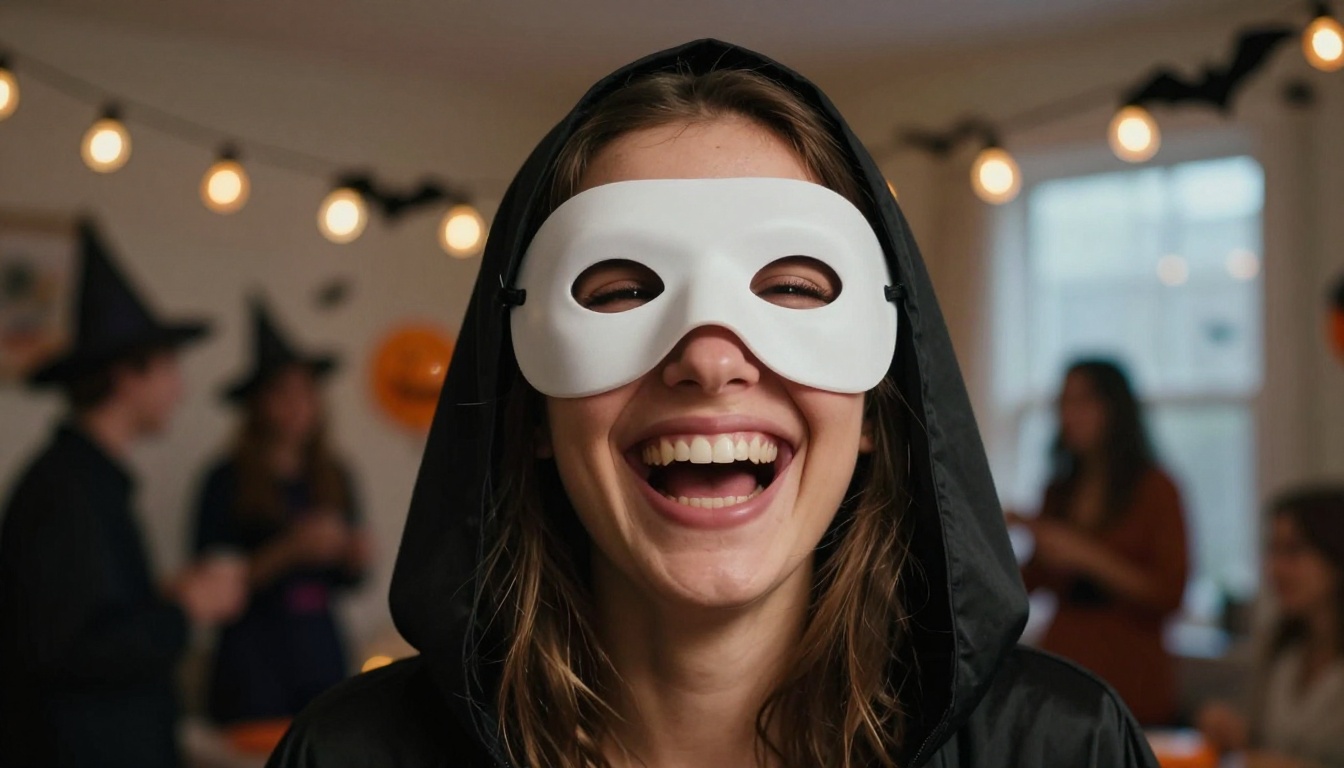
Soft window light and a plain background make the best reference photo.
Take a sharp photo in even daylight. Stand straight, keep your arms visible, and skip sunglasses or hats. Because the mask hides the face, the reference mostly sets body shape, posture, and hair, which makes this trend forgiving compared with normal portrait edits.
💡 Ask permission before you use a friend's photo. A quick "can I turn you into Ghostface?" message avoids awkward moments and keeps the trend fun for everyone.
If you own the mask, add a second photo of it as another reference image. The model can then match the shape instead of guessing it.
Paste one of the scene prompts above into the Prompt field.
Upload your selfie, and the mask photo if you have one, under Image Input.
Set Size to 2K for drafts and 4K for the version you plan to post.
Set Aspect ratio to 16:9 for scenes, 9:16 for stories, or 3:4 for portraits. Leave it on match input image if you want the selfie's framing.
Generate, then adjust one detail at a time.
Add one sentence at the start that tells the model what the reference is for, for example: "Use the person in the reference photo for body shape and posture, and place them in the scene described below."
Generate a Batch
Set the sequential image generation option to auto and raise the maximum images to 4. Then write a prompt such as "four photos of the same person in the same costume: porch doorway, kitchen, street at dusk, behind a hedge". You get a matching set from one run, which is ideal for a carousel post.
Seedream 4.5 is not the only option on the platform. These models are worth testing with the same prompts:
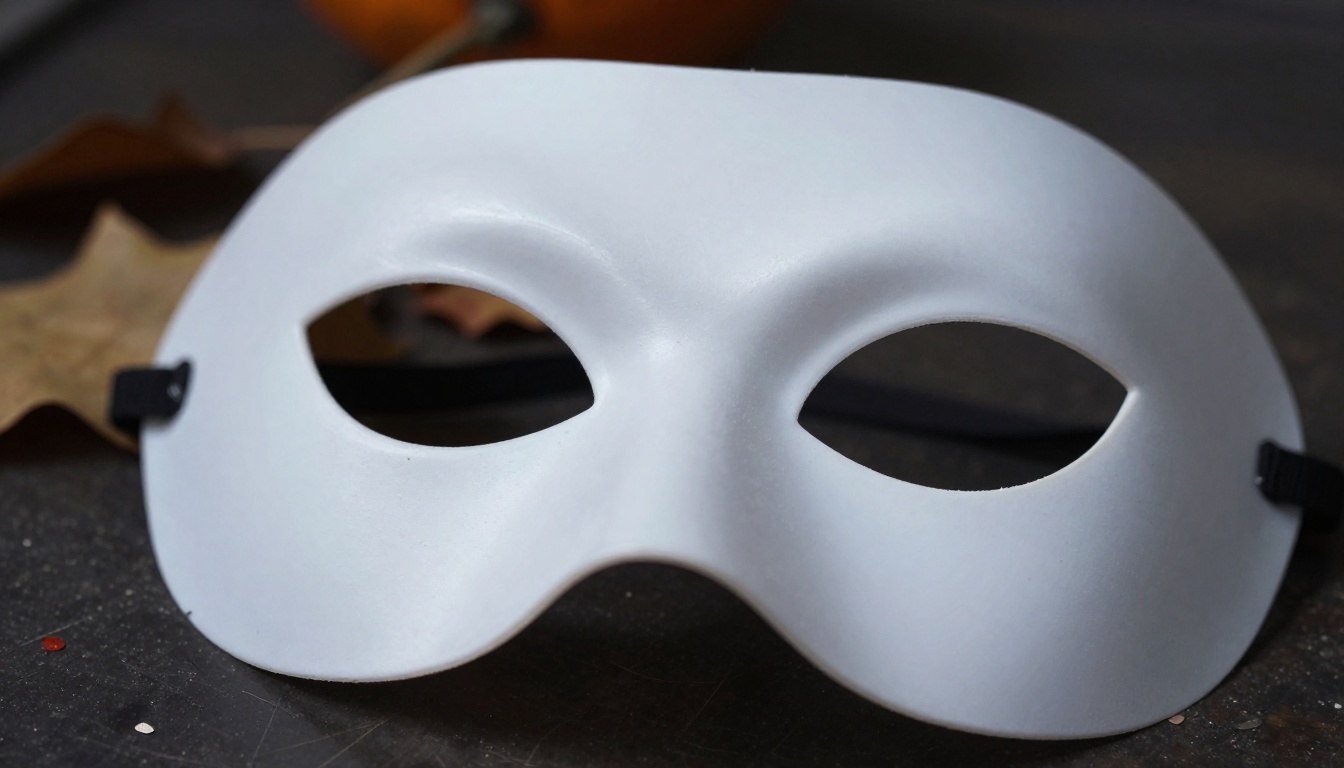
Avoid glossy: shiny masks reflect light from nowhere and break the scene.
Match the light: if the scene light comes from the left, say that the mask is lit from the left too.
Include the neck: "the robe collar sits against the neck" gives the mask a place to rest.
Costumes That Change Between Shots
When you generate several scenes in separate runs, the costume can shift from one image to the next. The fix is repetition. Copy the same costume sentence word for word into every prompt, reuse the same reference photo, or generate the whole set in one batch run.
If the result drifts toward gore, check your wording. Terms like "bloody", "attack", or "weapon" invite the wrong imagery. Replace them with "tense", "quiet", "still", and "watching", and keep the "no blood, no gore" line at the end.
Turn Photos into Short Clips
A real crew with a phone and a reflector is the same setup your video prompt should describe.
Once a still looks right, a video model can bring it to life. PicassoIA lists several you can try with a finished image as the first frame: Veo 3.1 for cinematic 1080p, Seedance 2.0 for text to video with built-in audio, and Kling v3 Video for smooth camera motion.
Write Motion, Not Scenery
The still already shows the scene, so the video prompt should only describe what changes. Keep it small and slow:
A slow dolly-in toward the figure over five seconds.
The screen door swings a few centimeters in the wind.
Dry leaves skitter across the porch boards.
The porch lantern flickers once.
The figure turns its head slightly, then stops.
Subtle motion reads as more unsettling than anything dramatic, and it avoids the warped limbs that big movements can cause.
Try Your Own Halloween Set
You now have everything the trend needs: a five-part formula, four tested scene prompts, a reference photo routine, and fixes for the usual problems. The fastest way to see it work is to pick one Ghostface scene and one Michael Myers scene, paste them into Seedream 4.5 on Picasso IA, and compare the results side by side.
Change one thing per run: the light direction, the lens, the time of night. Within a few tries you will find the combination that matches your style, and you will have a full set ready before the first trick-or-treater rings the bell.
Ready to start? Open Seedream 4.5 and generate your first costume portrait tonight, or browse every image and video model at picassoia.com/en/all-models to find the one that fits your Halloween idea.