You upload a photo. You record your voice or paste some text. And a few seconds later, the photo is talking. That is the promise behind platforms like Hedra and HeyGen, and both are fighting hard for the same user: someone who wants realistic, high-quality talking photo videos without a camera, actors, or a production team.
But they are not the same product. Under the hood, they take different approaches, serve different audiences, and come with different tradeoffs. If you are trying to decide between them, this breakdown will save you hours of trial and error.
What Talking Photos Actually Are
From Still Image to Speaking Video
A talking photo, also called a talking avatar or animated headshot, is a short video where a static portrait comes to life. The mouth moves in sync with a voice track, the eyes may blink, the head might subtly shift, and the result looks like the person in the photo is genuinely speaking.
The technology behind it typically combines two things: lip sync AI that maps audio phonemes to mouth shapes, and motion synthesis that generates realistic head and facial movement. When both work well together, the output is indistinguishable from real footage at a glance.
Why This Technology Exploded
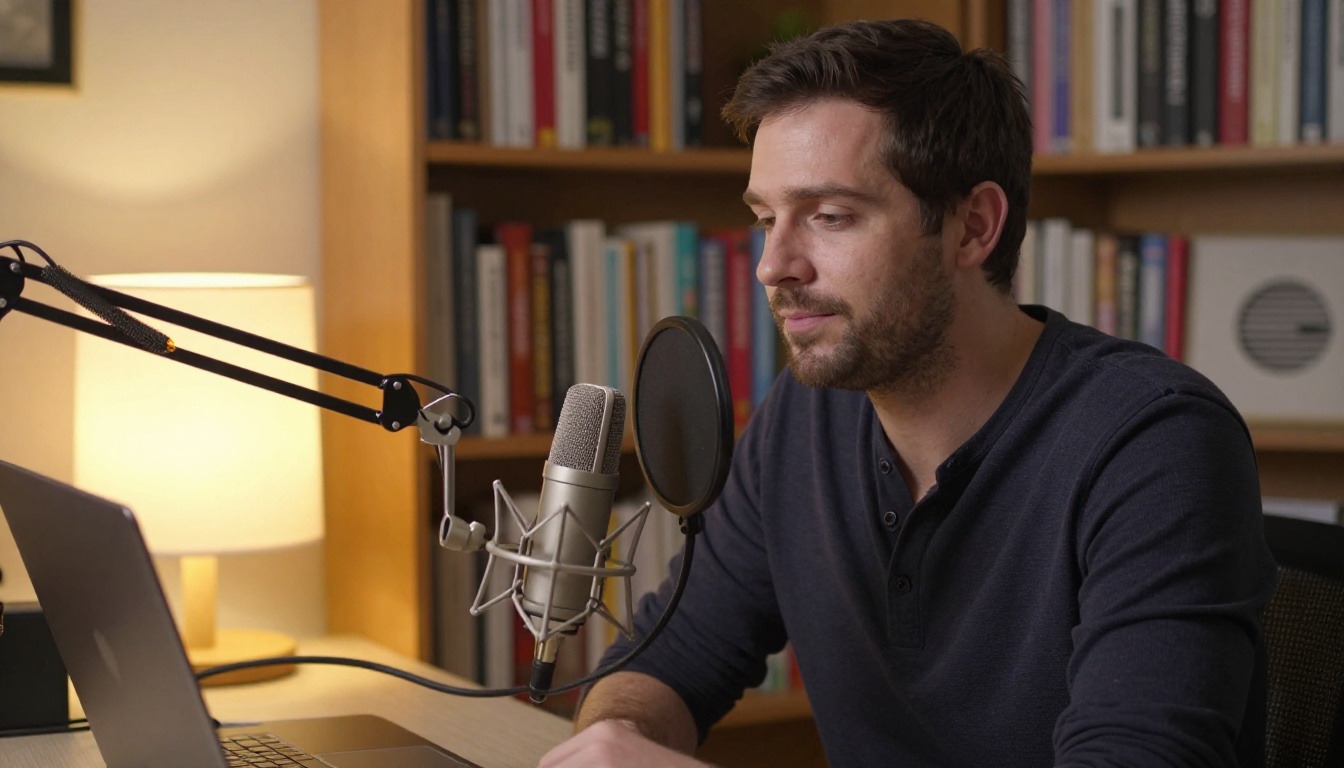
Three things drove the mass adoption of talking photo tools in the last two years:
- Remote work and async video: Teams need to communicate without scheduling calls, and a talking avatar is faster than a written memo or another recorded Loom.
- Content at scale: Social creators want to post video content consistently without being on camera every single day.
- Language localization: A single talking photo video can be dubbed into 30 languages with matching lip movements, replacing expensive re-shoots and translation sessions.
Both Hedra and HeyGen saw this wave coming and built their platforms around it. But the technical architecture and intended audience are genuinely different.
What Makes a Talking Photo Look Real
Realism in a talking photo comes from four layers working together:
- Phoneme accuracy: The mouth shape at each syllable must match the expected shape for that sound.
- Transition smoothness: The movement between mouth shapes must feel fluid, not jerky.
- Surrounding expression: The cheeks, eyes, and forehead shift slightly when speaking. Without this, the face reads as a mask.
- Body responsiveness: A real speaker sways, tilts, gestures. A portrait that stays perfectly still while the mouth moves looks artificial to anyone watching.
The tools that solve all four layers produce outputs that pass the "first glance" test. Those that solve only one or two are much easier to spot.
Hedra at a Glance
Hedra is a newer entrant in the AI talking photo space, built by a small team with a clear focus: character-driven video from a single photo and an audio file. It launched with the Character-1 model, which generated significant attention for how natural the resulting videos looked, especially the body language and subtle micro-expressions.
How Hedra Generates Talking Videos
Hedra does not just move the mouth. The model synthesizes full upper-body motion, so the shoulders shift slightly, the head tilts, and the hands may gesture depending on the vocal energy. This makes Hedra outputs feel less robotic than tools that only animate the face.
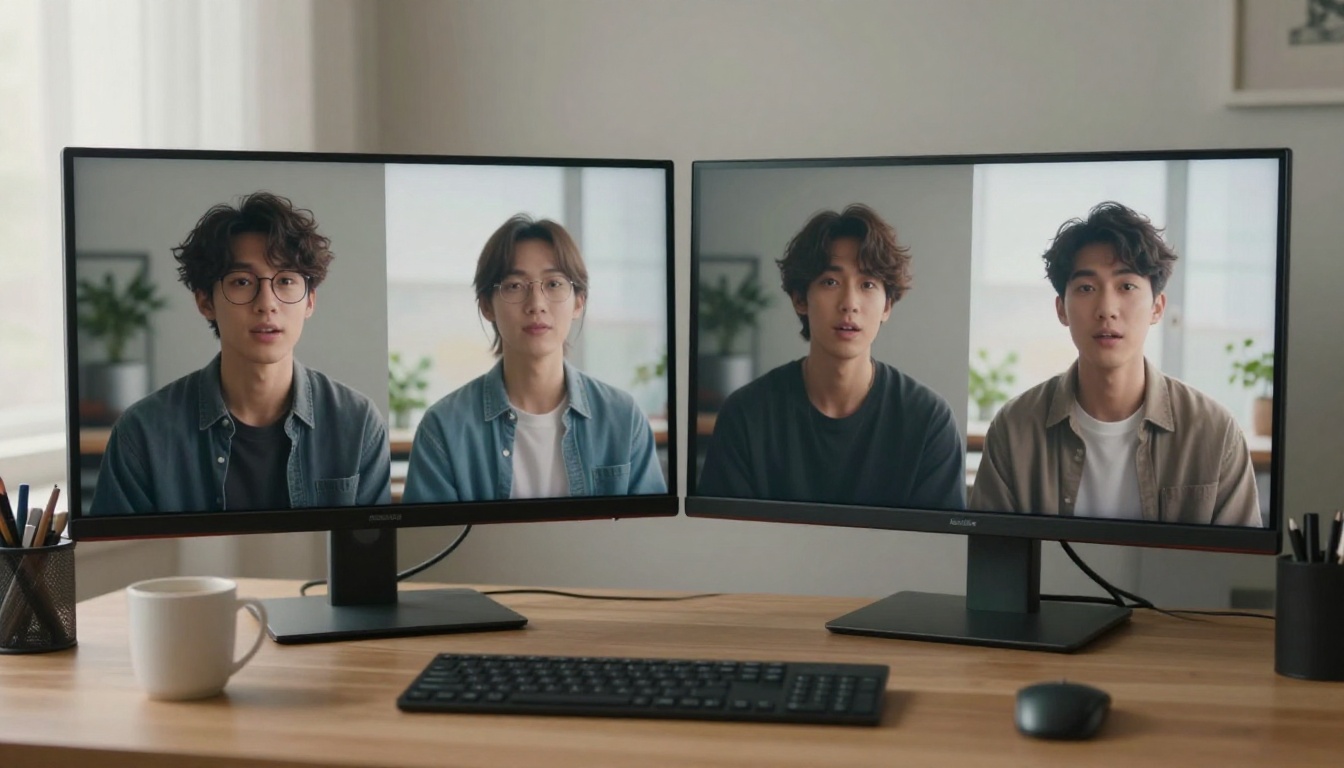
The workflow is simple:
- Upload a portrait photo (ideally front-facing, well-lit, with shoulders visible in frame)
- Upload an audio file or record directly in the app
- Choose video duration and aspect ratio
- Generate and download
What Hedra Does Well
- Body motion realism: The full upper-body synthesis is Hedra's strongest differentiator. Most competing tools only animate the face and neck, leaving the body unnervingly still.
- Natural micro-expressions: Blinks, slight squints, and jaw tension feel human rather than mechanical.
- Audio responsiveness: The emotional tone of the voice influences the generated body language. Louder or more energetic speech produces more animated movement.
- Free tier: Hedra offers a free plan with limited credits, which is rare among quality talking photo tools.
- Portrait-to-video speed: Generation is fast, often under 60 seconds for a 30-second clip.
Where Hedra Falls Short
- Limited photo flexibility: Hedra performs best with specific photo types. Side angles or tightly cropped faces produce noticeably degraded results.
- No built-in TTS: You must provide your own audio file. There is no native text-to-speech within the platform.
- Shorter video caps on lower tiers: Free and entry-level plans cap video length at around 30 seconds.
- No API: Hedra does not currently offer an API, which limits its use for developers or automated workflows.
HeyGen at a Glance
HeyGen is the older and more established platform. It started as a general AI video creation tool and expanded aggressively into talking avatars, interactive photo animation, and multi-language dubbing. Today it offers one of the broadest feature sets in the synthetic video space.
How HeyGen Approaches Talking Photos
HeyGen's Photo Avatar feature lets you turn a static photo into a speaking avatar using either uploaded audio or its built-in text-to-speech engine. The platform has a large library of voices and supports over 40 languages for dubbing.
The workflow in HeyGen:
- Upload a photo or choose from pre-made avatar packs
- Type a script or upload audio
- Select a voice, or clone your own with HeyGen's voice cloning feature
- Generate, apply branding and templates, then export
What HeyGen Does Well
- Text-to-speech built in: Type a script and HeyGen handles voice generation internally. No audio file needed, which dramatically reduces the friction for non-creators.
- Voice cloning: Upload a sample of your own voice and HeyGen will synthesize it for future videos.
- Language dubbing: Generate a video in English, then auto-dub it into Spanish, Portuguese, French, and more, with synced lip movements for each language.
- Templates and branding tools: HeyGen has robust video template tools, making it ideal for marketing teams and agencies who need consistent visual branding across videos.
- API access: The HeyGen API lets developers integrate talking photo generation into their own applications and pipelines.
Where HeyGen Falls Short
- Less natural body motion: HeyGen's photo avatars are primarily face and neck animation. The body stays mostly static compared to Hedra's full upper-body synthesis.
- Strict photo requirements: For best results, HeyGen needs a clear, front-facing headshot with a simple background. Photos with complex backgrounds or unusual lighting cause noticeable glitches.
- Cost at scale: HeyGen's pricing adds up quickly for teams generating high volumes of videos per month. Lower tiers have strong limits on minutes.
- Occasional uncanny valley: On longer videos, the face animation sometimes drifts slightly, especially around the eyes and in transitions between sentences.
Head-to-Head Comparison
Lip Sync Accuracy
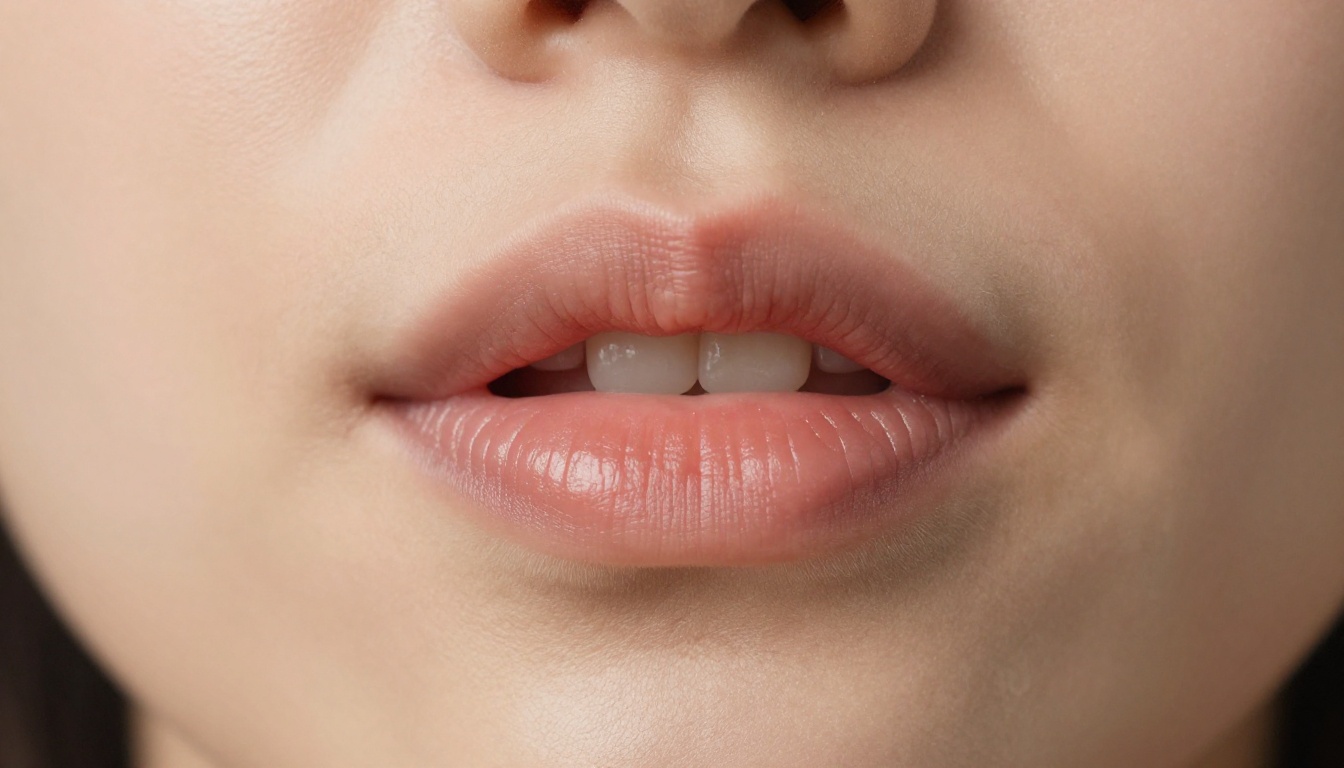
Both platforms deliver solid lip sync in good conditions. Hedra tends to win on naturalness at the syllable level, where transitions between sounds feel smoother. HeyGen is accurate but can appear slightly over-articulated, where the mouth movements feel a fraction more exaggerated relative to natural speech cadence.
Tip: For best lip sync on either platform, use clean audio with minimal background noise and a consistent speaking pace. Avoid rushing through sentences.
| Criteria | Hedra | HeyGen |
|---|
| Phoneme-to-lip accuracy | Very High | High |
| Transition smoothness | Excellent | Good |
| Emotional expression in face | Strong | Moderate |
| Body motion during speech | Yes (upper body) | Minimal |
| Eye movement and blinking | Natural | Functional |
Video Realism and Quality
Hedra outputs tend to feel more alive due to the body motion component. A person who only moves their lips while the rest of their body stays perfectly frozen reads as artificial to the human eye almost immediately. Hedra solves this layer of the problem. HeyGen's output is cleaner and more controlled, which works better for professional or corporate contexts where excessive movement would be distracting.

Supported Photo Types
| Photo Type | Hedra | HeyGen |
|---|
| Front-facing portrait | Best results | Best results |
| Three-quarter angle | Works, slightly degraded | Works, moderate quality |
| Side profile | Not recommended | Not recommended |
| Full body shot | Supported | Limited support |
| Group photo | Not supported | Not supported |
| Illustrated or cartoon style | Not supported | Limited support |
Pricing Breakdown
Hedra Pricing
Hedra uses a credit-based system with a free tier included:
- Free: Limited credits per month, watermarked videos, max 30-second clips
- Creator (approx. $8-12/month): More credits, no watermark, longer clips
- Pro (approx. $24-40/month): High credit volume, priority generation, HD output
Hedra's free tier is genuinely usable for testing and experimentation, which sets it apart from most competitors.
HeyGen Pricing
HeyGen uses a seat-plus-minutes model:
- Free: 1 credit (roughly 1 minute of video), watermarked
- Creator (approx. $29/month): 15 credits per month, 1080p export, no watermark
- Team (approx. $89/month per seat): Collaboration features, more minutes per month, API access
Tip: If you need API access for automation or integration, only HeyGen's Team plan or higher supports it. Hedra does not currently offer API access at any tier.

Best for Creators
If you are a solo content creator, YouTuber, podcaster, or social media creator who wants to post video content without always being on camera, Hedra wins on pure visual quality. The body motion makes the video feel more like a real person speaking, which matters when your audience is watching for personality and connection.
Hedra also wins if you:
- Already record your own voice and just need the video generated around it
- Work with professional portrait photos or high-quality headshots
- Want the most realistic output on a tight budget
- Are testing the technology and want a free option that does not embarrass itself
Best for Business
If you are a marketer, corporate communicator, HR team, or agency producing videos at volume, HeyGen has the edge on workflow and scale. The built-in TTS, voice cloning, language dubbing, and API access make it a production-grade tool for teams rather than individuals.
HeyGen also wins if you:
- Need multilingual video output from a single script
- Want to integrate talking photo generation into a custom app via API
- Have a team that needs collaborative access to a shared workspace
- Prefer not to record your own voice at all
Common Mistakes With Talking Photo AI
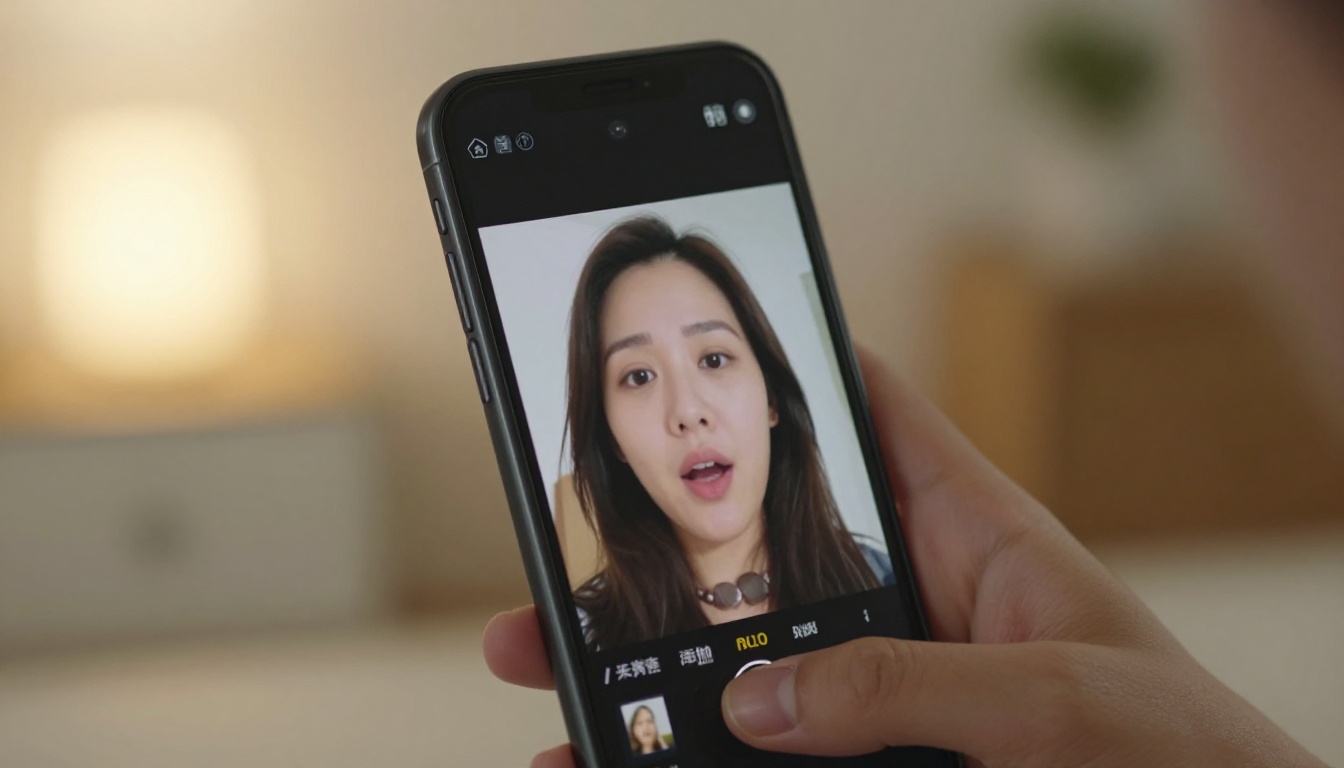
Both platforms share the same failure modes. Avoid these and your output quality will improve significantly:
- Using low-resolution source photos: A blurry or compressed photo will produce blurry, artifact-heavy output. Use at least 512x512 pixels, ideally much higher.
- Background noise in the audio: Wind, room echo, and keyboard clicks confuse the lip sync model. Record in a quiet space or clean up the audio before uploading.
- Choosing the wrong aspect ratio: A portrait (9:16) photo exported in a landscape (16:9) format will be padded with empty space or distorted. Match your ratio to your output platform.
- Using photos with heavy filters: Strong beauty or Instagram-style filters alter skin tones and facial geometry in ways that confuse motion synthesis models.
- Long pauses in the audio: Extended silences confuse some models into generating strange mid-pause expressions. Edit out long gaps before uploading.
Lipsync Models Worth Trying on PicassoIA
Beyond Hedra and HeyGen, there is a growing ecosystem of AI tools for lip sync and talking photo creation. Several powerful models are available directly on PicassoIA, letting you test different approaches without committing to a single platform subscription.
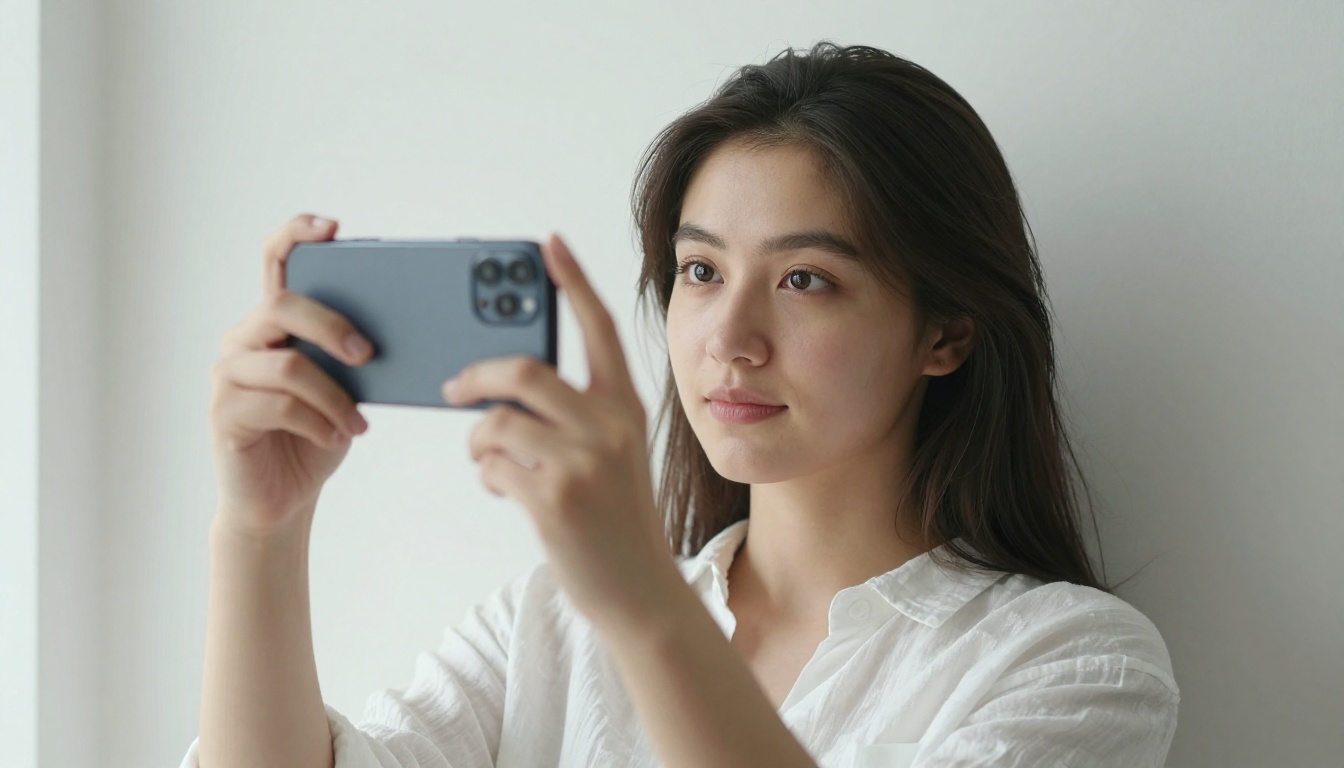
Here are some of the lipsync models available on PicassoIA right now:
- Omni Human by ByteDance: Animate any photo into a full talking video. One of the most full-featured talking photo models available on the platform.
- Fabric 1.0 by Veed: Makes any photo talk with clean, professional output ideal for corporate and marketing use.
- Lipsync 2 by Sync: Syncs any voice track to video with high phoneme-level accuracy.
- Lipsync 2 Pro by Sync: The professional-tier version with enhanced accuracy for complex, fast-paced audio.
- React 1 by Sync: Adds realistic lipsync to existing video footage or static photos with natural expression blending.
- Kling Lip Sync by Kwaivgi: Match mouth movements to any audio track in any video with solid accuracy.
- Lipsync by Pixverse: Fast audio-to-video sync with smooth transitions between phoneme shapes.
Tip: If you are new to AI talking photo tools, starting with Omni Human on PicassoIA gives you access to one of the most capable photo animation models on the market without any subscription commitment.
How to Use PicassoIA Lipsync Tools
The workflow is direct:
- Pick a lipsync model, such as Fabric 1.0 or Lipsync 2 Pro
- Upload your portrait photo
- Upload your audio file or paste a script
- Run the model and download your talking photo video in seconds
No subscription required. No monthly cap. Run multiple models on the same photo to compare results side by side and find what works best for your specific voice and photo combination.

The Bottom Line
Neither platform is universally better. The right pick depends entirely on what you actually need:
| Use Case | Winner |
|---|
| Most realistic talking photo | Hedra |
| Built-in text-to-speech | HeyGen |
| Multilingual video dubbing | HeyGen |
| Free tier worth using | Hedra |
| API access for developers | HeyGen |
| Full upper-body animation | Hedra |
| Team collaboration tools | HeyGen |
| Best value for solo creators | Hedra |
If your priority is raw visual realism, Hedra produces outputs that pass the first-glance test more consistently. If your priority is workflow efficiency and production at scale, HeyGen's ecosystem of TTS, voice cloning, and API access makes it the stronger platform for teams and agencies.
Both are worth testing with your own photos before paying for any plan. The gap between what each tool does well is real, and the right choice only becomes obvious once you see the output on your specific photo and voice combination.
Make Your First Talking Photo Today
The most effective way to see what this technology can do is to run your own photo through a model right now. PicassoIA gives you direct access to multiple lipsync and talking photo models in a single place, so you can compare results across different AI engines without managing separate accounts or subscriptions.
Start with Omni Human by ByteDance for full talking photo animation, or use Lipsync 2 Pro if you want to add a voice track to an existing video you already have.
Pick your photo, record your voice, and see what your talking avatar looks like. The technology has matured to a point where the results will genuinely surprise you. And once you see your own face in a realistic talking video, you will see exactly why this category is growing so fast.


