You can get a talking presenter on screen two ways: film a person, or type a script and let an engine do the filming. HeyGen sells the second route through two engines that look identical on a price sheet and behave differently the moment you press render. Avatar V is the newer one, built to move like a real person. Avatar IV is the older, more flexible one that can bring a still photo to life. Both accept scripts up to 5,000 characters, both are available on Picasso IA, and on HeyGen's web plans both burn credits at the same rate.
So the price question is shorter than you would think. The quality question is where your money really goes. Here is what the published specs, plan sheets and example renders show, so you can pick before you spend a single credit.

The Short Answer
If you own a trained digital twin of a real person, use Avatar V. If you start from a photo, a stylized character or a stock presenter, use Avatar IV. Price rarely decides it, because the credit rate is the same on both.
| Feature | Avatar V | Avatar IV |
|---|
| Best for | Realistic digital twins | Photo avatars, stylized and non-human presenters |
| Avatar requirement | Only avatars that support Avatar V | Any HeyGen avatar, including photos |
| Output on Picasso IA | 720p, 1080p or 4K | 1920x1080 by default |
| Aspect ratio | 16:9 or 9:16 | Set with width and height |
| Voice emotion | Not exposed | Excited, Friendly, Serious, Soothing, Broadcaster |
| Web plan cost | 20 credits per minute | 20 credits per minute |
| Example render time | About 2.3 minutes for a 12 second clip | About 4.7 minutes for a 17 second clip |
Read the table from the top. The first two rows decide most cases, because they depend on what you already own. A digital twin points to Avatar V. A photo, a mascot or a stock presenter points to Avatar IV. The remaining rows only matter once those two are settled, and most of them reward a quick test rather than a long debate.
Pick Avatar V If...
- You need realistic human movement and natural mannerisms over long scripts.
- You want a 4K export or a 9:16 vertical file from a single setting.
- Your presenter was trained for the newer engine and you want that person to look consistent in every video.
Pick Avatar IV If...
- You are starting from a photo, a stylized character or a non-human presenter.
- You want to choose the delivery tone, such as Friendly or Broadcaster.
- You prefer a close-up or circle overlay layout instead of a full frame.
💡 Tip: Run one 30 second script through both engines before you commit to a series. Ten minutes of testing costs far less than re-rendering a whole course module.
What Each Engine Actually Does
Both engines turn typed text into a speaking presenter, and both handle the voice, the lips and the captions for you. The difference sits in how the presenter is built and how it moves.
Avatar IV Animates Almost Anything
Avatar IV is the flexible engine. It works with any HeyGen avatar, including arbitrary photos, which is why reviewers point to it for photo avatars, stylized characters, 2D or 3D subjects and presenters that are not human at all.
On Picasso IA you get a practical set of controls: voice speed from 0.5x to 1.5x, one toggle for captions, three layouts (normal, close-up and circle overlay) and five voice emotions plus a neutral setting. The emotion presets change how the voice delivers the line, so a product announcement can sound Excited while a policy update sounds Serious.
This flexibility helps when you have no recorded footage at all. A brand mascot or a clean headshot of a team member can become a speaking presenter, with the script and the voice doing the rest. Because the engine invents the motion instead of copying it, the source picture matters. In practice, a sharp, front-facing, evenly lit portrait gives the lip sync more to work with than a tilted or shadowed one.

Avatar V Copies Real Movement
Avatar V takes a different route. HeyGen describes it as a cross-reference-driven engine: it reuses a real person's movement signature, so the presenter gestures and shifts the way that person really does. That makes it the better fit for a digital twin of a founder, a trainer or a spokesperson.
The trade-off is access. The avatar_id you send must support Avatar V, and a random stock photo will not qualify. You also give up the voice emotion menu, though you keep voice speed, captions, aspect ratio and three resolution levels.
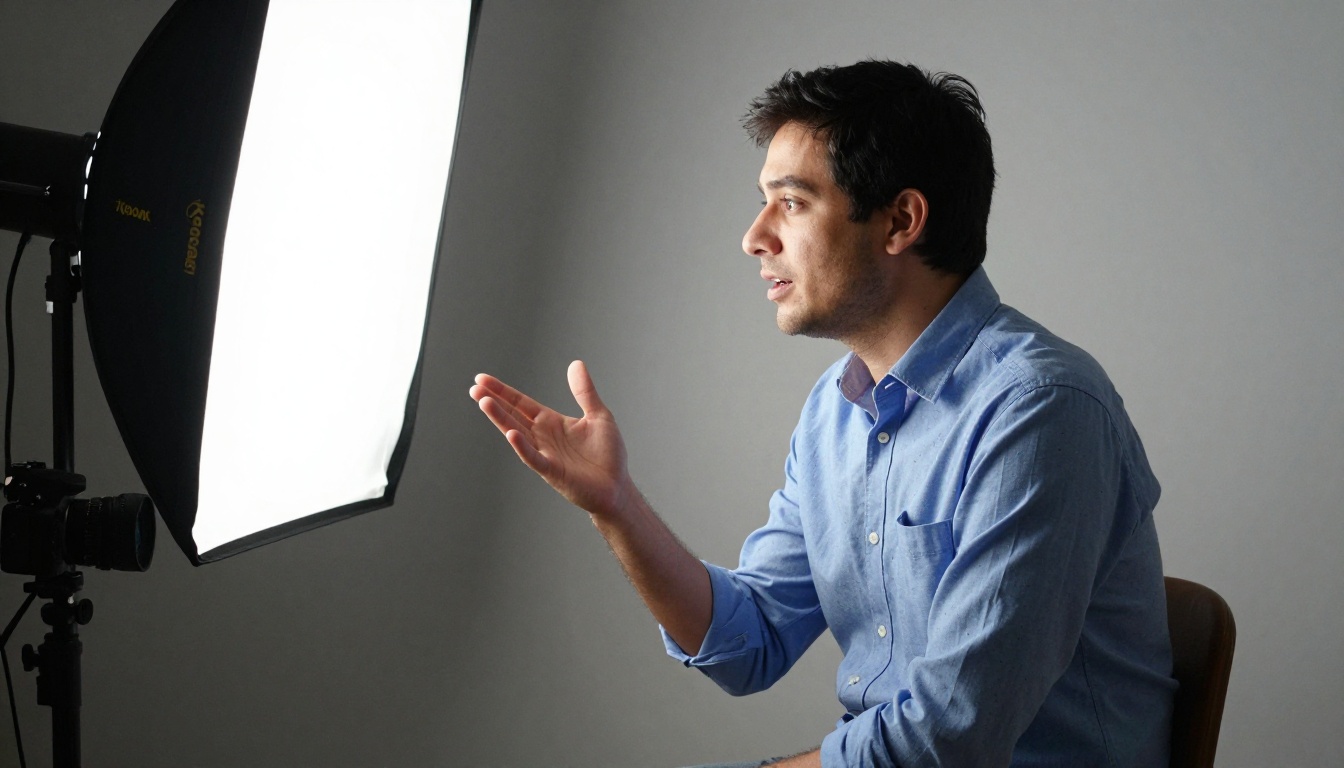
Setup takes more effort than it does with Avatar IV. A digital twin is trained from video of the real person, so someone has to be filmed once, on a good camera in good light, before any script can be typed. After that session, the same presenter can deliver as many new scripts as your credits allow, without another studio booking. That is where the investment pays back for teams that publish every week.
The Real Cost of Each
Here the two engines are twins. HeyGen's consumer plans bill Avatar V and Avatar IV at the same rate, so the numbers below apply to either.
Credits on Web Plans
Both engines cost 20 credits per minute of finished video. Reported plan allowances translate into minutes like this:
| Plan | Monthly price | Credits | Avatar minutes |
|---|
| Creator | $29 | 600 | About 30 |
| Pro | $49 | 1,000 | About 50 |
| Business | $149 | 1,500 | About 75 |
That puts Creator at roughly 97 cents per minute and Pro at roughly 98 cents per minute. Business lands near $2 per minute because you are also paying for shared credits and team seats. The free plan reportedly includes no avatar credits, so it only works for checking the workflow.
💡 Heads up: Credit rates and plan prices change between product updates. Check HeyGen's current pricing page before you buy a plan, and treat every figure here as a snapshot.

Per-Second API Rates
API usage is billed from a dollar wallet instead of plan credits, and the published figures are not perfectly consistent. One breakdown lists Avatar IV photo avatars at about $3 per minute (720p or 1080p) and $4 at 4K, with digital twin or studio avatars at $4 and $5. Another source quotes $0.05 to $0.10 per second, which works out to $3 to $6 per minute. Read those as one bracket: roughly $3 to $6 for every minute you render.
I could not find a separate API rate for Avatar V in the sources checked, so do not assume it is cheaper or dearer than Avatar IV until HeyGen publishes one.
What a Finished Minute Costs
Say you need ten one-minute videos.
- Creator plan: 200 credits, about a third of the monthly allowance, or roughly $9.70 in plan value.
- API wallet at $3 to $4 per minute: $30 to $40 for the same ten minutes.
Plan credits are the cheaper route when you will use them. Retakes change the math fast, though. If every final minute needs three renders, triple both figures. HeyGen's older Avatar III engine is reportedly far cheaper per minute, so use it for script drafts and save the premium engines for the final render.
Quality Side by Side
Price is a tie, so quality has to break it. Most of the real differences show up in motion, in long scripts and in the output format.

Motion and Expressions
Avatar V is the newer engine, and its listing promises better motion quality and more coherent expressions, especially on longer scripts. The reasoning holds up: an engine that reuses a real person's movement pattern has less to invent, so head tilts, shoulder shifts and blinks stay consistent from the first sentence to the last.
Avatar IV leans on expressive photo animation. It shines when the source is a still image or a stylized character, where there is no motion recording to copy. Expect lively results on short clips and a little more repetition in gesture on longer ones.
Lip Sync and Long Scripts
Both pages promise lip movement that tracks every syllable, and both accept up to 5,000 characters in one run. That is roughly five to six minutes of speech at a normal pace. For anything longer, split the script into chapters and render them separately. Short sentences and clean punctuation help either engine keep the mouth shapes accurate.
Resolution and Format
Avatar V offers 720p, 1080p and 4K, plus a 16:9 or 9:16 switch. Avatar IV defaults to 1920x1080 and lets you set width and height yourself. If a 4K file for a large screen matters to you, Avatar V has the built-in setting.
What to check in your own test: watch the mouth on words with closed lips such as m, b and p. Look at the eyes during pauses, where a weaker render tends to freeze. Check the hands and shoulders around the 30 second mark, where repeated gestures tend to appear. Then play the clip muted with captions on, to see whether the timing still reads naturally.
Speed and Render Times
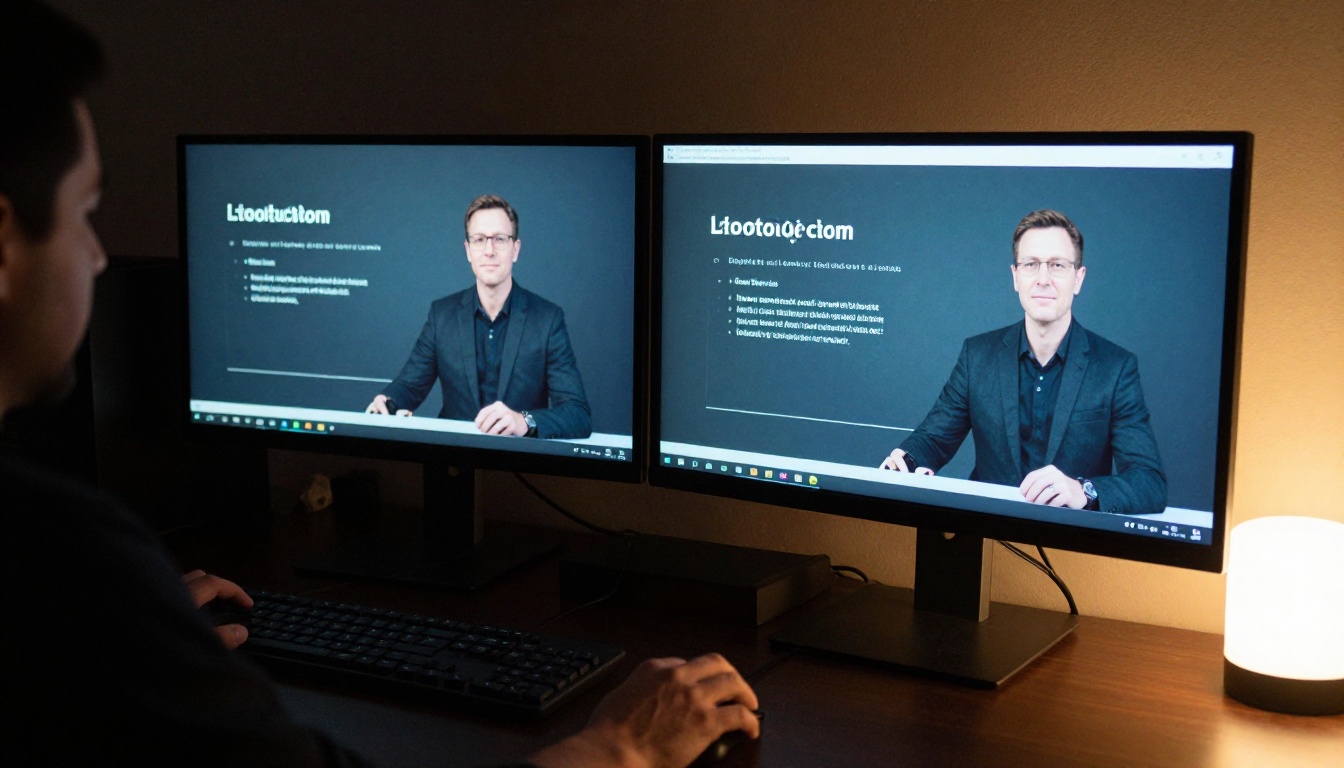
Neither engine is instant. The example runs published for each model give a rough feel:
- Avatar V: a 12 second clip at 1080p finished in about 137 seconds.
- Avatar IV: a 16.9 second clip finished in about 282 seconds, and two other published runs took 252 and 280 seconds.
That is roughly 11 seconds of waiting per second of video for Avatar V and about 17 for Avatar IV. These are single examples, not a controlled benchmark, so queue times and script length will shift them. The practical lesson holds: plan for minutes, not seconds, and render drafts at 720p before you commit to 4K.
💡 Tip: Write all your scripts first, then run them one after another. Rendering time then overlaps with your own editing instead of blocking it.
Who Should Use Which
Training and Internal Updates
A training library needs the same presenter to look and move the same way across dozens of modules. That is the sweet spot for Avatar V with a digital twin of your actual trainer. If you use stock presenters for onboarding clips instead, Avatar IV handles them well and lets you set a Soothing or Serious tone per module.

Social Clips and Ads
Short vertical clips live on first impressions. Avatar V gives you 9:16 and burned-in captions in one run. Avatar IV gives you the close-up layout and an Excited voice, which suits product teasers. For a campaign that mixes both, keep one engine per character so viewers do not notice the shift.
A quick cheat sheet for common jobs:
| Job | Better pick | Reason |
|---|
| Weekly team update from a manager | Avatar V | Consistent look, long scripts |
| Brand mascot explainer | Avatar IV | Works from a still character |
| Course with 20 modules | Avatar V | Same presenter, stable motion |
| Product teaser with an upbeat tone | Avatar IV | Emotion presets and close-up |
| Vertical social clip with captions | Avatar V | 9:16 and captions in one run |
| Multilingual versions of one script | Either | Swap the voice ID and the text |

How to Use Avatar V on PicassoIA
Both engines follow the same flow on Picasso IA, so this walkthrough works for Avatar IV with a few extra options.
Set Up the Run
- Open the Avatar V page.
- Paste your script into
input_text. Keep it under 5,000 characters.
- Add a
voice_id and an avatar_id. Both are required, and the avatar must support Avatar V.
- Pick a
resolution: 720p for drafts, 1080p as the default, 4K for the final file.
- Choose
aspect_ratio 16:9 or 9:16, switch caption on if viewers will watch muted, and run it.
- Wait a few minutes, preview the clip and download it.
For Avatar IV, the steps match, but you also choose avatar_style and voice_emotion instead of a resolution preset.
Parameters Worth Changing
| Parameter | Suggested value | Why |
|---|
voice_speed | 0.9 to 1.1 | Natural pacing without sounding rushed |
resolution | 720p first, 4K last | Cheap drafts, sharp finals |
caption | On for social | Most feeds autoplay without sound |
avatar_style (IV) | closeUp | Fills the frame on phones |
voice_emotion (IV) | Friendly or Broadcaster | Matches most marketing and news scripts |
Common Mistakes
- Wrong avatar: sending an avatar that does not support Avatar V returns an error instead of a video.
- One giant script: past about five minutes, split the text into chapters.
- Numbers and acronyms: write them the way you want them spoken, because the voice reads exactly what you type.
- 4K drafts: test the wording at 720p and spend the extra render time only once.
Make Your First Avatar Video
The fastest way to settle this debate is to run your own script. Open Avatar V and Avatar IV on Picasso IA, paste the same 30 second script into each, and compare the faces, the pacing and the file you get back.
Need a thumbnail or a branded still to go with the clip? Generate it with Seedream 4.5 or Flux 2 Pro. Want a presenter-led video built from a single prompt? Try Video Agent. If you would rather animate a face from audio, Kling Avatar v2 is another option on the same platform.

Pick a script, press run, and judge the result with your own eyes. Create your first avatar video on Picasso IA today and let the render, not the price sheet, make the decision.


