Hidream L1 Fast PrunaAI's Quick Image Tool delivers rapid visual generation without compromising output quality. This optimized text-to-image model represents the intersection of creative technology and practical workflow efficiency. Whether you're producing marketing visuals, social media content, or concept art, the tool's balance of speed and fidelity addresses real creative needs.
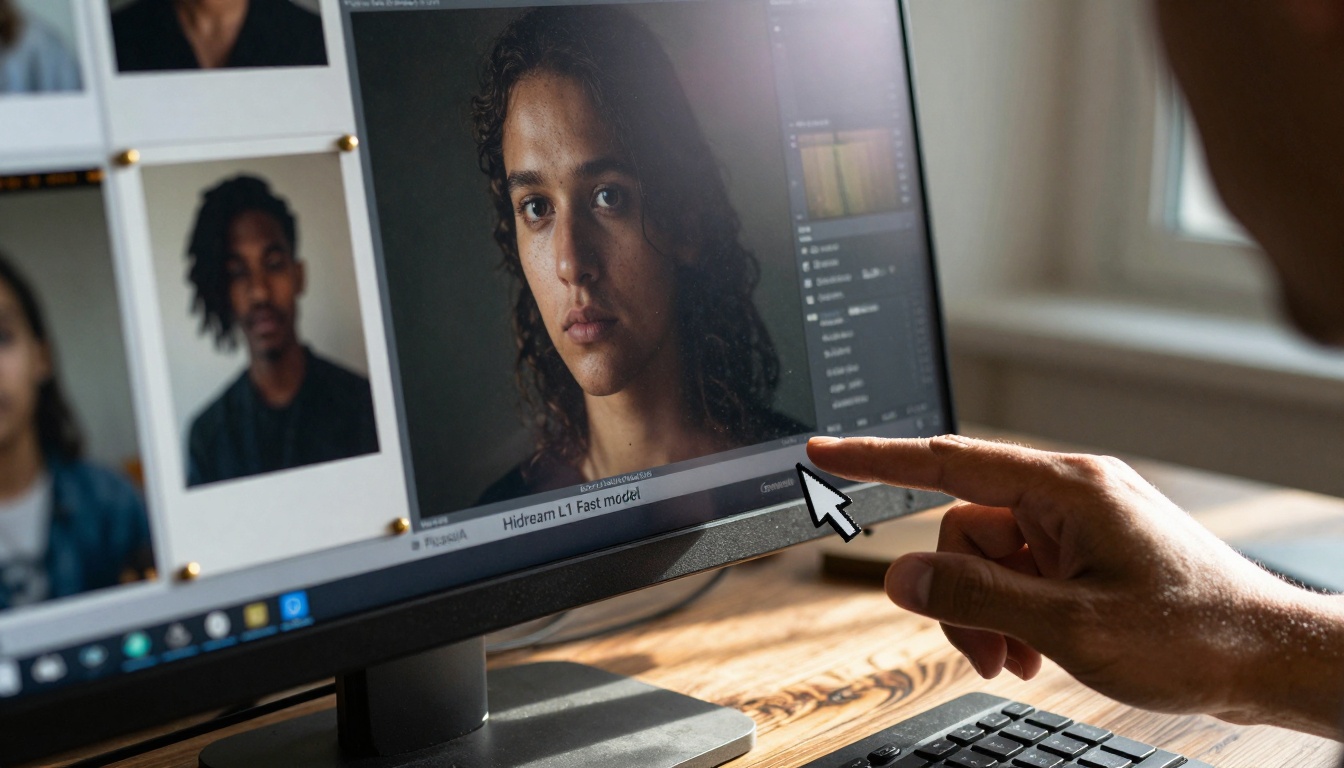
Extreme close-up of the interface showing real-time generation workflow
What Hidream L1 Fast Actually Does
This PrunaAI model transforms text descriptions into high-quality images with configurable speed settings. The core value proposition centers on workflow optimization - reducing wait times while maintaining visual standards. Unlike models that sacrifice quality for speed or vice versa, Hidream L1 Fast provides adjustable parameters that let creators choose their own balance.
💡 Key Differentiator: Four distinct speed modes allow you to match generation time to project requirements, from meticulous quality-focused work to rapid iteration sessions.
The model supports multiple output formats (PNG, JPG, WebP) and seven resolution options, making it adaptable to various platforms and use cases. This flexibility means the same tool can produce social media graphics, printed materials, and digital displays with appropriate technical specifications.
Aerial view of optimized creative workspace
Speed Modes Explained
Hidream L1 Fast offers four speed optimization levels, each with distinct characteristics:
| Speed Mode | Quality Level | Typical Use Case | Generation Time |
|---|
| Unsqueezed 🍋 | Highest quality | Final deliverables, print materials | Longest |
| Lightly Juiced 🍊 | More consistent | Client presentations, portfolio work | Moderate |
| Juiced 🔥 | More speed | Rapid prototyping, concept iteration | Faster |
| Extra Juiced 🚀 | Even more speed | Social media content, quick mockups | Fastest |
The default setting ("Lightly Juiced 🍊") balances consistency with reasonable generation time. This makes sense for most professional workflows where you need reliable outputs without excessive waiting.
💡 Practical Tip: Start with "Juiced 🔥" mode during initial concept exploration, then switch to "Lightly Juiced 🍊" for refinement, finally using "Unsqueezed 🍋" for final deliverables.
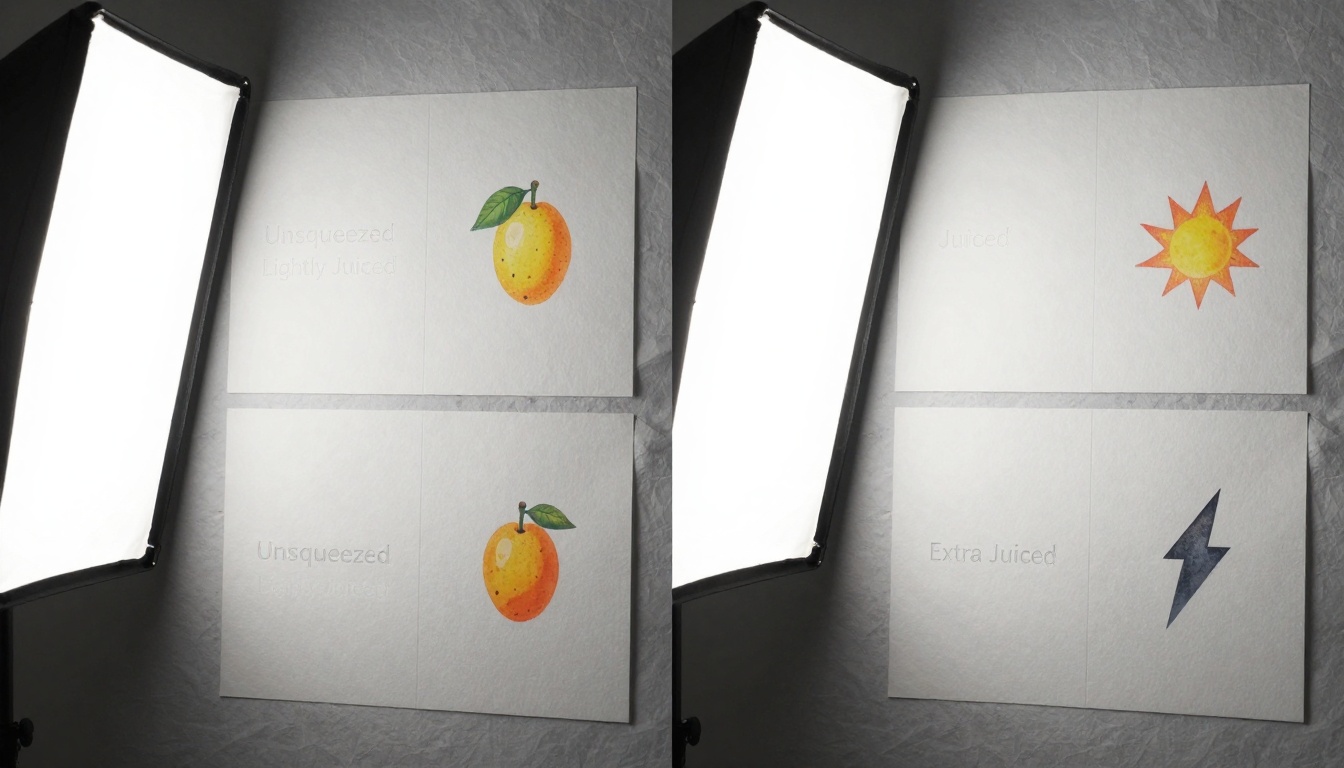
Visual comparison of different speed mode outputs
Resolution Flexibility
Seven output resolutions accommodate diverse project requirements:
Square Formats:
- 1024 × 1024 (Square) - Default option, ideal for social media platforms
- 832 × 1248 (Portrait) - Mobile-first content, stories
- 1248 × 832 (Landscape) - Website headers, banner ads
Portrait Orientations:
- 768 × 1360 (Portrait) - Mobile screens, vertical displays
- 880 × 1168 (Portrait) - Print materials, documents
Landscape Orientations:
- 1360 × 768 (Landscape) - Desktop displays, presentations
- 1168 × 880 (Landscape) - Widescreen formats, video thumbnails
Each resolution maintains aspect ratio integrity, avoiding distorted outputs that plague some image generation tools. The model's architecture handles different dimensions without quality degradation at edges or corners.
Gallery display showing different resolution outputs
Three file formats provide technical flexibility:
PNG - Lossless compression, transparency support, archival quality
- Best for: Graphic design elements, logos, assets requiring transparency
- File size: Larger, but preserves every pixel detail
- Color depth: 24-bit RGB with 8-bit alpha channel
JPG - Lossy compression, universal compatibility, web optimization
- Best for: Photographic content, website images, email campaigns
- File size: Configurable quality settings (default 100%)
- Compression: Adjustable quality parameter controls file size
WebP - Modern format, excellent compression, browser support
- Best for: Web performance, progressive loading, responsive designs
- Default format: WebP balances quality with file size efficiency
- Adoption: Growing browser support makes this increasingly practical
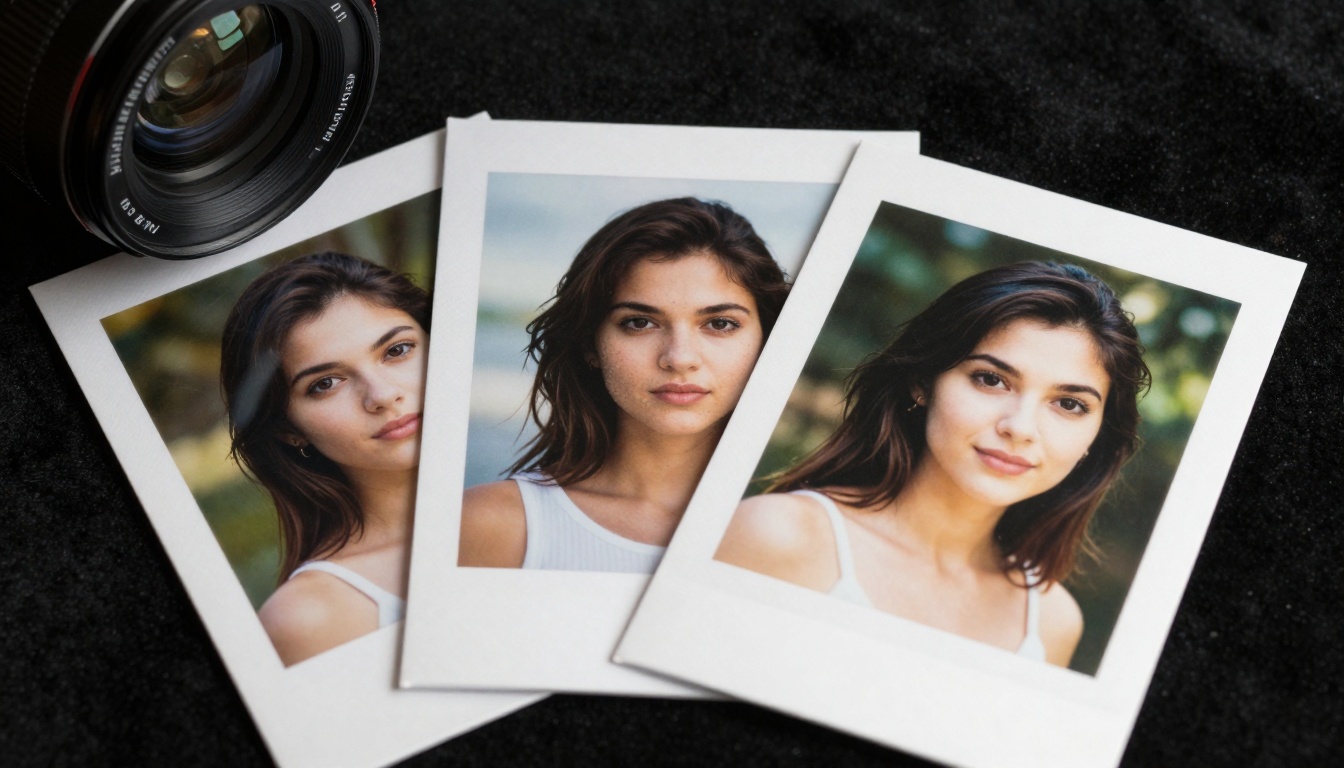
Macro photograph showing different paper textures for each format
Advanced Parameters
Beyond basic settings, Hidream L1 Fast includes professional-grade controls:
Seed Parameter (-1 for random, specific values for consistency)
- Random seed (-1) generates unique variations each time
- Fixed seeds reproduce identical outputs from same prompts
- Useful for A/B testing, series consistency, brand guidelines
Negative Prompt (text describing what to avoid)
- Exclude unwanted elements from generated images
- Refine outputs without regenerating from scratch
- Default negative prompt handles common issues automatically
Output Quality (1-100 for JPG and WebP formats)
- Fine-tune compression versus detail preservation
- Lower values reduce file size for web optimization
- Higher values maintain fidelity for print applications
Technical comparison showing seed parameter effects
Real-World Applications
Marketing Teams use Hidream L1 Fast for:
- Campaign visual ideation without stock photo licensing
- A/B testing different visual approaches
- Rapid response to trending topics with custom imagery
Content Creators leverage the tool for:
- Social media graphics matching brand aesthetic
- Blog post illustrations created on-demand
- YouTube thumbnail generation with consistent style
Product Designers apply it to:
- Concept visualization before 3D modeling
- User interface mockups with custom imagery
- Packaging design exploration with realistic renders
Game Developers utilize it for:
- Character concept art generation
- Environment mood boards
- Asset texture inspiration

Team collaboration session using generated outputs
How to Use Hidream L1 Fast on PicassoIA
The model is available on PicassoIA's platform, offering straightforward access through their web interface.
Step 1: Access the Model Page
Navigate directly to the Hidream L1 Fast model page using the provided URL. The interface presents all parameters in organized sections, making configuration intuitive even for first-time users.
Step 2: Configure Required Parameters
Only the prompt field is strictly required. Enter descriptive text of what you want to generate. Specificity improves results - instead of "a dog," try "a golden retriever puppy playing in autumn leaves, afternoon sunlight, shallow depth of field."
Step 3: Adjust Optional Settings
Modify any optional parameters based on your needs:
- Seed: Set to -1 for random or specific value for consistency
- Resolution: Choose from seven aspect ratio options
- Speed Mode: Select based on quality/time balance needed
- Output Format: PNG, JPG, or WebP based on use case
- Output Quality: 1-100 for JPG/WebP compression control
- Negative Prompt: Text describing elements to exclude
Step 4: Generate the Output
Click the generate button to start processing. Generation time varies based on selected speed mode and complexity of prompt. The interface provides progress indication and estimated completion time.
Step 5: Download the Result
Once generation completes, download the image through the provided interface. The platform typically offers direct download links with options for different resolutions or formats if needed.

Professional reviewing generated outputs
Integration with Other PicassoIA Models
Hidream L1 Fast works well within the broader PicassoIA ecosystem. Consider these complementary workflows:
With Flux models: Use Hidream L1 Fast for rapid concept generation, then refine with Flux for higher-quality final outputs.
With p-image-edit: Generate base images with Hidream L1 Fast, then apply edits and refinements using the dedicated editing model.
With SDXL: Compare outputs between different model architectures to find the best fit for specific visual styles or project requirements.
With Real-ESRGAN: Generate with Hidream L1 Fast, then upscale results for print or high-resolution display applications.
Hardware Requirements: The model runs on PicassoIA's infrastructure, eliminating local hardware constraints. This makes it accessible to creators with varying technical resources.
Cost Efficiency: Compared to training custom models or licensing stock photography, Hidream L1 Fast offers predictable pricing through PicassoIA's credit system.
Scalability: The model handles batch processing efficiently, making it suitable for production workflows requiring multiple variations or A/B testing scenarios.
API Integration: For developers, the model can be integrated into custom applications through PicassoIA's API endpoints, enabling automated workflows and custom interfaces.
Extended creative session showing practical application
Technical Architecture Insights
Hidream L1 Fast utilizes optimized diffusion techniques that reduce computational requirements without sacrificing output quality. The model's "fast" designation comes from architectural innovations in the inference pipeline rather than simple quality compromises.
The speed modes represent different optimization levels in the generation process:
- Unsqueezed: Full diffusion process with maximum sampling steps
- Lightly Juiced: Optimized sampling with quality preservation
- Juiced: Aggressive optimization for faster iteration
- Extra Juiced: Maximum speed with acceptable quality for rapid prototyping
Resolution handling maintains quality across different dimensions through adaptive scaling techniques rather than simple resizing operations. This ensures that portrait and landscape outputs maintain the same perceptual quality as square formats.
Quality Assurance Factors
Several mechanisms ensure consistent output quality:
Prompt Understanding: The model demonstrates strong comprehension of complex descriptions, handling nuanced requests better than earlier generation tools.
Style Consistency: Within a generation session, outputs maintain coherent visual style even with varied prompts, useful for creating series or collections.
Artifact Reduction: Advanced post-processing minimizes common AI generation artifacts like distorted anatomy, unrealistic lighting, or texture repetition.
Color Accuracy: The model produces realistic color reproduction across different lighting conditions and subject matters.
Common Use Case Patterns
Based on observed implementation patterns, these workflows deliver the best results:
Iterative Refinement: Generate multiple variations quickly, select the strongest direction, then refine with higher quality settings.
Style Exploration: Test different artistic directions without committing extensive time or resources to any single approach.
Asset Production: Create custom visuals for specific projects rather than adapting stock photography to fit requirements.
Concept Validation: Visualize ideas before investing in more expensive production methods like photography or illustration commissions.
Getting Started Recommendations
For new users, this approach yields the fastest learning curve:
- Start Simple: Begin with straightforward prompts and default settings to understand basic functionality
- Experiment Systematically: Change one parameter at a time to observe specific effects
- Document Results: Keep notes on which settings produce desired outcomes for different types of content
- Build Templates: Create parameter combinations that work reliably for recurring needs
- Iterate Gradually: Move from simple to complex applications as comfort increases
The model's flexibility means there's no single "correct" way to use it. Different creators will develop personalized workflows based on their specific needs, visual style preferences, and project requirements.
Future Development Potential
As AI image generation technology evolves, models like Hidream L1 Fast will likely see continued improvements in:
Speed Optimization: Further reductions in generation time without quality trade-offs
Prompt Understanding: Enhanced comprehension of complex, multi-concept descriptions
Style Control: Finer-grained control over artistic direction and visual aesthetics
Integration Depth: Deeper connections with other creative tools and platforms
Customization Options: More parameters for specialized applications and niche requirements
The current version represents a significant step toward practical, production-ready AI image generation that fits within professional creative workflows rather than existing as a separate novelty tool.
Your Next Steps
Begin exploring Hidream L1 Fast with a specific project in mind. Rather than testing abstract capabilities, apply the tool to a real creative need - whether that's social media graphics for an upcoming campaign, concept art for a design project, or illustrations for content creation.
The model's parameter flexibility means you can adjust settings based on what matters most for each project: absolute quality for final deliverables, speed for rapid iteration, or balance for general workflow efficiency.
As you develop experience with the tool, you'll discover your own optimal settings and workflows that match your creative process, technical requirements, and quality standards.
The combination of speed, quality, and flexibility makes Hidream L1 Fast a practical addition to modern creative toolkits, offering tangible productivity benefits without requiring extensive technical expertise or specialized hardware.


