The debate between Higgsfield and Runway keeps coming up in every AI video creator community right now, and for good reason. Both platforms promise to turn your text prompts into cinematic footage, but they take very different approaches to what that actually means in practice. Before you commit to a subscription, here is a clear breakdown of what each tool does well, where each one struggles, and which one is actually worth your money based on your specific workflow.

If you have not used either platform yet, the surface-level pitch sounds nearly identical: type a description, get a video clip. But the actual experience differs significantly once you are inside the tools and generating real footage. The architecture, the intended user, and the quality targets are all built around different assumptions about who is creating and why.
Higgsfield at a Glance
Higgsfield launched with a specific focus on social-first video content. The platform is built around short, punchy clips optimized for feeds and reels. Its interface is streamlined, intentionally simple, and designed to get you from prompt to downloadable clip with as few clicks as possible. The emotional consistency of characters across clips is a standout feature, which makes it particularly appealing for storytelling content.
The platform emphasizes realistic human motion and face-consistent character generation, which solves one of the most persistent problems in AI video: characters changing appearance between shots. For brands running serialized content or narrative-driven campaigns, that is a meaningful technical advantage that most competing tools cannot match at the same level of reliability.

Runway at a Glance
Runway is a full creative suite, not just a video generator. It started as an editing platform and has evolved into one of the most capable AI video tools on the market, with Gen 4 Turbo and Gen 4.5 representing its flagship text-to-video models. Beyond generation, it offers inpainting, outpainting, motion brush controls, and a full editing timeline that lets you build sequences without leaving the platform.
Runway targets professionals: video editors, filmmakers, agencies, and studios. The tool is significantly more complex than Higgsfield, with more parameters to control and more ways to iterate on a clip before exporting. That depth of control comes with a steeper learning curve and a price tag that reflects the professional positioning of the product.
Video Quality Side by Side
This is the section that actually matters. Specs and feature lists only go so far. What does the footage actually look like when you run the same prompt through both platforms and sit down to compare the results?
Motion and Realism
Higgsfield tends to produce smoother, more consistent motion on human subjects. Walking, gesturing, and facial expressions hold up well without the artifacts that plague many AI video generators when dealing with prolonged shots of people. The tradeoff is that environmental elements, complex backgrounds, and ambitious camera movements can feel more constrained compared to what Runway produces.
Runway's Gen 4.5 produces footage that is often more cinematic in scope: sweeping camera movements, more complex environments, and dramatic lighting transitions that feel intentional rather than accidental. The platform handles non-human subjects and abstract visuals more convincingly. Where it can struggle is with prolonged shots of specific human faces, where the character consistency that Higgsfield specializes in can waver over a longer clip.

💡 Tip: For head-to-head testing, use the same prompt on both platforms. Something like "a woman walking through a rain-soaked city street at night" reveals differences in motion quality and environmental realism almost immediately.
Prompt Accuracy
Both platforms interpret natural-language prompts reasonably well, but Runway gives you more levers to pull. You can combine image references with text prompts, use motion brush to direct where movement happens in a frame, and apply camera direction controls such as push in, orbit, and pan left. These controls go deeper than most platforms offer at this level of precision and make Runway significantly more useful for creators who have a specific shot in mind and need to execute it exactly.
Higgsfield's prompt interpretation is more automatic and opinionated. It produces good results with shorter, simpler prompts and is less reliant on the user having any technical filmmaking knowledge. For a non-technical creator, that is genuinely a feature rather than a limitation. You spend less time iterating on parameters and more time posting content.

Best for Social Media Creators
Higgsfield wins here without much contest. The speed, the simplified interface, and the social-optimized output format including vertical and square ratios and shorter clip lengths make it a natural fit for TikTok, Instagram Reels, and YouTube Shorts. If your goal is consistent, high-volume short-form content for a personal brand or client roster, Higgsfield removes friction at every step of the workflow.
The character consistency feature is also a serious advantage for creators building a recurring character or brand mascot. Instead of getting a different-looking face every time you run a prompt, you can maintain visual consistency across multiple clips, which is a capability that matters enormously for narrative-driven social content where audience recognition builds over time.
Best for Professional Video Teams
Runway is built for people who already know what they are doing with video. Editors who want AI to accelerate their production pipeline, agencies that need cinematic-quality output for branded deliverables, and filmmakers exploring AI-assisted production all belong in Runway's ecosystem rather than Higgsfield's.
The Gen 4 Turbo model in particular is fast enough for iterative creative work and rounds of client feedback, while Gen 4.5 pushes the quality ceiling for finalized deliverables where output resolution and visual fidelity are non-negotiable. The combination of these models with Runway's built-in editing tools means you can generate, refine, cut, and export entirely within one platform without bouncing between applications.

Pricing Reality Check
This is where most comparisons get vague. Here is what you are actually looking at when you sit down to choose a plan.
Higgsfield Plans
Higgsfield operates on a credit-based system. The free tier gives you enough credits to genuinely test the platform and produce a small batch of clips before deciding whether to upgrade. Paid plans scale based on credit volume and start at a price point that makes sense for individual creators and small teams. The value proposition is strongest if you generate consistently, since unused credits can roll over depending on the plan tier you are on.
| Plan | Best For | Credit System |
|---|
| Free | Testing the platform | Limited monthly credits |
| Standard | Individual creators | Monthly credit bundle |
| Pro | Teams and brands | Higher volume with rollover credits |
Runway Plans
Runway's pricing reflects its professional positioning without apology. The free tier is genuinely limited, and any meaningful creative work requires a paid plan relatively quickly. The pricing tiers range from individual to team to enterprise, with higher tiers unlocking higher-resolution exports, more concurrent generations, and priority rendering access during peak usage hours.
| Plan | Best For | Key Features |
|---|
| Free | Evaluation only | Very limited credits |
| Standard | Freelancers | 625 credits per month |
| Pro | Agencies | 2,250 credits per month, 4K export |
| Unlimited | Heavy production users | Unlimited under fair use policy |
💡 Note: Runway's credits deplete faster than many users expect, especially when generating longer clips or using 4K resolution settings. Factor actual generation costs carefully before committing to a monthly plan.

Speed and Workflow
Generation Time
Higgsfield is genuinely fast. Clips generate in under a minute for most prompts at standard quality, which matters significantly when you are producing content at volume across multiple clients or accounts. The fast generation cycle also makes iteration practical: run a prompt, review the output, tweak the description, run again. The feedback loop is tight enough to feel more like brainstorming than production.
Runway's generation time varies by model and resolution. Gen 4 Turbo lives up to its name and is notably faster than the standard Gen 4 pipeline, making it workable for rapid ideation. At 4K resolution through Gen 4.5, generation times increase, but for agencies building high-end deliverables the quality output typically justifies the wait when compared against the cost of traditional production methods.
Editing and Export
Runway's built-in editing tools add real practical value to the workflow. You can trim clips, apply style transfers, use the inpainting tool to fix specific problem areas within a frame, and arrange multiple generated clips into a sequence. For creators who want a self-contained production environment that handles generation through final cut, Runway is the stronger option by a significant margin.
Higgsfield's export pipeline is cleaner and faster but offers less post-generation control. You receive the clip, download it, and bring it into your own editing software for any further work. That simplicity is intentional and works well for creators who already have established editing workflows and do not need the generation tool to double as an editor.

Alternatives Worth Trying
The Higgsfield vs Runway comparison captures real differences, but these are not the only two serious options in the AI video space. The category has expanded rapidly, and several other platforms are producing results that compete at or above what either tool offers in specific areas.
More Models Changing the Market
Kling v3 Video from Kwai has emerged as a serious cinematic text-to-video generator with strong motion quality and competitive pricing relative to its output resolution and quality. Seedance 2.0 from ByteDance produces impressive results and is particularly notable for including built-in audio generation alongside the video output, which removes an extra production step for creators who need sound with their clips.
Veo 3 from Google represents one of the most technically ambitious text-to-video models currently available, with native audio generation and 1080p output that rivals dedicated professional production tools. Hailuo 02 from Minimax is another strong performer for high-resolution AI video output, while LTX 2.3 Pro from Lightricks generates 4K footage and is built specifically for workflows that demand maximum output resolution without compromise.
For creators who want to work across multiple models without managing separate subscriptions, accessing tools like Wan 2.7 T2V, Pixverse v5.6, Sora 2, and Kling v2.6 through a single unified platform makes the comparison less about picking one permanent winner and more about having the right tool available for each specific project.
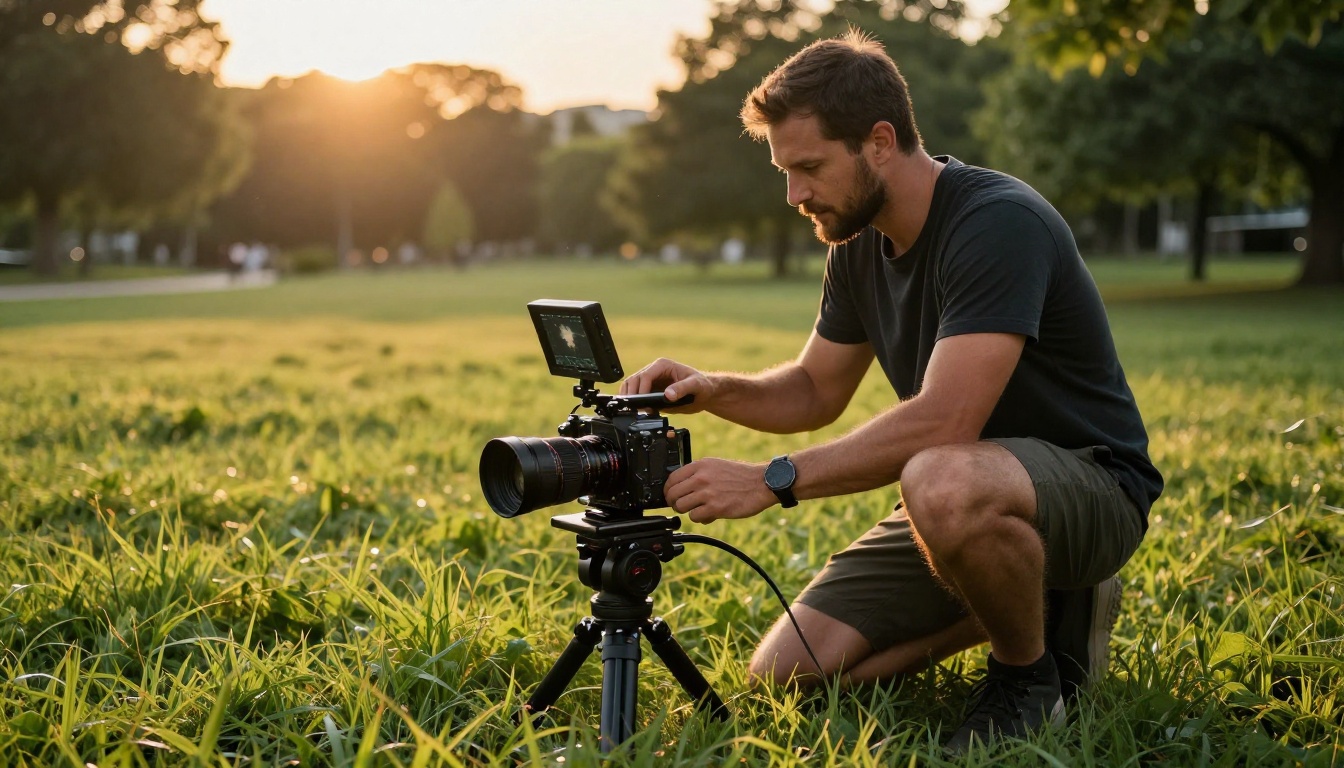
How to Use Runway Gen 4 on PicassoIA
Since Runway's Gen 4 models are available directly through PicassoIA, you do not need a separate Runway subscription to access the technology and start generating footage. Here is how to use Gen 4 Turbo and Gen 4.5 through the platform.
Step 1: Choose Your Model
Navigate to the text-to-video section on PicassoIA and select either Gen 4 Turbo for speed-focused iteration or Gen 4.5 for highest-quality final output. Turbo is the right choice when you are running multiple prompt variations and need fast feedback. Gen 4.5 is the choice when you are ready to produce the final deliverable and quality is the priority.
Step 2: Write a Strong Prompt
Runway Gen 4 responds well to specific, directional prompts that include camera movement instructions directly in the text. Try something like: "slow push in on a woman sitting by a rain-streaked window, early morning diffused light, 16mm film grain, muted color palette." The more specific your direction, the more intentional and cinematic the result.
Step 3: Set Duration and Ratio
Choose clip length (typically 5 or 10 seconds) and aspect ratio based on your output destination. Use 16:9 for landscape video destined for YouTube or branded content. Use 9:16 for vertical social media content going to Reels or TikTok.
Step 4: Iterate and Refine
Run your initial prompt, review the clip, and adjust based on what you see. Change camera direction, lighting references, or subject behavior until the clip matches your creative intention. The fast turnaround time on Gen 4 Turbo makes this iterative process practical rather than frustrating.
Step 5: Download and Edit
Export your final clip and bring it into your editing software of choice. Runway Gen 4 clips are clean, high-quality outputs that are ready for color grading, audio layering, and timeline assembly without additional cleanup work.
💡 Tip: Combining Gen 4 Turbo for rough concept clips with Gen 4.5 for final hero shots gives you both generation speed and peak output quality in the same production pipeline without doubling your credit spend unnecessarily.

Which One Actually Fits Your Work
The right answer between Higgsfield and Runway comes down to what kind of creator you are and what kind of output you need to produce consistently.
If you create high-volume social content, need fast turnarounds, want character consistency across clips, and prefer a simplified interface that does not require filmmaking expertise to operate effectively, Higgsfield is the better fit for your daily workflow. The platform is built for exactly this use case and it delivers on that promise without requiring you to invest significant time learning complex controls.
If you are a professional video editor, work with agency clients, need cinematic-quality output at high resolution, want full creative control over camera movement and visual style, and can invest time in learning a more complex tool, Runway's Gen 4 and Gen 4.5 are in a class of their own for professional production work. The depth of control and quality ceiling justify the higher price and steeper learning curve when the output is going to clients who have high expectations.
For most creators, the most strategic move is not choosing one and ignoring the other. It is accessing Runway's models alongside Kling v3 Video, Seedance 2.0, Veo 3, Hailuo 02, and Wan 2.7 T2V through a single platform that consolidates the best text-to-video models in one place. That way you stop limiting yourself to a single platform's strengths and start choosing the right model for each specific project based on what the shot actually requires.
Try generating your first AI video clip today. The output quality across today's top models is remarkable, and the only way to find your preferred tool is to run your prompts and see what comes back on screen.


