There is a moment, when you first see an AI image and recognize it as "Van Gogh style" or "Monet-inspired," that feels slightly eerie. The swirling strokes, the thick impasto, the specific way light bleeds at the horizon: all of it is there, generated in seconds. How does it work? The short answer involves mathematics, massive datasets, and a clever trick called neural style transfer. The long answer is much more interesting.
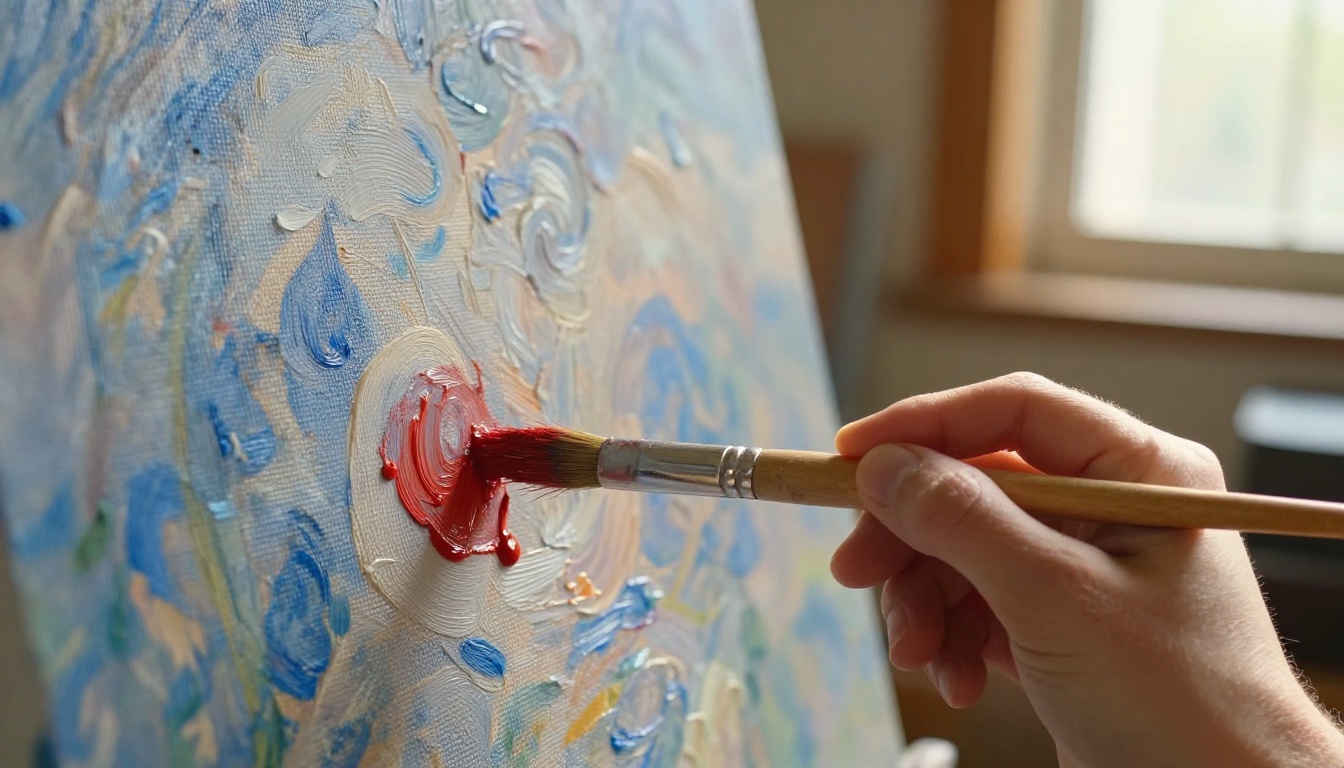
What Style Transfer Actually Is
The phrase "style transfer" sounds artistic, but it describes a very specific computational process. At its core, style transfer is the act of separating two things that humans intuitively blend together: what an image depicts (its content) and how it is depicted (its style).
When you look at Starry Night, you see a village and sky. That is content. But the swirling brushwork, the specific yellows and blues, the way stars seem to pulse: that is style. Humans can distinguish these intuitively. Teaching a machine to do the same is a different problem entirely.
Not Magic, Just Math
Neural style transfer was formally introduced in a 2015 paper by Gatys, Ecker, and Bethge. The method used a convolutional neural network (CNN), specifically VGG-19, a network originally built for image classification. What the researchers discovered was that different layers of a CNN encode different types of information.
Early layers capture low-level features: edges, colors, textures. Deeper layers capture high-level structure: objects, scenes, compositions. Style, it turned out, could be extracted by analyzing how features correlate across early layers. Content lived in the deeper layers.
By optimizing a new image to match the style statistics of a reference artwork and the content representation of a target photo, the network could blend the two.
The Two Networks Involved
Classic style transfer uses a single pretrained CNN acting as a "judge." More recent methods use two separate networks:
| Network | Role |
|---|
| Generator | Creates the stylized image |
| Discriminator | Evaluates if it looks convincing |
This adversarial setup, known as a GAN (Generative Adversarial Network), produces sharper and more coherent results than the original optimization approach. The generator keeps improving because the discriminator keeps calling out flaws.
How Neural Networks See Art
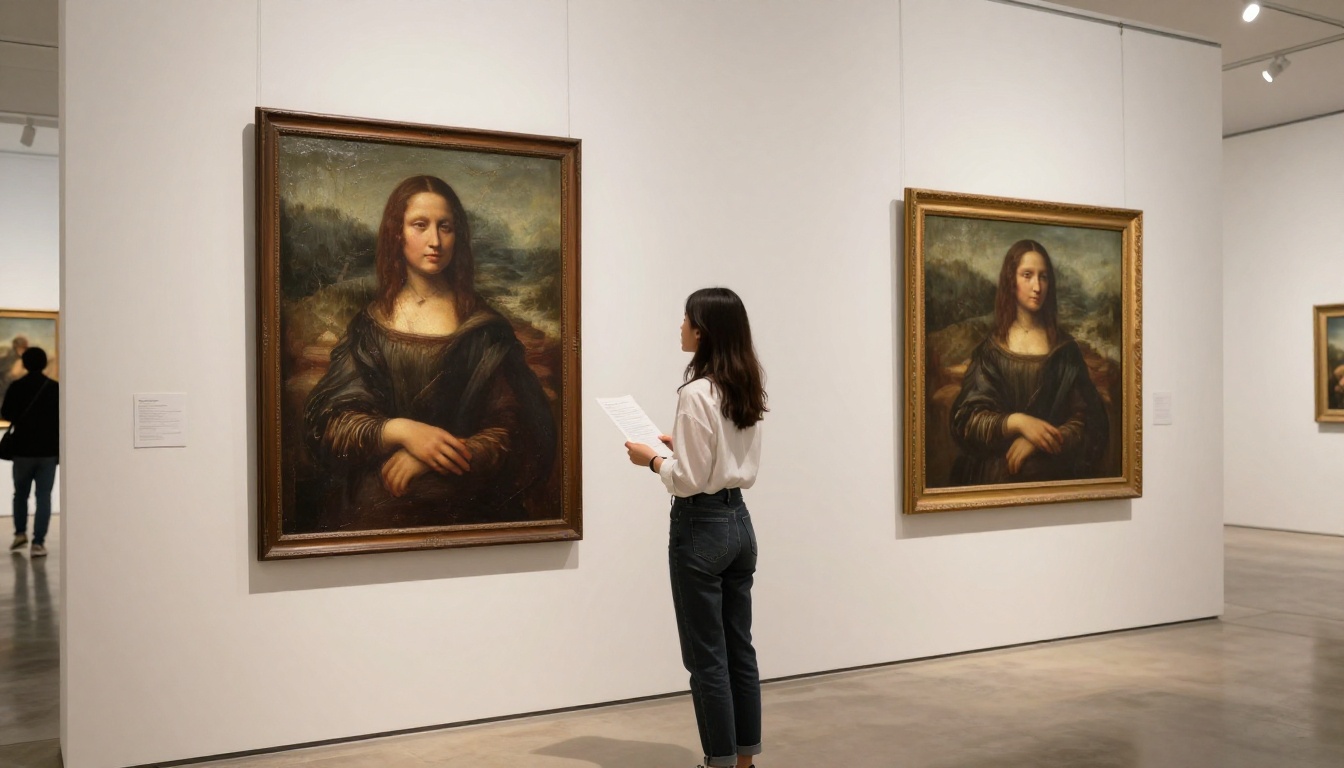
To copy an art style, an AI must first understand what that style consists of. This is not as simple as matching colors. A skilled impressionist painting has a specific texture frequency, a characteristic way brush marks of different sizes are distributed. It has a color palette with specific saturation and temperature relationships. It has spatial composition habits: where the artist tends to place horizon lines, how much negative space is used.
A CNN extracts all of this systematically by passing an image through millions of learned filters.
Breaking Down an Image Layer by Layer
Think of it as a dissection. The network slices the image apart into feature maps at each layer:
- Layer 1: Detects edges and color transitions
- Layer 3: Identifies textures and small repetitive patterns
- Layer 7: Recognizes object parts (a face, a tree canopy)
- Layer 15+: Identifies full objects and their relationships
Style information is captured by computing a Gram matrix at each layer. This matrix measures how different features co-occur across an image. The pattern of co-occurrence is, mathematically, what defines a style. Two images that look totally different in content but share the same Gram matrix statistics will look like they were painted by the same hand.
Content vs. Style Separation
The elegant insight here is that style and content are encoded in different parts of the network. You can "dial" each one independently.
A quick analogy: Think of a sentence. The words are the content. The tone, rhythm, and sentence structure are the style. You can say the same thing in the style of Hemingway or Faulkner. Neural style transfer does the same thing with pixels.
This separation is what makes the whole system work at speed. Once you have a trained network that can extract style and content features reliably, generating a new stylized image is just optimization: run gradient descent on a blank canvas until it satisfies both constraints.
The Speed Factor: Why It's So Fast Now
The original Gatys method from 2015 was painfully slow. Generating a single 512x512 stylized image on a standard CPU took hours. Today, the same quality output takes under a second on a consumer GPU. What changed?
GPU Power Changed Everything
The jump from CPU to GPU computing was the first major accelerant. GPUs are designed for massively parallel computation, exactly the type of math needed for neural networks. A modern NVIDIA A100 GPU performs over 312 teraFLOPS of tensor operations per second.
But hardware alone did not explain the full speedup. The architecture changed too.
From Hours to Seconds
Feed-forward style transfer networks (introduced in 2016 by Johnson et al.) replaced the slow optimization loop with a trained network. Instead of iterating on a blank canvas for thousands of steps, you train the network once on millions of images to perform a style transformation in a single forward pass.
The result: style transfer that ran in real-time on video. The computation moved from "how do I adjust this image to look more like Van Gogh?" to "I have already learned how to do that, here is the output."
| Method | Speed | Quality |
|---|
| Optimization (2015) | Minutes to hours | High |
| Feed-forward networks (2016) | 10-50ms | Good |
| Diffusion models (2022+) | 1-5 seconds | Very High |
| Modern fast models (2024+) | Under 1 second | Excellent |
Modern models like Flux Schnell generate images in under a second. The speed is not from shortcuts. It is from better architectures that learned to compress more knowledge into fewer computational steps.
Diffusion Models: A Different Approach
Diffusion models represent a fundamentally different approach to image synthesis. Where GANs pit two networks against each other, diffusion models learn a quieter, more mathematical process: how to reverse noise.
How They Learn Style from Scratch
The training process works like this:
- Take a real image
- Gradually add random noise over many steps until the image is pure static
- Train the network to predict and remove noise at each step
- After training, start with pure noise and reverse the process
What this produces is a network that has deeply encoded the statistical patterns of its training data. When you say "paint this in the style of impressionism," the model has seen enough impressionist images during training that it knows exactly which noise patterns to reverse toward.
The critical point: style is not a filter applied on top. It is baked into the generation process itself. The model does not add brushstrokes to a photo. It generates the entire image from scratch with those brushstrokes as a fundamental property.
Training on Billions of Images
Stable Diffusion was trained on LAION-5B, a dataset of five billion image-text pairs. SDXL extended this with higher-resolution training data and improved caption quality.
When a model trains on five billion images tagged with style descriptors, it does not just see "impressionist painting" a few times. It sees it millions of times, across different artists, subjects, lighting conditions, and color palettes. The result is a model that has internalized an impressionist "style space" far richer than any single artist's body of work.
What this means practically: When you type "paint this in the style of Monet," the model has encoded every statistical regularity of Monet-adjacent imagery: the way his palette tends toward blues and violets, the horizontal stroke rhythm at water surfaces, the soft diffusion of edges in his late period. It produces all of these simultaneously, not because it was taught rules, but because it learned patterns.
The Role of LoRA in Style Control
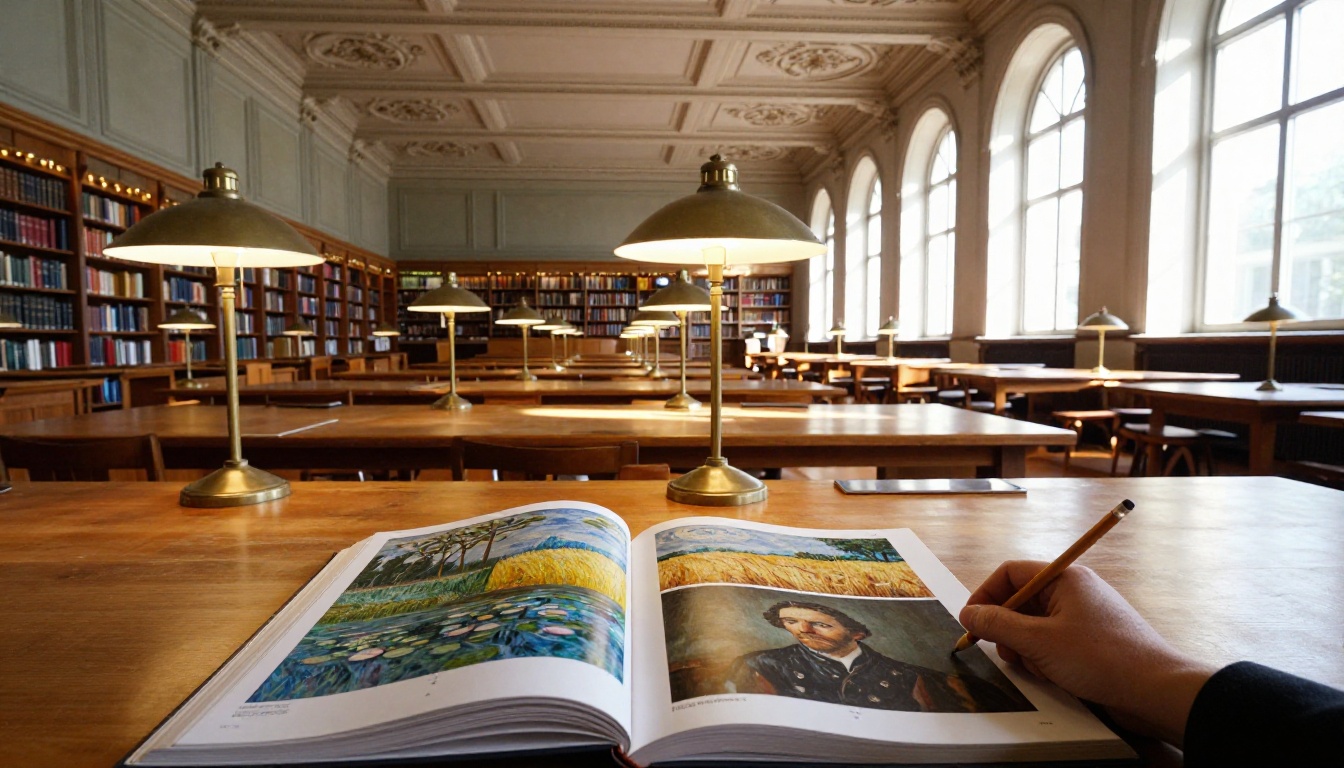
One of the most powerful approaches for precise style copying is LoRA (Low-Rank Adaptation). It allows an AI to learn a specific style without retraining the entire model from scratch.
Style Without Full Retraining
Full fine-tuning of a model like Stable Diffusion 3.5 Large requires enormous compute and hundreds of thousands of training images. LoRA changes the economics completely.
A LoRA works by adding a small set of trainable weight matrices that sit alongside the original model's weights. These matrices are tiny compared to the full model (typically under 200MB). But they are highly targeted. They push the model's outputs toward a specific style domain.
Training a style LoRA requires:
- As few as 20-50 reference images in the target style
- A few hours of training on a single GPU
- A small output file that can be swapped in and out
The Flux Dev LoRA model takes this further, allowing LoRA weights to be applied directly within a high-quality generation pipeline for flexible style application.
Why Artists Use LoRA
The appeal for working artists is obvious. You can train a LoRA on your own artwork or on a specific historical artist's style and get an AI that generates images consistent with that style on demand.
| LoRA Parameter | What It Controls |
|---|
| Training images | The visual style encoded |
| Learning rate | How strongly style overrides the base model |
| Steps | Depth of style internalization |
| Trigger word | The text phrase that activates the LoRA |
This is also why style consistency matters at production scale. A company producing illustrated content can train a single LoRA on their existing brand illustrations and generate hundreds of on-brand images without hiring additional artists for each piece.
What AI Can and Cannot Copy
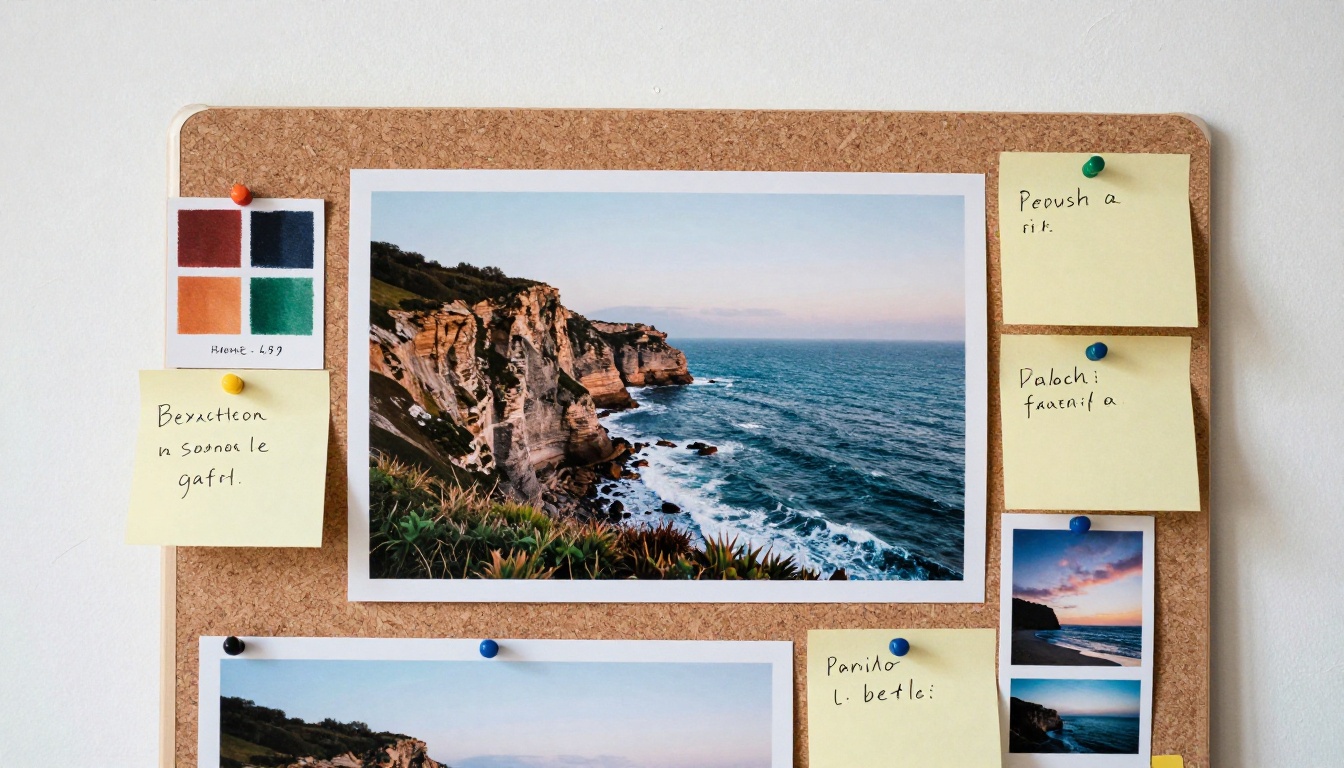
AI is remarkably good at style copying. But it is important to be precise about what "style" means here, and where current models still fall short.
Brushstroke Patterns: Yes
A diffusion model trained on enough impressionist images will generate convincing brushstroke patterns. It will place short, directional strokes in the right density and orientation. It will avoid hard edges. It will blend colors in the specific way that characterizes the style.
What AI copies well:
- Color palette and saturation levels
- Brushstroke texture and directionality
- Compositional habits (horizon placement, subject framing)
- Edge rendering (soft, hard, broken)
- Contrast and tonal range
Emotional Intention: Not Quite
Here is where things get more nuanced. Van Gogh's style was not just a set of technical choices. It emerged from specific emotional states, personal history, and deliberate artistic decisions made with intention.
An AI generating "Van Gogh style" produces something that looks like Van Gogh without any of the underlying intention. The visual statistics are matched. The meaning is absent.
What AI does not copy:
- The artist's intent or motivation
- Improvised decisions made in the moment of creation
- The specific ways a style evolved over time in response to life events
- The physical feel of the material (weight of paint, resistance of canvas)
This distinction matters when evaluating AI art critically, but it does not diminish the utility of the tool. A style is a set of visual patterns. AI copies the patterns extremely well. What those patterns mean is a separate question.
Try It Yourself on PicassoIA
The technology described in this article is not locked behind research labs. It is available right now, and several models on PicassoIA are specifically built for style-driven generation.
Which Models Work Best for Style
Different models have different strengths when it comes to style reproduction:
For photorealistic style transfer:
Flux Dev and Flux Pro are the go-to choices. Both use Black Forest Labs' architecture, which is particularly strong at interpreting style descriptors in text prompts. You can specify "oil painting, thick brushstrokes, warm palette" and the output will reliably reflect those constraints.
For maximum quality and detail:
Flux 1.1 Pro Ultra generates at 4 megapixels, which means style textures are visible at full resolution. Brushstroke patterns, canvas grain, paint layering: all of it renders at a level of detail that approaches scanned artwork.
For editing existing photos into a new style:
Flux Kontext Pro takes an input image and text instructions. You can take a photograph and ask it to be rendered in watercolor, graphite sketch, or oil painting style while preserving the content of the original.
For realistic photographic styles:
RealVisXL v3.0 Turbo and Realistic Vision v5.1 are built specifically for hyperrealistic output. When the "style" you want is documentary photography rather than painterly art, these models deliver.
For fast iteration:
Imagen 4 Fast and Flux Schnell generate at speed, making them ideal for rapid style testing when you want to try multiple style descriptions quickly before committing to a final generation.
Prompting for Style: What Actually Works
The way you describe a style in a prompt directly affects how well the model reproduces it. Vague style words produce vague results. Specific technical descriptions produce precise outputs.
Less effective:
"in the style of impressionism"
More effective:
"loose oil paint brushstrokes, visible impasto texture, soft edges, warm sunlit palette with cobalt blue shadows, Monet-influenced treatment of water reflections, square brush marks in foreground grass"
The second prompt gives the model specific visual statistics to target. Each descriptor maps to a real feature the model has learned from its training data.
A tip worth knowing: Adding art materials to your prompt helps constrain style. "Watercolor wash on cold-press paper," "charcoal on newsprint," and "gouache with matte finish" are each specific enough that the model has strong representations for them.
Your Art, Your Prompt
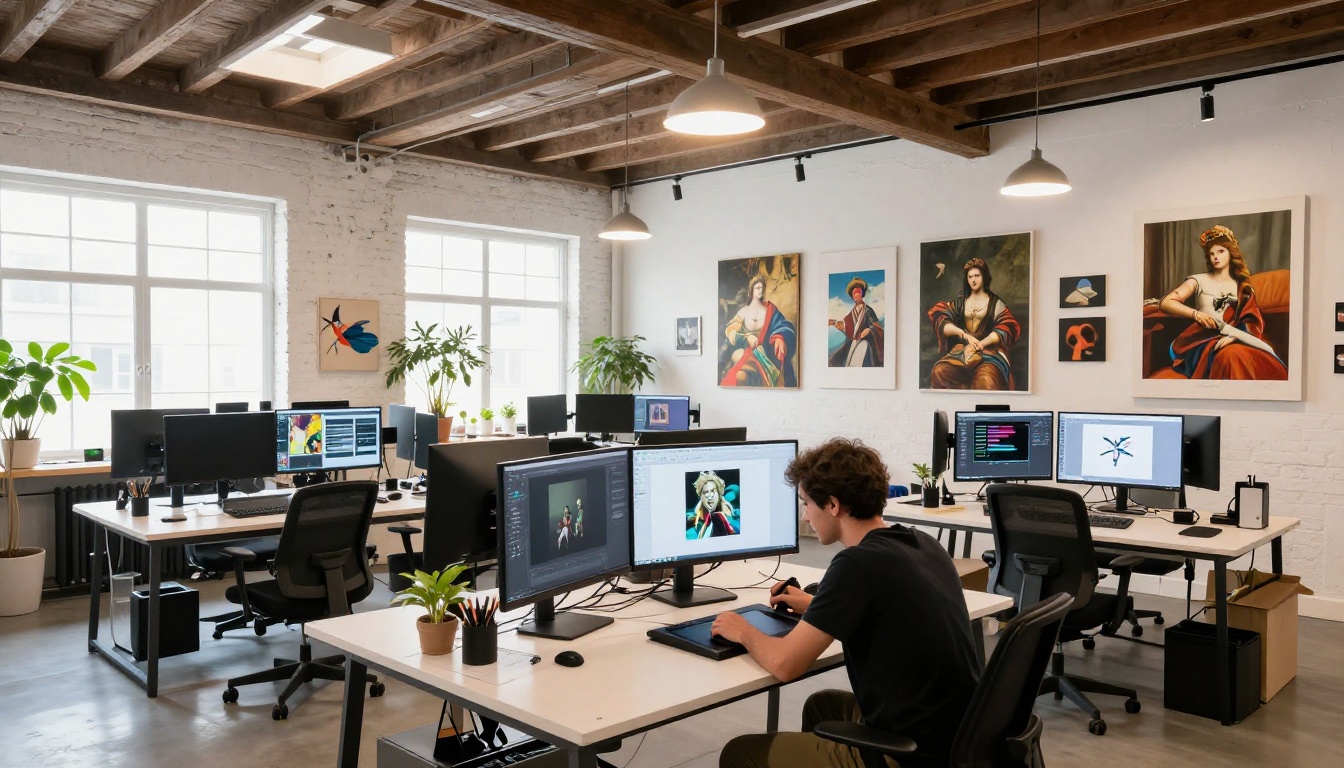
The machinery behind AI style copying is genuinely impressive: convolutional neural networks separating content from style statistics, diffusion models learning to reverse noise through billions of training examples, LoRA adapters encoding specific visual domains in a few hundred megabytes, feed-forward networks collapsing hours of computation into milliseconds.
But the most interesting part is that all of this is now in your hands. You do not need a research background to use it. You need a prompt and access to a model.
Start with a style you find interesting, whether that is the saturated geometry of Klimt, the monochrome grain of Ansel Adams, the loose charcoal lines of Egon Schiele, or simply "afternoon sunlight through linen curtains." Pick a model from the list above. Run it. Then change one word and run it again.
That process of iteration is where the real creativity lives. The AI is handling the computation. The aesthetic decisions are still entirely yours.
Try it now at PicassoIA and see what emerges from your first prompt.


