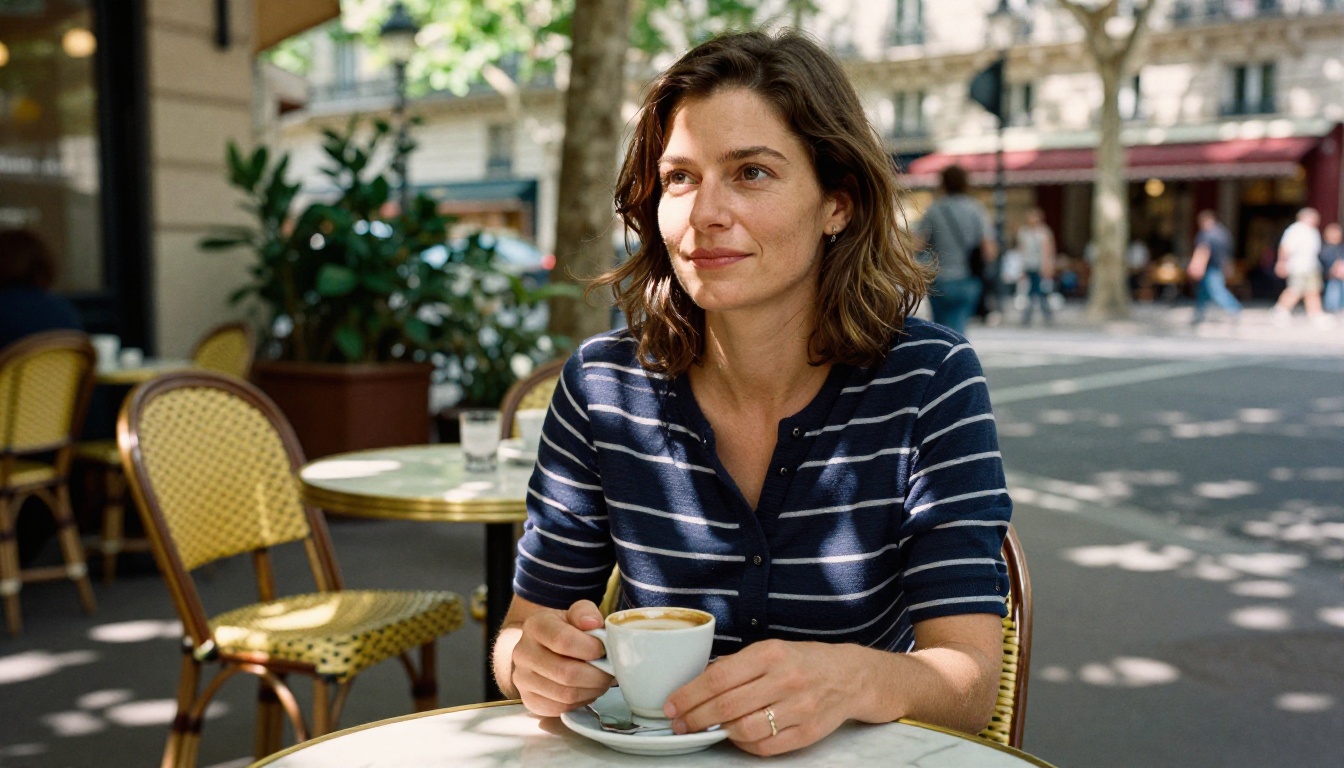
The image looks like it was shot on a Canon camera in afternoon light. The skin texture is real. The shadow under the chin falls naturally. But no photographer was there, no model posed, no studio was rented. A machine made it, in seconds, from a line of text.
That is what AI image generators do now, and the results have crossed a threshold that makes people genuinely stop and question what they are looking at. Knowing how that happens is more interesting than the results themselves.
What Really Happens When You Type a Prompt
Most people assume AI "draws" something when given a text prompt. The reality is more mathematical and, in a strange way, more poetic.
When you type "a woman standing by a window at golden hour," the system does not search a library of photos or remix existing images pixel by pixel. Instead, it encodes your words as numerical vectors, interprets those vectors as conditions in a high-dimensional mathematical space, and then sculpts an image from noise by gradually shaping it toward something that matches those conditions.
From Words to Numbers
The first step involves a text encoder, typically CLIP (Contrastive Language-Image Pretraining) or a similar transformer model. CLIP was trained on hundreds of millions of image-text pairs, learning which words and phrases tend to appear alongside which kinds of visual content.
When your prompt enters the encoder, every word and phrase gets mapped to a point in a high-dimensional vector space. "Window," "golden hour," "woman," and "standing" all contribute positional values that together form a conditioning signal, a numerical fingerprint of your creative intent.
💡 The richer and more specific your prompt, the more precise that fingerprint becomes. "85mm f/1.4 portrait lens, soft bokeh, Kodak Portra 400" is not just flavor text. It shifts the conditioning signal toward a specific region of visual space.
The Latent Space Concept
Rather than working with full-resolution pixels, modern AI image generators operate in latent space, a compressed mathematical representation of images. A 512x512 image might be encoded into a 64x64 latent tensor with 4 channels. This reduces computational cost by roughly 64 times while preserving the essential structure of the image.
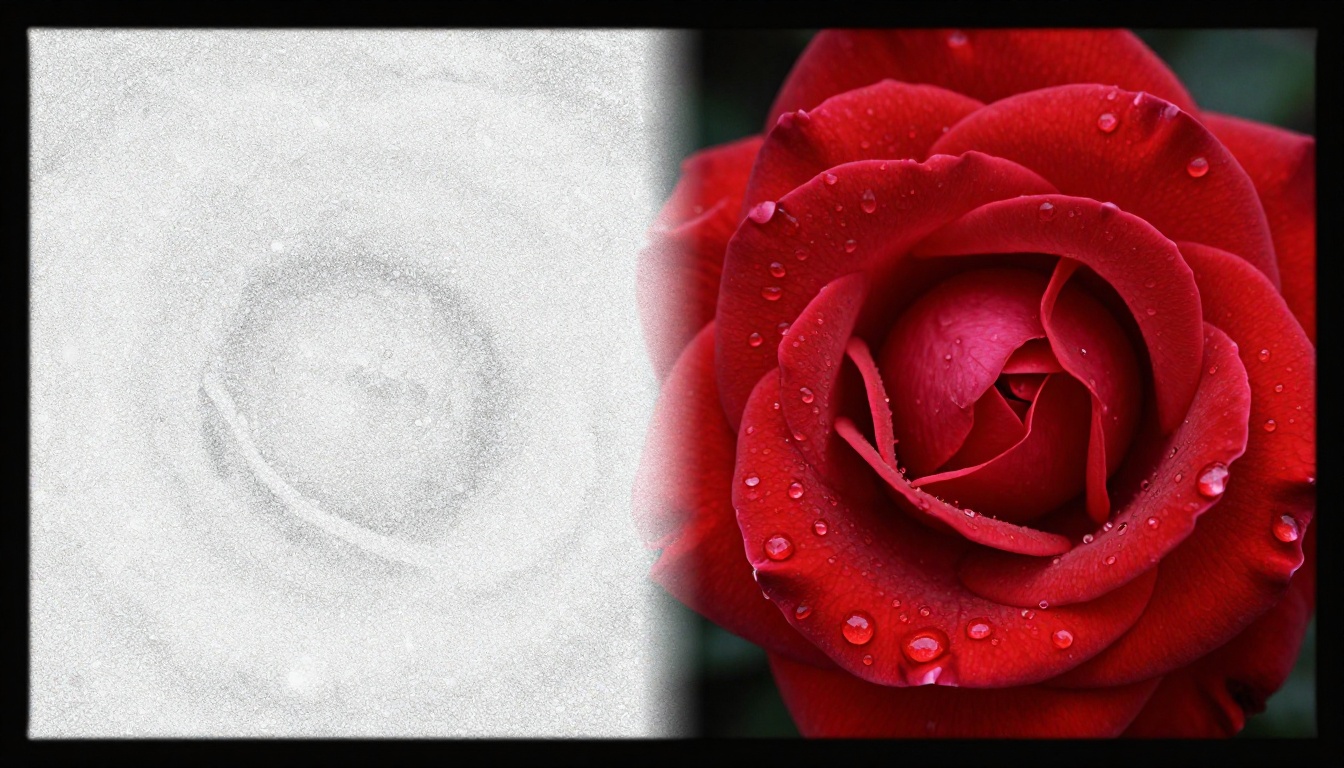
This compression is handled by a Variational Autoencoder (VAE), which has two parts: an encoder that compresses real images into latent tensors, and a decoder that converts latent tensors back to full-resolution images. All the heavy generation work happens in this compact latent space, then gets decoded at the end.
Diffusion Models Explained Simply
The term "diffusion model" sounds complex, but the core idea is surprisingly intuitive once you see what it actually does.
Adding Noise, Then Removing It
During training, the model sees a real photograph. Then, in a controlled process, the training system adds random Gaussian noise to that image, step by step, across hundreds of timesteps, until the original image is completely buried under pure static. The model's job is to learn how to reverse this process, to predict what was removed at each step.
After training on billions of image-noise pairs, the model becomes extremely good at one thing: predicting which noise to subtract from a noisy image to make it look slightly more like something real.
💡 This is the core insight. The model does not "imagine" images from scratch. It starts from random noise and removes noise, step by step, while being guided by your text conditioning. Each step makes the image slightly more coherent.
The Denoising Loop
At inference time, when you generate an image, the process runs in reverse:
- Start with pure Gaussian noise
- Feed noise plus current timestep plus text conditioning into the model
- Model predicts the noise to remove
- Subtract that noise to get a slightly cleaner latent
- Repeat 20 to 50 times until a clear image emerges
- Decode the final latent through the VAE
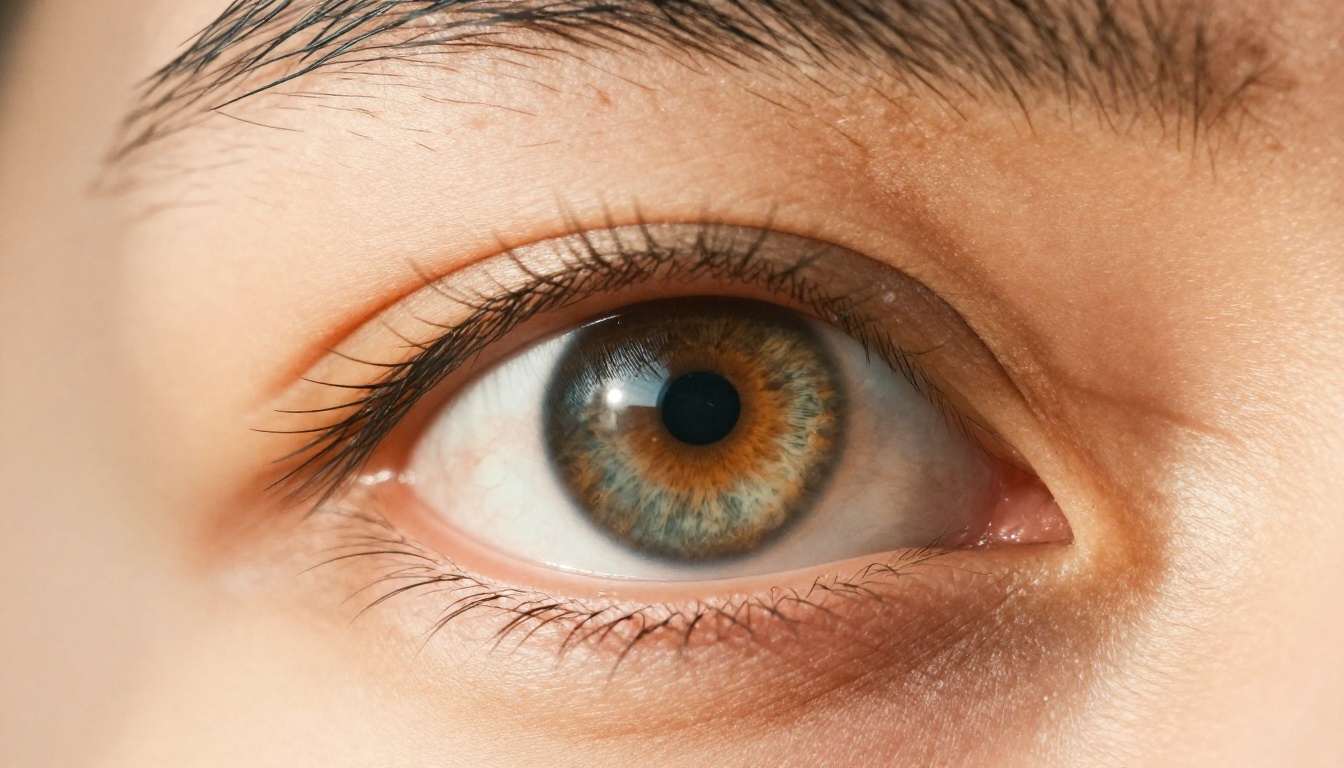
The number of steps, the noise schedule (how aggressively you remove noise), and the guidance scale all affect the final result. Fewer steps produce faster but sometimes less coherent images. Higher guidance scale pushes the image closer to the prompt but can reduce naturalness.
How Your Text Controls the Image
The denoising process on its own would just produce random-looking imagery. The magic of realistic output comes from how text conditioning is woven into every step.
CLIP and Text Encoders
The text encoder produces embedding vectors that travel alongside the image throughout the denoising process. At each step, the model can "check" what the current noisy latent looks like against the text embedding and adjust accordingly.
More modern architectures, like those used in Flux Dev and Stable Diffusion 3.5 Large, use dual or triple text encoders. They combine CLIP with T5, a large language model encoder, giving the system much deeper language processing. This is why newer models handle complex prompts with multiple subjects and relationships far better than earlier versions of Stable Diffusion.
Cross-Attention in Action
The mechanism that connects text to image is called cross-attention. Inside the denoising network, every spatial region of the image latent can "attend" to different parts of the text embedding.
Think of it as the model asking, at every pixel position: "Given what this region currently looks like, and given what the prompt says, what noise should I remove here?"

Cross-attention maps tend to align intuitively. The region corresponding to "woman" in the prompt activates strongly over the face and body area of the image. The region for "window" activates over the background. This spatial alignment is what produces images where elements appear in the right places rather than randomly distributed across the frame.
Why Some Outputs Look More Real
Not all models produce the same quality of photorealism. Several factors explain the gap.
Training Data Volume Matters
A model trained on 2 billion image-text pairs will produce more realistic output than one trained on 100 million, assuming comparable architecture. More data means the model has seen more edge cases, more lighting conditions, more skin tones, more camera artifacts, and more real-world textures.
Imagen 4 Ultra and Flux 1.1 Pro Ultra represent this high-data-volume end of the spectrum. Their outputs at 4MP resolution show a level of fine texture detail, including individual fabric threads, realistic skin subsurface scattering, and authentic lens bokeh, that earlier models could not produce.
Fine-Tuning for Photorealism
Even after base training, many models go through additional fine-tuning on curated datasets of high-quality photography. Realistic Vision v5.1 is a fine-tuned version of Stable Diffusion trained specifically on photorealistic portrait photography. RealVisXL v3.0 Turbo extends SDXL with similar targeted training.
Fine-tuning allows the model to bias its output distribution toward the characteristics of real photographs: natural noise, shallow depth of field, authentic color casts, and the micro-imperfections that make something look taken rather than made.

Another technique, DPO (Direct Preference Optimization) or RLHF (Reinforcement Learning from Human Feedback), involves training the model on human ratings of image quality. Models trained this way learn to prefer outputs that humans rate as more realistic and visually pleasing, creating a feedback loop that narrows the gap with actual photography.
The Best Realistic AI Models Right Now
The current generation of photorealistic models falls into two broad categories: general-purpose models that can produce photorealistic output among other styles, and fine-tuned models optimized specifically for photography-like results.
General-Purpose with Photorealism Strength:
- Flux 2 Pro handles both text input and image-referenced generation, producing output with strong photographic coherence. Excellent for subjects with real-world texture.
- Ideogram v3 Quality produces realistic human figures with particularly reliable anatomy, one of the harder problems for earlier models.
- Seedream 4 outputs at native 4K resolution, making landscape and architectural photography-style images feel genuinely large-format.
Fine-Tuned for Photography:
- Realistic Vision v5.1 remains one of the most reliable models for lifelike portrait photography, particularly skin texture and hair detail.
- RealVisXL v3.0 Turbo adds speed to photorealism, making it practical for rapid iteration. Output at SDXL resolution is consistently convincing.
For users who want to push resolution further after generation, combining any of these models with super-resolution post-processing can take a 1024px output to print quality. Flux Schnell is worth noting here as well: its 4-step generation makes it fast enough for iterating through compositional ideas before committing to a full-quality run on a heavier model.
Prompts That Produce Real-Looking Photos
Knowing how the technology works makes it clear why certain prompt patterns consistently produce more photorealistic results.
Camera and Lens Specifics Work
When you write "Canon EOS R5, 85mm f/1.4, f/2.0 aperture" in a prompt, you are not decorating your request. You are shifting the conditioning signal toward a region of the model's learned distribution associated with real camera photography. The training data includes countless images with EXIF metadata descriptions in their captions, so these terms genuinely influence output.
Lens-specific descriptors that reliably help:
- Focal length: 35mm (wider, environmental), 85mm (portrait, slight compression), 135mm (telephoto, strong background separation)
- Aperture: f/1.4 to f/2.8 produces visible shallow depth of field
- Film stock: Kodak Portra 400, Fujifilm Pro 400H, Kodak Ektar 100 each pull the color palette in distinct directions
Lighting Instructions That Help
Lighting descriptors are among the most powerful tools for photorealism. The model has learned to associate specific phrases with specific light quality:
| Lighting Phrase | Effect |
|---|
| "Volumetric morning light from the left" | Directional, golden hour quality with visible rays |
| "Overcast soft diffused light" | Flat, even exposure with no harsh shadows |
| "Practical light from laptop screen" | Blue-cool fill light, interior ambient |
| "Rim light from behind" | Subject silhouette glow, separates from background |
| "Window light, hard shadow line" | Dramatic side lighting, strong contrast |
💡 The more precisely you describe light direction, color temperature, and quality (hard vs. soft), the more the model's cross-attention system can align the spatial lighting in your image with those conditions.
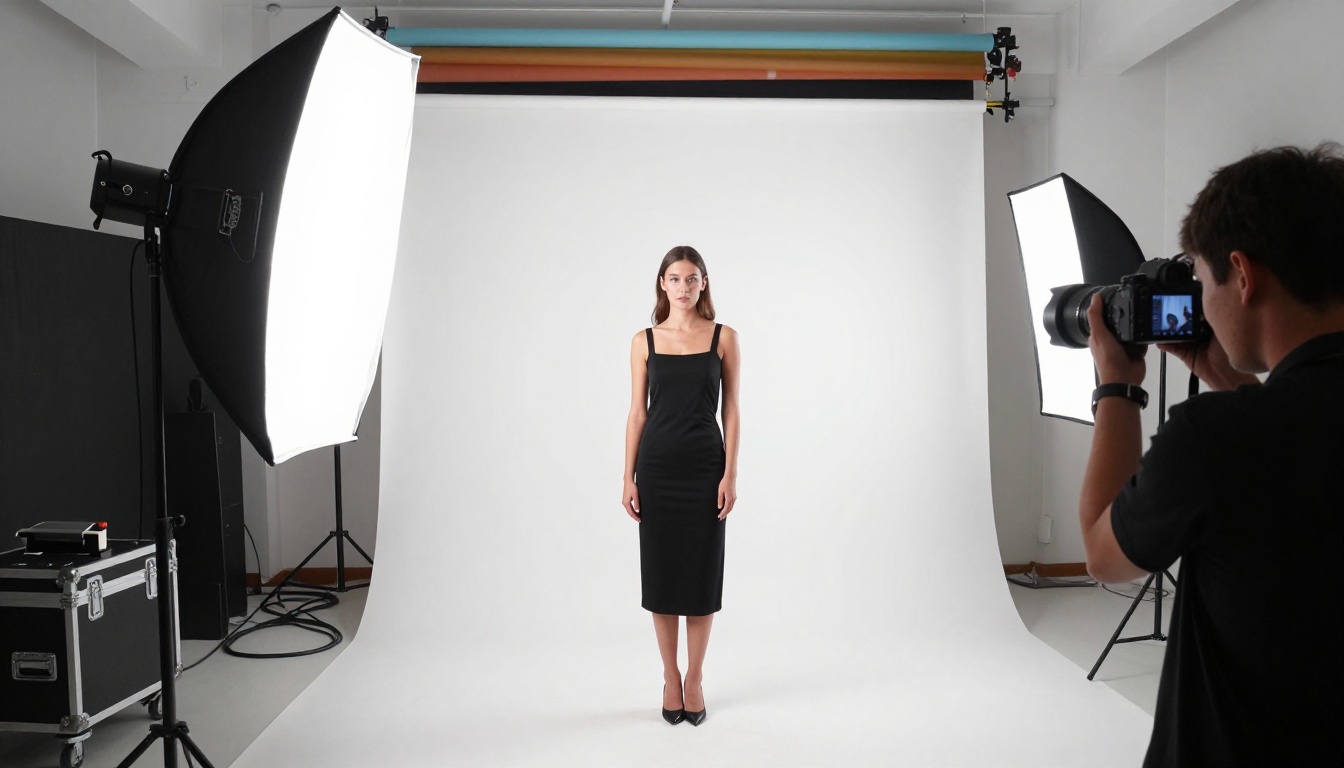
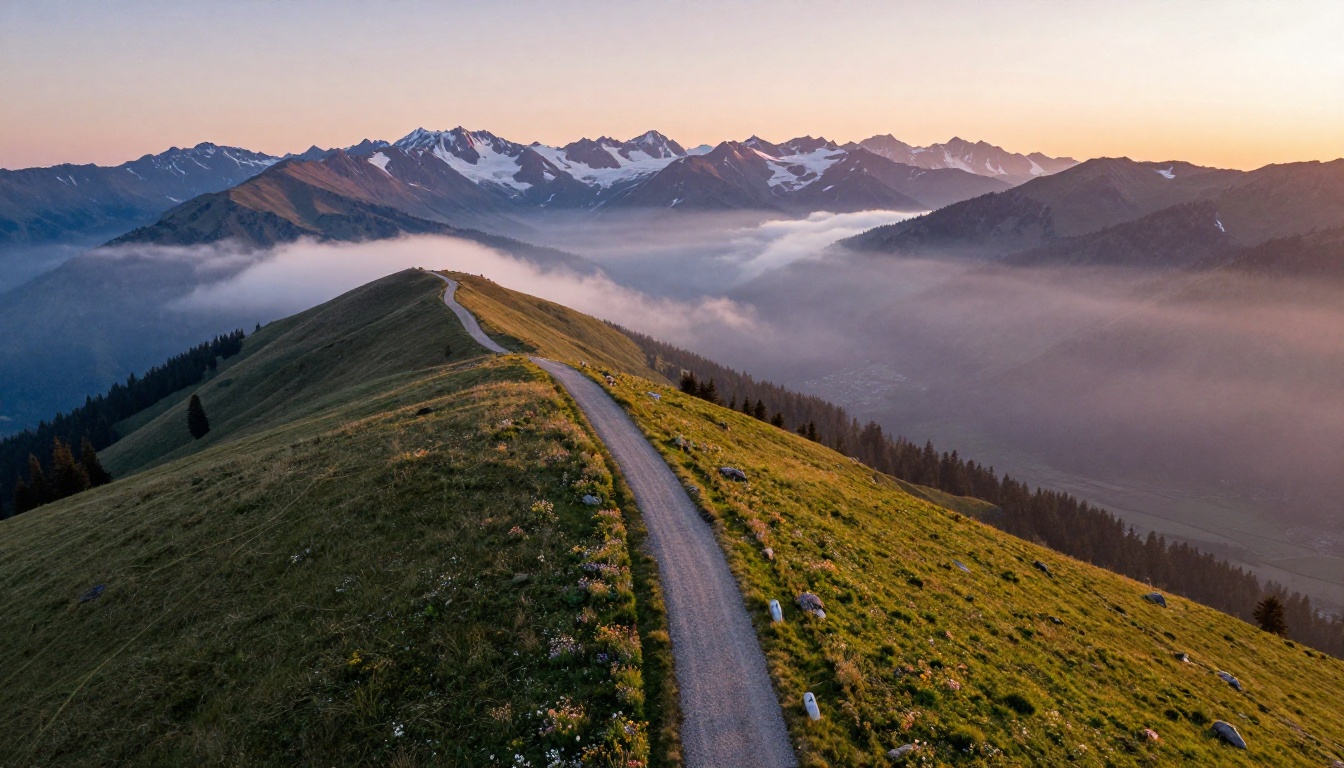
Negative prompting is equally important. Explicitly telling the model to avoid "illustration, cartoon, digital art, CGI, 3D render, painting" pushes it away from artistic interpretations and toward photographic ones. Some models, like Flux 1.1 Pro Ultra and newer Flux variants, are strong enough that negative prompts for style have less impact, but for older SD-based models they are essential.
What Still Gives AI Photos Away
Despite the progress, current AI models have persistent weaknesses. Knowing them matters both for improving your prompts and for spotting generated images.
Common failure points:
- Hands: Finger count errors and unnatural joint angles remain common in lower-tier models
- Text within images: Words tend to be garbled or invented characters, though models like Ideogram v3 Quality have largely solved this
- Complex backgrounds: Busy street scenes or crowds often show structural inconsistencies on close inspection
- Reflections: Mirrors, glasses, and water reflections frequently contain physically impossible content
- Symmetry: Bilateral symmetry in faces and objects can occasionally drift, with one eye slightly different from the other
None of these are inherent limits of the approach. Each has been significantly reduced across model generations, and several specialized models now handle specific weaknesses well. The general trajectory is toward images that require forensic analysis to identify as AI-generated.
Create Your Own Photorealistic Images
The mechanics behind all of this are sophisticated, but using these models does not require processing any of it. What matters is having access to well-trained models and knowing what to ask for.
Every model mentioned in this article is available on Picasso IA, where you can switch between them instantly without setup. Want the documentary photography quality of Realistic Vision v5.1? Switch. Want the 4MP resolution ceiling of Flux 1.1 Pro Ultra? One click. The 91 models in the text-to-image collection include ultra-fast options like Flux Schnell for rapid iteration and high-fidelity options for final output.
Start with a simple scene you would actually photograph if you had the equipment. Add lighting detail. Specify a camera and lens. Mention a film stock. Run it on Flux Dev or RealVisXL v3.0 Turbo and compare. Then run the same prompt on Imagen 4 Ultra and see what the training data ceiling of a Google-scale model looks like.
The question of how AI image generators create real photos has a satisfying answer: they do not create from nothing. They learn the statistical shape of reality from billions of examples, then trace their way back from noise to something that matches the patterns they learned. The more data, the better the architecture, and the more specific your prompt, the closer the result comes to indistinguishable from the real thing.


