The digital landscape is undergoing a visual revolution that's rewriting the rules of content creation. What used to require photography studios, models, location scouting, and hours of post-production now happens in seconds with a text prompt. AI image generation isn't just another tool—it's fundamentally altering how visual content gets produced, distributed, and consumed across every digital platform.
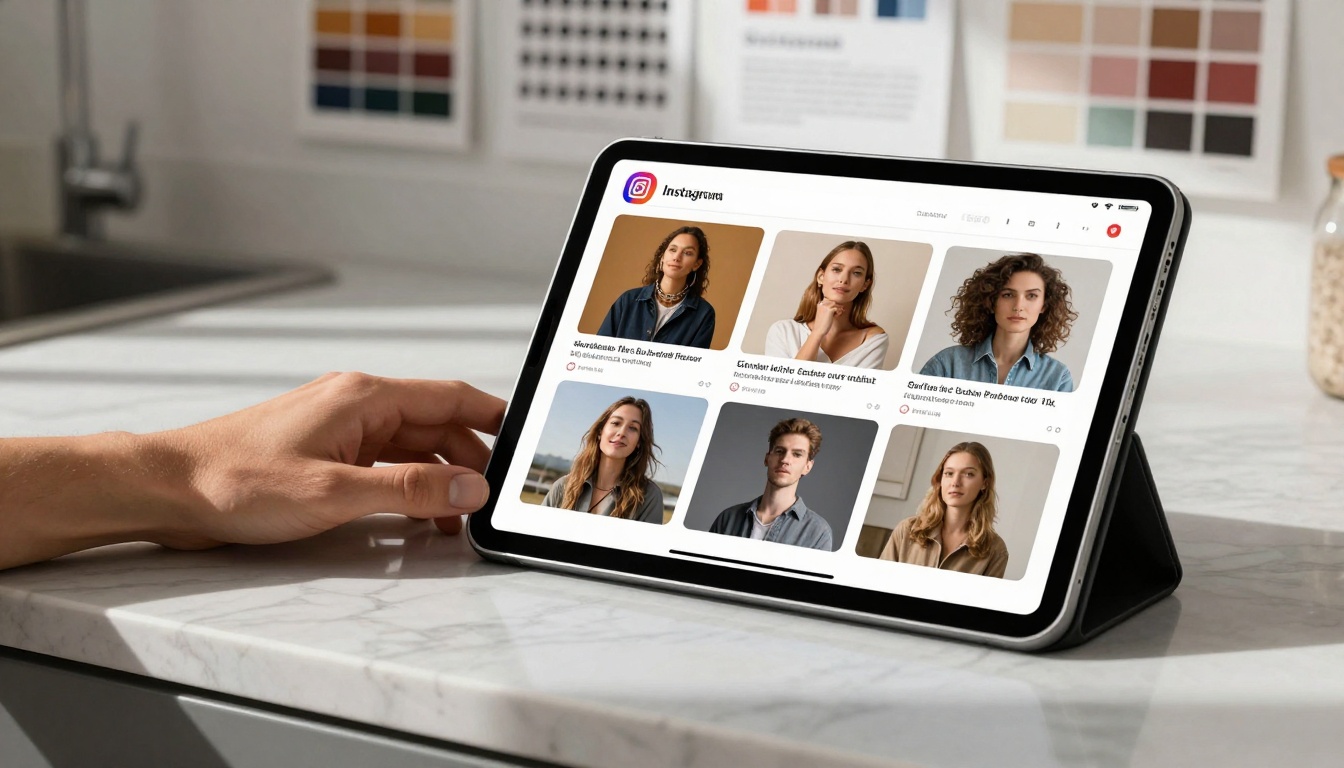
The Visual Shift: From Photography to Generation
Remember scrolling through generic stock photography that never quite matched your brand's voice? Those days are fading fast. AI tools like Flux 2 Pro and GPT Image 1.5 deliver visuals tailored to specific aesthetics, color palettes, and messaging requirements. The shift isn't about replacing photographers—it's about expanding visual possibilities beyond physical constraints.
💡 The Content Velocity Multiplier: Where traditional photography might produce 10-20 usable images from a day-long shoot, AI generation creates hundreds of variations in minutes. This changes content calendars from monthly planning to real-time adaptation.
Three critical changes happening right now:
- Personalization at Scale: Brands create unique visuals for different audience segments without additional photography costs
- Concept Iteration Speed: Marketing teams test visual concepts before committing to production resources
- Platform-Specific Optimization: Generate Instagram-worthy images, LinkedIn professional visuals, and TikTok dynamic content from the same core concept
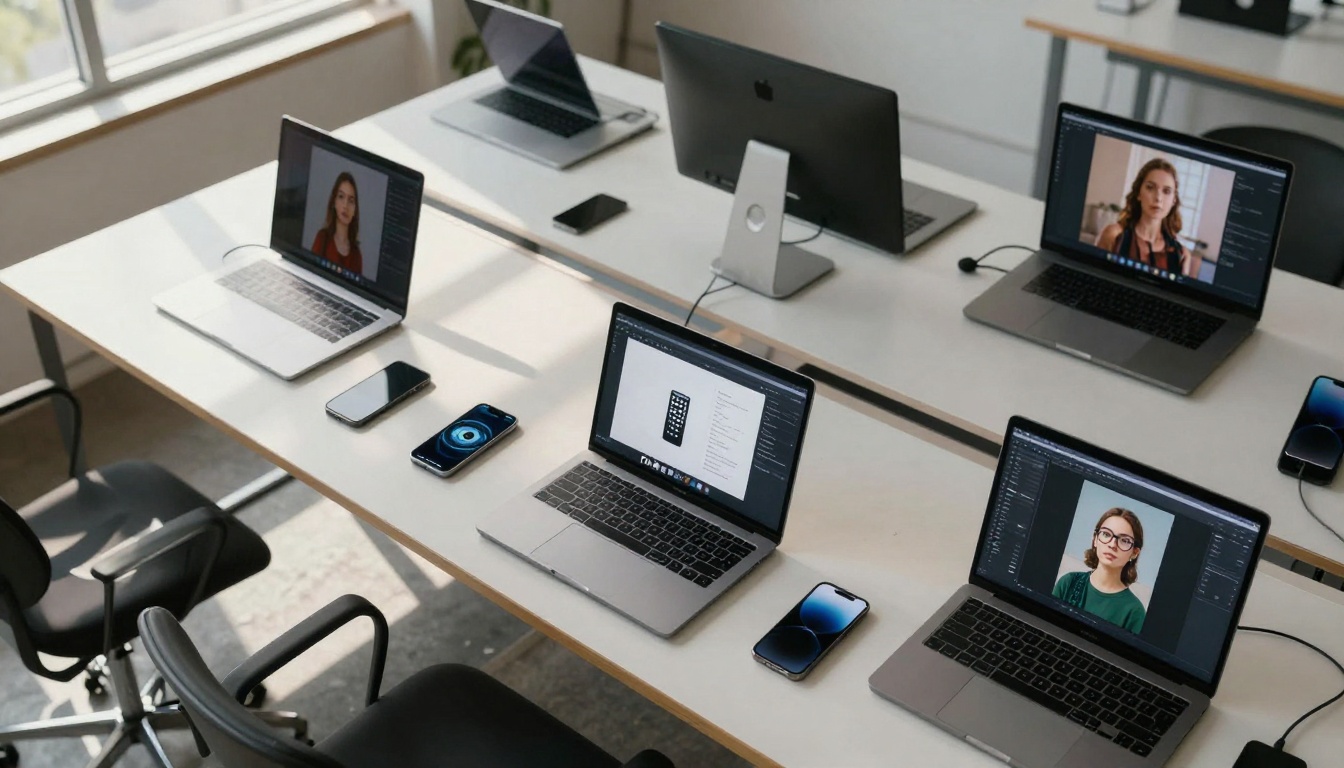
Speed vs. Quality: The New Content Production Equation
The traditional trade-off between production speed and visual quality has collapsed. With models like Qwen Image 2512 and Flux 2 Max, you get professional-grade visuals in under a minute. This isn't about compromising quality for speed—it's about achieving both simultaneously.
Content Production Timelines: Before vs. After AI
| Phase | Traditional Photography | AI Generation |
|---|
| Concept Development | 2-3 days (mood boards, briefs) | 2-3 hours (prompt refinement) |
| Production Setup | 1-2 days (location, crew, equipment) | Immediate (software access) |
| Shoot/Generation | 1 day (8-10 hour shoot) | 15-60 minutes (batch generation) |
| Post-Production | 3-5 days (editing, retouching) | 1-2 hours (selection, minor tweaks) |
| Total Timeline | 7-11 days | 3-6 hours |
The economic implications are staggering. A campaign that previously required $15,000-50,000 in photography costs now happens for a fraction of that budget. Small businesses and individual creators access visual quality previously reserved for enterprise marketing departments.
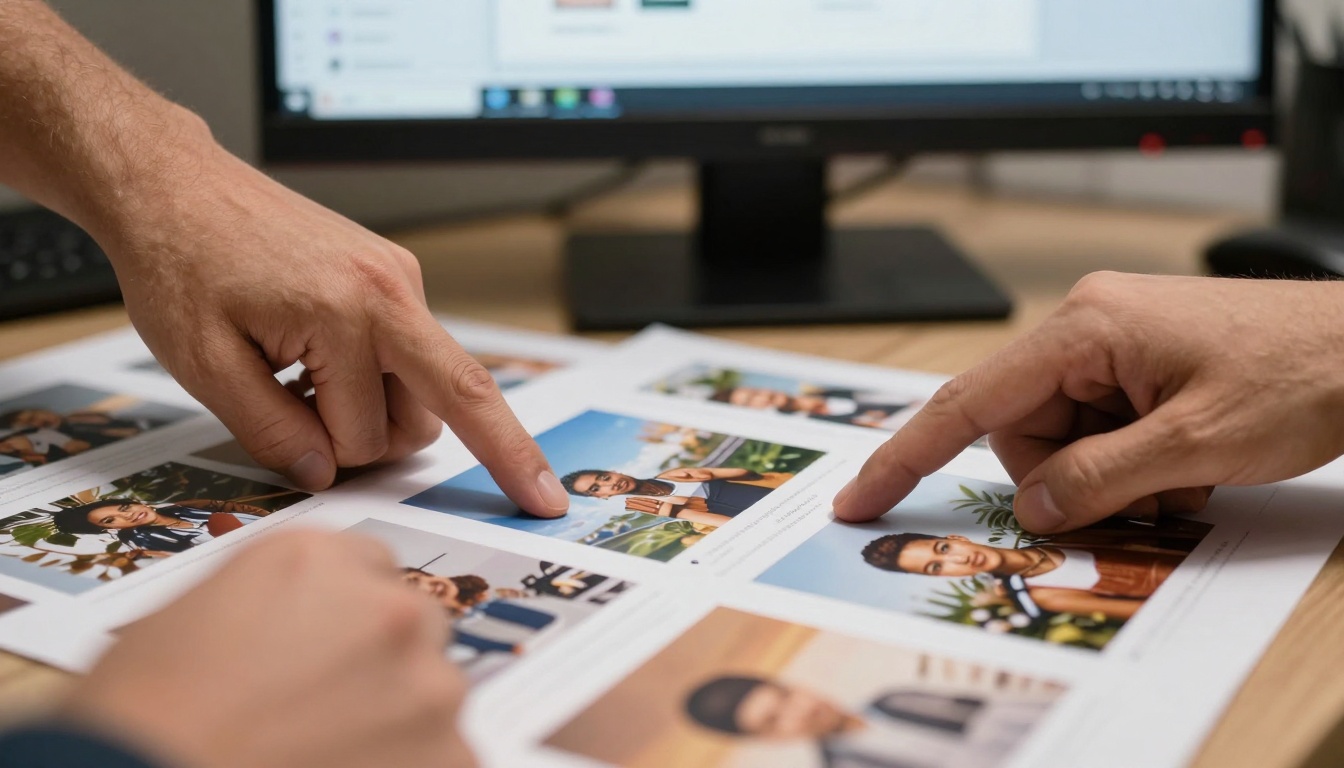
Personalization at Scale: Custom Visuals for Every Audience
AI's real power emerges when you need variations, not just single images. Consider these scenarios:
- E-commerce: Show the same product in 20 different lifestyle contexts for various customer personas
- Real Estate: Generate interior design variations for empty rooms to help buyers visualize possibilities
- Education: Create custom illustrations for different learning styles and age groups
- Healthcare: Produce culturally appropriate visual materials for diverse patient populations
Tools like P-Image and Z-Image Turbo handle this variation generation automatically. You're not creating one perfect image—you're creating a system that produces the right image for each specific context.
The Personalization Workflow:
- Base Concept: Define the core visual idea and brand parameters
- Audience Segmentation: Identify 5-10 distinct audience groups needing tailored visuals
- Prompt Engineering: Create template prompts with variable elements (setting, demographics, context)
- Batch Generation: Use P-Image to produce all variations simultaneously
- Platform Optimization: Adapt each image for specific channel requirements (aspect ratios, text placement)
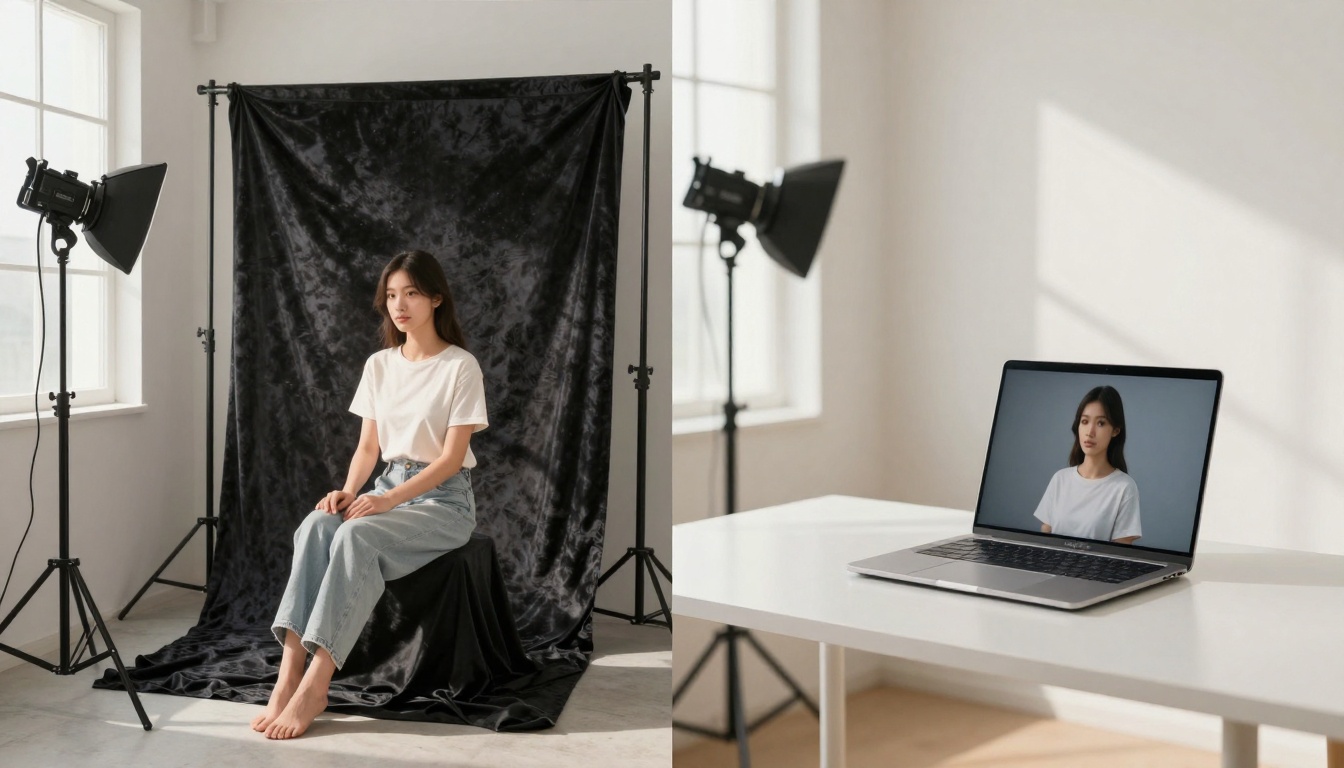
Platform algorithms reward consistency, uniqueness, and engagement—three areas where AI generation excels. The old approach of repurposing stock photos across platforms looks increasingly dated against AI-generated platform-specific content.
Platform-Specific AI Strategies:
Instagram & Pinterest (Visual Discovery)
- Use Flux 2 Flex for aesthetically cohesive feed themes
- Generate variations with consistent color grading for visual identity
- Create before/after transformations showing product applications
LinkedIn & Professional Networks
- GPT Image 1.5 produces clean, professional visuals for thought leadership
- Generate data visualization complements for articles and reports
- Create team and workplace culture visuals without formal photography
TikTok & Short-Form Video
- While focusing on images here, the adjacent video generation models create motion assets
- Generate attention-grabbing thumbnails optimized for mobile scrolling
- Create visual series that maintain consistency across episodes
Marketing Materials Without Photo Shoots
The most immediate business impact happens in marketing collateral production. Consider these real-world transformations:
E-commerce Product Imagery
Previously: Hire models, rent location, conduct day-long shoot, 3-5 days editing
Now: Use Qwen Image 2512 to place products in various lifestyle contexts, generate multiple angles and settings in one afternoon
Event Promotion
Previously: Wait for event photographer deliverables, then design materials
Now: Generate promotional visuals before the event happens, create anticipation with AI-generated previews of venue, atmosphere, and experiences
Seasonal Campaigns
Previously: Plan 3-6 months ahead for photography aligned with seasons
Now: Generate holiday, summer, winter, and seasonal visuals as needed, adapting to real-time marketing opportunities
Localized Marketing
Previously: Generic visuals or expensive localized photography
Now: Generate region-specific visuals showing products in local contexts, cultural settings, and demographic-appropriate scenarios
The Economic Impact on Content Creation
Let's talk numbers, because the financial transformation is equally dramatic as the creative one.
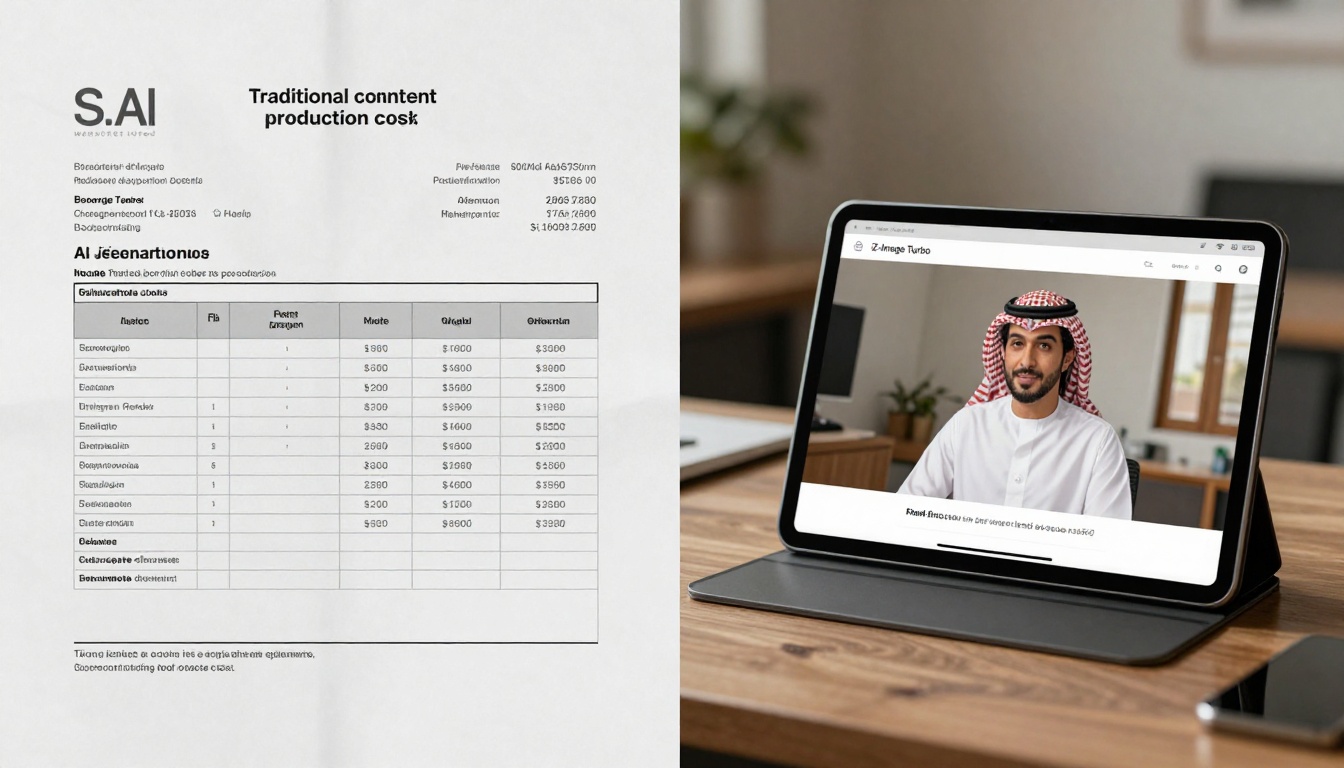
Cost Comparison: Traditional vs. AI-Generated Visuals
| Cost Category | Traditional | AI Generation | Savings |
|---|
| Photography Fees | $2,500-10,000 | $0 | 100% |
| Model/Location Fees | $1,000-5,000 | $0 | 100% |
| Equipment Rental | $500-2,000 | $0 | 100% |
| Studio/Location Rental | $500-3,000 | $0 | 100% |
| Post-Production | $1,500-5,000 | $200-500 | 87-90% |
| AI Tool Subscription | $0 | $50-200 | N/A |
| Total Per Campaign | $6,000-25,000 | $250-700 | 96-97% |
The math becomes even more compelling at scale. A company producing visual content for 12 monthly campaigns saves approximately $70,000-290,000 annually. For small businesses and startups, this represents access to professional visual content that was previously financially impossible.
💡 The Hidden Economic Benefit: Beyond direct cost savings, AI generation eliminates opportunity costs. Marketing teams no longer delay campaigns waiting for photography schedules or reshoots due to unsatisfactory results.
Editing and Refinement: The AI Advantage
One misconception suggests AI generation produces final images needing no refinement. The reality is more nuanced—and more powerful. Tools like P-Image Edit enable iterative refinement that's faster and more precise than traditional photo editing.
The AI Editing Workflow:
- Initial Generation: Create base images with Flux 2 Pro or similar models
- Selective Refinement: Use P-Image Edit to modify specific elements (change background, adjust lighting, add/remove objects)
- Style Consistency: Apply consistent color grading and aesthetic treatments across batches
- Platform Optimization: Crop, resize, and format for different distribution channels
This workflow represents a fundamental shift: editing happens at the concept level, not just the pixel level. Instead of adjusting shadows and highlights in Photoshop, you're adjusting the conceptual elements that created the image in the first place.
Common Editing Scenarios Made Simple:
- Background Replacement: "Keep the product but place it in a beach setting instead of office"
- Style Transfer: "Apply the color palette from image A to image B"
- Element Addition: "Add a person using the product in this scene"
- Context Adjustment: "Make this look like evening instead of midday"
Strategic Content Planning with AI
The velocity of AI generation changes how teams plan and execute content strategies. Monthly content calendars give way to dynamic systems that respond to real-time opportunities.
The AI-Enhanced Planning Process:
Phase 1: Foundation Building
- Establish brand visual parameters (color palettes, composition styles, mood)
- Create template prompts for recurring content needs
- Build library of successful visual approaches
Phase 2: Dynamic Calendar Population
- Plan thematic content clusters rather than individual posts
- Generate visual options for each cluster using Z-Image Turbo
- Select best performers through rapid iteration
Phase 3: Real-Time Adaptation
- Monitor engagement metrics for different visual styles
- Generate variations of successful approaches
- Adapt to trending topics with timely visual content
Phase 4: Cross-Platform Optimization
- Generate platform-specific adaptations from core visuals
- Maintain visual consistency while optimizing for each channel's requirements
- Schedule coordinated multi-platform distribution
This approach moves content planning from prediction (guessing what will work) to adaptation (responding to what is working).
What Comes Next: The Evolving Visual Web
The transformation we're witnessing represents just the beginning. Several developments will further reshape online visual content:
Integration with Existing Workflows
AI generation won't exist in isolation. Expect deeper integration with:
- Content management systems automatically generating featured images
- E-commerce platforms creating product visuals from descriptions
- Social media schedulers optimizing visuals based on performance data
Specialized Model Development
Beyond general image generation, specialized models will emerge for:
- Industry-specific visual needs (medical, architectural, educational)
- Brand-specific training for consistent visual identity
- Cultural and regional adaptation for global marketing
Interactive Generation Interfaces
The current text prompt interface evolves toward:
- Visual mood boards as generation inputs
- Real-time collaborative editing sessions
- Automated A/B testing of visual variations
Ethical and Authentic Visual Creation
As capabilities expand, so do considerations around:
- Transparency about AI-generated content
- Responsible representation in generated imagery
- Maintaining authentic brand voices through AI tools
The tools driving this change are accessible right now. Platforms like PicassoIA host models including Flux 2 Pro, GPT Image 1.5, Qwen Image 2512, and P-Image that can start transforming your content creation today.
Getting Started Steps:
- Identify One High-Value Use Case: Where does visual content currently bottleneck your workflow?
- Experiment with Different Models: Test Flux 2 Flex for creative exploration and Z-Image Turbo for rapid iteration
- Develop Your Prompt Library: Document successful prompts for recurring needs
- Integrate into Existing Processes: Start with supplementing existing content, not replacing entire workflows
- Measure Impact: Track engagement, production time, and cost savings
The visual web is being rewritten, and the tools are in your hands. What previously required significant resources and specialized skills now emerges from thoughtful prompts and strategic application. The question isn't whether AI images will change online content—they already are. The question is how you'll harness that change for your creative and commercial goals.


