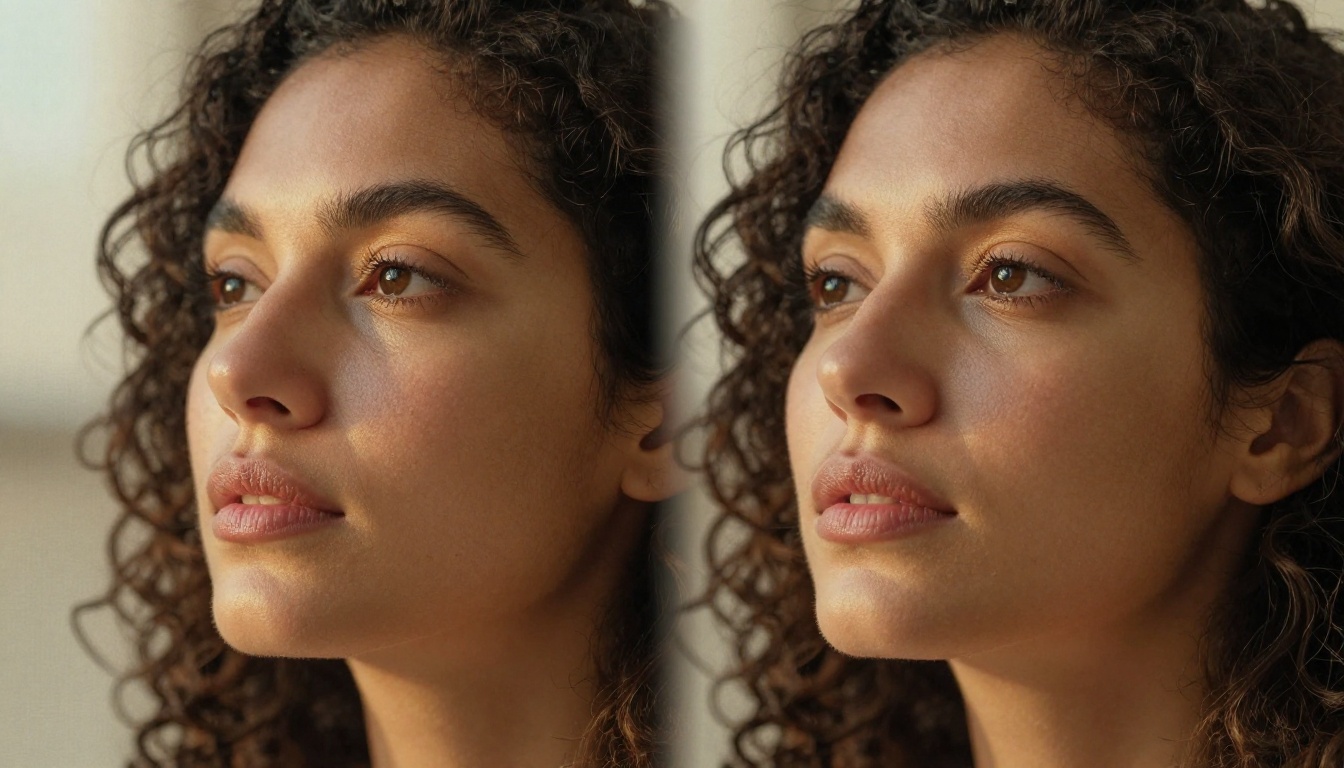
The problem is not making AI generate a beautiful person. That part is almost too easy now. The real challenge is making that same person appear in the next shot, and the shot after that, without their nose changing shape, their eye color shifting, or their whole face subtly morphing into someone else entirely. This is the core problem of AI character consistency in videos, and it has held back AI-generated content from being truly usable for storytelling, marketing, and film production.
Why Consistent Characters Are So Hard
Video diffusion models generate frames in sequence, but they do not naturally "remember" what a character looked like three seconds ago. Each frame is synthesized based on probabilities, not memory. The result is the so-called flickering face problem: across a few seconds, a character's jawline shifts, their eyes drift slightly, and what was meant to be a single person becomes an uncanny blur of a dozen different people blended together.
The Flickering Face Problem
This happens because standard text-to-video models were trained to produce visually plausible scenes, not to preserve a specific individual identity. When you prompt "a woman walking through a park," the model draws from thousands of different faces it has seen in training. Without a reference anchor, nothing tells it that the face in frame 47 should match frame 12.
💡 Character identity drift is one of the most common failure points in AI video. Even a 3-second clip can show subtle changes in nose width, skin tone, or eye spacing unless the model is specifically designed to prevent it.
What Breaks Between Frames
Several factors cause character drift in AI video:
- Lack of identity conditioning: The model has no explicit representation of the character's face to refer back to
- Latent space variance: Small random variations in the diffusion sampling process accumulate over time
- Lighting changes: Even slight shifts in simulated lighting can alter how a face appears structurally
- Camera angle transitions: Moving from a frontal to a three-quarter view forces the model to reconstruct features it has never seen at that angle for that character
- Cut points in longer videos: Each new clip generation resets the context, erasing any accumulated face representation
The Technology Behind Character Locking
Modern AI video models use several distinct technical strategies to solve this problem. Understanding these strategies tells you a lot about why some models perform better than others on character-heavy content.
Reference-Based Conditioning
The most direct solution is giving the model a reference image of the character before generation begins. This reference is encoded into the model's attention layers, essentially telling every frame: "the face should look like this." Image-to-video models like Wan 2.6 I2V and Wan 2.5 I2V are built entirely around this principle. You provide a still image, and the model animates it while continuously referencing that original face.
The advantage is strong. The disadvantage is that you are bound to whatever pose and lighting the reference image contains. Moving far from the reference creates stress on the consistency mechanism.
How LoRA Locks Identity
LoRA (Low-Rank Adaptation) training fine-tunes a base model on a small set of images of a specific person or character. Instead of retraining the entire model, LoRA injects a lightweight set of parameters that bias the model toward a particular identity. When applied to video generation, a character LoRA acts as a persistent identity signal across all generated frames.
This approach is powerful for creating original fictional characters with no real-world reference. You train the LoRA on concept art or initial renders, then use that LoRA to generate video sequences where the character appears stable across scenes.
Temporal Attention in Video Diffusion
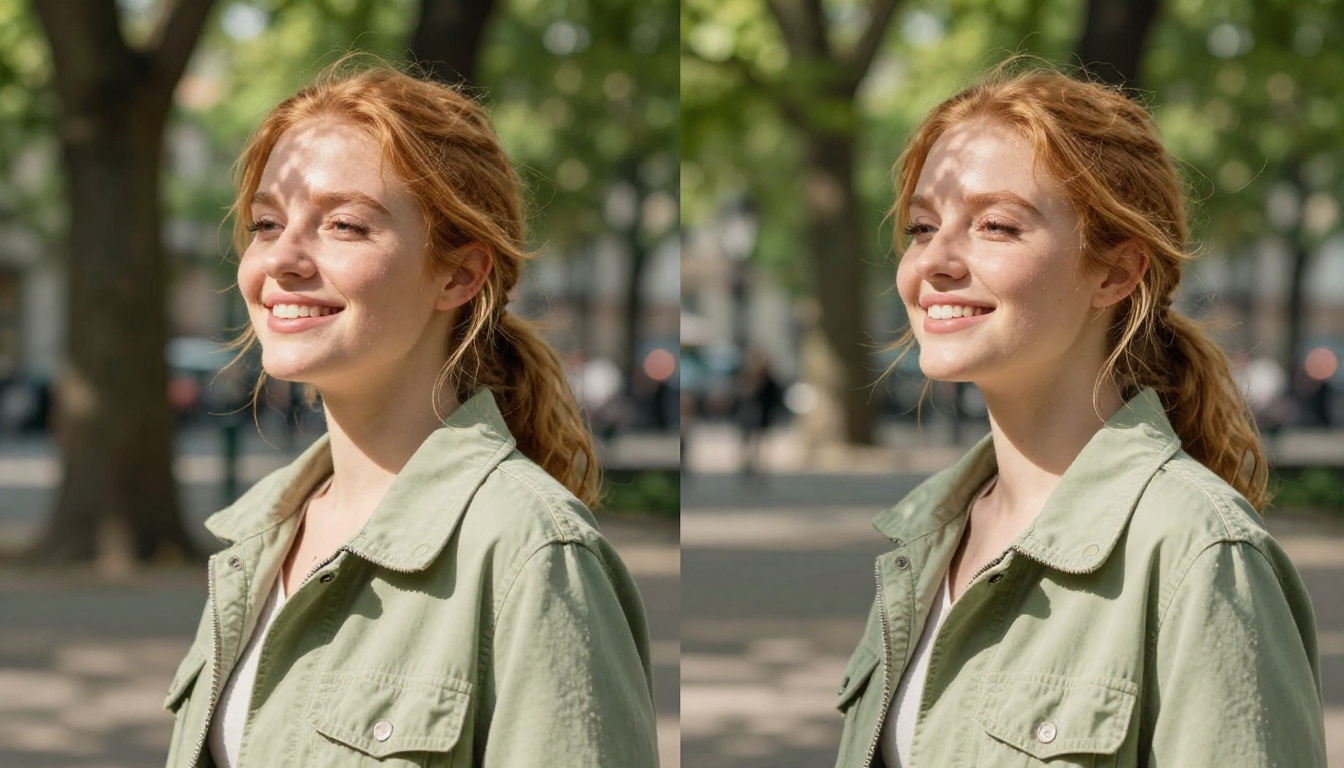
The deepest architectural solution involves temporal attention mechanisms. In video diffusion transformers, temporal attention allows each frame to look at neighboring frames during generation. This creates a form of short-term visual memory where frames influence each other bidirectionally.
Models like Kling v3 Video and Seedance 2.0 use sophisticated temporal attention architectures that propagate identity features across the full clip duration, not just adjacent frames. The result is a character who holds together even through complex motion.
💡 The longer the generated clip, the harder consistency becomes. A 3-second clip can maintain near-perfect consistency. A 10-second clip at the same quality requires significantly more architectural support.
Image-to-Video vs Text-to-Video for Characters
This distinction matters enormously when character consistency is the goal.
Starting from a Face You Control
Image-to-video gives you the most direct path to a consistent character. You create or find the exact face you want in a still image, then animate it. The model is constrained to that face from the first frame. Models built for this workflow include Wan 2.2 I2V Fast and Kling v2.1.
This workflow pairs naturally with high-quality text-to-image generation. You use a model to create the perfect reference portrait of your character, then feed that into an image-to-video model to put them in motion.
| Method | Consistency Level | Flexibility | Best For |
|---|
| Image-to-Video (I2V) | Very High | Medium | Animating a specific character |
| Text-to-Video (T2V) with prompt | Low-Medium | High | General scenes, no fixed character |
| Avatar or face-driven models | Near-Perfect | Low | Real-person or pre-built avatars |
| LoRA-conditioned video | High | High | Original fictional characters |
When Text Alone Fails
Pure text-to-video prompting is the weakest approach for character consistency. No matter how detailed your prompt is, the model has no way to pin down exactly which of the millions of possible faces in its training data it should use. Two clips prompted with "a young brunette woman in a red jacket" will produce two different people almost every time.
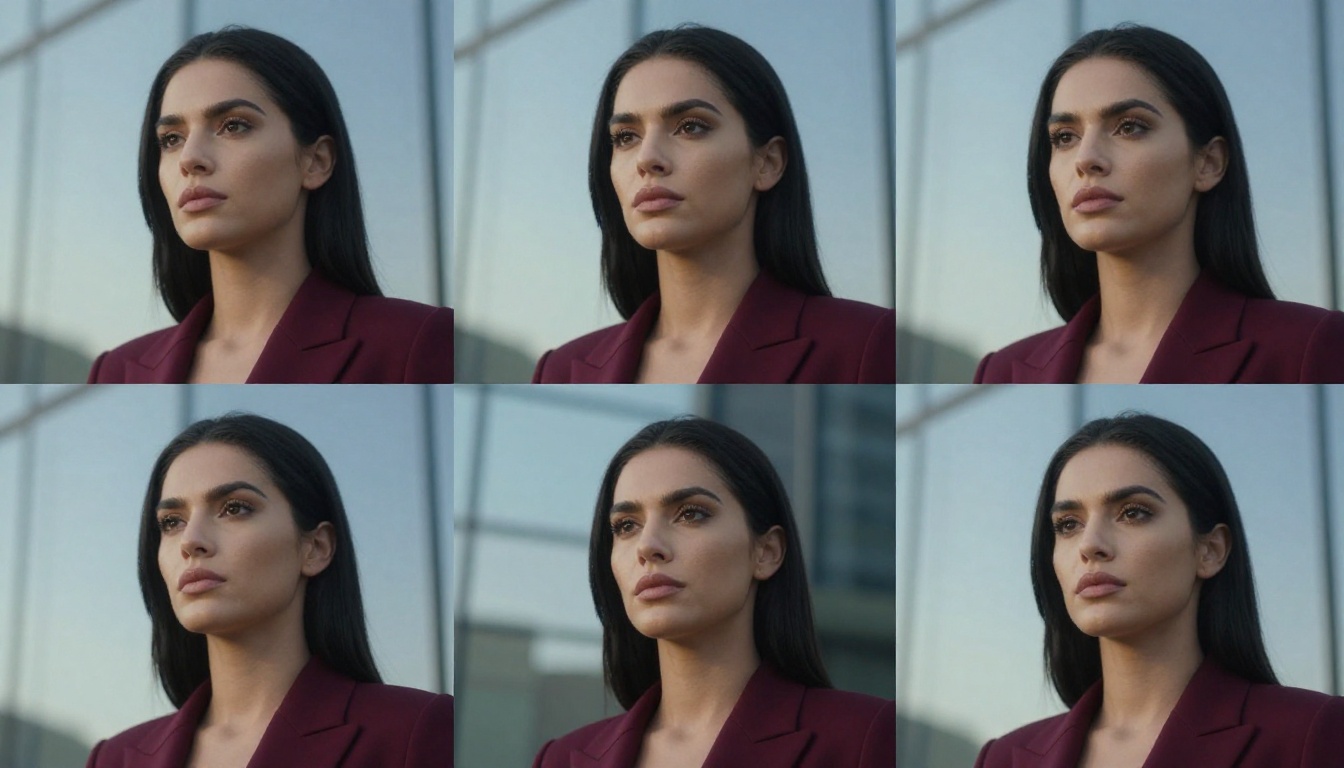
The exception is when models have been explicitly designed with character-level prompting features, as Kling v3 Omni Video attempts, but even then a reference image almost always outperforms pure text description for maintaining a specific identity.
Models That Actually Hold a Character
Not all video AI is created equal on this dimension. Here are the models where character consistency is genuinely strong.
Kling Avatar v2
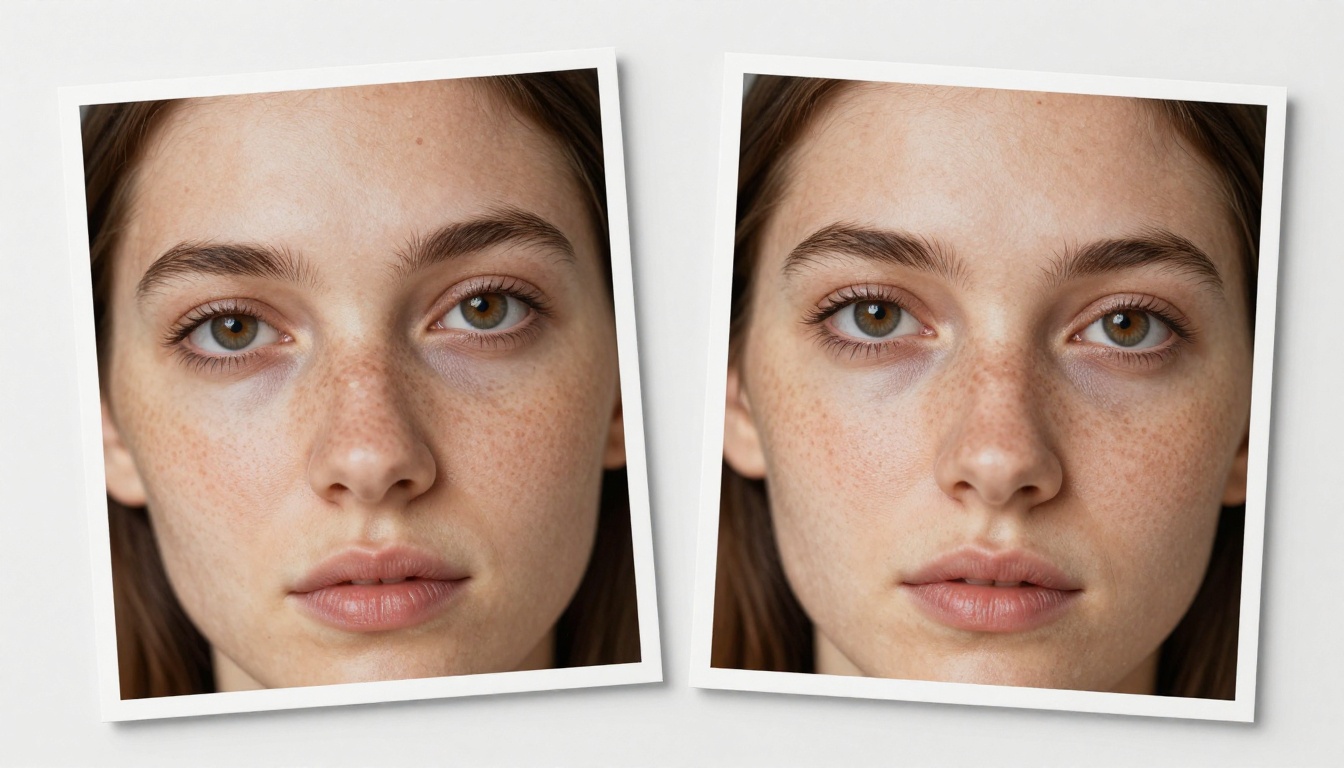
Kling Avatar v2 is built specifically for face-driven video animation. You provide a portrait, and the model generates motion that keeps that face stable across the entire clip. It handles head turns, subtle expressions, and lighting changes better than most general-purpose video models.
The key architectural feature is face-locked conditioning, where the identity embedding from the input portrait is maintained at high weight throughout the generation process. This is distinct from general I2V models, which treat the input image as a full scene anchor rather than isolating the face as the primary constraint.
Dreamactor M2.0 for Pose Control
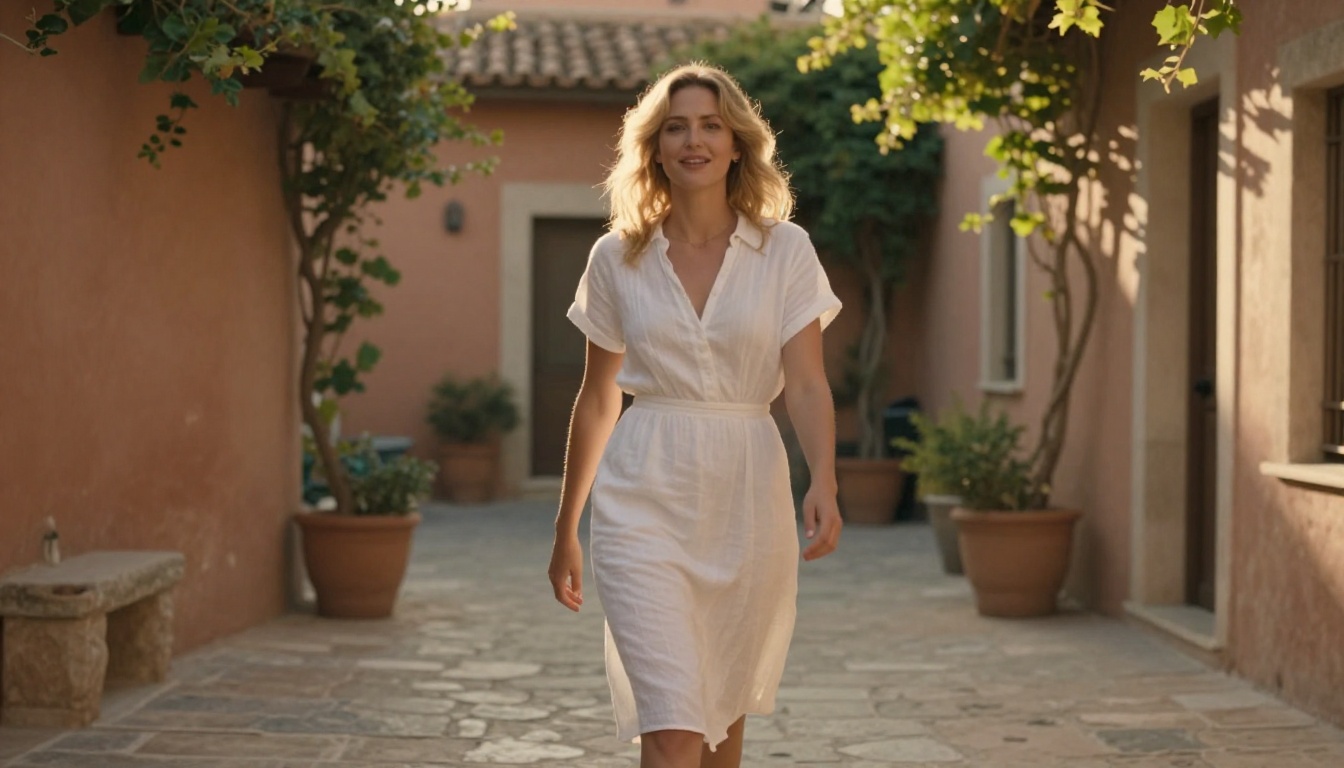
Dreamactor M2.0 from ByteDance takes a different approach. It separates appearance (who the character looks like) from motion (how they move). You supply a reference image for the appearance, and a motion sequence or pose skeleton for the movement. This decoupling is powerful because it means you can reuse the same character across completely different motion sequences without regenerating them.
This is the model you reach for when you need a character to walk, gesture, or dance while looking precisely like your reference. The face holds because the motion control layer never touches the identity encoding.
Wan I2V and the Animate Series
The Wan family of models offers multiple I2V variants suited for character work. Wan 2.6 I2V produces high-quality animations from portraits. But even more interesting for character-driven storytelling is Wan 2.2 Animate Replace and Wan 2.2 Animate Animation, which let you copy motion patterns onto your character or replace characters in existing video sequences.
💡 For multi-scene projects, the Wan Animate series allows you to reuse a single character reference across many different video scenarios, keeping visual identity consistent even when the setting changes completely.
Kling v2.6 and v3 for Cinematic Quality
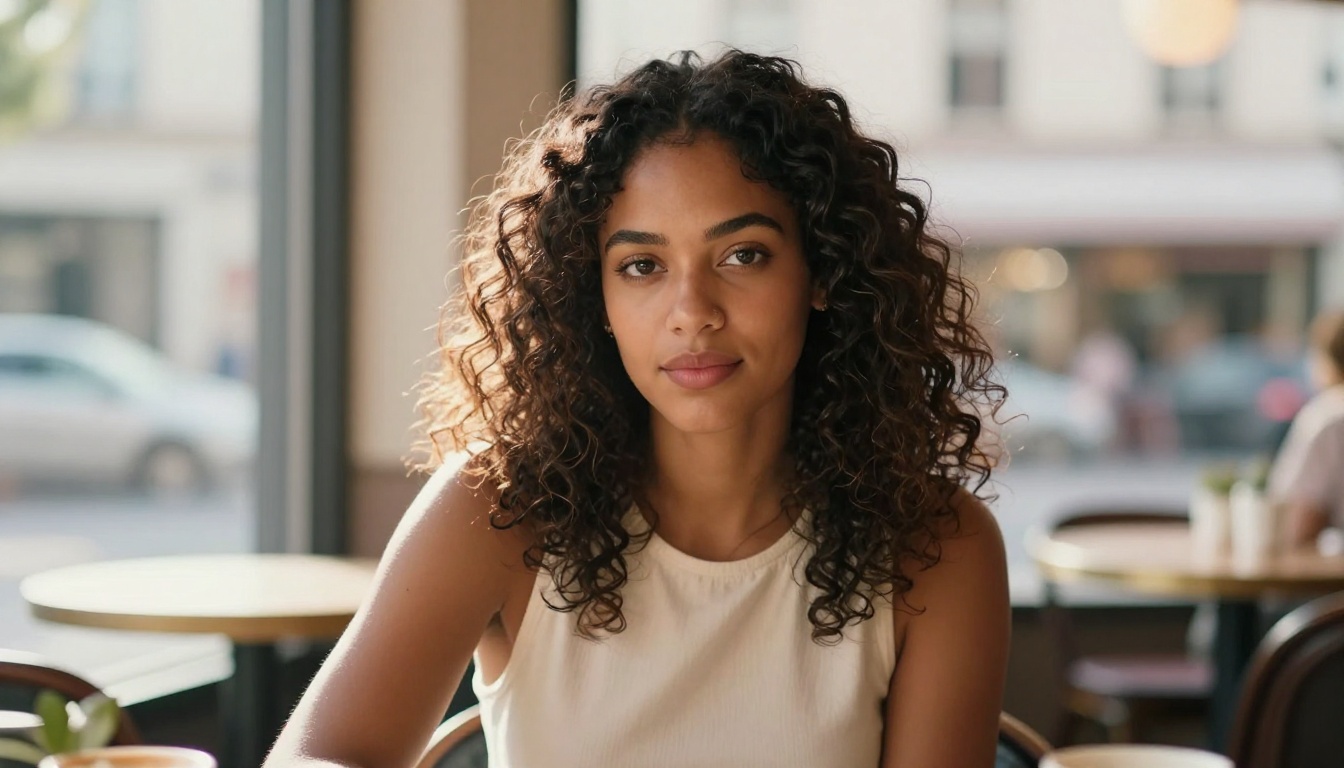
Kling v2.6 and Kling v3 Video represent the state of the art in cinematic video quality with strong character consistency. These models handle complex motion, longer clips, and challenging lighting scenarios while keeping faces stable.
Kling v3 Motion Control adds an additional layer: precise camera and character motion specification, so you are not just keeping the character consistent but also controlling how the scene moves around them.
Veo 3, Gen 4.5, and Hailuo 2.3
Veo 3 from Google achieves strong in-clip consistency through its large-scale training and temporal coherence architecture. Gen 4.5 from Runway emphasizes cinematic motion with reasonably stable subjects. Hailuo 2.3 from Minimax handles portrait-led animations with particularly good face stability at 1080p resolution.
| Model | Character Type | Consistency | Best Use Case |
|---|
| Kling Avatar v2 | Face-anchored | ★★★★★ | Talking heads, portrait animation |
| Dreamactor M2.0 | Appearance + Motion | ★★★★★ | Full-body character animation |
| Wan 2.6 I2V | Image-based | ★★★★☆ | General character animation |
| Kling v3 Video | Text or Image | ★★★★☆ | Cinematic scenes |
| Veo 3 | Text-based | ★★★☆☆ | Single-clip consistency |
| Gen 4.5 | Text-based | ★★★☆☆ | Cinematic motion sequences |
How to Use Kling Avatar v2 on PicassoIA
Kling Avatar v2 is one of the most accessible tools for character-consistent video on PicassoIA. Here is how to use it for best results.
Step 1: Prepare Your Reference Portrait
Your reference image is everything. Use a clear, front-facing or slight three-quarter portrait with:
- Even, neutral lighting with no harsh shadows across the face
- High resolution (at least 512px on the shortest side)
- A plain or softly blurred background
- The face occupying at least 40% of the frame
If you do not have a real photo to use, generate one first using any text-to-image model on PicassoIA. The higher the quality of your reference, the more stable the output character will be.
Step 2: Write a Motion Prompt
Your prompt should describe what the character does, not who they are. Kling Avatar v2 already knows who they are from the reference image. Focus on:
- Type of motion: "slowly turns head left," "smiles warmly," "speaks to camera"
- Environment lighting if relevant: "soft indoor daylight," "evening candlelight"
- Camera behavior: "static camera," "gentle push-in"
Bad prompt: "A beautiful brunette woman with brown eyes in a cream blouse"
Good prompt: "Slowly turns her head toward the camera with a gentle smile, soft afternoon light from the left window"
Step 3: Set Duration and Resolution
For character work, shorter clips of 3 to 5 seconds tend to produce higher consistency than longer clips. If you need 10 or more seconds of the same character, generate multiple 5-second clips and edit them together afterward.
Select 1080p resolution for final output or 720p for faster iteration during testing.
Step 4: Verify the Face
Before using the clip in a project, check:
If any of these drift, reduce the motion intensity in your prompt or try a slightly different reference image with cleaner lighting.
What Still Goes Wrong
Even with the best models and workflows, character consistency in AI video is not a fully solved problem. These are the failure patterns you should prepare for.
Lighting Changes Break Faces
The single most common cause of mid-clip consistency failure is a dramatic lighting shift. When the model simulates a light source moving, or transitions from indoors to outdoors, the face must be reconstructed under new lighting conditions. This reconstruction is where identity features can drift.
Fix: Keep lighting conditions stable in your prompt. If you need a lighting transition, create two separate clips with different lighting and cut between them rather than trying to generate the transition within a single clip.
Multiple Cuts, Same Character
Generating your character in scene A and scene B as separate clips almost always produces two slightly different versions of the same person. This is the biggest unsolved challenge in AI video production. The models do not share state between separate generation runs.
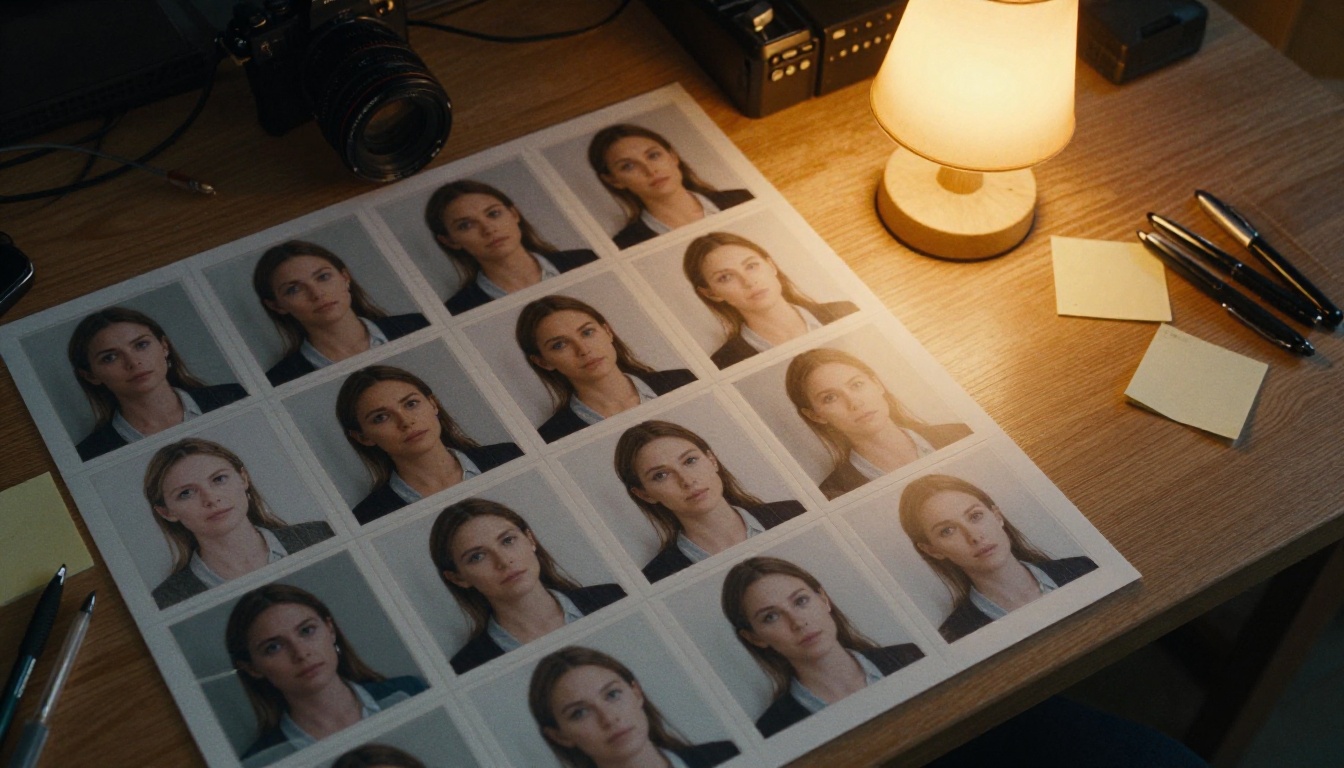
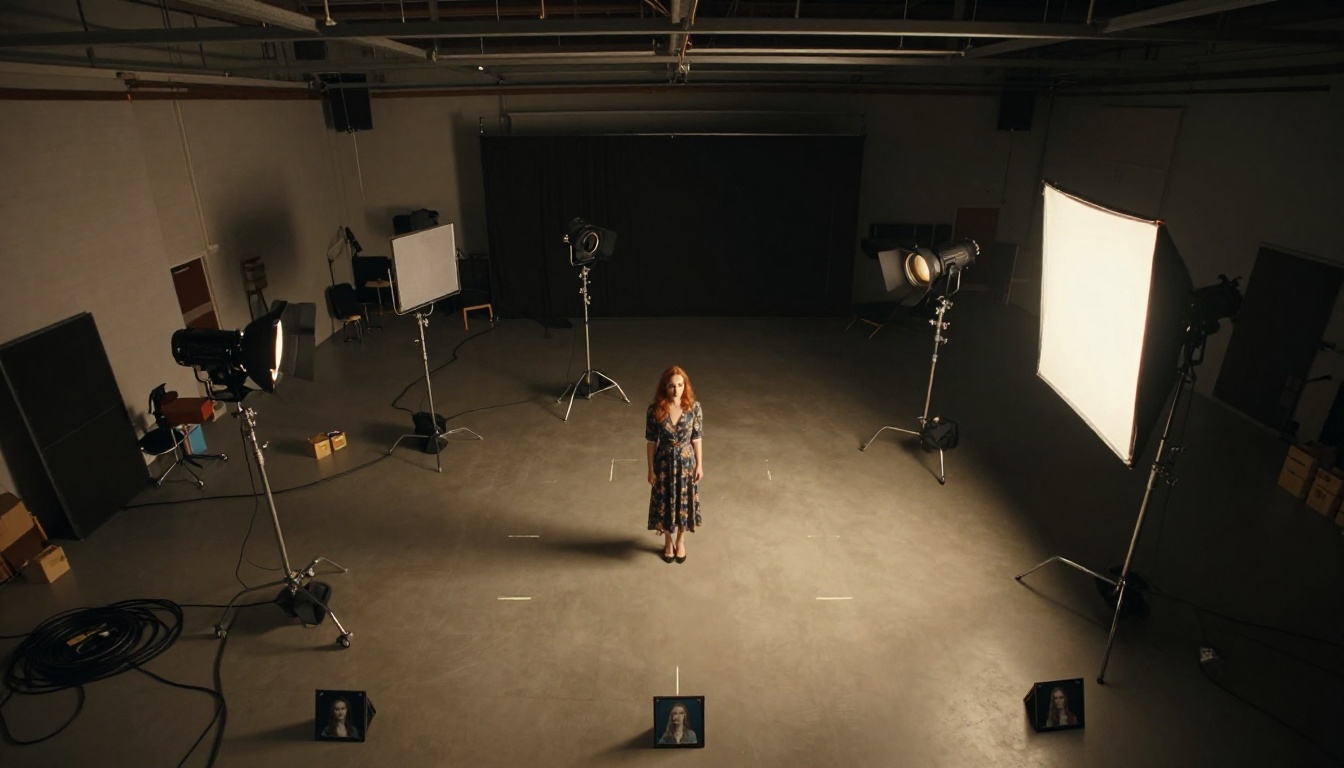
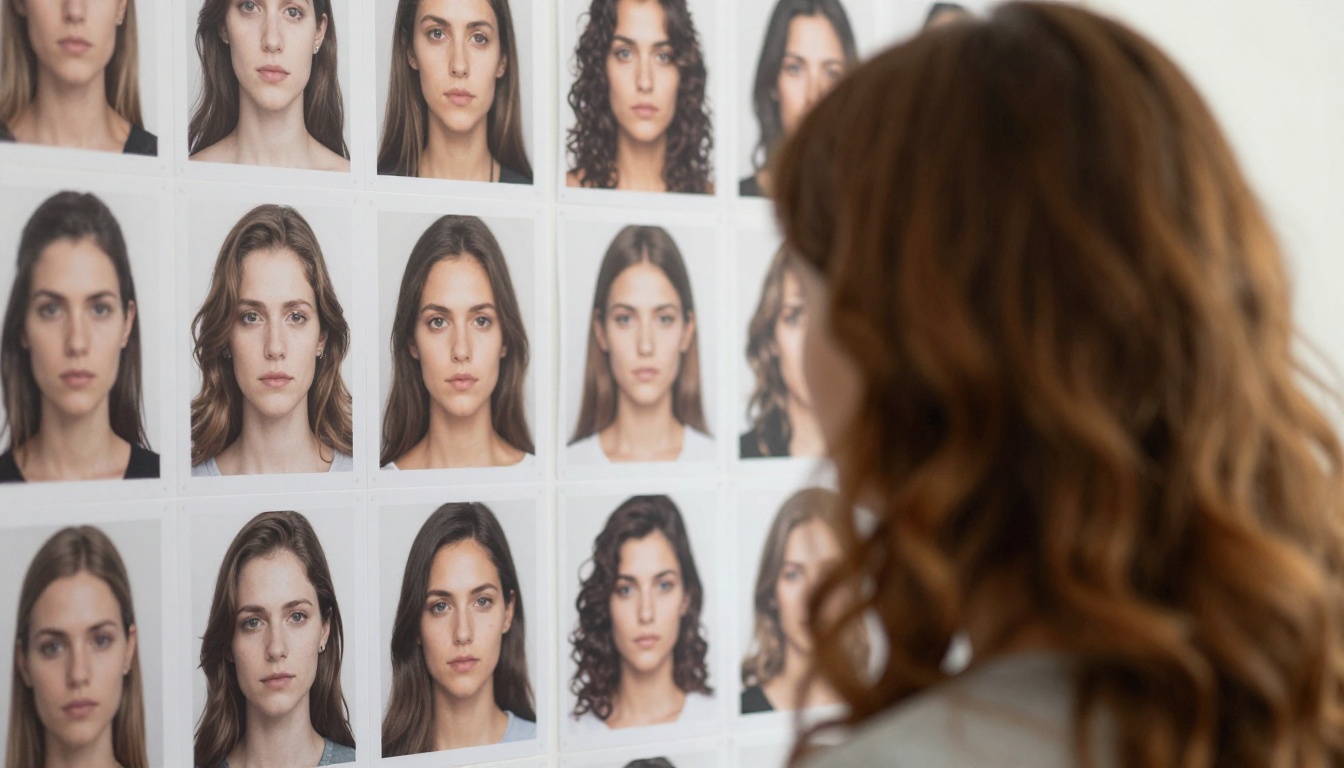
Fix: Create a tight, controlled reference sheet with multiple angles of your character (frontal, left profile, right profile, slight upward angle) all photographed under identical lighting. Use the same reference image for every generation and keep your prompts stylistically consistent.
💡 Some creators maintain a "character bible," a small folder of reference images from one standardized photoshoot, that they feed into every generation to maintain cross-clip identity.
Accessories and Details Wander
Earrings disappear. Necklaces change shape. Tattoos fade or multiply. Small details are the first to go in AI video because they require the model to maintain high-frequency information through motion. Keeping accessories minimal in your reference image directly improves overall consistency.
Start Creating Your Own Character-Consistent Videos
Character consistency is no longer a barrier reserved for studios with massive budgets and months of VFX time. The tools available today, from Kling Avatar v2 to Dreamactor M2.0 to the full Wan I2V family, make it possible to create multi-scene video content with a visually consistent character in a single afternoon.
The workflow is straightforward: start with a strong reference portrait, choose the right I2V or avatar model for your use case, keep your prompts focused on motion rather than appearance, and generate short clips that you assemble in post. Each of these models is available directly on PicassoIA, without needing local hardware or complex setup.
Pick your character. Give them a face. Put them in motion.
Try Kling Avatar v2, Dreamactor M2.0, or Wan 2.6 I2V on PicassoIA today and see how far consistent AI characters have come.


