The human face is, arguably, the most complex visual object a brain ever has to process. In milliseconds, you can tell if someone is tired, lying, or on the verge of tears. You can recognize a friend across a crowded street in bad light. You have been trained on billions of faces since the day you were born.
AI has to learn the same thing in a matter of days, from scratch, using nothing but numbers.
What sounds like an impossible shortcut has produced results that genuinely blur the line between synthetic and real. Models like Flux Pro and Stable Diffusion 3.5 Large can now produce portraits so convincing that even trained photographers struggle to spot the difference. But how does a mathematical function learn to draw a nose? How does a neural network figure out that eyes come in pairs, or that light behaves consistently across a human face?
This article breaks down exactly how that happens, from the first raw pixel to the finished portrait.
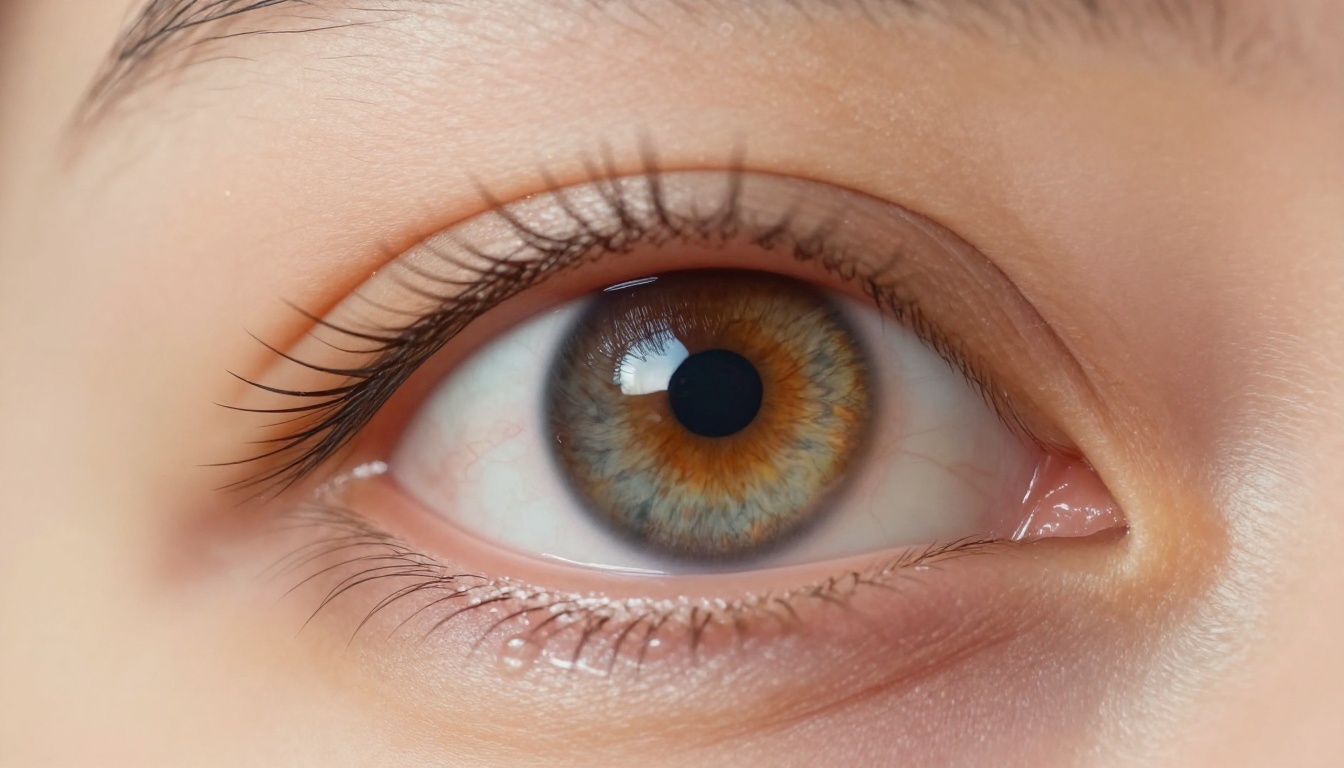
What the AI Actually Sees
Not Faces. Numbers.
The first thing to understand is that an AI model has no concept of a "face." When it processes an image, it sees a grid of pixels. Each pixel is three numbers representing red, green, and blue intensity on a scale from 0 to 255. A 512x512 image is 786,432 numbers arranged in a matrix.
There is no nose in that data. There is no emotion. There is no identity. There is just a very long list of numbers.
The entire challenge of AI face generation is getting a neural network to learn the statistical patterns in those numbers that correspond to features a human would recognize as a face. Noses always appear between eyes and mouths. Skin tone across a single face varies within a constrained range. Light always falls consistently from one direction in a realistically lit portrait.
These are statistical regularities. The neural network's job is to learn them through repetition, exactly the way a child learns that four legs and fur usually means "dog" after seeing hundreds of dogs.
The Math Behind a Human Face
The mathematical backbone of this learning is a process called backpropagation. When the model makes a prediction (outputs a set of pixel values), the result is compared against what a "real" face looks like, and the error is calculated. That error signal flows backward through the network, nudging millions of internal parameters very slightly in a direction that would have produced a better result.
Repeat this billions of times across millions of face images, and the network begins to internalize the geometry of the human face. Not because anyone told it what a face is. But because the patterns in the data made "face" the most probable configuration of numbers.
How Training Data Shapes the Output
Millions of Faces as a Classroom
The quality of any AI face model is almost entirely determined by the quality and quantity of its training data. Large-scale models are trained on datasets containing tens of millions of photographs: stock photos, Creative Commons images, curated web data. Some datasets used in academic face research contain hundreds of millions of images.
The model never sees any of these images again after training. What it retains is not a memory of specific faces but a compressed statistical model of what faces look like. This compressed representation lives in what researchers call latent space: an abstract multi-dimensional coordinate system where similar faces cluster together, and moving between coordinates produces predictable facial transformations.
How latent space works in practice: If you took a point in latent space representing a young woman with brown hair and moved it in a specific direction, you might slide gradually toward an older face. Move in another direction and the hair color shifts. Move in a third direction and the lighting on the face changes from warm to cool. The geometry of this space encodes every facial attribute the model has learned from its training data.
What Happens When the Data Is Biased
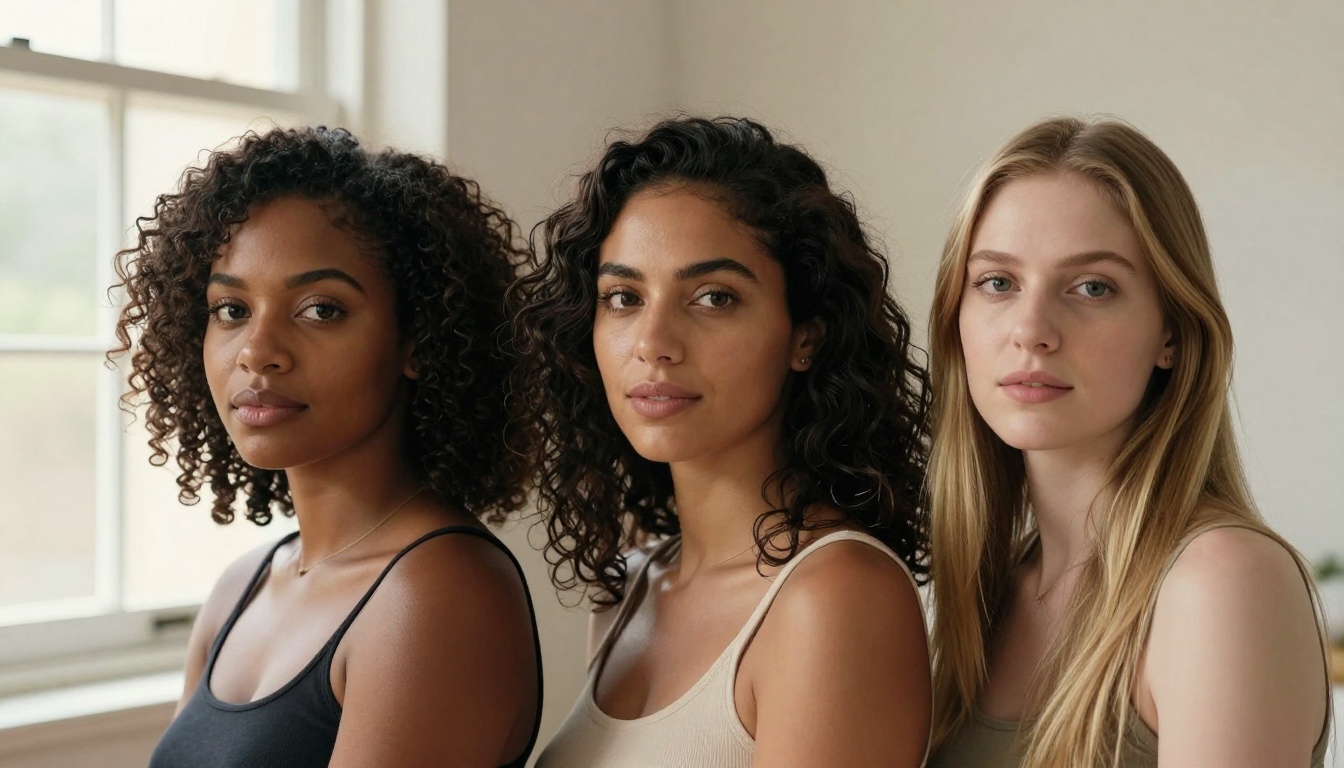
If the training data skews heavily toward one demographic, the model learns to render that demographic more accurately than others. Early GAN-based models trained predominantly on lighter-skinned subjects produced noticeably weaker results when generating darker skin tones. Skin texture, the way melanin scatters light, the specific tone gradients around the eyes and lips: all of these were less well-represented in the learned distribution.
The solution is more diverse training data and more intentional dataset curation. Modern models like Flux 1.1 Pro Ultra and Imagen 4 Ultra have made significant strides here, producing photorealistic results across a much wider range of human diversity than earlier generations.
GANs: Two Networks Fighting Each Other
For much of the 2010s and into the early 2020s, the dominant architecture for AI face generation was the Generative Adversarial Network, or GAN. The concept, introduced by Ian Goodfellow in 2014, is elegantly combative.
The Generator's Job
The generator is a neural network that starts with random noise and attempts to produce an image that looks like it came from the training set. In a face-generation context, it tries to create a convincing human face from nothing but a random vector of numbers.
In the early stages of training, it fails spectacularly. The outputs look like melted, blurred noise vaguely arranged in an oval shape. Nothing like a face. But it has a teacher.
The Discriminator's Role
The discriminator is a second neural network trained to tell the difference between real photographs and fake ones generated by the generator. It receives a mix of real training images and synthetic outputs, and it learns to classify them.
Here is the key dynamic: the generator's entire goal is to fool the discriminator. The discriminator's goal is to not be fooled. As both networks improve simultaneously, they push each other toward higher performance. The generator produces increasingly realistic faces because the only way to fool an increasingly sophisticated discriminator is to produce increasingly sophisticated fakes.
This adversarial training loop, run over millions of iterations, is how systems like StyleGAN learned to produce portraits that stunned the world at their release.
| GAN Component | Role | Failure Mode |
|---|
| Generator | Creates fake images from noise | Mode collapse: produces only a few face types |
| Discriminator | Classifies real vs. fake | Overfitting: memorizes training images |
| Training Loop | Both networks improve together | Instability: one network dominates |
Diffusion Models Changed Everything
GANs dominated face synthesis until around 2021 to 2022, when a different architecture began to produce startlingly superior results: diffusion models.
From Noise to a Face
The diffusion process works in reverse from how you might expect. Instead of training a model to build a face from nothing, diffusion trains a model to remove noise.
During training, real face images are systematically corrupted by adding random Gaussian noise in a series of steps. The model learns to predict and remove this noise at each step, restoring the original image. After thousands of training iterations, the model becomes extraordinarily good at this denoising task.
At inference time, the process runs in reverse: start with pure random noise, apply the denoising model repeatedly, and a coherent image gradually emerges from the chaos. The text prompt guides which direction the denoising moves through latent space, nudging the emerging image toward "a photorealistic portrait of a woman with red hair and blue eyes" rather than any other configuration.
Why Diffusion Beats GANs for Faces
| Aspect | GAN | Diffusion Model |
|---|
| Image diversity | Limited by mode collapse | High: samples full learned distribution |
| Training stability | Notoriously unstable | More predictable, reproducible |
| Photorealism | Strong but artifacts common | Superior micro-detail and texture |
| Prompt control | Requires separate text encoder | Native text guidance built in |
| Facial anatomy accuracy | Can produce broken geometry | More consistent bilateral symmetry |
The key insight: Diffusion models do not just learn what faces look like. They learn the probability distribution of all possible faces, weighted by how statistically "real" each configuration is. This is why models like Flux Dev produce varied, non-repetitive outputs even from identical prompts: each generation is a new sample from that learned distribution.

The Hard Parts AI Still Gets Wrong
Hands, Teeth, and Small Details
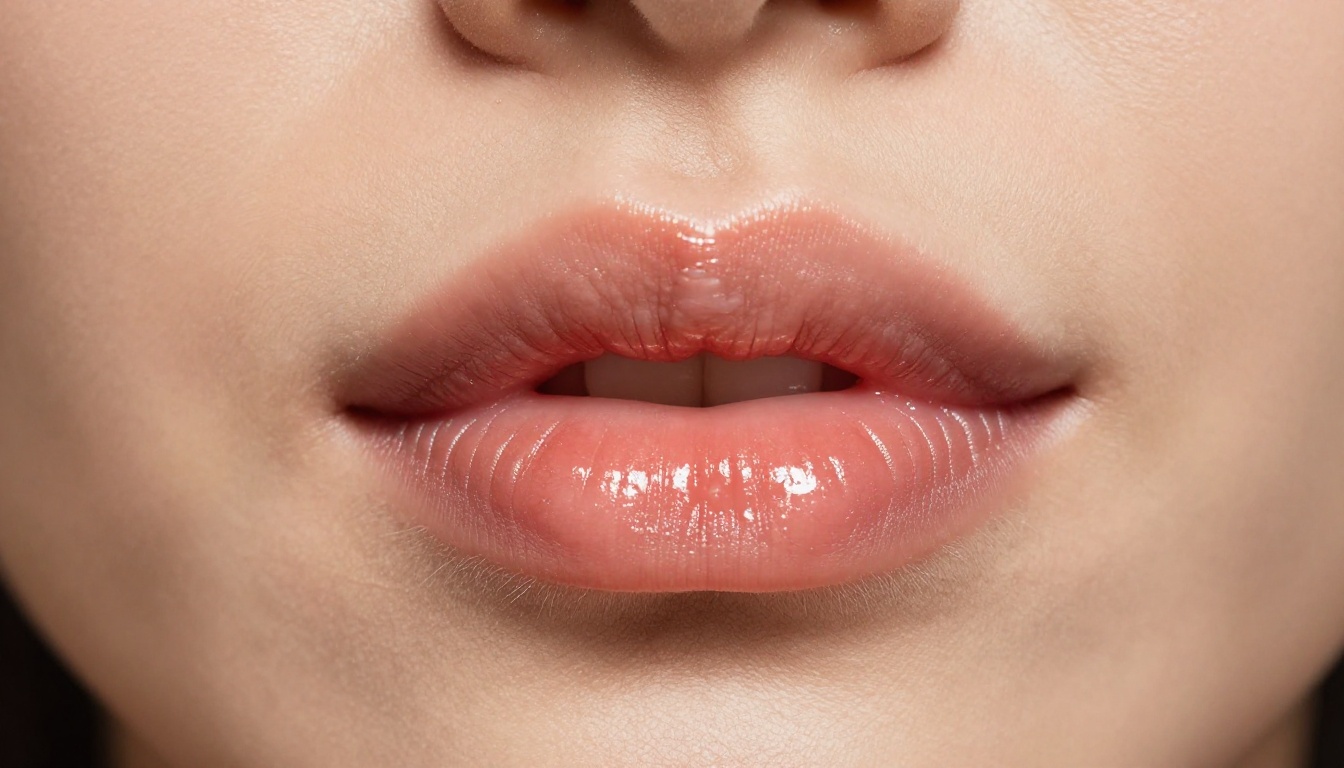
Despite extraordinary progress, AI face generation has persistent blind spots. Teeth inside an open mouth are notoriously difficult: the model must generate a set of geometrically consistent, individually shaped objects that follow the curve of a jaw in three-dimensional space. Early models consistently produced smeared, melted, or incorrectly multiplied teeth.
Earrings and small jewelry present a related challenge. These are small, symmetrical objects that must exist in pairs at precisely defined points on either side of the face. The spatial reasoning required often breaks down at smaller scales, producing mismatched or malformed accessories.
Hands, while not part of the face itself, remain the most famous failure mode in AI imagery. The reason is the same: high geometric complexity, small scale, and the need for precise anatomical consistency across dozens of articulated parts.
Eyes That Do Not Quite Match
The human eye is an extraordinarily complex structure. Beyond the broad anatomy of iris, pupil, and sclera, there are the light reflections called catchlights, the precise shape of the eyelid margins, and the crucially important fact that both eyes must be pointing in the same direction with matching iris sizes.
Early models frequently produced eyes pointing in slightly different directions, or with mismatched iris colors or sizes. This is the uncanny valley effect at its most specific: the face reads as "off" before the viewer can consciously identify why.
Modern models have dramatically improved here. Current leaders like Realistic Vision v5.1 and Seedream 4 produce consistently coherent, anatomically matched eyes across most prompt configurations, including complex gaze directions and partially closed lids.
How Prompting Shapes the Face
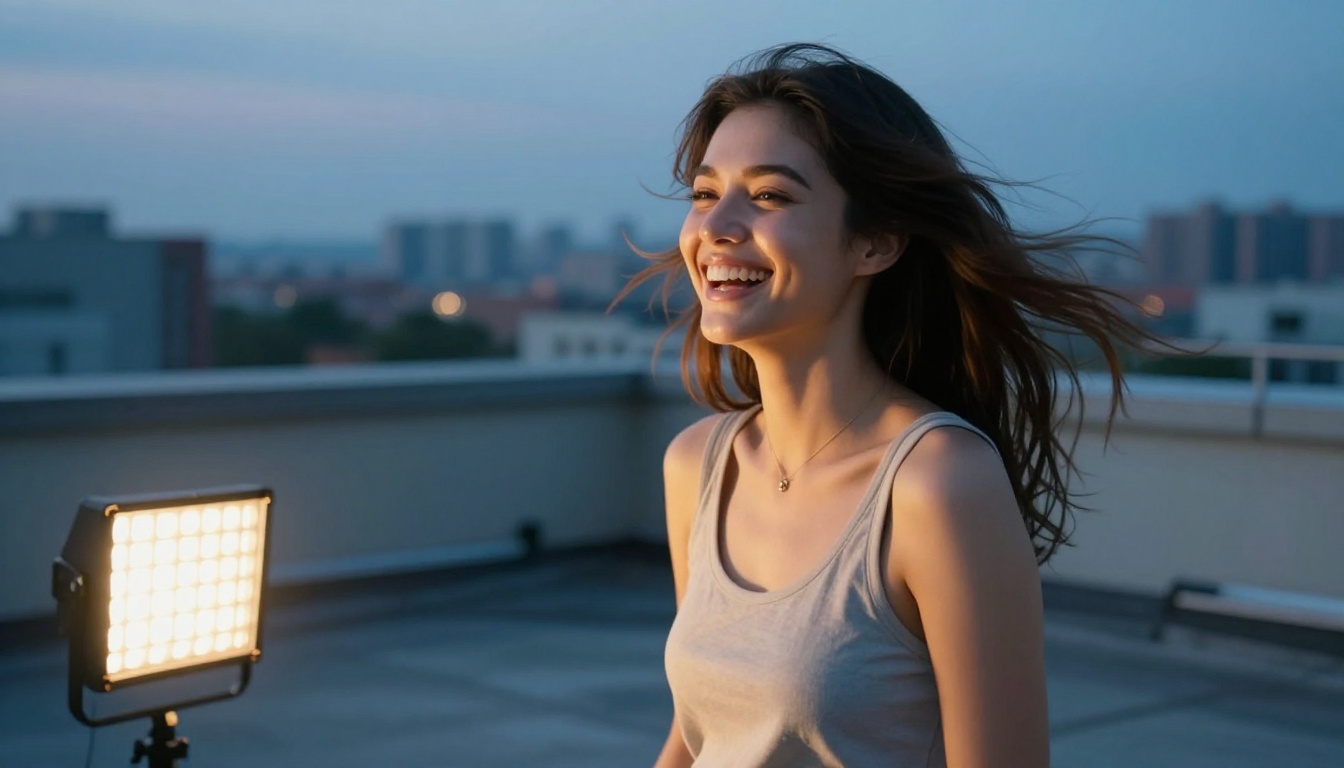
The text prompt in a diffusion model is not decoration. It is a direct instruction to the denoising process, guiding which regions of latent space the output should be drawn from. The difference between a forgettable result and a stunning portrait often comes down entirely to how precisely the prompt describes what the photographer would have set up before pressing the shutter.
Specificity Changes Everything
Vague prompts produce generic faces. Specific prompts produce specific faces.
Compare these two prompts:
- Vague: "a portrait of a woman"
- Specific: "close-up portrait of a woman in her late 30s with olive skin, dark brown eyes, slight laugh lines, shot with an 85mm lens in golden afternoon light, Kodak Portra film grain, Rembrandt lighting from camera left"
The second prompt does not just describe the subject. It describes the lighting, the camera setup, the film stock, and the emotional mood. Because the model has learned from millions of real photographs with all of these characteristics, each additional specific detail narrows the region of latent space being sampled and produces a more coherent, intentional result.
The Role of Negative Prompts
Most modern face generation models accept negative prompts: text describing what you do not want to appear. Common entries for face generation include:
blurry, out of focus reduces soft or unsharp facial featuresdeformed, asymmetrical reduces anatomical errorsplastic, smooth, artificial skin preserves natural skin texturewatermark, text removes superimposed elementsextra teeth, mismatched eyes targets specific anatomy failures
Used skillfully, negative prompts are as powerful as positive ones. They do not remove possibilities so much as they shift probability weight away from regions of latent space associated with those qualities.
Generating Photorealistic Faces Right Now
PicassoIA gives you direct access to the strongest face-generation models available, with no local setup and no hardware requirements. The same diffusion architectures used by professional studios are accessible in a browser tab.
Choosing the Right Model
Different models have different strengths for face generation depending on your goal:
| Model | Best For | Output Style |
|---|
| Flux Pro | Photorealistic portraits, complex prompts | Ultra-realistic skin and lighting |
| Flux 1.1 Pro Ultra | 4MP high-resolution face detail | Studio-quality fine texture |
| Imagen 4 Ultra | Natural skin tones, lighting accuracy | Photographic authenticity |
| Realistic Vision v5.1 | Cinematic portrait style, film look | Natural film photography aesthetic |
| Seedream 4 | 4K detail, diverse face types | Sharp, vibrant, high resolution |
| Flux Schnell | Fast iteration, prompt testing | Real-time speed, strong quality |
Writing Prompts That Actually Work
Follow this structure for consistently strong face generation:
- Subject: Age range, ethnicity, hair color, eye color, any distinguishing features
- Expression: Precise and emotional, not generic ("subtle genuine smile with slight eye crinkle" not just "smiling")
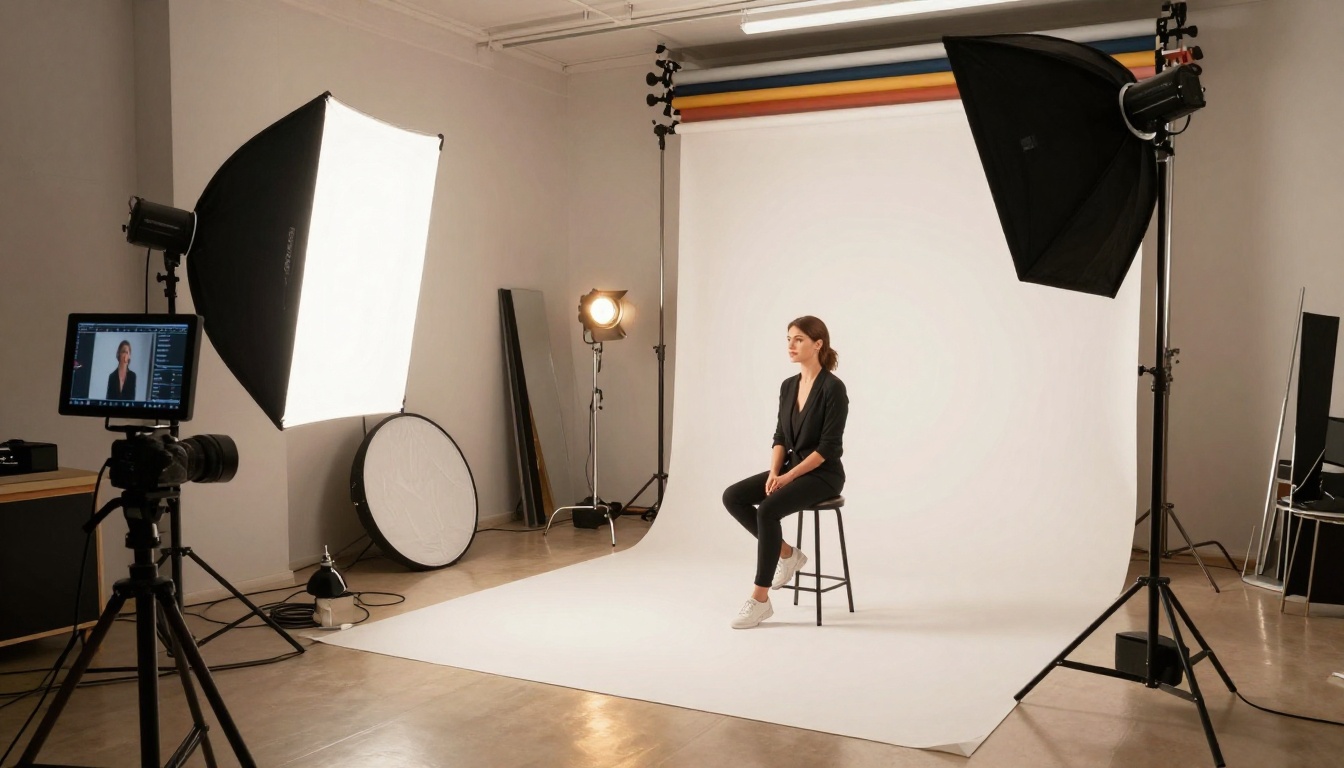
- Lighting: Direction and quality ("volumetric morning light from camera left, octabox beauty lighting, golden hour backlight")
- Camera details: Focal length and aperture ("85mm f/1.4", "100mm macro f/2.8")
- Film or color grading: Kodak Portra 400, Fujifilm PRO Neg Hi, warm tones, cool shadows
- Quality modifiers: RAW 8K, photorealistic, natural film grain, skin pore texture
Prompt tip: The more your prompt sounds like a brief to a professional photographer, the more photorealistic the result. Think "how would I direct this shot on set?" rather than "how would I describe a picture?" The model has learned from real photography. Speak its language.

The Data Behind the Image
AI face generation is not magic. It is pattern matching at enormous scale, running inside mathematical architectures refined by decades of research. Every portrait a model generates is, in a technical sense, an interpolation through patterns seen in the training data, guided by the denoising process toward the specific configuration described by the prompt.
What makes it feel like magic is the scale: the sheer number of patterns internalized, the precision with which the model navigates latent space, and the fidelity with which it renders the infinite small details that make a human face feel alive.
The skin pores. The asymmetry of a natural smile. The specific way light wraps around a cheekbone. The faint shadow cast by the lower lip onto the chin. The precise angle at which an iris catches a catchlight. These are not features anyone explicitly programmed into the model. They emerged from the model being shown enough examples that it learned to expect them, and then learned to produce them.
Understanding this changes how you use these tools. You are not typing instructions into a random image machine. You are providing coordinates to a system that has internalized the entire visual language of human portraiture. The more precisely you describe those coordinates, the more precisely it can navigate to them.
Put It Into Practice
Every face in this article was generated by the same models available to you right now. The same latent spaces. The same denoising processes. The same architectures trained on the same data.
The difference between a generic output and a portrait that stops people mid-scroll is almost entirely in how you describe what you want. Lighting direction. Lens choice. Film stock. The precise expression on a precisely described face. You now know how the process works at a mechanical level, which means you know exactly which levers to pull.
Open Flux Pro, Imagen 4 Ultra, or Seedream 4 on PicassoIA and put that knowledge to work. Write the prompt like a photographer's brief. Add your negative prompts. Adjust the model to match your style goal.
The face you have in mind is already somewhere in latent space. You just have to navigate there.


