You upload a clip of someone's face. You drop in a completely different audio track, maybe a dubbed voiceover in Spanish, maybe an AI-generated voice in English. Within seconds, the face in the video moves its mouth in perfect sync with the new audio, matching every syllable with the right lip position. It looks real. No green screen, no studio, no retakes required.
That's what AI lip sync does. And the science behind it is genuinely fascinating.
What Lip Sync AI Actually Does
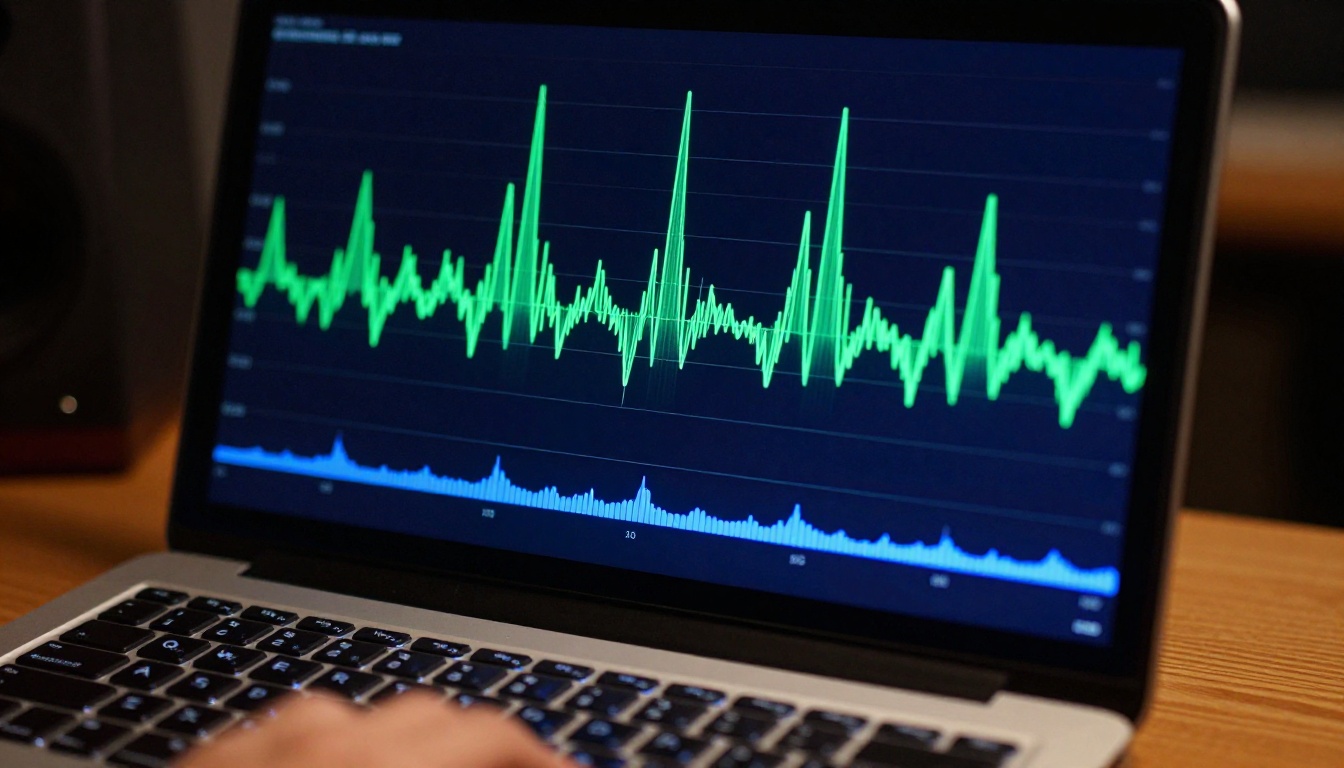
Most people assume lip sync AI "guesses" where the mouth should be at any given moment. The reality is far more precise. The system doesn't guess. It reads. Every piece of audio is a structured data source. The AI breaks that signal down into its smallest measurable components, maps each component against what a human face physically does when producing those sounds, and then warps the mouth region of the video frame by frame to match. The result feels seamless because it's built on real speech science, not approximation.
Breaking Down the Audio Signal
When you feed an audio track into a lip sync model, the first thing it does is run the audio through a speech processing pipeline. This pipeline converts the raw waveform into a sequence of phonemes, the smallest units of sound in any spoken language.
Think of phonemes as the atomic building blocks of speech. The word "hello" contains five phonemes: /h/, /ɛ/, /l/, /l/, /oʊ/. Each phoneme has a predictable duration, energy envelope, and frequency pattern. A well-trained model can extract all of these features from a clean audio file in milliseconds.
The audio processing layer typically uses a Mel-frequency cepstral coefficient (MFCC) representation, which captures the spectral shape of speech in a way that mirrors how human hearing actually works. Some newer models replace MFCCs entirely with learned audio embeddings from transformer-based speech encoders, offering better performance across accents, languages, and recording conditions.
💡 Why this matters: The quality of the audio analysis directly controls the precision of the lip sync. Clean, single-speaker audio at 44.1kHz produces noticeably better results than compressed or noisy recordings.
Different phonemes carry different acoustic fingerprints in the frequency domain. A voiced fricative like /v/ has a completely different spectral shape than a nasal like /m/ or a plosive like /p/. The model learns to recognize these signatures reliably even when they're blended together in natural, flowing speech. Coarticulation, where one phoneme smoothly transitions into the next without a clean break, is one of the hardest problems in speech processing. Modern architectures handle it by modeling audio in overlapping temporal windows rather than analyzing phonemes in isolation.
Mapping Sound to Mouth Shapes
Once the audio is broken into phonemes, the system needs to translate each phoneme into a corresponding mouth shape. In animation, these shapes are called visemes. Every language shares a set of core visemes, even if the phoneme inventory differs significantly from language to language.
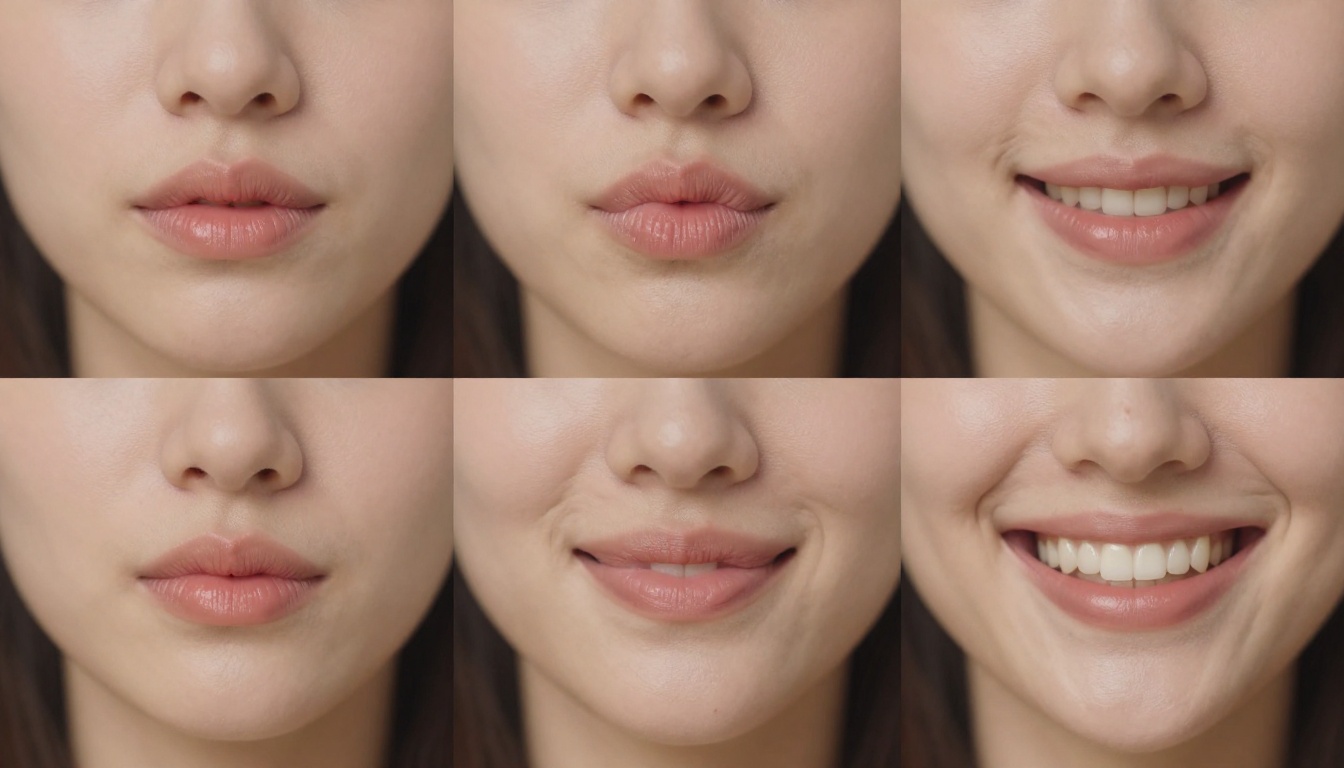
The mapping from phoneme to viseme is not one-to-one. Multiple phonemes often share the same visible mouth shape. The sounds /p/, /b/, and /m/ all look nearly identical on the lips, even though they're acoustically distinct. This is exactly why lip reading is difficult for humans, but manageable for AI systems that also read subtle jaw movement, chin drop, and cheek tension as supplementary cues.
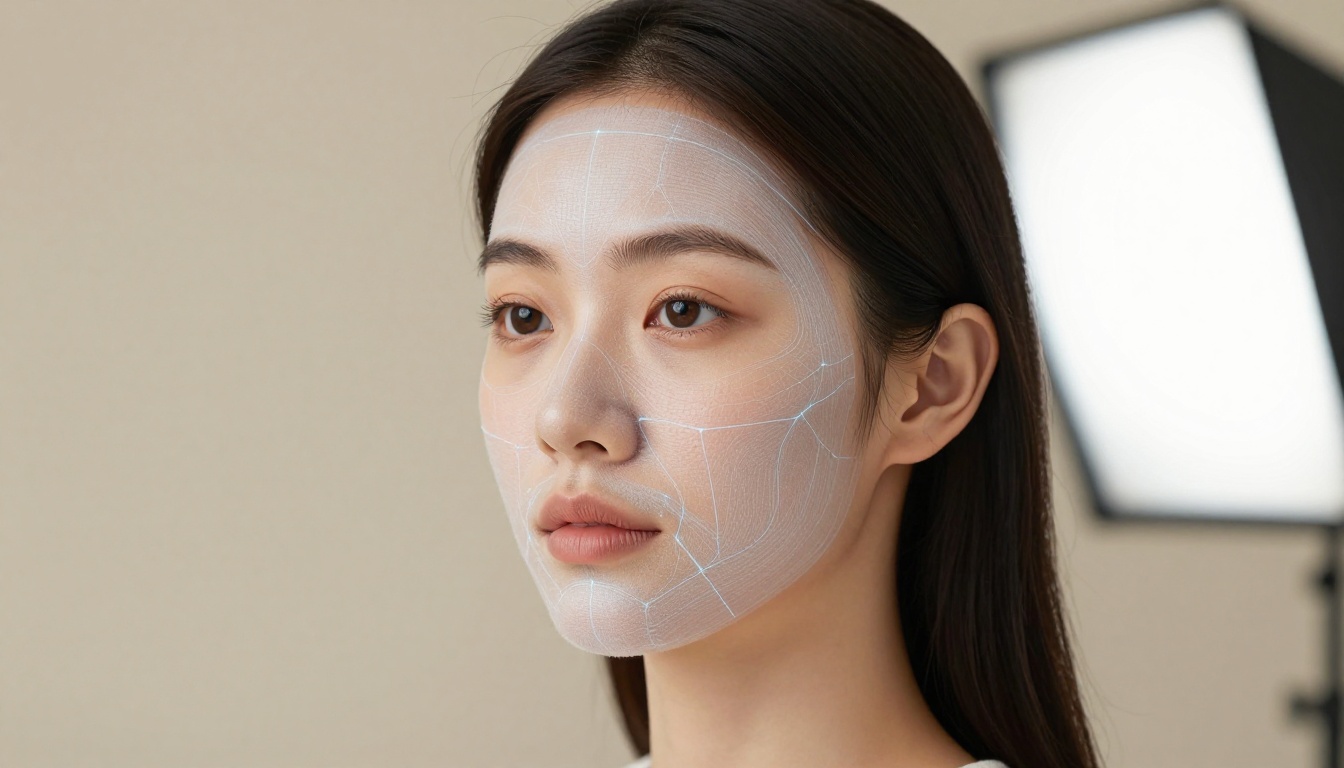
The AI uses facial landmark detection to identify 68 to 478 reference points on the face, including the exact corners of the lips, the cupid's bow, the chin tip, and the jaw hinge. These landmarks become the skeleton that the model manipulates frame by frame to produce each viseme. The region around the mouth is then texture-warped to match the target shape, and the result is blended back into the original video with attention to preserving skin texture, lighting continuity, and the natural softness of lip edges.
The temporal dimension is just as important as the spatial one. A phoneme doesn't just have a mouth shape. It has an onset time, a peak, and a release. The AI times each viseme to these temporal events in the audio with frame-level precision, typically operating at 25 or 30 frames per second to match standard video formats.
The Neural Networks Behind It
Lip sync AI is not a rule-based system where someone wrote out "when the audio contains /m/, close the lips." The behavior emerges entirely from training on enormous datasets of real human speech and video.
How Training Data Shapes Accuracy
A good lip sync model is trained on thousands of hours of talking-head video with precisely synchronized audio, covering multiple languages, accents, ages, and lighting conditions. During training, the model learns the statistical relationship between audio features and facial motion, building an internal representation that generalizes far beyond anything a handcrafted rule set could capture.
This is why modern models generalize so well to new speakers. They aren't memorizing a fixed set of mouth shapes per speaker. They're building a continuous function that can interpolate between known states, handle coarticulation where one phoneme blends into the next, and respect the temporal dynamics of natural speech including pauses, emphasis, and breathing patterns.
| Feature | Rule-Based Systems | Neural Network Models |
|---|
| Language support | Fixed set only | Multi-language |
| Accent handling | Poor | Strong |
| Coarticulation | Ignored | Accurately modeled |
| New speaker adaptation | None | Immediate |
| Visual realism | Low | High |
| Fine-tuning possible | No | Yes |
Training data diversity is the single biggest factor separating average models from production-quality ones. A model trained primarily on English news anchors will struggle with fast, colloquial speech or with languages that use phonemes outside its training distribution. The best current models use data from hundreds of speakers across dozens of languages to build genuinely broad coverage.
Wav2Lip and What Came After
The architecture that put AI lip sync on the map was Wav2Lip, published in 2020. It used a GAN-based approach with a dedicated lip-sync discriminator that evaluated not just visual quality but synchrony accuracy frame by frame. The discriminator was pre-trained on a massive audio-visual dataset to recognize whether a lip movement matched a given audio segment.
Wav2Lip produced impressive results but had a well-documented weakness: it sometimes softened the mouth region slightly, trading sharp texture for sync accuracy. The field has moved substantially since then.
Current production models use diffusion-based architectures, 3D morphable face models (3DMMs), and audio-conditioned latent diffusion to produce results that are both temporally accurate and photorealistic. Rather than warping pixels directly, some models reconstruct the mouth region from scratch, guided by the audio signal and constrained by the geometry of the original face. This approach preserves skin texture and eliminates the blurring artifact. Several leading models now operate in real time at 30fps, which opens the door to live streaming and video conferencing applications.
Real-World Uses That Already Exist
Lip sync AI isn't theoretical. It's in active production across multiple industries right now.
Video Dubbing in Any Language
The most commercially significant application is multilingual video dubbing. Historically, dubbing a film or documentary required voice actors, a recording studio, and weeks of post-production work to match timing. Even with that effort, the lip movements often looked wrong because the replacement dialogue was a different length than the original.
AI lip sync changes this entirely. A documentary narrated in English can be dubbed into Portuguese or Hindi, with the lip movements regenerated to match the new audio track. The speaker's face in the video moves naturally with the translated speech, without any reshooting.
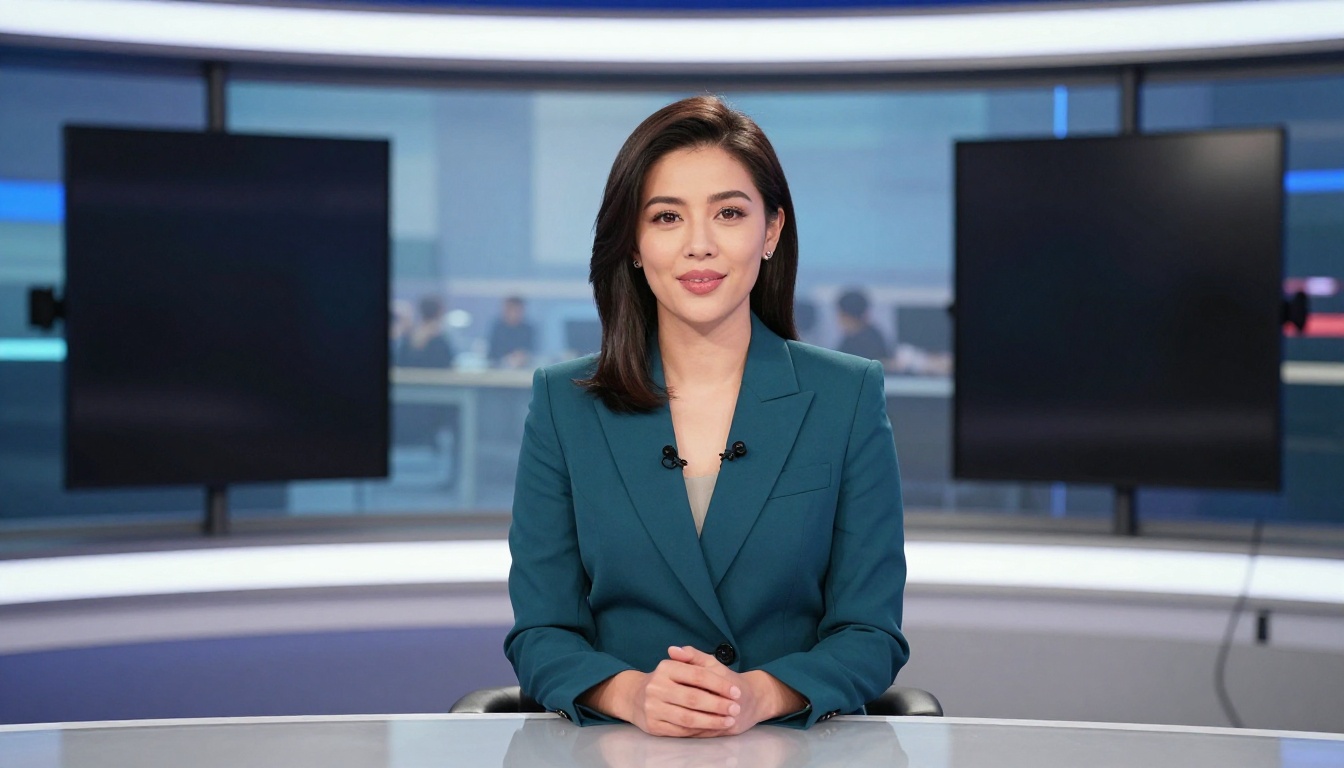
💡 Real impact: Streaming platforms now use AI dubbing to release content in dozens of languages simultaneously, with lip sync accuracy that holds up under normal viewing conditions across all of them.
Virtual Presenters and AI Avatars
Corporate training, e-learning platforms, and marketing videos increasingly use AI-animated presenters that deliver scripted content without requiring a human to stand in front of a camera for every revision. The presenter is either a photorealistic synthetic avatar or a real person's recorded image, driven entirely by audio input.
This use case benefits enormously from accurate phoneme-to-viseme mapping. An e-learning video where the presenter's mouth doesn't match the narration is immediately jarring. It breaks the viewer's focus and undermines credibility in the content. When the sync is tight, the cognitive load disappears and the viewer stays focused on the information being delivered.
Content Creation Without Retakes
For individual creators, the most immediately practical application is correcting audio-video sync errors in recorded content. If a creator's audio track drifted slightly during recording, or if they want to re-record the voiceover with a cleaner microphone take, AI lip sync can realign the video to the new audio without any reshooting.
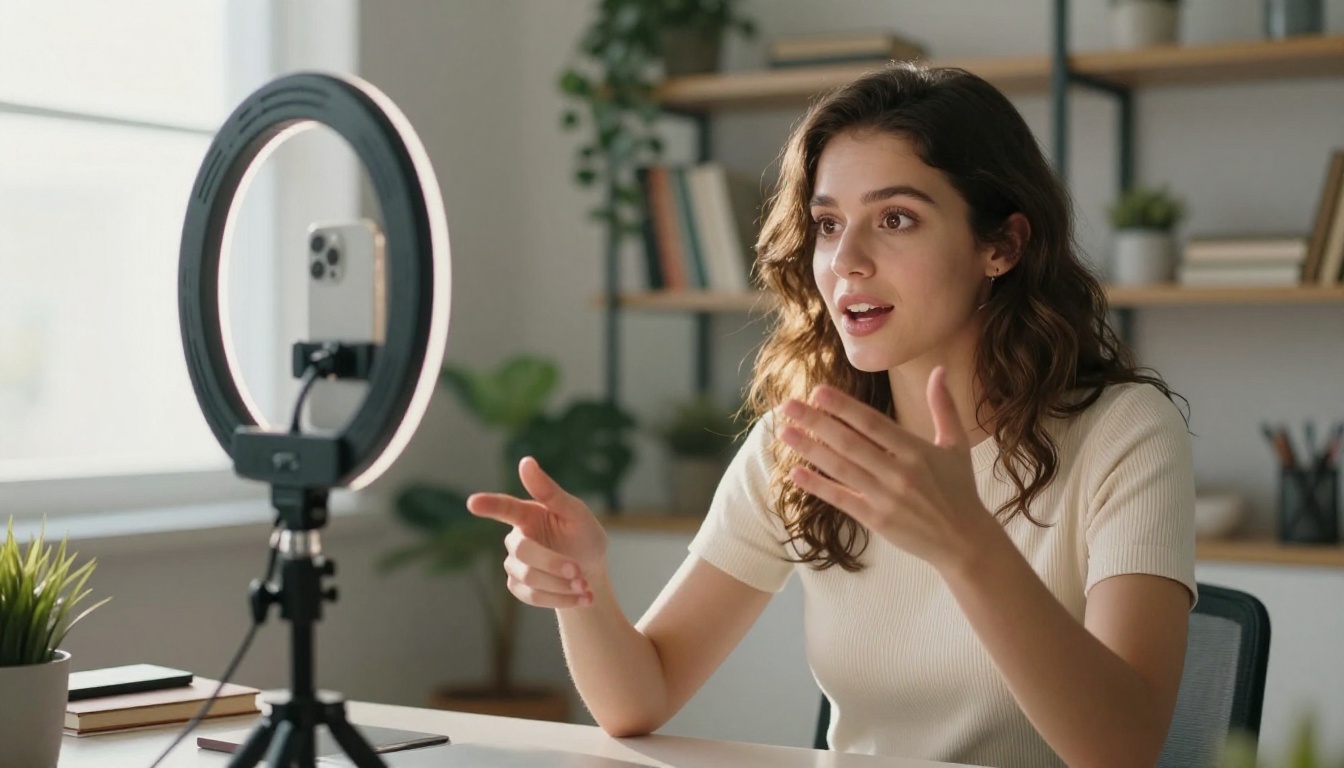
It also enables producing multilingual versions of the same video. A YouTube channel can release the same content in English, Spanish, and French, with the presenter's face synced to each audio track, all from a single original recording session. This cuts production time for localized content from days to minutes.
How Accurate Is It Today?
Accuracy in AI lip sync breaks down into two separate dimensions: temporal accuracy (does the mouth move at exactly the right moment?) and visual fidelity (does the mouth shape look natural and match the specific phoneme being produced?).
When Results Are Flawless
Current models perform best under these conditions:
- Front-facing or near-frontal head orientation within about 30 degrees of facing the camera
- Single speaker with no other faces in the same frame
- Clean, noise-free audio recorded at a standard sample rate
- Stable, consistent lighting without rapid changes across the clip
- Relatively stable head position without fast lateral movement
Under these conditions, state-of-the-art models produce results that are essentially indistinguishable from real footage at normal playback speed. The sync is frame-accurate, the visemes are correct, and the skin texture around the mouth region is preserved without artifacts.
Where It Still Struggles
No model handles every scenario perfectly. Common problem cases include:
- Extreme profile views: When the head is turned more than 45 degrees, the model has fewer visible landmarks and reconstruction becomes less reliable.
- Multiple speakers in frame: Most models are trained on single-face scenarios. Two people speaking simultaneously often causes attribution errors.
- Very fast speech: At rates above roughly 300 words per minute, temporal precision drops slightly.
- Languages with rare phonemes: Training data coverage directly determines performance on phonemes that appear infrequently in the dataset.
- Low-resolution source video: There's no way for the model to generate texture detail that wasn't in the original pixels.
💡 Production tip: Record the source video with the subject speaking directly to camera on a clean, evenly lit background. The model will produce dramatically better results compared to footage shot in challenging conditions.
How to Use Lip Sync AI on PicassoIA
PicassoIA offers a full collection of lipsync models directly in the platform. No local setup, no API credentials to manage, no GPU required. You upload your video, provide your audio track, and the model handles the rest.

Step 1: Choose Your Model
PicassoIA provides several lip sync models, each with different strengths:
- Lipsync 2 Pro by Sync: The highest-fidelity option available. Produces frame-accurate sync with excellent visual quality across a wide range of face types and audio styles. Start here for professional output.
- Lipsync 2 by Sync: A faster variant for quicker turnarounds where maximum quality is less critical.
- React 1 by Sync: Adds realistic lipsync to any video with a focus on natural-looking output and good performance on varied footage.
- Kling Lip Sync by Kwaivgi: Strong on varied shooting conditions, including footage recorded in more challenging environments.
- PixVerse Lipsync: Optimized for speed. Good for quick previews and fast iteration.
- Omni Human by ByteDance: Animates a still photo into a full talking video from a single image and an audio track. No source video needed.
- Fabric 1.0 by Veed: Makes any photo talk with audio-driven animation, optimized for social media formats.
Step 2: Upload Your Video
Navigate to the model page and upload your source video clip. For best results:
- Format: MP4 or MOV preferred
- Resolution: At least 720p, with 1080p giving noticeably better results
- Subject: One clearly visible face, front-facing and well-lit
- Length: Most models handle clips from a few seconds up to several minutes
Avoid heavily compressed files, footage with motion blur, or clips with rapid lighting changes between cuts.
Step 3: Add Your Audio
Upload the audio track you want to sync to the video. This can be:
- A dubbed voiceover recorded by a voice actor
- An AI-generated voice produced from a text-to-speech system. PicassoIA also provides text-to-speech models that pair naturally with the lipsync workflow.
- A re-recorded version of your own narration with better microphone quality
- Any speech audio in WAV, MP3, or M4A format
💡 The audio must contain only speech. Background music or ambient noise mixed into the audio track reduces sync accuracy substantially. Use a clean, isolated voice recording whenever possible.
Step 4: Generate and Download
Hit generate. Processing time depends on clip length and the selected model, ranging from a few seconds to a couple of minutes for longer content. The output video is available to download directly from the platform, with lip movements fully synchronized to your audio track and the original video quality preserved outside the mouth region.
What Makes a Good Lip Sync Result
The model does the heavy lifting, but your inputs determine the ceiling on quality.
Audio Quality Is Everything
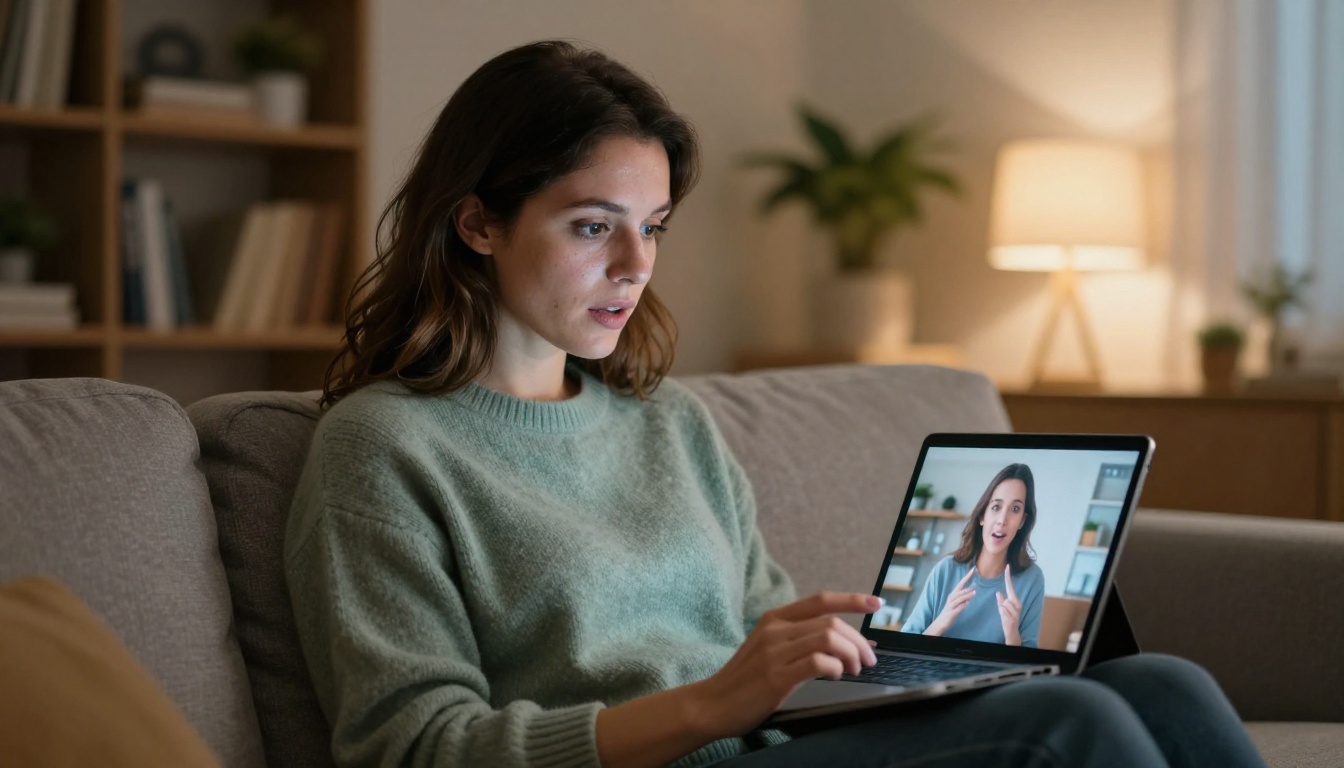
This bears repeating because it's the most frequently overlooked factor. A lip sync model reads audio features to determine mouth position frame by frame. If the audio is noisy, compressed at a low bitrate, or contains two voices simultaneously, feature extraction becomes unreliable and the visual output suffers proportionally.
Best practices for audio input:
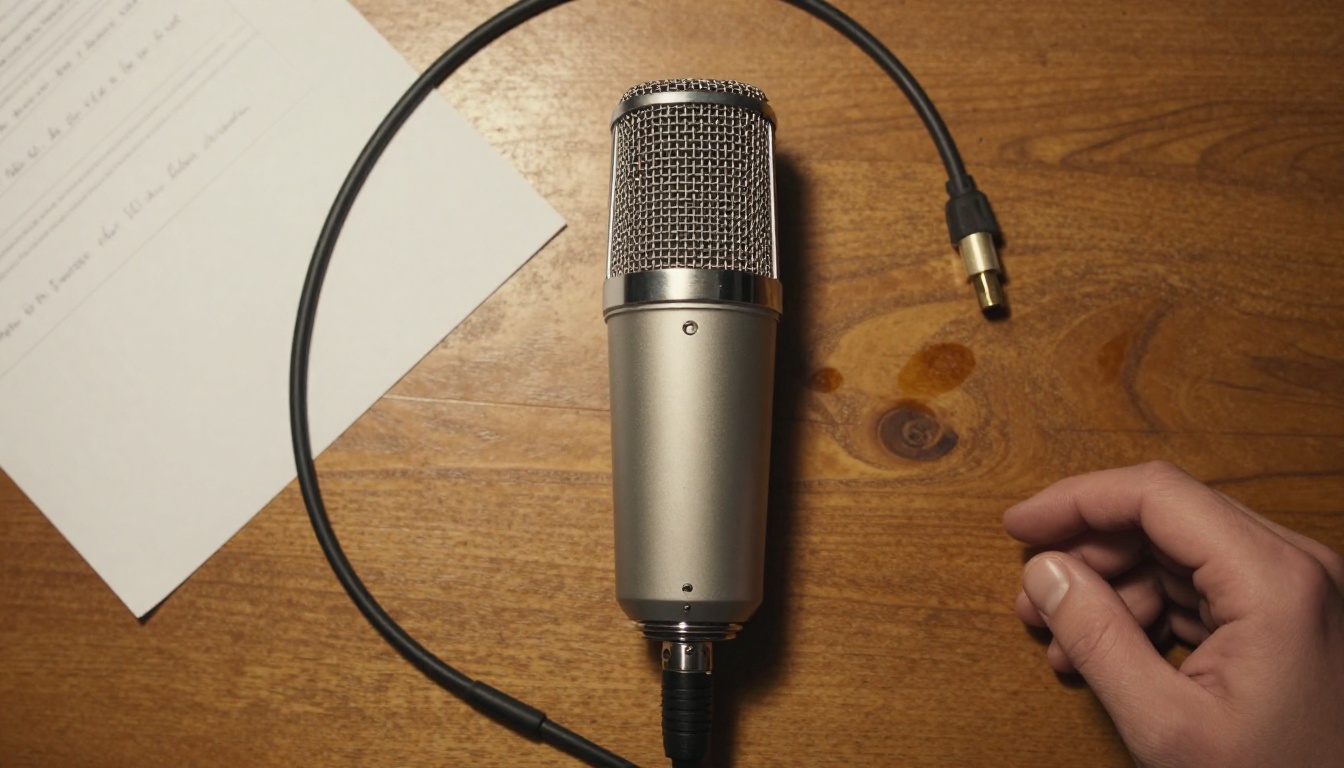
- Record in a quiet room with no background noise
- Use a dedicated microphone rather than a built-in laptop or phone mic
- Export at 44.1kHz in WAV or FLAC format
- Normalize the audio level before uploading, targeting around -14 LUFS for speech
- Run a noise reduction pass if the recording environment wasn't ideal
Video Input Requirements
The video input sets the visual foundation the model works from. There's no way to recover detail that isn't in the original pixels.
Best practices for video input:
- Shoot at 1080p minimum, 4K if your workflow supports it
- Use consistent, even lighting with no harsh shadows falling across the mouth area
- Keep the subject relatively still and centered in frame throughout the clip
- Avoid heavy post-processing or filters applied to the original footage before upload
- Make sure the face is clearly visible and not partially obscured by hands, hair, or objects
The quality gap between a well-prepared input and a hastily recorded clip is substantial in the final output. A few minutes of preparation before recording pays off significantly.
Start Creating With AI Lip Sync
Lip sync AI has moved from a research curiosity into a genuinely practical production tool. Whether you're localizing video content into multiple languages, building AI-powered presenters for training materials, or fixing a voiceover that didn't land quite right, the tools to do it are available right now without any technical setup.
PicassoIA's lipsync collection puts the full range of current models in one place, from Omni Human by ByteDance for animating a still photo into a speaking video, to Lipsync 2 Pro by Sync for professional-grade audio-to-video synchronization on any existing footage.
The gap between what you recorded and what you meant to create just got a lot smaller. Upload a clip, add your audio, and see exactly what these models can do.


