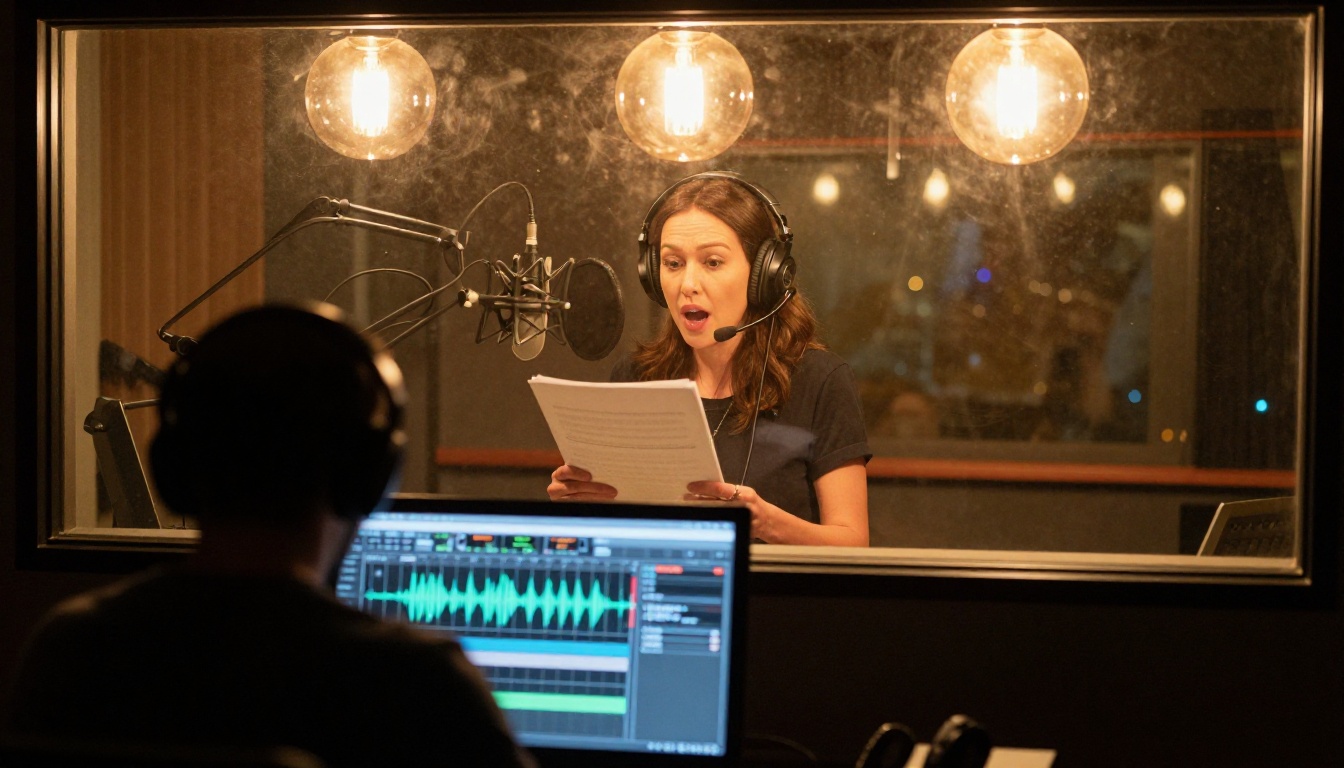
AI lipsync has moved far beyond the clunky dubbing of early translation attempts, where characters' mouths moved for three seconds while the English audio finished in one. Today, neural lipsync models analyze audio phonemes in milliseconds and generate frame-accurate mouth animations that match any voice, in any language, for any character, including anime.
The question most people ask is not whether it works, but how it works, and which tools actually deliver results without a computer science degree or a production budget. This article breaks both of those down.
What Makes Anime Lipsync So Difficult
Anime is not live-action footage. There are no real muscles to track, no facial geometry data to reference, and no natural lip-sync baseline. Standard dubbing studios work around this by timing scripts to existing mouth flaps, but the result is always a compromise. AI approaches the problem differently.
The Phoneme Gap in Anime Art
Anime character faces use a simplified visual vocabulary. Mouth shapes are stylized, limited to a small set of distinct positions: open, closed, mid-open, and a few variations for expressions. Real human speech, on the other hand, involves dozens of distinct phoneme shapes per second, many of which have no equivalent in typical anime animation.
When you try to sync a real voice to an anime character, you immediately hit this phoneme gap. The voice says "you" and the character's mouth needs to form a specific rounded shape. The voice says "strength" and the consonant cluster demands rapid transitions that the original animator never drew.
Why Standard Dubbing Fails
Professional dubbing houses solve this by rewriting scripts to fit existing mouth flaps, a process called lip flap matching. It works, but it sacrifices translation accuracy, requires expensive scriptwriters, and takes weeks. The result is still artificial.
AI does not rewrite the script. It regenerates the face.
How AI Solves the Sync Problem
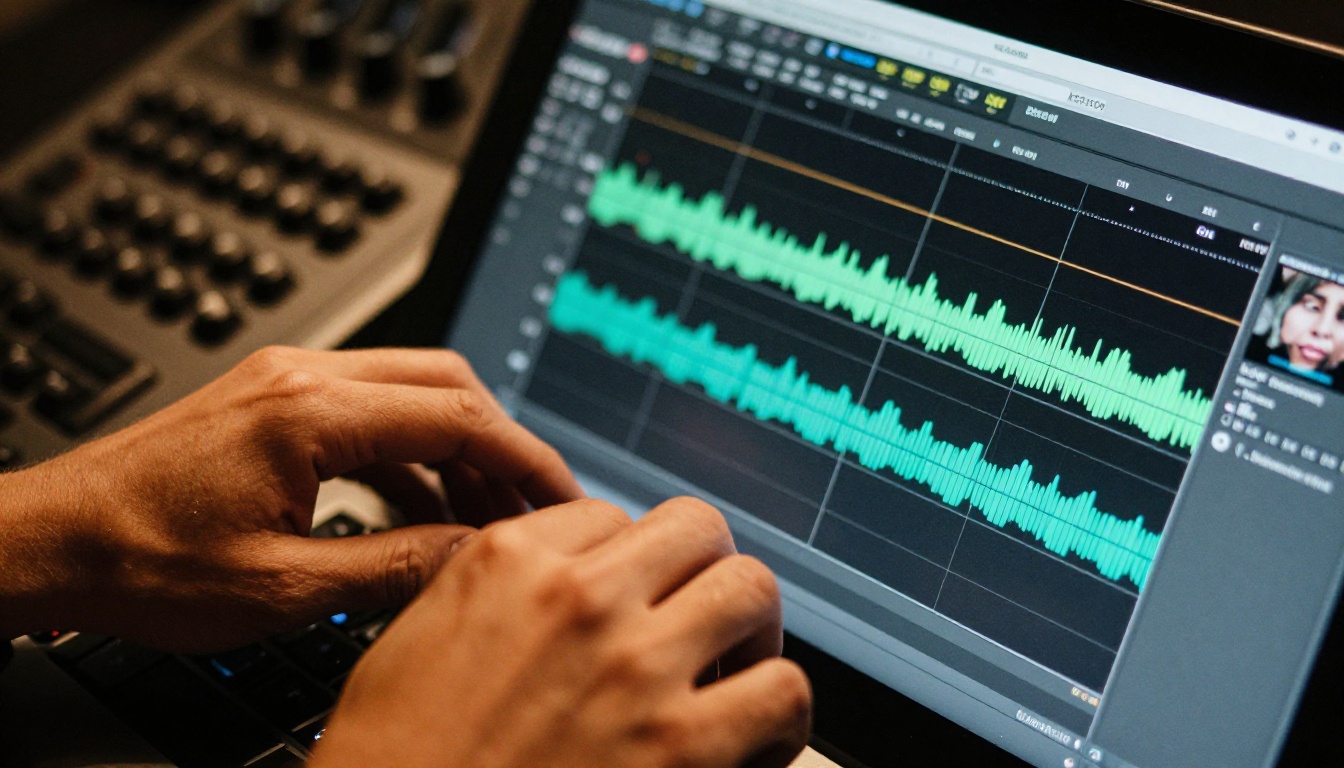
The breakthrough in AI lipsync comes from training neural networks on massive datasets of real human faces speaking. These models learn the precise relationship between audio signals and visible mouth positions, then apply that knowledge to any face, including stylized anime faces.
Audio Analysis and Phoneme Mapping
The first step in any AI lipsync pipeline is audio analysis. The model breaks down the input audio into phonemes, the individual sound units that make up speech. English has around 44 phonemes. The model identifies each one, its duration, and its position in the audio timeline.
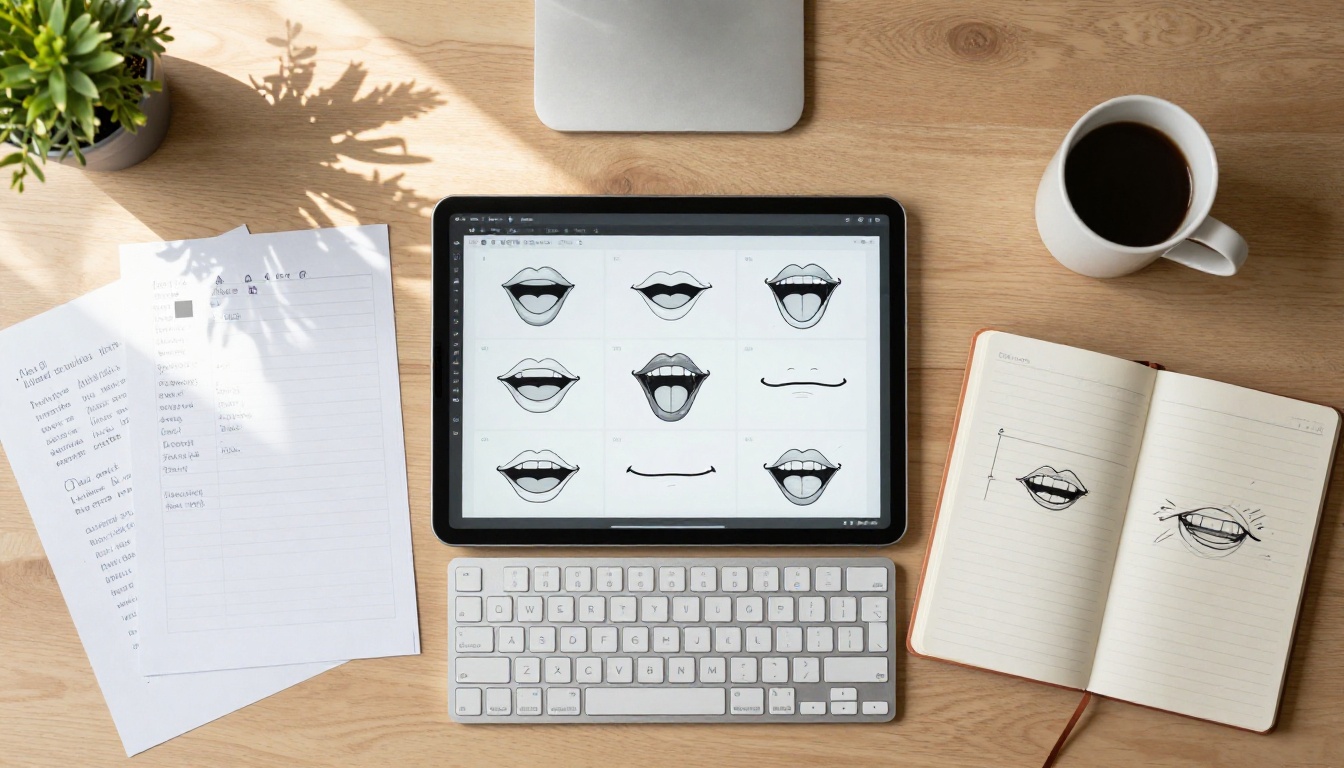
Each phoneme maps to a viseme, a visual mouth shape. The mapping is not one-to-one: the phoneme "b" and "p" share a nearly identical viseme (lips pressed together), while "a" and "ah" share a wide-open shape. A quality lipsync AI maintains a detailed phoneme-to-viseme table and uses it to build an animation timeline.
💡 The difference between good and great lipsync comes down to how many intermediate frames the model generates between phonemes. Cheap tools skip frames; quality models interpolate smoothly.
Neural Networks for Mouth Shape Prediction
Once the phoneme timeline exists, the model needs to figure out exactly how to deform this specific character's mouth to match each viseme. This is where deep learning earns its complexity.
The model analyzes the character's existing mouth geometry (even a single static image is enough for modern models), learns its proportions and style, then generates new mouth positions that are stylistically consistent with the source image while matching the audio.
For anime specifically, the best models have been trained on datasets that include stylized faces, so they understand that an anime mouth at the "ah" phoneme looks fundamentally different from a realistic human mouth at the same phoneme, even if the underlying acoustic event is identical.
Frame-by-Frame Animation Generation
The final step is frame synthesis. The model generates a new video where each frame shows the character's mouth at the correct viseme position for that moment in the audio. High-quality models like Lipsync 2 Pro generate at frame rates up to 30fps, producing smooth, natural-looking animations from a single source image.
The Best AI Lipsync Models Right Now
Not all lipsync models handle anime faces equally. The main differentiators are stylized face support, audio quality tolerance, and output resolution.
Sync Lipsync 2 Pro
Lipsync 2 Pro is the precision choice. It handles longer audio files without drift, maintains consistent facial identity throughout the video, and produces clean transitions between phonemes. If you want the most accurate sync for a dialogue scene, this is the model to run first.
Lipsync 2 (the base version) is faster and works well for shorter clips where millisecond precision matters less than turnaround speed.
Kling Lip Sync
Kling Lip Sync from Kwaivgi is optimized for short-form content. It processes quickly and outputs clean results for social media clips under 30 seconds. The model handles stylized faces well, which makes it a strong choice for anime content where the source character image is a flat 2D illustration rather than a photograph.
Omni Human 1.5
Omni Human 1.5 from ByteDance stands out because it animates the entire head, not just the mouth. When the character speaks, the head nods slightly, eyes blink naturally, and microexpressions appear consistent with the emotional tone of the audio. For anime characters this creates a much more convincing result than pure mouth-only sync.
Omni Human (the base version) provides the same full-body animation approach at a slightly lower fidelity, making it useful when you need faster iteration on a project.
HeyGen Lipsync Precision
Lipsync Precision from HeyGen is built for dubbing workflows. It accepts a video input and an audio track, then re-syncs the mouth movements to the new audio. If you are localizing an anime episode from Japanese to Spanish, Precision handles the re-timing of existing animation rather than generating new frames from scratch.
For multi-language output, pair it with Video Translate to automate the dubbing pipeline across languages.
💡 Lipsync Speed is the faster HeyGen option for quick iterations — use it when testing sync quality before committing to a full Precision run.
How to Get the Voice Right First
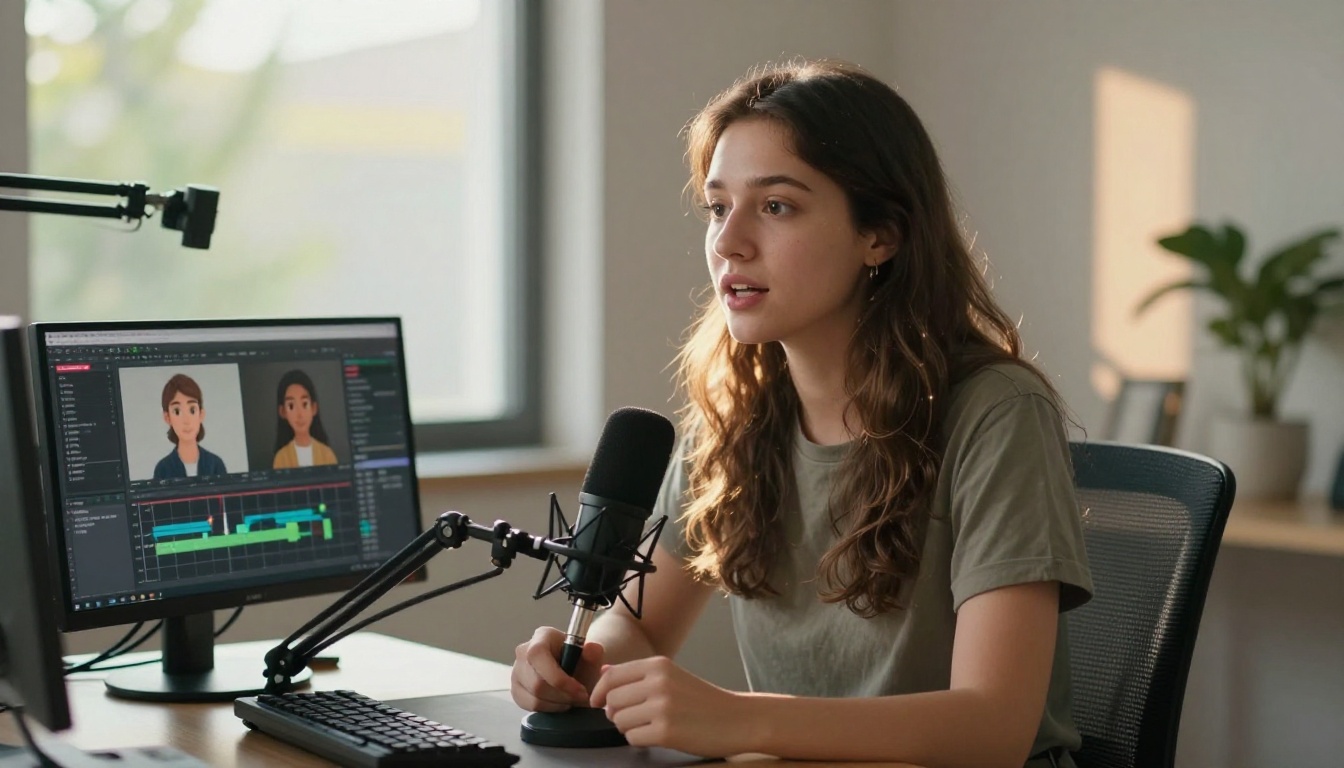
The quality of the lipsync output is only as good as the audio input. This is where most creators underinvest, then wonder why the result looks off.
Choosing Your TTS Model
If you do not have a voice actor recording, you need a text-to-speech model that produces natural, expressive audio with clear phoneme articulation. Monotone TTS audio produces stiff, lifeless lipsync results.
ElevenLabs V3 is the current benchmark for expressive, character-appropriate TTS. It handles emotional inflection, pacing variation, and breathiness, all of which feed into a more natural lipsync output.
MiniMax Speech 2.8 HD delivers studio-quality audio that is fast to generate and phonetically clean. It is a strong choice when you need many different character voices at scale.
For voice cloning specifically, Chatterbox from Resemble AI lets you upload a sample of any voice and reproduce it with full emotional control. This is valuable for fan dubbing projects where consistency across episodes matters.
Voice Cloning for Character Authenticity
When dubbing an existing anime series, using a generic TTS voice breaks immersion immediately. Voice cloning solves this by capturing the specific qualities of a character's original voice actor (or a chosen replacement) and using that as the base for all generated audio.
Qwen3 TTS supports voice cloning with strong multilingual performance, making it particularly useful when the source material is Japanese and the target output is English or another language.
ElevenLabs v2 Multilingual covers over 30 languages and retains emotional tone across them, which is essential when the character voice needs to feel consistent whether speaking English, French, or Portuguese.
💡 Always generate your voice audio before starting lipsync. Running lipsync on placeholder audio and re-running on final audio doubles your processing time and cost.
How to Use Lipsync on PicassoIA
PicassoIA's lipsync category includes 12 models, all accessible from the same interface without any local installation. Here is the workflow that produces the best results for anime characters.
Step 1: Prepare Your Source Image
The source image is the single biggest factor in output quality. Use a high-resolution illustration of the character's face, ideally in a neutral expression with the mouth slightly closed or relaxed. Avoid images where the character is already mid-expression, as the model will need to work harder to transition from that state.
If your source image is low resolution, run it through a super-resolution model on PicassoIA first. Upscaling 2x to 4x before running lipsync prevents the model from generating blurry or pixelated mouth animations.
Step 2: Generate or Upload Your Voice
Before opening the lipsync tool, have your audio ready as a clean WAV or MP3 file. If you are generating it via TTS, download the output from ElevenLabs V3 or MiniMax Speech 2.8 HD first.
Remove background noise from the audio before uploading. Even a subtle room tone can confuse phoneme detection and cause misaligned mouth movements.
Step 3: Run the Lipsync Model
Open Omni Human 1.5 for full-head animation, or Lipsync 2 Pro for mouth-precise sync. Upload your source image and audio file. For most anime content, the default settings work well without adjustment.
If the character has unusual proportions (very large eyes, small mouth, or non-human features), try Kling Lip Sync as an alternative, since its training data includes a wider range of stylized face types.
Step 4: Export and Share
Output videos from PicassoIA lipsync models are typically MP4 at the resolution of the source image. For sharing on social platforms, keep clips under 60 seconds and use Lipsync Speed instead of Precision to reduce processing time without significant quality loss on shorter content.
For broadcast or high-resolution display needs, run the finished video through an AI video enhancement model afterward to upscale and stabilize the output.
Real Use Cases That Work Right Now
Fan Dubbing Projects
Fan communities have been dubbing anime for decades, but AI lipsync removes the two biggest bottlenecks: script timing and mouth flap editing. A small team of two or three people can now produce a full episode dub with accurate lipsync in days rather than months.
The workflow: write the translated script, generate character voices via Chatterbox Pro or ElevenLabs v2 Multilingual, then run each scene through Lipsync 2 Pro. The entire pipeline runs in one platform.
YouTube Content and Social Media
Talking avatar content on YouTube and short-form video platforms has an enormous audience. AI-generated anime avatars that speak in a creator's voice or a fictional character's voice are a growing format, and the production bar is now accessible to individual creators.
P Video Avatar is specifically designed for this use case, animating a photo or illustration into a continuously talking avatar synced to any audio input. It works particularly well for character channels where the avatar is the consistent on-screen presence.
Visual Novels and Indie Games
Visual novel developers and indie game creators use AI lipsync to animate character dialogue without hiring animators for each scene. A single static character portrait plus an audio line produces a fully animated talking character ready for the game engine.
Fabric 1.0 from VEED is well-suited for this workflow because it handles image inputs cleanly and produces outputs with consistent visual style, which is important when the character appears across dozens of different dialogue scenes in the same project.
PixVerse Lipsync is another strong option for game content, offering fast sync speeds that fit well into iterative development cycles where you may need to re-record and re-sync lines frequently.
3 Mistakes That Ruin AI Lipsync
Using Low-Resolution Source Images
If the input image is under 512px wide, the model does not have enough detail to generate convincing mouth positions. Upscale your source image first. The extra processing time saves multiple failed lipsync attempts and avoids blurry output that no amount of post-processing can fix.
Audio with Too Much Background Noise
Music, reverb, and room ambience confuse phoneme detection. The model starts mis-mapping sounds to the wrong visemes, producing a result where the mouth moves to background music instead of the speech content. Run your audio through a noise removal tool before uploading to any lipsync model.
Skipping Phoneme-Rich Voice Generation
Generic TTS models often compress or skip subtle phonemes in rapid speech. The lipsync model only knows what the audio tells it: if the "t" and "d" consonants are clipped in the audio, the mouth animation will skip those mouth positions too. Use a high-fidelity TTS model like ElevenLabs V3 or MiniMax Speech 2.8 HD that preserves full phoneme articulation in the output audio.
💡 Record or generate at a higher sample rate than you think you need. 44.1kHz minimum; 48kHz for professional outputs. Downsampling is trivial; audio quality lost to low sample rates is not recoverable.
Start Animating Your Own Characters
The technology that used to require a full animation studio is now available to anyone with a character image and an audio file. AI lipsync has removed the technical barrier between a voice performance and a fully animated character that looks and sounds like the real thing.
PicassoIA's lipsync category puts 12 specialized models in one place, from precise dialogue sync with Lipsync 2 Pro to full-body animation with Omni Human 1.5, without requiring any local software installation.
Start with a single character portrait and a short voice line. Run it through Kling Lip Sync or Omni Human 1.5 and see what the output looks like. Pair the lipsync output with a generated voice from ElevenLabs V3 or Chatterbox for a complete character voice-and-animation workflow entirely on the platform, with no installs and no credit card required to test.
If you want to see every available model in both lipsync and voice generation, browse the full catalog at picassoia.com/en/all-models.