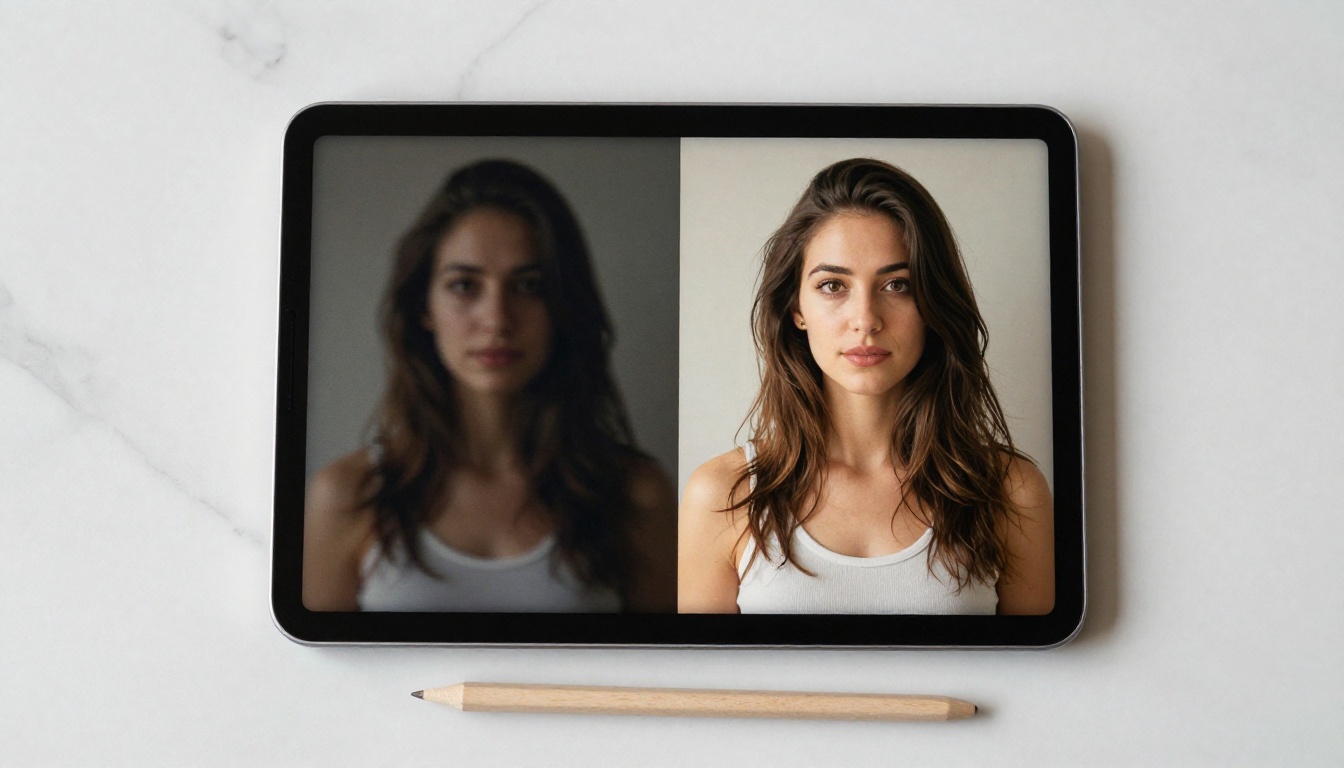
The images feel real. Not "good for AI" real, but actually photorealistic, skin-pore-detail, natural-lighting real. If you've ever wondered what's actually running under the hood when an AI NSFW image generator produces a photorealistic portrait from a text prompt, this article breaks down the entire process, step by step, without abstraction.

The Diffusion Process, Simplified
What Noise Has to Do With Images
Diffusion models work by learning to reverse a destruction process. During training, the model is shown real images, and those images are slowly corrupted with increasing amounts of Gaussian noise over hundreds of steps until they look like pure static. The model's job is to learn, at each noise level, what the "clean" version probably looked like.
At inference time (when you type a prompt), the process runs in reverse. The model starts with a completely random noise tensor and, step by step, removes noise in a way that's guided by your text prompt. After 20 to 50 denoising steps, you have a coherent image.
💡 This is why "inference steps" matter. More steps mean more refinement passes. Too few, and the image looks muddy. Too many, and you hit diminishing returns. Most models perform best between 25 and 40 steps.
From Random Pixels to Perfect Output
The denoising doesn't happen in pixel space directly. That would be computationally prohibitive. Instead, it happens in latent space, a compressed mathematical representation of the image. A Variational Autoencoder (VAE) encodes the image into this latent space, the diffusion process does its work there, and the VAE decoder converts the result back into a full-resolution image at the end.
This is why latent space models like Stable Diffusion can run on consumer hardware. You're not processing millions of pixels directly. You're operating on a compact representation roughly 64x smaller, which is the entire reason the technology became accessible outside of research labs.
The Text Encoder: How Words Become Visuals
CLIP and How It Reads Your Prompt
When you type a prompt into an AI image generator, your text doesn't go directly to the diffusion model. It gets processed by a text encoder, most commonly CLIP (Contrastive Language-Image Pretraining), which converts your words into a dense numerical vector that captures semantic meaning.
CLIP was trained on hundreds of millions of image-caption pairs from the internet. It learned to map similar concepts close together in its embedding space. "Beautiful woman at sunset" and "golden hour portrait photography" end up near each other in that space, which is why related prompts produce visually similar results.
Newer architectures like Flux 1.1 Pro and Flux 1.1 Pro Ultra use a combination of CLIP and T5 text encoders, giving them far superior prompt adherence compared to earlier Stable Diffusion models. The T5 encoder handles longer, more complex prompts without losing the semantic thread.
Why Prompt Words Matter So Much
The text embedding acts as a conditioning signal throughout the entire denoising process. At every step, the U-Net (the core neural network doing the denoising) checks: does this partially denoised image match what the text embedding says it should look like? If not, it adjusts.
This is also why certain words have outsized influence. Adjectives describing texture, lighting, and style, words like "Kodak Portra", "f/1.4 bokeh", "golden hour", are baked into CLIP's learned associations because they appeared consistently alongside specific visual styles in the training data. Prompting with photography terminology is not a stylistic choice. It is a direct interface with the model's internal organization of visual concepts.
The Models Behind Photorealistic Results
Stable Diffusion and Its Variants
Stable Diffusion by Stability AI was the model that opened up photorealistic AI image generation for the public. Its latent diffusion architecture, combined with open weights, created an entire ecosystem of fine-tuned variants optimized for every niche imaginable.
SDXL significantly improved on the original by operating at native 1024x1024 resolution with a dual text encoder setup. It introduced a refiner model for adding high-frequency detail in a second pass, which is why SDXL outputs have a distinctly sharper, more photographic character. The SDXL Lightning 4-Step variant distills this into a 4-step inference process without sacrificing much perceptual quality.
Stable Diffusion 3.5 Large pushed further with a Multimodal Diffusion Transformer (MMDiT) architecture, replacing the traditional U-Net entirely. The result is dramatically better text following and more coherent compositions, especially at high resolutions.
Flux: The New Standard
Flux from Black Forest Labs represents the current state of the art in open-weight photorealistic generation. It uses a Rectified Flow architecture instead of standard DDPM diffusion, which means it can produce high-quality images in far fewer steps and with significantly better structural coherence.
The full model family spans from Flux Schnell (4-step fast inference) to Flux 2 Pro (maximum quality, more compute). What makes Flux particularly relevant for photorealistic output is its handling of human anatomy, skin texture, and lighting, all areas where older models notoriously struggled.
💡 Anatomy matters. Earlier diffusion models had a well-documented problem with hands: extra fingers, fused digits, wrong proportions. Flux's flow matching architecture handles body part geometry significantly better because it uses a more principled transport path between noise and image.
Fine-Tuning With LoRA
LoRA (Low-Rank Adaptation) is how specialized aesthetics get baked into a model without retraining it from scratch. A LoRA is a small set of weight modifications that shift the model's outputs toward a specific style, subject, or aesthetic. It can be applied on top of any base model at inference time with an adjustable strength value.
For NSFW-capable models, LoRAs are often trained on specific body types, lighting styles, or artistic aesthetics. They add negligible computational cost but dramatically change output character. Models like Flux Dev and DreamShaper XL Turbo both support LoRA loading natively, making them the default base for fine-tuned photorealistic variants.
How NSFW Capabilities Get Added
What Training Data Actually Looks Like
Every AI image generator is a statistical reflection of its training data. Base models like Stable Diffusion were trained on LAION-5B, a dataset of 5 billion image-caption pairs scraped from the public internet. This dataset included a significant volume of adult content, artistic nudity, and mature photography.
The base model therefore has latent capability to generate such content. The question is whether that capability is suppressed by safety filtering at inference time or left accessible. It's worth being clear: the model itself does not "know" it's producing adult content. It is pattern-matching against statistical regularities in the training data, guided by the text embedding you provide.
Removing the Guardrails
Standard commercial deployments implement safety filters at multiple layers:
- Input filtering: Certain prompt words are blocked before they reach the model
- Inference-time NSFW classifier: The model's output is checked against a trained binary classifier that labels images as safe or unsafe
- Post-processing blur/block: Flagged images are blurred or rejected before reaching the user
NSFW-capable variants work by removing or bypassing these filters while keeping the underlying model weights intact. Some variants go further by fine-tuning on explicit datasets, pushing the model's default outputs in a more adult direction even without specific prompting.
Why Some Models Are More Realistic Than Others
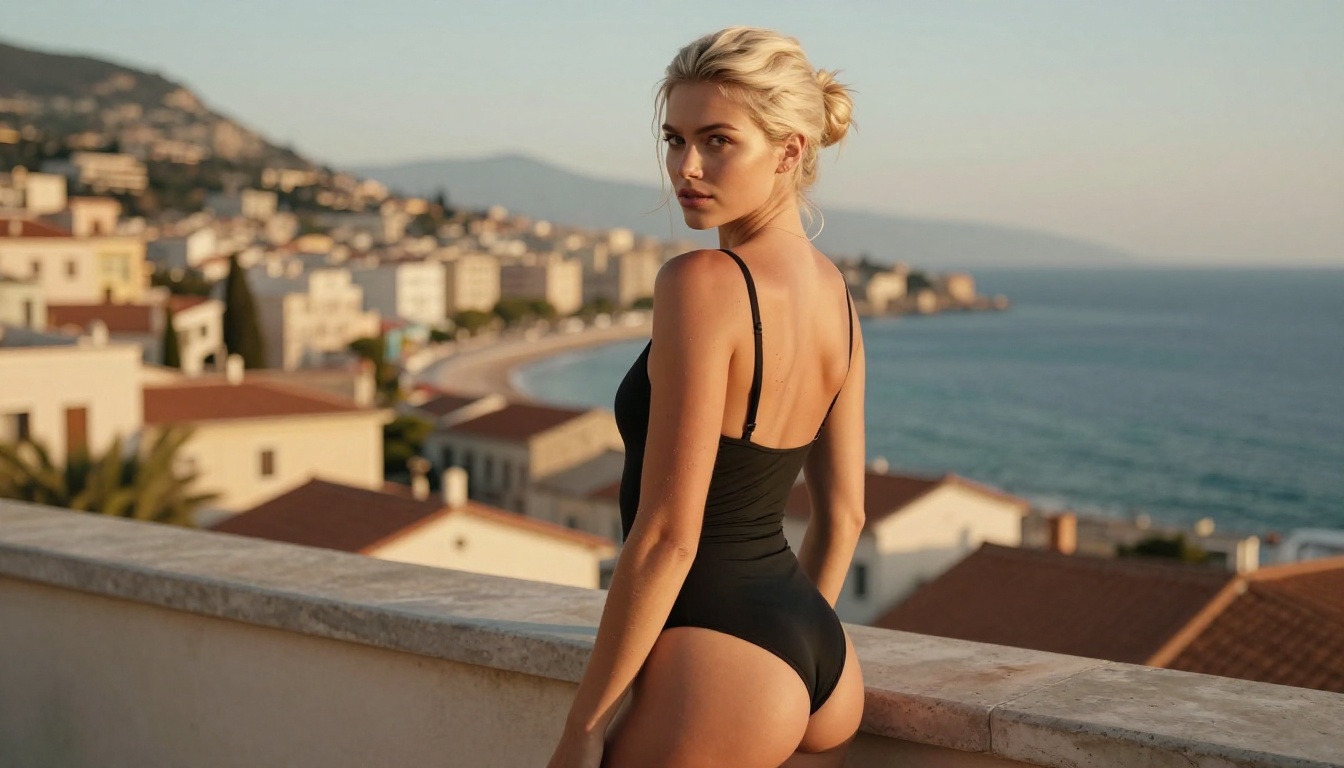
Photorealism in NSFW content comes down to three factors: base model quality, fine-tune dataset quality, and inference settings. Older models like the original Stable Diffusion produce recognizably AI outputs, where skin looks plastic, lighting is generic, and anatomy is occasionally wrong.
Purpose-trained photorealistic models like Realistic Vision v5.1 and RealVisXL v3.0 Turbo were fine-tuned specifically on high-quality photography datasets, which is why their outputs have the grain, depth of field characteristics, and skin rendering that distinguishes real photography from rendered imagery.
Safety Filters: What They Block and How
How Default Filters Work
The most common safety mechanism is a CLIP-based binary classifier trained to distinguish safe from unsafe content. It works by embedding the generated image in CLIP's feature space and checking its proximity to a set of known "unsafe" embeddings.
The problem with this approach is that it's probabilistic, not rule-based. The classifier was trained on specific examples of what "unsafe" looks like. Content that looks different from those training examples, even if equally explicit, can pass through. This is why even heavily filtered platforms occasionally have inconsistent moderation results.
The Bypass Problem
The internet has an entire subculture devoted to finding prompts that slip past safety filters. The most common strategies involve:
- Semantic dilution: Surrounding explicit concepts with large volumes of neutral context that pull the CLIP embedding away from "unsafe" regions
- Indirect description: Describing outcomes without naming the category directly
- Token manipulation: Some filters operate on a blocklist of exact tokens, so synonyms or slight variations bypass them
This is an ongoing arms race. Model providers continuously update their filters; the community continuously finds new workarounds. Neither side achieves a permanent win.
Platform-Level Moderation
Beyond inference-time filtering, platforms add content policy enforcement at the account and API level. Usage terms restrict what outputs can be used for. Repeated policy violations result in account suspension. This is distinct from technical filtering: it is a legal and business-level control layer operating independently of the model itself.
Some platforms offer age-gated NSFW tiers for verified adult users, where the inference-time filter is replaced with a less aggressive classifier that allows artistic nudity while still blocking explicitly pornographic content. This is the approach that balances accessibility with responsible deployment.

The Role of CFG Scale and Inference Steps
What CFG Scale Controls
Classifier-Free Guidance (CFG) scale is the parameter that controls how strongly the model follows your prompt versus how much creative freedom it takes. At CFG 1.0, the model essentially ignores your prompt and generates whatever feels natural given the noise. At CFG 20+, it follows your prompt so rigidly that outputs become oversaturated and anatomically distorted.
The sweet spot for photorealistic outputs is typically between 5 and 9. In this range, the model follows the prompt closely while retaining enough freedom to produce natural-looking skin, lighting, and composition.
💡 For portrait and glamour photography prompts: CFG 6-7 consistently produces the most natural skin tones and lighting. Higher values push colors toward oversaturation and increase the probability of generating artifacts around edges and fine details.
How Many Steps You Actually Need
More inference steps means more denoising passes, which generally means higher quality up to a point. The relationship breaks down as follows:
- 4-8 steps (Schnell-class models, SDXL Lightning 4-Step): Fast, decent quality, works for iteration and previewing
- 20-30 steps (standard range): Strong detail, good anatomy, suitable for final output
- 40-60 steps (diminishing returns zone): Marginally better fine detail, significantly more compute per image
For most photorealistic use cases, 28-35 steps at CFG 6.5 is the reliable baseline. Beyond that, you're spending compute for improvements that are barely visible at normal viewing sizes. The real quality gains come from better base models and better prompts, not from running more steps.
Start Creating Your Own Images
The technology is accessible right now, without requiring any local hardware setup. PicassoIA provides direct access to the top-performing models discussed in this article, with the actual inference infrastructure handled server-side.
For glamour and photorealistic portrait work, the models that deliver the most consistent real-photography character are:
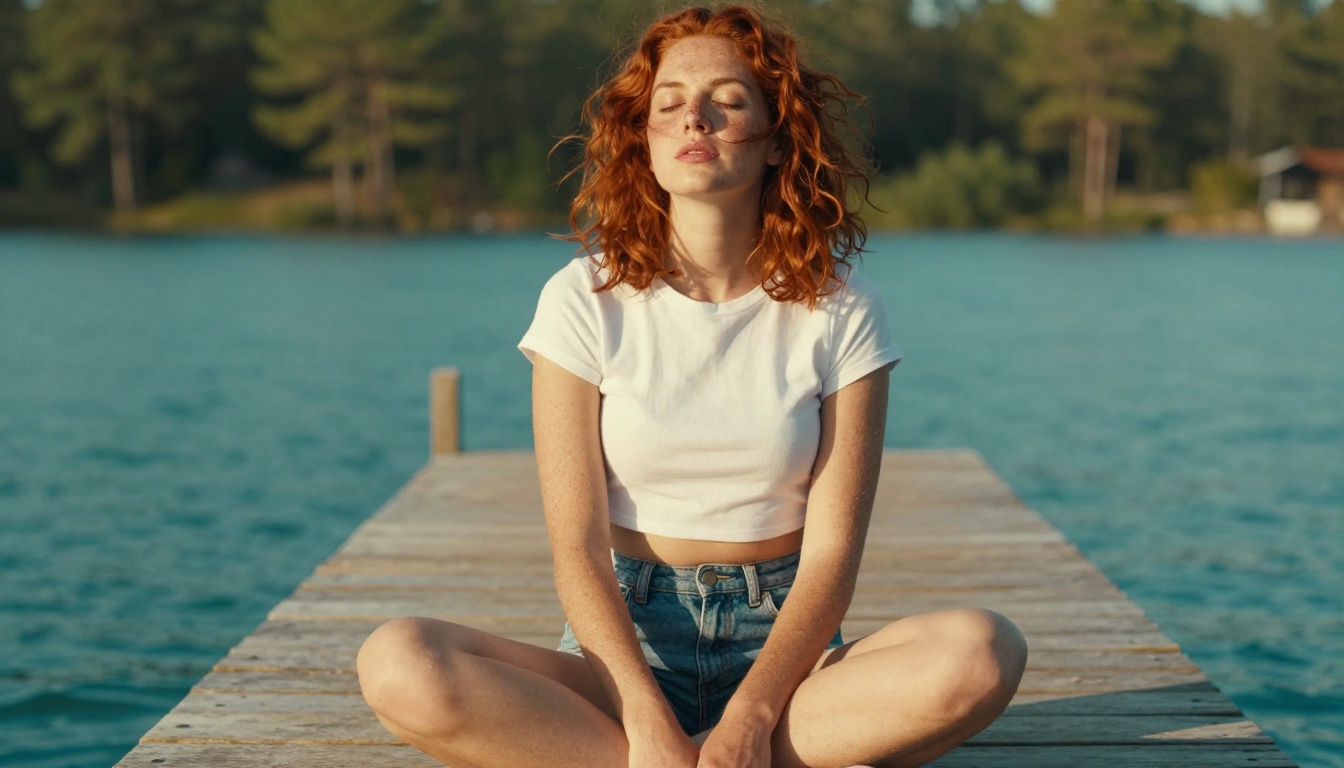
The prompt structure that works best for photorealistic results follows the same pattern as a professional photography brief: subject, lighting, camera, film stock. "A woman in white linen on a sunlit terrace, volumetric afternoon light, 85mm f/1.8, Kodak Portra 400" consistently outperforms vague descriptors like "beautiful" or "realistic."
If you want to push further, both Flux Dev and SDXL Multi ControlNet LoRA support ControlNet conditioning, which lets you control pose, composition, and structure with a reference image. This is how you get consistent results across multiple outputs instead of relying purely on prompting.
The models are trained. The infrastructure runs in the cloud. The only variable is the quality of your prompts and your willingness to iterate.