When you type a short prompt and hit generate, the result comes back with a specific color palette, a defined light source, and a sense of mood that feels intentional. That is not an accident. The model made dozens of color and lighting decisions before producing a single pixel. This article explains exactly what happens at each step, from raw pixel data to the final image that appears on your screen.
What the Model Actually Sees
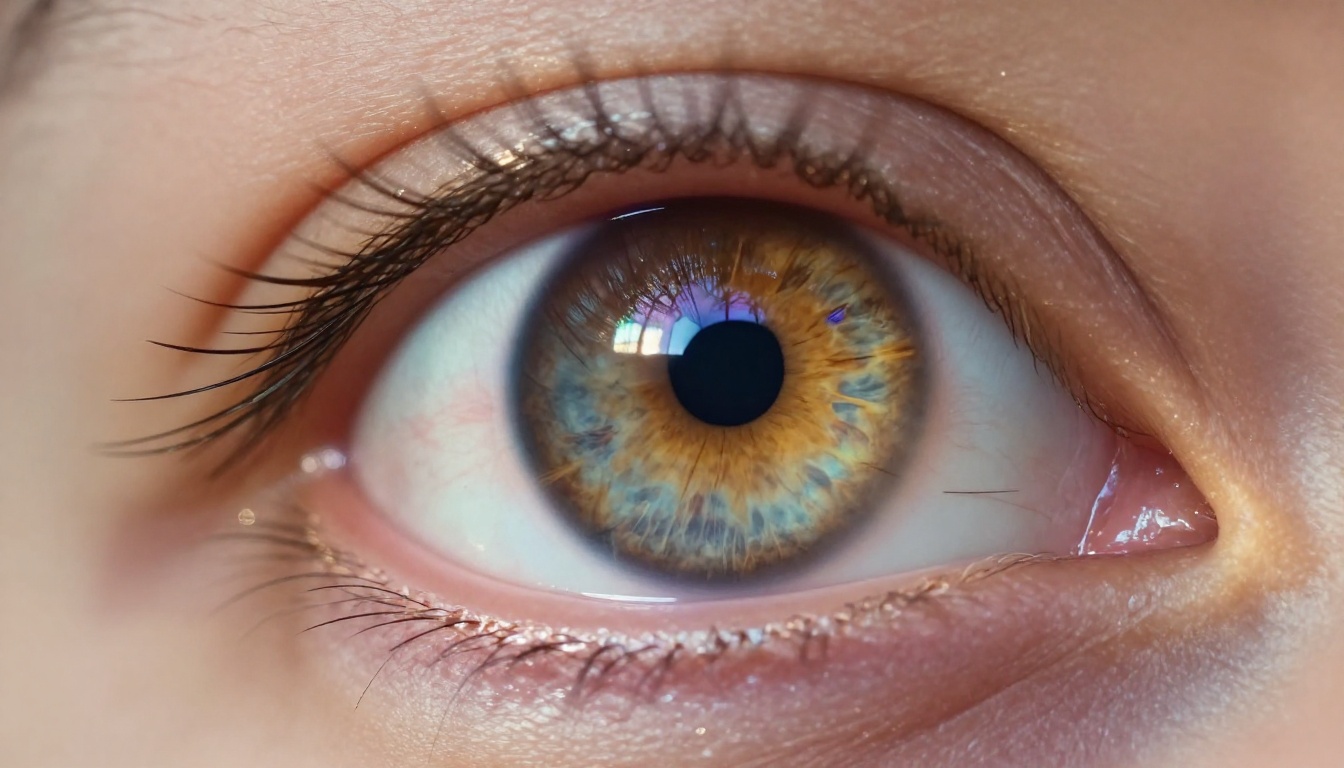
Modern image generation models do not perceive color the way human eyes do. They work with numerical tensors, arrays of floating-point values that encode spatial and spectral information at every position in an image. Before any creative decision is made, the model must first interpret what kind of visual environment the prompt is describing.
Pixel Values Are Not Colors
At the most basic level, an image is a grid of numbers. Each pixel carries three channels: red, green, and blue (RGB), each ranging from 0 to 255 in standard 8-bit format. But modern diffusion models often work internally in floating-point normalized form, where 0.0 is pure black and 1.0 is full brightness. The "color" a human sees at any point is the AI's interpretation of the relationship between those three values at that position, relative to their neighbors.
This matters because the model does not think "this should be a warm orange." It learns, through billions of training examples, that certain combinations of R, G, and B values appear together in specific contexts: sunsets, skin tones, indoor tungsten light, forest shade. Those statistical patterns become the rules that govern every color decision.
Color Spaces and Internal Representations
Most generation models convert from RGB into a perceptual color space during internal processing. Common choices include LAB (lightness plus two chromatic axes), HSV (hue, saturation, value), and YCbCr (luminance plus color difference components). These spaces separate brightness from color, which allows the model to adjust lighting without destroying the color palette, and vice versa.
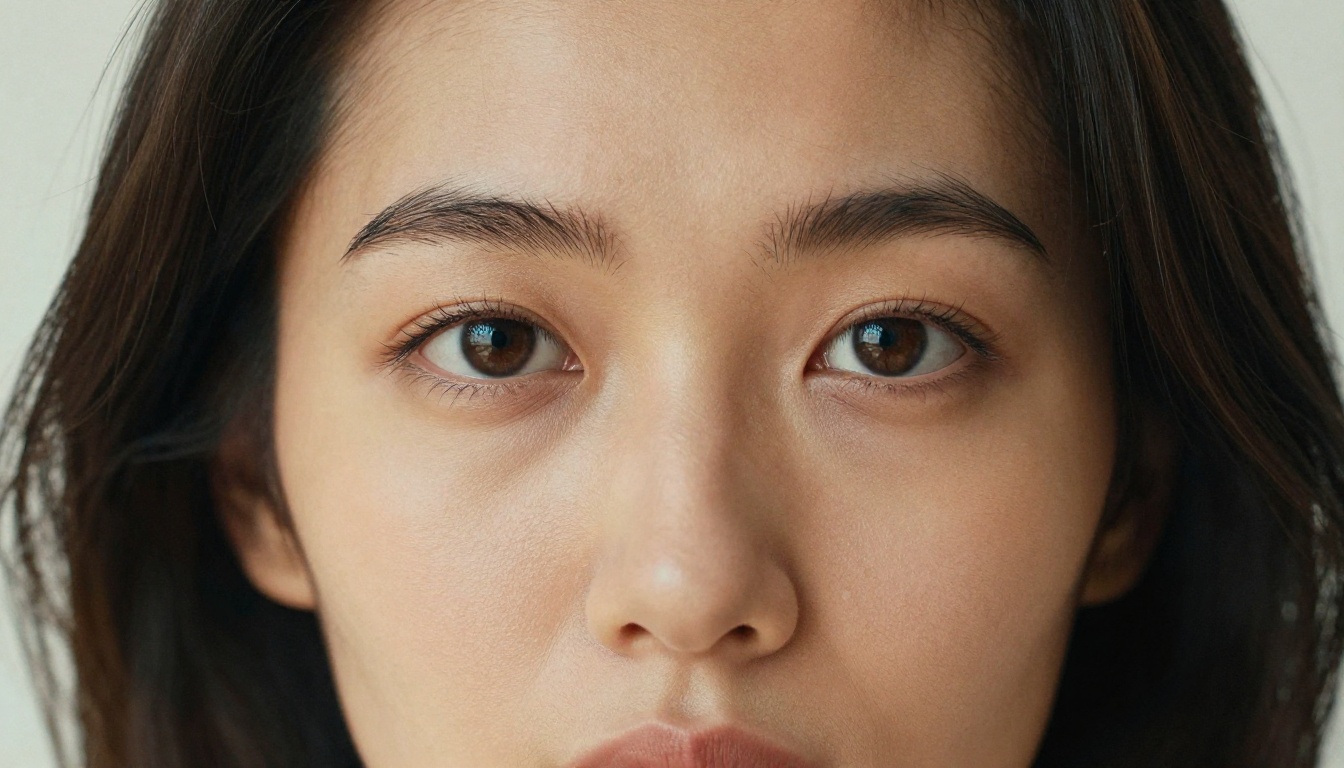
💡 When you prompt for "soft morning light," the model adjusts the luminance channel specifically, pushing shadow areas toward warm mid-tones without necessarily shifting the hue of every object in the scene.
The Neural Networks Behind Color Decisions
The actual color-picking logic lives inside the weights of a large neural network, trained on curated datasets of high-quality photographs. Two distinct mechanisms drive these decisions: learned associations and attention-based context.
How Training Data Shapes Color Output
During training, the model processes millions of image-text pairs. It learns that the word "dusk" correlates with specific hue-saturation-luminance distributions, that "clinical" environments skew toward cool whites and desaturated blues, and that "romantic" scenes tend toward warm reds and soft bokeh. These associations are encoded into the model's weights as statistical tendencies, not explicit rules.
The more a certain color pattern appears alongside a concept in training data, the stronger that association becomes. This is why asking for a "golden hour portrait" reliably produces warm amber tones with long directional shadows. The model has seen that pattern thousands of times.

Chroma, Hue, and Saturation in the Latent Space
Diffusion models like Flux Pro and Stable Diffusion 3.5 Large operate in a compressed representation called the latent space. The encoder compresses a full image into a much smaller tensor where nearby values represent semantically related visual features. Within this space, hue, chroma, and saturation occupy specific regions, and the model navigates them during the denoising process.
When the model starts from random noise and progressively refines the image, each denoising step moves values in the latent space toward regions that match the prompt. Color choices emerge from this process iteratively. Early denoising steps establish the general palette. Later steps refine specific tones, add highlights, and correct for spatial inconsistencies.
| Denoising Stage | What Happens |
|---|
| Steps 1-10 | Global color temperature established |
| Steps 11-30 | Major hue regions assigned to objects |
| Steps 31-50 | Shadow and highlight detail added |
| Steps 50+ | Fine color corrections and texture refinement |
How AI Reads Lighting Without a Sensor
No sensor is measuring actual light during generation. The model simulates lighting conditions entirely from the statistical patterns it learned during training. This simulation is accurate because it is grounded in the physics of light as captured in real photographs.
Shadows and Directional Light
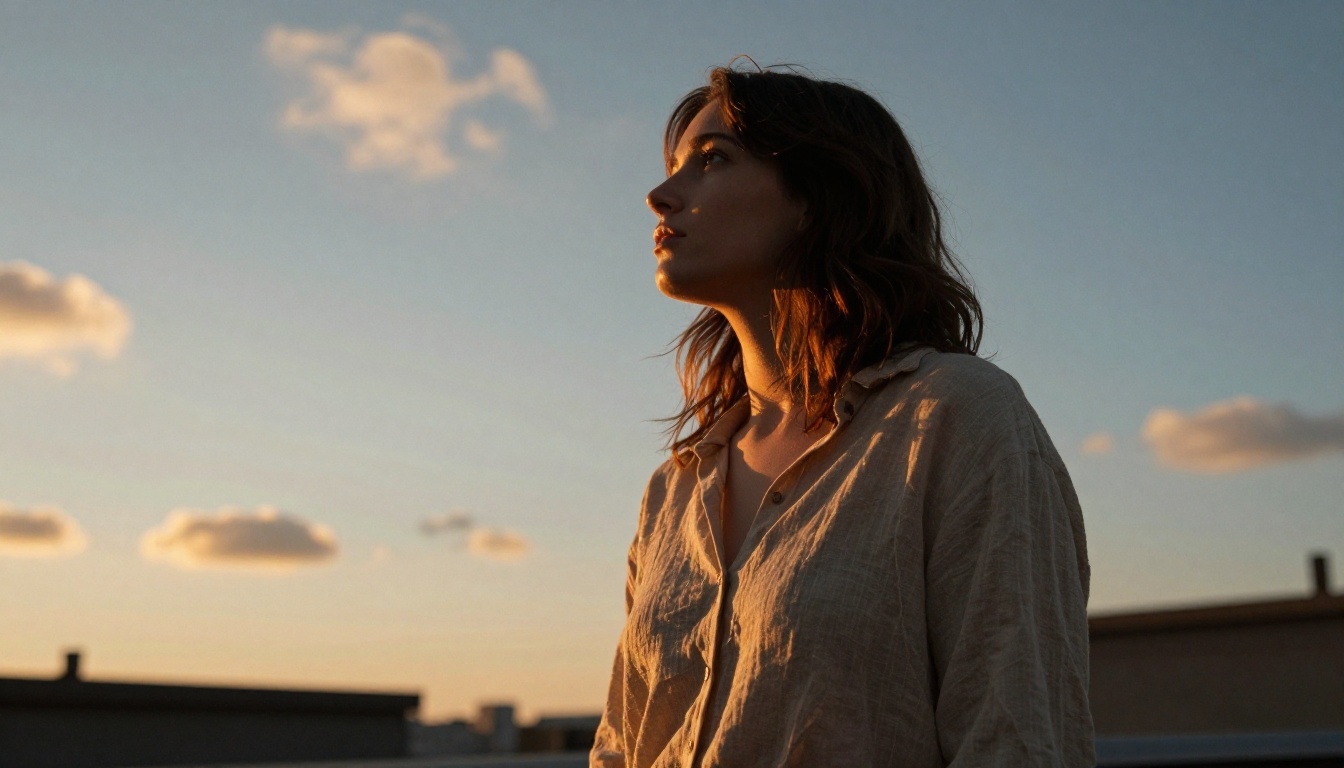
The AI determines light direction by analyzing the relationship between highlight and shadow regions across surfaces. In training data, a face lit from the upper left will always have shadows falling to the lower right of the nose, chin, and brow. The model learns this geometric consistency and applies it when generating new images.
When you write "window light from the left," the model does not simply add a bright area to the left side of the scene. It calculates the appropriate shadow positions on every surface in the frame: the nose, the jawline, the folds of fabric, the grain of a wooden table. This is why well-prompted images look physically believable rather than flat.
Tonal Mapping and Exposure
Tonal mapping refers to how the model distributes brightness values across the image. A well-exposed photograph does not have blown-out highlights or crushed shadows. The AI learns what a balanced histogram looks like from millions of correctly exposed images.
Models like Imagen 4 Ultra and Flux 1.1 Pro Ultra are trained on higher-quality photography datasets that include a wider dynamic range. This gives them a stronger sense of how to preserve detail in both shadows and highlights simultaneously, which is one of the primary reasons their outputs look more photographic than older models.
💡 If your generated image looks underexposed, adding words like "bright natural light," "high key," or "correct exposure" to your prompt nudges the model's tonal mapping toward lighter values across the histogram.
Color Temperature and White Balance
One of the most impactful color decisions in any image is the overall color temperature. Measured in Kelvin in real photography, this value determines whether the light in a scene reads as warm (candlelight, around 1800K), neutral (midday sun, 5500K), or cool (overcast sky, 7000K+). The AI handles this without any numeric input from you.
Warm vs. Cool and How the Model Chooses
The model infers the appropriate color temperature from contextual cues in the prompt. Words like "evening," "candle," "fireside," and "sunset" pull the output toward warm amber tones. Words like "winter," "morning fog," "overcast," and "hospital" push toward cooler, blue-shifted palettes.
This selection is not binary. The model distributes color temperature spatially, applying warm tones in highlight regions while cool tones fill shadows, exactly as happens in real photography under mixed lighting conditions.
Histograms and Tonal Balance
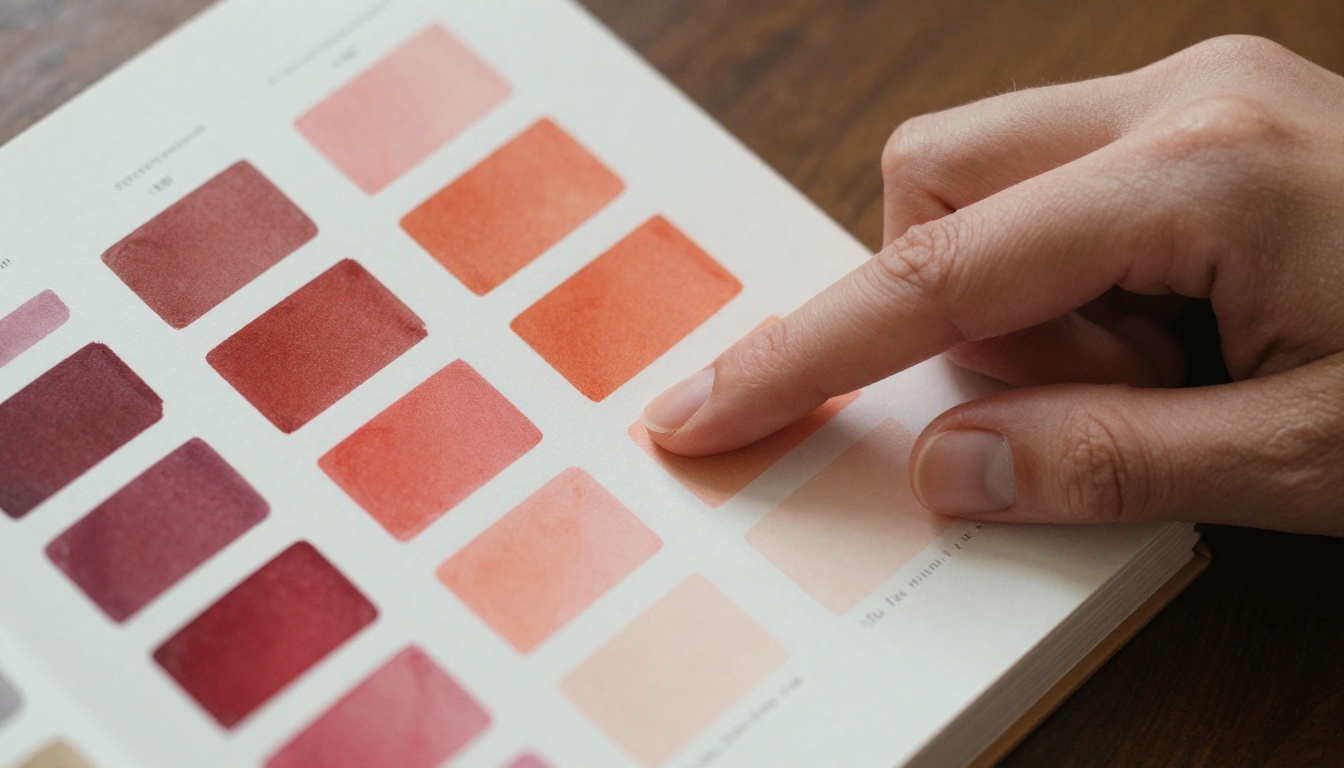
During training, the AI is exposed to histogram data alongside images. A correctly exposed outdoor portrait has a histogram that peaks in the mid-tones and rolls off gently toward the shadows and highlights. The model internalizes this as a target shape for photorealistic results.
Models like Seedream 4 and Qwen Image 2 Pro show strong tonal balance in output images because their training datasets were curated to include images with clean histogram distribution, avoiding the overexposed or flat images that could teach the model bad habits.
Real Models and Their Color Strengths
Not all generation models handle color and lighting the same way. Each architecture and training dataset creates distinct tendencies in how color science is applied.
Flux and Photorealistic Color
Flux Dev and Flux 2 Pro from Black Forest Labs are particularly strong at maintaining color consistency across a scene. They rarely produce areas of random color noise, and their lighting decisions are spatially coherent. Highlights and shadows fall on the right surfaces.
Flux Schnell trades some of that fidelity for speed, but still maintains accurate color temperature selection and reasonable shadow placement even in just 4 denoising steps.
Ideogram and Color Harmony
Ideogram v3 Quality has a particular strength in color harmony. It tends to select complementary color relationships automatically, placing warm foreground tones against cooler backgrounds, or saturated subjects against muted environments. This creates visual contrast that draws the eye without the image feeling artificially colored.
How the AI Selects a Color Palette
Beyond choosing a color temperature, the model selects a full color palette for each scene. This selection involves both semantic understanding of the subject matter and aesthetic principles derived from training.
Dominant Colors and Scene Mood
The model assigns dominant colors based on what it knows about the subject. A beach scene will lean toward cerulean and sand tones because that combination appeared most often in its training data. A night market will produce deep amber, red lantern tones, and cool dark-blue sky backgrounds.
These assignments happen at the scene level first, then the model refines them by object. The primary subject gets colors that are slightly more saturated than the background, which is how real photography typically looks when properly exposed.

Complementary Colors and Visual Contrast
Well-trained models apply color theory principles automatically. They place complementary colors in opposition: orange against blue, red against green, yellow against purple. This is not programmed explicitly. It emerges from training data because photographs that score highly on aesthetic metrics tend to use these relationships.
💡 When you describe a scene as "dramatic" or "cinematic," you are implicitly signaling to the model that higher contrast and stronger color complementarity are appropriate. The model reads these as stylistic intent and shifts its palette selection accordingly.
Prompting for Color on PicassoIA
Knowing how the AI handles color and lighting gives you real leverage when writing prompts. You are not just describing a scene. You are feeding the model cues that directly shape its internal color and lighting decisions.
Prompt Words That Shape Color
The words you use carry specific color signals. Here is a practical reference:
| Prompt Word | Color Effect | Lighting Effect |
|---|
| "Golden hour" | Warm amber, orange | Long shadows, rim light |
| "Overcast" | Desaturated, cool | Flat diffuse light |
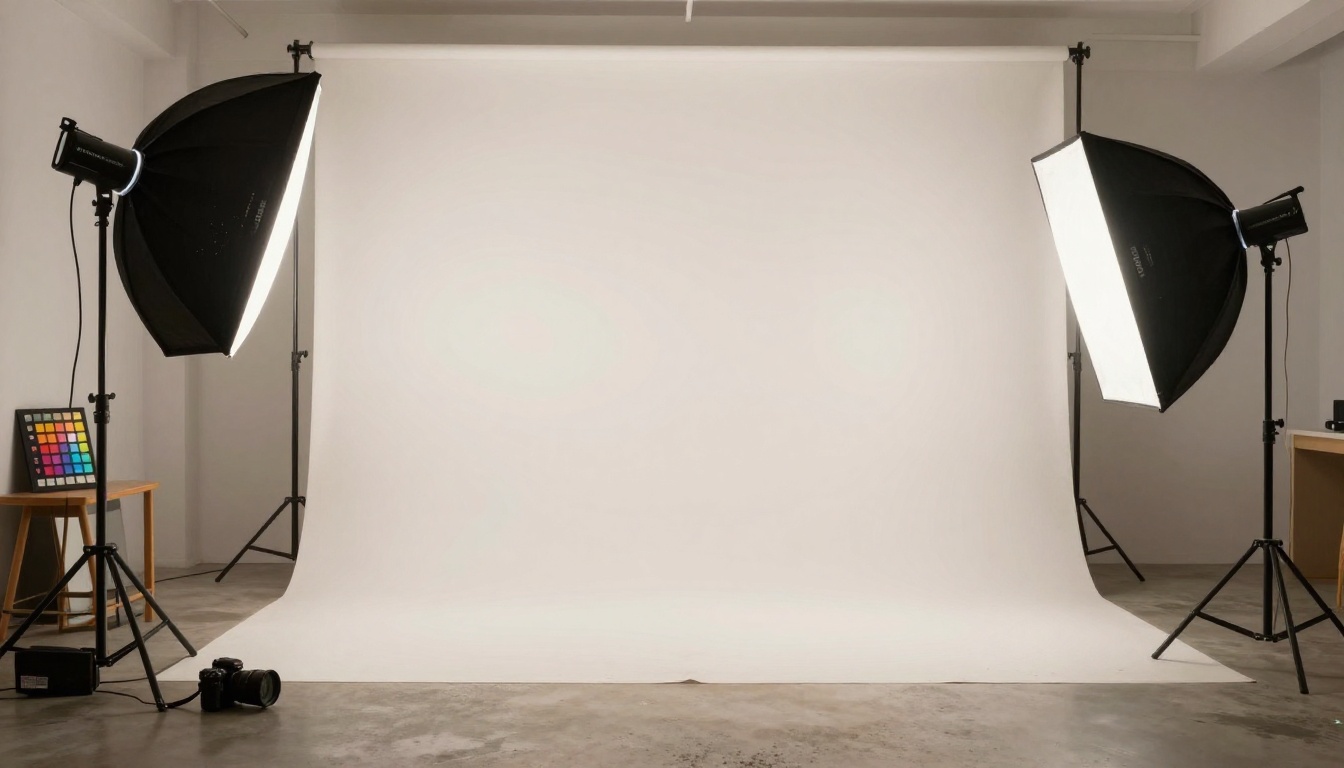
| "Studio light" | Neutral whites | Controlled softbox |
| "Midday sun" | High contrast colors | Hard shadows from above |
| "Candlelight" | Deep warm reds, browns | Low-key, vignette |
| "Window light" | Natural daylight tones | Directional soft shadow |
| "Ocean setting" | Cerulean, teal, ivory | Bright overhead fill |
Parameters That Shift Lighting Output
Beyond the main prompt, certain descriptor patterns push the model in specific directions. Adding "Kodak Portra 400" tells the model to emulate the warm, slightly desaturated tonal profile of that film stock. "RAW photography" signals the model to avoid HDR-like over-processing and stay in the range of realistic camera output.
When working with Flux Kontext Pro, you can edit existing images using text prompts. This means you can change the color temperature or lighting direction of a photo you already generated by describing the new light conditions directly. The model adjusts the hue and shadow map of the existing image rather than regenerating it from scratch.

💡 The AI does not need hex codes or Kelvin values. It reads natural language color cues and maps them to precise internal color decisions. The more specific your visual descriptions, the more accurately the model can reproduce the color environment you have in mind.
Run the Experiment Yourself
The fastest way to internalize how AI color and lighting decisions work is to run direct comparisons. Take a single subject like a portrait and generate it four times with these variations: "morning light," "noon light," "golden hour light," and "candlelight." The model will produce four distinctly different color environments from the same subject, with different shadow positions, color temperatures, and palette choices in each result.
PicassoIA gives you direct access to over 90 text-to-image models, each with its own color science and lighting tendencies. Running these comparisons side by side across Flux Pro, Imagen 4, and Ideogram v3 Quality will immediately show you how differently each model interprets the same lighting prompt. The differences are real, they are consistent, and once you see them, you will not be able to unsee them. That is when prompt writing starts to feel like actual craft.


