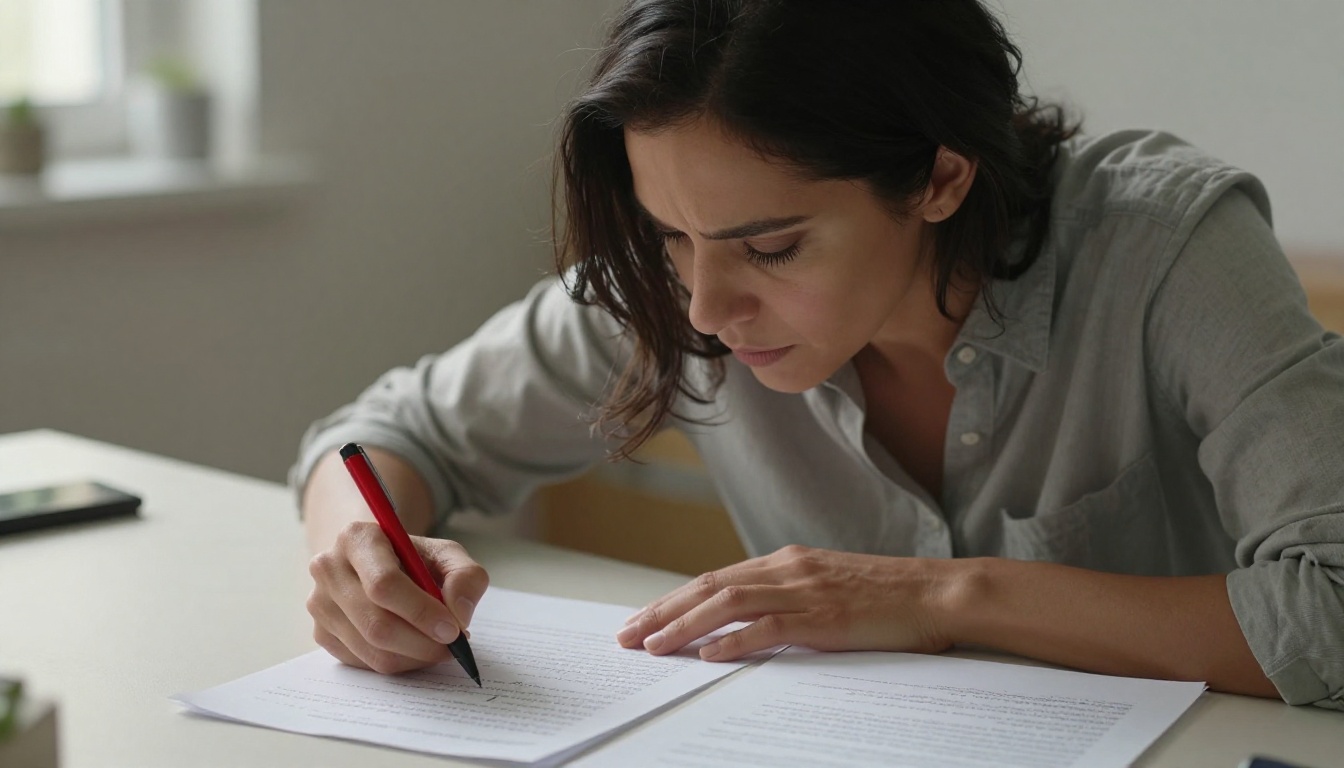
Every time you write something by hand, you create something uniquely yours. The slight lean of your letters, the pressure your pen leaves on the paper, the way certain words crowd together when your thoughts move faster than your hand. Humans read this almost without thinking. Machines, for most of computing history, could not. That gap is closing fast, and the story of how AI reads your handwriting now reaches into hospital records, ancient manuscripts, courtroom archives, and your phone's note-taking app.
What follows breaks down the full picture: why handwriting stumped computers for so long, what changed with deep learning, how today's multimodal models process a page of scrawled notes with startling accuracy, and how you can put that technology to work right now.
Why Handwriting Resists Machines
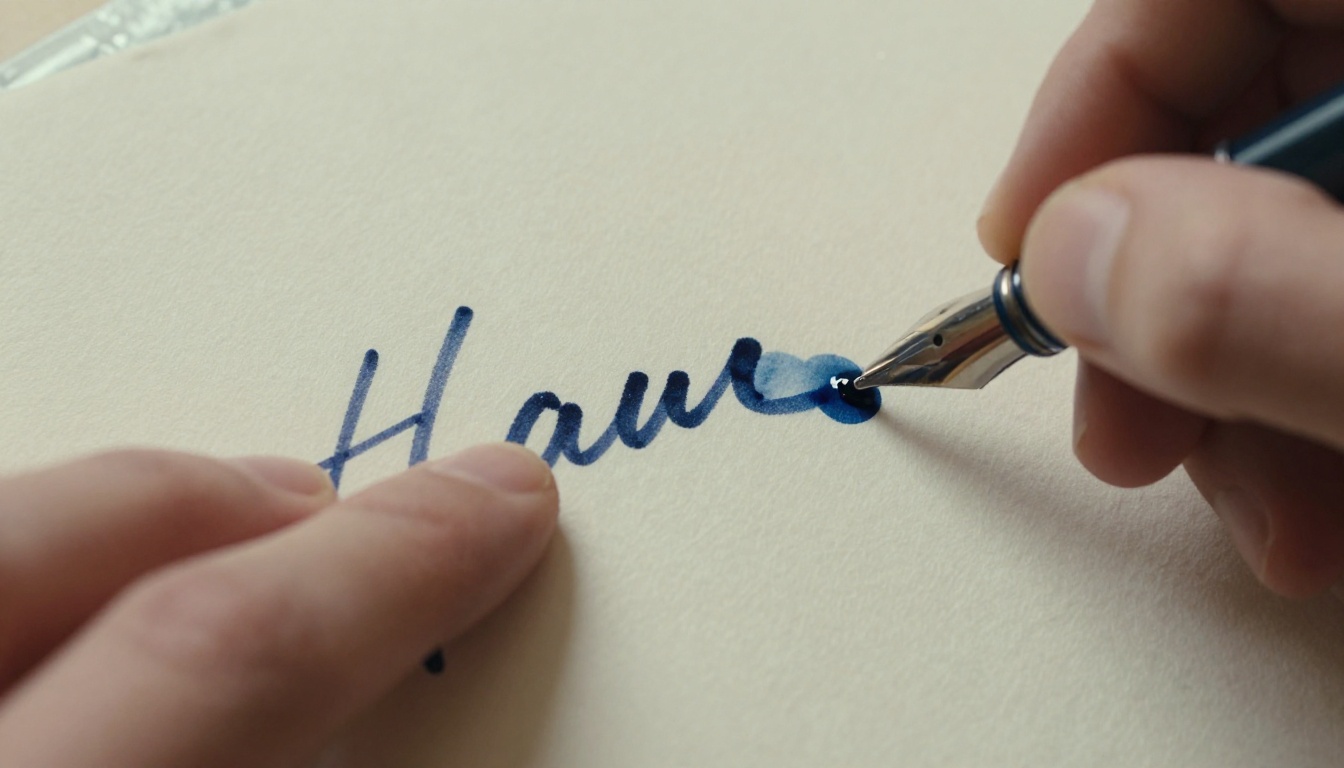
Text on a screen is clean. Every character in this sentence is a precisely defined set of pixels drawn from a digital font. A machine reading it doesn't "see" it at all, it just looks up character codes. Handwriting is the opposite. There are no codes, no fonts, no consistent spacing. There is only ink on paper.
Every Person Writes Differently
No two people write the same letter the same way. Even the same person writing the same word twice produces two slightly different shapes. A lowercase "a" in one person's handwriting might look like another person's "o" or "u." A hurried signature bears no resemblance to the same person's careful note-taking script.
This variability is the first major obstacle. A system trained to recognize one person's handwriting fails on another's, and that problem multiplies across billions of people, dozens of languages, and centuries of scripts.
Ink, Paper, and Visual Noise
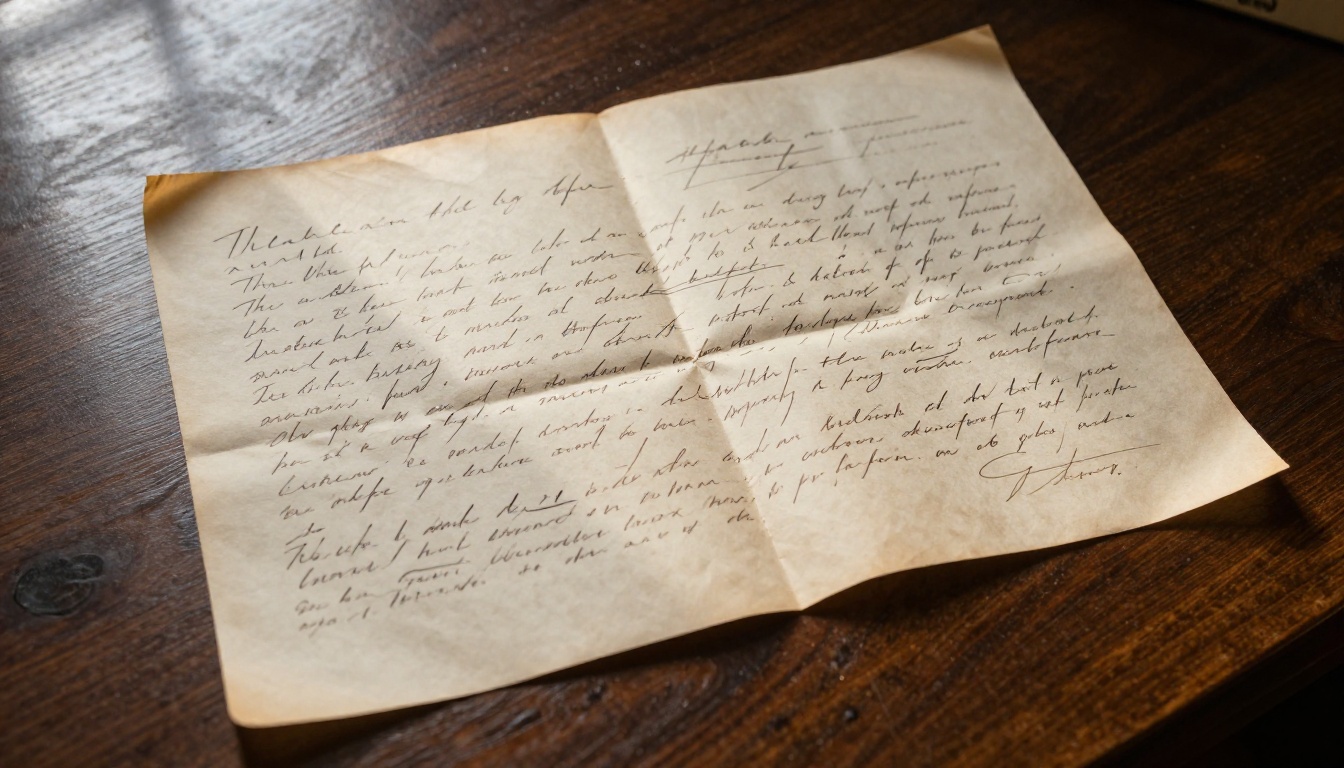
Physical documents add layers of complexity that clean digital text never has. Bleeding ink, smudges, torn edges, water stains, paper grain showing through faint strokes: all of these create noise that makes clean character recognition nearly impossible with simple rule-based systems.
Then add the challenge of connected cursive, where letter boundaries do not exist, or ambiguous letterforms where only context separates an "n" from a "u" or an "l" from a "1." These problems do not have tidy algorithmic solutions. They require something that can learn from examples.
The First Attempts at Reading Handwriting
The earliest Optical Character Recognition (OCR) systems appeared in the 1950s and 1960s. Their strategy was direct: compare a scanned character to a library of stored templates. If the shape matched closely enough, the system assigned it a letter.
This worked for printed text, especially typewritten documents with consistent fonts. For handwriting, it collapsed almost immediately.
From Templates to Rules
Through the 1970s and 1980s, researchers tried feature extraction instead of whole-shape matching. They broke characters down into measurable properties: the number of endpoints in a stroke, whether a line curves left or right, whether a character has a closed loop. These methods were more flexible, but they still failed against real human variability.
The systems required extensive manual tuning, enormous template libraries for different writers, and even then, error rates on handwritten text remained too high for practical deployment at scale.
What Scanning Technology Changed
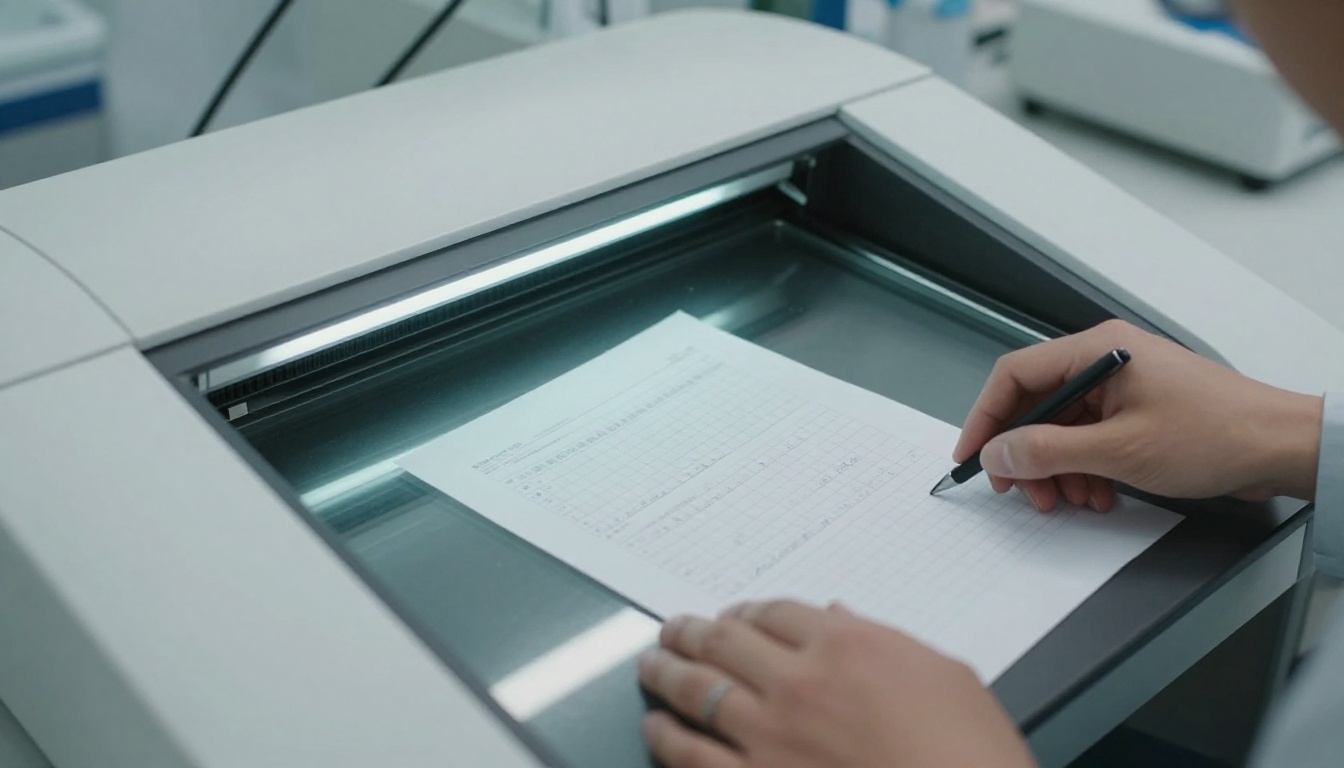
High-resolution scanning in the 1990s and early 2000s gave software more to work with. Better image quality allowed analysis at the sub-millimeter level. But the core problem remained: no rule-based system could cover the full space of how humans write. The solution would require a machine that could learn rather than follow fixed rules.
How Neural Networks Changed Everything
The shift from rule-based OCR to neural network-based handwriting recognition happened gradually through the 2000s, then accelerated sharply with the deep learning wave of the 2010s. The approach changed at its foundation.
Instead of telling a computer what to look for, researchers trained neural networks on millions of examples, showing them images of handwritten text alongside their correct transcriptions. The network learned on its own which visual features matter for which letters, across a huge range of writing styles, scripts, and paper conditions.
Pixels First, Letters Second
A modern handwriting recognition system starts by treating the input image as a grid of numbers. Each pixel carries a brightness value. The network processes these grids through multiple layers of transformations, each detecting increasingly abstract features.
Early layers detect edges and curves. Middle layers group those into stroke patterns. Deeper layers recognize that a particular combination of strokes represents a specific letter, number, or word. The system never needs an explicit definition of what "a" looks like. It infers it from thousands of examples, weighted by how often that inference proved correct during training.
How CNNs Work: A convolutional neural network slides a small filter across an image, computing values that activate strongly when a specific feature (like a curve or a junction) appears at that location. Stack enough of these filters in sequence, and the network builds a rich hierarchy of visual knowledge that no human programmer explicitly designed.
The Segmentation Problem
One of the hardest parts of reading handwriting is knowing where one character ends and the next begins, particularly in cursive writing. Early systems sliced the image into fixed windows and tried to classify each slice independently. This failed badly when characters overlapped or spacing was uneven.
The solution came from sequence modeling. A technique called CTC (Connectionist Temporal Classification) allows a neural network to output a sequence of characters without needing to know exactly where each character sits in the image. The model reads the whole line and predicts the sequence, figuring out the alignment internally.
How Attention Resolves Ambiguity
The biggest leap came from attention mechanisms, the same technology driving large language models. Attention lets a model look at distant parts of an input when making a decision about any single position.
In handwriting recognition, this is decisive. A smudged mark that could be "n" or "u" becomes unambiguous when the model can consider surrounding letters: "ru_n" is coherent; "ru_u" is not. Attention-based transformer models brought accuracy rates on clean handwritten text to the point where they match or exceed human transcribers in controlled tests.
What Vision Language Models Do Differently
Traditional handwriting recognition systems were trained for one task: transcribe text. They output characters. That is the full extent of their capability. The newer generation of vision language models (VLMs) changes what is possible entirely.
A VLM does not just read text. It reads text and understands it in context. Point one at a handwritten grocery list and it will not just transcribe "mlk, eggs, brd": it interprets those abbreviations into "milk, eggs, bread." Show it a handwritten recipe with crossed-out quantities and margin notes and it can tell you which numbers are current and which were overwritten, and why.
From Transcription to Reasoning
VLMs connect visual parsing with language understanding. They are trained simultaneously on text and images, so reading a handwritten note and understanding what that note says happen in a single model. This is a significant jump beyond OCR.
GPT-4o and Claude 4 Sonnet can both read handwriting images, summarize the content, answer questions about it, translate it, reformat it as a structured list, or extract specific data points, all in one pass. No separate OCR layer required. The reading and reasoning happen together.
Why Gemini Excels at Handwriting
Gemini 3 Flash has been benchmarked extensively on document understanding tasks, including handwriting, and consistently scores at the top. Its vision encoder handles high-resolution images well, which matters for dense handwritten pages where fine stroke details carry meaning.
Gemini 2.5 Flash added improved multilingual handwriting support, handling scripts beyond Latin including Arabic, Chinese, Devanagari, and others. For most practical transcription tasks, Gemini 3 Flash offers the best balance of speed and accuracy. For complex reasoning over handwritten documents, Gemini 3 Pro goes deeper.
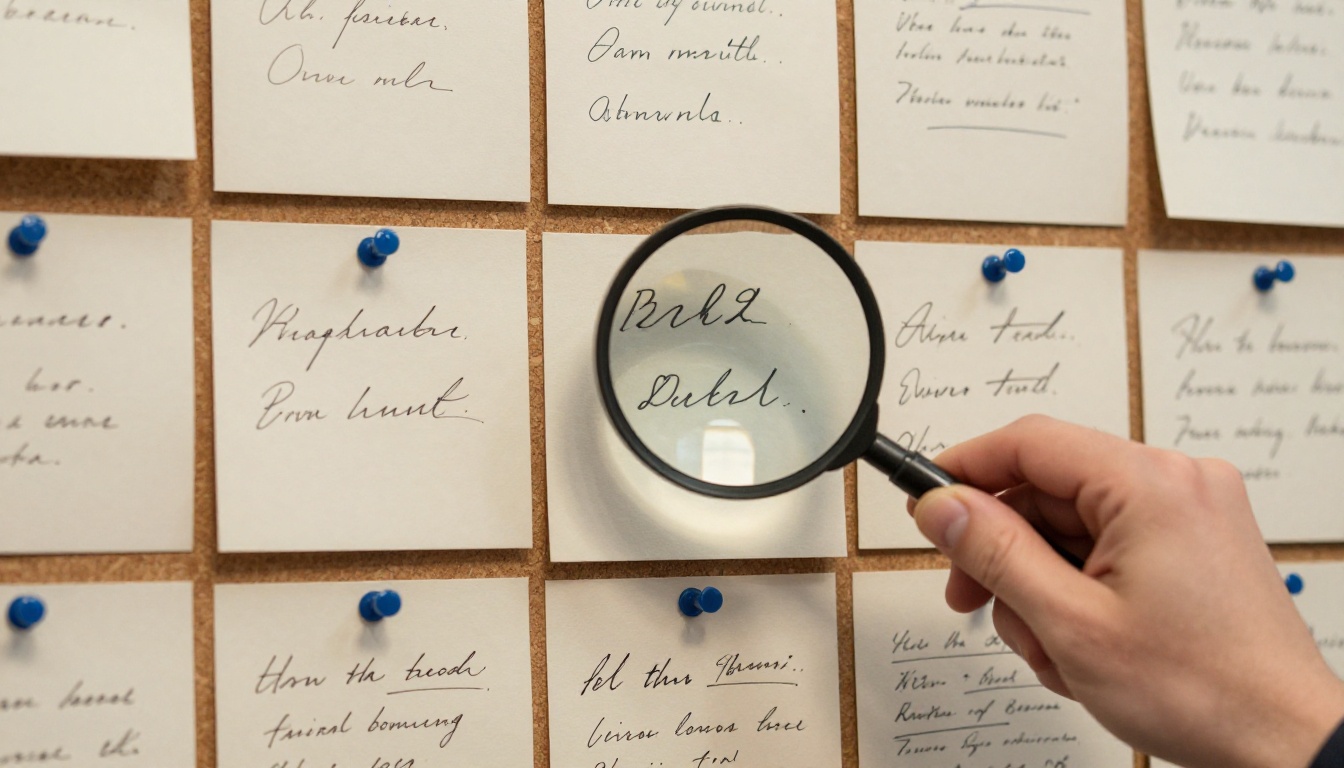
How to Use Gemini on PicassoIA to Read Handwriting
Since Gemini 3 Flash is available directly on PicassoIA, you can transcribe handwritten documents without any coding, API keys, or software installation. Here is the full workflow.
Step 1: Photograph Your Document
Take a clear photo of the handwritten text with your phone or a scanner. For best results:
- Lighting: Even, diffused light with no harsh shadows crossing the text
- Angle: Camera directly above the page, not tilted
- Focus: Tap the text area on your screen before shooting to ensure sharp focus
- Resolution: Use the highest available camera resolution
A scanner produces better results than a phone for dense, small handwriting. For casual notes, a phone photo works well.
Step 2: Open Gemini 3 Flash on PicassoIA
Navigate to Gemini 3 Flash and open a new session. The model accepts image input directly in the chat interface alongside your text prompt.
Step 3: Write a Specific Prompt
The quality of your prompt directly affects the output. Vague requests return vague results.
Effective prompts:
- "Transcribe all handwritten text in this image exactly as written, preserving line breaks and paragraph structure."
- "Read this handwritten letter and rewrite the content in clean printed text, correcting any obvious abbreviations."
- "Extract every number and date from this handwritten form and list them in order."
- "Transcribe this medical note, then list the medications and their dosages mentioned."
Less effective:
- "Read this"
- "What does this say"
Step 4: Review the Output
Even excellent AI makes mistakes on difficult handwriting. Always review transcriptions before using them, paying particular attention to:
- Letters that share shapes: b/d, p/q, m/n, u/n, c/e
- Numbers versus letters: 0/O, 1/l/I, 6/G, 5/S
- Personal abbreviations or shorthand the model has never encountered
- Words at the edges or corners of the image where lighting may be less even
If errors cluster in a specific area, crop that section and send it as a focused follow-up.
Tip: Break long documents into sections. Send one page or one column at a time. Models perform better with focused context than with a sprawling multi-page image where small text gets compressed.
Where Handwriting AI Is Already Working
The practical applications of AI handwriting recognition span almost every field where humans have put pen to paper over the past few centuries.
Medical Records That Reduce Errors
Handwritten prescriptions and clinical notes create dangerous bottlenecks in healthcare. Pharmacists misread dosages. Patient histories get buried in illegible notes. AI transcription of handwritten medical records is already deployed in several healthcare systems, reducing transcription errors and cutting administrative processing time significantly.
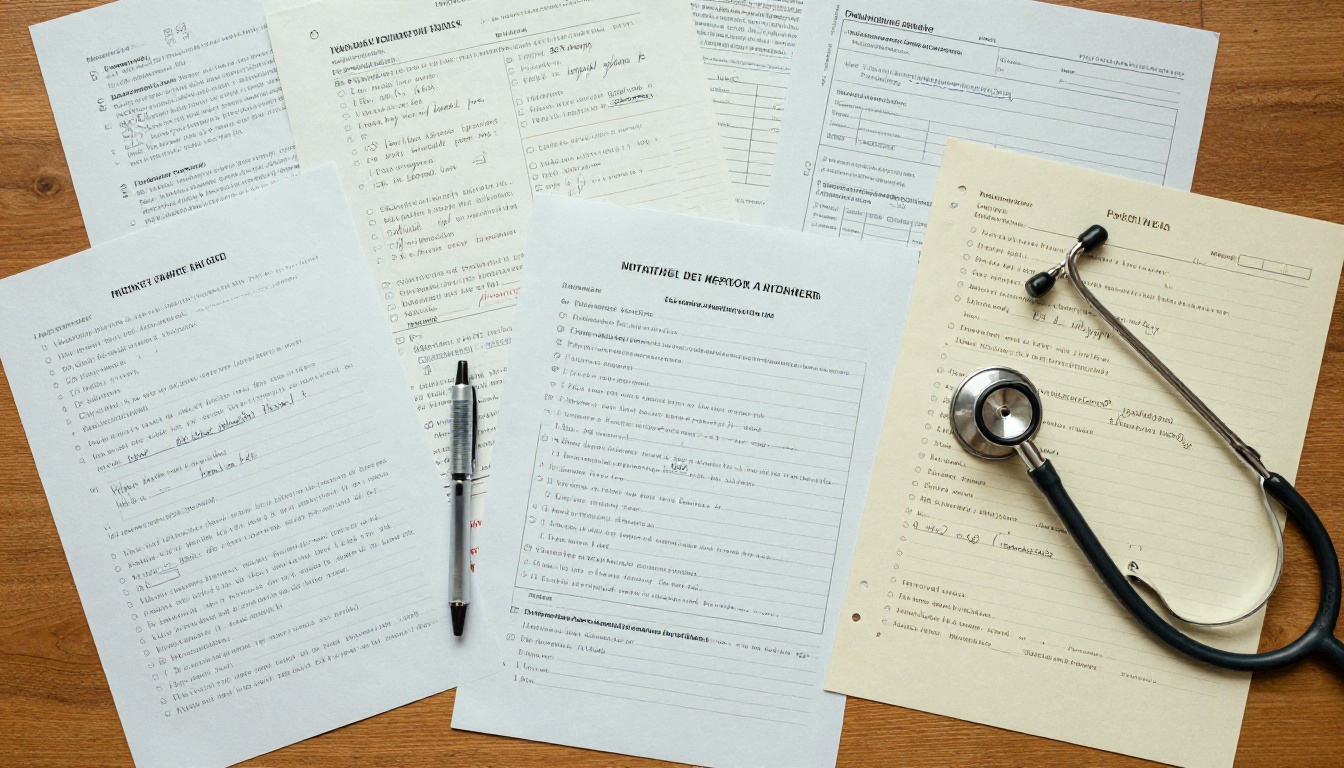
The stakes make accuracy requirements high. Models like Gemini 3 Flash, with their ability to interpret abbreviations and context in addition to raw character recognition, outperform pure OCR tools in medical settings because they understand shorthand like "bid" (twice daily), "prn" (as needed), or "s/p" (status post).
Archiving History at Scale
Libraries and archives hold millions of handwritten documents: ship manifests, personal diaries, census records, colonial-era administrative logs, private correspondence. Digitizing these manually takes decades and enormous human resources. AI can process these at a scale and speed no team of archivists could match.
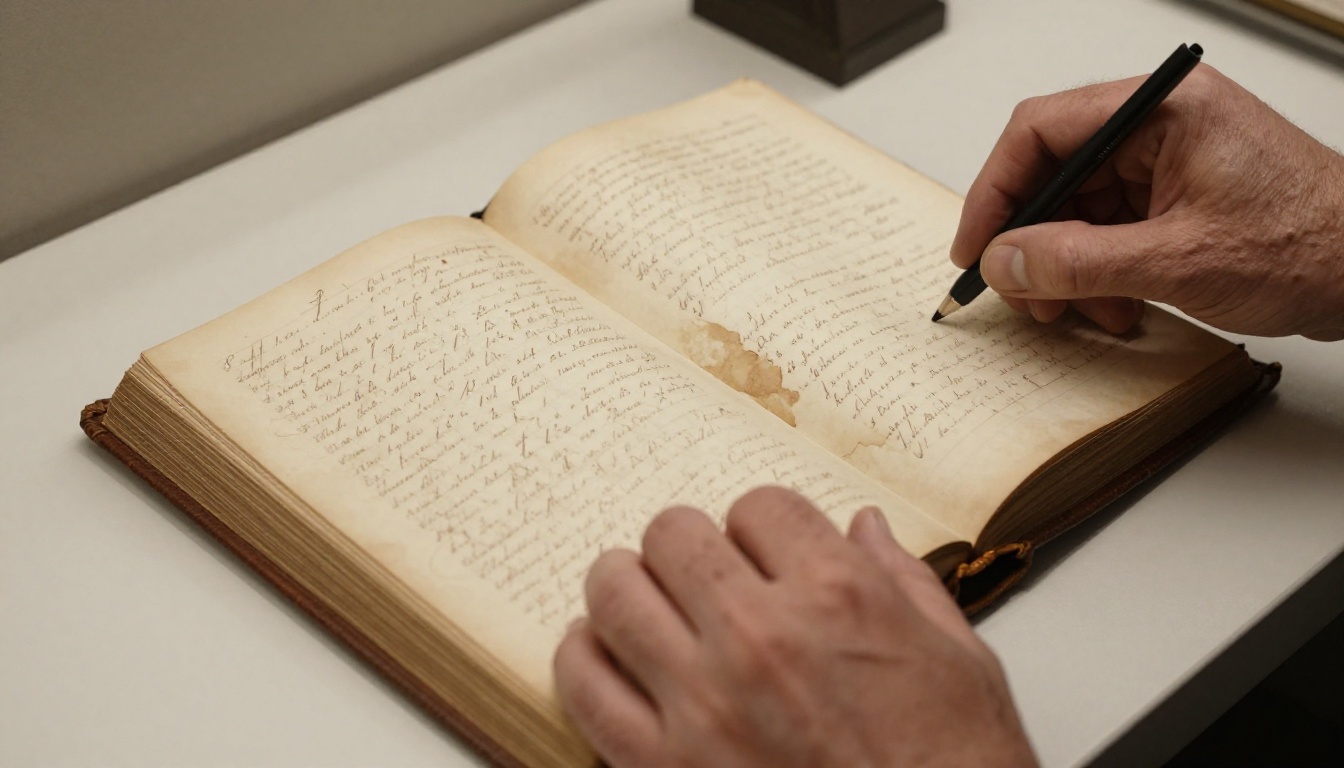
Projects like the Transkribus platform have already processed tens of millions of handwritten pages. The remaining challenge is historical scripts with degraded ink, unusual regional letterforms, or scripts that differ significantly from modern usage.
Notes That Become Searchable
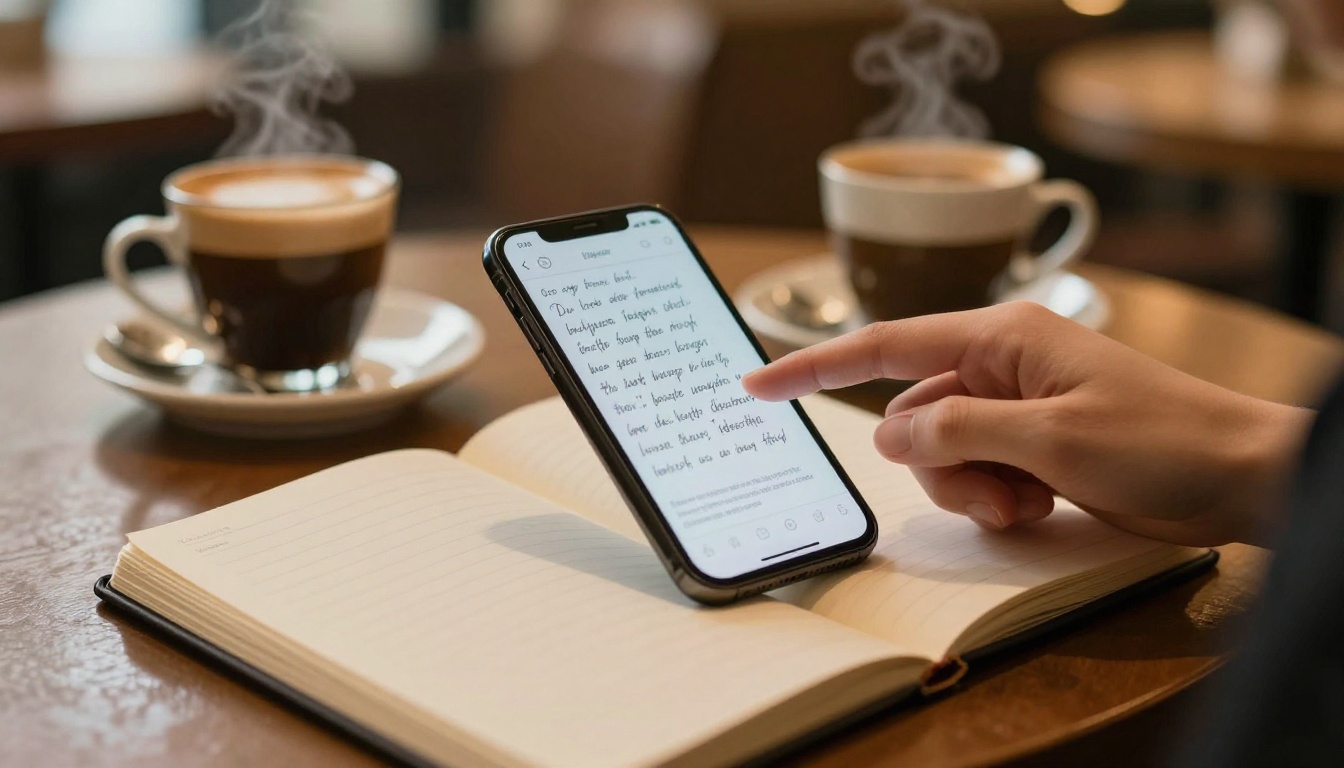
At a personal scale: imagine taking handwritten notes in a meeting and having them immediately searchable on your device. Several note-taking apps already integrate VLM-based transcription on-device or in the cloud. You write. You search by keyword. The AI bridges the two without requiring you to type anything.
Where AI Still Gets It Wrong
For all the progress, AI handwriting recognition is not perfect. Knowing the failure modes helps you work with the technology more effectively.
Fast Cursive and Personal Shorthand
Highly connected cursive written at speed, especially with personal symbols or abbreviations invented by the writer, remains the hardest case. When letters merge into continuous strokes and the writer uses idiosyncratic marks only they understand, even the best models lose accuracy quickly.
Historical Scripts and Degraded Documents
While modern multilingual handwriting is increasingly well covered, archaic forms of Chinese characters, medieval Arabic calligraphy, and pre-modern European secretary hand scripts still require specialized models fine-tuned on those writing systems specifically. General VLMs handle them poorly without targeted training data.
Water damage, fading ink, overwriting, and torn pages all reduce accuracy sharply. Current models handle clean handwriting well. Degraded documents still require human verification of the AI output.
Accuracy in Practice: AI handwriting recognition on clean, modern handwriting consistently exceeds 95% in controlled benchmarks. On historical or degraded documents, accuracy often drops below 80%. For heavily cursive or unusual personal scripts, it can drop further. Always verify critical transcriptions against the source.
The Training Data Behind It All
What made modern handwriting AI possible was data, specifically enormous quantities of handwritten text paired with correct transcriptions. Researchers have compiled specialized datasets used to train and benchmark these systems:
- IAM Handwriting Database: 1,500+ writers, 115,000+ handwritten words
- MNIST: 70,000 handwritten digit images used for foundational training
- RIMES: French handwriting from real postal correspondence
- ICDAR Competition Datasets: Multi-language, multi-script handwriting from annual competitions
Beyond these specialized sets, modern VLMs like Gemini 3 Flash are trained on web-scale data that includes scanned books, digitized document archives, handwritten images shared publicly, and paired text-image datasets, making them far more general than any single specialized dataset could support.
What Happens in the Model, Step by Step
Here is the full processing pipeline when you photograph a handwritten page and send it to a vision language model:
- Image preprocessing: The input image is resized and normalized into a fixed-size grid of pixel values
- Vision encoding: A Vision Transformer (ViT) or CNN extracts spatial feature maps from the image
- Patch tokenization: The image is divided into fixed-size patches, each encoded as a vector (token)
- Cross-modal attention: Visual tokens and text tokens from your prompt attend to each other, letting language context inform visual interpretation
- Sequence prediction: The language model head predicts output tokens one at a time, each conditioned on all previous tokens and the full visual context
- Post-processing: Spacing, punctuation, and formatting are cleaned up before returning the result
Each of these steps has been optimized over billions of training examples. What looks like a simple "read this image" request triggers a sequence of learned transformations that no human explicitly programmed.
Try It With Your Own Writing
The same AI that reads handwriting can use it as creative input. On PicassoIA, you can photograph a handwritten poem or short story, have Gemini 3 Flash transcribe and clean it up, then feed those words into one of PicassoIA's text-to-image models to generate artwork inspired by what you wrote.
It is a workflow that did not exist five years ago: handwritten words, transcribed by AI, turned into a generated image in the same session, all without writing a single line of code.
PicassoIA puts these tools in one place. Models that read images, models that reason over text, models that generate visuals, all accessible through a single interface. If you want to see what modern AI can do with something as personal as your own handwriting, there is no better starting point than uploading a photo and seeing what comes back.
Start with Gemini 3 Flash on PicassoIA and take the technology for a test with something you actually wrote.


