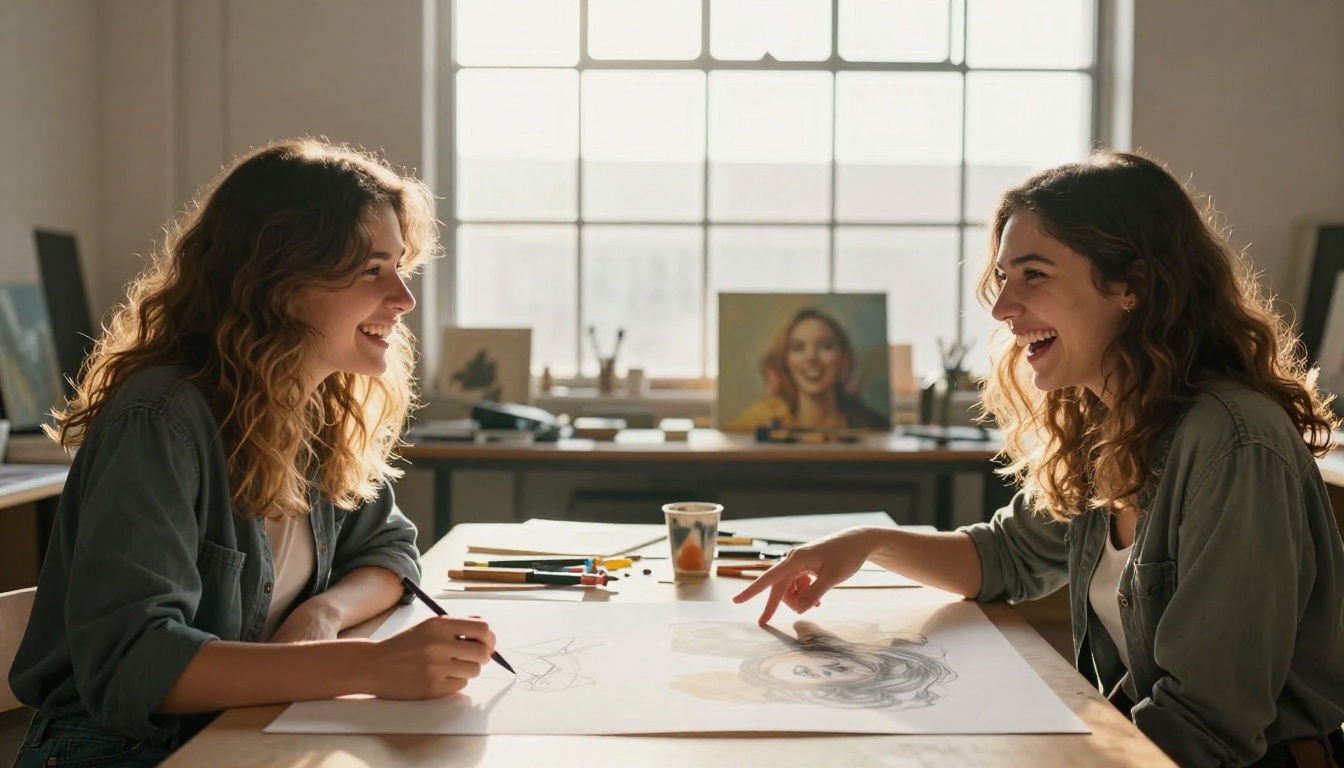
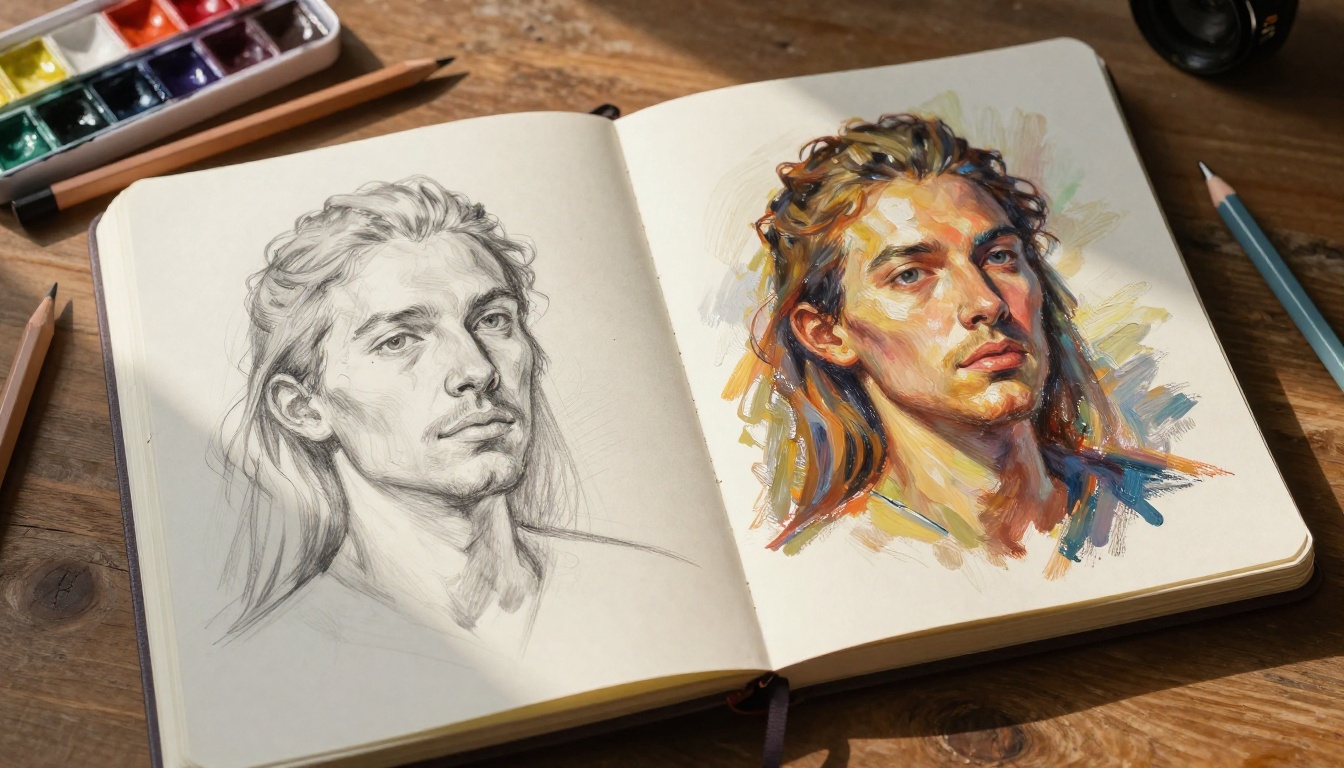
You've probably seen it: a rough, wobbly pencil sketch uploaded somewhere, and seconds later, a fully rendered oil painting appears on screen. It looks like magic. It isn't. The process behind it is one of the most fascinating applications of modern deep learning, and once you grasp how it works, you'll never look at AI art the same way again.
This article breaks down the actual mechanics, the models doing the work, and how you can use them today.
What AI Does With Your Sketch
It's Not "Colorizing" Your Drawing
The first thing to clear up: AI is not simply filling in the gaps of your sketch with color, the way a coloring book gets filled in. It's something far more complex. When you feed a pencil sketch to an AI model, the system analyzes the structural information encoded in those lines: edges, contours, shapes, and spatial relationships.
That structural data gets passed through a neural network trained on millions of images. The model has absorbed, from all those examples, what a face, a tree, a hand, or a building looks like in full photographic or painterly detail. Your sketch is essentially a prompt, an instruction set saying: "Here are the shapes. Now fill them with reality."
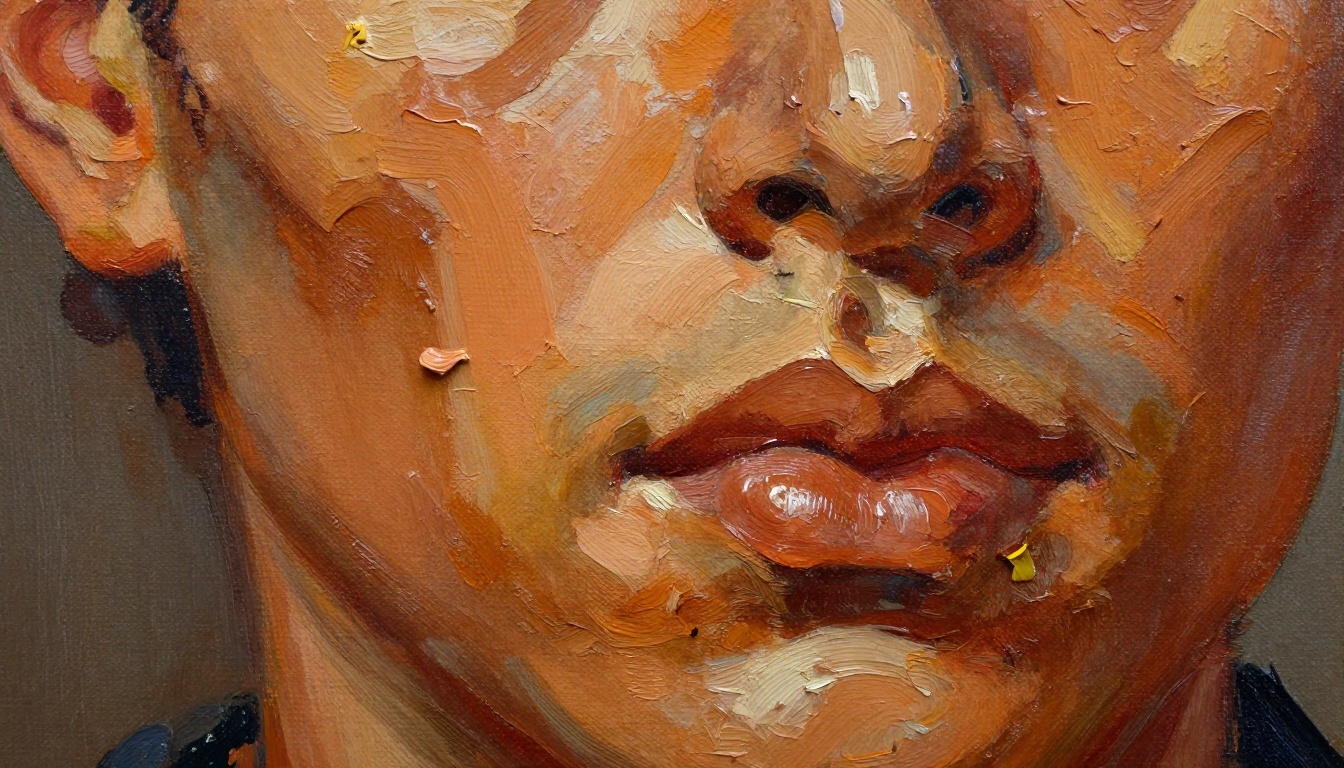
The result is a synthesis, not a copy. The AI invents textures, lighting, shadows, and color, while respecting the geometric skeleton you provided.
The Role of Diffusion Models
The dominant technology behind sketch-to-painting AI is diffusion models. Here's the simplified version of how they work:
- During training, the model is taught to take a clean image and progressively add random noise until it becomes pure static.
- It is also trained to reverse that process: starting from noise, remove it step by step to recover the original image.
- At inference time, you give it a starting point (your sketch, plus a text prompt, plus random noise) and it "denoises" toward an image that matches all three inputs simultaneously.
The result is a painting, a photograph, or any visual style the model has absorbed from its training data.
💡 The quality of your output depends directly on how expressive and clean your input sketch is. Strong, confident lines almost always produce better results than vague or scratchy ones.
The Models Doing the Heavy Lifting
Stable Diffusion: The Foundation
Stable Diffusion is the backbone of most sketch-to-image pipelines. It was released as an open model, which means the research community has built hundreds of fine-tuned versions on top of it, each specialized for different art styles, levels of realism, and subject matter.
The standard img2img workflow in Stable Diffusion takes your sketch as a starting point. A parameter called denoising strength controls how much the model departs from your original. Set it low (0.3), and the output closely follows your lines. Set it high (0.9), and the AI takes your sketch as a loose suggestion and creates something more freely interpreted.
SDXL: Bigger and Sharper
SDXL improved on the original Stable Diffusion architecture significantly. It uses a two-stage pipeline: a base model that generates the overall composition, followed by a refiner that sharpens details and corrects inconsistencies. For sketch-to-painting work, this means faces come out more anatomically correct, textures look more tactile, and backgrounds have real depth instead of the muddy blur older models produce.
SDXL Lightning takes this further by reducing the generation to just 4 steps, making near-real-time sketch conversion possible without a significant drop in quality.
Flux: The New Standard
Flux Dev and Flux Schnell represent the current state of the art for photorealistic and detailed image generation. Flux uses a transformer-based diffusion architecture rather than the traditional U-Net, giving it significantly better text comprehension and structural fidelity.
For sketch-based work, Flux models tend to produce more coherent anatomy, sharper edges that respect your original lines, and more naturalistic lighting conditions, all without needing as many manual prompt adjustments as older models.
| Model | Speed | Realism | Sketch Fidelity |
|---|
| Stable Diffusion | Medium | Good | Moderate |
| SDXL | Medium | Very Good | Good |
| SDXL Lightning | Fast | Good | Moderate |
| Flux Dev | Medium | Excellent | Excellent |
| Flux Schnell | Fast | Very Good | Good |
ControlNet: The Sketch-Faithful Powerhouse
Why Regular img2img Falls Short
Standard img2img processing respects your sketch, but loosely. When you push the denoising strength high enough to get really beautiful output, the model starts drifting from your original composition. A nose ends up in a slightly different position. A building's proportions shift. For artists who need to maintain specific structural intent, this is a real problem.
ControlNet Scribble solves this directly.
How ControlNet Works
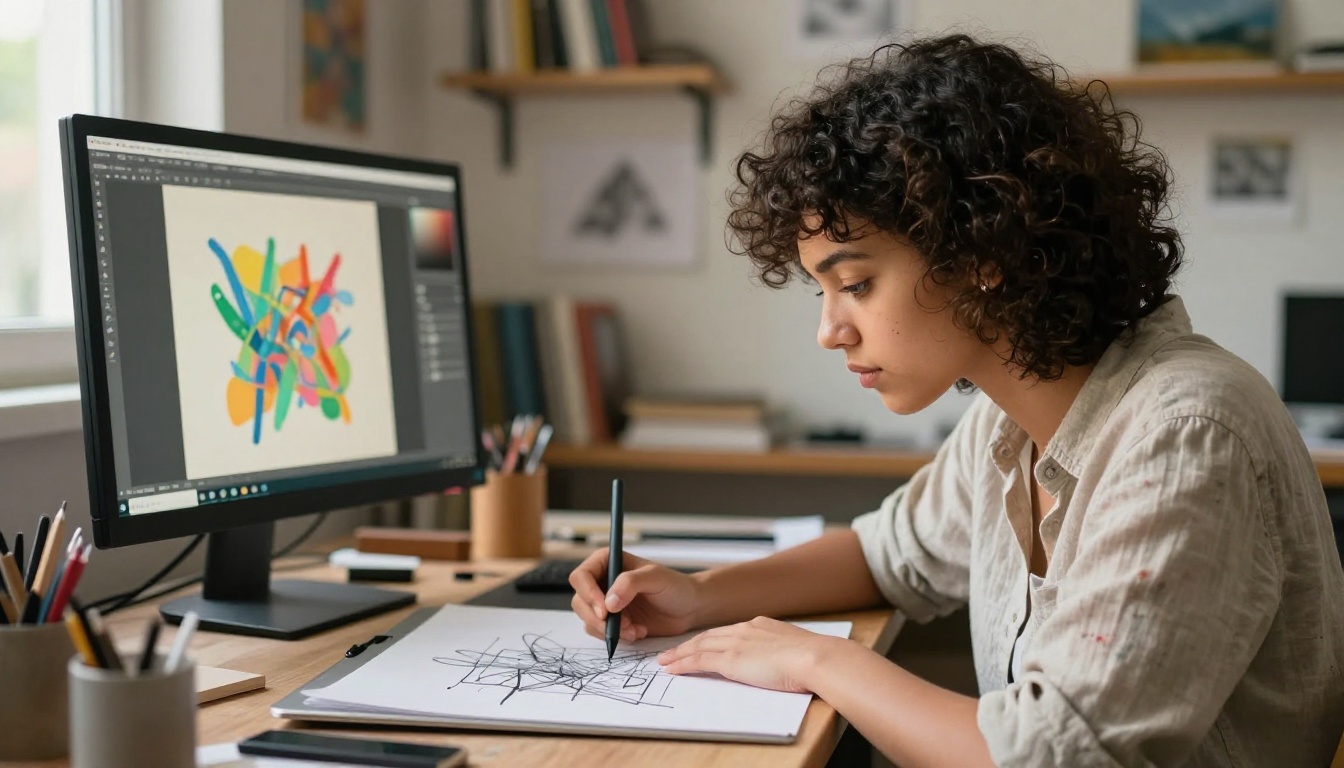
ControlNet adds a separate conditioning pathway to the diffusion model. Instead of encoding your sketch as just another input, it extracts a structural "skeleton" from it, specifically edge maps, depth maps, or scribble outlines, and uses that skeleton as a rigid constraint throughout the entire generation process.
The result: the AI paints freely in terms of texture, color, and lighting, but the underlying structure of your sketch is preserved faithfully from start to finish.
💡 ControlNet Scribble is specifically trained on rough, freehand line inputs. You don't need clean linework. It actually performs better with slightly imperfect, expressive sketches than with perfectly geometric digital drawings.
This makes it the ideal tool for:
- Converting traditional pencil sketches to paintings
- Turning rough concept art into finished illustrations
- Maintaining character poses while changing art styles
- Rendering architectural sketches as photorealistic environments
You can also combine ControlNet with SDXL using SDXL ControlNet LoRA or the more powerful SDXL Multi ControlNet LoRA for applying multiple control signals simultaneously, like combining a pose skeleton with an edge map for maximum precision.
How Style Transfer Works in Practice
Style Transfer vs. Sketch-to-Image
These two terms get confused constantly, so let's be precise.
Sketch-to-image (or sketch-to-painting) is about taking structural line information and generating a fully fleshed-out image from it. The AI invents the color, texture, and lighting based on training data.
Neural style transfer is a different operation: you take an existing photograph and apply the visual style (brushstroke pattern, color palette, texture) of a reference artwork to it. The content stays the same; only the aesthetic "skin" changes.
In practice, many pipelines combine both. A sketch becomes a base image via ControlNet, and then a style transfer step applies a painterly aesthetic on top of that for a two-stage result.
What "Style" Means for AI
When a style transfer model analyzes a Van Gogh painting, it's not memorizing a template. It's extracting statistical patterns from the image using convolutional neural networks, things like:
- Brushstroke direction and frequency
- Color covariance (which colors tend to appear next to which)
- Texture scale (fine detail vs. broad strokes)
- Edge sharpness vs. softness
These patterns get encoded into what researchers call a Gram matrix, a mathematical representation of the style, which is then applied to the content image layer by layer during the generation process.
💡 The more stylistically distinct your reference image, the stronger and more recognizable the style transfer effect will be. A generic watercolor reference produces weak results. A highly characteristic painting with strong, specific brushwork produces a dramatic result.
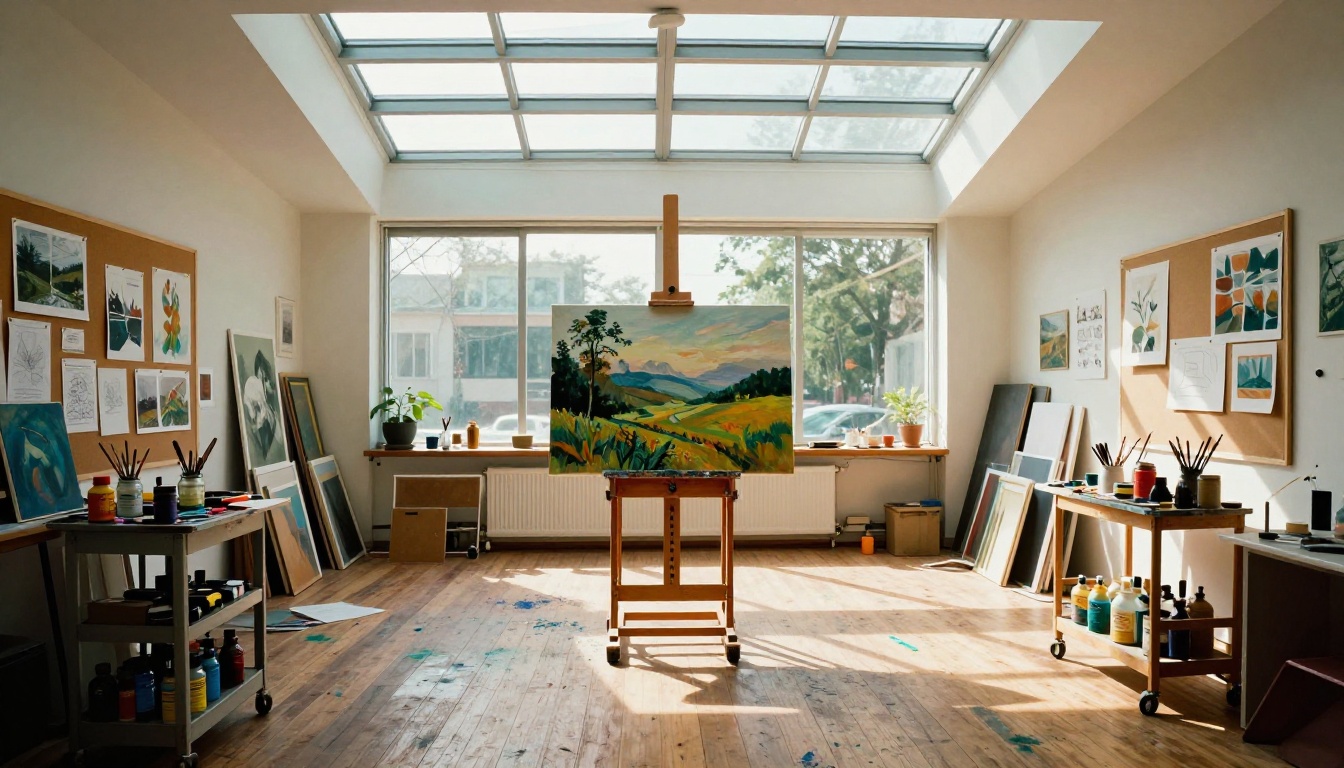
Sketch to Painting on PicassoIA
Using ControlNet Scribble
The most direct path from sketch to painting uses ControlNet Scribble. Here's the exact workflow:
- Prepare your sketch: Scan or photograph your drawing. High contrast works best. A dark pencil on white paper, photographed in good light, is ideal.
- Open ControlNet Scribble on PicassoIA and upload your image.
- Write your text prompt: Describe what you want the final painting to look like. Include style information (oil painting, watercolor, photorealistic), lighting (golden hour, dramatic side light), and subject details.
- Adjust the conditioning scale: Higher values (0.8-1.0) make the output follow your sketch more rigidly. Lower values (0.4-0.6) give the model more creative latitude.
- Run the generation and compare results. Try 3-5 variations with different seeds before deciding on a favorite.
Dialing In Your Results
The single biggest factor in output quality, beyond the sketch itself, is the text prompt. A vague prompt produces a mediocre result. A specific prompt produces something remarkable.
Weak prompt:
woman portrait, oil painting
Strong prompt:
photorealistic portrait of a young woman, dramatic Rembrandt lighting from the upper left, rich oil paint impasto texture, deep shadows in the background, warm earth tones, visible brushstrokes on the face and neck, highly detailed eyes, fine art museum quality
The difference in output quality from those two prompts, on the same sketch, is substantial. Specificity in lighting, texture, and mood is what separates average outputs from extraordinary ones.
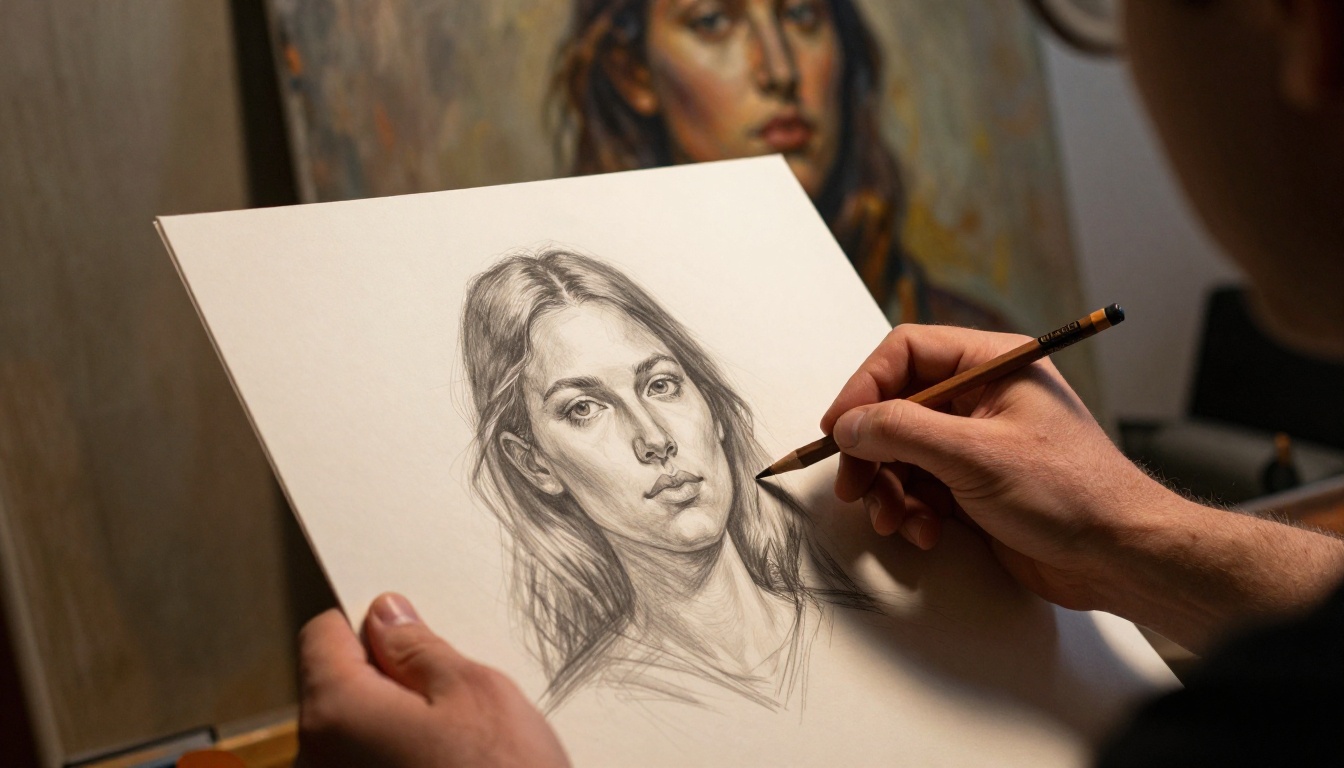
What Makes a Good Sketch for AI
Line Quality Matters More Than Talent
You don't need to be a trained artist to get great results from AI sketch conversion. But certain qualities in your sketch consistently produce better output:
Line characteristics that help:
- Confidence: Single, deliberate strokes outperform repeated, scratchy marks
- Closed forms: Areas enclosed by lines are interpreted as distinct objects
- Contrast: Dark lines on white backgrounds are read most reliably
- Proportion: Gross anatomical errors (very elongated limbs, asymmetric faces) tend to survive into the final output
What to avoid:
- Heavy cross-hatching in shadow areas (confuses the edge detector)
- Very light, thin lines that disappear at low resolution
- Ambiguous overlapping shapes without clear figure-ground separation
💡 A sketch made specifically for AI processing looks different from a sketch made for human eyes. For AI, think in terms of clear outlines and minimal interior detail. The model will invent the interior texture itself.
The Resolution Question
Most ControlNet models are trained at 512x512 or 1024x1024. Feeding in a very high-resolution scan doesn't automatically produce better results. It's often more effective to downsample your sketch to the model's native resolution before processing, then use a super-resolution upscaler afterward to bring the final painting back to print quality.
PicassoIA's super-resolution tools can upscale the output 2x to 4x while adding genuine texture detail rather than just interpolating pixels.
Choosing the Right Painting Style
The Style Spectrum
Not all painting styles respond equally well to sketch-to-image conversion. Here's a practical breakdown of what to expect:
| Painting Style | Difficulty for AI | What to Specify in Prompt |
|---|
| Oil painting | Easy | "impasto texture, visible brushstrokes, warm varnish" |
| Watercolor | Medium | "soft edges, wet-on-wet bleeding, paper texture" |
| Charcoal | Easy | "smudged charcoal, tonal shading, gritty texture" |
| Impressionism | Medium | "broken brushstrokes, pure color dabs, no outlines" |
| Hyperrealism | Hard | "photorealistic, pore-level detail, perfect anatomy" |
| Concept art | Easy | "cinematic lighting, matte painting quality, sharp edges" |
Color Palette Control
You can direct the color palette explicitly in your prompt. Useful color terms include:
- Warm earth tones, burnt sienna, raw umber, titanium white
- Cool blues and grays, Prussian blue, silver highlights
- Saturated, high-contrast, vivid complementary colors
- Desaturated, muted, soft pastel range
The more specific your color language, the more control you retain over the final result. Don't leave color to chance when a few extra words in the prompt can lock it in.
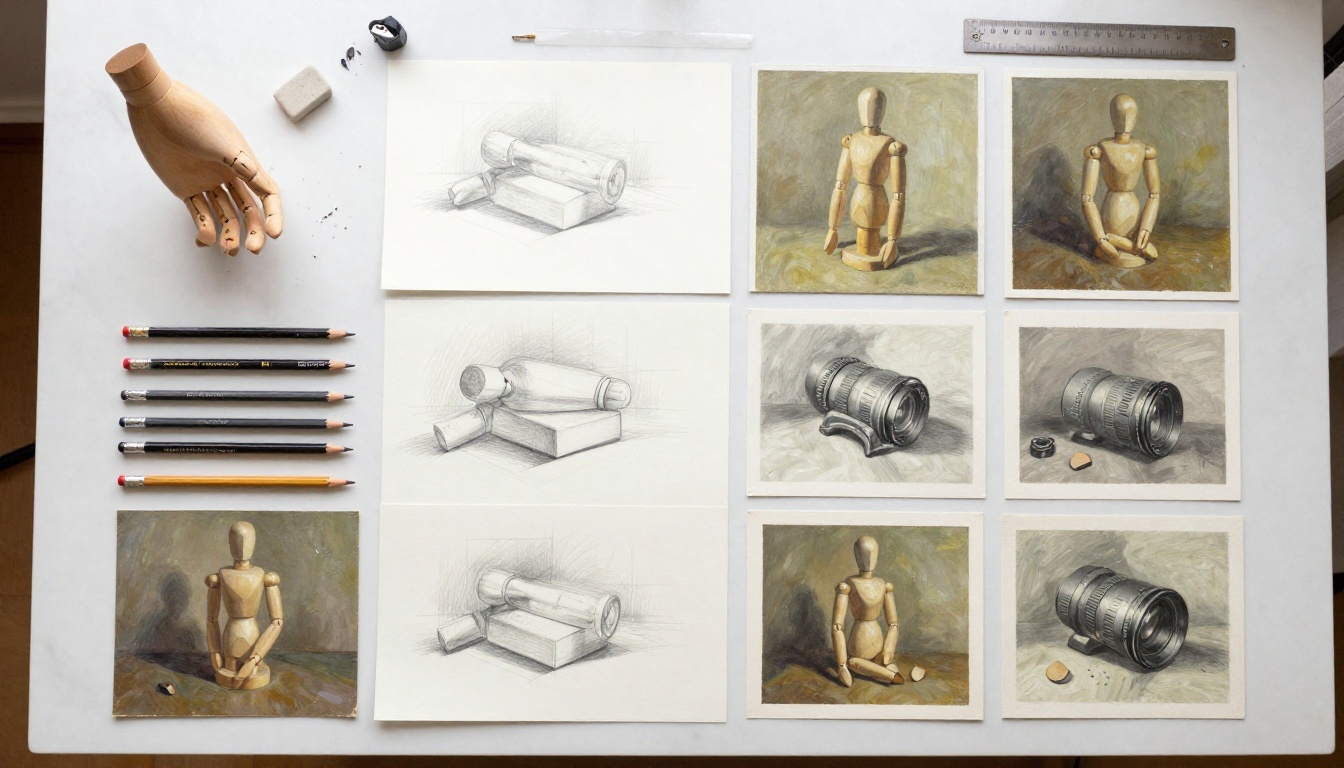
Common Problems and How to Fix Them
The Face Is Distorted
Faces are notoriously difficult for diffusion models, particularly at lower resolutions. Symptoms: extra eyes, merged facial features, asymmetric placement.
Fix: Add these terms to your prompt: "perfect facial symmetry, accurate anatomy, single face, detailed eyes, correct proportions". Also increase your image resolution to at least 768px on the short side before processing.
The Painting Ignores My Sketch
If the output barely resembles your sketch, the ControlNet conditioning scale is too low.
Fix: Increase it toward 0.9-1.0. If that makes the output too rigid and reduces overall quality, try preprocessing your sketch with a dedicated Canny edge detector before feeding it to ControlNet for a cleaner structural signal.
Everything Looks the Same
Using the same seed repeatedly produces identical outputs. The model has no reason to vary.
Fix: Change the random seed for every generation, or enable the random seed option. Run 10+ variations and cherry-pick. The same sketch can produce dramatically different paintings depending on the seed.
The Background Is Generic
A beautiful figure on a completely generic gradient background is a common failure mode.
Fix: Describe the background explicitly in your prompt. "Cluttered Parisian studio with shelves of books and houseplants" produces a far more interesting result than leaving the background entirely to chance.
The Science in Plain Terms
What "Training Data" Actually Means
When people say an AI model was "trained on millions of images," they mean those images were used to teach the model to recognize patterns through a process called backpropagation. The model makes predictions, compares them to ground truth, calculates the error, and adjusts billions of internal numerical weights until predictions become accurate.
By the time training is complete, those weights encode an extraordinarily rich statistical representation of how visual elements relate to each other. The system has internalized that a convex cheekbone creates a specific highlight pattern. It has internalized that oil paint on linen has a particular texture at 50mm focal length. Not because it was explicitly programmed with these facts, but because they're implicit in the patterns across millions of training examples.
Why Your Sketch Works as a Signal
Your sketch provides spatial frequency information: where high-contrast edges are, what shapes they outline, and how those shapes relate in the composition. Even a rough sketch gives the model enough structural signal to constrain the generation toward your intended composition.
The model fills in everything else from its training, drawing on its probabilistic map of what should exist inside and around those shapes. This is why a five-line stick figure can produce a recognizable human figure in the output, while a densely cross-hatched scribble might produce chaos. Signal clarity, not drawing skill, is what the model actually needs.
Try It on Your Own Sketches
Anyone with a pencil and a scanner can try this today. Dig out a sketch you made years ago, or draw something new in the next 10 minutes, and feed it into ControlNet Scribble on PicassoIA.
The gap between what you drew and what comes out the other side is where the technology makes its case. A five-minute pencil sketch of a cityscape can become a dramatic oil painting in under 30 seconds. A rough portrait sketch can become a photorealistic rendering that looks like it required hundreds of hours of painterly skill.
You don't have to stop at one output. Run Flux Dev on the same sketch for a completely different interpretation. Use SDXL for rich textural detail. Try Flux Schnell for rapid iteration when you want to test a dozen different styles in minutes, not hours.
The sketch is your starting point. The painting possibilities from that single starting point are effectively infinite.