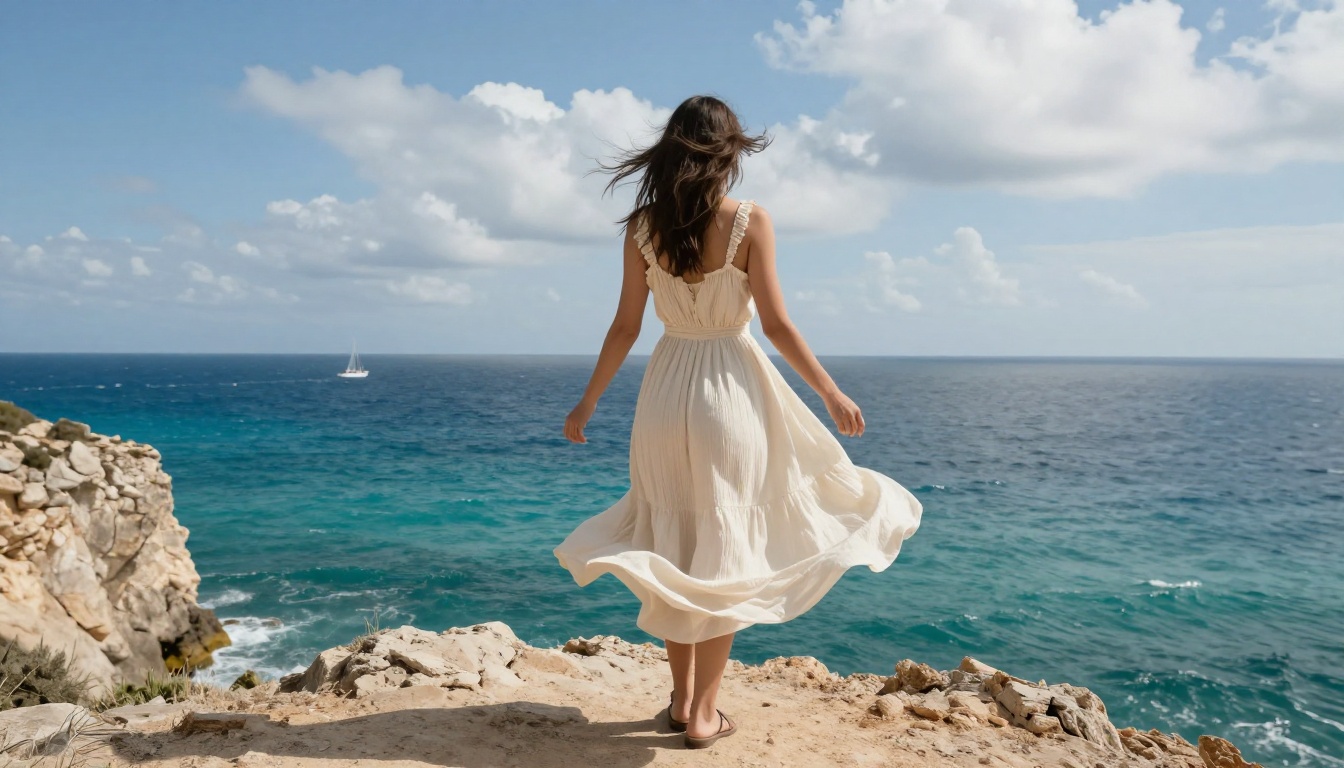
Still photographs have always been containers for time. They catch a single instant, compress it onto a surface, and hold it there for as long as the medium survives. But photographs are not truly static. The moment they were taken, they were full of motion that simply stopped. A gust of wind was bending that tree. Her hair was mid-swing. The water was falling.
Today's AI models can read what a photograph contains and synthesize what it would have looked like one second later, two seconds later, ten seconds later. The frozen moment keeps moving. And the results, when done well, are indistinguishable from real footage.
This is image-to-video (I2V) AI. Here is exactly how it works, why it matters, and which tools are producing the most convincing results today.
What "Photo Animation" Actually Means
The term gets stretched to cover everything from cheap parallax effects to genuine motion synthesis. The distinction matters because the outputs are completely different categories of thing.
One frame. Unlimited motion.
True I2V AI takes a single image as its only visual input and generates a sequence of frames that continue naturally from it. The model does not loop the image. It does not apply a preset filter. It synthesizes new pixel data across time, frame by frame, inventing content that was never captured but is statistically consistent with what was.
This is a genuinely new operation in visual media. Photography captures a moment. Videography records duration. I2V creates duration from a moment.
Why this isn't just a filter
Smartphone apps that "animate" photos typically use depth-map parallax: the image is segmented into layers by estimated depth, and those layers shift independently to simulate camera movement. The background moves slower than the foreground. It produces a convincing 2.5D illusion for about three seconds before the loop becomes obvious.
Modern I2V models do something categorically more complex. They generate entirely new pixel values for each frame, informed by the physics of how objects in the scene are likely to behave. Hair does not just shift laterally. It separates into strands, each following a slightly different trajectory. Water does not tilt. It ripples at the correct frequency for its apparent depth. Fabric wrinkles and unwrinkles according to tension physics the model has absorbed from training.
The difference in quality is immediately visible. More importantly, the difference in creative utility is enormous.
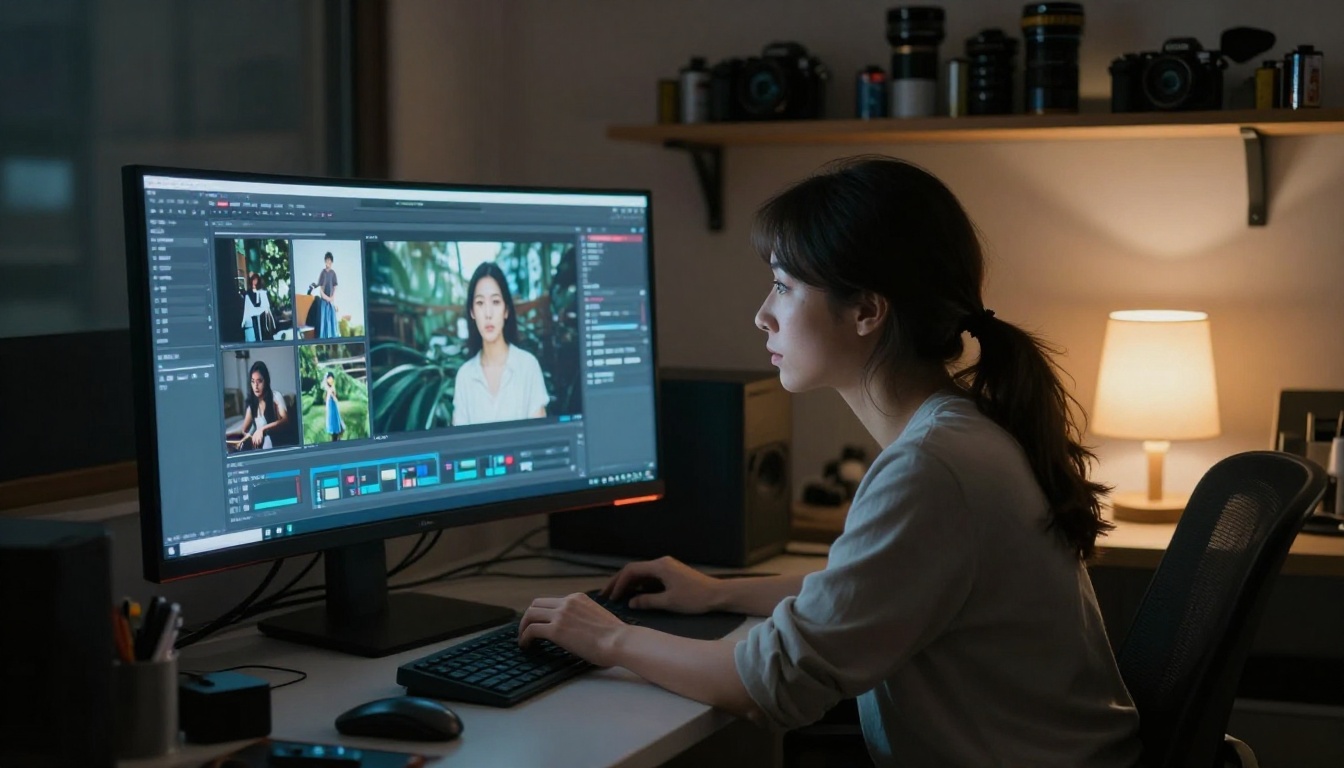
The Technology Behind It
Three core mechanisms make I2V possible. Understanding them makes results more predictable and helps you write better motion prompts.
Diffusion models and temporal noise
Most cutting-edge I2V systems are built on video diffusion models, an extension of the image diffusion architecture that powers still-image generators. The process works like this: the source image is treated as frame 0, the anchor condition. Every subsequent frame is initialized as random noise. The model is trained to iteratively denoise that temporal sequence in a way that is visually coherent, physically plausible, and causally connected to the first frame.
During generation, the model takes the anchor image plus random noise for frames 1 through N, and refines them over dozens of denoising steps. Each step asks: given what frame 0 shows and the current noisy estimate of what comes next, what should this frame look like? After enough refinement steps, the answer is a smooth, continuous video.
The reason this works so well is that video diffusion models are trained on billions of video sequences alongside their first frames. The model absorbs an enormous amount of statistical information about how scenes evolve through time and applies that knowledge to every new image it receives.
Optical flow and depth estimation
Before synthesizing motion, many models compute two internal representations of the scene:
- Optical flow maps: vector fields describing the probable direction and speed of every pixel region
- Depth maps: a per-pixel estimate of distance from the camera, inferred from shading, perspective, and texture gradients
These representations condition the generation process. A region estimated to be 2 meters from the camera receives different motion dynamics than one at 20 meters. A face in the foreground gets micro-expression and breathing motion. A mountain in the background barely moves.
Practical effect: When you upload a beach portrait to an I2V model, it estimates that the sand is close, the water is mid-distance, and the horizon is far. Each layer receives motion physics appropriate to its depth before generation begins. This is why good I2V output has natural parallax without anyone specifying it.
How the model predicts movement
No explicit physics simulation runs during generation. The model does not have a physics engine. It has training data.
Models are trained on videos containing hair in wind, fabric in motion, water surfaces, fire, smoke, and thousands of other dynamic elements, all paired with their constituent first frames. The model builds statistical priors about what tends to happen in scenes containing those elements and applies those priors when it encounters similar first frames.
When the model sees a photo of a woman in a field, it recognizes the visual semantics: wheat, woman, open sky, fabric. It retrieves the learned motion behaviors for each element and synthesizes them into a coherent animation sequence. The motion is not physically calculated. It is statistically remembered.
I2V vs T2V: What's the Difference?
Both categories produce video using AI. The input is what separates them.
| Model Type | Input | Output | Best Used For |
|---|
| I2V (Image-to-Video) | 1 image + optional text | Video starting from that image | Animating your photos |
| T2V (Text-to-Video) | Text prompt only | Video generated from scratch | Creating new scenes |
| I2V with motion prompt | Image + motion description | Guided animation of that image | Precise creative control |
For animating your own photographs, I2V is the only correct category. T2V models have no obligation to resemble your source image. They generate whatever the prompt describes, not what your specific photo contains.
The text prompt in an I2V workflow functions as a motion instruction, not a scene description. You do not describe what is already in the photo. You describe what should happen to it: "hair blowing gently in the wind, fabric rippling, slow camera push forward." The model sees the image. It needs motion direction, not scene narration.
The Best Models for Photo Animation
Several models have become the benchmarks for I2V quality. Here is how they differ in practice.
Wan 2.6 I2V: raw power
Wan 2.6 I2V from Wan Video is one of the strongest open-weight I2V models available. It handles complex scenes with multiple subjects, maintains identity consistency across frames, and produces motion that respects the original image's lighting and depth relationships.
For faster turnaround without significant quality loss, Wan 2.6 I2V Flash cuts generation time considerably while preserving core motion quality. Earlier versions, Wan 2.5 I2V and Wan 2.5 I2V Fast, remain solid for 720p portrait animation.
Kling v2.6: cinematic motion
Kling v2.6 Motion Control from Kwaivgi distinguishes itself through camera movement specification. You can control not just what moves within the scene, but how the virtual camera behaves independently: slow push, arc, orbit. The results feel less like "animated photo" and more like actual footage from a physically present camera.
Kling v3 Motion Control extends this with per-subject motion specification, letting different elements in the frame receive independent motion instructions.
Hailuo 2.3 Fast: speed without sacrifice
Hailuo 2.3 Fast from Minimax delivers 1080p output in a fraction of the time most standard models require. For content creators who need volume, this is the production workhorse. Motion fidelity is particularly strong on portrait subjects and faces.
Video 01 Live: portrait specialist
Video 01 Live was designed specifically to animate still images. It focuses on portrait realism: facial micro-expressions, natural eye movement, subtle breathing motion, and hair dynamics. For animating photos of people, this is one of the most naturalistic options available.
For free entry-level I2V at 720p, Wan 2.1 I2V 720p from Wavespeed AI provides reliable results without cost barriers.
Quick routing: Cinematic camera work? Use Kling. High-volume content production? Use Hailuo. Most naturalistic ambient motion? Use Wan 2.6. Portrait realism? Use Video 01 Live.
How quality has changed
The improvement in I2V since 2023 has been steep. The table below shows the specific technical advances that drove it.
| What Improved | Effect on Output |
|---|
| Larger training datasets | More realistic, varied motion priors |
| 3D-aware architectures | Objects rotate correctly rather than just shift |
| Temporal attention mechanisms | Consistency held across longer sequences |
| Higher-resolution training | Fine detail in hair, fabric, and skin preserved |
| Motion conditioning signals | User control over speed and direction |
Kling v2.1 represented the generation that made I2V reliable for complex subjects. Current models like Kling v3 Omni Video and Wan 2.6 I2V place photorealistic animation within reach of anyone with a photo library and a browser.
What Photos Work Best
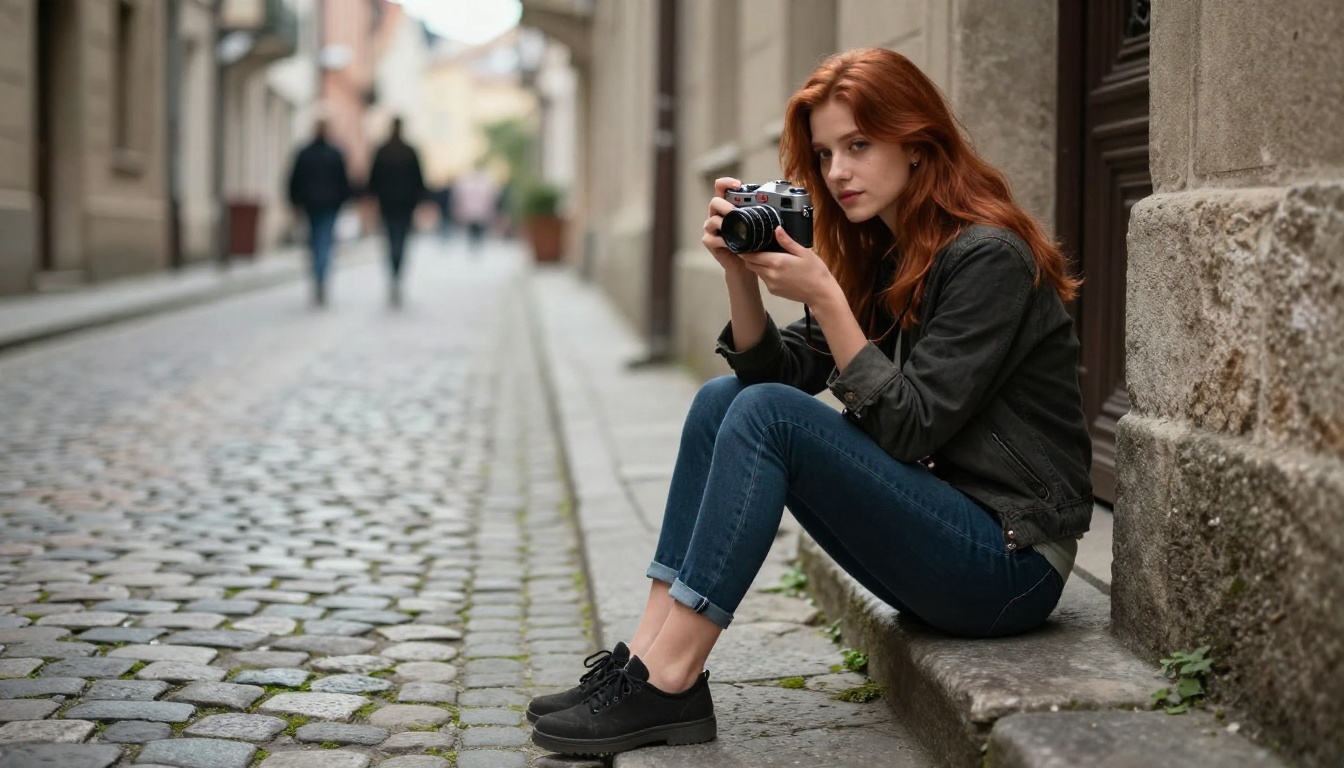
Not every photograph animates equally well. Composition has a significant effect on output quality.
Composition tips that improve output
Subject isolation matters. Photos where the primary subject is clearly separated from the background (through shallow depth of field, lighting contrast, or spatial separation) give the model cleaner motion boundaries. The model needs to infer where the subject ends and the background begins. Blur helps.
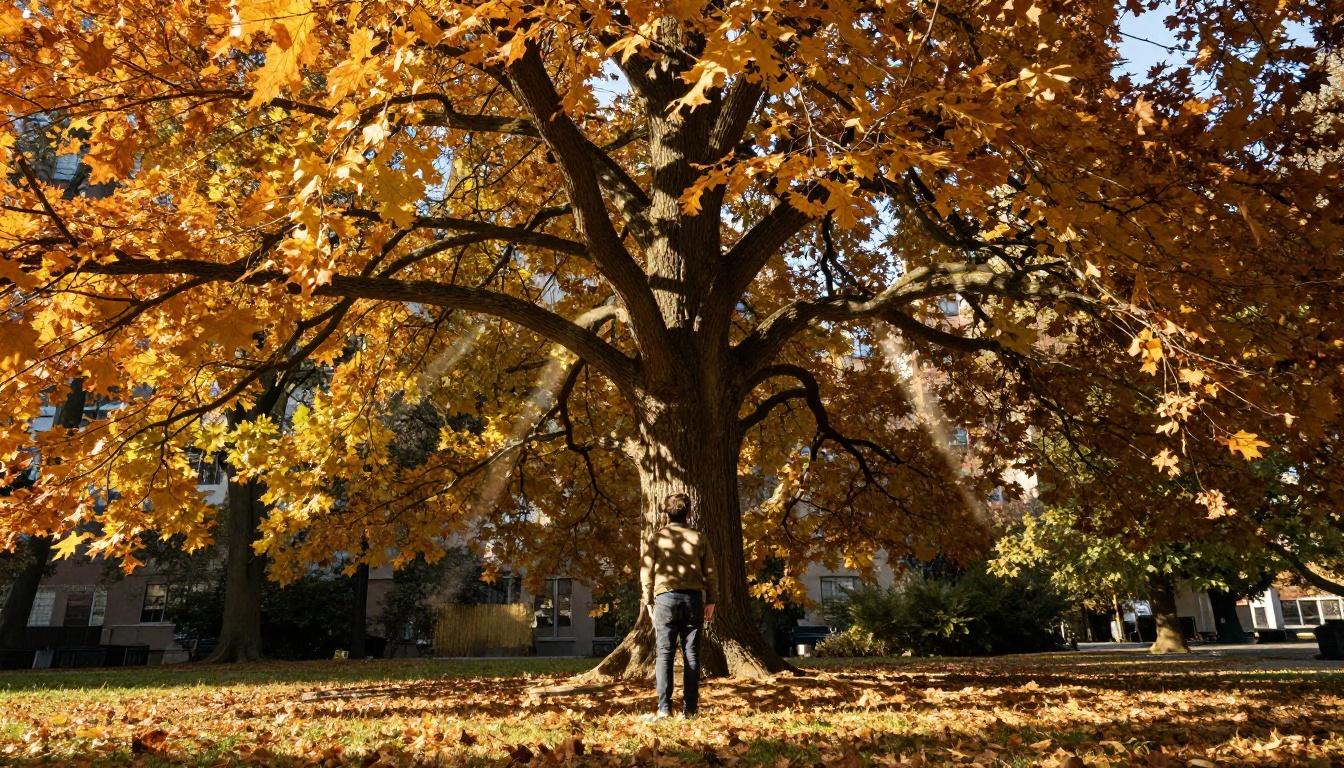
Natural motion contexts produce the best results. Hair, fabric, water, flames, smoke, and vegetation are elements the model has seen in motion billions of times. They animate with predictable, convincing physics. Hard-edged architecture and static man-made objects tend to produce less compelling animation unless the motion prompt focuses on camera movement rather than subject movement.
Soft, even lighting generates smoother output. Harsh side-lit shadows or high-contrast images can cause flickering artifacts because the model struggles to maintain shadow consistency across frames. Overcast light, golden hour, or diffused studio lighting produces the smoothest animations.
Higher input resolution gives the model more information. A 1024-pixel-wide source image outperforms a compressed 640-pixel JPEG. The model reconstructs detail during generation, but it can only work with what the source provides.
Common mistakes that ruin results
- Competing motion prompts. Asking for "person walking, wind blowing, camera zooming out, waves crashing" simultaneously confuses the motion synthesis. One dominant motion direction per generation produces cleaner output.
- Expecting dramatic expression changes. I2V models are trained to preserve subject identity. They handle subtle micro-expressions well but are not designed for large facial movements. Subtle reads more naturally.
- Using heavily edited or composited images. Photos with extreme color grading, heavy retouching, or obvious composite elements disrupt the model's depth and motion priors. Closer to a raw photo produces better results.
- Ignoring loop requirements. If you want the animation to loop cleanly for social media, specify loop behavior in the prompt or process the output clip in a video editor afterward. Most models do not generate seamless loops by default.
Real-World Uses Right Now
I2V has moved well past novelty. These are the practical applications already in active production use.
Social content that stops scrolls
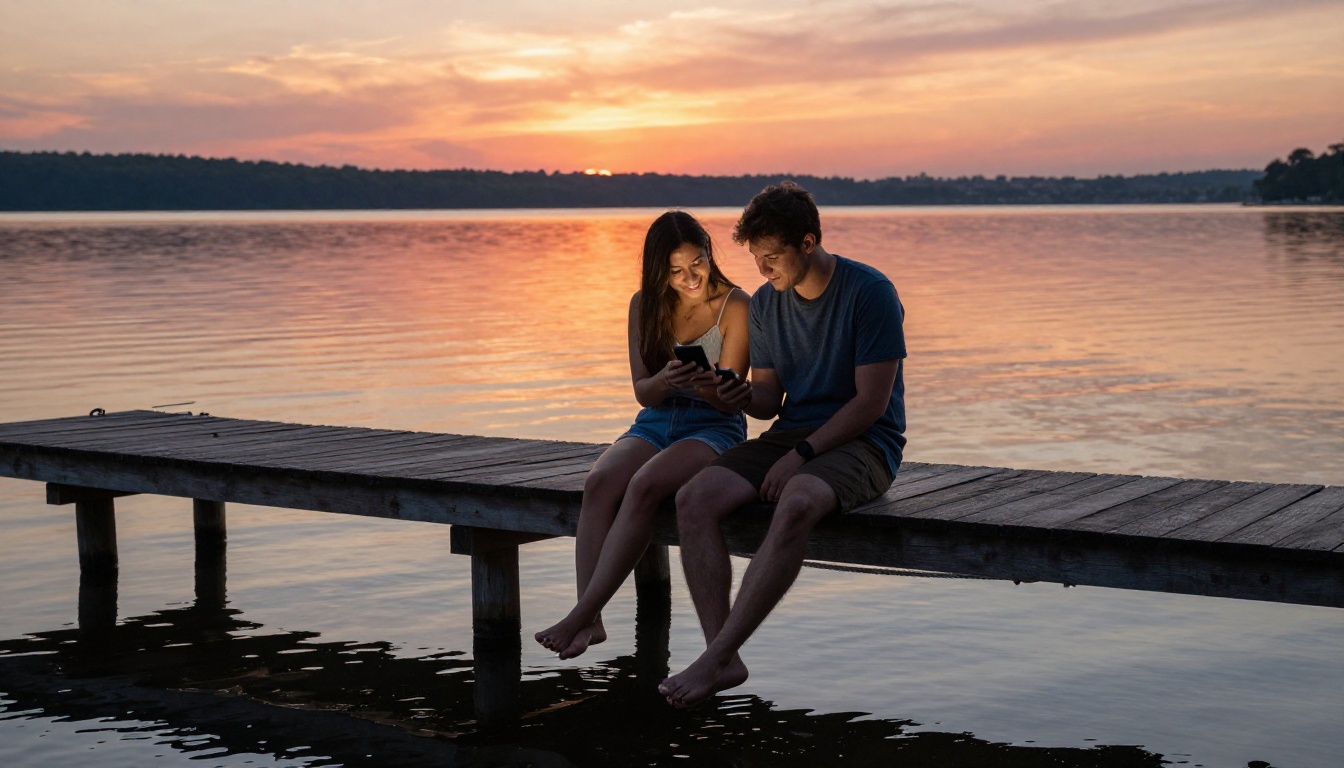
Static images in feeds typically have lower interaction rates than video. I2V provides a middle path: shoot a photograph (faster, cheaper, and easier than video production), then animate it into a 5-second clip. The result carries the visual quality of photography with the feed performance of video.
Fashion brands, travel accounts, food photographers, and real estate agencies are already running this workflow. A single portrait session produces both still assets and video content from the same raw files.
Portfolio work and visual storytelling
Photographers and visual artists use I2V to create motion portfolios from still work. A landscape series becomes a cinematic reel. A portrait shoot generates video content without booking a separate video session.
For body motion and character animation, Dreamactor M2.0 from ByteDance allows full-body motion synthesis driven by reference video, making complex animation accessible without animation expertise. Kling Avatar v2 handles face-driven animation, useful for talking-head and presenter content.
Preserving family memories
Old printed photographs can be digitized and animated, adding a temporal dimension to family archives. Models like I2VGen XL from Ali-Vilab were designed to handle a wide variety of image types, including historical, low-resolution, or unconventionally lit inputs.
For audio-driven animation, Audio to Video from Lightricks generates motion synchronized to a provided audio track. Upload a family photograph and a piece of music, and the model creates an animation where movement follows the rhythm and emotional character of the sound.
Motion Prompting: Writing for Movement
Writing effective I2V prompts is a distinct skill from writing image generation prompts. The model already sees the image. It needs motion instruction, not scene description.
Weak prompt: "A woman standing in a field with her hair down, wearing a white dress"
This describes the image. The model has the image.
Strong prompt: "Hair and dress rippling gently in a soft breeze, wheat stalks swaying at natural frequency, slow camera drift left, warm afternoon light holding steady"
This describes what should happen. The model now has direction.
Effective motion prompt structure:
- Subject motion - what the person or primary object does
- Environmental motion - wind, water, light changes in the background
- Camera behavior - pan, push, tilt, orbit, or static hold
- Intensity qualifier - gentle, slow, subtle, dramatic, rapid
Prompt tip: One coherent motion event produces better results than multiple competing instructions. "Gentle wind through the scene with a slow forward camera push" is more effective than six simultaneous motions pulling in different directions.
Vocabulary that consistently works well in I2V prompts tends to come from cinematography and nature writing: "drift," "ripple," "sway," "settle," "billow," "rack focus," "push in," "pull back." These terms appear frequently in motion contexts in the training data, and the models respond to them with precision.
For hair specifically, "gently flowing," "wind-swept," or "loose strands catching the breeze" produce more natural results than generic "hair moving." For water, "soft surface ripple," "gentle wave," and "still with reflections shifting" map to specific behaviors the model has seen and can reproduce.
Your Photos Are Already Video
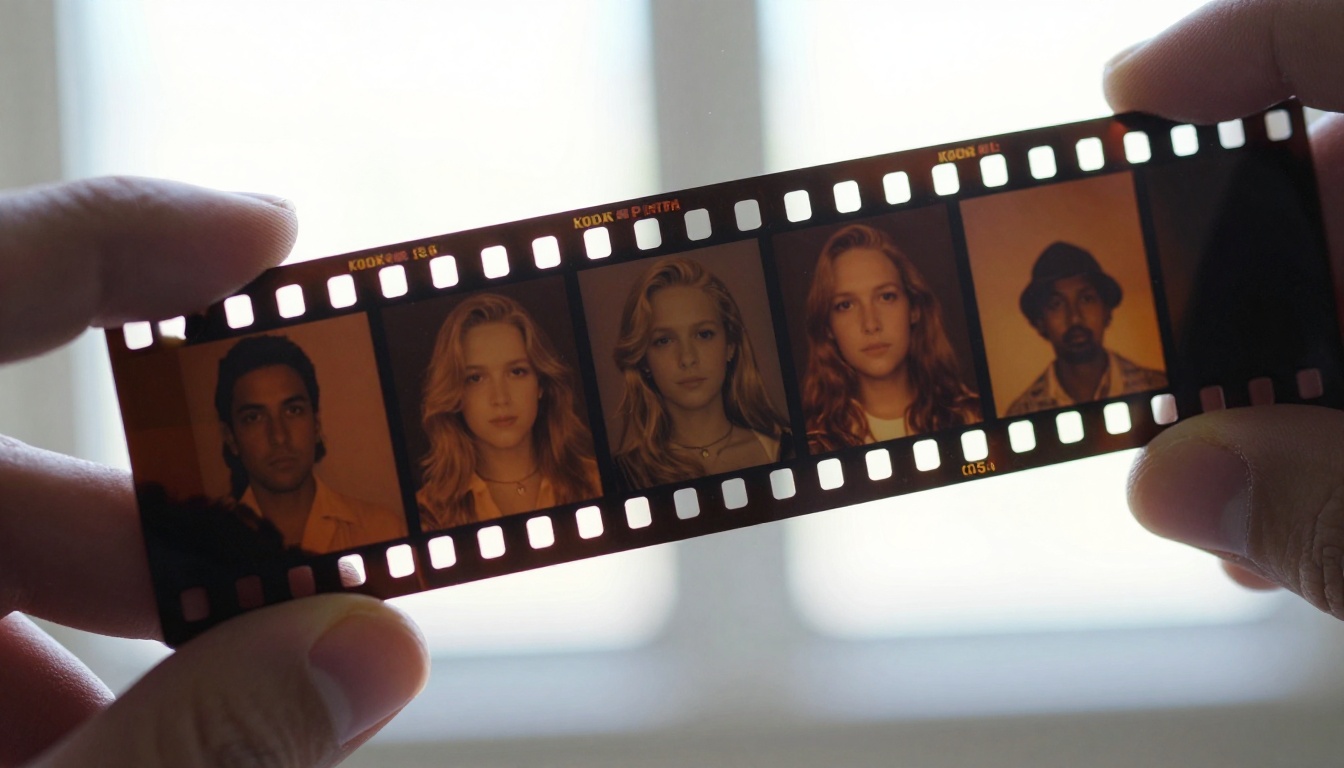
Every photograph you have ever taken contains motion that stopped at the shutter. AI models in 2027 have enough visual intelligence to read that stopped motion and continue it, synthesizing video from a single frame with results that hold up to serious scrutiny.
This is not a novelty feature for old photos. It is a practical production tool that sits between photography and videography, filling a gap that had no solution until recently. A professional photograph that previously produced one deliverable now produces two: the still image and the animated clip.
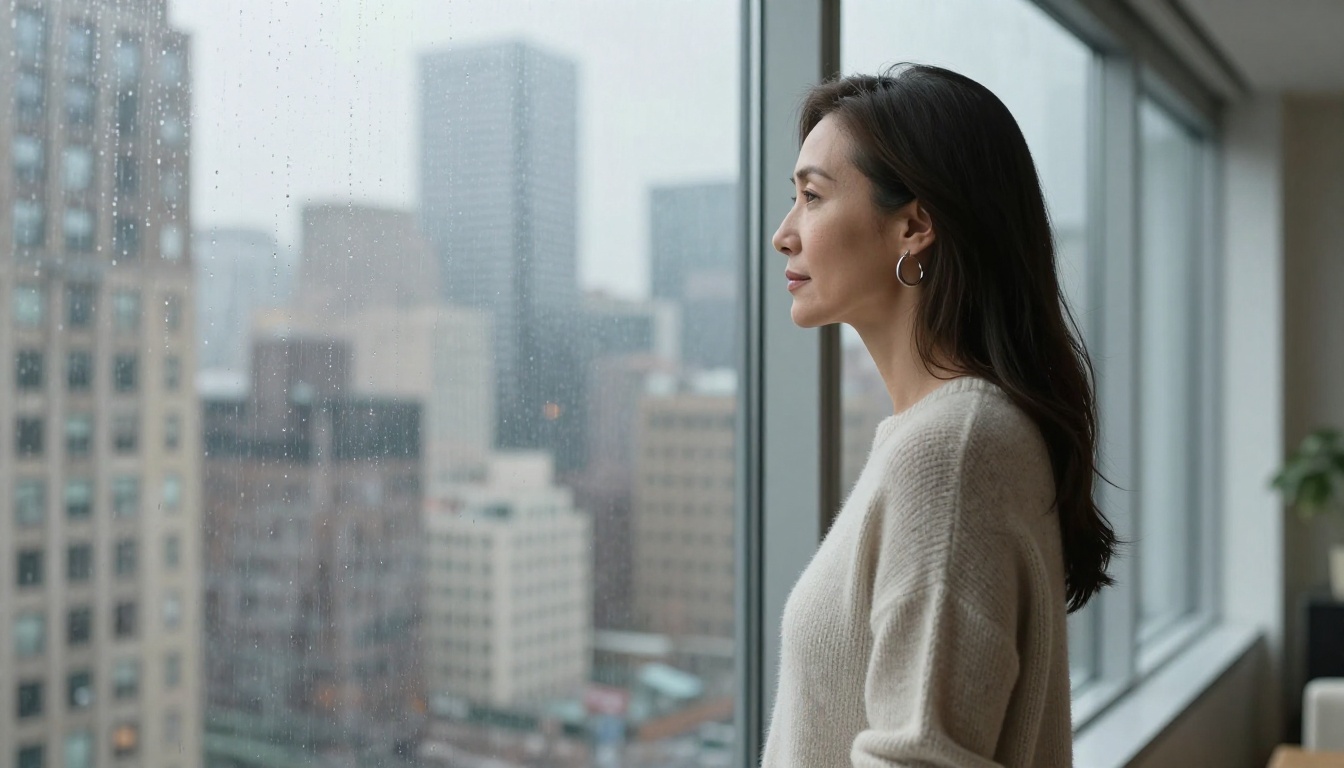
Picasso IA makes more than 80 I2V and motion synthesis models available in the browser. From fast options like Wan 2.6 I2V Flash that return results in seconds, to cinematic-quality tools like Kling v2.6 Motion Control that give you precise control over camera and subject motion, the full range is there without requiring local hardware or any installation.
Take a photograph from your library. Write a motion prompt. Find out what it was holding still.