Every day, millions of people watch AI-generated videos without ever asking how they work. The results feel almost magical: a simple sentence becomes a cinematic scene, complete with realistic motion, lighting, and texture. But there is nothing magic about it. The process is a layered stack of mathematical operations, specialized neural networks, and iterative refinement pipelines that have been tuned over years of research. This article breaks down exactly how AI videos are made step by step, from the moment you write a prompt to the final frame that plays on your screen.
What Happens the Moment You Type a Prompt
Your Words Become Numbers
Before any video gets made, the model has to read your text, but not as words. As numbers. Every word in your prompt is broken into smaller pieces called tokens, and each token is mapped to a position in a high-dimensional mathematical space. The phrase "a horse galloping through a wheat field at sunset" does not mean anything to a computer until it becomes a dense vector of floating-point numbers representing relationships between concepts the model absorbed during training.
This process is called tokenization, and it is the foundation of every modern AI system. The richer and more specific your prompt, the more information those vectors carry. That is exactly why vague prompts like "a nice video" consistently produce weaker results than specific descriptions of subjects, lighting conditions, and types of motion.
The Model Builds a Scene Plan
Once your text is tokenized, a transformer-based encoder processes those vectors to build what researchers call a semantic representation. Think of it as an internal blueprint: the model infers what the scene should contain, what kind of motion it should have, and what the overall mood and atmosphere should be. This happens entirely in abstract mathematical space, long before any pixels are generated.
The model was trained on billions of video frames paired with text descriptions, so it has learned strong associations between certain concepts and certain visual patterns. "Slow motion ocean waves at sunrise" activates completely different internal states than "fast-paced urban traffic at night." That is the foundation of modern text-to-video AI generation, and it is why prompt quality is everything.
The Diffusion Engine at the Core
How Noise Becomes Images
The actual image generation happens through a process called diffusion. It works in reverse: instead of adding detail to a blank canvas, the model starts with pure random noise and progressively removes that noise, guided at every step by your text prompt.
Imagine a photograph buried under heavy television static. A diffusion model runs dozens to hundreds of denoising iterations, each time making the image slightly cleaner and more structured, until something recognizable emerges from the noise. Each iteration uses the encoded text vectors from your prompt to steer which details get added and which noise gets removed. This is a probabilistic process, which is why two runs of the same prompt can produce different results.
Generating a single frame takes meaningful computation. Each pass through the denoising network involves billions of floating-point operations running on GPU clusters, which is why cloud-based platforms are the practical path for most users.

Why Latent Space Matters
Modern video generation models do not work directly on full-resolution pixel grids. That would be computationally prohibitive. Instead, they operate in latent space, a compressed mathematical representation where a 1080p frame might be encoded into a tensor that is 64x64 units instead of 1920x1080 pixels.
A component called a VAE (Variational Autoencoder) handles both sides of this. It compresses the original image into latent space for processing, and then decodes the final latent representation back into full-resolution pixels. This compression is what makes near-real-time generation possible on modern hardware.
The quality of a model's VAE is directly visible in fine details: skin texture, fabric weave, water caustics. Better VAEs produce sharper, more faithful reconstructions. When two models are given identical prompts and produce noticeably different amounts of fine detail, the VAE is often the reason.
Turning Images Into Motion
How Frames Are Predicted
A single AI image is impressive. A video is an entirely different problem. Instead of generating one frame, the model has to generate 24, 30, or even 60 frames per second, and every one of those frames must be consistent with the ones before and after it.
Modern video models approach this through temporal modeling. They process sequences of frames together, using 3D convolutions or temporal attention layers to model how pixels move through time. The model has learned to predict where each element should be in the next frame based on its position in previous frames.
Some models generate all frames simultaneously in a single pass. Others use autoregressive generation, producing each frame conditioned on the frames that came before it. Each approach has trade-offs in speed, coherence, and how frequently artifacts appear. Autoregressive models tend to drift over longer clips; parallel models have stronger global consistency but sometimes produce subtle "frozen" moments where motion stalls.
Temporal Consistency: The Hard Part
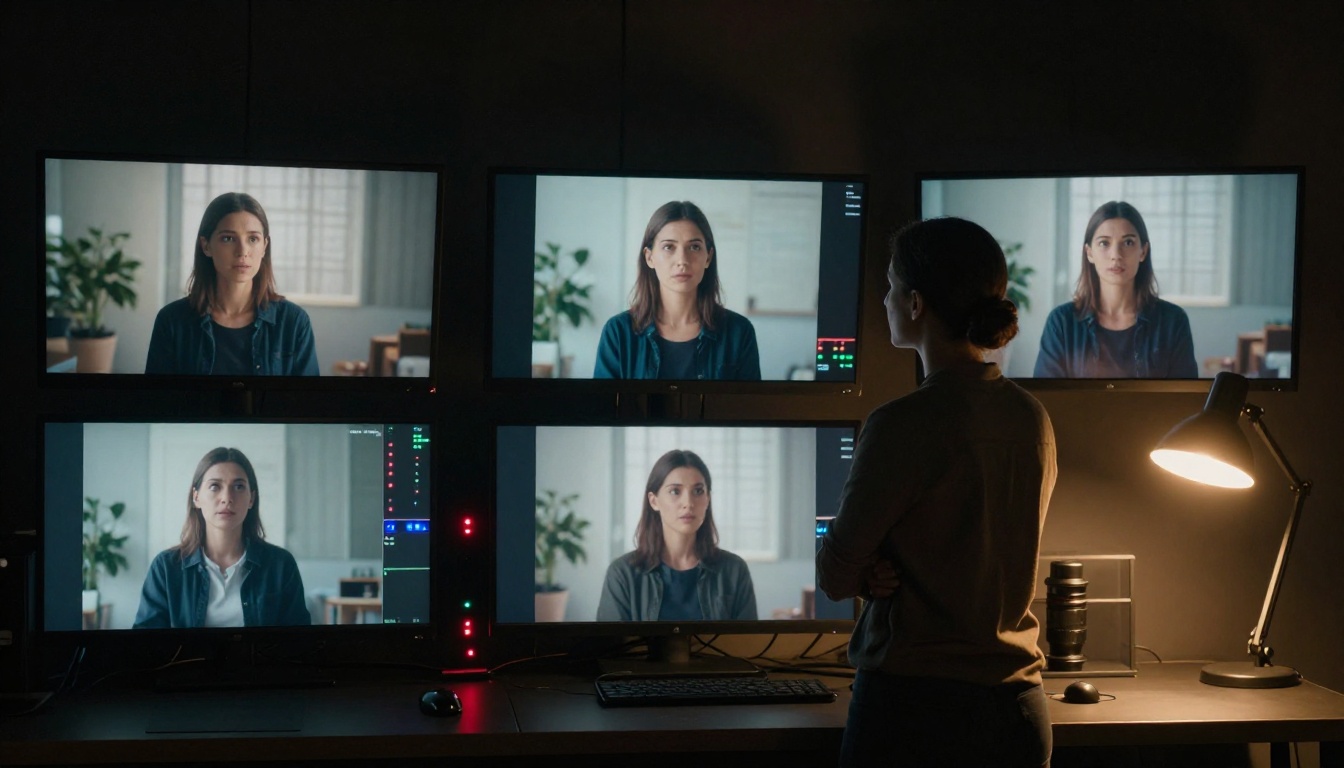
If you have ever seen an AI video where a character's face shifts shape between frames, or where a background object appears and disappears at random, you have witnessed temporal inconsistency. This is one of the hardest remaining problems in AI video generation.
The challenge is that diffusion models are inherently probabilistic. Each frame is technically a slightly different sample from the same distribution. Without strong temporal constraints, the model generates each frame slightly differently, causing the flickering and morphing that looks obviously unnatural to human eyes.
The best current models address this through several training-time strategies:
- Optical flow supervision: training the model to respect realistic pixel movement patterns from real video
- Long-range attention: allowing the model to compare frames that are far apart in the sequence, not just adjacent ones
- Consistency losses: explicit training objectives that penalize frames from differing too much from their neighbors
Models like Kling v3 Video and Wan 2.6 T2V have made substantial progress here, producing video sequences that hold subjects and environments stable across several seconds of footage without obvious flickering.
The Quality Pipeline
Upscaling Your Video Automatically
After the initial frames are generated in latent space and decoded to pixels, most production pipelines run the output through one or more post-processing stages before delivering the final video. The first is typically upscaling.
AI super-resolution models take the raw generated video, often at 512x288 or 720x405, and scale it up to 1080p or 4K, adding fine detail that the generation process left implicit. Models like LTX 2.3 Pro now generate natively at 4K, pushing the generation and refinement into a single unified step rather than a separate pipeline stage.
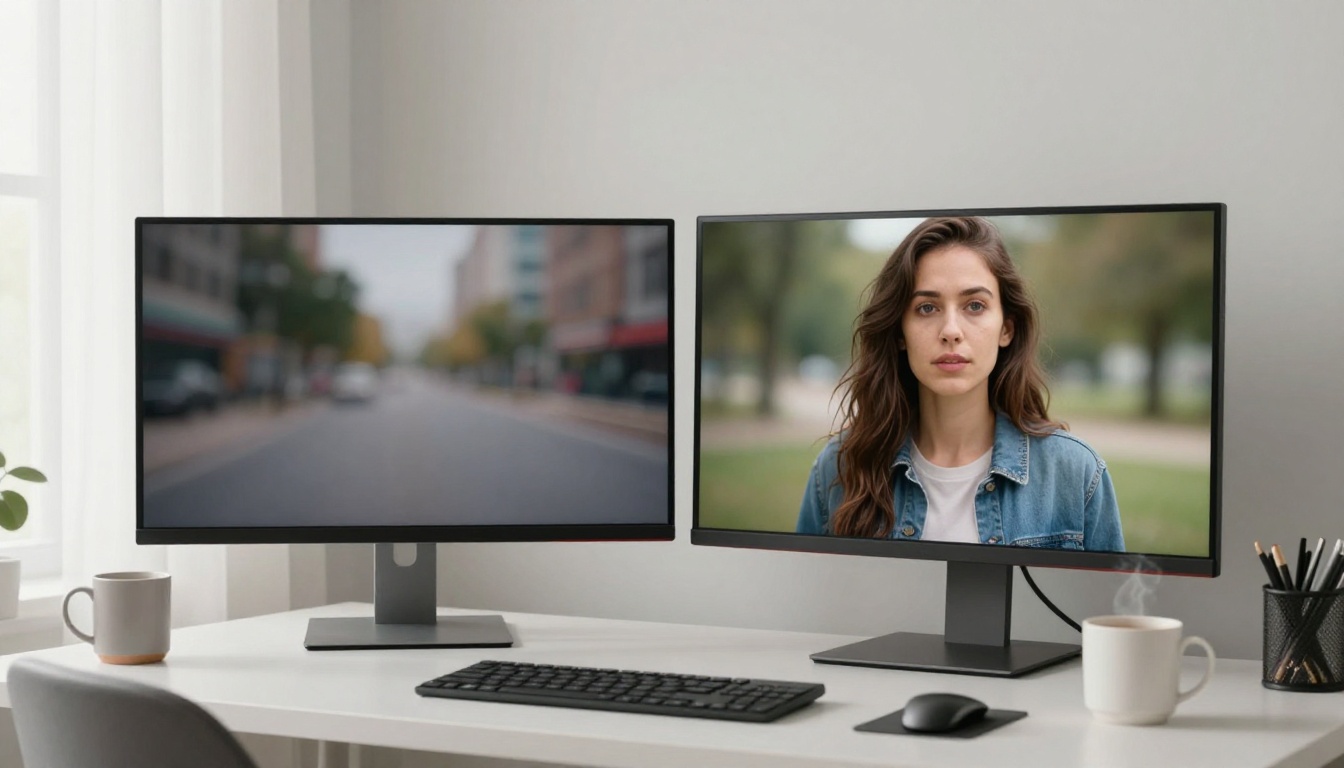
Tip: The difference between a 720p and 4K AI video is not just resolution. Higher resolution generation forces the model to commit to finer details in the original pass, which also tends to reduce temporal artifacts in backgrounds and fine textures.
Additional post-processing stages commonly applied include:
| Stage | What It Does |
|---|
| Temporal smoothing | Reduces per-frame flicker by blending adjacent frames |
| Color grading | Normalizes white balance and tonal range across the clip |
| Sharpening | Adds edge definition lost during the VAE decode step |
| Stabilization | Corrects unintended camera shake from motion prediction |
How AI Adds Sound
For a long time, AI video generation was a silent medium. That has changed significantly. Models like Veo 3 and Seedance 2.0 now generate synchronized audio natively, producing ambient sound, foley effects, dialogue, and music that matches the visual content frame-by-frame.
This works through a multimodal architecture that jointly conditions audio and video generation on the same text prompt. The model has learned strong associations between visual patterns and acoustic signatures: the sound of rain when it sees water falling, the creak of footsteps when it sees movement on a wooden floor, the rumble of engines when it sees moving vehicles.
Veo 3.1 pushes this further with 1080p native output and improved audio-visual alignment, while Seedance 1.5 Pro offers a balance of speed and audio quality for shorter production cycles.
The Models Doing This Today
Text-to-Video Leaders in 2027
The landscape of AI video generation has moved faster than almost any other area of machine learning. Here is a snapshot of where the top models stand right now:
How to Pick the Right One
Choosing a model depends on what you actually need from the output. Three questions narrow it down fast:
- Do you need audio? If yes, start with Veo 3 or Seedance 2.0. Both generate synchronized sound natively without extra steps.
- How long is your clip? For videos longer than 8 seconds, Sora 2 holds coherence better than most alternatives currently available.
- How fast do you need results? Wan 2.5 T2V Fast and Hailuo 2.3 Fast prioritize speed without sacrificing too much on visual quality.

Tip: Prompt length matters more in video than in image generation. Include motion descriptions such as "slowly panning left," "camera zooms out," or "handheld tracking shot" and specific lighting conditions for dramatically better results across all models.
How to Create AI Videos on PicassoIA
PicassoIA gives you access to over 87 text-to-video models from a single platform, with no API key management or local hardware required. Here is exactly how the process works from start to finish.
Step 1: Choose Your Model
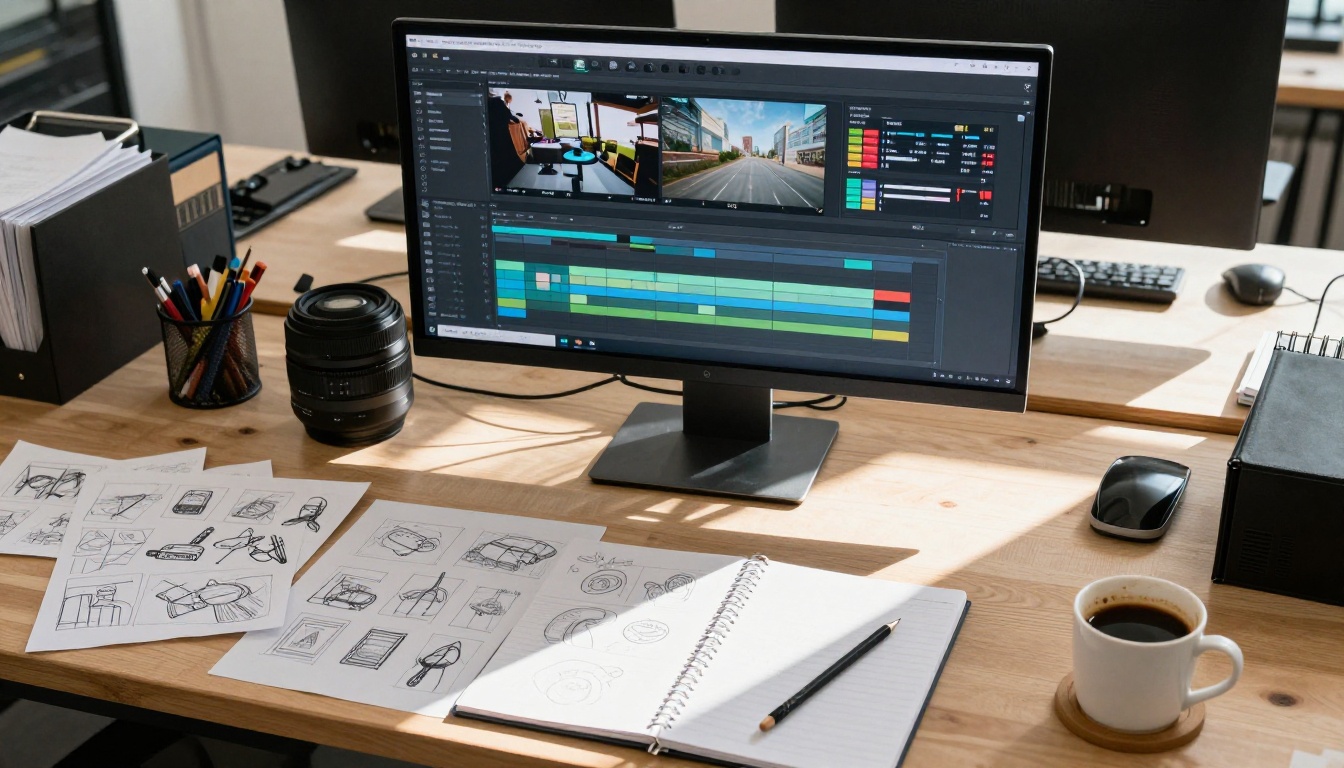
Go to the Text to Video collection. For most first-time use cases, Wan 2.5 T2V is a strong starting point. It produces solid, consistent results quickly and handles a wide range of prompt types without needing specialized parameter tuning.
If you want higher cinematic quality and can afford a longer generation time, Kling v2.6 is noticeably more stable, producing film-like motion with strong subject consistency across the entire clip.
Step 2: Write Your Prompt
Structure your prompt in distinct layers for the most reliable results:
- Subject: Who or what is the main focus of the scene?
- Action: What is happening? Be specific about motion type and speed.
- Environment: Where does the scene take place? What is the lighting?
- Camera: What angle and movement style does the shot use?
Weak prompt: "A woman walking"
Strong prompt: "A woman in a flowing white linen dress walking barefoot along a wet beach at sunrise, low-angle camera slowly tracking alongside her, warm golden backlight, gentle ocean waves, soft wind in her hair"
The output quality difference between these two prompts is enormous in practice.
Step 3: Set Your Parameters
Each model on PicassoIA exposes different controls, but the core settings apply broadly:
- Duration: Most models support 4-10 second clips. Shorter clips hold temporal consistency more reliably.
- Aspect ratio: 16:9 for standard widescreen video, 9:16 for vertical social content.
- Resolution: Generate at 720p first to check your concept works, then run a 1080p or 4K pass for the final version.
- Seed: Fix the seed number to reproduce a result you like. Change it to get a range of different outputs from the same prompt.
Step 4: Review and Iterate
AI video generation is always iterative. Your first result is rarely the final one. Adjust one variable at a time, whether that is the prompt wording, the seed, or the clip duration, so you can isolate exactly what is and is not working in each output before moving forward.
What AI Video Still Gets Wrong
Common Artifacts to Watch For
Even the best models available today produce imperfect results under specific conditions. Knowing where they fail lets you write prompts that deliberately sidestep those failure modes.
Hands and fingers remain notoriously problematic. Temporal consistency degrades quickly in highly articulated structures, producing blurring or morphing that immediately looks unnatural even in otherwise clean clips.
Text inside videos is almost always garbled. If your scene includes signage, books, or on-screen text, the model will generate something that visually resembles text without actually being readable or consistent frame-to-frame.
Physics over time still breaks down in complex ways. A ball thrown in frame one may not follow a convincing arc through the following frames. Fluid dynamics, cloth simulation, and rigid-body collisions are all areas where current models show visible inconsistencies.
Very long clips lose coherence. Most current models were trained on short video sequences, and quality degrades noticeably after 8-12 seconds without specialized long-form training objectives.
Prompting Around the Weaknesses
You cannot always fix these issues by prompting harder, but you can design around most of them:
- Avoid close-ups of hands in motion-heavy scenes
- Keep text-heavy environments out of your prompt unless the model specifically supports text rendering
- Break longer narratives into shorter 5-7 second clips and edit them together in post
- Use Kling v3 Motion Control for scenes where you need specific, controlled motion trajectories rather than purely AI-predicted movement
Make Your First AI Video Right Now
The process behind AI video is genuinely sophisticated. Tokenization, diffusion, temporal modeling, latent decoding, and quality refinement all happen in seconds, across billions of parameters, to produce a clip that would have required a full production crew and significant budget just five years ago.
The best way to actually internalize how all of this works is to generate a video yourself. Write a prompt that includes a specific subject, a clear action, and a precise lighting condition. Then try the same prompt on two different models and compare what comes back. The differences in temporal consistency, motion quality, and detail fidelity tell you more about how these systems work than any amount of reading.
On PicassoIA, you have immediate access to all the major models discussed here, from fast generators like Wan 2.5 T2V Fast to high-fidelity cinematic generators like Kling v3 Video and audio-native generators like Veo 3, all in one place without managing any infrastructure. Pick a model, write a strong prompt, and see exactly what the process produces for yourself.


