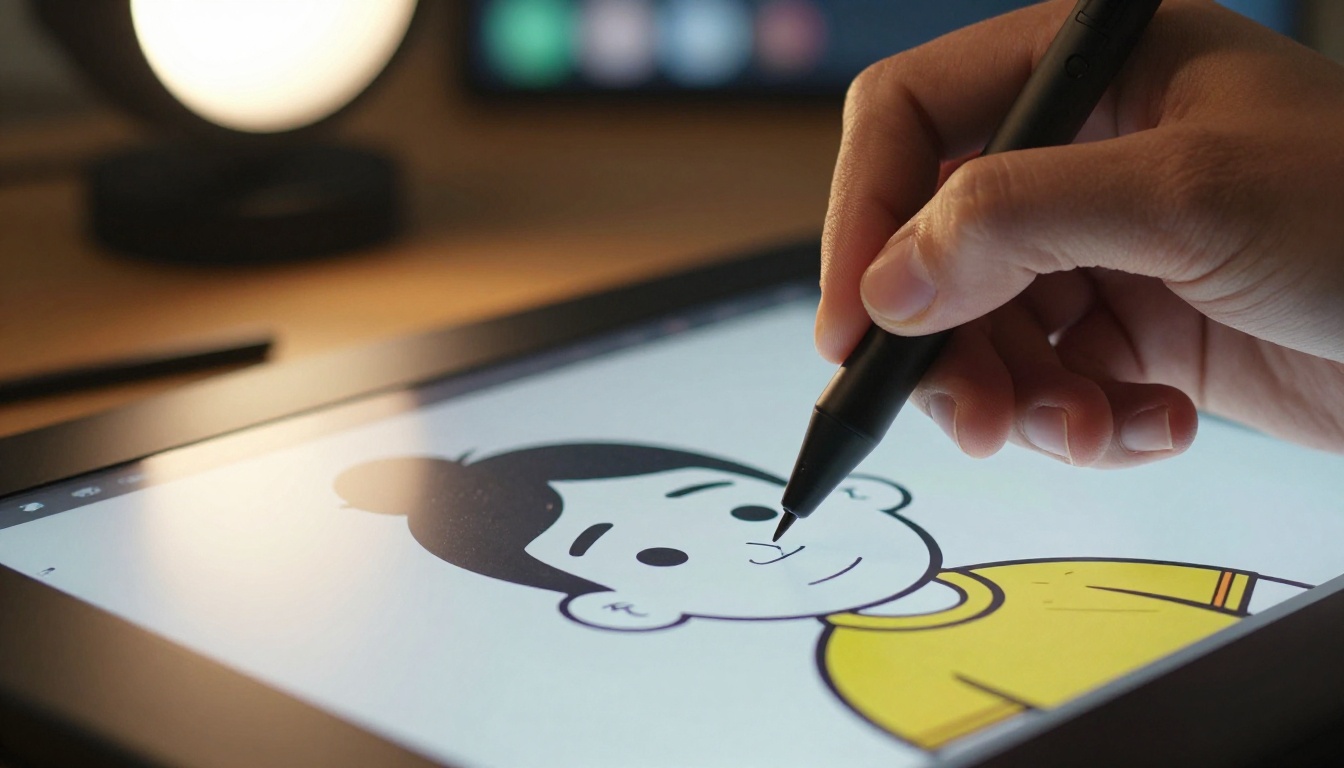
Cell-shading has become one of the most sought-after visual effects in AI art, giving machine-generated images the authentic, hand-crafted look of comic books, anime, and illustration. This article breaks down how flat color fills, bold outlines, and non-photorealistic rendering work together to create that distinctive toon aesthetic, and shows you how to do it on PicassoIA.
Cell-shading is one of those visual choices that people recognize instantly, even when they cannot name it. That bold, flat look borrowed from comics, anime, and early 3D games has become one of the most requested aesthetics in AI art communities because it does something that photorealistic AI output rarely achieves: it feels like a real person made it. The absence of gradients, the confident ink lines, the deliberate simplification of light and shadow: these are all choices a human illustrator would make, and AI can now replicate them with precision.
What Cell-Shading Actually Does
Cell-shading, also written as cel-shading (from "cel" in animation cels), is a non-photorealistic rendering (NPR) technique that replaces smooth gradient shading with discrete, flat color zones. Instead of the subtle tonal transitions a realistic painting uses, cell-shaded art snaps all values into two or three flat tones: a base color, a shadow color, and sometimes a highlight zone. The result looks like it was hand-filled with markers or ink.
Flat Colors vs. Gradients
The single biggest visual cue of cell-shading is the absence of smooth gradients. In photorealistic rendering, every surface transitions through hundreds of color values as light falls across it. In cell-shaded art, that entire tonal range collapses into two, maybe three hard-edged zones. Shadow is shadow. Light is light. Nothing in between.
This creates a readability that gradients cannot match. The eye processes cell-shaded images faster because there is less visual noise. It is why comic books and anime have used this approach for decades, not because it is easier, but because it is deliberate. Every zone of flat color is a choice, not a calculation.
The Role of Outlines in the Look
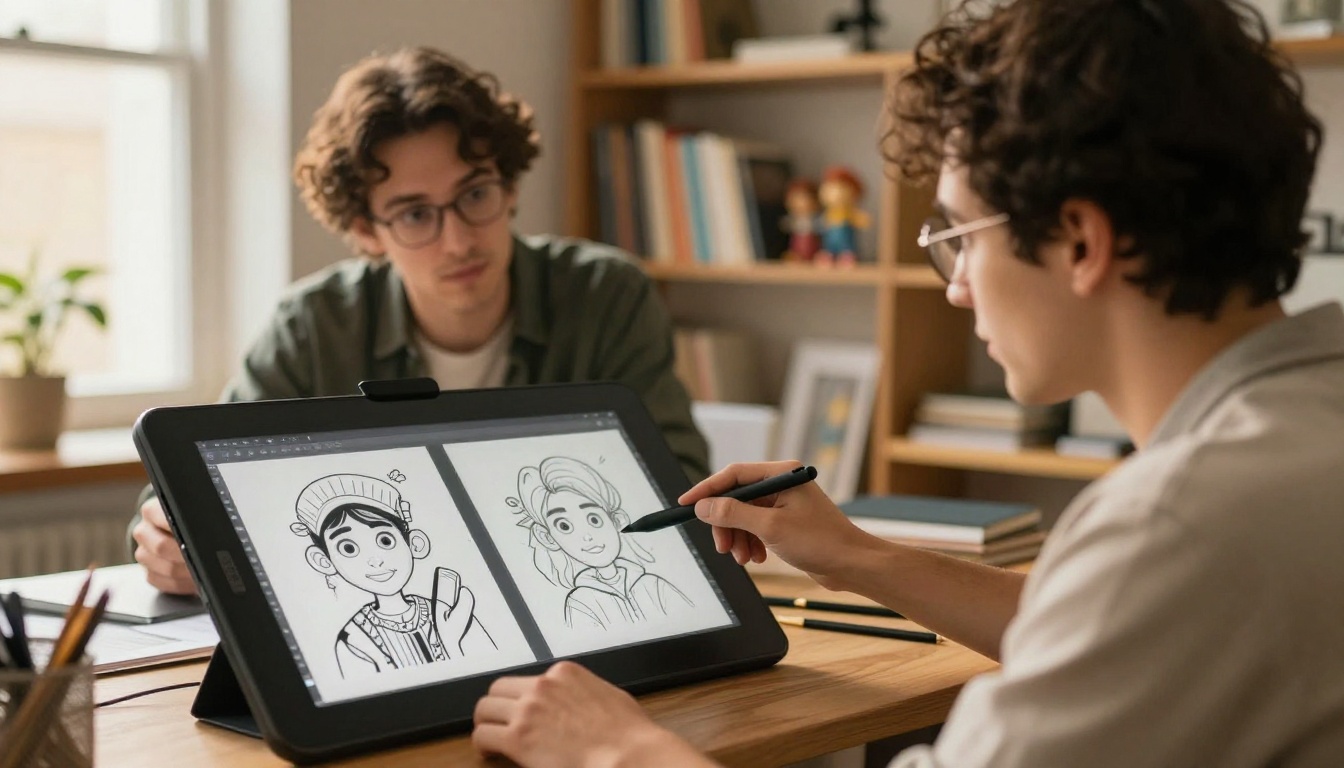
Most cell-shaded styles add a bold black outline around every major form. This outline, called a contour line or ink trace, is what gives the art its hand-drawn feeling. It visually separates foreground elements from backgrounds, adds weight and intentionality to shapes, and reinforces the sense that a human hand traced over every curve.
Without outlines, cell-shading reads as a painterly simplification. With outlines, it becomes an illustration. The outline is the signature. It is the thing that tells the viewer: someone decided this.
Why AI Art Benefits from This Aesthetic
AI-generated images have a recognizable quality. Trained observers spot them immediately: the texture is too perfect, the details are hyper-consistent, the lighting looks computationally correct rather than expressively chosen. Cell-shading short-circuits all of that.
Making Synthetic Images Feel Human
When you apply cell-shading to an AI-generated image, the processing removes the giveaways. Gradient noise becomes flat tone. Over-detailed backgrounds simplify into graphic shapes. The result stops looking machine-generated because it adopts the intentional imperfections that human illustrators build into their work.
💡 The paradox of cell-shading in AI art: you are using a computer to make a computer-generated image look like it was made without one.
This is not a trick or shortcut. It is a stylistic choice with real visual merit. Cell-shaded AI characters are appearing in game concept art, animation pitches, children's books, and social media content precisely because they feel crafted. There is also a practical commercial appeal: illustrations age better than photorealistic AI output because they are not chasing a specific moment in rendering technology. A cell-shaded image produced today will not look dated in three years the way a hyperrealistic AI face already can.
The Nostalgia Factor
There is a strong emotional response tied to cell-shading. Anyone who played The Legend of Zelda: The Wind Waker, watched early 2000s anime, or read manga carries an association between this aesthetic and stories that mattered to them. AI art wearing the cell-shaded look taps directly into that recognition.
This is not accidental. Toon shading carries cultural weight. When AI art adopts it, the image inherits those associations: handcraft, storytelling, character, warmth. That emotional shortcut is genuinely valuable in content where connection with the viewer is the goal.
The Rendering Methods Behind It
Not all cell-shading in AI art works the same way. There are two primary approaches, and understanding how they differ changes how you prompt for the effect and which tools you reach for.
NPR Rendering vs. Style Transfer
Non-Photorealistic Rendering (NPR) is the algorithmic side of cell-shading. It quantizes pixel values into discrete bands and applies edge-detection to generate outlines. This is how game engines like the one powering Guilty Gear Strive achieve their anime look in real-time 3D: the geometry is 3D, but the rendering pipeline forces the output into flat-shaded, outline-traced territory.
Style transfer approaches it differently. Instead of analyzing the image geometrically, style transfer trains on stylized artwork and learns to reproduce the visual vocabulary of that training set. When you ask an AI image model to produce "anime cel-shaded" output, it is running something closer to style transfer than algorithmic NPR. The model has seen thousands of cel-shaded images and has learned what that aesthetic looks like at a statistical level.
The visual results can be nearly identical, but the prompt requirements differ. NPR-type outputs need you to specify the hard-shading mechanics: flat colors, two-tone shadow, edge outlines. Style-transfer type models respond better to aesthetic references and named style descriptions: "anime style," "toon shading," "cartoon character."
LoRA Models Built for Toon Styles
LoRA (Low-Rank Adaptation) models are fine-tuned layers trained on specific visual styles that bolt onto base models. Several popular LoRAs are trained specifically on cell-shaded and toon illustration datasets, making them the most reliable way to get consistent results. Models like Flux Schnell LoRA and SDXL Multi Controlnet LoRA allow you to layer style control over any base subject, combining pose and structure control with toon aesthetic output.
The appeal here is consistency. A LoRA trained on cell-shaded anime applies that aesthetic coherently across different subjects, lighting conditions, and compositions without needing the same verbose prompt every time. You get style as a reliable input, not a hopeful guess.
Cell-Shading Styles Side by Side
The term "cell-shading" covers a wide range of visual sub-styles. Knowing the differences helps you choose the right model and prompt approach for your project, and prevents you from accidentally blending incompatible aesthetics.
Style
Outlines
Shadow Zones
Color Palette
Best For
Anime
Thin, precise
2-tone with specular
Vivid, saturated
Characters, motion scenes
Western Comic
Thick, expressive
Hard 2-tone
Bold primary colors
Action sequences, panels
Toon 3D
Silhouette only
Single-tone cutoff
Stylized naturals
Game art, cutscenes
Manga
Very thin, sparse
Screentone patterns
Black and white
Story-focused illustration
Retro Cartoon
Thick with weight variation
High-contrast 2-tone
Limited, warm palette
Nostalgic branding, video
Anime vs. Western Comic vs. Game Art
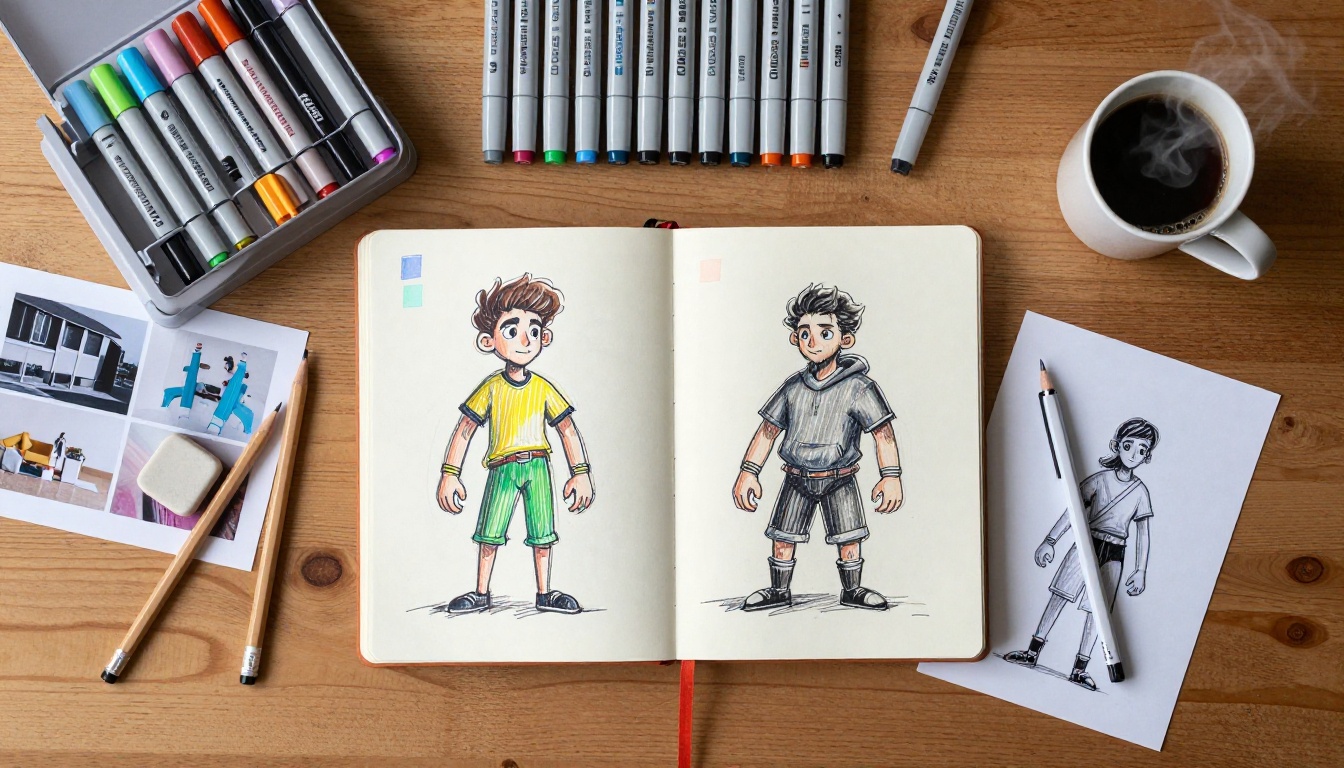
Anime cell-shading emphasizes speed lines, specular highlights (that small white triangle on hair), and strong character design shapes. Outlines are thin and precise, often with slightly variable weight at joints and extremities. The color palette leans saturated and vivid, with sharp transitions between light and shadow zones.
Western comic shading goes heavier on the ink, uses cross-hatching in shadow zones, and tends toward higher-contrast compositions with more dramatic value ranges. Think Batman: The Animated Series versus Attack on Titan: both are cell-shaded, but the visual register is completely different.
Game art toon shading (as used in titles like Borderlands or Dragon Ball FighterZ) focuses on readability at distance and in motion. Outlines are often silhouette-only with minimal internal lines, shadows are single-tone cutoffs, and the palette is designed to pop against 3D environments rather than on a flat page.
Choosing Your Aesthetic
The right style depends on what the image needs to communicate. If you want emotional warmth and character connection, lean anime. If you want impact and dynamism, go western comic. If your image needs to work in a 3D or interactive context, toon game shading is the cleanest read.
💡 Tip: Mix styles at your own risk. Anime highlights on a western comic figure create visual confusion that pulls the viewer out of the aesthetic immediately. Pick a lane and commit.
How to Use Cartoonify on PicassoIA
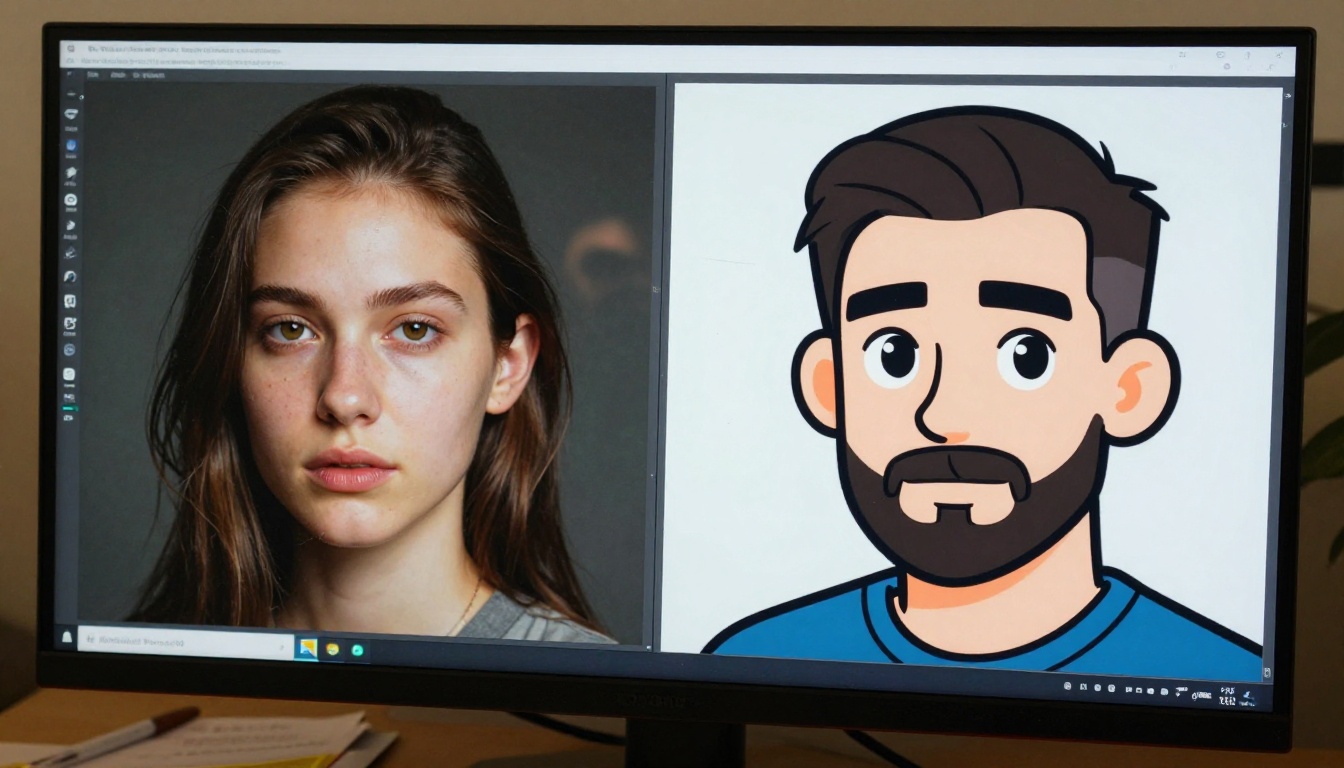
Cartoonify on PicassoIA is one of the most direct tools for converting any image into a cell-shaded cartoon style. It handles outline generation and flat-color conversion in a single pass, making it the fastest route to a hand-drawn look from any AI-generated output. You do not need to know how to draw. You do not need to understand the underlying rendering. You need a clean source image and a clear idea of the intensity you want.
Step-by-Step Workflow
Generate your base image using any of PicassoIA's text-to-image models. Recraft 20B gives clean, well-structured output that converts particularly well to cell-shading because its compositions are well-organized and its lines are already clean.
Upload or paste the image into Cartoonify on PicassoIA.
Set the cartoon intensity: higher values produce thicker outlines and harder shadow cutoffs, lower values give you a softer toon effect.
Run the conversion and review the output for outline quality and shadow zone accuracy.
Refine withFlux Kontext Dev if you want to make targeted text-prompt edits to the stylized result without regenerating from scratch.
Prompting for Cell-Shaded Results Directly
You do not always need to convert. Many models will produce cell-shaded output directly from a well-structured prompt. The most reliable prompt structure for this:
[subject], cel-shaded, toon shading, bold black outlines, flat color fills,
no gradients, anime style, clean linework, [color palette description]
Negative prompts matter significantly here. Adding no photorealism, no gradient shading, no smooth transitions, no realistic textures prevents the model from defaulting to its naturalistic tendencies. The base training of most large image models pulls toward realism; you are working against that pull with every cell-shaded prompt, so being explicit helps.
The Best Models for This Style
PicassoIA's model library covers both direct generation and image-to-image conversion approaches. Here are the most effective options for cell-shaded output, organized by the type of result they produce best.
For Clean Toon Looks
Cartoonify: The best single-step tool for converting any photo or AI image to cartoon style. Outline thickness and shadow zone controls give you precise stylistic range without needing to write complex prompts.
Filters: Applies pre-configured style filters to any image. Several built-in filters target cel and toon aesthetics directly, making this the fastest option for quick iterations across multiple images.
SDXL: One of the most style-versatile base models available. With the right prompt and a toon-focused LoRA, SDXL produces some of the cleanest cel-shaded output in the platform's ecosystem, with strong support for custom color palettes and character designs.
Flux Kontext Dev LoRA: Edit any existing image and direct the style shift with a text prompt. Particularly powerful for applying cel-shading to a character while preserving their identity and pose across the conversion.
For Cinematic Anime Aesthetics
Recraft 20B: Built for stylistic range, Recraft produces strong anime aesthetics natively. Its training includes illustration and vector-style datasets, making it naturally inclined toward clean linework and flat color zones without heavy prompting.
Face to Many Kontext: Converts portraits into illustrated art styles including anime cell-shading. Particularly effective for character-focused work where preserving facial likeness through the style conversion matters.
Flux Kontext Max: For complex scenes where you want full compositional control while applying a toon aesthetic across an entire image simultaneously. The Max tier handles fine detail preservation better than the standard version.
5 Things That Change the Result
Most people get passable cell-shaded output on their first try. These adjustments are what separate passable from intentional.
1. Control your outline weight deliberately.
Thin outlines read as manga. Thick outlines read as western cartoon. Very thick outlines on inner forms with thin outlines on the silhouette reads as modern anime. Be specific in your prompt about which register you want. "Bold black outlines" is not specific enough. "Thick outlines on silhouette, thin internal lines" tells the model exactly what you mean.
2. Limit your shadow tones to two.
Three or more shadow values starts to slide back toward photorealism. Two is the number that triggers the "hand-drawn" recognition in the viewer's brain. Use two-tone shading explicitly in your prompt and reinforce it in your negative prompt: no gradient shading, no three-tone shadows.
3. Saturate the base colors.
Cell-shaded art lives in saturated color space. If your output looks washed out, add vibrant colors, high saturation, vivid palette to your prompt. Desaturated cell-shading exists (see monochrome manga or noir cartoon) but requires explicit intent, not accident.
4. Watch your background complexity.
A highly detailed photorealistic background under a cell-shaded character breaks the aesthetic immediately. Either stylize the background to match, prompt for a solid color background, or use a minimal graphic environment. The background must commit to the same visual register as the foreground.
5. Use the conversion pipeline, not just the prompt.
Direct prompting gets you 70% there. Running a clean base image through Cartoonify or Filters and then refining specific elements with Flux Kontext Dev gets you the remaining 30%. The two-step approach gives you better outline consistency and more controllable shadow zones than single-pass generation alone.
How AI Is Reshaping Cell-Shading
The visual history of cell-shading runs from hand-painted animation cels through early 3D game rendering to modern AI output. What makes the current moment different is the speed and accessibility of the effect. Cell-shading used to require either deep 3D software knowledge or skilled manual illustration. Now it is a single tool call.
The 3D Connection
Cell-shading has always had a strong relationship with 3D art. The technique was originally developed as a way to make 3D-rendered characters feel less cold, to give synthetic geometry the warmth of drawn illustration. AI models trained on 3D stylized artwork carry this lineage, which is why cell-shaded prompts often produce results with volume and depth that pure 2D illustration prompts do not.
AI-generated 3D stylized imagery bridges both worlds: the volumetric solidity of rendered geometry with the graphic simplicity of hand-drawn toon aesthetics. This is particularly useful for concept art and character design, where you want the spatial clarity of 3D with the warmth of illustration. Many of the best cell-shaded AI outputs come from prompts that explicitly reference 3D toon rendering styles.
Where This Style Is Being Used
Game concept art: studios use cell-shaded AI images for rapid character and environment concepting before committing to full 3D production
Animation pre-production: AI cel-shaded storyboards replace hand-drawn rough passes for approval rounds, cutting days off pre-production timelines
Social media content: the distinctive look stands out from photorealistic AI art in crowded feeds, where everything hyperrealistic starts to blur together
Brand illustration: companies adopting illustrated brand identities use cell-shaded AI imagery to produce consistent visual assets at scale without hiring full illustration teams
Children's publishing: the clear, readable visual language of cell-shading translates directly to picture book illustration styles, where simplicity and warmth are non-negotiable
Create Your Own Cell-Shaded Art Today
PicassoIA puts Cartoonify, Recraft 20B, Flux Kontext Dev, SDXL, and Filters all in one place, so you can move from base image generation to cell-shaded refinement without switching platforms or losing context on your project.
The most direct path to your first cell-shaded AI image:
Go to Recraft 20B and generate a character or scene with a clean composition
Take that image to Cartoonify and convert it to toon style
Adjust outline thickness and shadow intensity to match your target aesthetic
If you want further changes, drop the result into Flux Kontext Dev and describe what you want adjusted
The entire workflow takes minutes. The output looks like it took hours.
If you want to push the aesthetic further toward anime, game art, western comic, or any other toon variant, the full model selection at picassoia.com/en/all-models has every variant you need to find the exact visual register you are after. Over 90 text-to-image models are available, and several were built specifically for the kind of stylized, illustrative output that cell-shading demands. Start with the workflow above, then experiment with different base models, LoRAs, and conversion intensities until the aesthetic is exactly right.