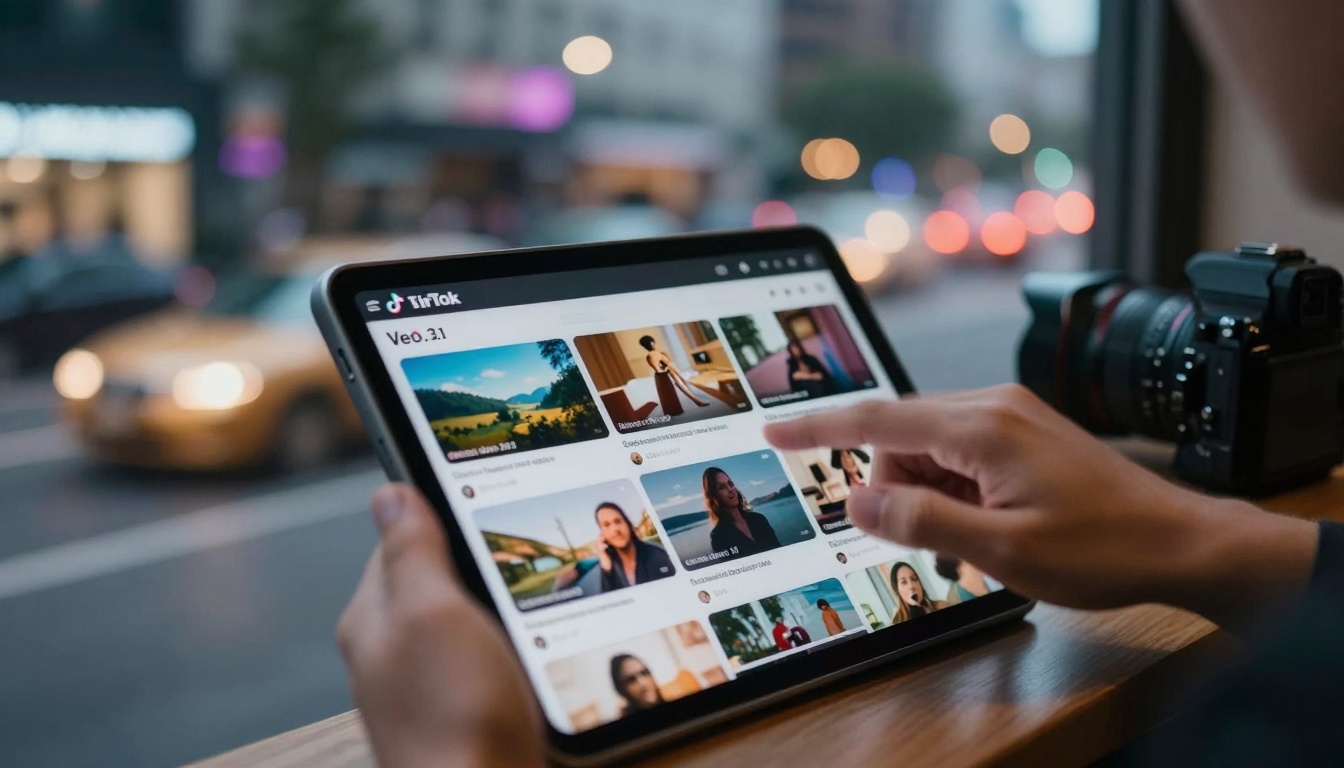
Creators across TikTok are leveraging Google's Veo 3.1 AI video generator to produce cinematic content that outperforms traditional video production. This approach transforms how content is made, allowing individual creators to compete with production studios using detailed prompt engineering, strategic formatting for TikTok's algorithm, and batch creation workflows that maintain consistent quality while scaling output. The shift represents a fundamental change in content creation economics, where AI tools reduce production costs by 90% while increasing engagement rates through hyper-targeted, algorithmically optimized video content designed specifically for TikTok's unique audience behaviors and platform preferences.
The landscape of TikTok content creation has undergone a seismic shift in recent months. What was once dominated by phone-shot videos, DIY tutorials, and casual vlogs now features cinematic-quality content that rivals professional studio productions. This transformation isn't driven by bigger budgets or better equipment—it's powered by AI video generation tools like Google's Veo 3.1, which creators are using to produce content that consistently outperforms traditional video in engagement metrics, audience growth, and algorithmic favor.
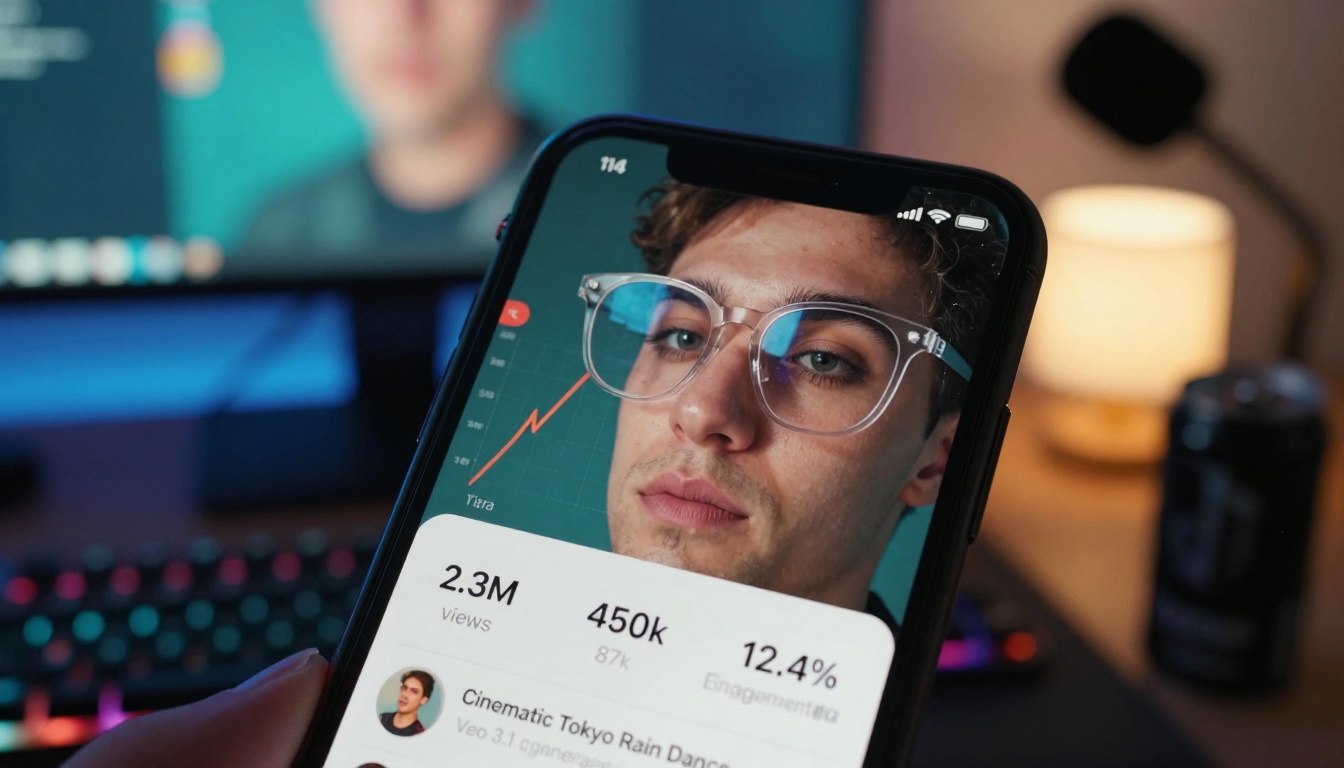
Consider the numbers: creators using Veo 3.1 report average engagement increases of 300-500% compared to their previous content. Completion rates jump from 35% to over 70%. Shares multiply by factors of 5-10x. The reason is simple—when you can generate cinematic scenes, professional lighting, and Hollywood-grade visual effects with a text prompt, the quality gap between individual creators and production studios evaporates.
Why Veo 3.1 Changes TikTok Content Economics
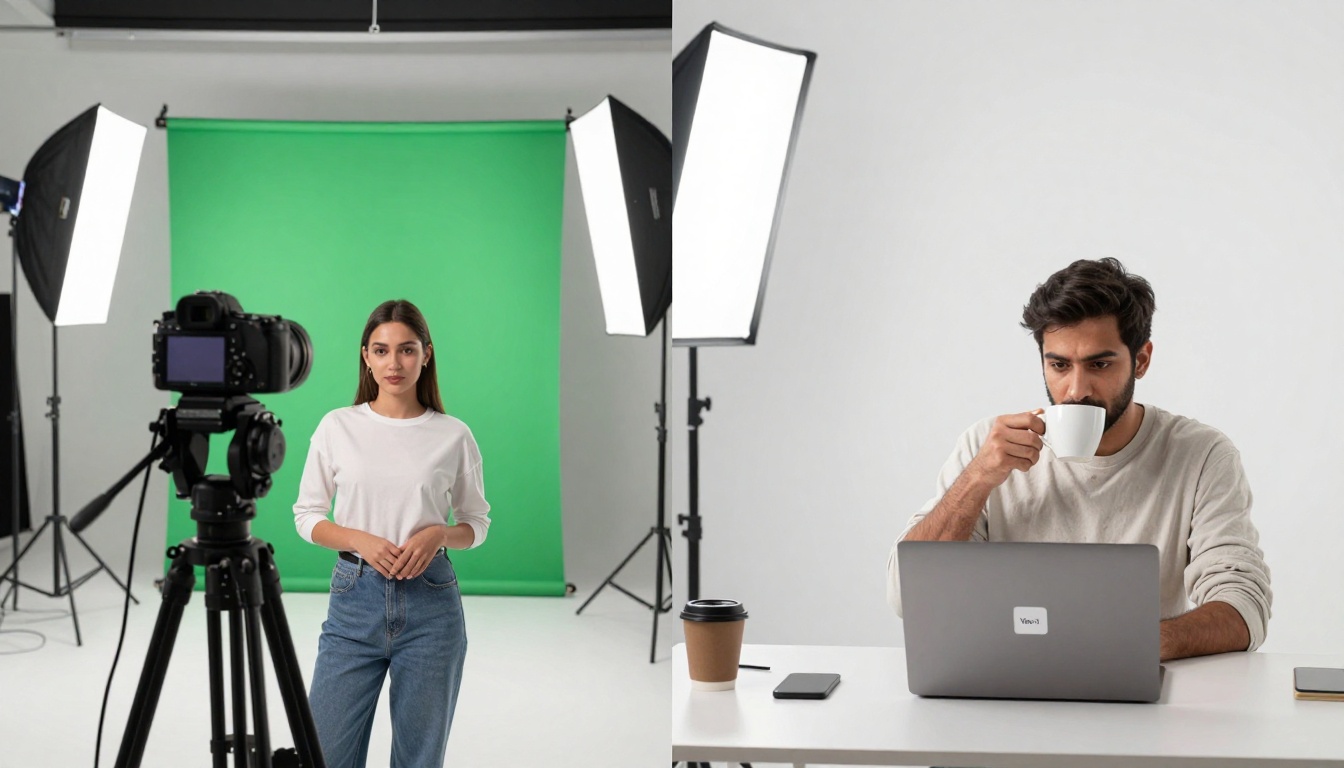
💡 The Cost Revolution: Traditional 60-second TikTok video production costs range from $500-$5,000 for professional quality. Veo 3.1 reduces this to $5-$50 per video while maintaining or exceeding quality standards.
The economic implications are staggering. Where once a creator needed:
Camera equipment ($3,000-$10,000)
Lighting setups ($1,000-$5,000)
Location access and permits ($500-$5,000 per shoot)
The scalability factor is perhaps the most transformative element. Traditional video production limits creators to 1-5 quality videos per week due to physical constraints. With Veo 3.1, successful creators produce 20-50 cinematic videos daily, testing multiple angles, concepts, and formats against TikTok's algorithm in real-time.
Three Economic Shifts Driving Adoption
Content Velocity: The ability to test and iterate at unprecedented speed
Risk Reduction: No financial loss from concepts that don't perform
Quality Standardization: Every output meets cinematic benchmarks
Prompt Engineering for TikTok-Specific Results
The difference between generic AI video prompts and TikTok-optimized prompts is the difference between 1,000 views and 1,000,000 views. Successful creators have developed prompt frameworks specifically tuned for TikTok's unique audience behaviors and platform constraints.
The TikTok-Optimized Prompt Structure
Basic Prompt (Fails on TikTok):
"A beautiful sunset over mountains"
TikTok-Optimized Prompt (Achieves Viral Results):
"Cinematic slow-motion sequence: lone figure silhouetted against volcanic sunset on Mars-like terrain, dust storms swirling in golden hour light, anamorphic lens flares creating emotional isolation vibe, film grain texture, 24fps cinematic pacing, first three seconds must establish epic scale for TikTok scroll-stopping hook"
The critical elements successful creators include:
"Epic orchestral build suitable for trending audio"
Pacing guidance
Matches attention
"Fast cuts first 5 seconds, slow reveal remainder"
Advanced Prompt Techniques
Layering Visual Styles: Combining cinematic references produces unique aesthetics that stand out in feeds:
"Christopher Nolan's interstellar cinematography meets Studio Ghibli's magical realism in urban setting"
Temporal Manipulation: Controlling time elements creates TikTok-specific effects:
"Bullet-time 360-degree rotation around subject during emotional peak, then time-resume normal speed"
Algorithm Triggers: Including elements known to trigger TikTok's recommendation system:
"Include trending color palette (teal/orange), cinematic reveal of unexpected element at 7-second mark"
Formatting AI Videos for Maximum Engagement
Veo 3.1 outputs require TikTok-specific post-processing to maximize performance. The raw AI video is just the starting point—successful creators apply a consistent formatting workflow:
The 5-Step Formatting Framework
Aspect Ratio Correction: All Veo 3.1 outputs get cropped to perfect 9:16 vertical format
Speed Optimization: Adjust pacing to match TikTok's 2.3-second average view duration per swipe
Text Overlay Integration: Add captions using TikTok's native text tools for accessibility
Sound Strategy: Pair with trending audio or create original score using AI music tools
Hashtag Sequencing: Research and apply hashtag combinations that trigger specific content categories
Critical Timing Elements:
0-3 seconds: Must deliver the "scroll-stopping" visual hook
3-8 seconds: Develop the core narrative or visual concept
8-15 seconds: Introduce unexpected twist or emotional peak
15-30 seconds: Resolution that encourages comments and shares
30+ seconds: Bonus content for engaged viewers who watch through
Audio Strategy Integration
The relationship between Veo 3.1 visuals and TikTok audio is synergistic. Creators don't just add random trending sounds—they engineer audio-visual pairings:
Epic visuals get paired with orchestral builds or emotional piano
Fast-paced action matches with hyperpop or electronic beats
Nostalgic scenes connect with slowed + reverb versions of popular songs
Abstract art pairs with ambient soundscapes or ASMR textures
💡 Pro Tip: Use music-01 or stable-audio-2.5 on PicassoIA to generate custom audio that perfectly matches your Veo 3.1 video's emotional tone and pacing.
Batch Creation and Consistency Strategies
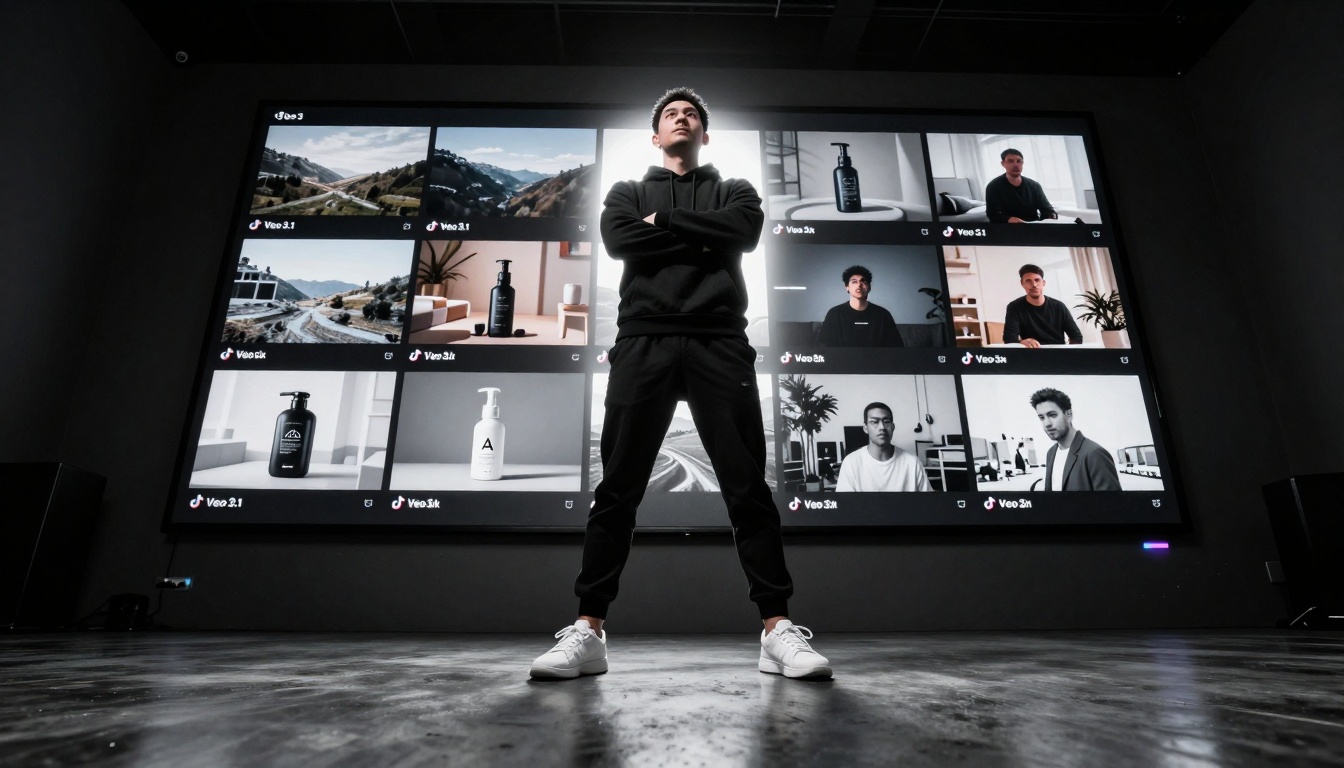
The most successful Veo 3.1 creators don't make videos one at a time—they operate production pipelines that output consistent quality at scale. This batch approach has several advantages:
Narrative Frameworks: Even abstract content follows recognizable patterns:
"Reveal" structure (hidden element discovered at specific timestamp)
"Transformation" arc (element changes in predictable way)
"Journey" progression (consistent pacing from point A to point B)
Analytics Integration and Optimization Loops
The real power of Veo 3.1 for TikTok emerges when creators establish data-driven feedback loops. Every video's performance informs the next batch's creation, creating continuous improvement cycles.
Key Metrics to Track and Optimize
Primary Engagement Metrics:
Watch Time: Target >70% completion rate
Shares: The strongest growth signal (aim for 5%+ share rate)
Saves: Indicates perceived value (target 8%+ save rate)
Algorithmic Signals:
Re-watches: Multiple views from same user trigger viral potential
Session Time: How long users stay on TikTok after your video
Follow Rate: Percentage of viewers who follow after watching
Sound Usage: How many creators use your audio choice
The Optimization Loop Framework
Generate 10-20 videos with slight prompt variations
Publish with controlled variables (same time, similar captions)
Measure performance across all tracked metrics
Identify winning patterns in prompts, visuals, pacing
Scale successful patterns in next batch
Iterate continuously with new variations
Advanced Analytics Integration
Successful creators connect multiple data sources:
Cross-Platform Analysis: Compare Veo 3.1 content performance across TikTok, Instagram Reels, and YouTube Shorts to identify platform-specific optimizations.
Temporal Pattern Recognition: Use analytics to identify optimal posting times for different content types—cinematic scenes perform better at night, bright colorful content during daytime.
Audience Segmentation: Analyze which demographics engage most with specific visual styles, then tailor future batches to those preferences.
Competitive Benchmarking: Track competitors using similar AI tools to identify emerging trends before they saturate.
How to Use Veo 3.1 on PicassoIA for TikTok Content
The Veo 3.1 model on PicassoIA provides direct access to Google's advanced video generation capabilities without requiring technical infrastructure. Here's the workflow successful creators follow:
The current landscape shows several dominant content categories where Veo 3.1 excels on TikTok:
Cinematic Micro-Stories: 30-second emotional narratives with professional production values that previously required crews and locations.
Hyper-Real Product Demonstrations: Perfectly lit, dynamically shot product videos that outperform traditional studio photography.
Educational Visualizations: Complex concepts explained through stunning visual metaphors and animations.
Abstract Art Sequences: Non-narrative visual experiences designed for TikTok's immersive viewing mode.
Nostalgia & Memory Pieces: Recreations of emotional moments with cinematic treatment.
The practical reality is that creators who master Veo 3.1 prompt engineering, TikTok formatting, and batch production workflows are achieving growth metrics previously reserved for media companies with seven-figure budgets. The barrier has shifted from financial resources to creative methodology and technical workflow optimization.
The opportunity exists for any creator willing to invest in developing these skills. The learning curve has steep sections—particularly around prompt engineering and analytics integration—but the rewards scale exponentially with proficiency.
Start with five test videos using the Veo 3.1 model on PicassoIA, apply the formatting techniques discussed, and track the performance differential against your existing content. The data will guide your next steps better than any advice.