Adult content creators have a problem that nobody talks about publicly. The audio layer of their work gets almost no attention, yet it accounts for a huge portion of how immersive, how professional, and how premium that content actually feels. Most creators slap on a random lo-fi track from YouTube's free library and hope no one notices the mismatch. The ones making real money on premium platforms have figured out something different: custom audio built specifically for their content, generated in minutes, with zero licensing headaches.
That is where Stable Audio 2.5 comes in.
What Stable Audio 2.5 Actually Does

Stable Audio 2.5 is a text-to-audio AI model from Stability AI. You type a description of the sound you want and it generates a full, polished audio track. No instruments required. No DAW knowledge required. No music theory required.
The model was built on a massive dataset of licensed music and sound effects, which means its outputs are royalty-free by design. You own what you generate. You can use it in any content you post without worrying about copyright strikes, DMCA takedowns, or licensing fees.
Text-to-audio that sounds professional
What separates Stable Audio 2.5 from earlier AI music tools is production quality. Earlier models sounded like MIDI demos from 2003. Stable Audio 2.5 produces audio with real-sounding instrumentation, stereo depth, dynamic range, and harmonic complexity. When you prompt it for a "slow sensual R&B beat with a deep bass groove and sparse piano chords," you get exactly that, at a quality level that sounds like a professional producer made it.
The model handles multiple music genres, ambient soundscapes, rhythmic textures, and atmospheric sound design. For adult content creators, that versatility is the real value.
The formats and lengths creators get
Stable Audio 2.5 generates audio tracks up to 3 minutes long from a single prompt. You can specify:
- Duration: from short loops to full-length tracks
- Tempo and energy: slow and intimate or mid-tempo and confident
- Instrumentation: synthetic, acoustic, or hybrid
- Mood and atmosphere: sensual, intense, dreamy, sultry, cinematic
That range covers almost every use case an adult content creator has, from 30-second ambient intros to full-length background tracks for longer videos.
Why Adult Creators Are Switching to AI Audio

The music licensing situation for adult content creators is genuinely hostile. Most mainstream music distributors and rights organizations treat adult platforms as a different tier of risk. Even tracks that are technically licensed for "creative content" often come with platform-specific restrictions that make them unusable for adult content creators.
Royalty-free without the restrictions
When you generate audio with Stable Audio 2.5, the output belongs to you. There are no hidden usage rights attached to it. You can:
- Post it on subscription fan platforms without triggering content ID systems
- Use it in clips on short-form social media
- Include it in premium downloadable content packages
- Loop it behind video content with no attribution required
This is the practical reason why adult creators specifically are gravitating toward AI music generation tools. The licensing stack that comes with traditional stock music simply does not work for their distribution model.
Mood-setting audio changes everything
The psychology of immersive content is simple: audio does more cognitive work than most people realize. A well-chosen background track signals to the viewer what emotional register they should be in. It smooths over cuts, fills silences, and creates continuity.
For adult content, this matters even more. The difference between a cold, silent recording and the same recording layered with a warm, low-tempo ambient track with subtle bass undertones is significant. Creators who have experimented with this report measurable differences in watch time and engagement metrics.
💡 Tip: Keep your background audio at roughly 10-15% of the total mix volume. You want it present enough to set mood without overpowering voiceover or natural sound.
The Best Prompts for Adult Content Audio

Writing good prompts for Stable Audio 2.5 is a skill that takes about 30 minutes to develop. The model responds to descriptive language about mood, instrumentation, tempo, and texture. Here are the categories that adult creators use most.
Sensual ambient soundscapes
These are the workhorses of adult content audio. Low-tempo, melodically sparse, texturally rich. They sit in the background without competing for attention.
Prompts that work:
"Deep ambient soundscape, slow reverberant synth pads, subtle heartbeat pulse, warm low-end rumble, intimate and enveloping, no drums, 80 BPM""Slow jazz piano over distant rain sounds, late night intimate atmosphere, sparse chord voicings, gentle vinyl crackle""Soft R&B instrumental, 70 BPM, deep bass, warm Rhodes piano, lo-fi texture, candle-lit mood, no vocals"
Rhythmic background beats
For content that has a more kinetic, confident energy, rhythmic beats provide structure and forward drive without pulling focus.
Prompts that work:
"Slow hip-hop beat, 85 BPM, fat 808 bass, clipped hi-hats, minimal trap elements, sensual and confident""Deep house groove, 96 BPM, warm bassline, subtle synth stabs, sophisticated and adult, intimate not club""Afrobeats-influenced slow groove, percussion forward, warm guitar plucks, sultry and rhythmic, 90 BPM"
Cinematic tension tracks
Some content benefits from a more dramatic audio layer with building tension, emotional weight, and a sense of anticipation.
Prompts that work:
"Cinematic ambient score, slow string swells, deep sub bass, atmospheric tension, no percussion, building intensity over 90 seconds""Dark ambient with distant piano notes, reverberant space, moody and atmospheric, slow pulse, minor key"
💡 Tip: Add specific duration instructions to your prompt, like "60 second loop" or "2 minute track," to get audio that fits your content length without awkward fade-outs.
How to Use Stable Audio 2.5 on PicassoIA

PicassoIA hosts Stable Audio 2.5 alongside its full suite of AI generation tools. Here is the exact workflow to generate your first custom track.
Step 1: Open the model page
Navigate directly to Stable Audio 2.5 on PicassoIA. The interface is clean and requires no prior audio production experience.
Step 2: Write your prompt
Type a detailed description of the audio you want. Be specific about:
- Mood and atmosphere ("intimate," "sultry," "tension-building")
- Tempo or energy level ("slow," "70 BPM," "mid-tempo")
- Instrumentation ("piano," "synth pads," "808 bass," "no drums")
- Duration if you have a specific target
Step 3: Set your duration
The model accepts duration parameters. Start with 60-90 seconds for a usable loop and extend from there as you get comfortable with what the model produces.
Step 4: Generate and preview
Hit generate. The model typically takes 10-30 seconds depending on the requested duration. Preview the output directly in the browser before downloading.
Step 5: Download and integrate
Download the generated audio file. It belongs to you. Import it into your video editor or audio software and mix it with your content at the desired volume level.
Step 6: Iterate with prompt variations
If the first generation is not quite right, adjust the prompt. More specific prompts yield more targeted results. There is no limit on how many times you can generate.
💡 Tip: Generate 3-4 variations of the same prompt with slight wording changes. You will often get different moods from small prompt adjustments, giving you a personal library of options to choose from.

Stable Audio 2.5 is not the only AI music generation tool available on PicassoIA. Here is how it compares to the other models in the platform's AI music generation category:
| Model | Best For | Vocals | Output Style |
|---|
| Stable Audio 2.5 | Ambient, soundscapes, instrumental | No | Instrumental / sound design |
| Music 2.6 | Full song production | Yes | Vocals + instrumentation |
| Lyria 3 Pro | Original song composition | Yes | Polished multi-genre |
| Lyria 3 | Creative music generation | Yes | Expressive and layered |
| Music 2.5 | Songs with custom lyrics | Yes | Vocal-forward production |
| ElevenLabs Music | Short compositions | Optional | Text-to-music |
| Music 01 | Lyric-driven songs | Yes | Singer-songwriter style |
For adult content background audio specifically, Stable Audio 2.5 and ElevenLabs Music are the strongest options because they focus on instrumental and ambient production rather than vocal tracks. Vocal tracks, while impressive, compete with the content itself when used as background audio.
If you want to produce full original songs for intros, outros, or standalone audio content, Lyria 3 Pro and Music 2.6 are where the production quality peaks on the platform.
Pairing Audio with AI Visuals
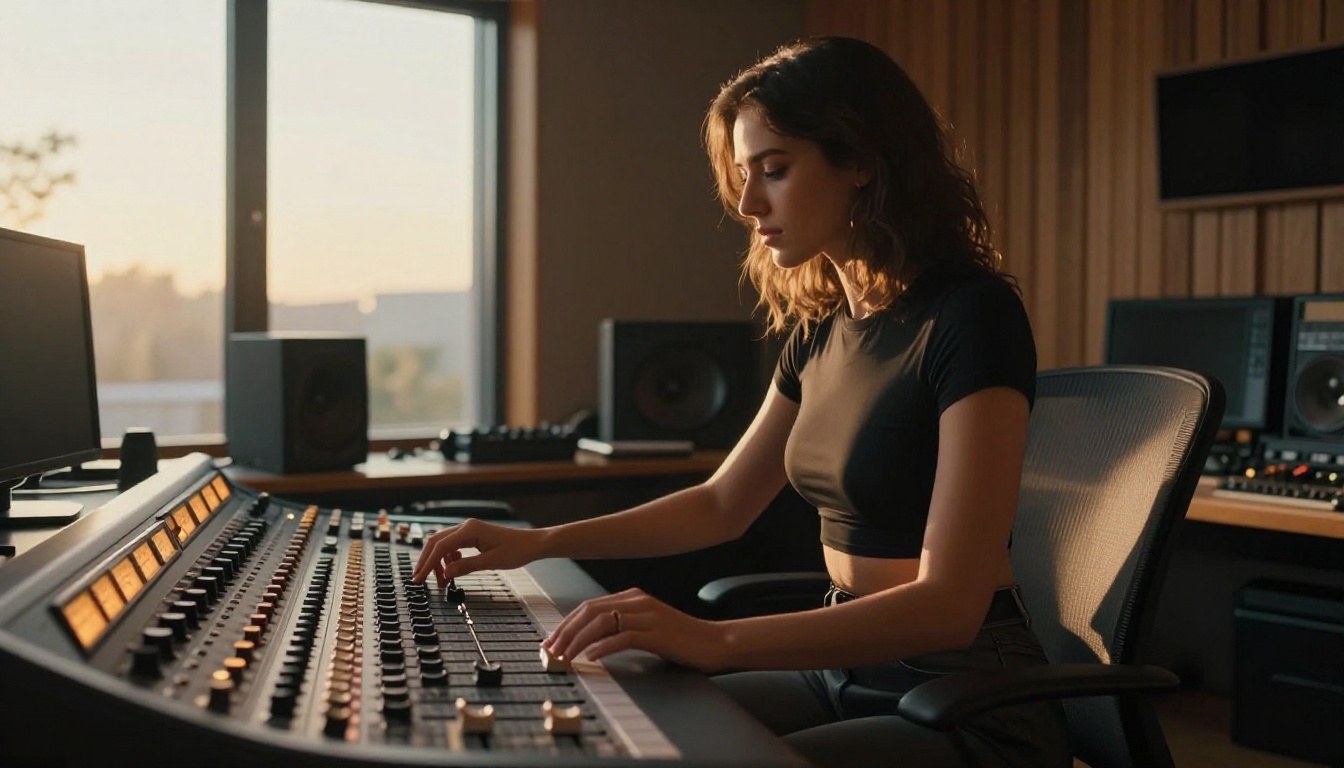
Audio does not exist in isolation. The creators getting the most out of Stable Audio 2.5 are pairing it with AI-generated visuals to build complete, polished content packages that feel like they came from a production studio.
How image and audio create immersion
When a custom ambient track plays underneath a high-quality AI-generated image or video, the combination creates a level of immersion that neither element achieves on its own. This is why sophisticated adult content creators are building entire production workflows around AI tools rather than treating them as one-offs.
PicassoIA supports this complete workflow. Beyond audio generation, the platform offers image generation with over 91 text-to-image models and 87 text-to-video models. For adult content specifically, the platform's uncensored image generation capabilities through Seedream 4.5 and the PicassoIA Image Editor Pro allow unlimited generations without content filters, which is precisely what adult creators need when building out a full content library.
The workflow looks like this:
- Generate your background audio using Stable Audio 2.5 on PicassoIA
- Generate your visuals using the platform's image and video models
- Combine in your editor of choice (CapCut, DaVinci Resolve, Premiere, etc.)
- Post fully custom content with no licensing risk on any platform
💡 Tip: Match the tempo of your audio track to the pacing of your visual cuts. Fast edits on a slow ambient track create tension; slow dissolves on a rhythmic beat create drive. Neither is wrong, but it should be intentional rather than accidental.
Using LLMs to Write Better Audio Prompts
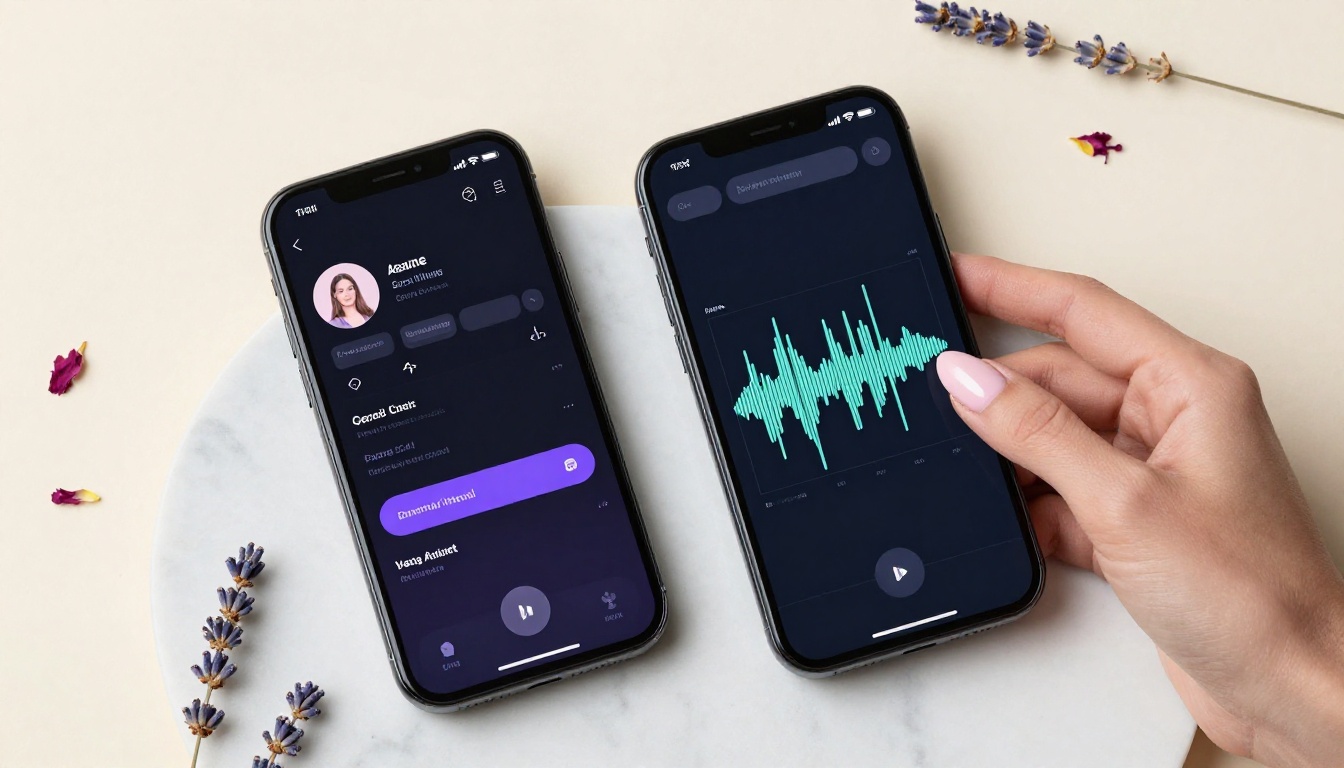
One workflow that more advanced creators are adopting: using large language models to write their audio prompts. The idea is simple. You describe what you want in plain conversational language and have an LLM translate that into a technically precise Stable Audio 2.5 prompt with correct terminology for tempo, instrumentation, and mood.
PicassoIA hosts several LLMs that handle this task well:
- Claude Sonnet 4.6: Strong at following detailed creative briefs and producing precise, descriptive prompt text
- GPT 5: Excellent at interpreting vague creative intent and translating it into structured technical prompts
- Gemini 3 Flash: Fast and capable for quick prompt drafts when you need to iterate rapidly
- Deepseek v3.1: Strong at creative writing tasks and producing detailed, layered descriptions
The combination of an LLM for prompt generation and Stable Audio 2.5 for execution gives you a two-step pipeline where you never have to think about music theory or production terminology. You just describe what you want and let the tools handle the rest.
Example LLM input: "I need a slow, intimate background track for a 3-minute video that feels warm and private, not club-music, more like being alone at 2am in a nice apartment."
LLM output prompt for Stable Audio 2.5: "Late night intimate ambient, 65 BPM, sparse Rhodes piano with soft reverb, deep warm sub bass, minimal brushed percussion, gentle white noise undertone, major 7th chord progressions, soft vinyl crackle, 3 minutes, no vocals, introspective and private mood"
The difference in output quality between a casual prompt and a precisely structured one is substantial.
The Real Workflow Top Creators Use
The pattern that emerges from how successful adult content creators structure their audio production is consistent across different platforms and content types.
They batch their audio production. Rather than generating a new track for each piece of content, they spend one session generating 10-15 tracks with different moods and tempos. These become a personal audio library they draw from for weeks.
They keep a prompt log. Every prompt that produces a result they like goes into a notes document. Over time, this becomes a personal playbook of prompts that reliably produce their preferred sounds.
They use shorter loops strategically. Not every piece of content needs a unique 3-minute track. A 60-second loop that repeats naturally is often less distracting than a long track with obvious compositional development. Loop-point audio is a specific skill worth developing with Stable Audio 2.5.
They treat audio as a brand element. Consistent audio aesthetics across all content builds subscriber recognition. When audiences hear a particular type of track, they immediately associate it with a specific creator's style. This insight translates directly from mainstream media production into creator content.
| Workflow Stage | Time Investment | Output |
|---|
| Prompt development | 15-30 min | 5-10 refined prompts |
| Audio generation session | 20-40 min | 10-20 tracks |
| Audio review and selection | 10-20 min | 5-8 usable tracks |
| Content integration | Per project | Professional-sounding final output |
The total time investment for building a two-week audio library sits around 1-2 hours. The return on that investment appears in every piece of content you post from that point forward.
Start Creating Now on PicassoIA

The gap between creators who sound professional and those who do not often comes down to one thing: audio production. The ones who spend time on it stand out immediately. The ones who treat it as an afterthought blend into the noise.
Stable Audio 2.5 on PicassoIA removes every barrier that used to make audio production inaccessible. You do not need a music background. You do not need expensive software. You do not need to navigate complex licensing. You type what you want, you get professional audio, and you own it completely.
Beyond audio, PicassoIA gives you access to the full stack of AI tools that serious creators are building their workflows around. Image generation, video generation, text-to-speech, LLM-powered writing assistance, and more are all available in one place.
Start with one audio generation session. Pick a piece of content you have already posted, generate a custom background track using Stable Audio 2.5, drop it into that content, and pay attention to what changes. The difference in perceived production quality is immediately apparent.
Browse all available AI music models, image generators, video tools, and more at picassoia.com/en/all-models.


