Most people who use face swap apps never think twice about what's actually happening inside the algorithm. They drop in two photos, hit a button, and watch someone else's face appear where theirs used to be. The result looks seamless, sometimes eerily so. But the process that produces it involves several layers of deep learning working in tight sequence, each one solving a distinct technical problem. This article pulls back the curtain on all of it.
What the Model Actually Sees First
Before any swap happens, the AI needs to find and define the face in your image. This sounds simple, but the challenge is significant: faces appear at different angles, distances, lighting conditions, and occlusion levels. The model has to be robust enough to handle all of them.

Face Detection Algorithms
Modern face swap systems use a dedicated face detection network as a first pass. Most rely on variations of MTCNN (Multi-Task Cascaded Convolutional Networks) or RetinaFace, both of which produce bounding boxes around each detected face in the frame.
These detectors are trained on millions of labeled images. They learn to recognize patterns associated with human faces, the ratio between eyes, nose placement relative to the chin, the curvature of the jawline, regardless of skin tone, age, or facial hair. The output is a tight rectangular bounding box in pixel space, telling the next stage exactly where to look.
Landmark Mapping in Action
Once the face is located, the model runs a landmark detection pass to identify 68 to 478 specific points across the face surface. These keypoints mark the corners of the eyes, the edges of the lips, the tip of the nose, the outer ear boundaries, and dozens of intermediate points along each contour.
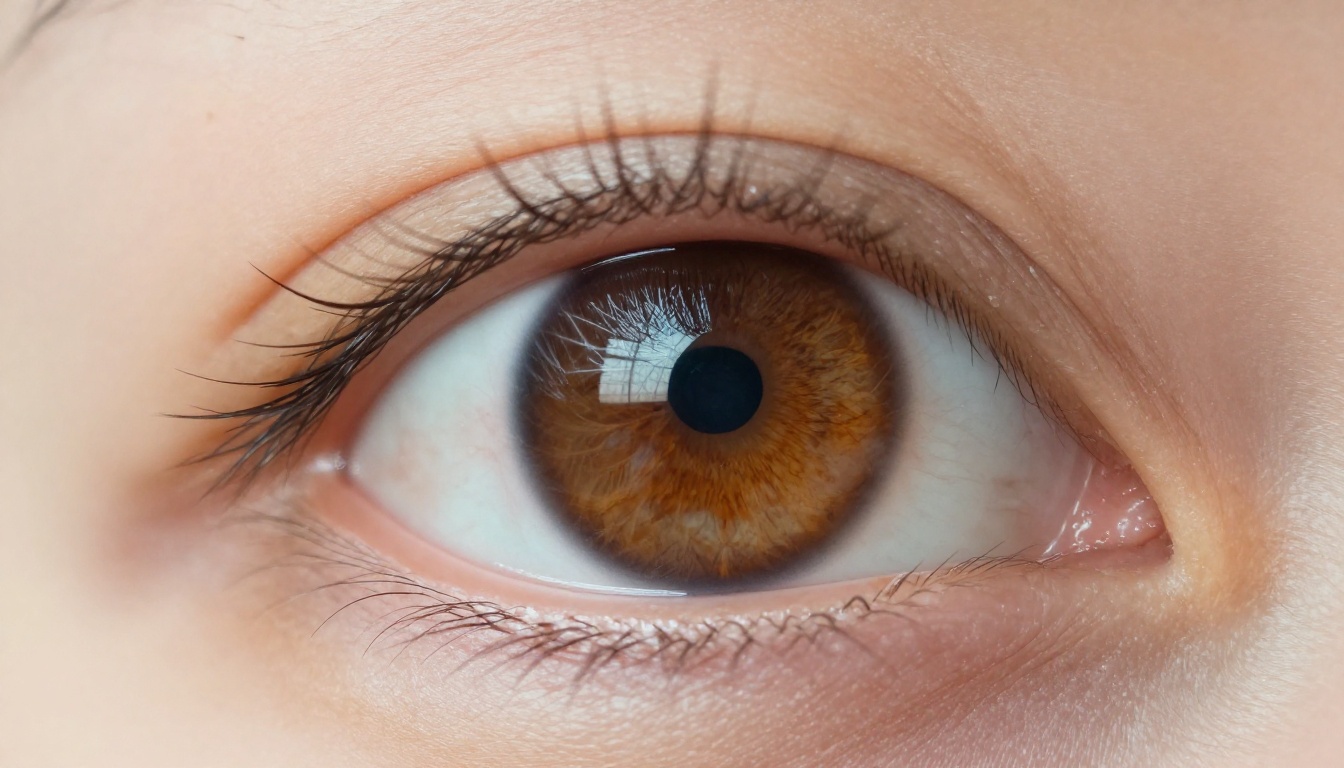
This landmark mesh serves two purposes. First, it gives the system a geometric understanding of the face shape, allowing it to warp the source face to match the target's pose and proportions. Second, it defines the region boundary for segmentation, which the blending stage will use later.
Concept: More landmarks means more precise warping. Older systems used 68 points; current state-of-the-art models use 478 points (MediaPipe) or custom dense meshes with thousands of vertices for smoother output.
Inside the Encoder-Decoder Pipeline
The core of most modern face swap systems is an encoder-decoder architecture, sometimes called an autoencoder. Two separate networks share a single encoder but each have their own decoder.
How Encoders Pull Facial Identity
The encoder takes a face image and compresses it into a latent vector, a compact numerical representation that captures the essential identity characteristics: the spacing between features, the overall bone structure, the characteristic shape of each element.
The encoder is trained to ignore lighting, expression, and angle. It focuses purely on the persistent identity features that make a face unique. This separation is intentional. You want the encoder to capture "who" this person is, not "what they happen to be doing right now."
The encoder is a convolutional neural network (CNN) that progressively downsamples the input image through multiple layers, each one extracting higher-level features. By the final encoder layer, the spatial information is almost entirely gone. What remains is identity.
The Decoder's Reconstruction Role
Each person in the swap gets their own dedicated decoder. When training, Decoder A learns to reconstruct faces that "belong to" Person A, while Decoder B handles Person B. After training:
- Person A's face image gets encoded into a latent vector
- That vector gets passed to Decoder B instead of Decoder A
- Decoder B reconstructs a face with Person B's appearance but using Person A's identity information as the driving force
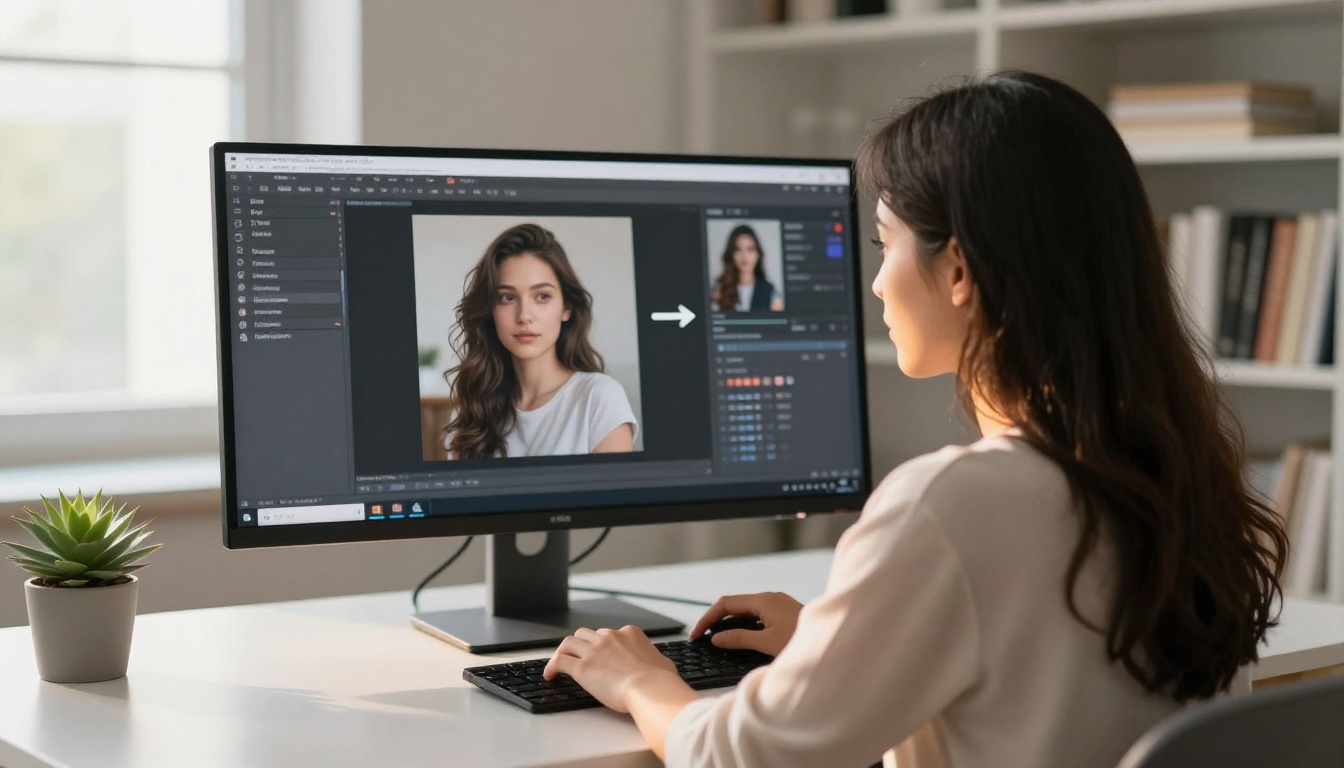
The result is a synthesized face that carries Person A's identity features, rendered through Decoder B's learned style. This is why early DeepFake-style swaps often required training specific to each person pair: you needed a dedicated decoder per identity.
Modern systems like those powering platforms including Flux 2 Pro and Flux 1.1 Pro Ultra have generalized this through large-scale pretraining, allowing single-shot swaps without retraining for each new face.
GANs and Why They Matter
Autoencoder outputs alone often look slightly blurry or "flat." The reason comes down to how these networks are trained: minimizing pixel-level reconstruction error tends to produce averaged, smooth outputs. This is where Generative Adversarial Networks (GANs) enter the pipeline.

Generator vs. Discriminator
A GAN adds a second network, the discriminator, whose only job is to distinguish real face images from generated ones. The generator (your face synthesis network) and the discriminator are trained together in an adversarial loop:
| Component | Role | Training Signal |
|---|
| Generator | Creates synthetic face images | Gets punished when discriminator spots fakes |
| Discriminator | Classifies real vs. fake faces | Gets punished when it is fooled by the generator |
| Combined Loss | Drives quality improvement | Generator improves until discriminator cannot distinguish |
This adversarial pressure forces the generator to produce increasingly realistic outputs. Skin texture, pore detail, subtle specular highlights on the skin, and natural micro-expressions all emerge as the generator learns that these fine details are what the discriminator looks for.
Training Data and Model Accuracy
GAN-based face swap quality scales directly with the quality and diversity of training data. Models trained on:
- Varied lighting conditions handle shadows better in output
- Multiple ethnicities and skin tones generalize to diverse inputs without artifacts
- High-resolution source images produce sharper synthesis at equivalent output sizes
- Diverse head poses avoid the common artifact where swapped faces look "flat" on profiles
The largest current models use datasets in the tens of millions of face images. Quality of annotation (bounding boxes, landmarks, identity labels) matters as much as raw quantity.
The Blending Problem
Even a perfectly synthesized face swap fails if the boundary between the swapped region and the original image looks wrong. This is often where face swaps are caught: a subtle color mismatch at the edge of the face, or a harsh boundary where the skin tone shifts abruptly.

Color Correction and Skin Tone Matching
After the face region is synthesized, the system runs a color transfer step to match the synthesized face's color statistics to the surrounding original image. Methods include:
- Histogram matching: Aligns the color distribution of the swapped face to the target
- Reinhard color transfer: Uses mean and standard deviation of color channels in LAB color space
- Neural color adaptation: Learned networks that predict corrective color shifts based on context
This step is subtle but critical. A well-executed color transfer is what makes a swap look like it "belongs" in the original photograph.
Edge Refinement Methods
At the face boundary, blending uses alpha masking and Poisson image editing. The landmark-derived face segmentation mask is softened (feathered) along the edges, creating a smooth transition zone where the two images gradually mix.
Common artifact zone: The hairline and ear boundaries are the hardest to blend cleanly. These areas have fine structural details (individual hair strands, ear cartilage edges) that neither the face synthesis model nor the simple blending mask can handle perfectly. State-of-the-art systems use separate hair segmentation networks for this reason.
Poisson editing (solving a differential equation to match gradient fields at the boundary) produces transitions that are perceptually invisible even at pixel level. This method, borrowed from classical image compositing, remains one of the most effective boundary blending approaches available.
Real-Time vs. Single-Image Swaps
Not all face swaps are created equal. The computational profile of a high-quality single-image swap is very different from what a real-time video swap requires.

Processing Trade-offs
| Mode | Latency Requirement | Quality Ceiling | Typical Use Case |
|---|
| Single image | No limit | Very high | Photo editing, content creation |
| Batch video | Minutes to hours | High | Film post-production |
| Real-time (30fps) | 33ms per frame | Moderate | Live streaming, calls |
| Real-time (60fps) | 16ms per frame | Lower | Gaming, AR applications |
Real-time systems make compromises: lower landmark count, smaller network architectures, reduced blending complexity. The most important innovation in recent real-time models is distillation, training a small "student" network to mimic the outputs of a larger "teacher" network. The student can run fast enough for real-time while producing quality close to the more expensive teacher.
Hardware Requirements
Single-image swaps on modern systems run in seconds on consumer GPUs. A mid-range GPU with 8GB VRAM handles most single-image pipelines without throttling. Real-time swaps at HD resolution require dedicated GPU resources: a 12-16GB VRAM GPU for smooth 30fps operation.
Cloud-based inference (which is how most web apps including AI platforms operate) abstracts this entirely. The heavy computation runs on server-grade hardware, and you receive only the output image or video stream.
How Quality Models Handle Lighting
Lighting is one of the most difficult aspects of a convincing face swap. The synthesized face must appear to be lit from the same direction and with the same intensity as the rest of the scene.

Relighting Algorithms
High-quality face swap pipelines include a relighting step that estimates the ambient and directional light sources in the target image and applies equivalent illumination to the synthesized face. Methods include:
- Spherical harmonics approximation: Models the overall light environment as a sum of low-frequency basis functions, fast but limited in detail
- Neural relighting networks: End-to-end learned networks that directly predict what a face should look like under different lighting conditions
- Shadow ray casting: Physics-based approaches that compute how the face geometry would cast and receive shadows given estimated light positions
Without relighting, a face swapped from a brightly-lit studio photo into a dimly-lit indoor scene will look immediately wrong, regardless of how good the blending is.
Shadow and Specular Reproduction
Beyond global illumination, realistic results require accurate specular highlights (the small bright reflections on oily or wet skin areas) and shadow reproduction. These secondary lighting effects anchor the face visually to the scene.
Modern architectures achieve this through adversarial training with lighting-diverse datasets. The discriminator learns to penalize faces that do not "fit" their lighting context, pushing the generator to internalize scene-consistent illumination.
What Happens When You Use AI Image Generation
Face swap AI gives you real context for how photorealistic AI image generators work, since they share much of the same underlying technology. Models like Flux Pro, Stable Diffusion 3.5 Large, and Realistic Vision v5.1 all use diffusion-based architectures that share core concepts with face synthesis: latent representation learning, adversarial refinement, and high-fidelity texture generation.
When you generate a photorealistic portrait using Flux 1.1 Pro Ultra or SDXL, the network handles light, shadow, skin texture, and facial geometry using principles built on the same research lineage as face swap technology. The difference is generative rather than swapping: instead of transplanting one person's features onto another, the model generates facial features from scratch, conditioned on a text description or reference image.

For those who want to experiment with image-to-image style transfer or face-conditioned generation, tools like Flux Kontext Pro and Qwen Image 2 allow you to edit photos using text prompts, which includes changing facial appearance, expression, and context in photorealistic style.
The Real Accuracy Gaps That Still Exist
Even with all this technology, face swap AI has known failure modes that researchers are actively working to solve:
- Extreme head poses (full profile, looking up or down sharply) still produce warping artifacts in most models
- Occlusions (glasses, hands in front of the face, partial masks) break the landmark grid, causing the swap to fail or look distorted
- Low-resolution inputs amplify every artifact downstream; the blending can only work with what the synthesis stage produces
- Unusual skin textures (heavy freckles, vitiligo, deep wrinkles) can confuse color correction algorithms
Research continues. Transformer-based architectures applied to face representation are showing improvements across all these failure modes, and the gap between difficult cases and straightforward ones continues to narrow with each new generation of models.
Create Portraits with Picasso IA Right Now
Now that you know exactly what is happening inside every face swap, you have real context for evaluating AI image tools. Whether you want to generate photorealistic portraits, experiment with face-conditioned edits, or apply image synthesis at a professional level, the same deep learning principles are at work.
On Picasso IA, you have access to over 90 image generation models, including Flux 2 Pro for text-and-image-conditioned outputs, Imagen 4 Ultra for high-detail portraits, and GPT Image 1.5 for creative generation with precise text handling. The face swap AI technology described in this article informs how all of them handle facial geometry, lighting, and texture at the pixel level.
Pick a model. Write a detailed prompt. See what the encoder-decoder architecture produces when you put these concepts to work.


