When Kling v3 Motion Control dropped, the adult animation community had one question: how far does it actually go? Not in sanitized demo clips or press releases, but in real production, with real characters and the kind of content that mainstream tools refuse to touch. This breakdown covers what the model does, where it stops, how to work within and around those limits, and which platforms give creators actual freedom with adult AI animation.
What Kling v3 Motion Control Actually Does
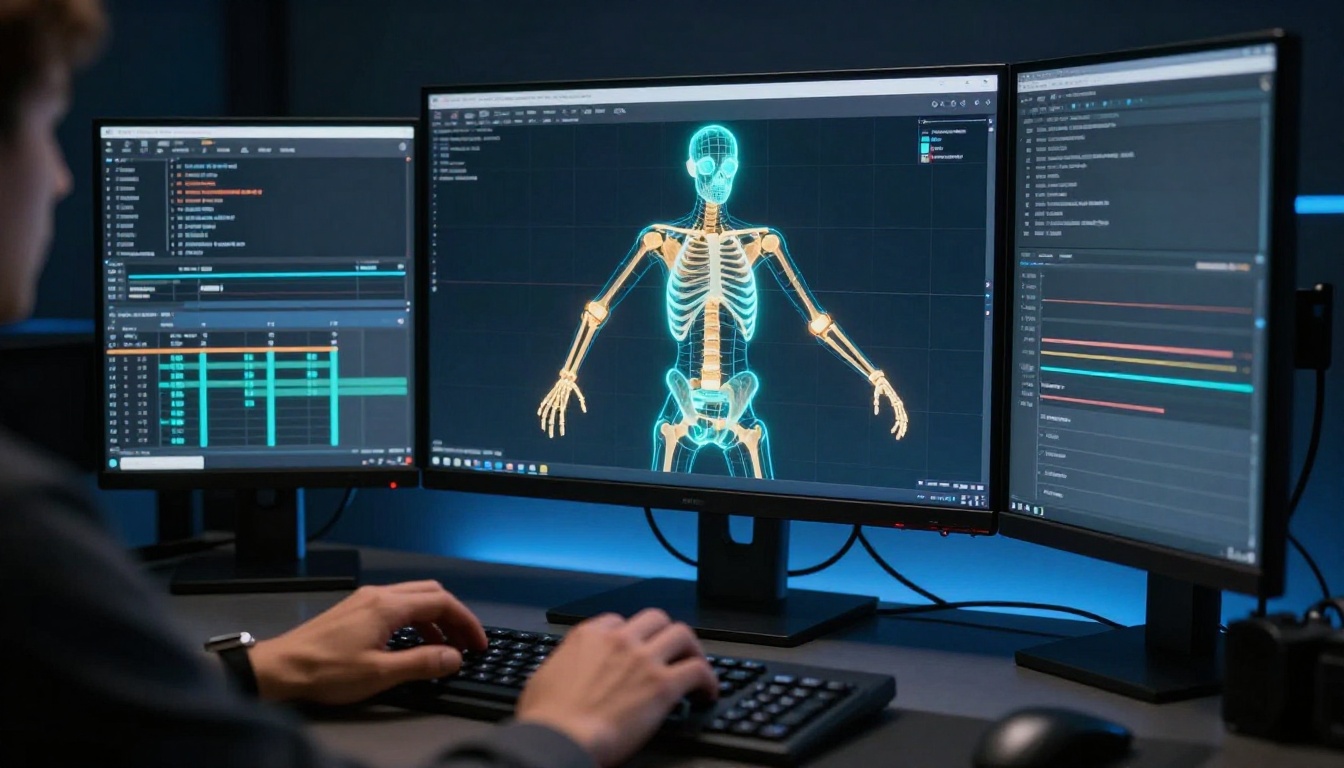
Kling v3 Motion Control is not a general video model with motion tacked on as an afterthought. It is purpose-built for character animation, reading body positions, joint angles, and movement trajectories from a reference image or skeleton input, then building a short video clip that follows that motion pattern with high temporal consistency.
The model extracts a pose skeleton from your source image, treats it as a frame anchor, and generates motion across frames. What comes out is typically 5 to 10 seconds of character movement where body proportions, face, and clothing remain stable across the clip. That face-and-body consistency is what separates it from earlier Kling versions and from many competing models that struggle with limb drift and face flicker at the midpoint of a clip.
The Skeleton Tracking System
The pose extraction layer maps the character's skeleton from the source image at the joint level. Hip position, shoulder angle, elbow bend, knee flex, head tilt, all of these become data points that the motion engine references when building subsequent frames.
For adult animation, this matters because it means you can specify the starting body configuration with precision. A character lying on a surface, stretching, posing with a specific limb position, or arching backward can all be represented through a source image and held consistently as the animation plays out. You are not relying on vague motion prompts and hoping the model interprets them correctly.
The skeleton system also makes retakes faster. When a generation drifts on one joint, you can adjust the source image pose for that joint specifically and regenerate, rather than rebuilding the entire prompt from scratch.
Camera Paths and Body Physics
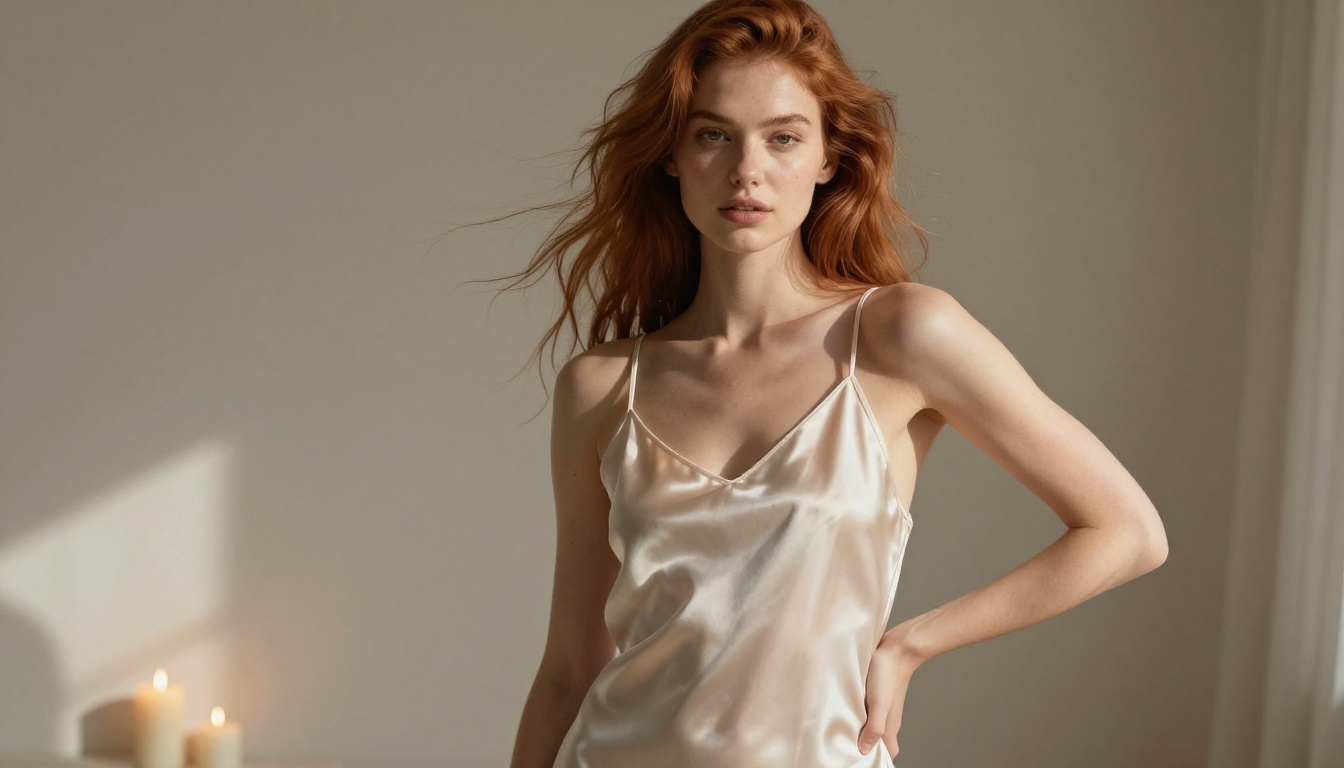
Kling v3 Motion Control adds camera movement control on top of body pose tracking. Dolly-in, dolly-out, pan, tilt, and orbit paths all execute alongside the character motion. The physics simulation for soft materials has been significantly improved in this version, covering fabric movement, hair dynamics, and the natural draping of lightweight clothing.
This is not a minor detail for adult animation. Sheer fabrics, lingerie, and minimal clothing behave more naturally in v3 than in any previous Kling version. Materials flow with body movement rather than clipping through the character or stretching unnaturally during arm raises and torso rotations.
💡 For lingerie or sheer fabric animation, use a source image that shows the garment in a relaxed, gravity-appropriate position. The model reads the initial drape and carries it forward into motion with noticeably better physical accuracy.
The Adult Animation Question
Kling v3 Motion Control ships with content filters operating at two points: a prompt evaluation step before generation starts, and a frame-check pass after generation completes. The prompt filter blocks explicit terminology. The frame-check flags completed clips that contain graphic content.
What the Model Accepts
Within standard deployment settings, Kling v3 Motion Control generates:
- Swimwear and bikini animation with realistic fabric and water physics
- Lingerie movement with appropriate material behavior and skin texture rendering
- Glamour and editorial posing in minimal clothing
- Suggestive camera angles that emphasize form without crossing into graphic content
- Partial undress transitions when framed and prompted indirectly
- Implied artistic nudity where detail is obscured by framing, shadow, or camera angle
The quality within this range is high. Skin texture, muscle definition through clothing, natural posture, and realistic hair behavior are all rendered well. For creators working on adult-adjacent content such as lingerie showcases, glamour reels, or suggestive character animations, Kling v3 is genuinely capable at this level.
Where the Limits Actually Are
The ceiling is firm at explicit sexual content. This is encoded at the model level, not just at the platform interface level. No prompt variation bypasses it without using a separately trained uncensored model.
| Content Type | Kling v3 Motion Control |
|---|
| Swimwear and bikini animation | Allowed |
| Lingerie and sheer clothing | Allowed |
| Suggestive posing and movement | Allowed |
| Implied nudity through framing | Allowed on permissive platforms |
| Topless animation | Blocked on most deployments |
| Explicit sexual content | Blocked entirely |
For content that sits above that ceiling, the answer is not fighting Kling's filters. It is switching to models that do not have them.
How to Use Kling v3 Motion Control on PicassoIA
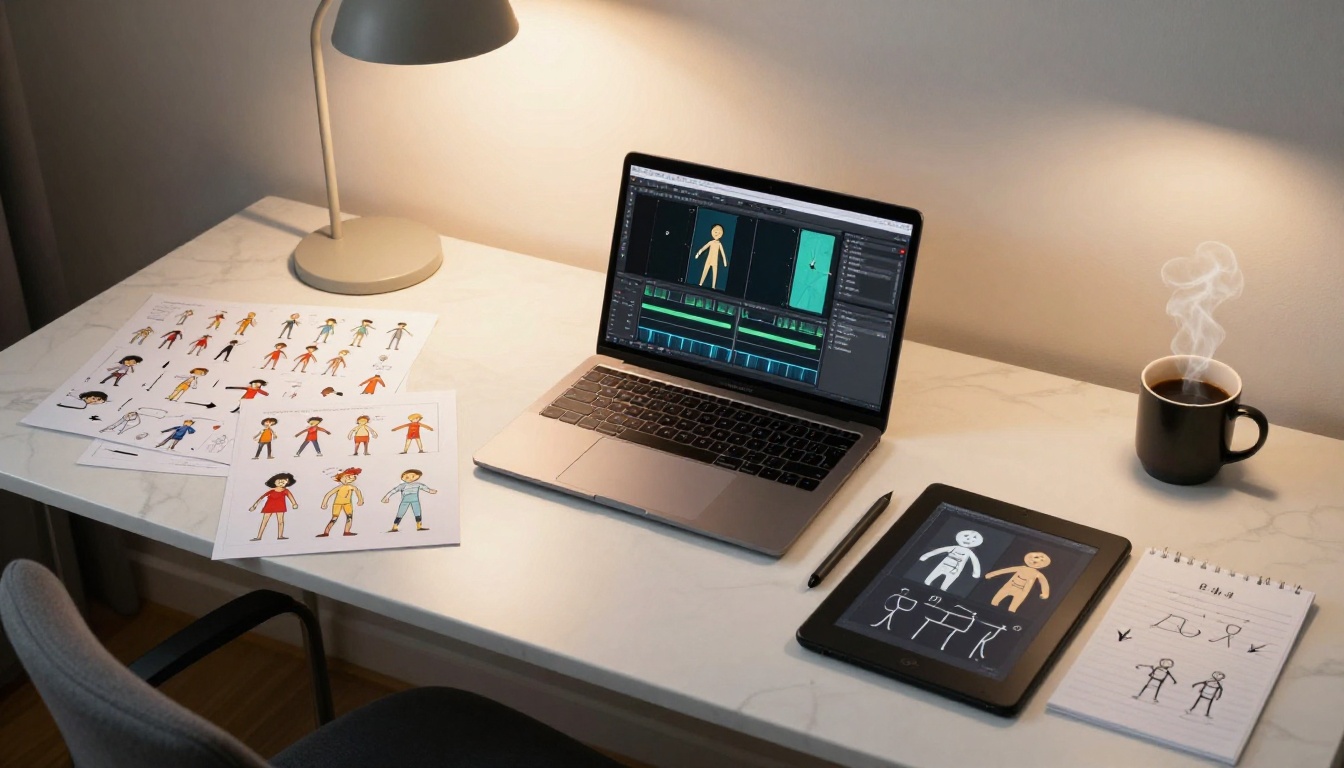
Kling v3 Motion Control is available directly on PicassoIA with no software installation, no local GPU, and no API configuration needed. Here is a step-by-step walkthrough from first launch to first output.
Step-by-Step Walkthrough
Step 1: Prepare your source image
The source image defines the character's appearance and starting pose. Upload a photo, a generated image from another tool, or a reference illustration. For best results, use a clear full-body or three-quarter shot at 1024x576 resolution or higher. Cluttered backgrounds reduce pose-extraction accuracy, so clean or neutral backgrounds give the skeleton system more reliable data to work with.
Step 2: Open the model on PicassoIA
Navigate to picassoia.com/en/collection/text-to-video/kwaivgi-kling-v3-motion-control. Upload your source image. The interface extracts the pose skeleton automatically and overlays it on your image. You can see which joints the model has detected before running generation.
Step 3: Write the motion prompt
The motion prompt describes movement, not appearance. Your source image already establishes the visual; the prompt tells the model what to animate.
Weak prompt: "Woman in lingerie"
Strong prompt: "Character shifts weight slowly from right hip to left, shoulders rotating slightly, arms drifting from sides to a relaxed overhead stretch, hair lifting with the motion, camera holding static with a gentle dolly-in over 5 seconds"
Write the prompt as a sequence of actions from start to end of the clip, in chronological order.
Step 4: Set camera parameters
Choose camera motion from the available presets: static, dolly-in, dolly-out, pan, orbit. For close-up character animation, a slow dolly-in adds cinematic weight without distracting from the motion. Static camera works best when the body movement itself is the primary focus.
Step 5: Generate and evaluate
Hit generate. Review the output for face stability across frames, limb consistency at peak motion, fabric behavior during movement, and camera path execution. If anything drifts, reduce motion strength by 10 to 15 percent and regenerate.
Prompt Patterns for Character Motion
These prompt structures produce consistent results across different character types and scene setups:
- Static intimate pose: "Character breathes slowly, subtle torso rise and fall, slight fabric movement, camera static in medium close-up, warm soft lighting holds constant throughout"
- Walking toward camera: "Character walks forward with natural hip sway and arm swing, hair bouncing with stride rhythm, camera dollying backward to maintain framing across 5 seconds"
- Upper body dance: "Fluid upper body rotation, arms sweeping in wide arcs from waist to overhead and back, weight shifting left then right in a slow rhythm, camera orbiting gently to the right"
- Stretching from seated: "Character stretches arms overhead from a seated position, arching back gently, head tilting back, hair falling away from face, camera tilting slightly up to follow the motion"
💡 Keep motion prompts under 80 words. Longer prompts dilute the model's focus and often produce erratic frame-to-frame movement rather than smoother and more controlled output.
Best Models for Adult Content on PicassoIA
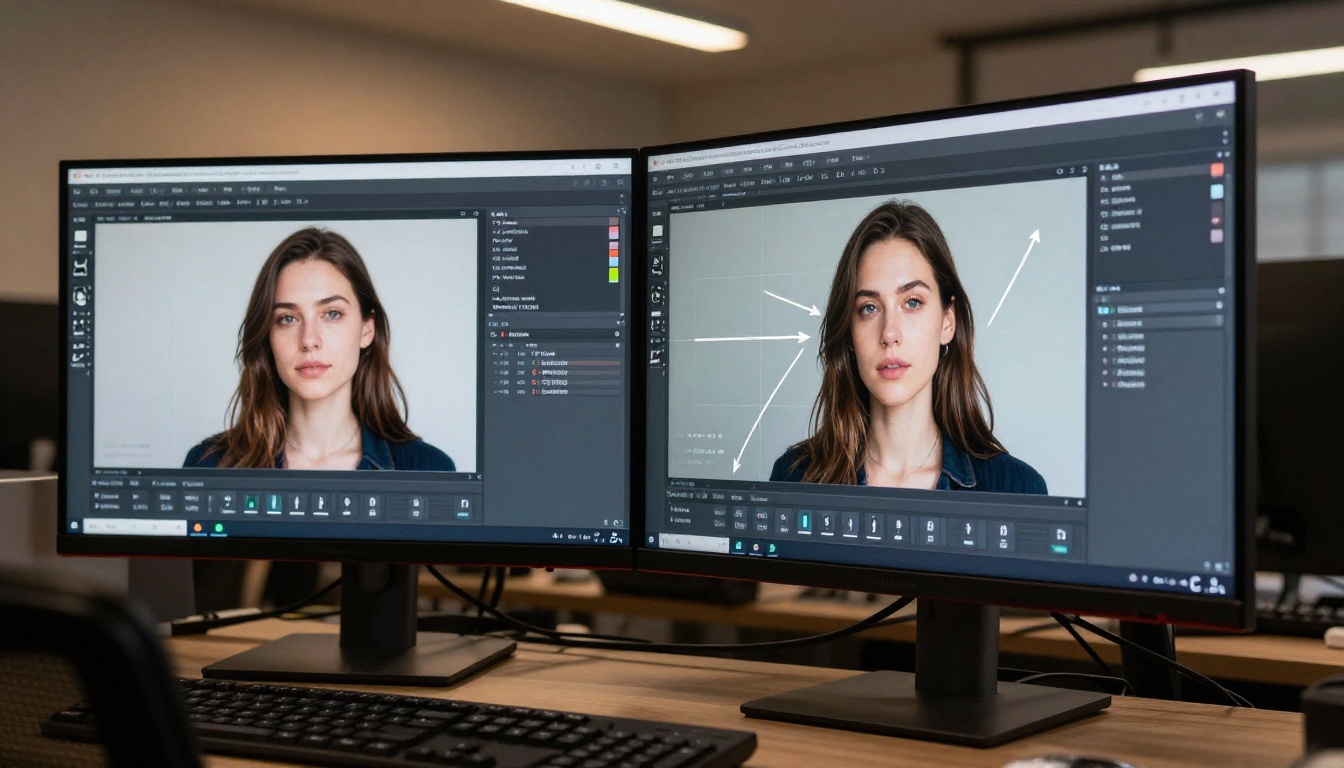
Kling v3 Motion Control tops out at suggestive content. For creators who need to go further, whether generating the source images themselves or producing fully uncensored video output, PicassoIA hosts a set of models without content restrictions.
Top Image Models for Adult Content
1. Seedream 4.5 is the primary recommendation for any adult AI image workflow. It accepts NSFW prompts without filtering, generates ultra-realistic skin texture and body detail, and returns results in under 3 seconds. Use it to create the source frames you then animate with Kling v3 Motion Control. (Do not confuse with Seedream 5 Lite, which blocks adult content entirely.)
2. PicassoIA Image Editor Pro is the img2img model with unlimited generations on Elite and Infinite plans. Need 500 source frame variants iterated? That is 500 generations at zero additional cost. NSFW is supported, results return in under one second, and a 3-generation free trial requires no credit card to start.
3. Qwen Image 2 is an open-source model that creates or edits detailed realistic images in seconds with no content filtering.
4. Grok Imagine Image converts any existing photo into a more revealing variant, such as bikini or lingerie format, in a photorealistic way. Useful for creating alternate source frames from a reference character.
5. Recraft V4 delivers very realistic text-to-image results without content blocking, operating purely from text input.
6. P-Image generates NSFW text-to-image output in under one second, ideal for rapid iteration on source frame concepts.
Top Video Models Without Filters
7. PicassoIA Video offers unlimited video generation from text prompts at up to 720p and 5 seconds per clip, with no content limits for subscribers.
8. P-Video accepts text, image, or audio input and outputs video up to 1080p with the safety filter disabled by default and a draft mode for fast low-resolution previews before final rendering.
9. Grok Imagine Video generates clips up to 15 seconds from text or image input, with no watermarks and no content restrictions.
10. LTX 2.3 Pro is the highest-fidelity option, outputting up to 4K at 50fps with retake and extend editing modes for precise control over final cuts.
PicassoIA gives adult creators a catalog that covers every stage of production, from concept image to animated output to fully produced clip, without filters interrupting the workflow at arbitrary points.
👉 See the full catalog at picassoia.com/en/all-models.
Kling v3 vs Other Motion Models
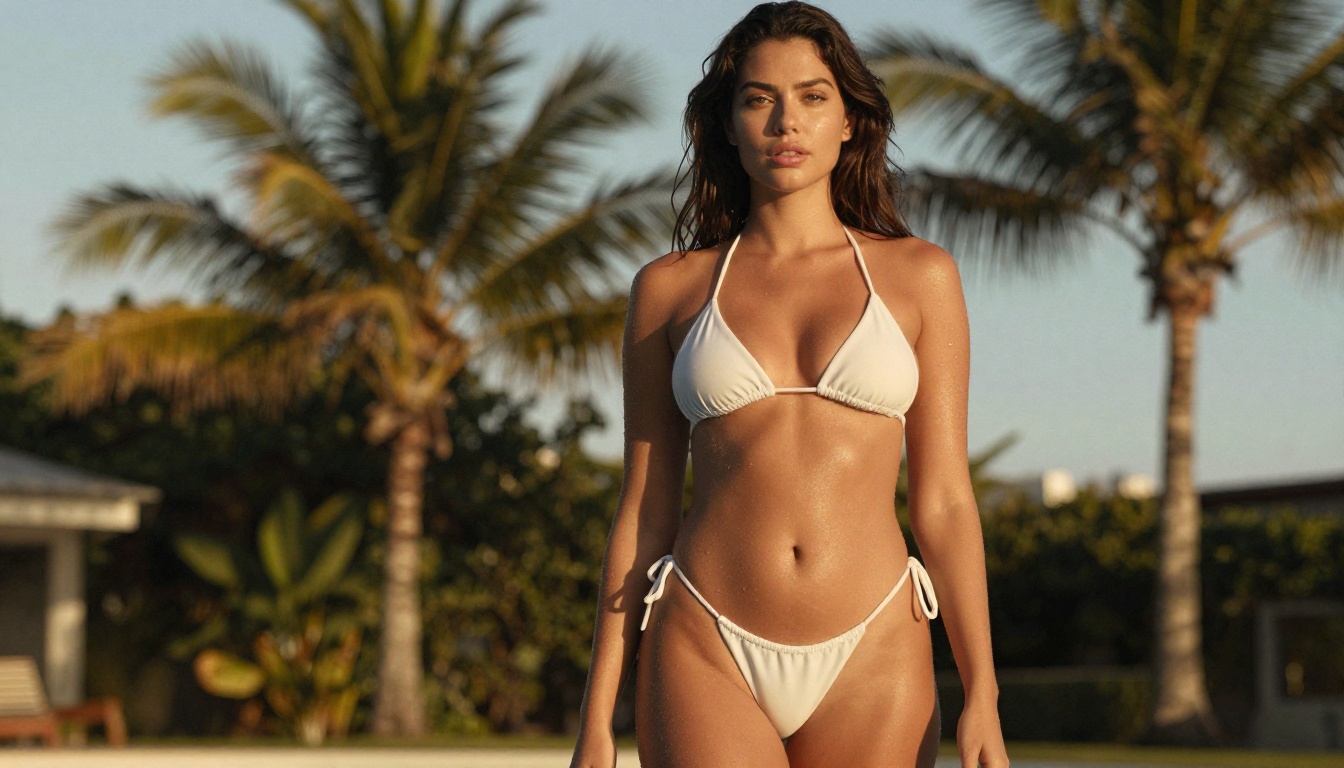
The AI character animation space has serious competition. Knowing where Kling v3 sits relative to the alternatives helps you pick the right tool for each stage of production.
Kling v2.6 Motion Control vs v3
Kling v2.6 Motion Control established the motion control standard that v3 builds on. Version 3 improves in three measurable areas: fabric physics that behave more naturally on lightweight and sheer materials, face consistency across longer clips with less temporal drift between frames, and more precise camera path execution on dolly and orbit movements.
For adult animation at the suggestive level, v3 produces noticeably better skin rendering and more anatomically consistent motion during stretching and bending sequences. The difference is most visible in close-up shots where skin texture and surface movement are prominent.
How Wan and Pixverse Compare
Wan 2.7 I2V is an image-to-video model with fluid naturalistic motion, but it lacks the skeleton-based pose tracking that makes Kling's output predictable. Wan is better for ambient environmental motion and subtle character animation. Kling wins when specific body positions and controlled movement sequences matter for the output.
Pixverse v6 offers strong cinematic quality and good character consistency, but its motion control layer operates at a higher abstraction level than Kling v3's joint-level system. Pixverse is excellent for cinematic video generation with natural and organic motion. For controlled character pose animation where you need a specific starting position maintained, Kling is more precise.
Motion Types That Work Best
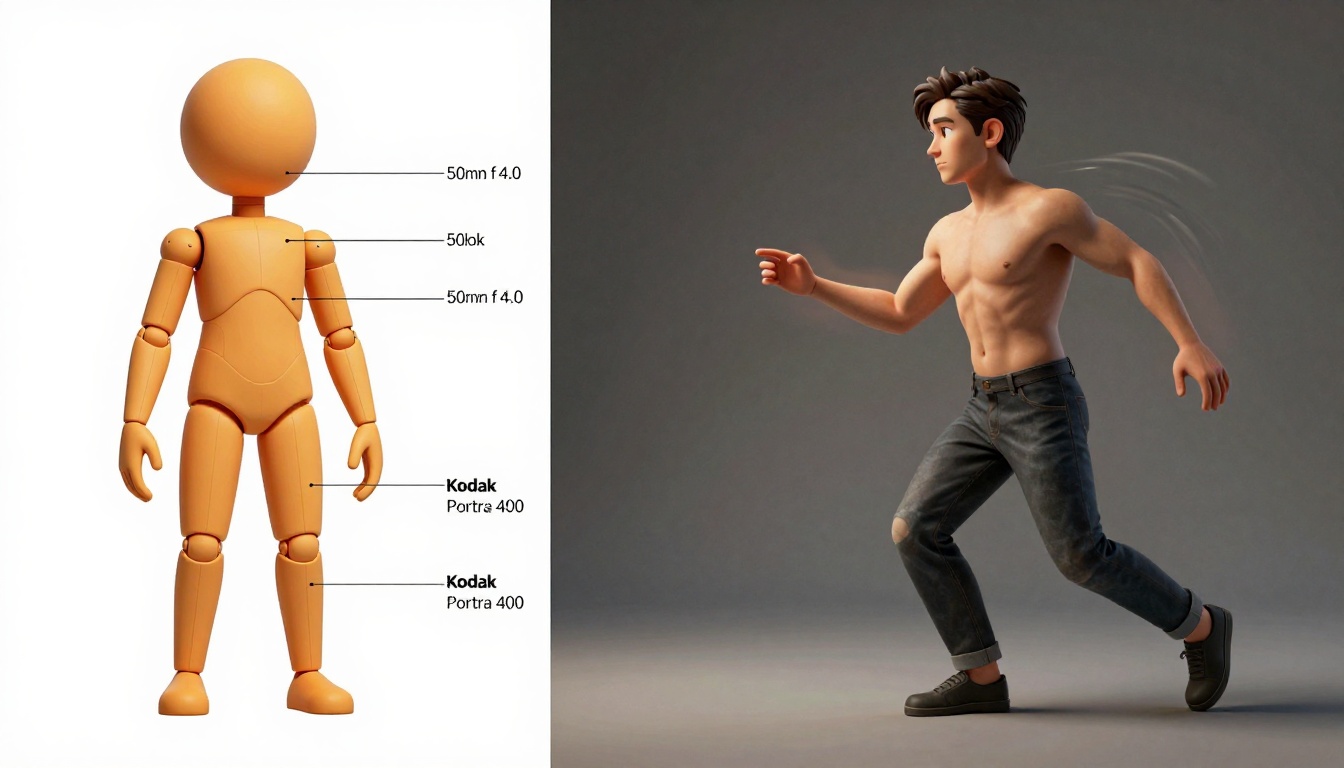
Not all motion types produce equal results in Kling v3. Knowing which categories the model handles well saves significant generation time and avoids wasted credits on repeat generations.
Walking, Dancing, Posing
Walking is the model's most reliable motion category. Hip sway, arm swing, stride rhythm, and hair bounce all generate with high frame-to-frame consistency when the source image provides a clear starting pose. For adult animation in the suggestive range, a character walking toward or away from camera in minimal clothing is the most production-ready output type currently available.
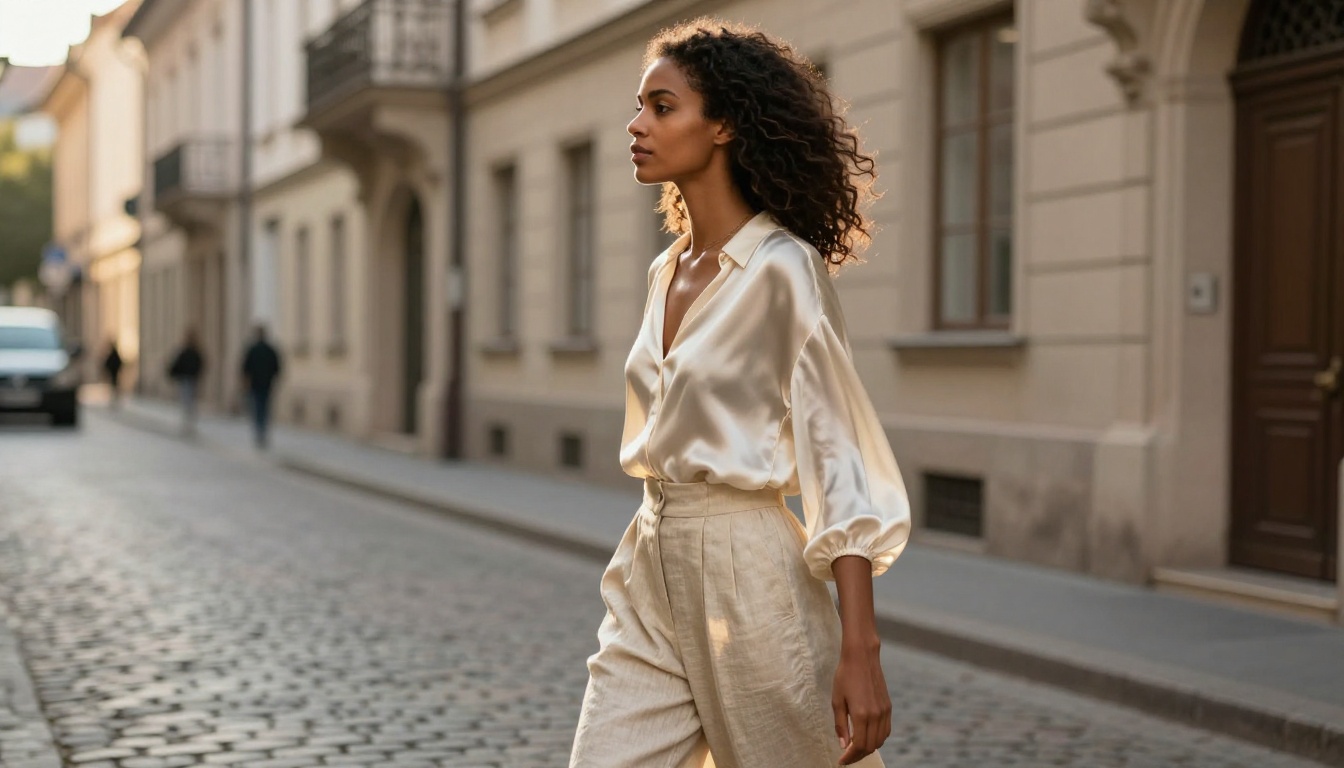
Dancing works best for upper body motion. Arm sweeps, shoulder rotations, torso waves, and weight shifts produce clean results with good temporal stability. Complex footwork is less reliable when the floor plane is ambiguous in the source image, so grounding the starting pose on a visible surface helps significantly.
Posing and subtle intimate motion are ideal for close-up shots. Slow breathing, slight head turns, clothing shifts from body movement or implied wind, and subtle weight changes all generate with high fidelity. These motion types are where Kling v3's fabric physics improvements are most visible compared to earlier versions.
Where Things Still Fall Apart
Some motion categories remain inconsistent even in v3:
- Fast full-body motion such as running, jumping, or fast spins produces limb artifacts at peak displacement frames
- Multi-character proximity loses positional accuracy when two figures come within close range of each other during the clip
- Hand detail during active motion is the most persistent weakness across all Kling versions; reaching, grasping, and touching actions show visible artifacts on close inspection
- Rapid facial expression changes during fast motion introduce subtle temporal flickering most visible when pausing the clip
💡 For any scene requiring close hand detail, generate a still source image from Seedream 4.5 and animate with a static camera and minimal hand movement. This sidesteps the hand artifact problem entirely without requiring multiple regeneration attempts.
Real Production Workflows for Adult Animation
Serious adult content creators do not use a single model. The production pipeline combines the strengths of multiple tools across three stages.
Stage 1: Character and frame generation
Start with Seedream 4.5 for the source image. It accepts direct NSFW prompts and produces photorealistic results in under 3 seconds. Generate 3 to 5 source frame options showing the character in the desired starting pose and clothing level, then select the best for animation.
Alternatively, start with a reference photo and run it through PicassoIA Image Editor Pro or Grok Imagine Image to shift the clothing level to what your project needs. Both accept NSFW edits and return results quickly.
Stage 2: Controlled character motion
Feed the best source frame into Kling v3 Motion Control. Write a specific motion prompt describing the exact movement sequence. Use camera presets to frame the output cinematically. At this stage you are working within Kling's allowed content range, with the character in the clothing established in your source image.
Stage 3: Uncensored video output when needed
For content that needs to go past Kling's ceiling, switch to P-Video or PicassoIA Video. Use the character design, camera style, and motion language established in stages one and two to reconstruct the scene through these unrestricted models.
This staged approach extracts Kling v3's precision motion control for the clothed and suggestive portions of your content, then uses unrestricted models where full creative freedom is needed. The result is a cleaner and more consistent final output than relying on a single uncensored model for everything.
Start Creating AI Animation Today
Kling v3 Motion Control is one of the strongest character animation tools available right now for controlled body movement. The skeleton tracking, fabric physics, and camera control all land well ahead of where this technology was two versions ago. Within the suggestive content range, it is the most precise tool available for adult character animation that needs specific, repeatable body positioning.
For content above that ceiling, PicassoIA's catalog of unrestricted models closes the gap. The full pipeline from character image generation through controlled motion animation to uncensored video output exists on a single platform, accessible without a credit card for the first few generations.
Start with a source image from Seedream 4.5. Animate it through Kling v3 Motion Control. Push further with P-Video or PicassoIA Video when the project demands it. The tools are there. The only thing left is trying them.
👉 Access the full lineup of AI animation models at picassoia.com/en/all-models and start generating without limits.


