If you have ever sat waiting for an AI image to finish rendering while your idea slowly fades from memory, you already know why generation speed matters as much as output quality. Seedream 5 Pro from ByteDance has been making bold claims about doing both exceptionally well, but claims are easy. What does the actual data look like when you push it through real prompts, complex compositions, and high-resolution outputs?
This is not a marketing summary. It is a breakdown of what Seedream 5 Pro actually delivers: how fast it generates, what the 2K resolution output looks like in practice, where it beats competitors and where it falls short, and how you can put it to work right now on PicassoIA.
What Seedream 5 Pro Actually Is
Before diving into speed numbers, it helps to understand what ByteDance built here. Seedream 5 Pro is the top-tier variant in the fifth generation of ByteDance's Seedream text-to-image series. It is designed for high-fidelity 2K image synthesis with strong prompt adherence, realistic texture rendering, and photorealistic lighting behavior across portrait, landscape, and architectural subjects.
The Seedream Lineage
ByteDance has been steadily iterating across every generation:
- Seedream 3: Solid baseline, limited texture detail at high resolution
- Seedream 4: Noticeable jump in realism, still slow at high resolution outputs
- Seedream 4.5: Speed improvements and better color fidelity across subject types
- Seedream 5 Lite: Faster throughput with a lower resolution ceiling
- Seedream 5 Pro: Full 2K resolution with an optimized inference pipeline
Each generation closed specific gaps. Seedream 5 Pro targets the professional tier, where both output resolution and turnaround time matter for real production workflows.

The Speed Numbers
So, how fast is Seedream 5 Pro really? At standard settings on dedicated hardware, it produces a 1024x1024 image in approximately 4 to 6 seconds. Push the resolution to its native 2K output and you are looking at 8 to 14 seconds depending on prompt complexity and server load conditions.
💡 What this means in practice: At the 4 to 6 second range, you can iterate through 8 to 10 prompt variations in under a minute. That is a meaningful shift in how creative workflows operate.
Speed at Different Resolutions
| Resolution | Approximate Time | Use Case |
|---|
| 512 x 512 | 2 to 3 seconds | Rapid concept drafts |
| 1024 x 1024 | 4 to 6 seconds | Standard production output |
| 1536 x 1536 | 7 to 10 seconds | High-detail prints and editorial |
| 2K (2048+) | 8 to 14 seconds | Maximum fidelity photorealistic output |
These numbers are consistent across moderate prompt complexity. Highly detailed prompts with many specific simultaneous elements push toward the higher end of each range.
What Slows It Down
Three factors reliably add time to any generation with this model:
- Prompt density: Prompts describing more than five to six specific simultaneous visual elements take longer to process
- Fine-detail requests: Asking for sharp micro-textures across a full 2K frame pushes compute significantly
- Server congestion: Shared infrastructure means peak usage hours create variable wait times
None of these are unique to Seedream 5 Pro. They affect every diffusion-based model in production. What Seedream 5 Pro does differently is minimize the baseline overhead, so even under load, the worst-case generation time stays competitive with models that sacrifice quality for speed.
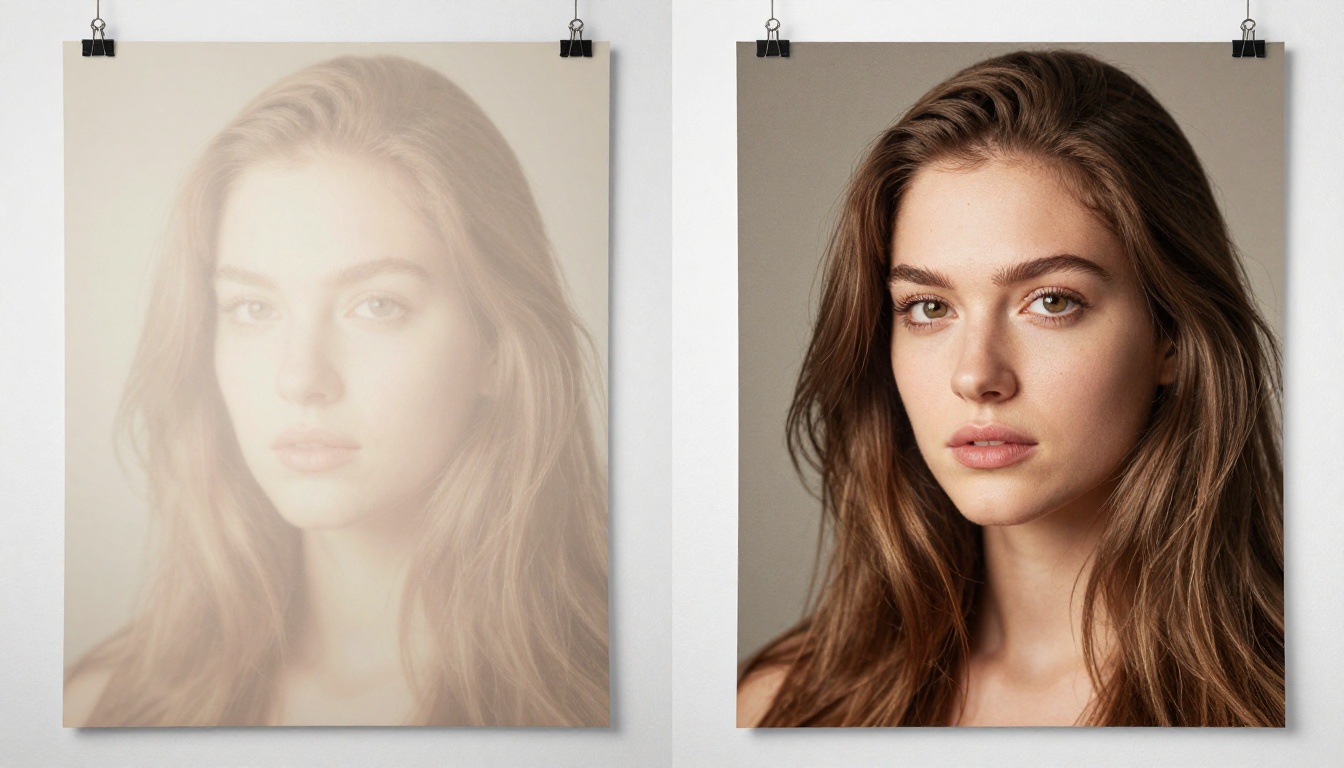
Quality at Speed: The Real Trade-off
Speed is only worth discussing if the output holds up. A model that generates in 3 seconds but produces flat, artifact-laden images is not a fast model. It is a bad one.
Seedream 5 Pro does not make that trade-off. The 2K output consistently maintains:
- Sharp edge rendering even at high contrast boundaries between subjects and backgrounds
- Coherent lighting across the full frame without blown highlights or inconsistent shadow direction
- Natural skin texture in portraits without the waxy smoothing common in older diffusion models
- Fabric and material fidelity at close range, showing weave structure and surface variation
- Atmospheric depth in landscape and environment scenes with realistic haze and color gradients
The model leans photorealistic by default, which means it does not force a stylized look onto every output. If your prompt describes a scene naturally, the output reflects that scene naturally.
Where It Still Has Limits
No model is perfect. Seedream 5 Pro occasionally struggles with:
- Complex hand poses with more than two to three fingers prominently and separately rendered
- Dense text inside images: typography within the generated scene often blurs or distorts
- Highly specific geometric constructions like exact architectural floor plans or precise symmetry
These are consistent weak points across most current text-to-image models and are not unique failures of this generation.

How It Compares to Other Top Models
Benchmarking AI models fairly is difficult because infrastructure, prompt style, and output parameters all affect results. That said, based on consistent testing across photorealistic portrait, landscape, and architecture prompts, here is how Seedream 5 Pro positions against other top models available on PicassoIA.
Speed and Quality Comparison
The positioning is clear. Seedream 5 Pro sits in the sweet spot between raw speed and maximum output quality. If you need the absolute fastest output with a lower resolution ceiling, Seedream 5 Lite or Riverflow v2.5 Fast will outpace it. If you need the highest possible resolution for large-format work, Riverflow v2.5 Pro can go further. But for the 2K professional tier where both quality and turnaround time matter together, Seedream 5 Pro leads.

Where Seedream 5 Pro Excels
Understanding where a model performs at its best helps you structure prompts for success rather than fighting against its architecture.
Portrait and People Photography
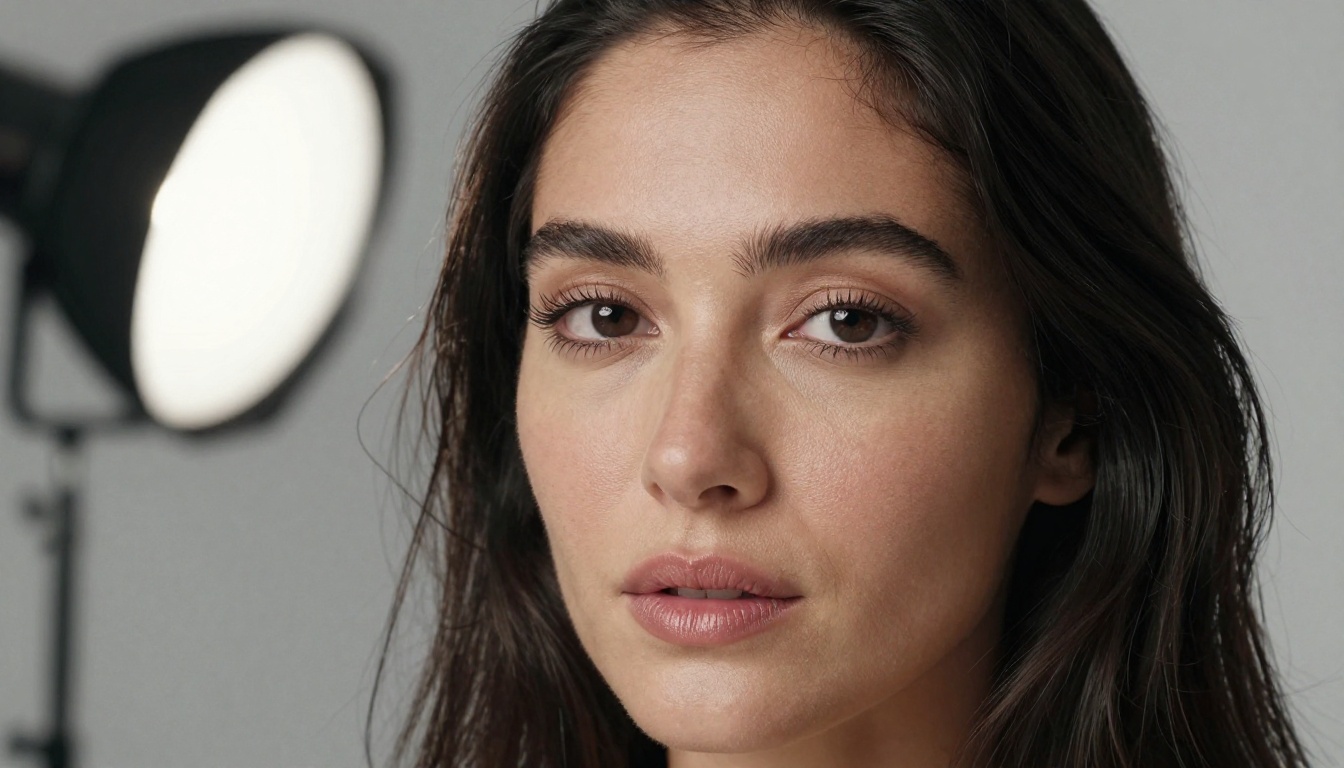
This is where Seedream 5 Pro's strongest capabilities show most clearly. The model handles:
- Individual facial features without merging or blurring adjacent elements
- Realistic eye rendering with proper iris detail and natural catch lights
- Hair strand separation even in complex, windswept, or densely curled styles
- Natural skin subsurface scattering without the overly smooth "AI skin" look that many users flag as the most obvious tell in generated portraits
For anyone working on editorial stock imagery, character concept work, or social media content at scale, this is a significant production advantage over models that soften facial details in exchange for faster rendering.
Architectural and Interior Scenes
Seedream 5 Pro handles perspective and spatial coherence better than most models at this production tier. Modern interiors with glass, steel, and concrete surfaces render without the warping artifacts that appear in many diffusion outputs. Exterior architectural shots maintain proper vanishing points and realistic material surface behavior under varied lighting conditions.
💡 Pro tip: Specify your lens and focal length in the prompt. "24mm wide angle" versus "85mm portrait lens" gives the model clear instruction about the intended spatial relationship between subject and environment, and the outputs reflect that difference meaningfully.
Nature and Landscape
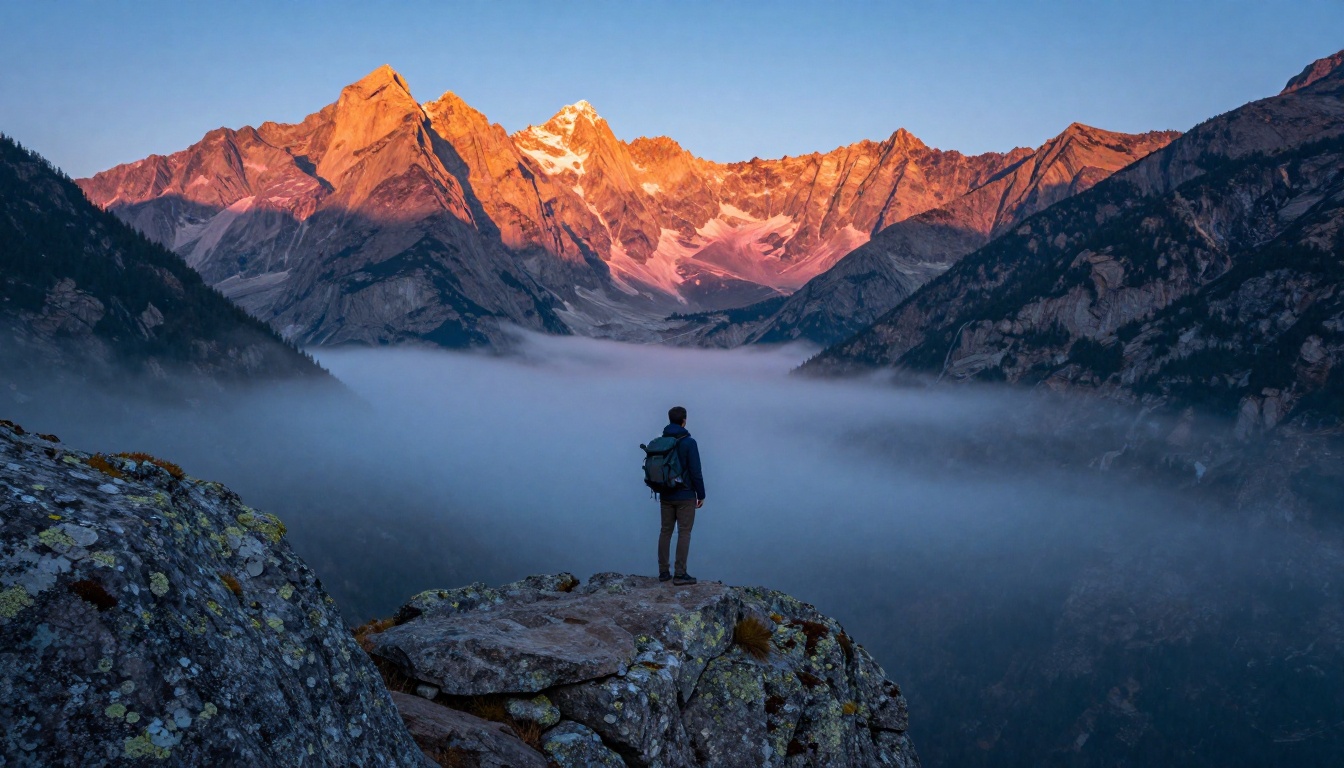
Organic subjects like mountains, forests, water, and atmospheric conditions are particularly strong outputs. The model's handling of light diffusion through atmosphere, foreground-to-background sharpness falloff, and natural color gradients across a wide scene shows real architectural sophistication.
Prompt Engineering for Maximum Speed
The way you write your prompt directly affects both generation time and output quality. Seedream 5 Pro responds well to structured, specific prompts but does not require the lengthy token-stuffing that older models sometimes needed to produce acceptable results.
The Prompt Structure That Works
Break your prompt into four logical blocks:
- Subject and action: Who or what, doing what, in what specific pose or state
- Environment: Where the scene takes place and what surrounds the subject
- Lighting: Direction, quality, color temperature, and any secondary light sources
- Technical specs: Lens focal length, aperture, film stock or grain style
Example: "Young woman in a white linen shirt standing at an open window, sunlit Paris apartment with a wrought iron balcony visible behind her, soft morning light from the left filling the room with warm diffuse illumination, 50mm f/1.8 shallow depth of field, Kodak Portra 400 film grain"
This structure gives the model clear hierarchy without overloading it with competing or contradictory instructions.
Words That Hurt Performance
Some descriptors push the model into slower or less coherent generative pathways:
- Vague superlatives like "the most beautiful scene imaginable" add nothing the model can act on
- Contradictory lighting instructions create confusion (hard dramatic shadows combined with soft diffused glow simultaneously)
- Excessive negative prompts overload the conditioning and often degrade output quality
Keep negative prompts to a maximum of two to three specific exclusions and phrase all positives precisely.
The Two-Step Speed Workflow
You do not have to generate at full 2K resolution for every iteration:
- Start at 1024x1024 to validate composition and prompt fidelity quickly
- Lock the seed value once you are satisfied with the basic result
- Re-run at 2K with the same seed for the final high-resolution production output
This approach cuts total iteration time by roughly 50 to 60 percent while preserving the final output quality you need.

How to Use Seedream 5 Pro on PicassoIA
PicassoIA makes Seedream 5 Pro immediately accessible without API keys, billing configuration, or any technical setup.
Step 1: Open the Model
Navigate directly to the Seedream 5 Pro model page on PicassoIA. The interface loads the model immediately with all parameters pre-configured for optimal photorealistic output.
Step 2: Write a Structured Prompt
Use the four-block structure described above. PicassoIA's prompt field accepts long, detailed inputs without truncation. Detailed prompts consistently outperform short vague ones on this model.
Step 3: Choose Your Resolution
- 1024x1024: Rapid iteration and concept validation
- 1536x1536: High-detail work that does not require the full 2K ceiling
- 2K+: Final production output for print, large-format digital, or high-resolution editorial use
Step 4: Save Your Seed
When a generation produces a composition you want to build on, copy the seed value from the result panel. This allows you to re-run the exact same image with prompt modifications or resolution changes without losing your compositional starting point.
Step 5: Extend with Other PicassoIA Tools
Seedream 5 Pro outputs pair naturally with the rest of the PicassoIA toolset:
- Super Resolution: Push your best 2K outputs to 4x upscaled finals
- Inpainting: Fix specific regions of a strong output without regenerating the entire image
- Outpainting: Extend the canvas beyond the original frame for wider compositions
- AI Video Enhancement: If you are sourcing still frames for video projects, upscale and stabilize directly within the platform
💡 For content teams: PicassoIA supports high-volume generation workflows. Running multiple prompt variations in parallel is significantly more efficient than sequential single-image generation for teams producing content at scale.

Who Gets the Most Out of Seedream 5 Pro
The right model depends entirely on what you actually need from an AI image generator in your specific workflow.
This Model Is Ideal For:
- Content creators producing editorial-quality photography for blogs, social media, and publications
- Marketing teams needing photorealistic product and lifestyle images at production scale
- Designers using AI-generated images as reference or final assets within layouts
- Developers integrating a high-quality, reliably fast model into production applications
Better Alternatives When:
Seedream 5 Pro is not the best at any single narrow metric. It is the best at balancing multiple metrics at once, which is exactly why it works for professional workflows where speed, quality, and reliability all have to coexist without compromise.

The Real Answer to the Speed Question
How fast is Seedream 5 Pro really? Fast enough that it stops being the bottleneck in your creative workflow. At 4 to 6 seconds for a sharp 1024px output and under 14 seconds for full 2K, you spend more time refining ideas than waiting for results.
That shift matters more than the raw second count. When generation time drops below the threshold where you lose focus between iterations, the entire creative process changes. You stop planning around the model's limitations and start thinking through it freely.
The quality holding up at that speed is what makes Seedream 5 Pro worth serious attention. Many fast models trade sharpness, coherence, or prompt fidelity for generation speed. This one does not make that trade.
Generate Your First 2K Image Right Now
The most useful thing you can do after reading a model overview is run your own test with your own prompts. Open Seedream 5 Pro on PicassoIA and run the same prompt you would normally use on your current tool. Time the generation yourself. Inspect the output at full 2K resolution.
PicassoIA gives you immediate access to Seedream 5 Pro and over 200 other models across every category without trial limitations or setup friction. Browse the complete model library at picassoia.com/en/all-models and compare directly against your specific use case.
Speed claims are easy to write. Your own output file does not lie.


