Flux 2 Max is one of the most technically capable AI image models available right now. It sits at the top of the Black Forest Labs lineup, generates at resolutions up to 2048x2048, and handles complex multi-subject scenes with a level of coherence that few models can match. But the moment creators start asking about adult content, a very clear line appears.
So what exactly does Flux 2 Max block? How does its content filter work beneath the surface? And if you need unrestricted creative freedom, which models on PicassoIA actually deliver? This article answers all of that, with a close look at the policies behind Flux 2 Max and a ranked list of alternatives for NSFW image generation.
What Flux 2 Max Is
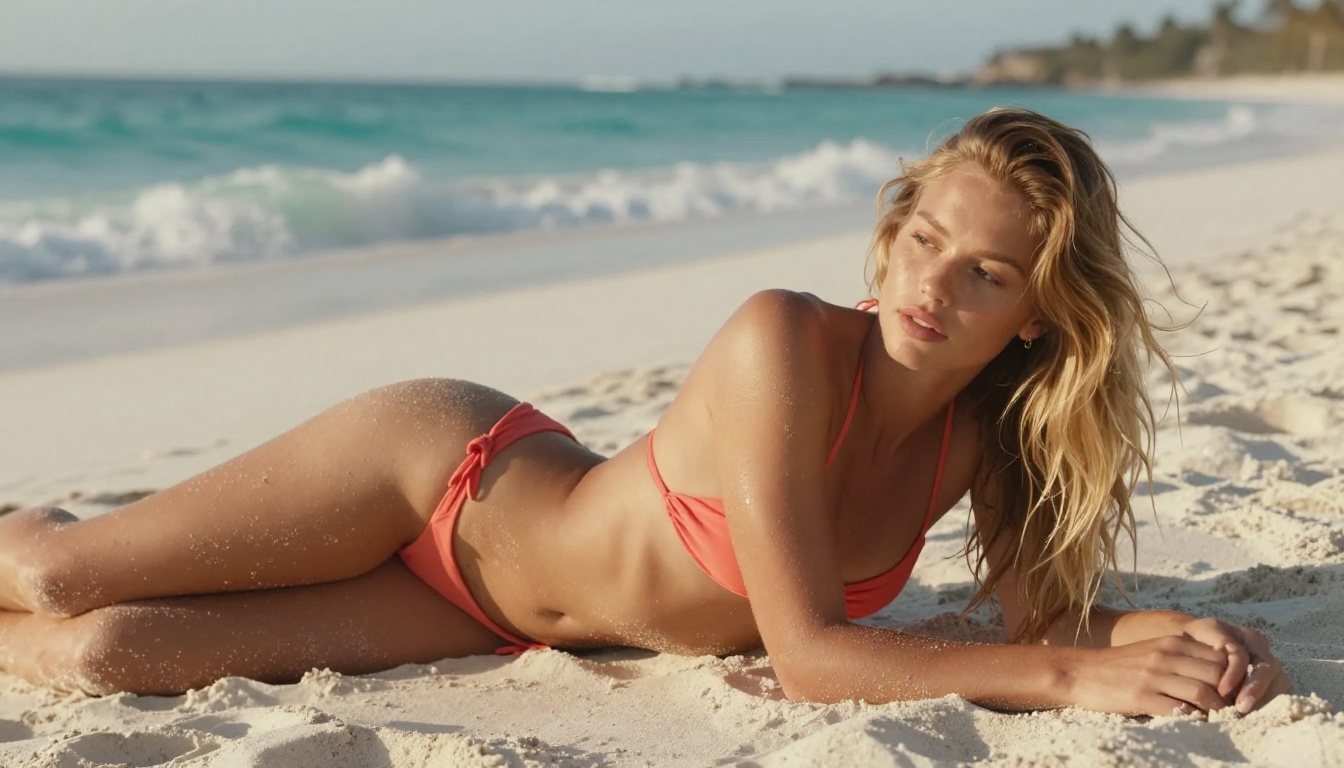
Flux 2 Max is the flagship text-to-image model from Black Forest Labs, the team behind the entire Flux model family. Compared to Flux 2 Pro and Flux 2 Dev, Max delivers the highest output fidelity in the series: sharper textures, better prompt adherence, and stronger compositional accuracy across complex scenes.
Where Flux 2 Max Fits in the Lineup
The model is exceptionally capable for editorial photography, advertising mockups, product images, and portrait work. The results it produces within its allowed content range are genuinely hard to beat. That said, those results come with a clear constraint: an enforced content policy that blocks all forms of explicit adult material.
The Direct Answer on Adult Content
Flux 2 Max does not support NSFW or explicit adult content. The content filter is not a platform-level setting that varies by provider. It is built directly into the model at the API level, applied uniformly regardless of which service you access it through.
When you push Flux 2 Max toward restricted content, the outcomes typically fall into three categories:
- The model auto-corrects your prompt silently, producing a sanitized version of what you asked for
- You receive a blank generation or error message, with no image returned
- The model generates an image with distorted or suppressed elements where the filter has intervened mid-generation
The threshold sits stricter than many creators anticipate. This is not just about nudity. The filter can trigger on suggestive clothing combinations, specific body-focused framing choices, intimacy between subjects even when both are fully clothed, and prompt vocabulary that commonly appears in adult content requests.
💡 Important: changing platforms that host Flux 2 Max does not bypass the content filter. The restriction is built into the model weights themselves, not the platform wrapper around them.
How the Safety Filter Works Inside Flux 2 Max
Flux 2 Max uses a multi-stage content moderation pipeline. Understanding how it operates at each stage explains why certain prompt workarounds that might seem clever simply do not function.
Stage 1: Prompt Classification
Before any generation begins, a classifier reads your full text prompt and assigns a risk score based on explicit terms, semantic associations, and contextual patterns. This is not simple keyword matching. The classifier reads the semantic meaning of your prompt as a whole, so rephrasing or using synonyms often still triggers the same risk score. It is trained on the statistical patterns of adult content prompting, which gives it a broad and consistent reach.
Stage 2: Latent Space Steering
During generation, the model applies guidance vectors inside the latent representation of the image before it is decoded into visible pixels. These vectors steer the output away from visual patterns statistically associated with restricted content. This is the stage responsible for the distorted or anatomically incoherent images that sometimes result from adult-adjacent prompts: the model is rendering something, but internal steering is suppressing specific visual elements from completing.
Stage 3: Output Screening
After the image is rendered, a final classifier checks the output image itself. If the rendered image crosses the content threshold at this point, it is either blurred before delivery, substituted with a safe fallback, or the request is rejected outright. This final stage catches anything the first two stages might have missed.
All three stages operate on every single request. The system is redundant by design, which is why no single bypass point exists.

What the Filter Does and Does Not Block
Being specific about where Flux 2 Max's restrictions actually begin is useful, because the model remains highly capable within its allowed range.
What Works in Flux 2 Max
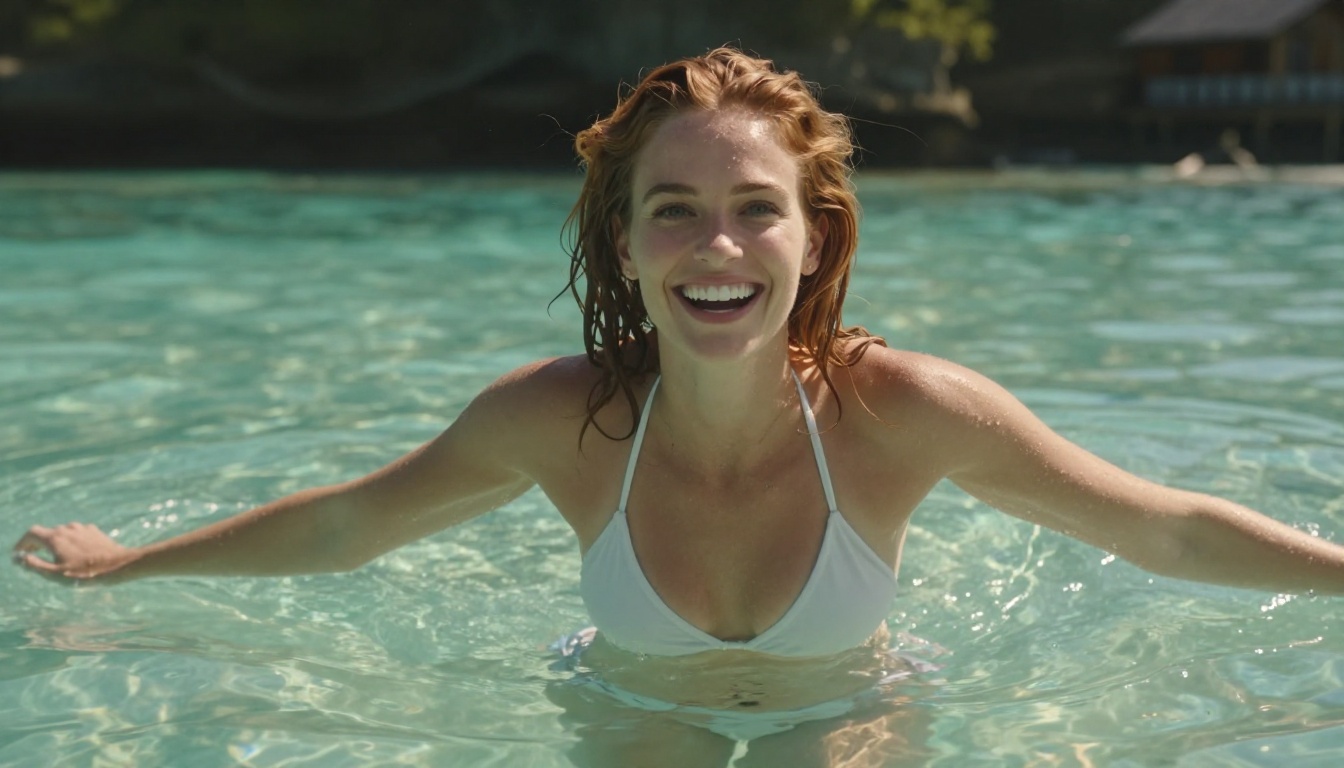
- Swimwear and beachwear photography in editorial and fashion contexts, though thresholds here are inconsistent and outputs vary
- Romance and intimacy between subjects when both are fully clothed throughout the frame
- Artistic figure study where the body is depicted but the content remains non-sexual in framing
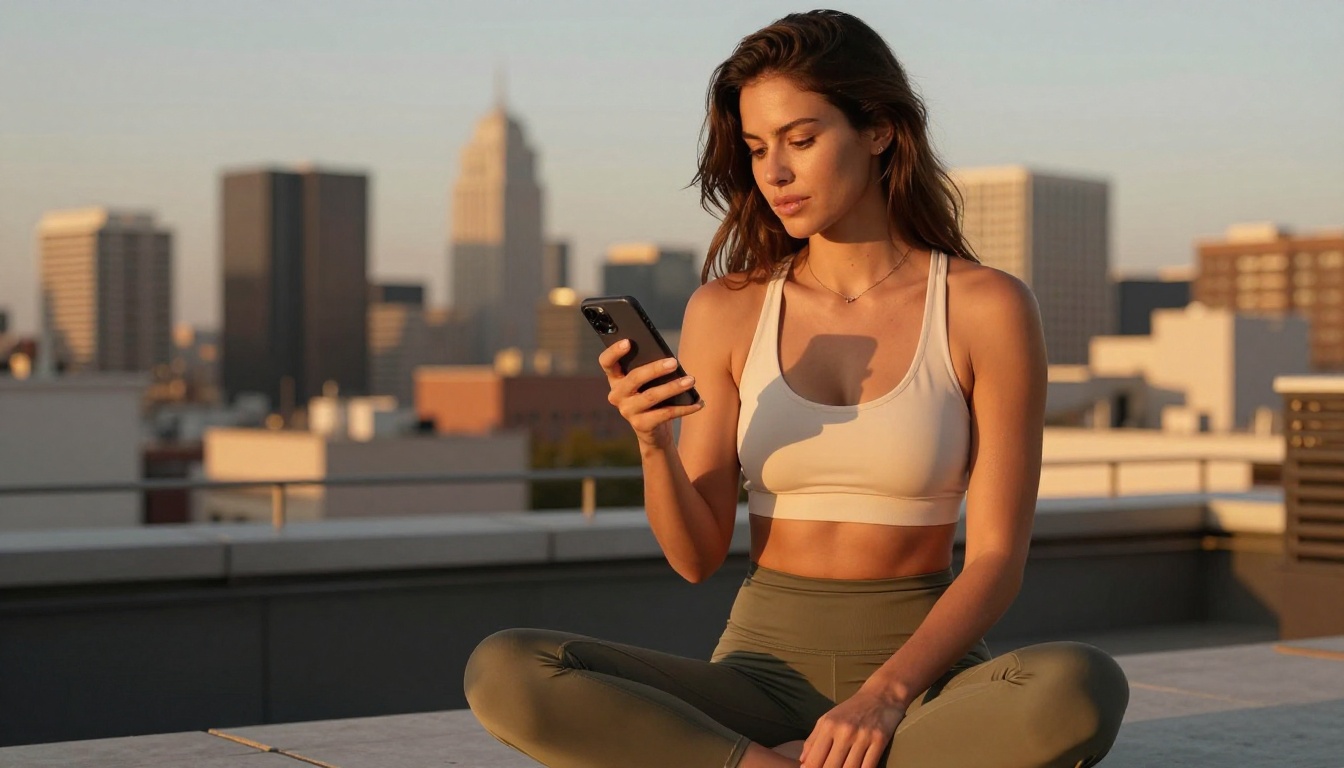
- Dance, athletics, and fitness photography with form-fitting clothing shown in motion or rest
- Beauty and portrait work at any intensity of styling or lighting
- Fashion photography including lingerie in editorial-style compositions that avoid explicit framing
What Gets Blocked
- All forms of nudity, whether explicit or strongly implied
- Explicit or semi-explicit acts, poses, or positioning
- Prompts that isolate specific body regions as the primary compositional subject
- Vocabulary associated with adult content, regardless of the artistic context surrounding it
- Suggestive scene compositions that read as adult-oriented even without visible nudity
For creators working in editorial, commercial, or artistic content that stays within the above limits, Flux 2 Max is still a phenomenal tool. But once your creative work moves beyond those limits, the model is simply not built for that workflow.
Flux 2 Max vs. Other Flux Models on Adult Content
If you were hoping a different Flux variant might open up more content flexibility, the situation is consistent across the entire family.
Both apply the same fundamental content restrictions as Flux 2 Max. The Flux 2 Dev model has marginally more relaxed thresholds in some research-deployment contexts, but the practical difference is small and still well short of permitting NSFW outputs in any meaningful form.
These are editing-focused variants designed for in-context image manipulation, where you modify existing images while preserving their overall visual structure. They apply the same content restrictions at the same pipeline stages. Using either to edit an existing NSFW image triggers identical filter responses.
Both are commercial flagship models from the earlier Flux 1 and 1.1 generations with identical content policies to the Flux 2 line. Neither permits adult content generation.
💡 The pattern holds across every Flux variant on PicassoIA: content restrictions are an architectural decision baked into the model weights, not a configurable setting. No amount of prompt engineering or platform switching changes this.
The Best NSFW Alternatives on PicassoIA
PicassoIA hosts a range of models built for unrestricted creative work. These are the ones that deliver at the quality level serious creators need, ranked by overall performance for adult content generation.
1. Seedream 4.5 — The Top Recommendation
Seedream 4.5 is the leading NSFW model on PicassoIA. It accepts adult content at every level, supports both text-to-image generation and direct image editing within the same interface, and produces outputs in under 3 seconds. Its photorealism is comparable to Flux 2 Max in quality for the content it supports: strong skin texture rendering, accurate lighting response, and consistent anatomical coherence throughout.
It also handles image editing natively, letting you take a generated image and modify specific elements with a follow-up text prompt. This makes iterative refinement significantly faster than regenerating from scratch each time.
One critical note: Seedream's next version, Seedream 5 Lite, does not support NSFW content. When browsing PicassoIA models, select Seedream 4.5 specifically.
PicassoIA Image Editor Pro changes the economics of adult content generation entirely for creators who need volume. This image-to-image model is included with unlimited generations on Elite and Infinite plans, meaning 1,000 generations cost the same extra as 10: nothing.
To put that in perspective, generating 1,000 images on a per-credit model like Nano Banana 2 costs roughly $100. With PicassoIA Image Editor Pro on an eligible plan, that same volume is included at no additional cost. It delivers results in under one second, accepts NSFW content fully, and is available for a 3-generation free trial without requiring a credit card.
An open-source model that creates or edits images with no content restrictions. Its realism is strong, particularly for detailed portrait and body photography, and its open-source licensing means consistent availability without commercial interruptions.
The right pick for image-to-image transformations. Grok Imagine Image converts uploaded reference photos into new versions with a high degree of realism, including swimwear and bikini-format conversions that maintain the original subject's likeness throughout.
Pure text-to-image generation with no content filter. Recraft V4 delivers strong photorealistic results from text prompts alone, without requiring a source image, making it the right tool when you are building a scene from scratch.
The fastest option in the lineup. P-Image delivers NSFW text-to-image results in under 1 second, making it ideal for rapid prompt testing when you need to iterate through many prompt variations before committing to a full generation workflow.

How to Use Seedream 4.5 on PicassoIA
Seedream 4.5 is the recommended starting point for unrestricted generation. Here is a step-by-step process for getting the best results.
Step 1: Open the Model Page
Navigate directly to the Seedream 4.5 page on PicassoIA. The prompt input and generation settings load immediately without sub-menu navigation.
Step 2: Write a Detailed Prompt
Seedream 4.5 responds extremely well to structured, detailed prompts. Include:
- Subject: physical appearance, pose, expression, specific clothing details or absence of them
- Setting: specific environment, time of day, background elements
- Lighting: direction (side lit, rim lit, backlit), quality (soft or hard), color temperature
- Camera specs: focal length, aperture, film stock if applicable
Example: "Confident young woman with long auburn hair, wearing a white string bikini, standing in golden hour light on a tropical beach, water-level camera angle, 85mm f/1.4 lens, Kodak Portra 400 film grain, individual water droplets visible on sun-kissed skin, photorealistic texture detail"
Step 3: Choose Your Aspect Ratio
For portrait-orientation content use 9:16. For wide-format scene compositions use 16:9. For square outputs use 1:1. Seedream 4.5 maintains consistent quality and detail across all three ratios.
Step 4: Edit and Refine
Once you have a base image you are satisfied with, upload it back into the model and use a text prompt to modify specific elements: lighting, clothing details, background, or individual features. This iterative approach produces significantly better results than generating fresh from a new prompt every time.
Step 5: Scale Up with Image Editor Pro
When you have a reference image you are happy with, pass it to PicassoIA Image Editor Pro for high-volume variations. Since Image Editor Pro offers unlimited generations on Elite and Infinite plans, you can produce dozens of distinct variations from a single reference at no extra cost per image.
Why Flux 2 Max Was Built This Way
The content restrictions in Flux 2 Max are intentional, not incidental. Black Forest Labs built the Flux 2 series for commercial deployment at scale, which means integration with enterprise software stacks, advertising platforms, stock imagery services, and consumer applications that serve broad audiences, including minors.
For those use cases, content restrictions are not optional features. They are preconditions for the distribution agreements, app store approvals, and enterprise contracts that make the commercial model viable. A model deployed inside a major enterprise product cannot risk generating adult content in response to a creative employee prompt. A model licensed to an advertising platform cannot expose brand partners to that liability.
These are policy decisions, not architectural limitations. The underlying model infrastructure could theoretically handle adult content generation at the same quality level it handles everything else. Black Forest Labs chose not to permit it, consistently, across every variant in the Flux 2 product line.
That clarity is actually useful for creators. It tells you exactly what Flux 2 Max is designed for and what it is not. If your creative work requires content freedom, the model is not built for that workflow. If your creative work stays within the allowed range, it remains one of the best text-to-image models available anywhere.
Start Creating Without Limits Today
PicassoIA gives you access to the full spectrum of AI image generation, including models with no content restrictions and the photorealistic quality to back it up.
Start with Seedream 4.5 for top-tier NSFW image generation at sub-3-second speed, with built-in image editing for rapid iteration. Add PicassoIA Image Editor Pro when you need volume without per-generation cost. And if you want to see every available model in one place, including all unrestricted options, browse the full lineup at picassoia.com/en/all-models.
Flux 2 Max is an exceptional model within its category. For adult content generation, PicassoIA's unrestricted models deliver the same level of quality without the creative limits baked in.