When you sign up for a new AI video tool and see the word "free," pause for a second. Sometimes it means a 7-day trial before your card gets charged. Sometimes it means five low-resolution clips with a watermark burned in. And sometimes it genuinely means unlimited access, no credit card required, no countdown timer ticking in the corner. The difference matters enormously, especially when you are trying to produce real content or evaluate the tool's actual capabilities before committing money.
This article breaks down exactly how free trials and free tiers work across AI video generators in 2027, what the fine print usually hides, and which platforms you should actually start with if you want usable results right now.
Not All Free Trials Are the Same

The term "free trial" gets used loosely in the AI video space. Two products can both advertise free access and deliver completely different experiences. Knowing the difference before you sign up saves time, frustration, and the awkward moment when your generated clip comes back covered in a branding overlay you cannot remove.
The Credit Trap
Many platforms give you an initial credit allocation when you sign up. You get 50 credits, each video costs 10, so you can generate exactly five clips. The credits expire in a week or they just run out. After that, you hit a paywall with no way to continue without subscribing.
This is technically a free trial, but it is not the same as a free tier. You are getting a taste of the product with an artificial scarcity designed to push you toward a subscription. The issue is not that the platform is being deceptive. Credits-based free access is a legitimate business model. The problem is when the credit amount is so small that you cannot properly evaluate the tool before you have to decide whether to pay.
💡 Rule of thumb: If a platform offers fewer than 10 free generations, you are testing the UI, not the model. Real evaluation requires 20 to 30 outputs to understand consistency, prompt sensitivity, and typical failure modes.
True Free Tiers vs. Expiring Trials
A free tier is structurally different from a free trial. A trial has an end date or a hard generation limit. A free tier is a permanent, lower-capability version of the product. You can use it indefinitely, and no countdown is ticking.
The best platforms in 2027 offer genuine free tiers with real generation capacity. Some even offer unlimited free generations, which sounds impossible until you understand the economics: smaller model sizes and lower output resolution cost far less compute, making them viable to offer permanently at zero charge.
| Type | Expires? | Watermark Risk | Resolution Cap | Card Required |
|---|
| Free trial (credit-based) | Yes | Sometimes | Sometimes | Usually |
| Free trial (time-based) | Yes | Rarely | Rarely | Usually |
| Free tier (limited) | No | Often | Often | No |
| Free tier (unlimited) | No | Rarely | Sometimes | No |
What Free Actually Includes in 2025

The AI video market has matured fast. A year ago, almost every platform required a credit card to even see the product. That changed in 2025 as competition pushed platforms to lower the barrier to entry. You now have more genuinely free options than ever, but you also need to read more carefully because the definitions have gotten blurry.
No Credit Card Required
The most meaningful shift in 2027 is that several high-quality AI video platforms no longer require a payment method at signup. This matters because a credit card requirement is a psychological barrier that many users never clear, even when no actual charge would occur. Removing it means you can test the product honestly, without the worry of forgetting to cancel something.
Platforms like PicassoIA Video and Seedance 2.5 Lite let you generate without entering any billing information at all. You create an account, write your prompt, and the video generates. No card on file, no auto-renewal risk, no subscription you have to cancel.
Unlimited vs. Limited Generation
The word "unlimited" is technically overloaded in tech marketing. When an AI video platform says unlimited, it can mean several different things in practice:
- Truly unlimited: You can generate as many videos as you want with no soft or hard cap
- Unlimited with queue priority rules: Unlimited generations but free users wait longer than paid users during peak hours
- Unlimited within a rolling window: A daily reset mechanism caps you even if the marketing copy omits that detail
Seedance 2.5 Lite from PicassoIA falls into the genuinely unlimited category. It supports clips up to 10 seconds with no generation cap. You could run it continuously all day and it would keep producing. The tradeoff is resolution and processing speed, which we cover in detail below.
Watermarks, Resolution, and Time Limits
These three restrictions are the main levers that AI video platforms use to differentiate free from paid. Understanding how each works helps you pick the right platform for your specific situation.
The Watermark Problem
A watermark is an overlay burned into the video file before it is delivered to you. Some watermarks are subtle corner logos that you can crop out in post. Others are large semi-transparent overlays across the center of the frame that make the footage completely unusable.
Watermarked video is not suitable for professional work, social media posts you care about, or any client-facing deliverable. Some platforms watermark all free outputs. Others reserve watermarks for their most basic plans but not for free tiers. Several models on PicassoIA produce clean, watermark-free outputs even on the free tier.
💡 Before you start generating: Check explicitly whether the platform's free outputs include a watermark. Most will state this on the pricing page, but some only reveal it in the FAQ or after you generate your first clip and download it.
Resolution Restrictions
Resolution caps are more common than watermarks in 2027. The logic from the platform side is straightforward: lower resolution costs less compute per generation, which costs less money, which makes it financially sustainable to offer for free. From the user side, lower resolution limits where you can actually publish the output.
Here is how the typical resolution breakdown looks across free tiers:
- 480p: Acceptable for internal use, prototyping, or mobile-first Stories. Not suitable for YouTube, promotional reels, or any context where pixel quality is visible.
- 540p: A midpoint offered by platforms like Ray Flash 2 540p. Better than 480p but still noticeably below the 720p threshold most users want.
- 720p: Genuinely usable. Most social platforms render well at 720p and viewers on mobile rarely notice the difference from 1080p. Ray Flash 2 720p hits this mark at zero cost.
- 1080p and above: Almost always requires a paid plan. A few exceptions exist in limited circumstances, but they are not the standard.

Generation Queue and Wait Times
Free tier users often wait longer than paid users to get their videos back. This is not always hidden, but it is not always prominently disclosed either. On busy platforms during peak hours, free tier generation can take anywhere from 2 minutes to over 20 minutes per clip.
For casual users testing the tool, this is acceptable. For anyone trying to produce a volume of content within a workday, it becomes a real friction point. Hailuo 02 Fast from MiniMax is one model that prioritizes speed, delivering 512p output with faster turnaround than most free tier options. If you need to iterate through ideas quickly, a model optimized for speed is worth more than one optimized for resolution.
The Best Free AI Video Models Right Now

Across PicassoIA's library of over 87 text-to-video models, several stand out specifically for their free access policies. These are the ones worth starting with, depending on your priorities.
Seedance 2.5 Lite
Seedance 2.5 Lite is the clearest example of genuinely unlimited free AI video generation currently available. No credit cap, no time limit, no watermark on outputs. You can generate clips up to 10 seconds long, which is longer than most free tier limits allow. The model handles motion consistency and subject coherence well, making it practical for social content rather than just demos.
The resolution sits below the full paid version, Seedance 2.5, which supports 30-second clips at higher quality. But for testing, iterating on prompts, or lower-stakes publishing, the Lite version delivers real, usable results at zero cost.
PicassoIA Video
PicassoIA Video is another free and unlimited AI video option that accepts both text prompts and image inputs. The image-to-video capability is more valuable than it might seem at first: starting from an existing image gives you direct control over the visual style of the opening frame, which is often the hardest variable to control in text-to-video generation alone.
No subscription required. No credit card. Just generate.
Ray Flash 2 720p
Ray Flash 2 720p from Luma AI sits at a useful practical midpoint: free tier access, 720p output, and reasonable generation speed. It clears the resolution bar that most social platforms require for good-looking content, which puts it in a different category from the 480p crowd.
If 720p is your minimum acceptable output resolution, Ray Flash 2 720p is the first free model worth testing.
Wan 3
Wan 3 from Alibaba is not fully free, but it deserves mention because it represents the quality ceiling that free models are being measured against. If you generate on Seedance 2.5 Lite and want to understand what a paid upgrade actually delivers, run the same prompt on Wan 3.
The visual fidelity, cinematographic motion handling, and scene-level coherence are noticeably better. Knowing that gap exists, and roughly how large it is, helps you make an informed decision about when upgrading actually changes your output.
LTX 2 Fast
LTX 2 Fast from Lightricks prioritizes generation speed above other concerns. If you are in a prompt development phase and need fast feedback loops to figure out what language produces the results you want, LTX 2 Fast shortens each iteration cycle significantly. It generates 4K-class video from text inputs in a fraction of the time most models require.
💡 Practical workflow: Use a fast free model for prompt development. Once you have language that reliably produces the right result, run it on a higher-quality model. You save both credits and time.
How to Pick the Right Free Option

The model that is "best" depends entirely on what you are trying to produce and under what constraints. There is no universal answer, but there is a decision framework that helps most users arrive at the right starting point faster.
Match Your Use Case
Speed vs. Quality Trade-offs
Every free AI video model makes a trade-off somewhere. The models that generate in under a minute are usually capping resolution or simplifying the diffusion pass to reduce compute costs. The models that take 5 to 15 minutes on free tier are running more complete inference passes and producing correspondingly better motion quality.
Neither approach is wrong. The right choice depends on whether you are in a discovery phase, where speed matters more than perfection, or a production phase, where output quality directly determines whether the clip is usable.
For production work at the current quality ceiling, Veo 3 Fast from Google and Kling v2.6 represent the state of the art. These are paid models, but they are the reference point you are working toward once free tier results validate your concept.
From Trial to Real Work
The free trial period is not just about evaluating whether you like the output quality. It is about building confidence in your prompting approach and developing an understanding of the platform deep enough to use it efficiently when you are on a paid plan or under a deadline.
When Free Is Enough
Free access is sufficient when:
- You are producing content for personal projects, social media posts, or internal presentations where resolution is a secondary concern
- The output resolution matches your distribution channel (480p works well for mobile-first Stories and short clips)
- You are in a testing or learning phase and do not need high-volume output within a short window
- You want the ability to iterate on prompts without worrying about depleting a credit balance
Seedance 2.5 Lite and PicassoIA Video cover most of these scenarios without requiring any subscription. For a large percentage of individual creators, free access on these two models alone provides enough capacity to produce real, publishable content.
When to Upgrade
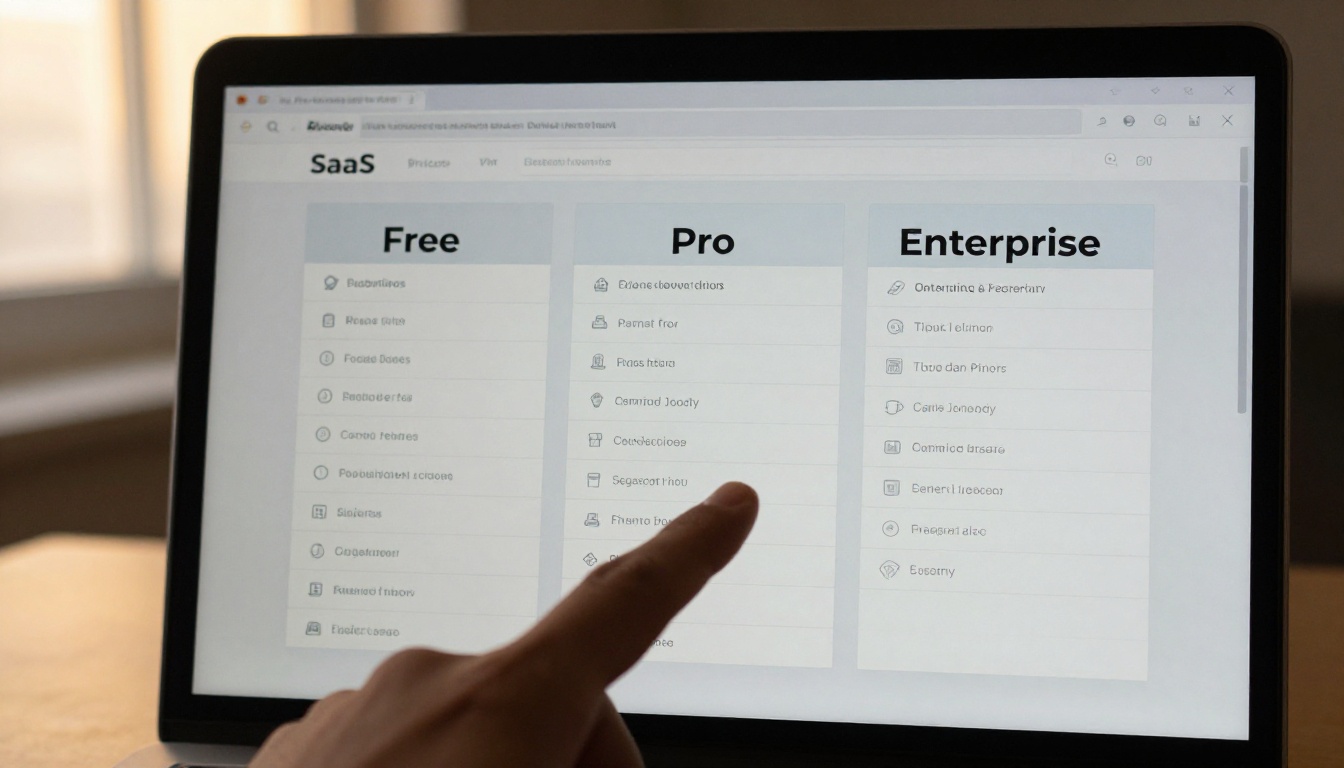
Upgrading to a paid plan makes sense when:
- You need 1080p or higher output for professional deliverables, advertising, or client-facing work
- You are producing more than 20 to 30 videos per week and free tier queue times are slowing your workflow in a measurable way
- Your platform or client requires watermark-free video as a baseline requirement
- You want access to audio-native models like Veo 3 Fast or Wan 3 that include synchronized audio generation in the same pass
- You need longer clip durations, with models like Seedance 2.5 supporting clips up to 30 seconds
The decision point usually arrives somewhere in the second or third week of using free tier consistently. By then you know whether the output quality meets your needs and whether the free access limitations are actually slowing down your work in ways that matter.
A useful internal benchmark: if you have generated 15 free clips and most of them are practically useful, you have validated the tool and a paid plan is worth considering. If you have generated 15 clips and only 2 or 3 are close to what you wanted, spend more time on prompting before upgrading. Paying more for a poorly calibrated prompt will not fix the underlying issue.
Try It Yourself on PicassoIA

PicassoIA gives you access to over 87 text-to-video models in one place, including models with genuinely unlimited free tiers that require no credit card. No countdown timer. No trial clock ticking. Just create an account, write a prompt, and generate.
The practical recommendation for most users is to start with Seedance 2.5 Lite for unlimited low-pressure iterations, then run your strongest prompts through Ray Flash 2 720p to get cleaner output. Once you understand what your prompts actually produce in practice, upgrading to a model like Wan 3 or Kling v2.6 is an informed, data-backed decision rather than a leap of faith.
The full model library is at picassoia.com/en/all-models. Pick one of the free models, write a prompt describing exactly what you want to see, and find out what the current state of AI video generation actually produces. The results tend to be more immediately usable than most people expect before they try.


