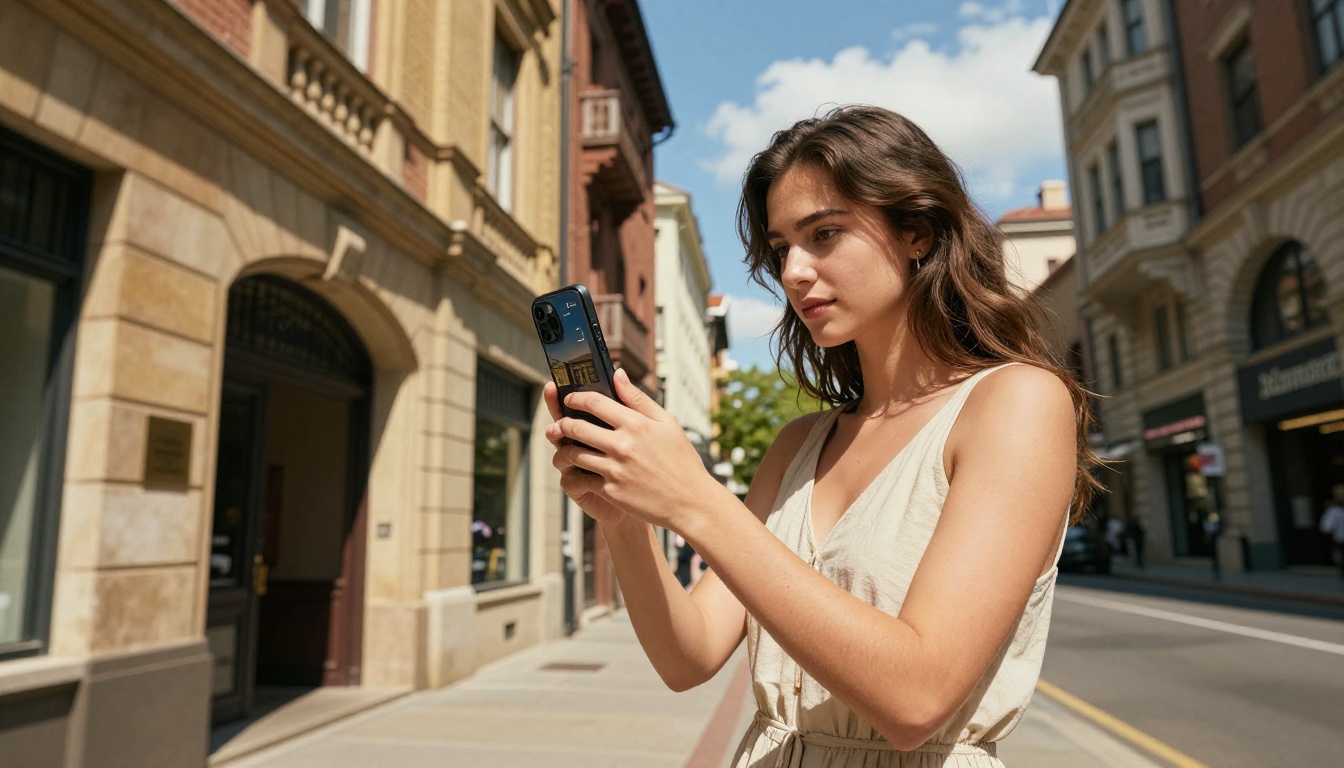
When you drop a photo into a conversation with Gemini 3 Pro, something far more intricate than a simple scan happens beneath the surface. The model does not "look" at images the way a person does. It converts visual data into a language it already speaks: numbers, vectors, and weighted mathematical relationships across thousands of dimensions. The result is a system that can identify what is in your photo, describe spatial arrangements, read embedded text, detect emotional cues in faces, and respond to nuanced visual questions, all in under a second.
This is multimodal AI at full capacity. Gemini 3 represents one of the most sophisticated visual AI systems ever released to the public, and the way it processes your uploaded photos is worth knowing in detail.
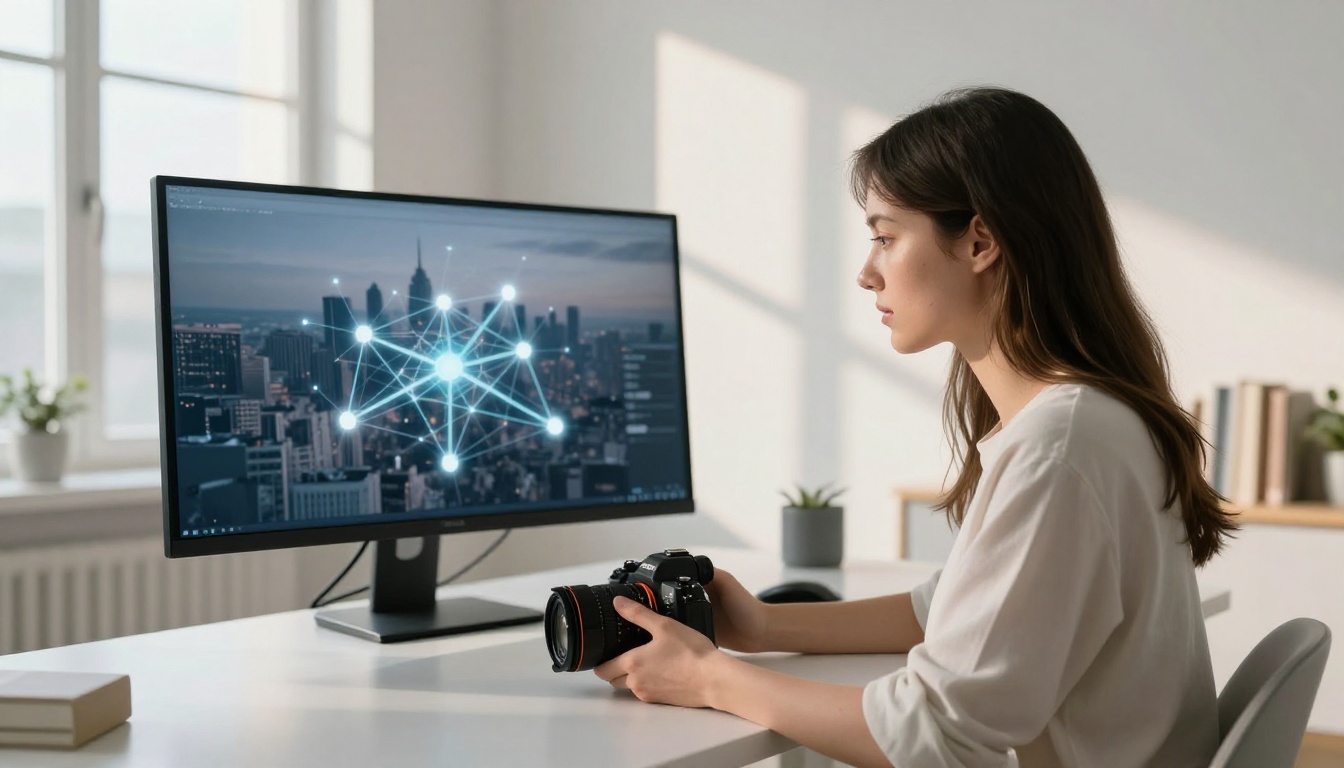
What Happens the Moment You Hit Upload
Before Gemini 3 can reason about your image, it needs to convert it into a format its neural network can process. This all begins the instant your file transfers.
Breaking the Image Into Patches
The first thing the vision system does is divide your image into a grid of small, fixed-size rectangular regions called patches. Think of it like cutting a photograph into a hundred equal tiles. Each patch covers a specific area of the image, say a 16x16 pixel block, and captures the raw color and luminance values within it.
This patch-based approach, borrowed from the Vision Transformer (ViT) architecture, lets the model treat spatial regions of an image the same way it treats words in a sentence: as discrete, ordered units that carry meaning.
💡 The patch size matters. Smaller patches capture finer detail but increase computational cost. Gemini 3 uses a dynamic patching strategy that adjusts resolution based on image content complexity.
From Pixels to Visual Tokens
Each patch gets flattened into a numerical vector, a long list of numbers encoding its color channels, brightness gradients, and edge information. These vectors are then projected through a learned linear transformation into a visual token: a compact numerical representation that fits inside the same embedding space as text tokens.
By the time this stage is complete, your 1080p photograph has become a sequence of visual tokens, each one carrying spatial and semantic information about a region of the original image. The model now has a "sentence" made of visual data, ready to be processed alongside any text prompt you send with it.
The Vision Encoder at the Core
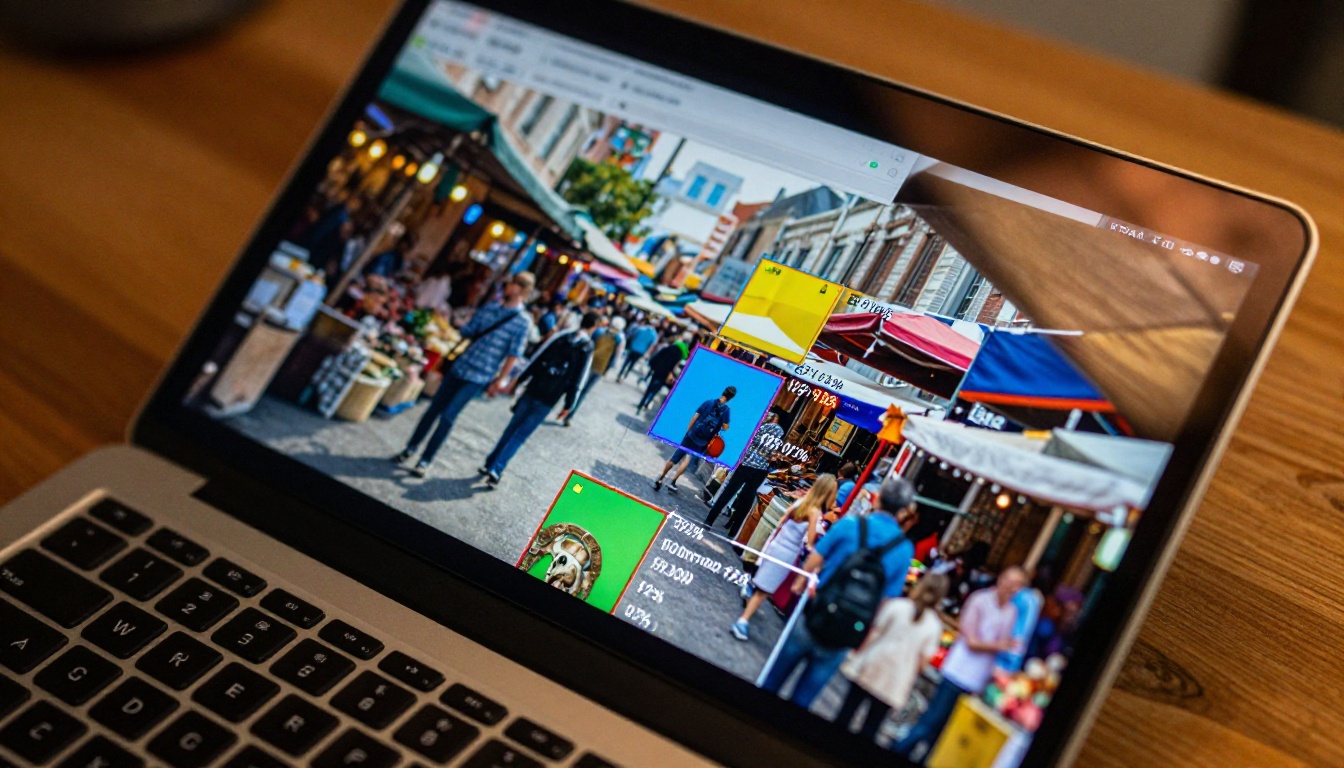
The engine responsible for turning patches into visual tokens is called the vision encoder. In Gemini 3, this is a large transformer-based component trained on billions of image-text pairs, teaching it to recognize objects, textures, scenes, and abstract concepts directly from pixel data.
How Attention Maps the Visual Field
The vision encoder uses a mechanism called self-attention, where every visual token looks at every other visual token and calculates how much it should "pay attention" to it. This allows the model to connect distant parts of your image. If a person in the left half of the frame is pointing at an object on the right, attention links those two regions without needing explicit programming.
The result is an attention map: a set of learned weights showing which patches are most relevant to each other. In practice, Gemini 3 does not process your photo region by region in isolation. It processes the entire image holistically, with relationships between all parts active simultaneously.
Why Transformer Architecture Works Here
Traditional convolutional neural networks (CNNs) process images in a sliding-window fashion, excellent for detecting local patterns but weaker at global reasoning. Transformer-based vision models like the one inside Gemini 3 have a wider receptive field from the very first layer. They reason about the entire composition of an image before narrowing focus to specific details.
This is why Gemini 3 Pro can answer questions like "what is the person on the left doing relative to the structure on the right?" without losing contextual coherence. The global attention mechanism keeps those relationships intact throughout processing.
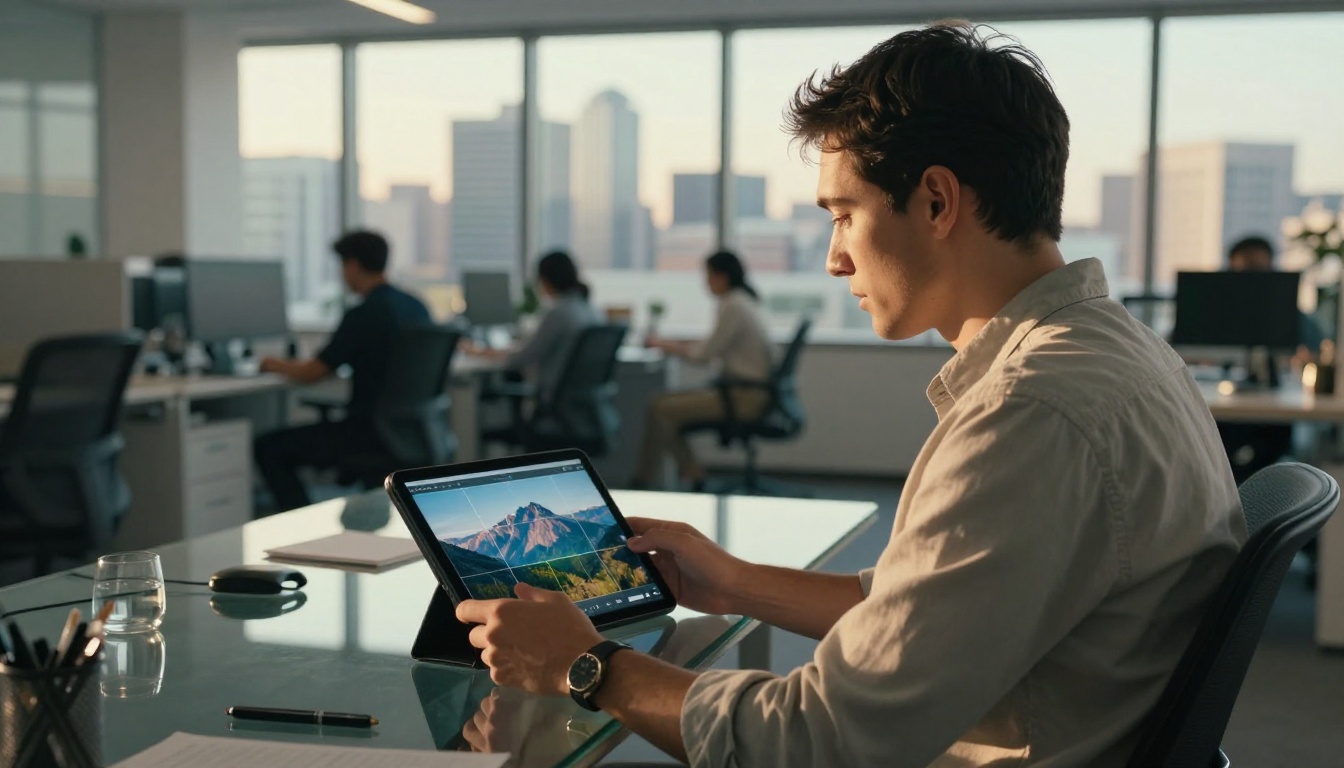
What Gemini 3 Actually Sees in Your Photos
Gemini 3's visual perception is not a single capability. It is a stack of layered perceptual abilities working simultaneously.
Text, Objects, and Scene Layout
At the most fundamental level, Gemini 3 performs object recognition: identifying discrete items in the frame such as chairs, dogs, buildings, or faces. But it goes beyond a basic list. The model recognizes relationships between objects (a dog sitting on a couch), scene categories (indoor vs. outdoor, urban vs. natural), and compositional elements like foreground depth and background context.
For text in images, Gemini 3 reads signs, labels, handwriting, and overlaid captions with OCR-level accuracy. This is particularly powerful for real-world tasks: photographing a menu, a receipt, a business card, or a whiteboard and asking for a structured summary.
| Capability | What It Does |
|---|
| Object detection | Names and locates items in the frame |
| Scene classification | Identifies the setting and context |
| Text reading (OCR) | Extracts written content from images |
| Relationship mapping | Describes spatial and logical connections |
| Face attributes | Notes expressions, age ranges, poses |
Spatial Relationships and Proportions
Spatial reasoning is one of the areas where Gemini 3 shows a clear step forward from earlier vision models. It can describe relative positions (above, below, to the left of, partially obscured by), estimate rough proportions and distances, and infer depth from monocular cues like perspective lines, shadow direction, and object size scaling.
Ask it "how far is the red car from the tree?" and it will give you a calibrated estimate, a reasoned approximation based on visual cues rather than precise measurement.
Emotions and Body Language
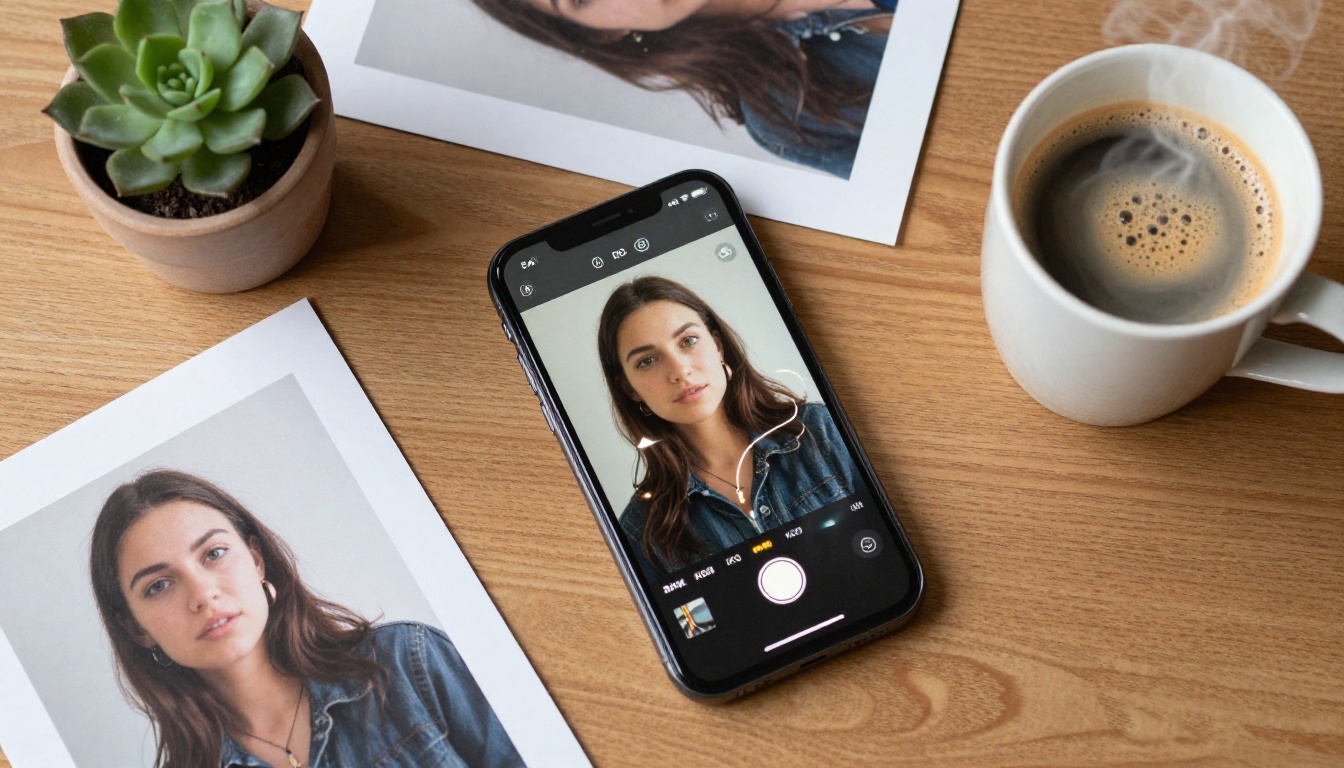
When your image contains people, Gemini 3's visual processing extends to non-verbal communication. Facial expression recognition, posture analysis, hand gesture interpretation, and gaze direction are all part of what the model encodes from the visual token sequence. This makes it useful for tasks like reading presentation body language, reviewing product photography for emotional tone, or generating accurate image captions that include human affect.
How Multimodal Fusion Works
So far we have covered how Gemini 3 encodes visual information. The real power emerges when that visual data merges with language.
Where Vision Meets Language
After the vision encoder produces a sequence of visual tokens, those tokens are concatenated with the text tokens from your prompt. The combined sequence is fed into Gemini 3's main language model backbone. From this point, the model treats visual and textual information as a unified stream.
This is what makes it possible to ask specific questions about images. When you type "what brand is the laptop on the table?", your text tokens and the visual tokens from the image are processed together. The model's attention heads can simultaneously focus on your question and the visual region containing the laptop logo.
The Token Merge Strategy
One performance challenge with high-resolution images is the sheer number of patches they produce. A 4K image could generate thousands of visual tokens, slowing inference and consuming enormous memory.
Gemini 3 uses a token compression strategy that merges similar adjacent visual tokens before the fusion step. Regions of uniform color, texture, or content (like a clear sky or a blank wall) get compressed into fewer tokens without significant information loss. This keeps the sequence manageable while preserving detail in complex, high-information areas of the image.
💡 For best results: Upload images at their original resolution when detail matters. Gemini 3 handles downsampling internally, but starting with a higher-resolution source preserves more information for the token extraction stage.

Real Limits You Need to Know
No vision model is perfect. Knowing where Gemini 3 falls short helps you use it more accurately.
When the Model Gets It Wrong
Rare objects and uncommon visual contexts are the most common failure point. If your image contains something highly specialized, a specific medical instrument, a niche industrial machine, or an obscure cultural artifact, the model may misidentify or generalize it. Its training data skews toward commonly photographed items and environments.
Low-quality images are another consistent limitation. Heavy compression artifacts, extreme motion blur, severe underexposure, or very small text in complex backgrounds all degrade recognition accuracy. The visual token representation simply loses too much signal to make confident inferences.
Counting objects precisely is a known weak spot. Gemini 3 will confidently describe a "group of people" but may give an incorrect exact count in a crowded scene. The patch-based tokenization does not lend itself naturally to precise enumeration.
What It Still Cannot Perceive
- 3D structure from a flat image (it estimates, not reconstructs)
- Video motion from a single frame (no temporal reasoning without video input)
- Truly tiny details below its effective patch resolution
- Invisible or implied content not present in the pixel data
💡 Tip: When precision matters, pair image queries with explicit instructions: "Count only the people in the foreground" rather than "how many people are there?"
Practical Ways to Read Any Image
Knowing how Gemini 3 processes photos opens up a clearer picture of which tasks it handles best and how to phrase your requests.
Questions That Get Sharp Answers
The model performs best when you give it specific, bounded questions rather than open-ended ones. Instead of "describe this image," try:
- "List every text element visible in this photo"
- "What is the approximate age range of each person in the frame?"
- "What objects in this image are not typically found together in this setting?"
- "Identify any safety hazards visible in this workspace photo"
- "What architectural style does this building represent, and what visual clues support that?"
Specific prompts activate focused attention on the relevant visual regions, which typically yields more accurate and useful responses.
Comparing Two Photos at Once
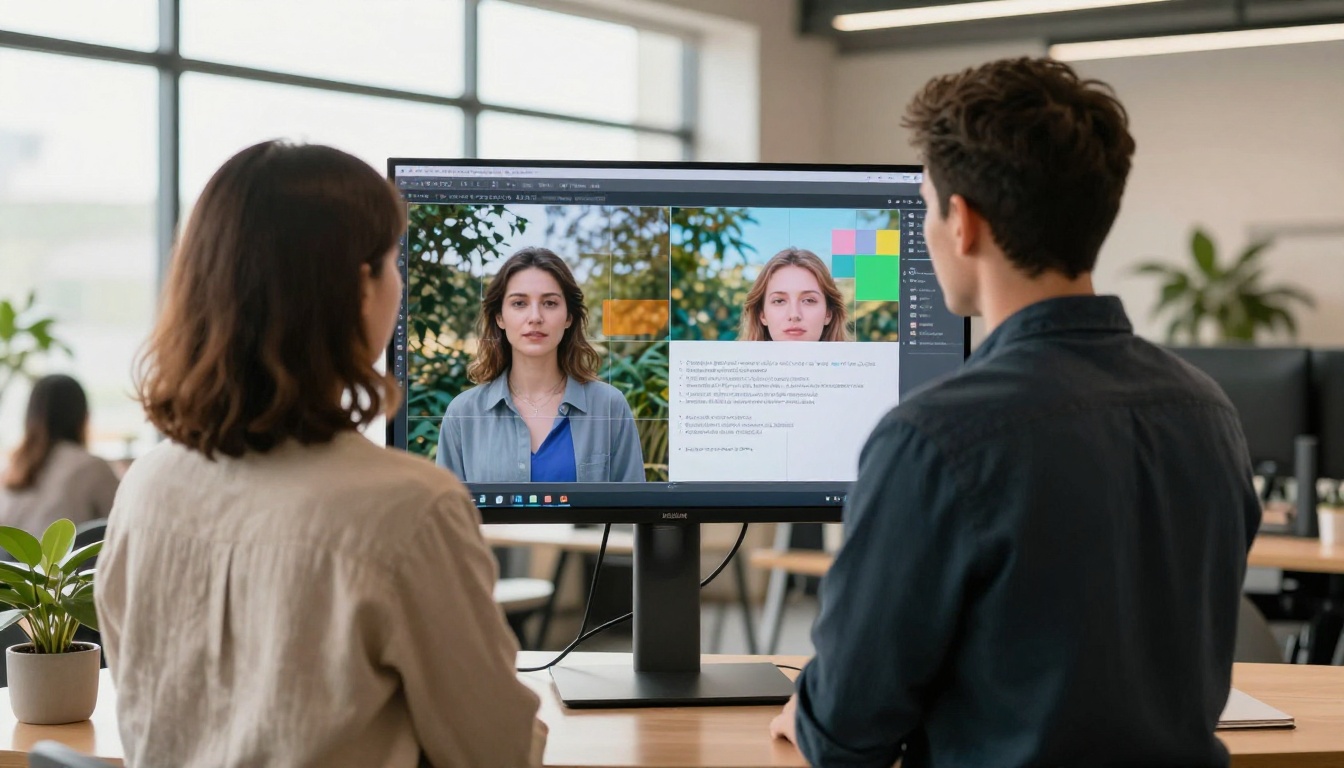
Gemini 3 supports multi-image input, meaning you can upload two or more photos in a single request. This opens up powerful use cases:
- Before-and-after comparisons (product staging, photo editing, room redesign)
- Identifying differences between two versions of a document or design
- Asking which of two options (outfits, products, layouts) matches a given description
- Tracking visual changes across a sequence of photos over time
The model processes each image's visual tokens separately during encoding, then merges them together before the language fusion step, allowing genuine cross-image reasoning.

How to Use Gemini 3 Pro on PicassoIA
Since Gemini 3 Pro is available directly on PicassoIA, you can access its image-reading capabilities without any setup or API keys.
Step-by-Step: Upload and Read an Image
- Open the Gemini 3 Pro page on PicassoIA using the link above.
- Type your question or prompt in the chat input field.
- Attach your image using the upload icon next to the input box. Supported formats include JPG, PNG, and WebP.
- Send your message. The model processes both your text and the uploaded image together as a unified input sequence.
- Refine with follow-up questions. Ask for more detail, a specific output format, or a different angle of focus on the same image.
Tips for getting the most from the model:
- Upload the highest-resolution version of the image you have
- Be specific about what you want to know: measurements, colors, objects, embedded text, or emotional cues
- Use follow-up prompts to focus on specific regions: "focus on the area in the top right corner"
- Request structured output: "respond in a bullet list" or "format this as a table with two columns"
PicassoIA also gives you Gemini 2.5 Flash for faster image queries at lighter computational cost, and GPT-4o as a strong alternative with distinct strengths on text-heavy and structured images.
💡 Model comparison: Use Gemini 3 Pro when spatial reasoning and complex scene interpretation matter most. Use Gemini 2.5 Flash when you need fast turnaround on simpler image descriptions.

The Other Side: Generating Images Worth Analyzing
There is a natural loop that emerges once you understand how Gemini 3 reads images. Start by analyzing a photo you already have. Ask Gemini 3 Pro to describe its visual style, lighting conditions, color palette, and composition in precise terms. Then use that description as a prompt to generate a new version of that visual, or an entirely different scene in the same style, using one of the image generation models on PicassoIA.
The platform gives you access to over 90 image generation models for this. Flux Dev and Flux 1.1 Pro are particularly strong for photorealistic outputs. Imagen 4 Ultra and Imagen 4 come directly from Google, the same team behind Gemini 3, and share a similar visual quality philosophy. For fast iteration, Gemini 2.5 Flash handles quick visual queries while you work through your generation prompts.
That loop, from reading to creating, is where multimodal AI becomes genuinely useful for photographers, designers, marketers, and anyone who works with visual content. The architecture described in this article is not academic trivia. It is the foundation for a set of tools you can use right now.
Your Visual Content Starts Here
The patch-based encoding, the self-attention vision encoder, the token compression strategy, and the multimodal fusion step are all working together every time you upload a photo to Gemini 3 Pro. None of this requires you to understand the math. But knowing the structure helps you work with the model more intentionally, write better prompts, avoid known limitations, and build workflows that get consistent results.
PicassoIA brings this technology within reach for anyone. Whether you want to read an image in detail, generate a new one from scratch, or do both in the same session, the tools are already there waiting for you. Start with a photo you have on hand, upload it to Gemini 3 Pro, and ask it something you have always wondered about that image. The answer will arrive in seconds, built on the entire visual reasoning pipeline covered in this article.