GPT Image 2 did something the AI image world hadn't seen before: it made portraits that stopped people mid-scroll. Not because they were stylized or artistic, but because they looked like photographs. Real photographs. The kind with pore-level skin texture, naturally falling shadows, and hair that behaves like hair. This article breaks down exactly how GPT Image 2 achieves that level of photorealism, what it gets right that competitors still get wrong, and how you can apply these same principles on PicassoIA today.
What GPT Image 2 Actually Does
The Prompt-to-Pixel Pipeline
At its core, GPT Image 2 is a diffusion-based model trained on an enormous dataset of high-quality photography. But unlike earlier generations of image models, it integrates language understanding far more deeply into the generation process. When you write a prompt describing a "Rembrandt-lit portrait at 85mm f/1.4," the model doesn't just pattern-match those words to vague visual concepts. It has internalized what Rembrandt lighting actually does to a face geometrically: the triangular shadow beneath one eye, the softened falloff across the cheek, the slight highlight on the nose tip.
This deep semantic binding is what separates GPT Image 2 from predecessors. Earlier models might produce something that looked approximately like a portrait. GPT Image 2 produces something that behaves like a portrait, obeying the same optical rules a real camera would capture.
How It Differs from Older Models
| Feature | DALL-E 2 / SD 1.5 | Midjourney v5 | GPT Image 2 |
|---|
| Skin texture fidelity | Low | Medium | Very High |
| Hair strand rendering | Merged blobs | Partial | Individual strands |
| Light physics accuracy | Approximate | Good | Near-photographic |
| Text-in-image support | Poor | Moderate | Strong |
| Prompt adherence | Moderate | High | Very High |
The table tells a clear story. Skin texture, hair, and light physics are the three pillars of a convincing portrait, and GPT Image 2 outperforms across all three categories.

💡 Pro tip: The model responds strongly to photographic language. Terms like "ISO 200," "f/1.4 bokeh," and "Kodak Portra 400 color grade" trigger specific learned patterns from real photography datasets.
The Science Behind Photorealistic Skin
Pore Mapping and Texture Synthesis
Human skin is a complex surface. It has pores of varying sizes distributed across different facial zones, sebaceous glands producing variable shine, capillaries creating a pink-blue translucency near the surface, and hundreds of micro-expression lines that change moment to moment. Earlier AI models treated skin as a smooth, uniform surface with textures applied as a filter. That's why faces from 2022-era models had a plastic, uncanny quality.
GPT Image 2's training data included enough high-resolution photography that the model learned skin as a spatially varying material: rougher across the nose, smoother on the forehead, more porous near the cheek crease, finer-grained around the eyes. The result is portraits where zooming in reveals increasing detail rather than a noise pattern.
💡 Pro tip: Prompt phrases like "natural pores visible across nose bridge," "peach fuzz along jawline," and "capillaries beneath translucent temple skin" directly activate the model's high-fidelity skin generation pathways.
Subsurface Scattering in AI Models
Subsurface scattering is a physics concept from 3D rendering: light that enters a translucent material (like skin) scatters beneath the surface before exiting. In real photography, this produces the warm, luminous glow of backlit ears, the pinkish-red light transmission through a hand held up to a strong light source, and the soft, bloomy appearance of facial skin lit from the side.
GPT Image 2 simulates this effect implicitly. When you prompt for backlit hair or bright rim-lighting on a portrait, the model applies scattering behavior that matches what a camera would actually capture. No 3D rendering engine required. The physics emerges from learned statistical patterns in the training data.

Lighting: The Real Differentiator
Directional Light Simulation
Most people focus on subject detail when evaluating portrait realism. Professionals focus on the light. Lighting direction, quality, color temperature, and falloff determine whether a portrait reads as real or artificial. GPT Image 2 handles directional lighting with remarkable accuracy for a text-to-image model.
Describe a single large softbox at 45 degrees camera-left, and the model produces:
- The characteristic triangular highlight on the near cheek
- A smooth gradient shadow falloff across the nose bridge
- A gentle shadow under the chin from the elevated source
- Catchlights positioned at roughly 10 o'clock in both irises
Each of these details is physically correct. This isn't coincidence: it reflects training on structured photography where lighting setups were documented alongside images.
How Shadows Fall Correctly
Shadow behavior is where many AI models reveal themselves as artificial. Shadows should follow the geometry of a face: deepening in the eye sockets, wrapping around the nose, pooling under the lower lip, softening at the edges based on light source size. A hard point light creates crisp shadow edges. A large softbox creates gradual, feathered transitions.
GPT Image 2 respects these rules. Specify "a 120cm octabox" and shadows will be soft. Specify "a bare 300W strobe" and they'll be hard. The model has learned the optical relationship between light source size and shadow quality.

💡 Pro tip: For the most believable shadows, describe your light source in physical terms: size, position in clock-face terms relative to the subject, and distance. "A 90cm softbox at 3 o'clock, 4 feet from subject" yields far more accurate results than "dramatic side lighting."
Hair and Eyes: Where Most Models Fail
Strand-by-Strand Hair Rendering
Hair has historically been the Achilles' heel of AI portrait generation. Early models rendered hair as a uniform mass with vague texture. Midjourney improved this significantly but still tended to merge individual strands into smooth forms in fine-detail areas like hairlines and flyaways.
GPT Image 2 produces hair that behaves like hair: individual strands with varying thickness, natural clustering patterns, realistic specular highlights on individual hairs, and authentic flyaway behavior at the hairline. Backlit hair gains a natural halo with individual strand separation. Straight hair shows the directional sheen of real keratin. Curly hair reveals its spiral structure at close range.
The most effective prompting strategy: describe the light source relative to the hair. "Backlit by a large north-facing window creating rim separation on individual strands" gives the model the context it needs to render hair realistically within a specific lighting scenario.

Iris Structure and Corneal Reflection
Eyes are the most scrutinized part of any portrait. Viewers instinctively scan the eyes first and are exquisitely sensitive to visual inconsistency. GPT Image 2 renders eyes with a level of detail that earlier models couldn't approach:
- Iris fiber patterns: radial structures within the iris, varying density around the pupil
- Limbal ring: the dark outer rim at the iris-sclera boundary
- Corneal reflection: accurately positioned catchlights matching the described light source
- Scleral vessels: subtle red capillary patterns in the white of the eye for realism
- Tear film: the subtle wet sheen across the entire eye surface
These details aren't added deliberately by anyone. They're statistical consequences of training on enough high-quality portraiture that the model learned what eyes actually look like at high resolution.
Prompting for Maximum Realism
Camera Specs That Work
The single most effective approach for getting photorealistic output from GPT Image 2 is writing your prompt like a photographer describing a shot. Include:
- Camera body: Canon EOS R5, Sony A7R V, Nikon Z9 (all trigger photography-realism associations)
- Lens focal length: 85mm for portraits, 105mm for compression, 35mm for environmental
- Aperture: f/1.4 to f/2.8 for shallow depth, f/5.6 to f/8 for detail throughout
- ISO: Lower ISO (100-400) for clean, professional look; higher ISO (800-3200) for editorial grain
- Film emulation: Kodak Portra 400 for warmth, Fuji Velvia for saturation, Ilford HP5 for black and white
Lighting Descriptors That Land
Beyond camera specs, lighting language dramatically shapes output quality:
| Lighting Term | What It Triggers |
|---|
| "Rembrandt lighting" | Triangular cheek highlight, 45-degree main light |
| "Butterfly lighting" | Central shadow under nose, symmetrical illumination |
| "Split lighting" | Hard 90-degree side light, half face in shadow |
| "Broad lighting" | Main light facing the lit side of face |
| "Short lighting" | Main light on far side, more shadow visible |
| "Ring flash" | Flat, shadow-free, circular catchlight |
💡 Pro tip: Combine a lighting pattern name with a physical description for maximum control: "Rembrandt-style illumination from a large 120cm octabox positioned camera-left at 45 degrees, 1.8 meters from subject."
What Kills Photorealism Instantly
Avoid these prompt elements when targeting photorealism:
- "Digital art" or "3D render" style keywords
- "Hyperrealistic" without photographic context (paradoxically reduces realism)
- "Neon," "cyberpunk," or futuristic descriptors
- "Perfect skin" or "flawless complexion" (removes natural texture)
- Generic "beautiful woman" without physical specifics
The more generic your prompt, the more the model defaults to a stylized, AI-aesthetic output. The more specific and photographic your language, the more real the result.

GPT Image 2 on PicassoIA
How to Use It for Portraits
PicassoIA gives you direct access to GPT Image 2 and a full library of complementary text-to-image models for portrait work. The workflow is straightforward:
- Navigate to the PicassoIA image generation section
- Select your model from the full model collection
- Write your prompt using the photographic language detailed above
- Set aspect ratio to 16:9 for editorial use or 3:4 for traditional portrait format
- Generate and inspect the output at full resolution
The platform's interface surfaces generation parameters that matter for portraits: aspect ratio, inference steps, and guidance scale. Higher guidance scales increase prompt adherence at the cost of some natural variation. For portraiture, a moderate guidance scale (7-9) typically produces the most natural results.
Post-Processing Your Results
Even exceptional GPT Image 2 portraits often benefit from post-processing to reach print or commercial quality. PicassoIA's ecosystem covers the full workflow:
Remove backgrounds for clean subject cutouts: the Remove Background model from Bria handles complex hair edges with impressive accuracy. It processes the AI-generated portrait and returns a clean PNG with transparency, ready for compositing onto any background.
Upscale to print resolution with Clarity Pro Upscaler, which adds photorealistic detail during upscaling rather than simply interpolating pixels. For portraits specifically, Crystal Upscaler by the same developer is optimized for facial detail, sharpening pores, eyelashes, and hair strands during the upscaling process.
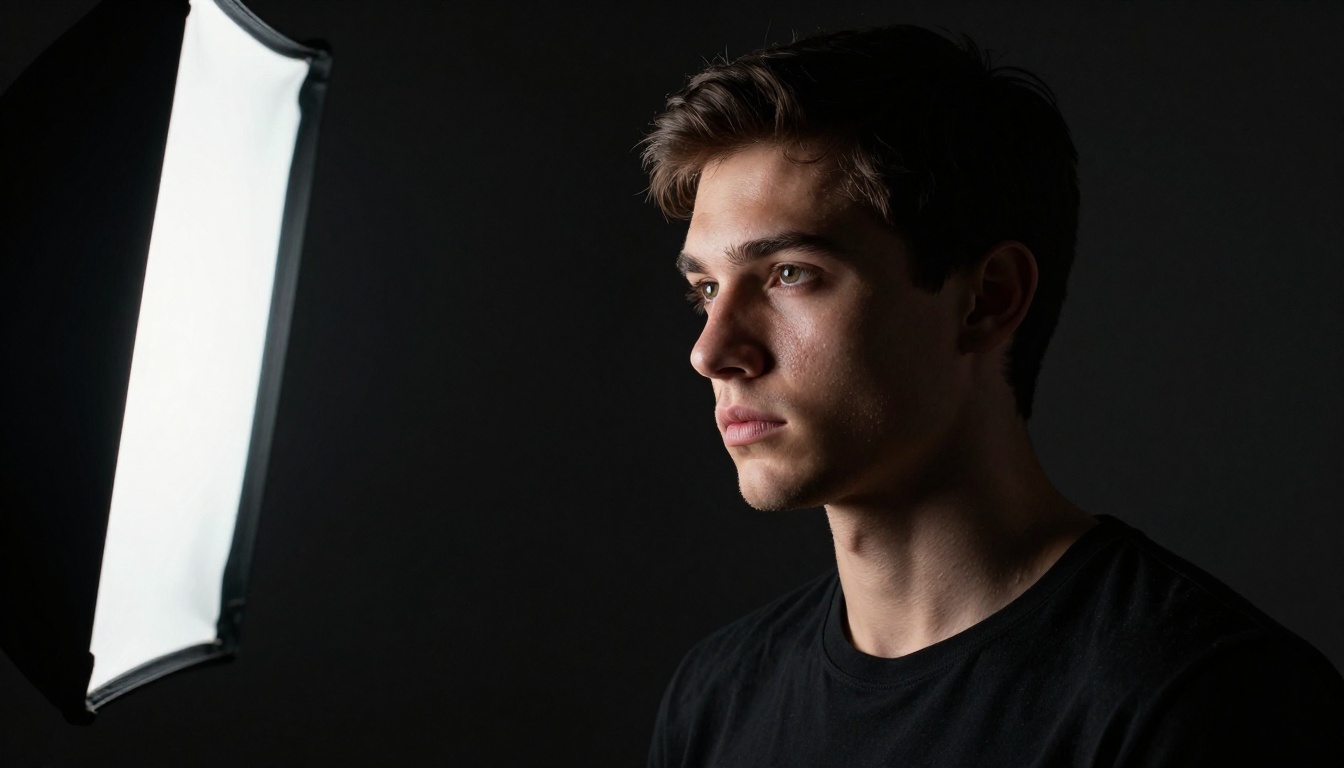
Background Removal for Clean Cutouts
One of the most practical applications of GPT Image 2 portraits is product compositing: generating a photorealistic person to place in a specific environment. The challenge is clean subject isolation. PicassoIA's Remove Background model handles this without manual masking.
The model uses semantic understanding to distinguish subject from background even in complex cases: hair against a similarly-colored background, transparent fabric overlapping the edge, or motion blur at the subject's perimeter. The output is a clean alpha mask that drops into any compositing workflow.
Super-Resolution for Print-Ready Detail
GPT Image 2 generates images at a base resolution that works well for web and screen use. For print applications, billboard advertising, or large-format display, you'll need to upscale without losing the photorealistic quality.
PicassoIA offers multiple upscaling paths:
- Clarity Pro Upscaler: Best for adding photorealistic detail during upscaling. Adds realistic micro-texture that makes the enlarged image look more like a high-res original.
- Crystal Upscaler: Portrait-optimized. Sharpens facial features specifically during the upscaling process.
- P Image Upscale: Fast, clean upscaling in under one second for workflow efficiency.
- Image Upscale by Topaz Labs: The industry standard for photography professionals, supporting up to 6x enlargement.

Composition Angles and Creative Formats
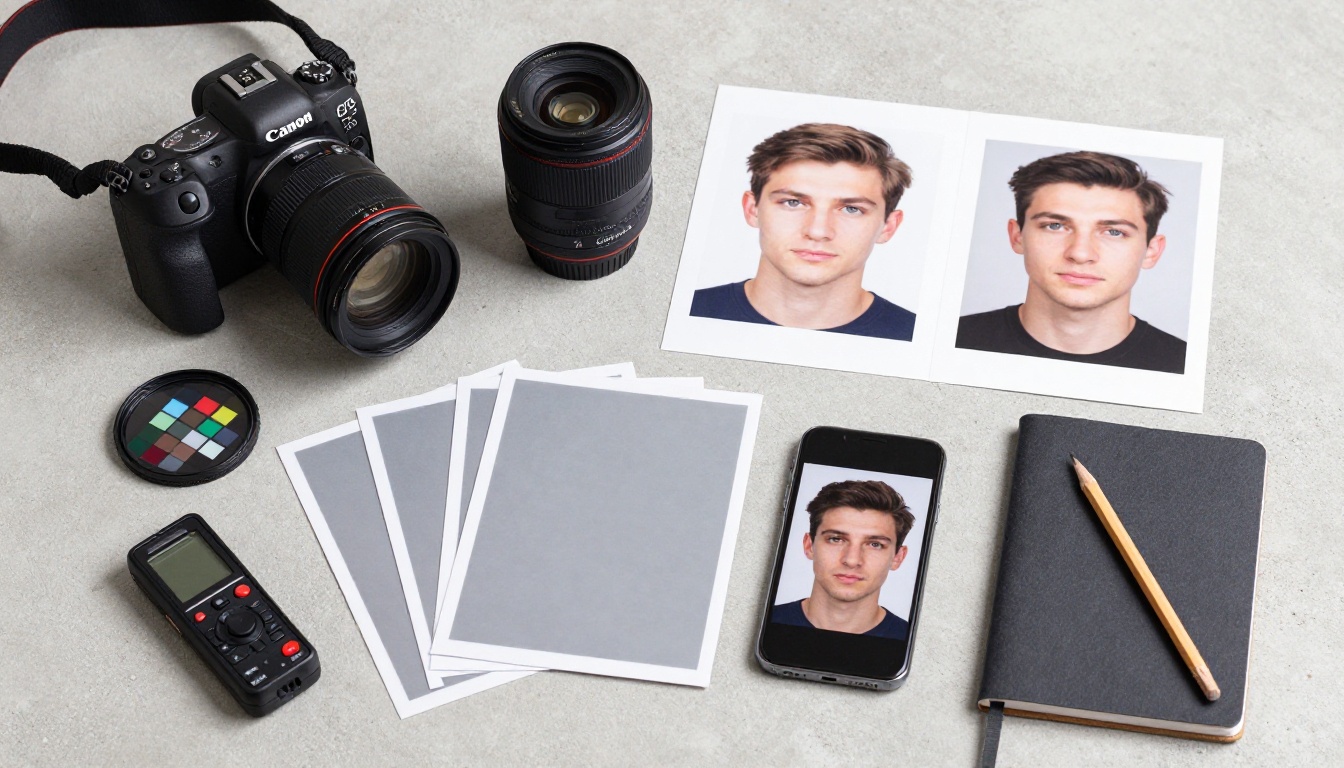
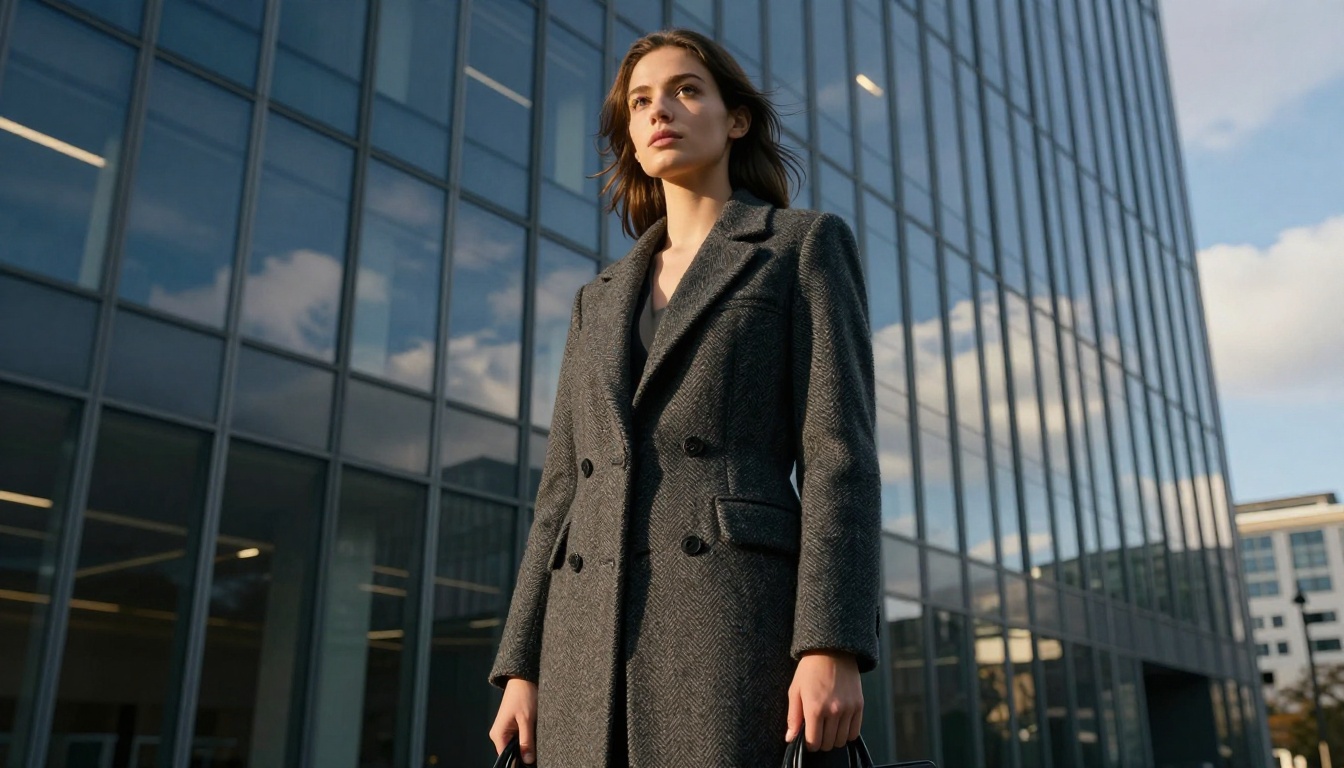
Portrait photography isn't limited to traditional head-and-shoulders framing. Some of the most striking AI-generated portraits use unconventional angles: overhead aerial shots for editorial contexts, low-angle compositions creating architectural drama, extreme macro closeups focusing on a single feature.
GPT Image 2 handles all of these within the same photographic realism framework. The lighting physics, texture detail, and material rendering remain consistent regardless of camera angle or subject distance. Switching from a standard 85mm portrait to a 28mm low-angle shot doesn't sacrifice realism: it just changes the spatial relationship between subject and environment.
Real-World Applications
Commercial Photography
GPT Image 2 portraits are entering commercial workflows across several categories:
- Stock photography: AI-generated portraits for websites, presentations, and marketing materials
- Product advertising: Photorealistic models displaying products without photography shoots
- Corporate headshots: Consistent, professional headshots at scale for company directories
- Fashion visualization: Clothing displayed on photorealistic virtual models
Each of these applications benefits from the model's core strength: generating faces that hold up under scrutiny at display resolution. Combined with PicassoIA's Remove Background and upscaling tools, the full production pipeline from prompt to print-ready asset runs entirely within one platform.
Content Creation at Scale
For content creators, GPT Image 2 opens up portrait options that would otherwise require a photography studio:
- Thumbnail art: High-quality portrait thumbnails without photographer fees
- Character consistency: Repeated portraits of the same visual character across content pieces
- Lifestyle imagery: Environmental portraits for blog posts and social content
The workflow fits naturally into batch generation, where multiple portrait variations can be created quickly for selection and A/B testing.
Start Creating Photorealistic Portraits Now
The technical capabilities are clear. GPT Image 2 has genuinely solved photorealistic portrait generation for most professional use cases. The remaining skill is in the prompting: understanding how to translate photographic concepts into language the model can act on precisely.
PicassoIA gives you everything you need to build a complete portrait workflow. Image generation from GPT Image 2 and dozens of complementary models. Remove Background for clean subject isolation. Clarity Pro Upscaler and Crystal Upscaler for print-ready resolution. The full model library at picassoia.com/en/all-models for any specialized task your project demands.
Write a prompt like a photographer. Describe your light source in physical terms. Specify your lens. Name your film stock. The model responds to this specificity with output that stops people mid-scroll.
That's not a coincidence. It's how the technology works, and now you know exactly how to use it.


