Grok Imagine and Midjourney v8 both claim to produce photorealistic images, but the gap between a marketing claim and actual output quality is where things get genuinely interesting. Over the past months, a growing number of creators, photographers, and designers have been running the same prompts through both platforms and comparing results side by side. The question is not just which looks more "realistic" in broad terms, but specifically which handles skin pores, natural lighting, fabric weave, background coherence, and fine hair strands with the accuracy that matters for professional work.
This is a detailed breakdown of how each model performs across the specific pillars of photorealism, based on real prompt testing, output analysis, and comparison against reference photography. No hype. Just outputs.
What "Realism" Actually Means in AI Images
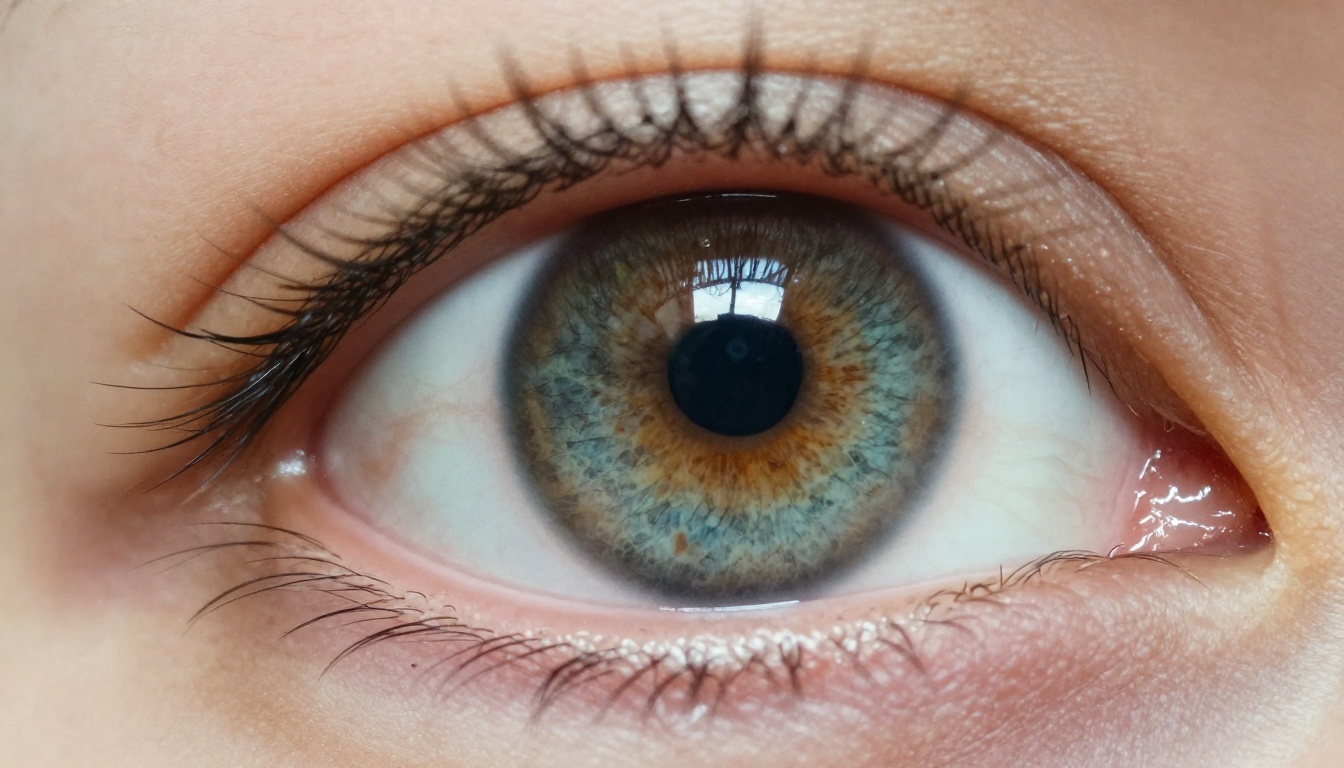
Photorealism in AI image generation is not a single metric. It is a compound result of several sub-systems that must fire correctly at the same time: biological surface accuracy, physical light behavior, spatial coherence, and material authenticity. When any one of those breaks down, the image "looks like AI" even if the others are perfect.
Skin, Hair, and Pore Rendering
The most demanding test for any text-to-image model is close-up portraiture. A human visual system trained on millions of real faces will immediately detect when skin looks plastic, when hair flows in physically impossible directions, or when pores are absent where they anatomically must exist. The best models render individual sebaceous openings, directional follicle emergence, and the subtle sub-surface scattering of light through dermis and epidermis. These are not stylistic choices. They are physical facts that the model either captures or does not.
Natural Lighting and Shadow Physics
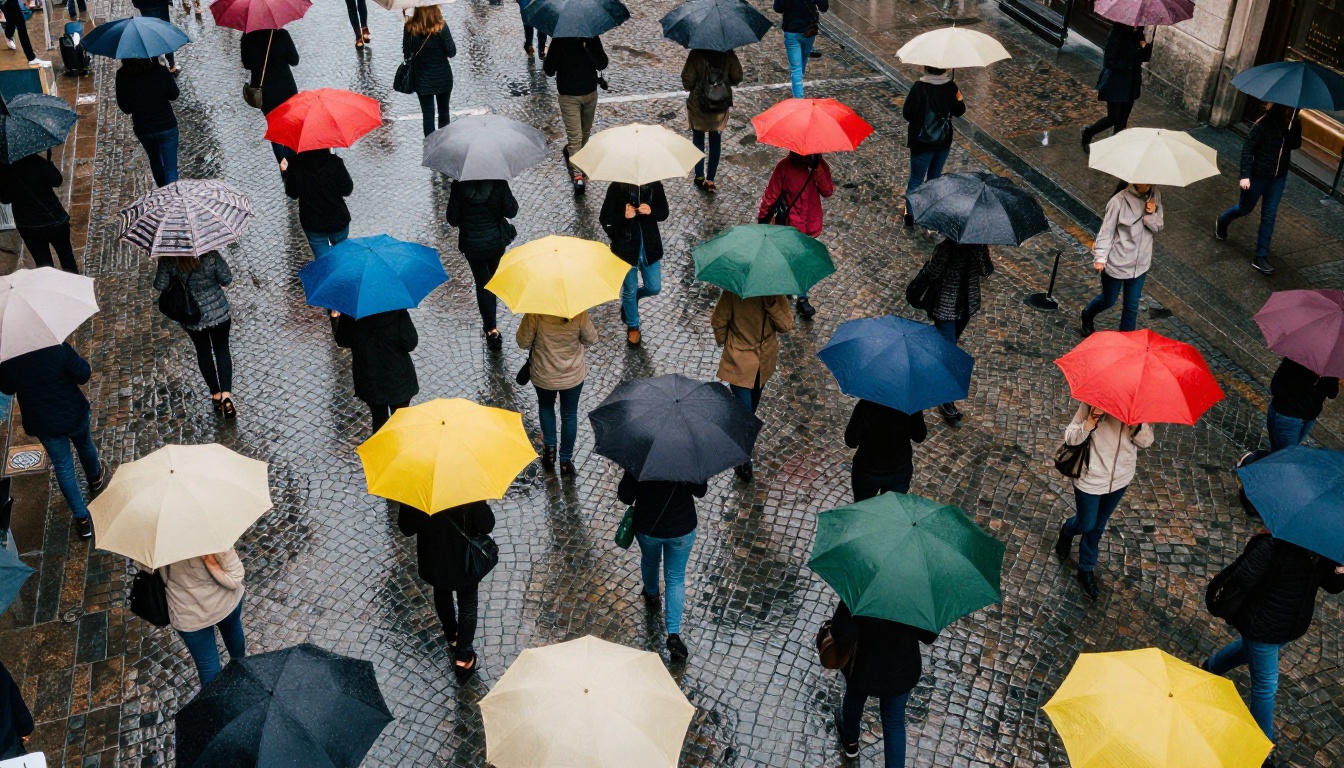
Realistic lighting is not "bright in the center, dark at the edges." True photorealism demands correct shadow softness relative to light source distance, accurate color temperature shifts between direct sunlight and reflected fill, and physically valid specular highlights across different surface materials. A wet cobblestone pavement reflects differently than a matte concrete wall. Polished chrome reflects differently than brushed aluminum. Both must behave correctly within the same frame.
Scene Coherence and Spatial Depth
Background elements must obey the same physics as the foreground. Bokeh blur must scale correctly with focal distance. Objects in a scene must cast shadows on each other, not sit independently as if composited. Atmospheric haze at depth should reduce contrast and shift color toward blue. Reflections in mirrors or wet surfaces must match what is actually present in the scene above them. These are the details that separate a genuinely convincing photorealistic image from one that merely has impressive surface texture.
How Grok Imagine Handles Photorealism
Grok Imagine is xAI's text-to-image system, powered by the Aurora diffusion model. It launched with notable capabilities in prompt adherence and natural scene rendering and has received consistent updates through 2024 and into 2025.
The Aurora Engine at Work
Aurora is a diffusion-based model with a strong emphasis on prompt fidelity. When you describe a scene with specific lighting conditions, specific subject positions, and specific background elements, Aurora tends to reproduce those particulars more literally than many competitors. This is a real advantage in workflows where your prompt is precise and you do not want the model to creatively reinterpret your description.
The architecture shows its strengths in scenarios where the photographer's intent, encoded in the prompt, needs to survive into the output without the model substituting its own aesthetic preferences. That discipline is harder to achieve than it sounds, and Aurora does it reliably.
Where Grok Imagine Shines
Grok Imagine performs particularly well in three areas that matter for practical photorealism work:
- Natural environments: Landscapes, forests, and outdoor scenes with complex foliage render with convincing depth and naturally variable light.
- Prompt adherence: Specific compositional requests, such as placing a subject at a particular angle, including a specific number of props, or specifying film stock characteristics, are followed more reliably than most competitors.
- Soft-light portraits: When the prompt specifies diffused or overcast lighting, Grok Imagine produces skin rendering with above-average pore visibility and natural, unsaturated color science.
- Film emulation: Specifying Kodak Portra, Fujifilm Superia, or other real film stocks produces more authentic tonal responses in Grok Imagine than in most other models.
Where It Falls Short
The weaknesses appear in two specific scenarios. First, complex multi-element scenes with many interacting objects can produce internal inconsistencies: a hand may be slightly off in proportion relative to the arm, or a light source reflected on one surface may fail to appear in a nearby mirror in the same frame. Second, fine hair rendering in curly or tightly coiled textures can appear clumped or synthetic compared to straight hair from the same model.
Midjourney v8 Realism in Practice
Midjourney v8 is the most recent major release from Midjourney Inc. It represents a substantial architectural shift from v6 and v7, with a rebuilt rendering pipeline optimized for what the company calls "photographic coherence."
The New Rendering Engine
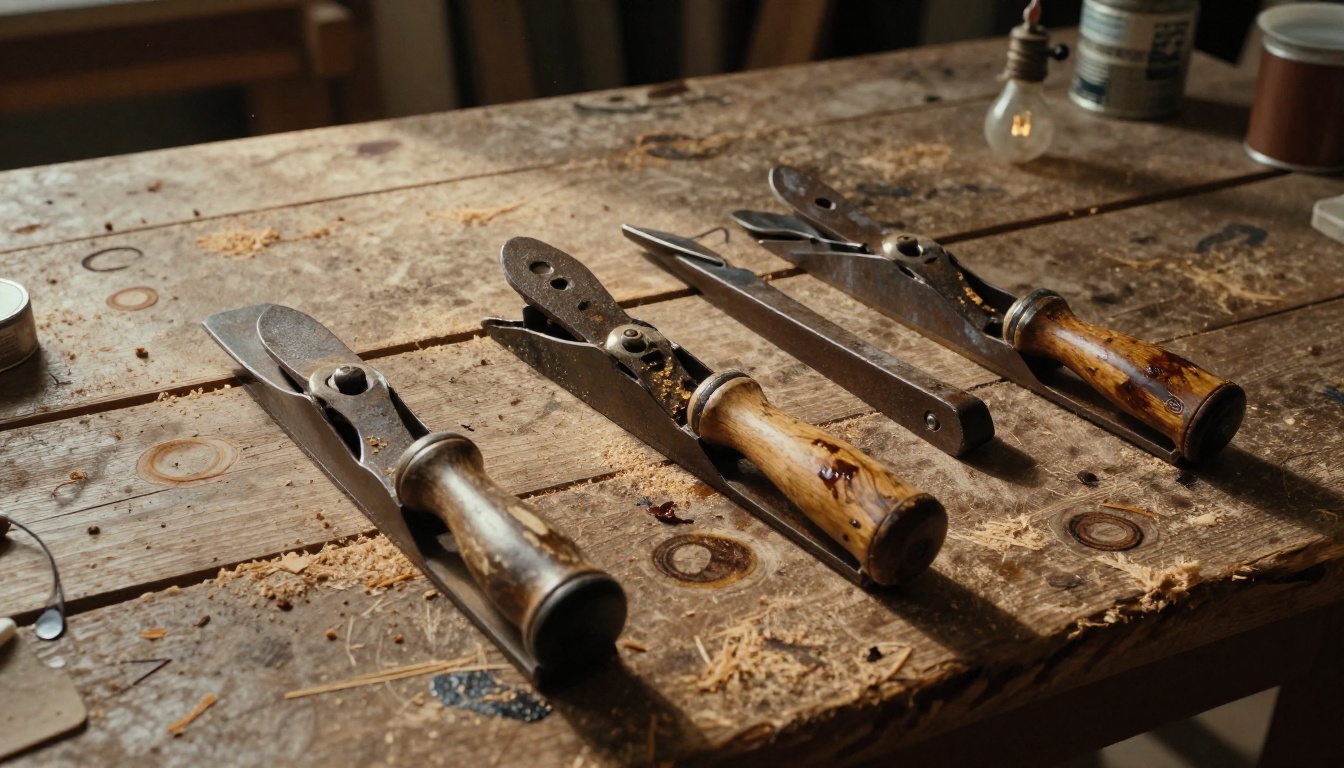
The v8 model was trained with a significantly larger proportion of real photography compared to previous versions, and it shows. Skin textures, fabric weaves, and metallic surfaces all exhibit the kind of micro-detail variance you see in actual materials photographed under real light. A stainless steel countertop in a v8 output shows directional micro-scratches consistent with brushing direction, not a flat uniform texture. A denim jacket shows individual warp and weft threads in close-up.
This training shift makes v8 the strongest publicly available model for material realism in dense, close-up scenarios.
Portrait Quality in v8
Close-up face and portrait generation is where Midjourney v8 most clearly separates itself from the competition. The results in this category are exceptional by any standard:
- Individual lash roots are visible and vary in thickness from the outer to inner canthus
- Skin pore distribution follows real facial anatomy, with higher pore density on the nose, forehead, and chin, and finer texture on the cheeks
- Sub-surface scattering creates realistic translucency in ear lobes and along the jaw in backlit scenes
- Fine stubble renders at the follicle level rather than as a flat stubble pattern overlaid on skin
- Vellus hair on the cheeks and forehead is rendered rather than absent
The trade-off is that this level of detail comes with a slight stylistic tendency toward what might be called hyper-real. The output can occasionally look more detailed than a real photograph, which some users find uncanny and others find advantageous for commercial work.
Landscape and Architecture
Midjourney v8's strengths in material rendering extend naturally to architectural and landscape photography. Stone textures, weathered brick, aged concrete, and moss-covered surfaces all benefit from the same micro-detail training. Wide-angle landscape renders handle atmospheric perspective convincingly. The model's understanding of how light filters through foliage has improved materially over v7, with individual leaf translucency rendering visible in backlit tree canopy shots.
Head-to-Head: Same Prompt, Different Results
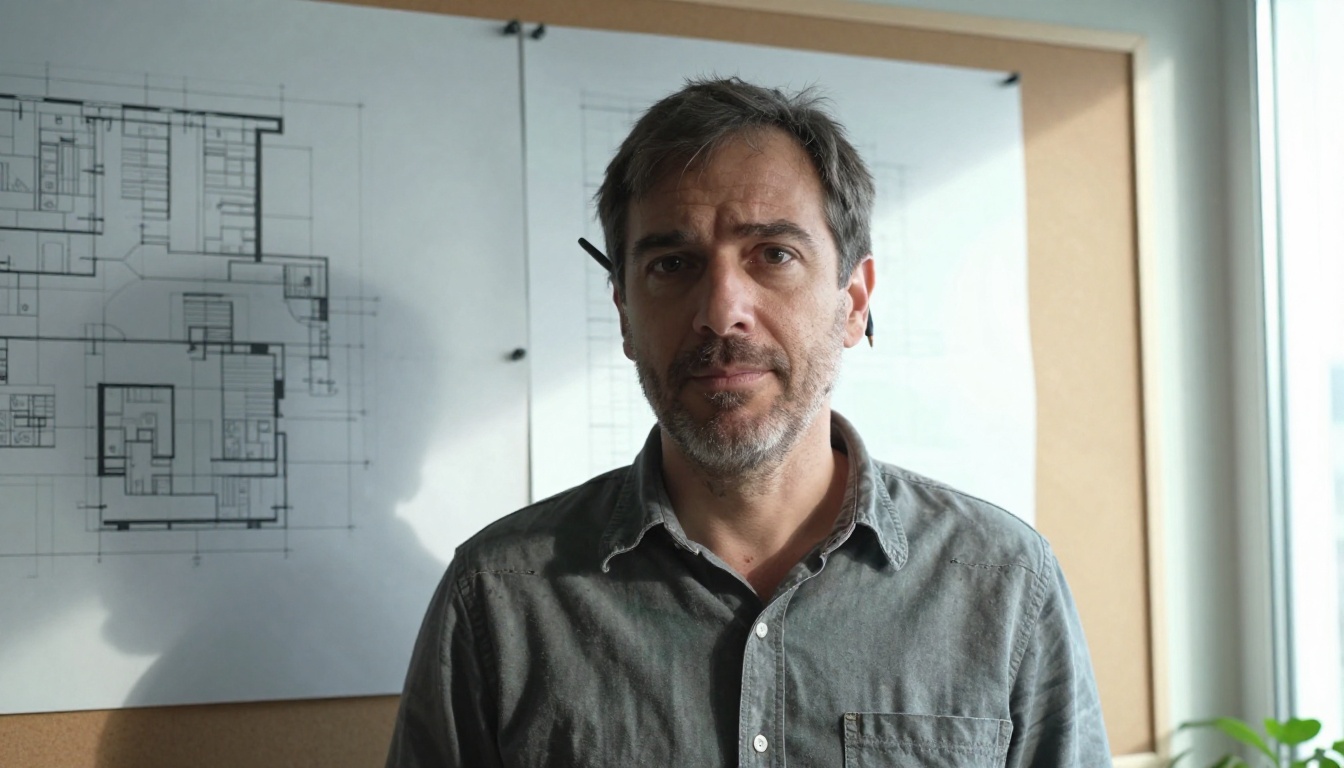
The most informative comparison is running identical prompts through both models and examining outputs objectively. Below are results across three standard test categories used for AI image realism benchmarking.
Portrait Test Results
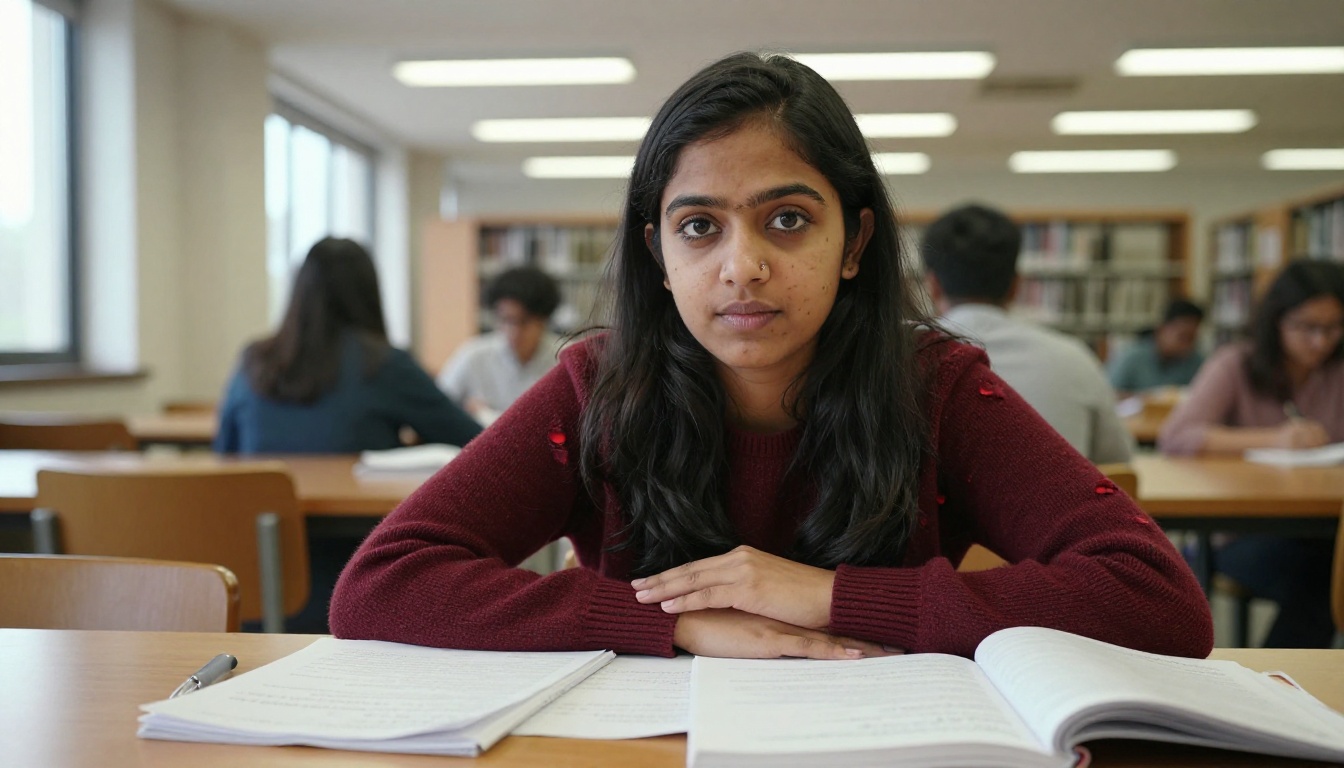
Test prompt: "35-year-old woman, natural light from a north-facing window, no makeup, unretouched skin, 85mm portrait lens, Fujifilm Superia 400"
| Criterion | Grok Imagine | Midjourney v8 |
|---|
| Skin pore fidelity | Good | Excellent |
| Hair strand detail | Average | Excellent |
| Lighting accuracy | Good | Very Good |
| Prompt adherence | Excellent | Good |
| Color science / film emulation | Very Good | Good |
| Overall portrait realism | Good | Excellent |
Midjourney v8 wins on output detail. Grok Imagine wins on following the prompt precisely without adding its own stylistic interpretation.
Landscape Test Results
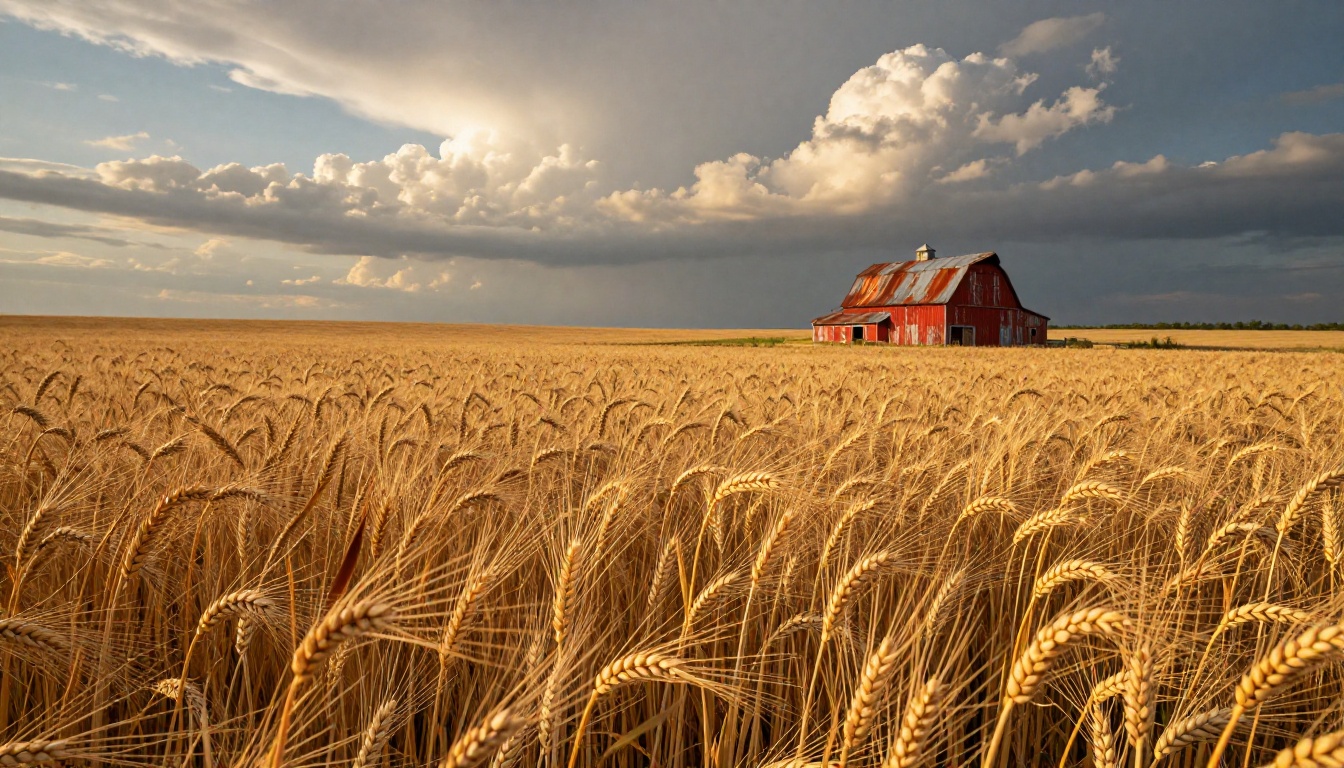
Test prompt: "Golden hour wheat field, rural Kansas, late August, single weathered red barn in distance, Nikon 24mm wide-angle, Kodak Portra 800, no people"
| Criterion | Grok Imagine | Midjourney v8 |
|---|
| Color accuracy | Very Good | Good |
| Atmospheric depth | Good | Very Good |
| Texture rendering (grain, straw) | Good | Excellent |
| Prompt accuracy | Excellent | Very Good |
| Film stock emulation | Very Good | Average |
Grok Imagine edges v8 on color science and film emulation accuracy, particularly when the prompt specifies a named real-world film stock. Midjourney v8 takes the lead on fine surface texture within the scene itself.
Complex Scene Results
In scenes with multiple interacting elements, such as a busy city market street at dusk with crowds, vehicles, merchant signage, and rain reflections, Midjourney v8 maintains spatial coherence significantly better. Shadow casting between separate objects is more physically accurate. Reflections in wet surfaces visibly match the scene above them rather than appearing generic. The model's understanding of how light sources interact in a multi-element environment is deeper.
Skin Texture and Fine Detail Rendering
Of all the technical metrics in a realism comparison, human skin texture is the one where the difference between Grok Imagine and Midjourney v8 is most immediately visible, and most practically significant for portrait and commercial photography work.
Pores, Stubble, and Individual Lashes
Midjourney v8 renders human skin at a micro-detail level that is genuinely difficult to match with other publicly available models. At full resolution, a v8 portrait shows:
- Sebaceous pores of varying diameter, clustered realistically on the T-zone, sparser on the cheeks
- Fine vellus hair across the cheeks and forehead, rendered rather than absent or painted over
- Individual eyelash shafts with slight natural curl variation between lashes, not identical parallel rows
- Lip texture with the vertical micro-furrows of the vermillion border, not waxy smooth
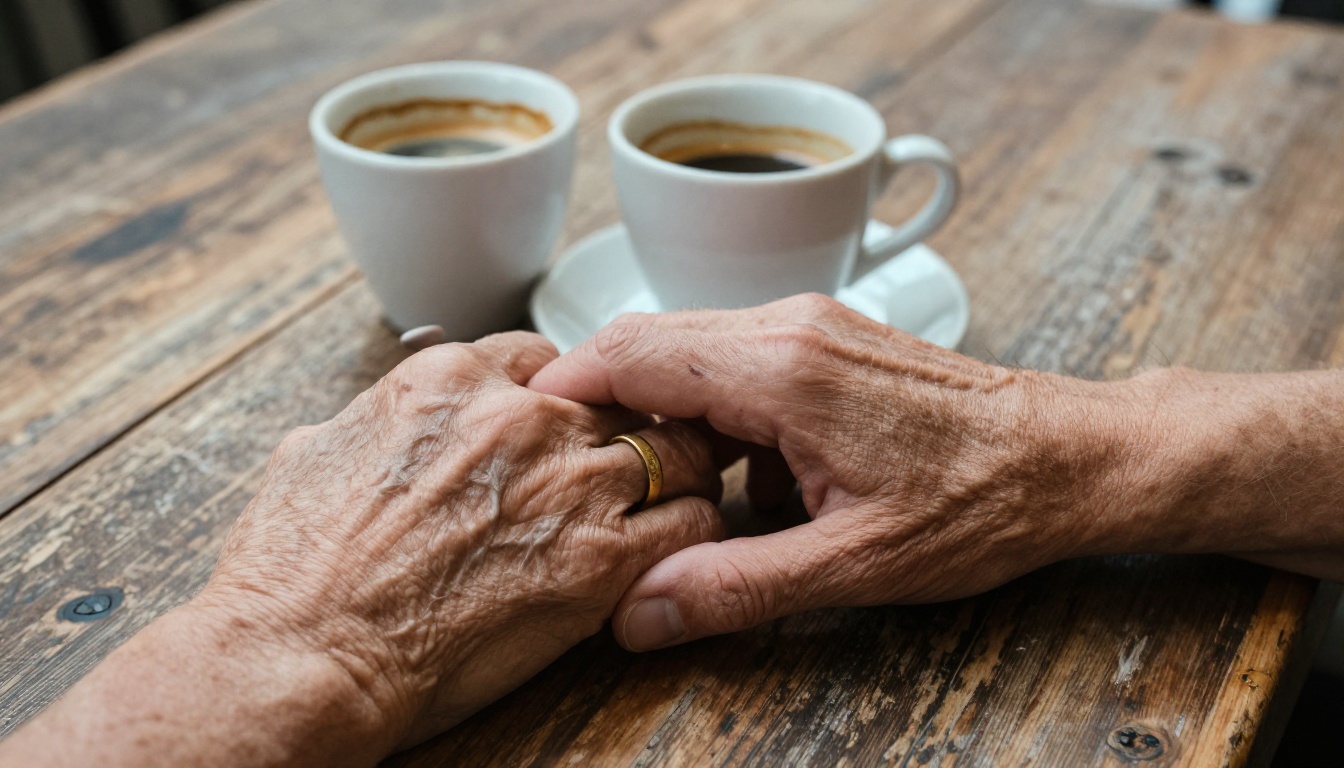
- Knuckle creases, vein definition, and skin fold geometry on rendered hands
Grok Imagine renders these elements with solid competency, but at a slightly lower resolution of micro-detail. The difference is most practically visible when the output will be displayed at large scale: billboard mockups, high-resolution print, or any commercial use where the image will be examined closely.
Fabric and Material Surfaces
Both models handle fabric textures well in general, but diverge in specifics. Midjourney v8 renders woven fabrics, denim, and knitwear with individual thread-level detail in close-up shots. Grok Imagine handles matte fabrics confidently but can over-process reflections on shiny materials. Satin, silk, and polished leather can occasionally appear slightly unnaturally smooth in Grok Imagine outputs when the prompt calls for high sheen.
Prompt Fidelity and Creative Control
Photorealism is not just about what a model produces at its best. It is about whether you can reliably get it to produce what you actually describe, on demand, across multiple runs.
Following Detailed Descriptions
Grok Imagine has a meaningful and consistent edge in prompt adherence. When a prompt specifies a very particular setup, such as a specific number of objects, a specific color for a specific element, or a very particular camera angle, Aurora tends to reproduce that arrangement faithfully. Midjourney v8 is more likely to improve on your brief, producing output that is visually richer but may not match a specific creative or storyboard direction.
Worth noting: For content workflows where visual consistency with a pre-defined brief matters, prompt adherence is as critical as raw output quality. A photorealistic image that does not match your creative direction is not a usable asset.
Style Locking and Series Consistency
When you need 20 images that appear to be shot on the same day by the same photographer, cross-image consistency matters as much as any single output. Grok Imagine handles this effectively using seed values and consistent prompt structure. Midjourney v8's stronger stylistic tendencies make perfect cross-image consistency harder to achieve without careful parameter locking and some iteration.
For single hero images, v8 wins on quality. For extended consistent image series, Grok Imagine wins on reliability.
Pricing and Practical Access
The realism comparison does not exist in a vacuum. How you access these models and what they cost are real factors in any professional decision.
What Each Platform Costs
Grok Imagine is available to X Premium subscribers. Basic access to the Aurora model comes with X Premium, with higher usage volumes in Premium+. This ties image generation to a social media platform subscription, which is not ideal for creators who want image generation as a standalone professional tool.
Midjourney v8 requires a dedicated Midjourney subscription. Basic access starts at around $10 per month, with faster generation and higher volumes at $30 and $60 tiers. There is no free tier for new users.
Neither platform offers unlimited free generations at high quality. For creators who want access to powerful photorealistic models without a specific platform subscription, PicassoIA provides access to Flux Pro, Flux Dev, Flux Schnell, and Seedream 3, among 91 total text-to-image models, with competitive pricing and no single-platform lock-in.
How to Use Flux Pro on PicassoIA for Photorealistic Images
Flux Pro is one of the strongest available alternatives for prompt-accurate photorealism. It is a 12-billion parameter model tuned for prompt precision, meaning your descriptive language translates directly into visual output without unwanted stylistic substitution.
Setting Up Your First Photorealistic Output
- Open Flux Pro on PicassoIA in your browser
- Set aspect ratio to 16:9 for landscape compositions, or 4:5 for portrait work
- Write a detailed prompt: include your subject, lighting direction, distance and color temperature of the light source, camera lens, and a specific film stock
- Set guidance to 4-5 for high prompt adherence on specific scenes
- Set steps to 30-35 for maximum fidelity rendering
- Generate and download in JPG or PNG
Prompt Structure for Maximum Realism
The most impactful thing you can do to improve photorealism in any model, including Flux Pro, is specificity. Generic prompts produce generic outputs. Specific prompts produce specific, realistic, usable results.
Weak prompt: "A woman walking in a city at night"
Strong prompt: "35-year-old Hispanic woman in a grey wool coat, mid-stride on a wet Brussels cobblestone street at 10pm, a single sodium streetlamp 8 meters behind her casting her shadow forward onto the wet stones, 50mm f/1.8 shallow focus, Kodak Portra 800 pushed one stop, light rain creating wisps of steam near a nearby drainage grate in the right foreground"
The strong prompt gives the model: a physically described subject, a named specific location with surface material, a named light source with distance and color temperature, a named lens with aperture, a named film stock with exposure modification, and atmospheric physical details. Every element constrains the model toward physical reality rather than creative interpretation.
Guidance Settings by Use Case
- Guidance 2-3: More creative interpretation. Less literal. Suitable for mood shots and atmospheric scenes where variation is acceptable.
- Guidance 4-5: Tight prompt adherence. Best for specific product photography, portrait work, and architectural imaging.
- Guidance 6+: Very literal interpretation. Can produce stiff or flat results if the prompt itself is not sufficiently detailed.
For photorealistic work specifically, start at guidance 4 and adjust from there based on what your first output returns.
Which Should You Choose?
Use Grok Imagine If...
- You need tight prompt adherence and cannot afford creative interpretation from the model
- You are already an X Premium subscriber and want image generation included
- Your primary use cases involve natural environments, outdoor landscapes, or specific film stock emulation
- Consistency across a long series of images matters more than the peak detail of any single output
- Your prompts are long and specific and you want the model to follow them precisely
Use Midjourney v8 If...
- Portrait work, human subjects, and fine skin detail are your primary output
- You need complex multi-element scenes where shadow interaction and reflection accuracy matter
- Your output will be displayed at large scale where micro-detail is visible and critical
- You are comfortable working iteratively with a model that may improve on your brief rather than follow it literally
The Third Option
For creators who want access to multiple photorealistic models without committing to a single ecosystem, PicassoIA lets you run Flux Schnell for rapid-iteration drafting (under 5 seconds per image), Flux Dev for higher-fidelity outputs with image-to-image editing capability, Flux Pro for maximum prompt accuracy at production resolution, and Seedream 3 for native 2K resolution results without post-processing upscale, all in one platform without switching subscriptions.
Start Generating Photorealistic Images Now
Reading about the realism differences between Grok Imagine and Midjourney v8 gives you context. Actually running prompts and examining outputs gives you answers specific to your own work and use case.
If you want to test photorealistic image generation right now without a new platform subscription, open Flux Pro on PicassoIA. Write the most detailed and specific prompt you can construct, set guidance to 4, set aspect ratio to 16:9, and examine what comes back at full resolution. Then adjust one variable at a time.
For 2K resolution outputs without post-processing, Seedream 3 generates images at up to 2048 pixels on the longest side natively. For rapid iteration across many prompt variations in a single session, Flux Schnell returns sharp, usable images in under five seconds each, making it practical to test 30 prompt variations in the time a slower model generates three.
The full PicassoIA model collection includes 91 text-to-image models covering every style, resolution, and photorealism approach currently available. Browse it and select the model whose strengths match the specific output you are trying to produce. The best photorealistic AI image generator for your work is not the one with the most impressive demo images. It is the one that reliably delivers what you actually describe, at the resolution you actually need, within the workflow you actually use.


