Hailuo 2.3 from Minimax is not the first AI video model to claim it handles camera movement, but it is one of the few that actually delivers on that claim with the consistency real creators need. Where other models interpret "dolly-in" as a vague zoom or a distracting pixel warp of the subject, Hailuo 2.3 produces clean, grounded camera behavior that holds subject position while the virtual camera physically advances through space.
That difference matters enormously. A true dolly-in compresses perspective. A zoom just magnifies. One reads as cinematic; the other reads as cheap digital editing. Hailuo 2.3 knows the difference because it was trained on footage that demonstrates the difference, and its architecture preserves spatial relationships between objects as the camera moves rather than warping them.
What Sets Hailuo 2.3 Apart
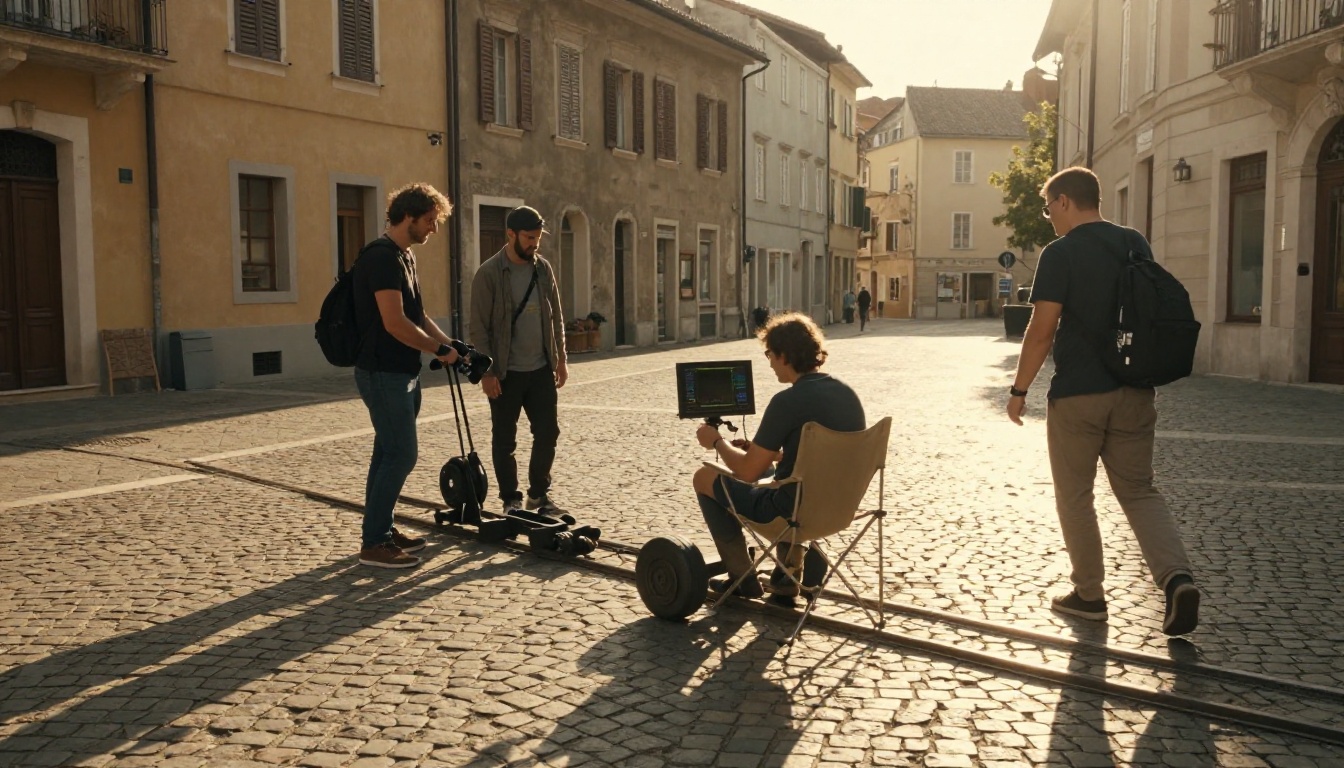
The Camera Problem Other Models Have
Most AI video models generate motion as scene-level animation rather than camera-physics simulation. They treat the frame as a 2D canvas and either morph pixels in the direction of movement or apply a warp map to simulate depth. The result is convincing at low motion speeds but falls apart the moment you ask for a strong directional move.
Hailuo 2.3 approaches the problem differently. The model maintains an implicit 3D representation of the scene across frames, which means it can simulate what an actual camera would see as it moves through that space. Backgrounds shift at different rates depending on their implied depth. Foreground objects parallax correctly against distant elements. The effect is not perfect, but it is significantly more convincing than what most competing models produce at this price point.
How Hailuo 2.3 Reads Motion Intent
The model parses camera movement from your prompt using a combination of cinematographic vocabulary and spatial cues. If your prompt includes phrases like "slow dolly-in toward the subject" or "wide pan left across the skyline," the model identifies the movement type, the direction, the speed qualifier (slow, fast, gentle, dramatic), and the camera anchor point (the subject the camera orbits, tracks, or pushes toward).
💡 Tip: Hailuo 2.3 responds best to film-language terms. Use words like "dolly," "truck," "pan," "tilt," "crane," "orbital shot," and "tracking" rather than vague descriptions like "move toward" or "go around."
The Camera Moves Hailuo 2.3 Does Well
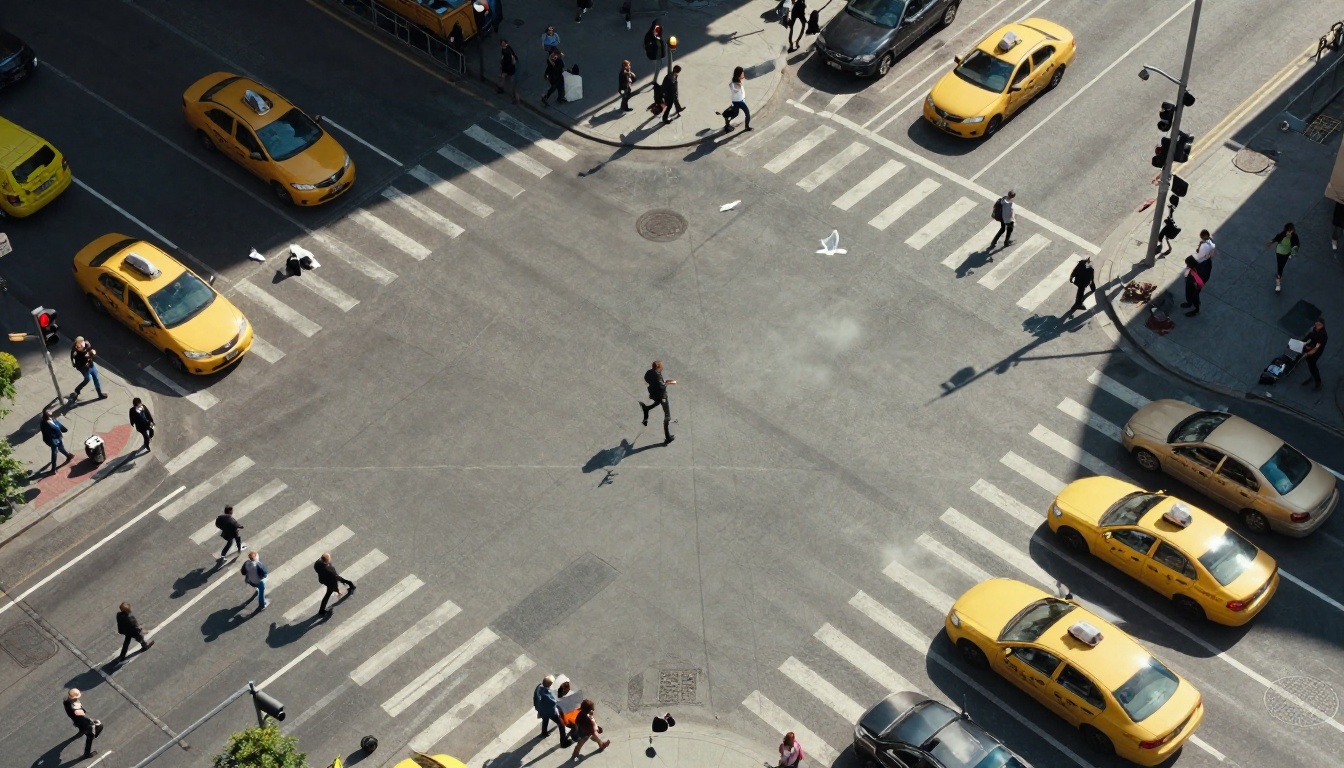
Dolly In and Dolly Out
The dolly-in is Hailuo 2.3's strongest single move. The model correctly simulates the camera physically advancing toward a subject: the background depth expands slightly, the subject fills more of the frame, and peripheral elements drift outward. A dolly-out reverses this, pulling back to reveal the wider context around a subject.
Effective dolly prompts:
- "Camera slowly dollies in toward the woman sitting at the table, maintaining eye-level framing"
- "Pull back in a slow dolly-out from the empty coffee cup to reveal the full cafe interior"
- "Tight dolly-in toward the clock face, close enough to read the minute hand"
The key with dolly moves is anchoring the camera to the subject. If your prompt does not specify what the camera is moving toward or away from, Hailuo 2.3 will often choose a focus point on its own, sometimes correctly and sometimes not.
Pan and Tilt
Panning (horizontal rotation) and tilting (vertical rotation) are movements Hailuo 2.3 handles cleanly for most scenes. A pan across a landscape, a tilt up a building facade, or a combined tilt-and-pan across a city skyline all produce stable, smooth rotation.
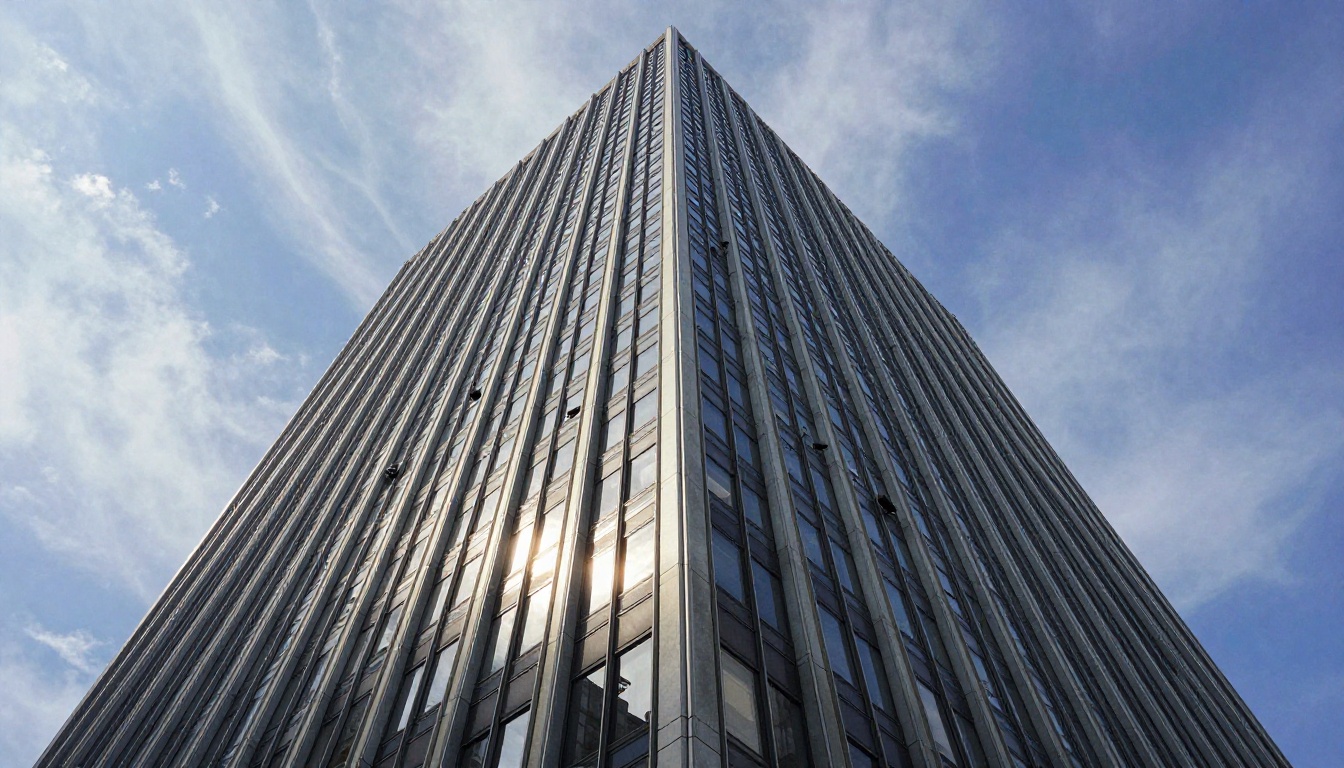
Effective pan and tilt prompts:
- "Slow pan left across the mountain ridge at sunrise, maintaining the same elevation"
- "Tilt up from the character's boots to their face, ending on a medium close-up"
- "Wide slow pan right revealing the full length of the conference table"
Where panning can struggle is in interior scenes with strong perspective lines. The model occasionally allows horizontal drift in backgrounds during a pan, which breaks the illusion of camera rotation. Keeping your scene descriptions simple and avoiding heavy geometric patterns in backgrounds reduces this artifact.
Orbital and Arc Shots
This is where Hailuo 2.3 clearly separates from most competitors. An orbital shot, where the camera arcs around a subject while keeping it centered in frame, requires the model to maintain consistent subject position while continuously changing the camera angle. Hailuo 2.3 does this with noticeably better fidelity than older generation models.

Effective orbital prompts:
- "Slow orbital shot circling clockwise around the vintage car, camera held at hood height"
- "180-degree arc from behind the actor to a frontal medium shot, smooth and continuous"
- "Orbit the skyscraper from ground level, keeping the building centered throughout"
💡 Pro tip: Specify the arc degree (90, 180, or 360) and the camera height. "Orbital shot" alone works, but adding those parameters produces more intentional and predictable results.
Tracking and Follow Shots
A tracking shot follows a moving subject. The camera moves in parallel with the subject, maintaining consistent framing rather than letting the subject drift through the frame.
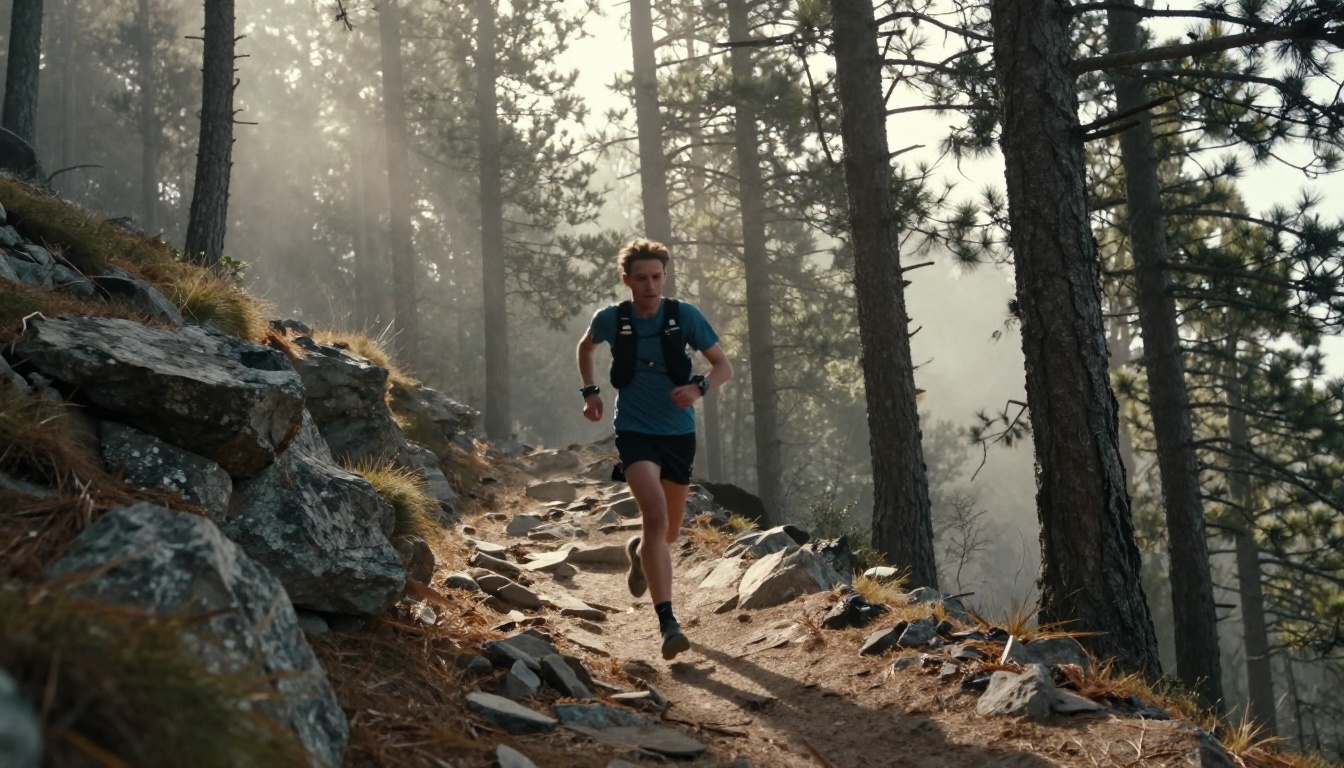
Hailuo 2.3's tracking ability is strong when the subject moves in a clear direction. It struggles slightly with erratic or diagonal movement paths, where it can lag before correcting. Prompt for a specific direction of travel and it performs well.
Effective tracking prompts:
- "Camera tracks alongside the cyclist at handlebar height, maintaining the same speed"
- "Follow the child running down the hallway from behind, steady tracking shot at waist height"
- "Track the dancer across the stage from stage right, maintaining a consistent medium shot"
Writing Camera Prompts That Work
The Right Vocabulary
Hailuo 2.3 responds to the vocabulary of the film industry. The table below maps common desired movements to the terms that produce the best results.
| What You Want | Prompt Term to Use |
|---|
| Camera moves toward subject | "dolly-in," "push in," "camera advances toward" |
| Camera moves away | "dolly-out," "pull back," "camera retreats" |
| Camera rotates left or right | "pan left," "pan right," "horizontal sweep" |
| Camera rotates up or down | "tilt up," "tilt down," "crane up" |
| Camera circles subject | "orbital shot," "arc around," "360 rotation" |
| Camera follows moving subject | "tracking shot," "follow shot," "camera tracks" |
| Camera moves sideways | "truck left," "truck right," "lateral tracking" |
Combining Movements
The most cinematic shots in professional filmmaking combine two or more movements simultaneously. Hailuo 2.3 can execute compound moves, though success rate drops with complexity.
Reliable compound moves:
- Dolly-in with tilt-up (push toward a building while tilting up the facade)
- Pan with dolly-out (reveal a wider scene while rotating)
- Track with tilt-down (follow a character descending stairs)
Prompts that work for compounds:
- "Camera dollies in while slowly tilting upward, starting at the character's feet and ending on their face"
- "Pull back in a slow dolly-out while panning right to reveal the crowd behind the speaker"
💡 Rule of thumb: Combine only two movements per shot in your prompt. Three or more movements in a single prompt regularly produces artifacts or confused motion, as the model struggles to weight competing directional cues.
How Hailuo 2.3 Compares to Other Models
Different AI video models make different trade-offs on camera control. Here is how Hailuo 2.3 sits relative to other prominent options available on PicassoIA.
Kling v3 Motion Control offers keyframe-style camera path input for the highest level of explicit control, but lacks native audio. Video 01 Director (another Minimax model) gives you the most granular prompt-based camera scripting. Hailuo 2.3 strikes the best balance between ease of use and output quality for general creative work.
How to Use Hailuo 2.3 on PicassoIA
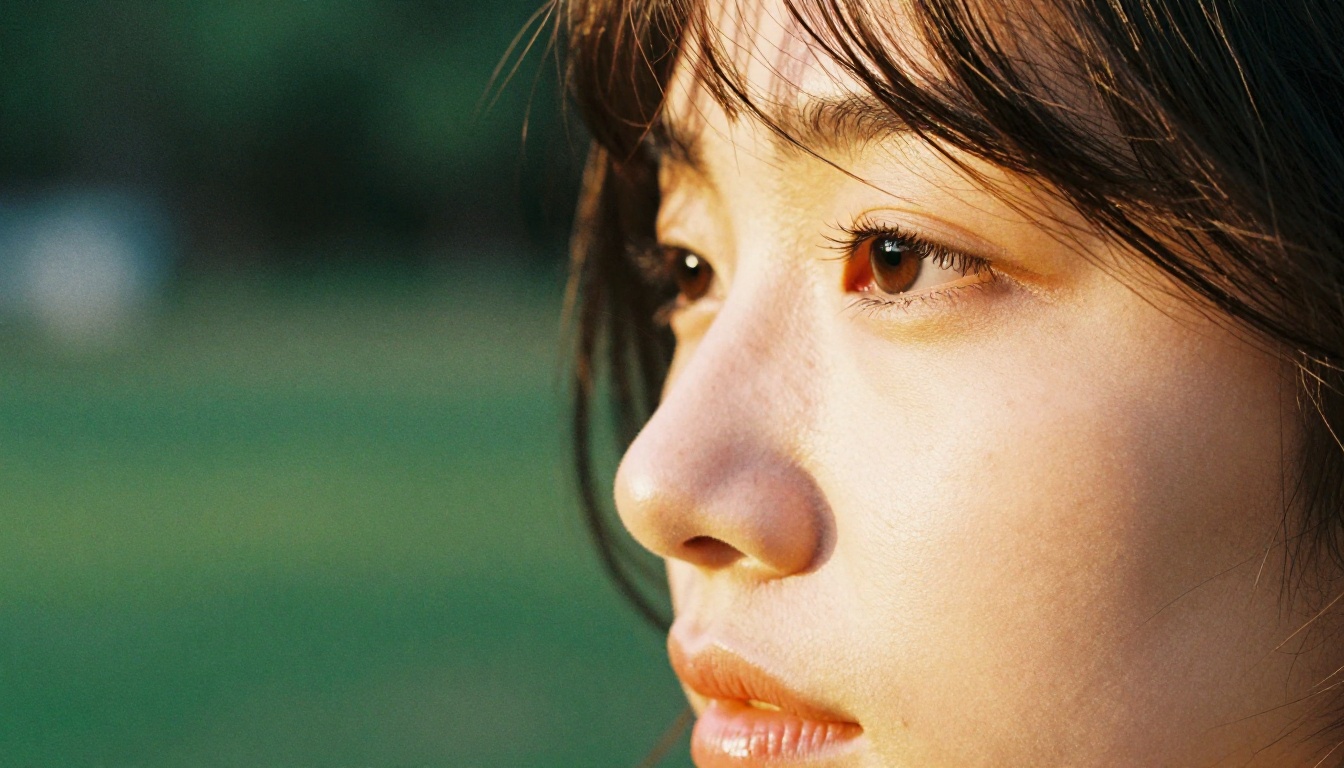
PicassoIA gives you direct access to Hailuo 2.3 and Hailuo 2.3 Fast without setup, API keys, or configuration. Here is how to get the best camera movement results.
Step-by-Step
Step 1: Open the model page
Navigate to Hailuo 2.3 on PicassoIA. You will see a text prompt field and generation options.
Step 2: Write your movement prompt
Structure your prompt in three parts: subject description, scene description, and camera direction. For example:
"A woman in a red coat standing on a rain-slicked city street at night, neon signs reflecting in puddles, slow dolly-in toward her face from medium shot to close-up."
Step 3: Set your duration
Hailuo 2.3 supports clips up to 10 seconds. For compound camera movements, use the full 10 seconds to give the motion room to develop naturally.
Step 4: Generate and review
If the camera movement reads correctly in the first output, your prompt is well-formed. If not, adjust the speed qualifier first: add "very slow" or "gentle" to reduce motion intensity before reworking the movement type entirely.
Step 5: Use 2.3 Fast for iteration
Once you have a working prompt structure, switch to Hailuo 2.3 Fast for quick iteration. The fast variant generates much quicker, which is ideal for testing different shot types before committing to a full-quality render.
Parameter Tips
- Duration: Longer clips (8 to 10 seconds) give camera movements more time to complete. Do not clip a dolly-in to 3 seconds if it needs 6 to land properly.
- Subject clarity: The more precisely you describe your subject, the better Hailuo 2.3 anchors the camera to it. "The woman" is weaker than "the woman in the red coat standing at the lamppost."
- Speed qualifiers: Add "slow," "very slow," "gentle," or "deliberate" before movement terms. The model defaults to moderate speed, which can feel rushed on short clips.
- Perspective anchor: Name the camera height and angle in your prompt. "Eye-level," "low angle," "overhead," and "waist height" all significantly affect how the movement reads.
Real Use Cases for Each Move Type
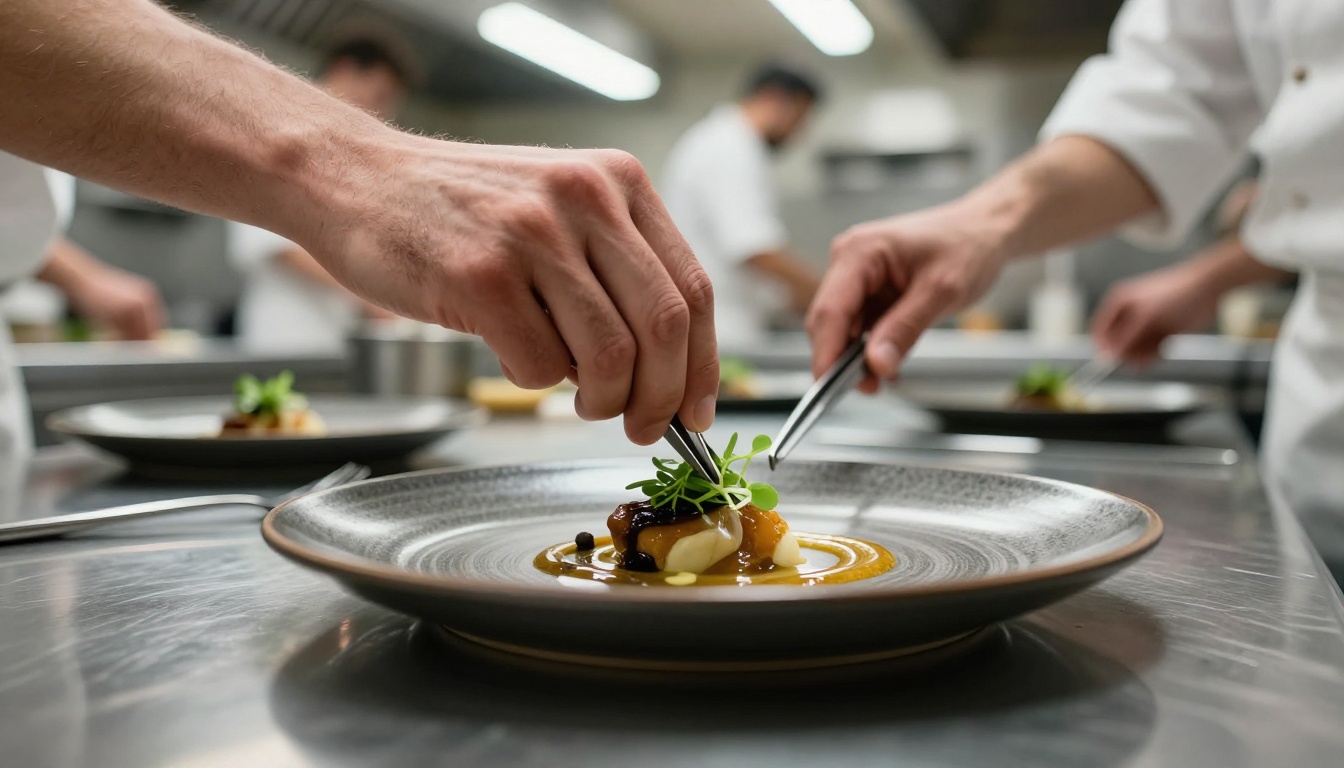
Product and Commercial Videos
Orbital shots are the most useful single move for product videos. A slow 180-degree arc around a product on a table or pedestal gives viewers a three-dimensional read on the object without requiring multiple cuts.
Example prompt:
"A minimalist white ceramic vase on a wooden pedestal in a sunlit studio, slow 180-degree orbital shot moving left to right at product height, diffused natural light from overhead."
Dolly-ins work well for detail reveals. Start wide on the full product, then push in to a specific feature: the texture of the material, the engraving on the logo, or the stitching on a leather good. Hailuo 2.3 holds detail sharpness during the push-in better than most competing models.
Storytelling and Narrative Shots
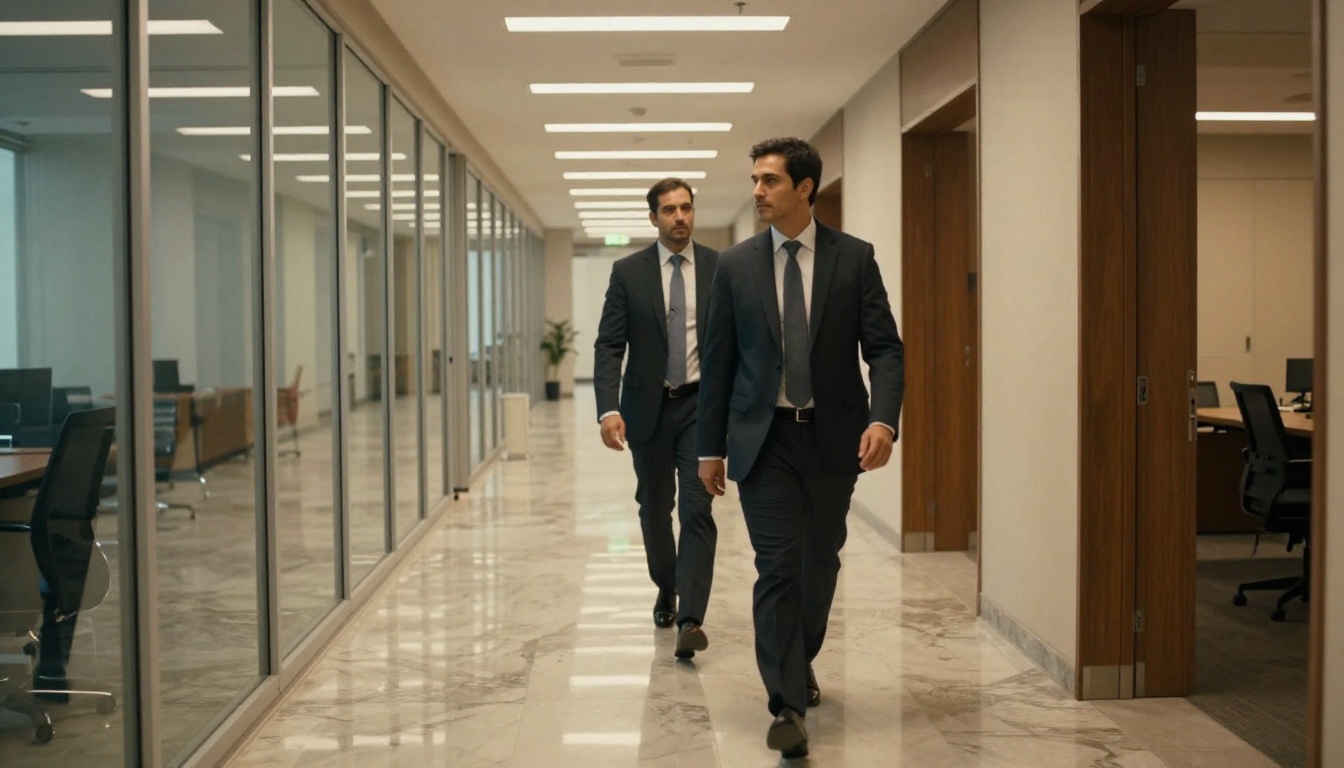
Tracking shots carry emotional weight in narrative video. Following a character through a space, matching their pace, and holding their frame builds intimacy. Hailuo 2.3's tracking capability makes this viable for short-form content creators who do not have a physical dolly rig or crew.
Crane-up shots, starting low and ending high, work especially well for establishing shots that reveal the scale of an environment. The camera rises above head height, and the scene suddenly expands to show the full location. Hailuo 2.3 handles this well when the scene has clear depth layers: a foreground subject, a midground environment, and a background horizon.
The push-in, where the camera slowly advances on a subject in a static scene, is the most emotionally loaded single move in cinema. Hailuo 2.3 executes it reliably, which makes it useful for dramatic moments: a character receiving news, a reaction shot that needs to grow in intensity, or a reveal where proximity itself carries meaning.
Put These Shots to Work
Camera movement is not decoration. Every dolly, pan, or orbit communicates something to the viewer: proximity, scale, tension, freedom, surveillance, intimacy. Hailuo 2.3 gives you access to that vocabulary without requiring a crew, a rig, or a location.
PicassoIA makes both Hailuo 2.3 and Hailuo 2.3 Fast available alongside over 100 other video generation models, including Kling v3 Motion Control for keyframe-precise camera paths, Video 01 Director for granular camera scripting, and Seedance 2.5 for high-quality 30-second clips with built-in audio.
Start with a single movement type. Write the prompt, generate the clip, review what the model delivers, and adjust. The fastest way to build competency with Hailuo 2.3's camera system is repetition on simple shots before layering complexity. A well-executed dolly-in on a static subject is always more impressive than a confused compound move that goes nowhere.


