The first $1,000 from AI-generated content felt like a test I had not studied for but somehow passed anyway. I had a tool, a model, and no real plan beyond "generate images and sell them somewhere." What came out of that first month was a repeatable income system that still produces revenue today. This is the honest breakdown you actually need: what worked, what cost me money early on, the exact numbers behind each income channel, and how Nano Banana Pro became the center of every production session I run.
Why Nano Banana Pro Was My First Choice
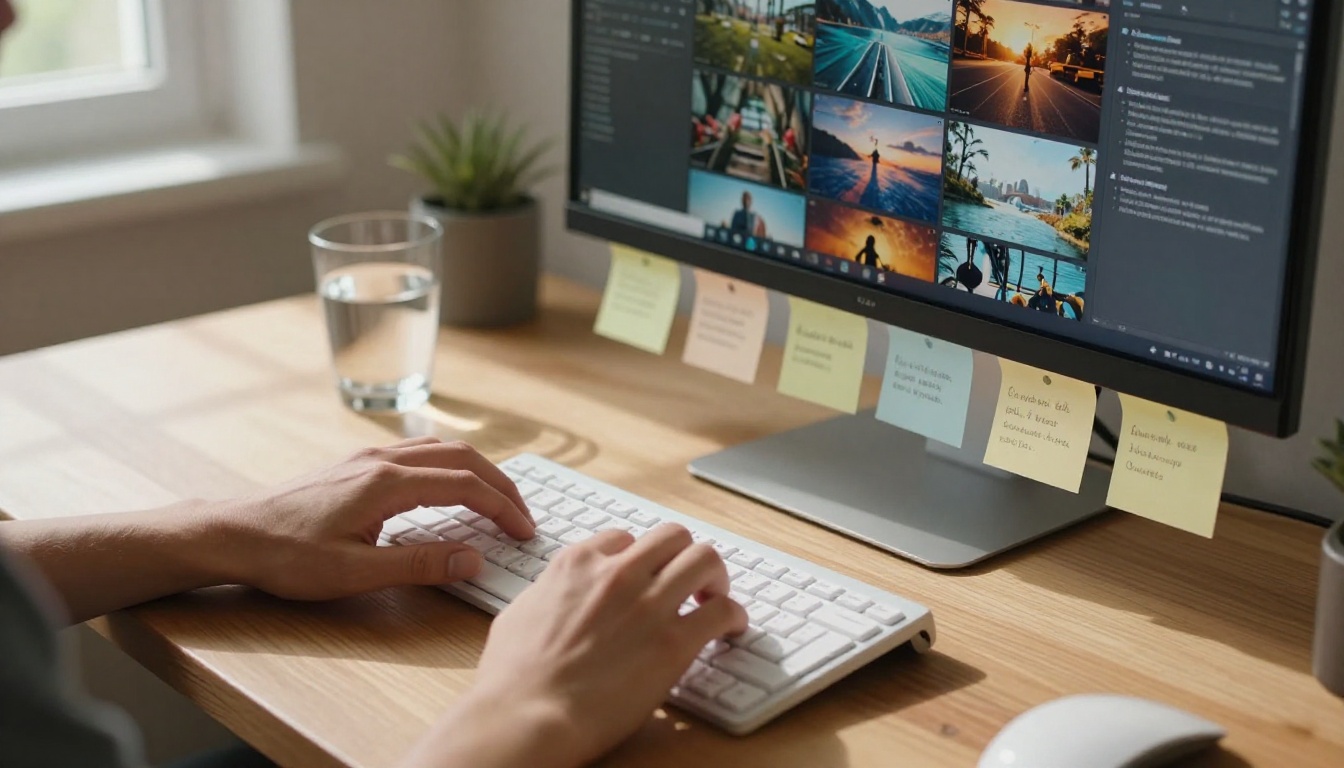
Not every text-to-image model produces work that buyers will actually pay for. Some models look impressive in demos but collapse under real production conditions where you need consistent output across hundreds of images. I tested several options before committing to a primary model, and Nano Banana Pro stood out in two areas that matter most when you are trying to generate income: speed and sellable output quality.
Speed That Actually Pays Off
When you are running a content production operation, time is your only real cost. A model that takes 45 seconds per image at roughly the same quality tier as one that takes 8 seconds is, in practical terms, a model that earns you less money per hour. Nano Banana Pro consistently sits in the fast generation lane without punishing your output in ways that matter commercially.
In my first full week of production, I generated over 400 usable images. At a slower model running the same prompts, that same batch would have consumed most of the day. Instead, I was done generating before noon and spending the afternoon uploading, writing listings, and pitching client projects. That time redistribution is where the real income came from.
💡 When speed-testing models, run the same 10 prompts through each one. Time the entire batch, then compare output quality side by side. The model that wins on both counts is your primary workhorse.
Output Quality That Sells
Speed means nothing if buyers reject the work. The photorealism from Nano Banana Pro was what first caught my attention when I was testing models on PicassoIA. Textures, lighting response across different environment types, human anatomy in lifestyle shots: all of it holds up under the scrutiny of a stock photo reviewer or a paying client.
The model also handles prompt specificity well. If you ask for "morning light from upper left, shallow depth of field, wooden desk surface," it actually delivers those parameters rather than approximating them. That specificity is what separates images that sell from images that sit in a folder.
The 3 Income Streams I Used
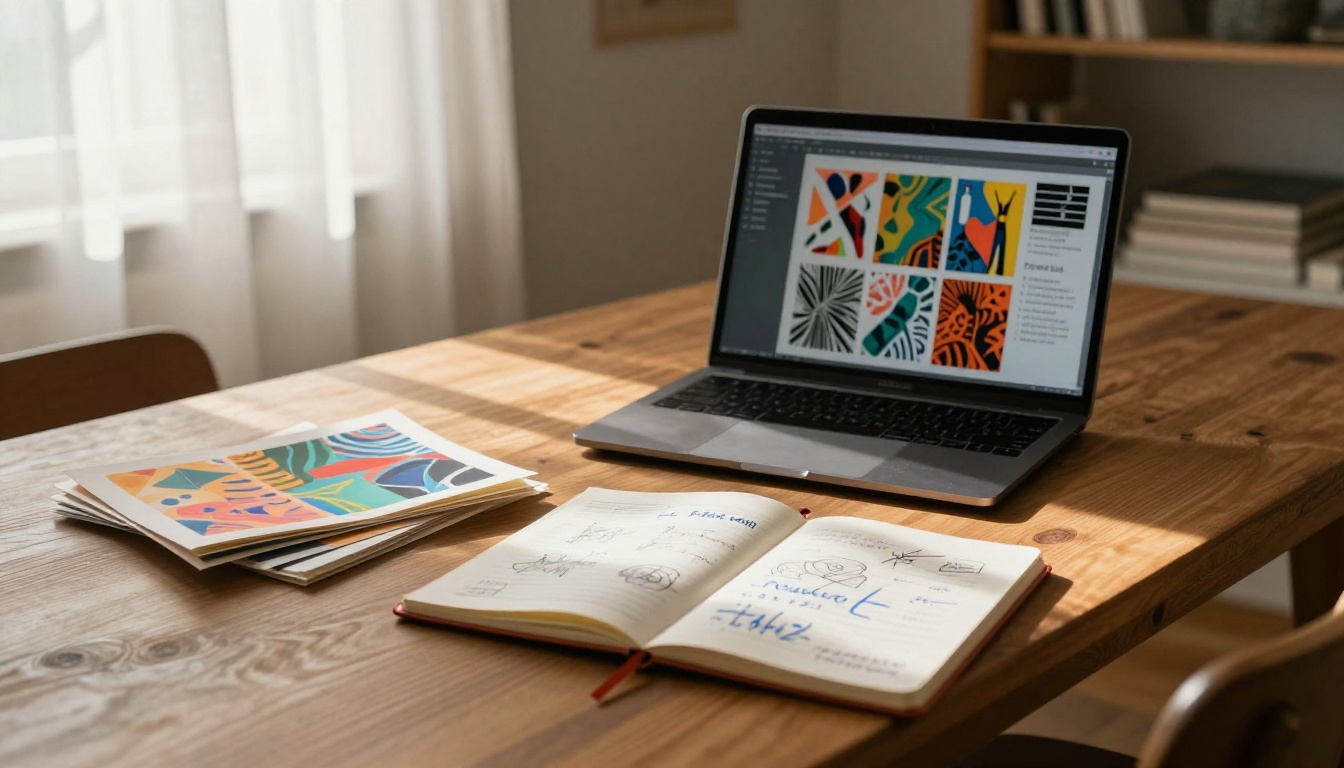
Nobody reaches $1,000 from a single channel in the first month without an existing audience. I used three parallel income streams with different timelines, different margins, and different levels of active effort required from me.
Print-on-Demand Products
This was my slowest earner but my most passive. I used AI-generated images to create designs for mugs, posters, tote bags, and phone cases through Printful, connected to a Redbubble storefront. The margins run low, around $4-8 per unit depending on the product, but there is zero inventory risk and zero upfront cost. You create the design, list it, and collect royalties.
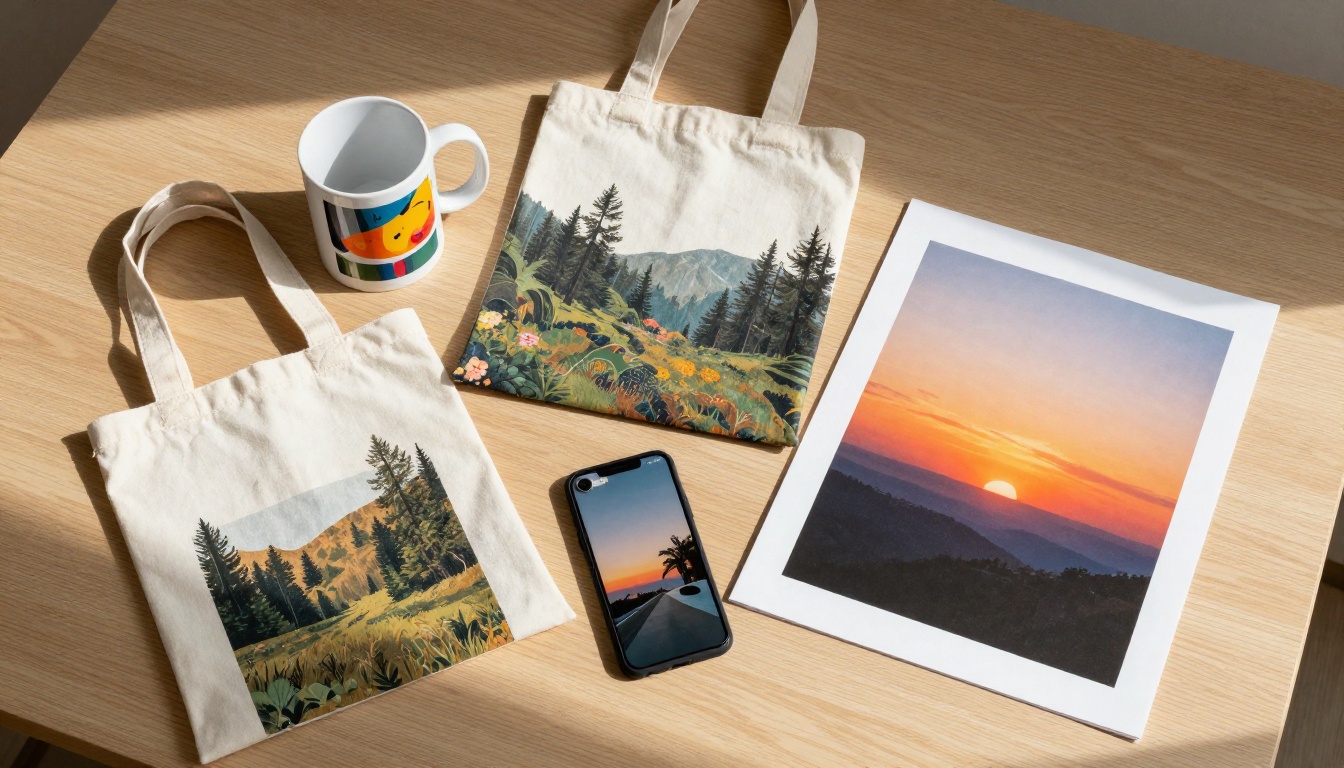
The images that sold best in this channel were:
- Botanical and nature compositions with soft, warm lighting and muted earth tones
- Abstract lifestyle photography with strong foreground-background color contrast
- Minimalist architectural shots featuring clean geometric lines and neutral palettes
| Product Type | Avg Margin | Time to First Sale | Volume Potential |
|---|
| Art Poster | $7.50 | 2-3 weeks | Medium |
| Ceramic Mug | $4.20 | 1-2 weeks | High |
| Tote Bag | $6.80 | 2-4 weeks | Medium |
| Phone Case | $5.10 | 1-3 weeks | High |
The winning move in this channel is uploading in themed collections rather than scattered individual designs. A buyer who finds one botanical print they like will browse the rest of that collection. If you have 15 cohesive designs in a set, your per-visitor revenue goes up significantly.
Stock Image Platforms
Adobe Stock and Shutterstock both accept AI-generated images with proper disclosure. The content they sell licenses for is very specific: commercial use images for advertising, editorial design, social media, and marketing materials. Understanding what those buyers actually need is what separates a stock portfolio that earns from one that just sits there.
I uploaded 150 images in my first batch across both platforms. Within three weeks, 22 had generated at least one license sale. The strongest performing categories were business and lifestyle, nature and environment, and food and product flat-lays.
💡 Always verify the current AI content policy for any platform before uploading. Adobe Stock requires disclosure of AI generation at upload time. Requirements change, and violations can get accounts suspended.
Direct Client Work
This is where real money moved fast. I pitched three local businesses offering social media content packages: not stock photos, not templates, but custom images generated specifically for their brand aesthetic and delivered on a weekly schedule.
My rate was $350 per client per month for 20 images, with one revision round included. Two clients signed on during my first month. That alone was $700. Add in stock sales and early print-on-demand royalties and the $1,000 target crossed by day 28.

The pitch that worked best was not "I use AI." It was "I can deliver 20 professional-quality images for your Instagram feed every month for less than one hour of a traditional photographer's time." The outcome framing converted. The technology explanation did not.
My Exact Workflow Step by Step
Repeatable income requires a repeatable process. Once I found what worked, I systematized it so I could produce at volume without decision fatigue every session.
Setting Up Your Workspace
I ran everything through PicassoIA because it gave me access to Nano Banana Pro and other models without managing separate API keys, billing accounts, or switching between five different interfaces mid-session.
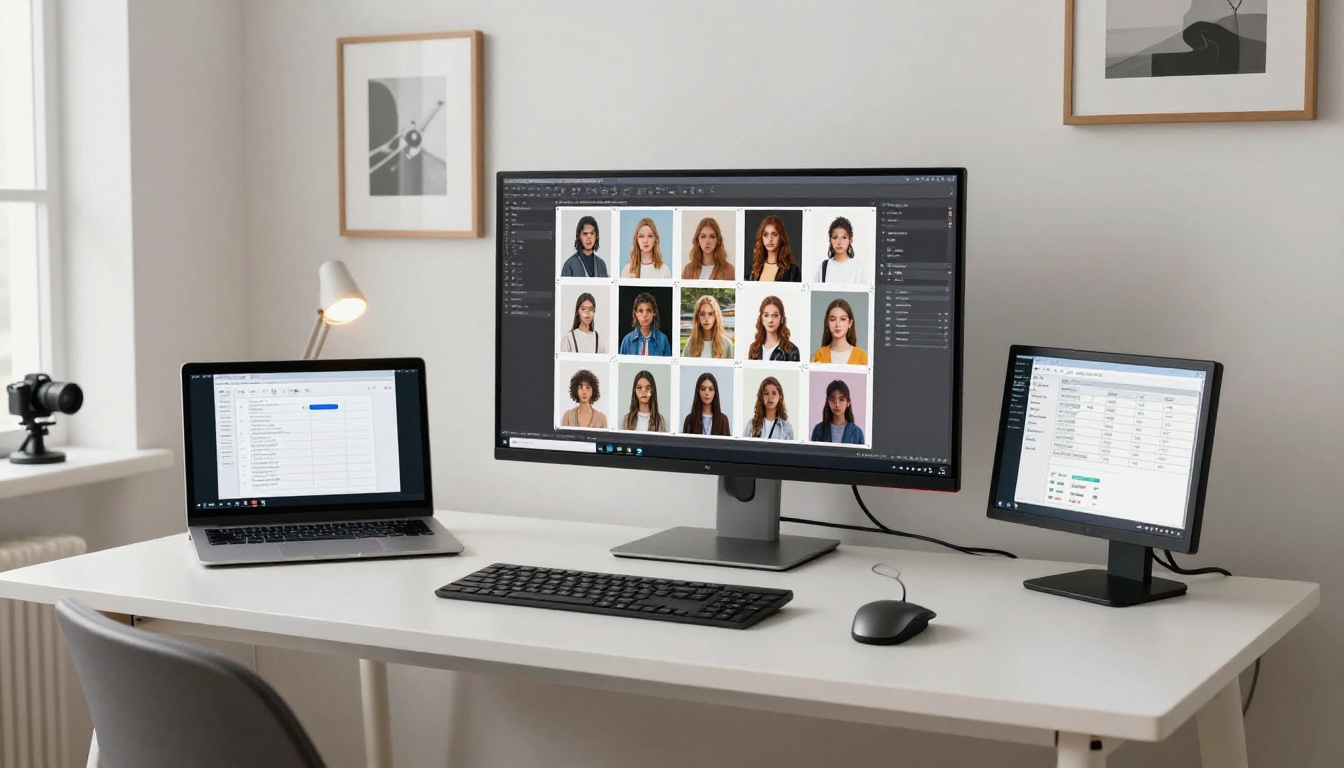
My production workspace used four tabs:
- Tab 1: PicassoIA generation interface with Nano Banana Pro selected
- Tab 2: Google Sheets with my prompt library, tracking, and revenue log
- Tab 3: The upload portal for the platform I was feeding that session
- Tab 4: Reference images for the aesthetic style I was targeting that batch
This setup eliminated back-and-forth friction. Every image I generated either went into an upload queue or a reject folder. No in-between purgatory where images sit and never get used.
Writing Prompts That Convert
Prompt quality was the single skill that took the most time to build. Bad prompts waste generation credits and produce images nobody buys. After iterating through over 300 prompts in my first month, the pattern that produces consistently sellable images follows this structure:
[Subject + Action] + [Setting Detail] + [Lighting Condition] + [Camera Style] + [Mood]
Here is a real prompt I reused across multiple client batches with consistent results:
"Young professional woman working at a minimalist light oak desk, morning light entering from window camera left, shallow depth of field with background plants softly blurred, warm neutral tones, lifestyle photography, photorealistic 8K detail"
That single template, with subject and setting variations, produced 34 images I licensed or delivered to clients. The investment in getting one prompt right pays dividends across every variation you run from it.

The four prompt variables that changed my output quality most:
| Variable | Weak Version | Strong Version |
|---|
| Lighting | "good lighting" | "volumetric morning light from upper left" |
| Camera | "close up" | "85mm f/1.8 shallow depth of field" |
| Subject | "a woman working" | "woman in late 20s, focused expression, fingers on keyboard" |
| Style | "photorealistic" | "photorealistic RAW 8K, Kodak Portra 400 film grain" |
Batch Production in Bulk
Once a prompt proved itself, I did not run it once and move on. I ran it 15-20 times with deliberate variations: different lighting angles, slightly different subject positioning descriptions, alternate color temperature modifiers. This created cohesive collections that performed better on stock platforms and gave print-on-demand shops a professional, curated catalog feel rather than a random grab-bag.
💡 Batch formula: 1 proven prompt = 15-20 variations = 1 themed collection. Buyers who like one image in a collection often license several from the same set.
Numbers That Tell the Real Story
I tracked every sale, upload, and generation session in a spreadsheet from day three onward. Here is the actual breakdown from that data.
Week 1 Earnings Breakdown
| Source | Images Uploaded | Revenue |
|---|
| Adobe Stock | 60 | $18.40 |
| Redbubble POD | 45 | $0 (no sales yet) |
| Direct Client 1 | 20 custom | $350 |
| Direct Client 2 | 20 custom | $350 |
| Total Week 1 | 145 | $718.40 |
Week one was front-loaded by client work. The stock and print-on-demand channels were seeds planted that week, not harvest yet.
What Scaled After Week 3
By week three, the stock uploads started generating small but consistent daily revenue. Redbubble saw its first 4 sales. The client work was running on autopilot because I was reusing the same production workflow with refreshed prompt variations.
| Source | Weekly Revenue (Week 3) | Notes |
|---|
| Adobe Stock | $41.20 | Compounding from earlier uploads |
| Redbubble POD | $32.50 | First meaningful volume |
| Direct Clients | $175 (partial week) | Recurring base |
| Week 3 Total | $248.70 | |
Cumulative by end of week 4: $1,087. The stock and print-on-demand channels were still small, but they were growing without additional active work from me. Client income was locked in for month two.
Other Models Worth Adding to Your Stack
Nano Banana Pro handled about 80% of my production volume. But a professional workflow uses the right model for each specific job rather than forcing every task through one tool.
When to Use Flux 2 Pro Instead
Flux 2 Pro excels at highly detailed architectural and premium product shots where you need the absolute maximum fidelity. It is slower than Nano Banana Pro, but for a batch of 10 flagship images for a high-budget client pitch, the quality ceiling is noticeably higher and worth the extra generation time.
I used Flux 2 Max specifically for the hero portfolio pieces I showed new prospects during the initial pitch meeting. First impressions from those images close deals.
GPT Image 1.5 for Editing Tasks
GPT Image 1.5 became my go-to for taking an already-generated image and refining specific elements without regenerating the entire composition. If a client needed a product mockup variation with a different background or a lighting adjustment on an existing image, this was the right tool for that job.
Seedream 4.5 for Artistic Styles
Seedream 4.5 produced the most interesting stylized outputs when I needed something beyond straight photorealism. For editorial-style stock images targeting design-forward buyers, it delivered a distinct aesthetic that stood out from the standard lifestyle photography flooding those platforms.
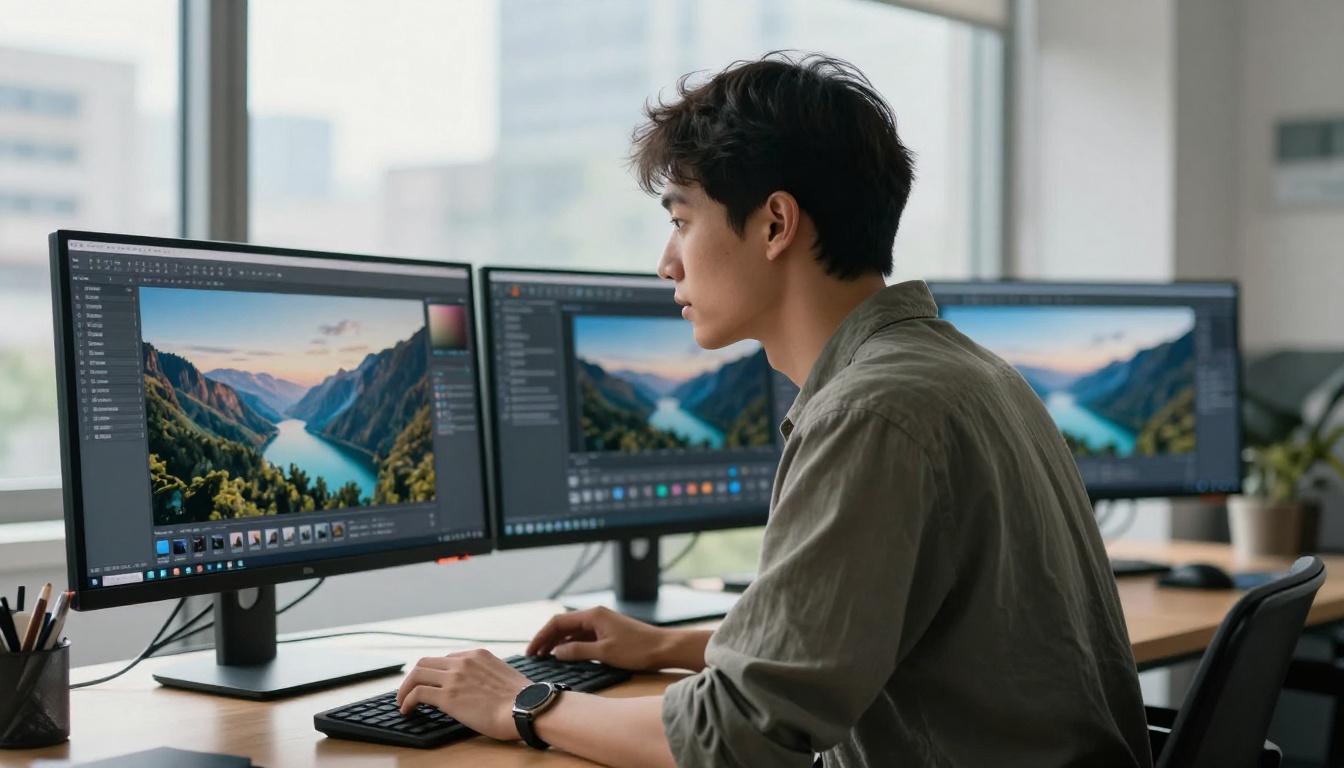
How to Use Nano Banana Pro on PicassoIA
The model is available directly on PicassoIA. Here is the session workflow I used for every production run.
Step 1: Decide Your Category First
Open Nano Banana Pro and decide your target category before writing a single word of prompt. Are you generating for stock photography (lifestyle, business, nature)? Or for print-on-demand (bold graphics, strong composition for small formats)?
Your entire prompt approach changes based on this decision. Stock photography prompts are scene-descriptive and anchored in realism. Print-on-demand prompts are more compositionally intentional with stronger graphic weight. Mixing the two approaches in the same batch produces inconsistent output.
Step 2: Write One Prompt and Test It
Write your first prompt using the subject-setting-lighting-camera-mood structure. Run it once. Ask three questions before batching:
- Is the lighting direction consistent with what buyers in this niche want?
- Is the subject positioned and cropped well for the intended platform format?
- Does the overall mood and tone match what a paying buyer would select?
If yes to all three: batch it immediately. If not: change one variable and test again. Changing multiple variables at once makes it impossible to know what fixed the problem.
Step 3: Batch, Download, Sort
Once your prompt is validated, run it 15-20 times. Use 16:9 aspect ratio for stock photography and lifestyle content. Download the full batch and sort into two folders immediately: keepers and rejects. Apply one quality standard consistently: if you would not genuinely pay for a license to use that image yourself, it does not go in the keeper folder.
💡 A tight keeper rate of 60-70% is normal. Do not lower your standard to inflate upload numbers. Platform algorithms favor accounts with low rejection rates and good engagement metrics.
5 Mistakes That Cost Me Early On
1. Uploading Without Reviewing First
I pushed 60 images to Adobe Stock in my first batch without properly reviewing each one. About 20 were rejected for technical quality issues I would have caught with a 10-minute review. That wasted two hours of upload and resubmission time. Now every batch gets a review pass before anything leaves my hard drive.
2. Treating Every Prompt as a One-Off
I thought every prompt needed to be completely original. It does not. A strong base prompt is a production asset. Iterate from it. Vary the lighting descriptor, the subject detail, the angle description. The core prompt structure is the recipe; the variations are the menu. One good prompt is worth more than 50 mediocre ones.
3. Skipping the Collection Strategy
Individual image uploads perform worse than organized collections on most platforms. Buyers searching for "minimalist workspace photography" want multiple options to compare and license. Group your images into themed sets of 8-15 before uploading. The collection approach also tells platform algorithms that your account produces professional, organized content.
4. Using Only One Model for Everything
Staying exclusively with Nano Banana Pro for all jobs cost me quality on the high-end client pieces where Flux 2 Pro would have been the better call. The right tool for each task is not overthinking the workflow. It is protecting the quality standard that keeps clients paying.
5. No Tracking from Day One
My first week had no spreadsheet. I did not know which images sold, which platforms performed by category, or what prompt types produced the best keeper rates. Without data, you are running blind. Set up a basic tracking sheet before your first generation session, even if it is just three columns: platform, image type, and revenue.

Your $1,000 Sprint Starts Now
The path from zero to $1,000 with AI image generation is not a mystery. It is a workflow: a fast model with high output quality, tested prompts that produce sellable images on the first pass, three income channels running in parallel, and a tracking system that tells you what is working. The barrier to starting is lower now than it has ever been because tools like Nano Banana Pro on PicassoIA put production-grade image generation in reach without technical setup, upfront inventory costs, or years of design experience.
If you want to start today, open Nano Banana Pro on PicassoIA and run your first 10 prompts using the structure above. Pay close attention to what the model does well in that first session, particularly how it handles lighting and human subjects. By the end of an hour you will have a clear picture of what your first sellable batch looks like.
You can also pair it with Recraft V3 for design-forward work, or use Sana when you need high-resolution artistic output for premium print formats. PicassoIA gives you all of these in one place, so your production workflow stays clean and your focus stays on generating content that earns.
The images you create today can be earning money by next week. That is not a headline. That is just how the workflow runs once it is set up.


