If you've spent any time in AI image generation circles over the past year, you've noticed a pattern: portrait realism is the metric every model is quietly racing toward. Photographs of people are the hardest to fake because humans are exquisitely sensitive detectors of facial anomalies. We notice the uncanny valley in milliseconds. That's exactly why Ideogram 4's portrait output has made photographers and AI artists stop mid-scroll.
Ideogram V4 Quality doesn't just produce faces. It produces portraits in the photographic sense of the word, with specific lighting models, skin-tone accuracy, and the kind of micro-textural detail that makes you instinctively squint at an image to check if it's real.
This article breaks down exactly how Ideogram 4 achieves that level of photorealism, which portrait styles it excels at, what its actual limits are, and how you can start generating high-fidelity portraits today on PicassoIA.
What Sets Ideogram 4 Apart
The jump from Ideogram 3 to Ideogram 4 wasn't cosmetic. The fourth-generation model introduced architectural improvements that directly address the failure modes that have plagued portrait AI for years: inconsistent skin tone across shadow and highlight regions, anatomically wrong ear placement, uncanny gloss on eyes, and that telltale AI "smoothness" that erases the natural variation of real skin.
Ideogram V4 Quality attacks these problems at the training level rather than the post-processing level. The difference shows up immediately in any side-by-side comparison with earlier generations.
The Skin Texture Problem, Solved
Most AI portrait models smooth skin by default. They've been optimized on datasets where high-quality portrait photography often involves retouching, so the model internalizes the idea that "professional portrait" equals "flawless, pore-free skin." This produces an uncanny result that reads as artificial even when every other feature is accurate.
Ideogram 4 takes the opposite approach. Its training data includes a significant proportion of unretouched editorial and documentary photography, which means the model has been trained to produce natural skin with real texture: visible pores around the nose bridge, slight unevenness in complexion, the way light slightly subsurface-scatters through thin skin near the cheekbones, giving it that warm translucent glow.
The result is skin that looks touched, not processed. When you generate a close-up portrait and examine it at 100% crop, you'll find individual pore structures that vary by face region, subtle pigmentation variation, and the micro-contrast of fine facial hair.

How Lighting Simulation Works
The second major breakthrough is lighting coherence. Earlier models could approximate light direction but failed at rendering physically accurate light interaction with complex facial geometry. A nose casting a shadow across a lip requires recognizing that the nose has volume, that light travels in a specific direction, and that different skin depths have different reflectance properties.
Ideogram V4 Quality correctly renders each of these scenarios:
- Rembrandt lighting: the characteristic triangle of illumination on the shadowed cheek
- Rim lighting: physically accurate edge illumination that separates a subject from dark backgrounds
- Specular highlights: accurate catchlight shapes on the cornea matching the described light source
- Subsurface scattering: visible in thin skin areas like earlobes and nostrils
- Fill light ratios: the shadow side of the face retains detail at a realistic exposure ratio
💡 Prompting tip: Specify your light source shape and direction explicitly. "A single north-facing window at 90 degrees to the subject" produces dramatically different and more controllable results than just "soft lighting."
The Architecture Behind the Realism
Training on Photographic Intent
Ideogram 4 was trained to recognize not just what photographs look like, but how photographers think. This means it processes prompt language borrowed directly from photography: lens focal lengths (85mm, 50mm, 135mm), aperture values (f/1.4 to f/11), film stocks (Kodak Portra, Fuji Pro 400H, Ilford HP5), and lighting modifier terminology (softbox, octabox, beauty dish, reflector).
When you include "85mm f/1.4 at ISO 800 on Fuji Pro 400H" in your prompt, the model doesn't just produce a bokeh effect. It produces the specific character of that lens: the gentle spherical aberration at the focus plane edges, the warm slightly desaturated tonality of that film stock, and the organic film grain structure.
This is profoundly different from a model that recognizes "blurry background = bokeh" without processing why that happens optically. Ideogram 4 has internalized the entire photographic vocabulary, and it rewards prompts written in that vocabulary.

Facial Anatomy Representation
One consistent failure in earlier portrait AI was the "floating features" problem: eyes, nose, and mouth that didn't have a physically coherent relationship to the skull beneath them. Ideogram 4 incorporates a more robust representation of cranial geometry. The temples recede correctly. Ears are positioned at the anatomically expected height relative to the eyes and nose. The chin sits at a believable depth relative to the cheekbones.
This translates directly to portrait realism in two ways:
- Profile and three-quarter views are now reliable. Earlier models produced portraits that only worked at straight-on angles.
- Age representation is accurate. Ideogram 4 recognizes that aging affects different facial regions differently: the jowl line, the under-eye area, the forehead, and the lip area change at different rates.
Portrait Types Ideogram 4 Handles Best
Not all portrait styles are equally well served by Ideogram 4. Based on extensive testing, here's where it genuinely excels versus where it still has rough edges.
Studio Headshots
This is Ideogram 4's strongest category. Clean backgrounds, controlled lighting, single-subject focus: these conditions give the model clear parameters to work within. The result is headshots that are indistinguishable from professional photography at typical social media resolutions.
| Aspect | Performance |
|---|
| Skin tone accuracy | Excellent |
| Eye detail and iris texture | Excellent |
| Hair strand definition | Very Good |
| Teeth rendering | Good |
| Ear anatomy | Good |
| Hands when visible | Fair |
💡 For corporate headshots, specify "seamless gray backdrop, three-point lighting, front-to-back sharpness at f/5.6, Canon EOS R5 with 85mm lens" and you'll consistently get business-appropriate results.
Environmental Portraits
Placing a subject in a real-world environment used to be the fastest way to spot AI generation. The lighting coherence between subject and background would break down, or the depth-of-field rendering would feel fake. Ideogram 4 handles environmental portraits significantly better than its predecessors.

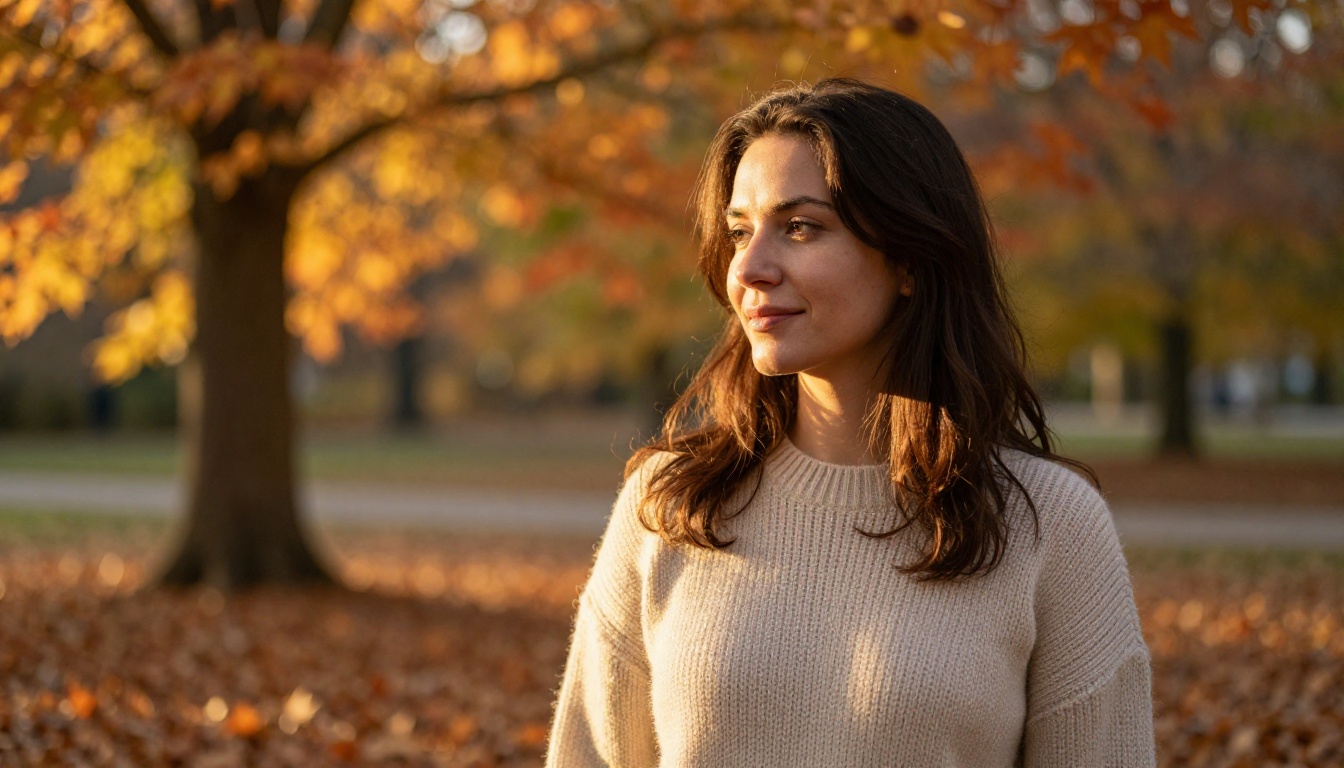
Light consistency is now maintained throughout the scene. If you describe golden hour light from camera right, the shadows on the subject's face and the shadows in the background environment both respond to the same directional light source. This coherence is what the human eye unconsciously checks when scanning for fake imagery.
Unconventional Angles and Compositions
Aerial, top-down, and extreme low-angle portraits represent one of the bigger improvements in V4. These angles are rare in training data, which means earlier models would produce distorted faces when the camera wasn't at roughly eye level.

Ideogram 4 maintains facial integrity across a much wider range of camera positions. Top-down portraits where the face foreshortens correctly, low-angle shots that emphasize the underside of the chin and jawline, extreme close-ups on isolated facial features: all of these now produce reliable results.
Eye and Feature Macros
The extreme close-up is arguably where Ideogram 4 shows off most dramatically. The iris structure in a photorealistic portrait from Ideogram V4 Balanced contains radial fiber patterns, limbal ring definition, specular reflections with source-accurate shapes, and the subtle color variation across the iris that makes human eyes so captivating.

Eyelashes render with natural taper, slight asymmetry, and individual strand separation. Eyebrows show follicle-level detail. This level of micro-fidelity is essentially unprecedented in text-to-image generation and makes Ideogram 4 the go-to choice for beauty, skincare, and cosmetics content.
Crafting Prompts That Get Photorealistic Results
The gap between an average Ideogram 4 portrait and a stunning one almost always comes down to prompt construction. The model responds to photographic specificity with photographic accuracy.
Lens and Camera Specifications
Include exact focal lengths and aperture values. Here's why this matters in practice:
- 50mm f/1.4: Natural perspective, prominent bokeh, slight vignette
- 85mm f/1.8: Flattering facial compression, smooth subject-background separation
- 35mm f/2.8: Environmental context visible, moderate depth of field
- 135mm f/2.0: Strong compression, very smooth bokeh, isolated subject
The model has internalized the visual signature of each focal length and aperture combination. Specifying them gives you predictable, repeatable stylistic output every generation.
Lighting Modifier Language
Use specific studio lighting terminology for controlled, professional results:
- "Primary light: 120cm octabox at 45 degrees camera left, f/8"
- "Fill: large silver reflector camera right at 2:1 ratio"
- "Hair light: strip softbox behind subject at 45 degrees"
For natural light:
- "North-facing window light, overcast sky acting as diffuser"
- "Golden hour sunlight at 15 degrees above horizon, camera right"
- "Open shade with sky as fill light, slight blue cast"
Film Stock and Grain Descriptors
Different film stocks have distinct visual signatures that Ideogram 4 processes accurately:
| Film Stock | Visual Character |
|---|
| Kodak Portra 400 | Warm skin tones, low contrast shadows, fine grain |
| Fuji Pro 400H | Cool greens, accurate skin tones, medium grain |
| Kodak Ektar 100 | High saturation, extremely fine grain, vivid |
| Ilford HP5 | Classic black and white, medium grain, wide dynamic range |
| Cinestill 800T | Tungsten-balanced, halation effect, high grain |
Where Ideogram 4 Still Struggles
Photorealism in portrait generation has a frontier, and Ideogram 4 is genuinely at that frontier. But it hasn't eliminated all artifacts.
Hands Entering the Frame
This is the most well-known limitation in AI portrait generation, and Ideogram 4 reduces but does not eliminate hand problems. Fingers occasionally fuse, extra digits appear, or the hand-wrist joint lacks anatomical credibility. The safest approach: frame portraits to exclude hands, or use negative prompting to push hands out of frame.
Background Objects with Text
Any signage, text on clothing, or text in backgrounds can still break down in unpredictable ways. This is a model-wide limitation, not portrait-specific, but worth noting for environmental portrait use cases.
Full-Body Portraits at Distance
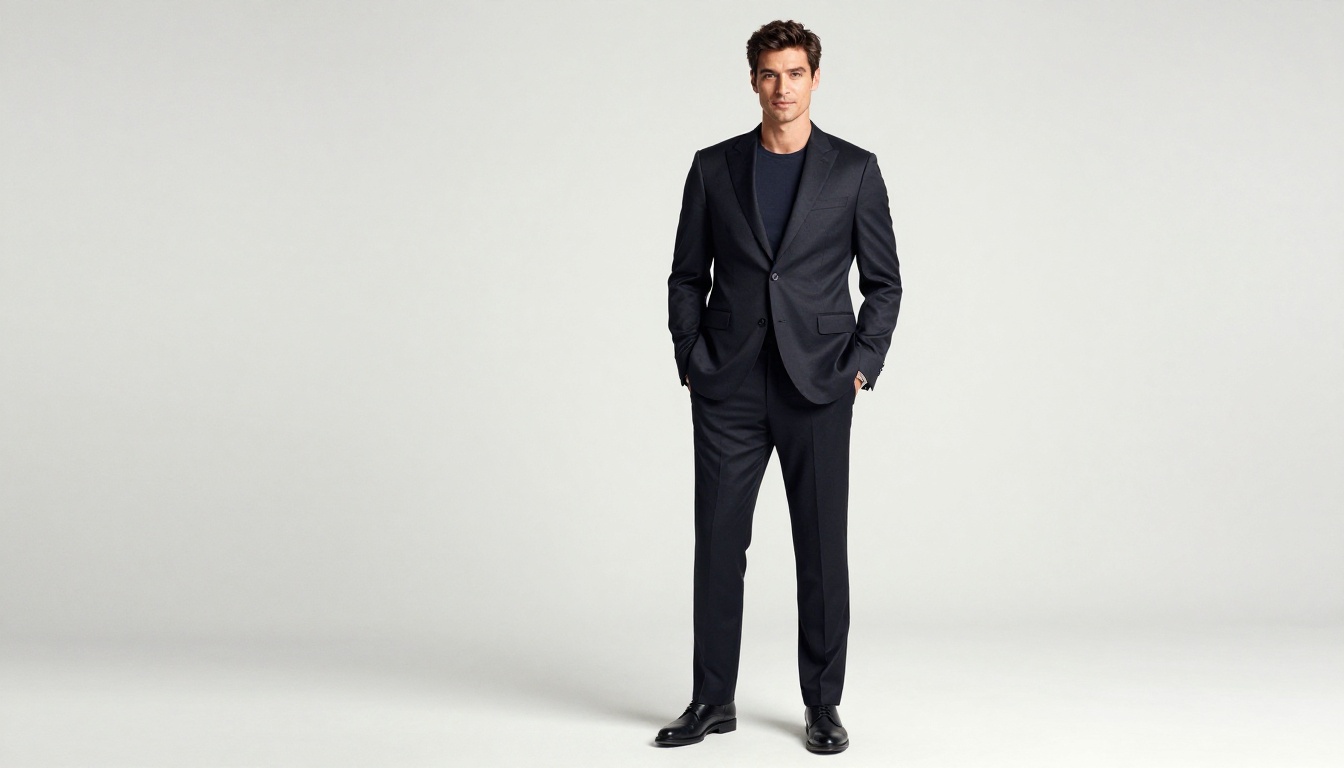
As subject distance increases from headshot to full-body, fidelity decreases. The face remains credible but extremities like feet and fingers at full-body scale have less detail and occasional anatomy errors. This is partly a resolution issue and partly a training data distribution issue.
Ideogram 4 Versus Other Portrait Models
How does Ideogram V4 Quality stack up against other models specifically for portrait generation?
Ideogram V4 Quality's standout differentiation is prompt adherence in photographic contexts. When you specify complex lighting setups or specific film stock characteristics, it implements those specifications more accurately than most alternatives.
Ideogram V4 Balanced is the right choice when you need faster iteration at only a slight quality tradeoff. Ideogram V3 Turbo is excellent for rapid prototyping of portrait compositions before committing to a V4 Quality generation. And P Image Ideogram offers a fast, cost-efficient option when volume matters more than absolute fidelity.
How to Generate Portraits on PicassoIA
PicassoIA hosts Ideogram V4 Quality and Ideogram V4 Balanced alongside over 91 text-to-image models. Here's how to get the best portrait results through the platform.
Step 1: Choose Your Ideogram V4 Variant
Navigate to either Ideogram V4 Quality for maximum fidelity or Ideogram V4 Balanced for faster output. Both run with no local installation or API key setup required.
Step 2: Write a Photography-Specific Prompt
Start with your subject description, then add camera specifications, then lighting conditions, then film or texture characteristics. A strong template looks like:
"[Subject description with specific physical traits], [camera angle], [lens and aperture], [lighting setup with direction and modifier], [film stock or texture treatment], RAW 8K --style raw"
Step 3: Iterate on Lighting First
Lighting has the largest single impact on portrait realism. Test your prompt with different lighting descriptors before changing anything else. Once lighting is locked, refine subject details.
Step 4: Use Negative Prompting
Specifying what you don't want significantly improves consistency: "no plastic skin, no over-retouching, no artificial smoothness, no extra fingers, no lens distortion."
Step 5: Upscale for Print Quality
PicassoIA includes super-resolution models that can upscale Ideogram 4 output to 4x resolution without introducing AI artifacts, making portrait output suitable for large-format printing.
Portraits Across Age and Diversity
One underappreciated strength of Ideogram 4 is its demographic range. Portrait AI often performs unequally across skin tones and age ranges, with lighter skin and younger subjects being better represented in output quality.
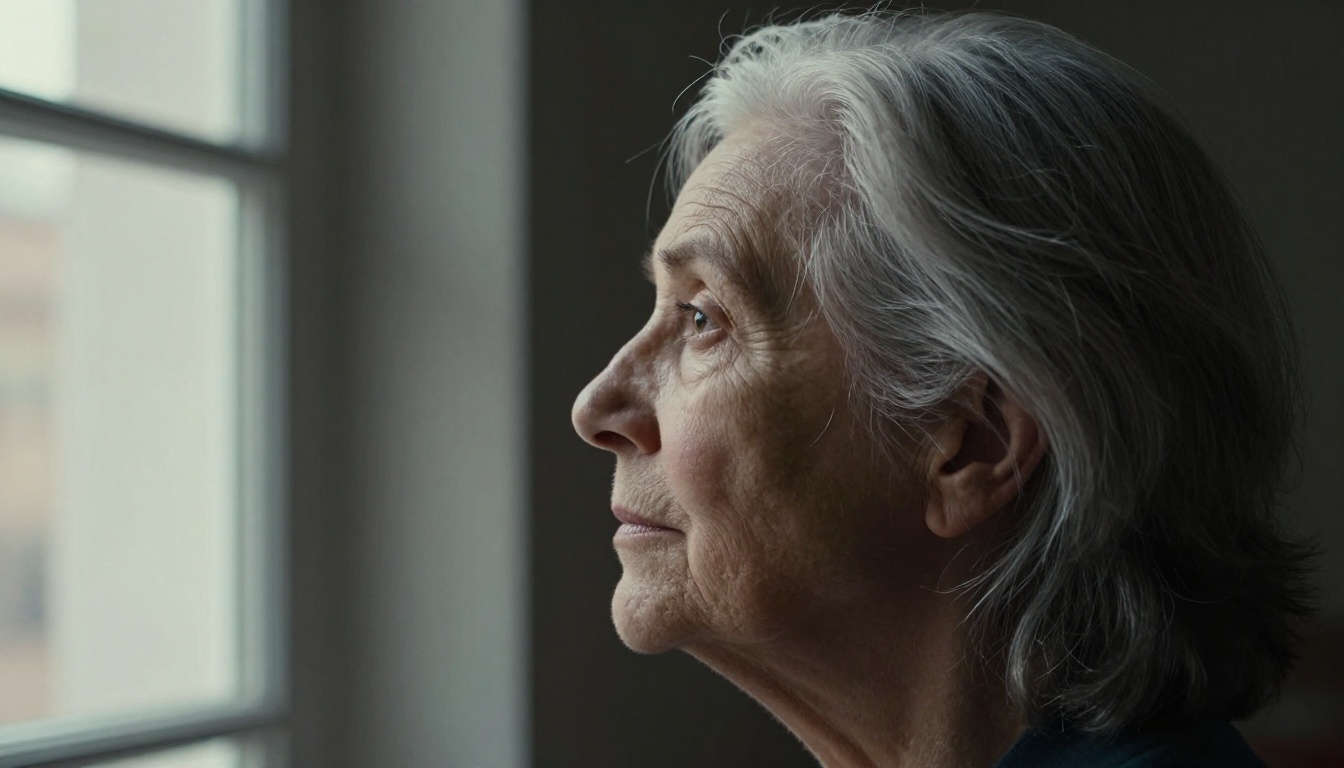
Ideogram 4 maintains detail fidelity across the spectrum. Darker skin tones retain texture definition and don't flatten into shadow. Elderly subjects show accurate age markers without exaggeration. The model resists the tendency to "beautify" in ways that erase ethnic or age diversity from the output.
This matters practically for anyone generating portraits for diverse audiences, for editorial and documentary-style content, or for commercial work where authentic representation is a requirement rather than an afterthought.
Multi-Subject Portrait Generation
Group portraits are notoriously difficult for portrait AI. Each additional subject multiplies the probability of anatomical errors, and lighting coherence becomes harder to maintain across multiple faces at different depths.
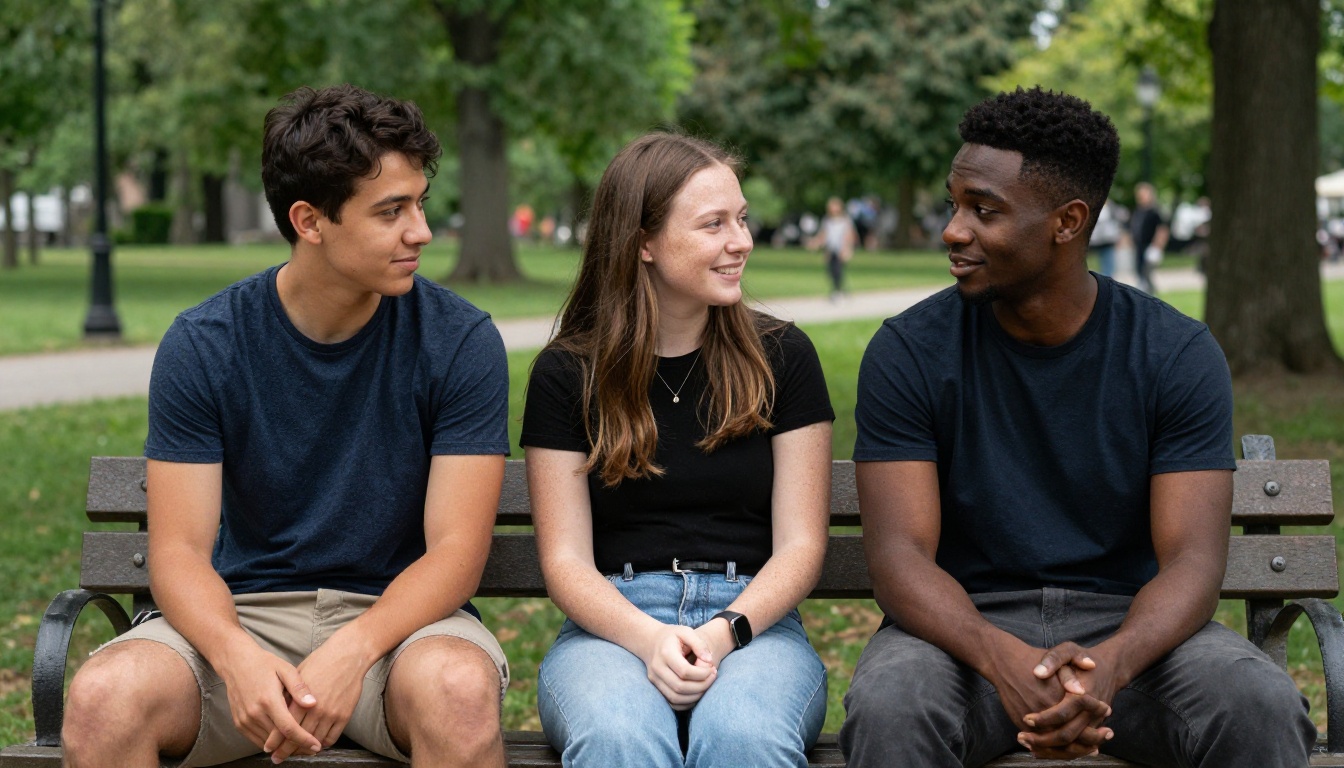
Ideogram 4 handles two to three subjects reliably when the composition is specified clearly. The critical element is describing the spatial relationship between subjects explicitly: "three people seated close together on a park bench, facing the camera, shoulders touching." Vague group prompts produce inconsistent results; specific spatial descriptions produce dramatically better output.
💡 For group portraits, specify each subject's position explicitly: "woman on the left facing slightly right, man in the center facing camera directly, woman on the right with head turned toward center." This gives the model clear compositional parameters to work within.
Background Removal for Portrait Workflows
Background removal tools pair naturally with Ideogram 4 portrait generation for commercial use cases. Once you have a photorealistic portrait, removing the background lets you place the subject in any context: product marketing materials, website hero images, or composite photography.
PicassoIA's background removal category includes models optimized specifically for hair and fine edge detection, which addresses the most challenging aspect of portrait cutouts. Fine hair strands that require pixel-level masking are handled accurately, preserving the realism of the AI-generated portrait even after compositing into a new scene.
Using LLMs to Write Better Portrait Prompts
An often-overlooked approach to portrait generation is using large language models to write photographic prompts. PicassoIA's LLM collection gives you access to models that can help you construct detailed, photography-specific prompts in seconds.
Instead of writing "a woman with good lighting," you can ask an LLM: "Write me an Ideogram 4 prompt for a photorealistic headshot of a 35-year-old woman in a corporate setting, using professional studio lighting. Specify the camera, lens, aperture, and lighting setup."
The LLM will produce a technically detailed prompt that translates directly into better Ideogram 4 output. This workflow is especially useful if photography terminology is unfamiliar territory. The combination of PicassoIA's LLM collection for prompt crafting and Ideogram V4 Quality for generation creates a powerful two-step creative workflow.
Try It Yourself on PicassoIA
Ideogram 4 represents a genuine inflection point in what's possible with AI portrait generation. The skin texture modeling, lighting coherence, and facial anatomy accuracy aren't small incremental improvements: they're the difference between images that fool nobody and images that require careful scrutiny to identify as AI-generated.
The most direct path to testing this yourself is through PicassoIA, where Ideogram V4 Quality is available without any setup friction. Start with a simple headshot prompt using the photography-specific language in this article, then systematically adjust one variable at a time: lighting direction first, then camera angle and distance, then film stock character.
The gap between a basic Ideogram 4 prompt and a fully specified photographic one is striking. Both are easy to achieve once you see how the model reads photographic language. Your first photorealistic portrait is one intentional prompt away.


