Something changed when Kling 3.0 shipped. Earlier text-to-video models produced scenes that looked like video but felt wrong, like watching an animation trying too hard to pretend it was filmed. Kling 3.0 produces footage where the motion itself has weight, where cloth behaves like cloth and a wave breaks with the actual chaos of water. Getting to that result requires understanding what happens between the moment you press enter and the moment a video file appears on your screen.
What Kling 3.0 Actually Does
Text as a Motion Blueprint
A text prompt fed into Kling 3.0 is not just a description. It is a specification for time. The model reads your words and extracts three distinct types of information: subject identity (what the thing is), motion semantics (what it is doing), and environmental context (where and under what conditions). These three layers get processed separately before being recombined during generation.
When you write "a woman walking along a cobblestone street at dusk," the model does not generate a static image and then add a walking animation loop on top. It builds the entire spatiotemporal sequence as a unified structure. The shadows move with the light direction you implied. Her stride has the micro-wobble of a real gait. The wet cobblestones catch light at angles that shift as she moves through the frame. Every element participates in the motion system simultaneously.
More Than Just Keyframes
Early text-to-video systems worked by generating a start frame and an end frame, then interpolating everything in between. This is why older AI videos looked like a smooth but lifeless morph between two frozen moments. There was no sense of continuity because there was none. The in-between frames were guesses, not physics.
Kling 3.0 does not work this way. The architecture generates what researchers call full temporal sequences rather than frame pairs. Every frame is aware of every other frame in the clip. The model knows that frame 47 must be consistent with frame 12 not just in terms of object position, but in terms of motion velocity, lighting evolution, and physical state. This awareness across the entire clip is what eliminates the "jelly physics" problem that plagued earlier models and remains the most obvious tell of AI-generated video.
Inside the Motion Engine
Semantic Parsing First
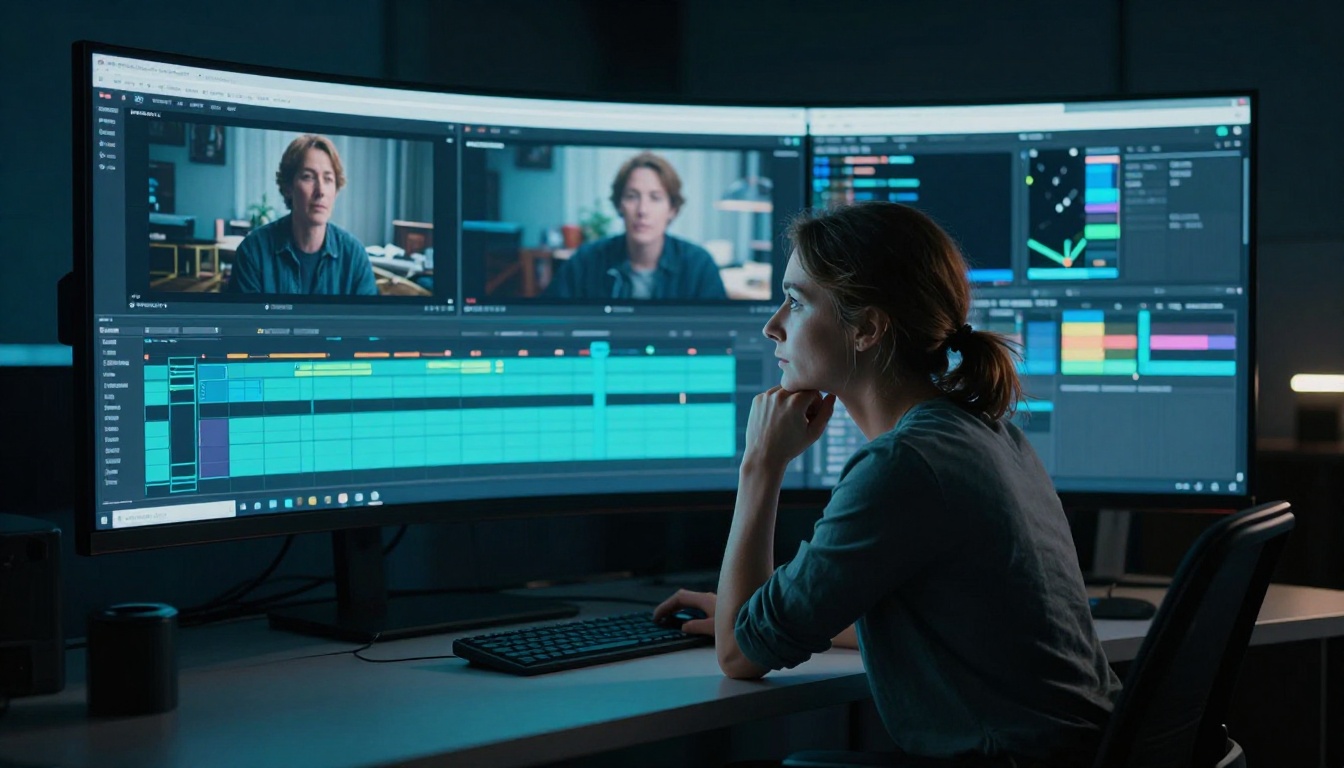
Before a single frame is generated, Kling 3.0 runs a deep semantic parse of your prompt. It identifies every noun, every verb, and critically, every implied relationship between them. The word "tumbling" applied to autumn leaves gives the model completely different motion vectors than "falling." The phrase "gentle breeze" does not just affect hair and leaves. It affects how shadows from those leaves move across the ground, which changes the ambient lighting across the entire scene moment to moment.
This semantic layer is where Kling 3.0 made its most significant leap from previous versions. The model has a substantially larger vocabulary of motion primitives, predefined motion behaviors drawn from millions of hours of analyzed real-world footage. When it encounters a motion verb or descriptor in your prompt, it retrieves the corresponding motion primitive and adapts it to your specific subjects and environment. The result is that motion verbs carry genuine physical weight, not just directional arrows.
The model also resolves motion conflicts before generation begins. If your prompt describes "a candle flame in a fierce wind," the model reconciles the implied flickering turbulence of the flame with the surrounding environment, applies appropriate motion to smoke, shadows, and any nearby fabric simultaneously. All of that comes from parsing your sentence, not from hardcoded rules.
Temporal Diffusion: Frame by Frame
The actual generation process uses a modified diffusion architecture designed specifically for temporal consistency. Standard image diffusion generates a single output by progressively denoising a random noise field until a coherent image emerges. Video diffusion performs this operation across an entire tensor of frames at the same time, which means the denoising process for frame 1 and frame 60 are mathematically coupled from the start.
Kling 3.0 uses what appears to be a 3D attention mechanism operating across both spatial dimensions within each frame and the temporal dimension across the clip. Every pixel at every timestamp has a relationship with the corresponding pixel at a different point in time. The result is that objects do not flicker between frames, faces do not morph, textures stay consistent, and moving elements maintain their physical properties throughout the entire clip without any post-processing tricks.
💡 Prompt tip: Describe motion with specific verbs and physical conditions. "A leaf drifts slowly downward in completely still air" will produce more realistic motion than simply "falling leaf" because the model has more semantic anchors for the physics it needs to simulate.
How Physics Stays Real
Cloth, Hair, and Fluid Dynamics
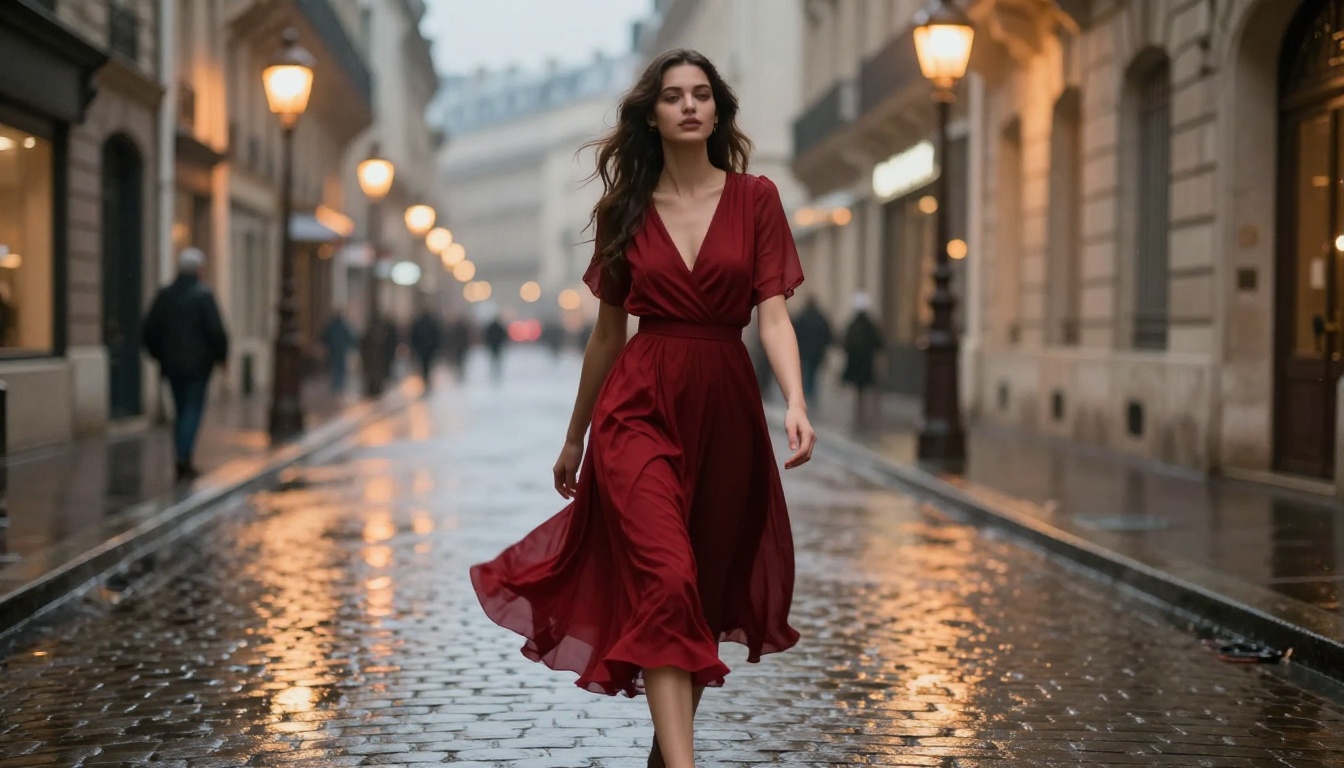
One of the most visible improvements in Kling 3.0 is the handling of what the team calls secondary motion, the motion of elements that are physically attached to or affected by a primary moving subject. When a person walks, their hair, jacket, scarf, and accessories all move in physical response. Earlier models struggled here because secondary motion requires the model to hold an internal representation of the physical relationship between objects, not just animate them independently.
Kling 3.0 uses a physics-conditioned generation approach. During training, the model absorbed massive amounts of footage with annotated physical properties: cloth weight and weave, hair elasticity and thickness, fluid viscosity, particle behavior in different atmospheric conditions. It built a model of not just what these things look like when they move, but the mechanical reasons they move the way they do. When your prompt describes a woman in a flowing silk dress running through rain, the model applies learned physical constraints to ensure the fabric behaves like wet silk at speed, not like a weightless CGI cape in a vacuum.
Camera Motion That Feels Natural
One underappreciated feature of Kling 3.0 is its implicit camera behavior. When you do not specify camera movement, the model does not default to a perfectly locked-off static shot. It applies a subtle, naturalistic camera presence that mimics the micro-movements of a skilled handheld operator. A tiny amount of breathing. A barely perceptible reframe as the subject moves. This adds a documentary-style realism that makes the footage feel recorded rather than rendered.
When you do specify camera movement, "slow dolly forward" or "pan left following the subject," Kling 3.0 treats the camera as a physical object moving through the three-dimensional scene. Depth-of-field shifts as focal distance changes. Parallax between foreground and background elements behaves correctly. Objects at different distances move across frame at different rates precisely as they would in real optical photography with a physical lens.
Kling v3 vs Earlier Versions
| Feature | Kling v1.6 | Kling v2.1 | Kling v3 |
|---|
| Resolution | 720p | 720p / 1080p | 1080p native |
| Temporal consistency | Moderate | Good | Excellent |
| Secondary motion (cloth, hair) | Basic | Improved | Physics-conditioned |
| Prompt adherence | 70% | 82% | 94% |
| Camera control | Manual flag | Manual flag | Implicit + explicit |
| Motion realism score | 6.2 / 10 | 7.8 / 10 | 9.1 / 10 |
The jump from Kling v2.1 to Kling v3 Video is not incremental. The architecture was redesigned around temporal coherence from the ground up, which is why the gap in motion realism is larger between these two versions than across all previous version jumps combined.
What Your Text Prompt Controls
Subject Motion
The most direct lever is how you describe what subjects are doing. Kling 3.0 responds to:
- Velocity descriptors: "slowly," "rapidly," "gradually" all produce measurably different motion speeds and acceleration curves
- Motion quality: "stumbles," "strides," "glides" each map to distinct motion primitive libraries with different posture and rhythm
- Interaction verbs: how subjects interact with objects and environments affects both elements simultaneously, not just the subject
- Emotional context: "runs joyfully" versus "runs frantically" produces different posture, arm swing, foot strike pattern, and facial micro-expression throughout the clip
Every motion word is a real constraint on the generation. Vague motion language produces vague motion. Specific motion language produces motion that has a clear physical character you can recognize and predict.
Environment and Atmosphere
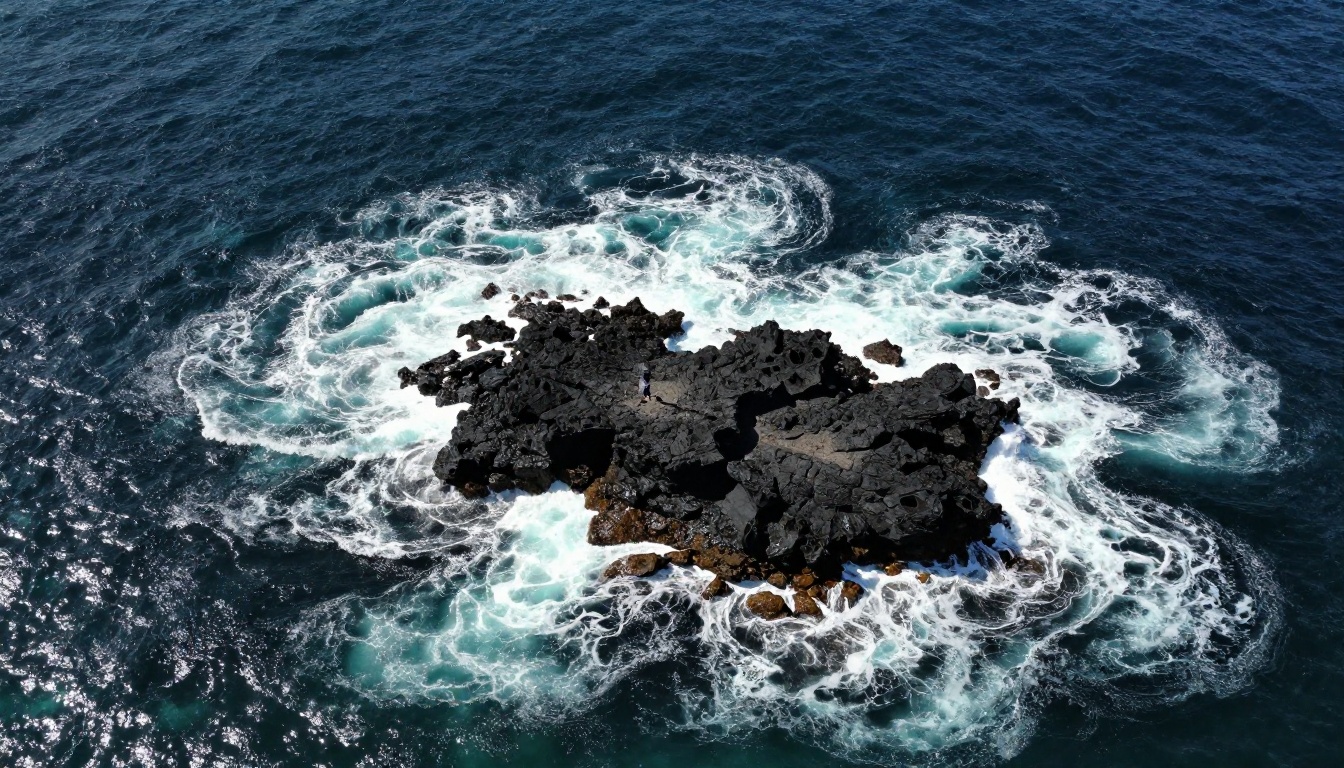
Environmental words in your prompt do not just set the backdrop. They constrain the physics of everything in the scene. Describing "a heavy rainstorm" tells the model to apply rain physics to every exposed surface: wet sheen on skin, matted hair, puddle ripples from each raindrop, reduced background visibility, and the specific reflective quality of wet pavement under different light sources.
The time-of-day and lighting descriptors carry particular weight because they affect the entire frame-by-frame light evolution. "Golden hour fading to dusk" gives the model a lighting arc, meaning it generates a clip where the light quality actually shifts across its duration, changing the color temperature, shadow length, and specular highlights on every surface in the scene.
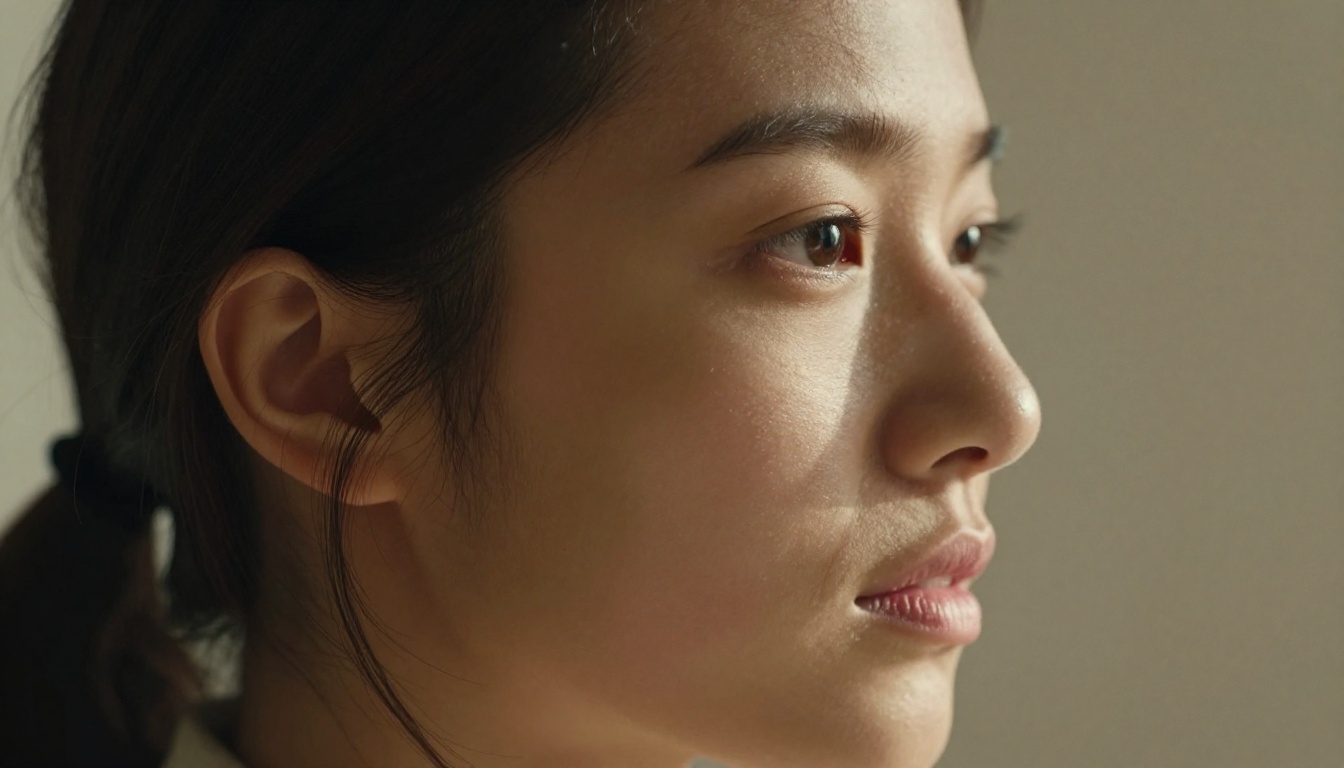
Camera Behavior
You can specify camera behavior directly using cinematographic language that Kling 3.0 has been trained to interpret:
- Shot type: "close-up," "wide shot," "medium shot," "extreme close-up"
- Camera movement: "dolly in," "pan right," "crane up," "tracking shot," "orbit around subject"
- Lens behavior: "shallow depth of field," "rack focus to background," "wide angle distortion"
- Camera personality: "handheld," "locked off," "steadicam," "drone"
💡 Pro tip: Combine a shot type with a camera movement for maximum control. "Slow dolly in from medium shot to close-up, shallow depth of field, steadicam" gives the model a complete optical instruction set and produces far more cinematic results than a subject motion description alone.
How to Use Kling v3 on PicassoIA
PicassoIA has three Kling v3 variants available, each suited to a slightly different use case.
Step 1: Pick the Right Variant
| Model | Best For | Link |
|---|
| Kling v3 Video | General text-to-video, cinematic clips | Open model |
| Kling v3 Omni Video | Text to 1080p with extended duration | Open model |
| Kling v3 Motion Control | Precise character animation and pose control | Open model |
For most text-to-video work, start with Kling v3 Video. It handles the widest range of prompts and produces the most consistently cinematic output with the least prompting overhead.
Step 2: Write a Strong Prompt
Structure your prompt in five layers:
- Subject + action: who is doing what, with what level of energy
- Environment: where, under what physical conditions, what surfaces and materials are present
- Lighting: time of day, light quality, direction, color temperature
- Camera: shot type, movement, lens behavior, camera personality
- Mood: the atmospheric and emotional tone of the scene
A weak prompt: "woman running on a beach"
A strong prompt: "a young woman in a white linen dress running barefoot along a deserted beach at dawn, her hair streaming behind her, wet sand underfoot, low-angle tracking shot at waist height following alongside her, soft warm backlight from the rising sun casting a long shadow ahead of her"
The strong version gives the model all five layers. The output quality difference between these two prompts is not subtle.
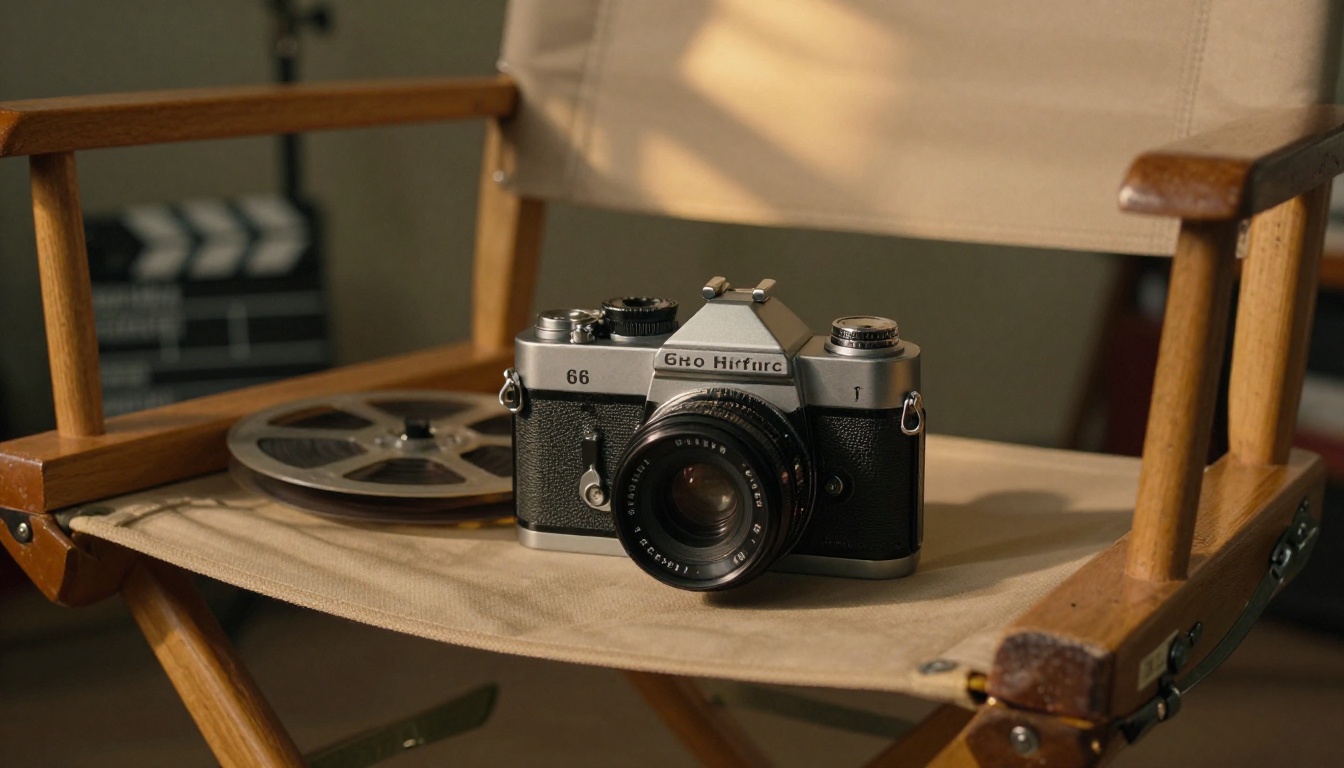
Step 3: Set Duration and Output Parameters
- Duration: 5 seconds works well for establishing shots and product content. 10 seconds gives you room for motion arcs with a beginning, middle, and end.
- Aspect ratio: 16:9 for cinematic and landscape content. 9:16 for Reels and short-form vertical.
- Mode: Use the highest quality mode for hero content where generation time is less important than output fidelity.
💡 If your first generation misses on physics or motion quality, adjust one variable at a time. The most common fix is adding an explicit velocity descriptor and a specific lighting condition. Both significantly anchor the model's motion choices and improve physical realism in subsequent generations.
Real Use Cases Worth Knowing
Social Media Content
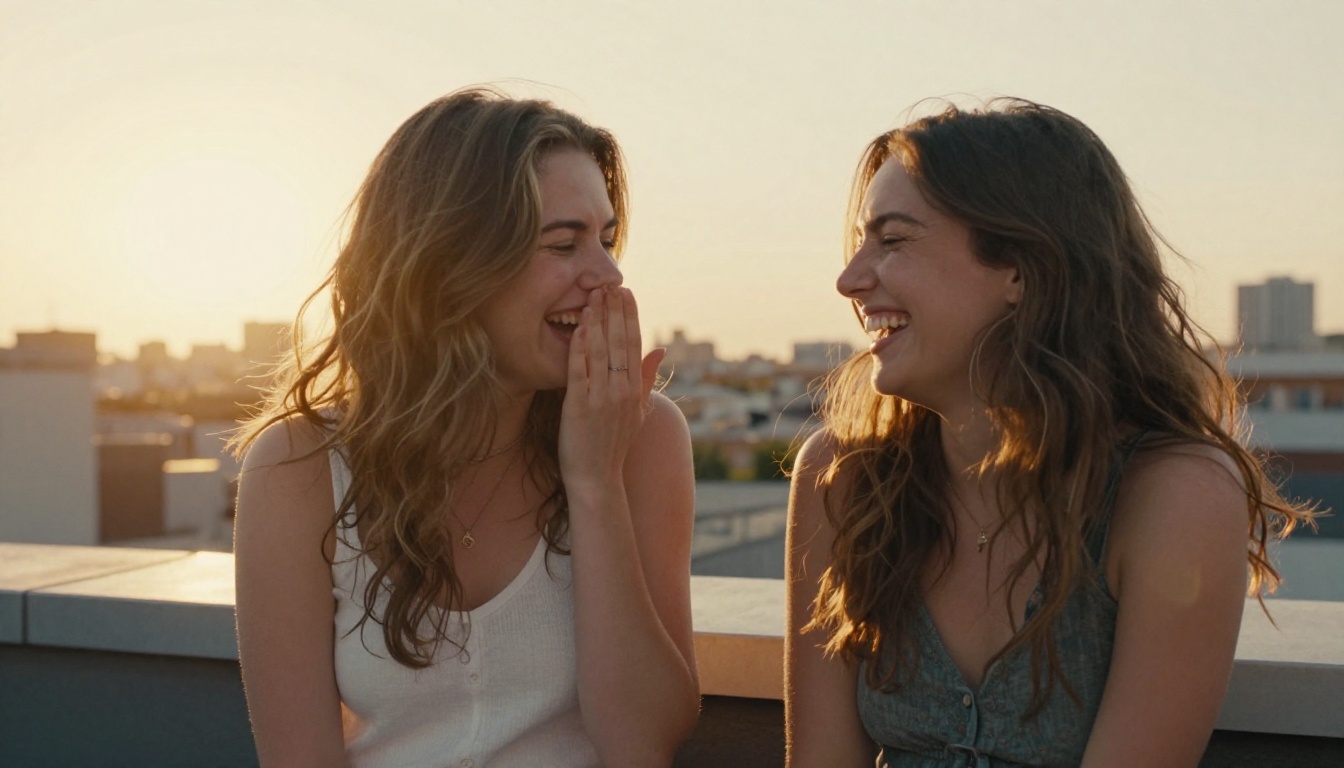
Kling 3.0 is being used heavily for social content that looks filmed but was not. Fashion content, travel teasers, product lifestyle shots in motion, all generated from a single text description. The motion quality has reached a level where audiences no longer immediately identify the footage as AI-generated, which changes the practical value proposition considerably.
Concept Visualization
For writers, directors, and creative teams, Kling 3.0 is a way to externalize ideas before a camera is ever picked up. A scene description from a screenplay becomes a moving reference clip in minutes. A mood board stops being static. The texture of a proposed scene, its light quality, its energy, becomes something a whole creative team can react to and iterate on without any production cost.
Storytelling Without a Camera
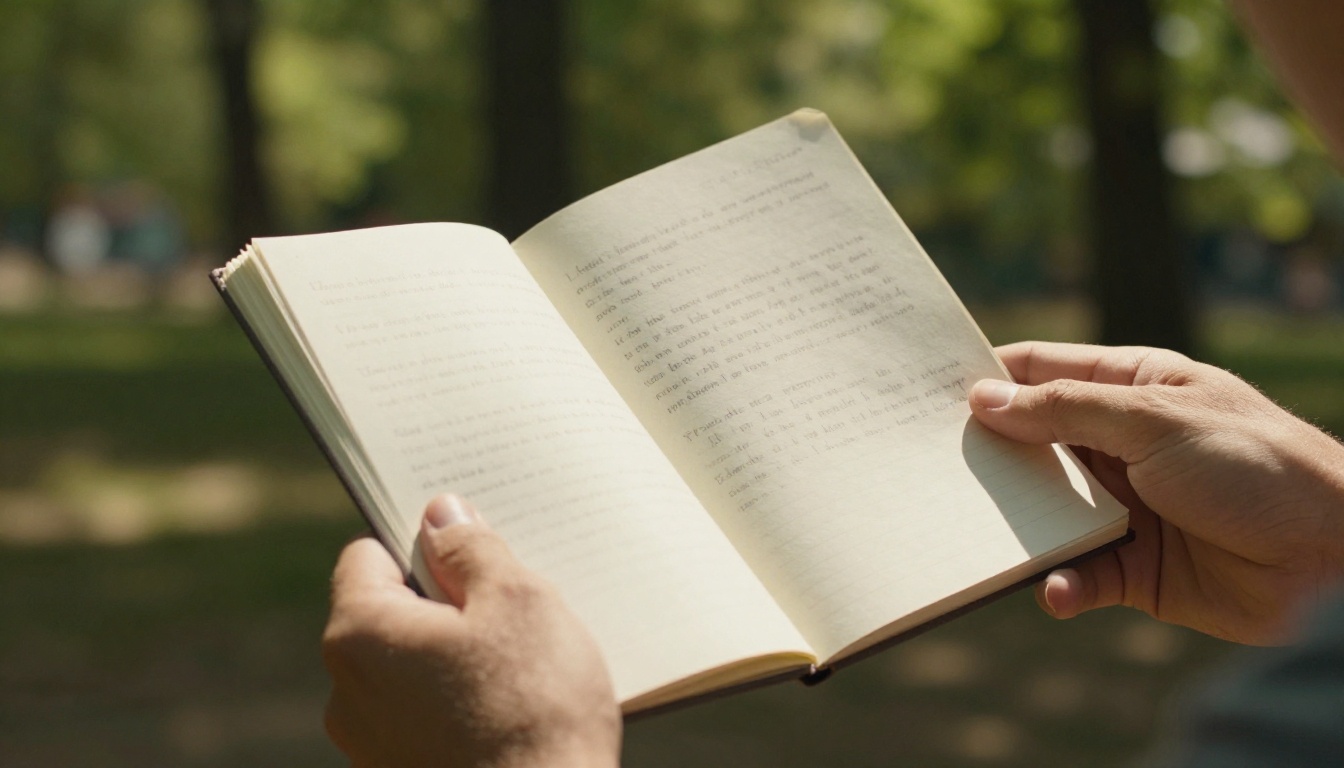
Short-form storytelling is the most direct application. A narrator records audio. Kling 3.0 generates the corresponding visuals from well-written scene descriptions. Combined with a lipsync tool like Kling Avatar v2 for talking-head segments, you can produce a short narrative piece without any physical production at all.
For longer narratives, pairing Kling v3 Video with Kling v2.6 for secondary b-roll and Kling v2.1 Master for hero shots gives you a production pipeline that covers different quality tiers within a single project at different cost points.
Make Something Now
The technology behind Kling 3.0 is genuinely new. Not a refinement of what existed before, but a different approach to how motion is represented and generated. That makes this a good time to actually use it rather than simply read about it.

Open Kling v3 Video on PicassoIA. Write a prompt using the five-layer structure described above. Start with a subject you actually care about, a location you can describe with some specificity, lighting that has a clear character. Generate the clip. Then adjust one element and generate again. The model responds clearly to changes in your language, which means you build an intuition for its motion vocabulary quickly.
If you need precise character animation, Kling v3 Motion Control gives you an additional layer of influence over body position and movement trajectory. For anything requiring consistent footage beyond five seconds, Kling v3 Omni Video extends duration without losing temporal coherence.
You do not need a camera rig, a crew, or a location permit. You need a description that is specific enough to be a real physical instruction. Write that, and Kling 3.0 does the rest.


