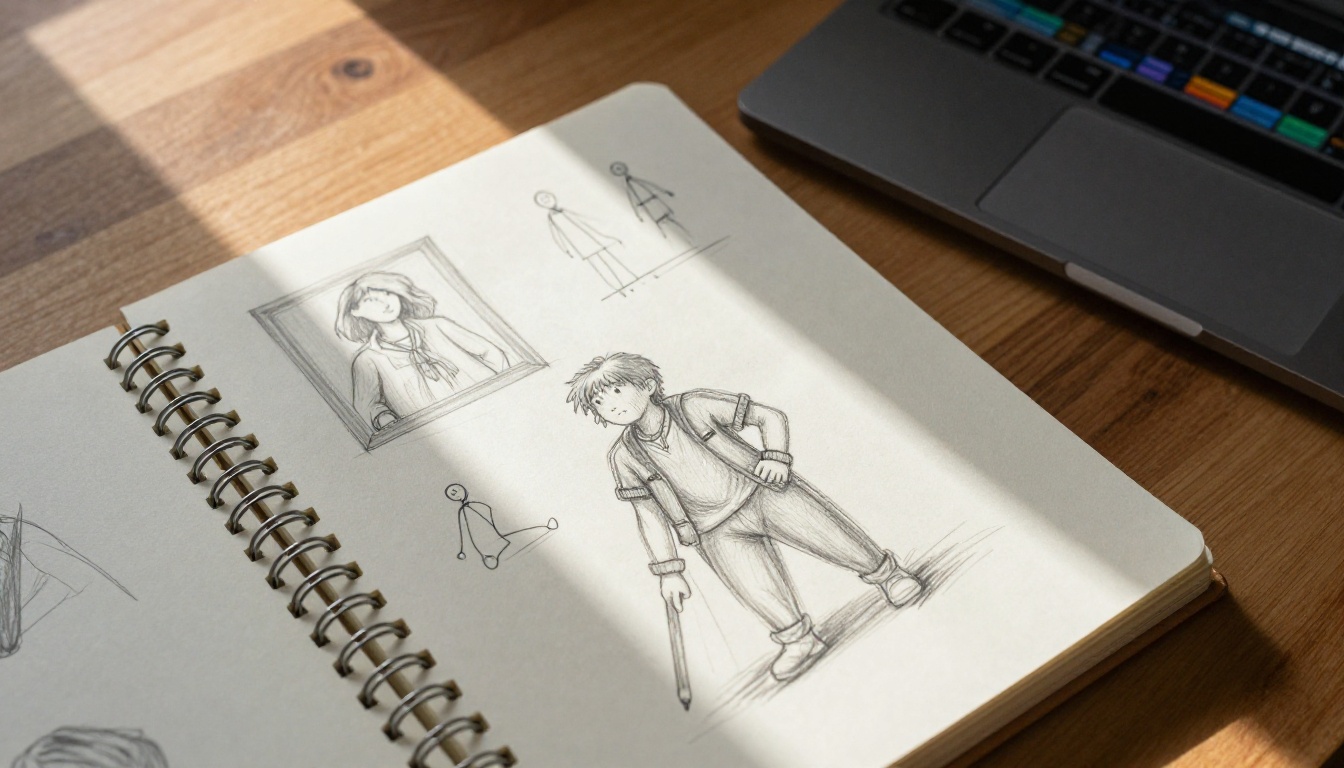
Character animation in AI video was, until recently, a guessing game. You wrote a prompt, hit generate, and hoped the model would produce something resembling the motion you had in mind. Kling v3 Motion Control changes that entirely. It gives creators something no text prompt alone can deliver: direct, frame-level authority over how a character moves through space and time. This is not a minor feature update. It is a shift in what AI video generation is actually capable of, and understanding it means understanding where the whole field is heading right now.
What Kling v3 Motion Control Actually Does
Most AI video models treat motion as a byproduct of the prompt. They infer how a character should move from language, training data, and probabilistic sampling. Sometimes the result is exactly right. Often it is not. Kling v3 Motion Control replaces that inference with specification. You define the motion, and the model executes it.
The Core Feature Set
Kling v3 Motion Control introduces three interconnected systems that operate simultaneously on the same character:
- Pose Guidance: Provide reference images or skeleton keyframes that define exact body configurations at specific moments in the clip.
- Trajectory Control: Draw or define the spatial path a character follows through the frame over time, including speed profile and timing.
- Camera Motion Coordination: Specify camera movement types and tie their behavior to character motion for synchronized cinematic results.
Each system existed in primitive form in earlier tools. Kling v3 is the first model to run all three in genuine coordination, treating character body mechanics, spatial movement, and camera response as a unified animation system.
How It Differs from Standard Text-to-Video
Standard text-to-video generation, even with excellent models like Kling v3 Video or Seedance 2.0, interprets motion implicitly. The model decides how a character moves based on your words, its training, and probabilistic sampling. Motion Control makes that process explicit. You are no longer asking the model to infer motion from language. You are specifying it directly.
The practical difference is enormous. A prompt like "a dancer performing a spinning turn" might produce five different interpretations across five generations with a standard model. With Motion Control, the spin follows the exact trajectory you defined, at the timing you set, with the camera responding as you configured. Repeatability and intentionality replace randomness.
Pose Guide Control
Body positioning is the first thing viewers notice when character animation feels wrong. A walk that does not swing the arms correctly, a jump where the knees never fully bend, a turn where the hips do not lead: these errors break the illusion immediately. Pose guidance addresses this at the source.
Skeleton Tracking and Keyframes
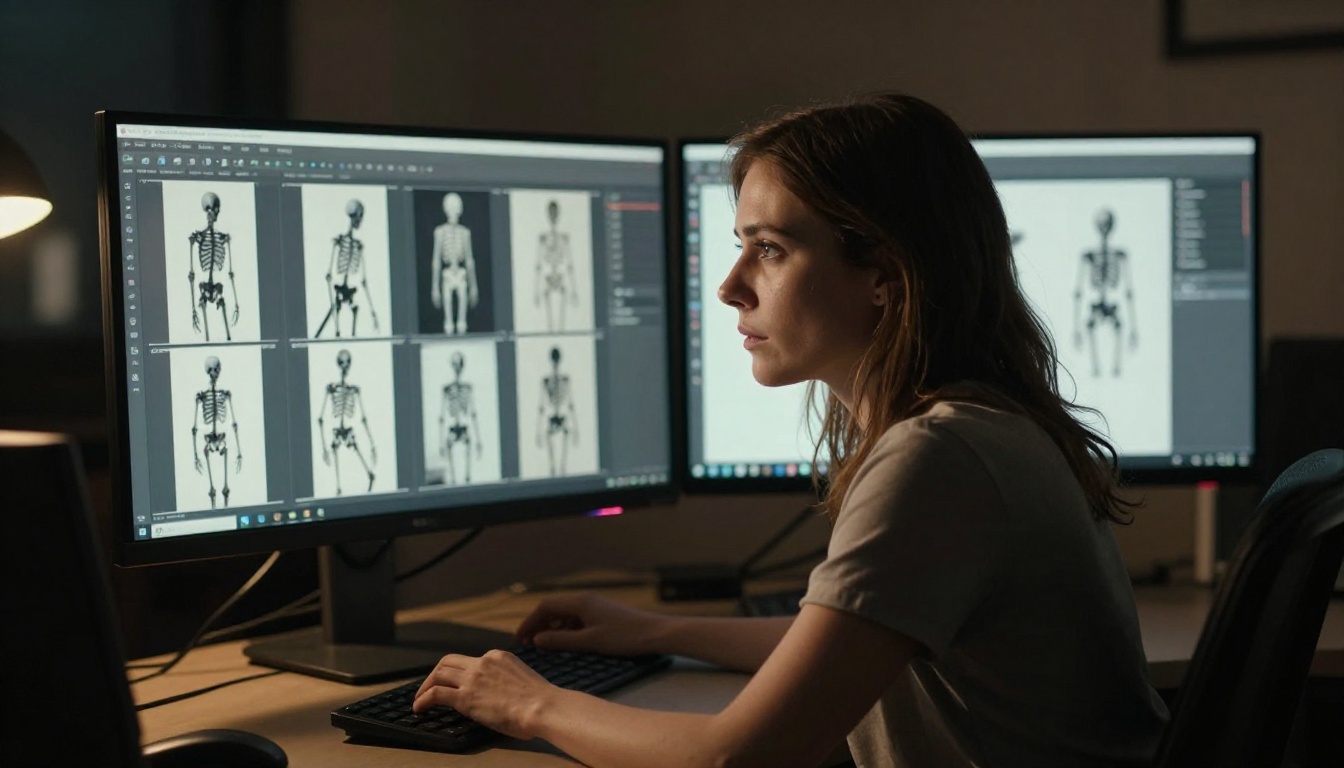
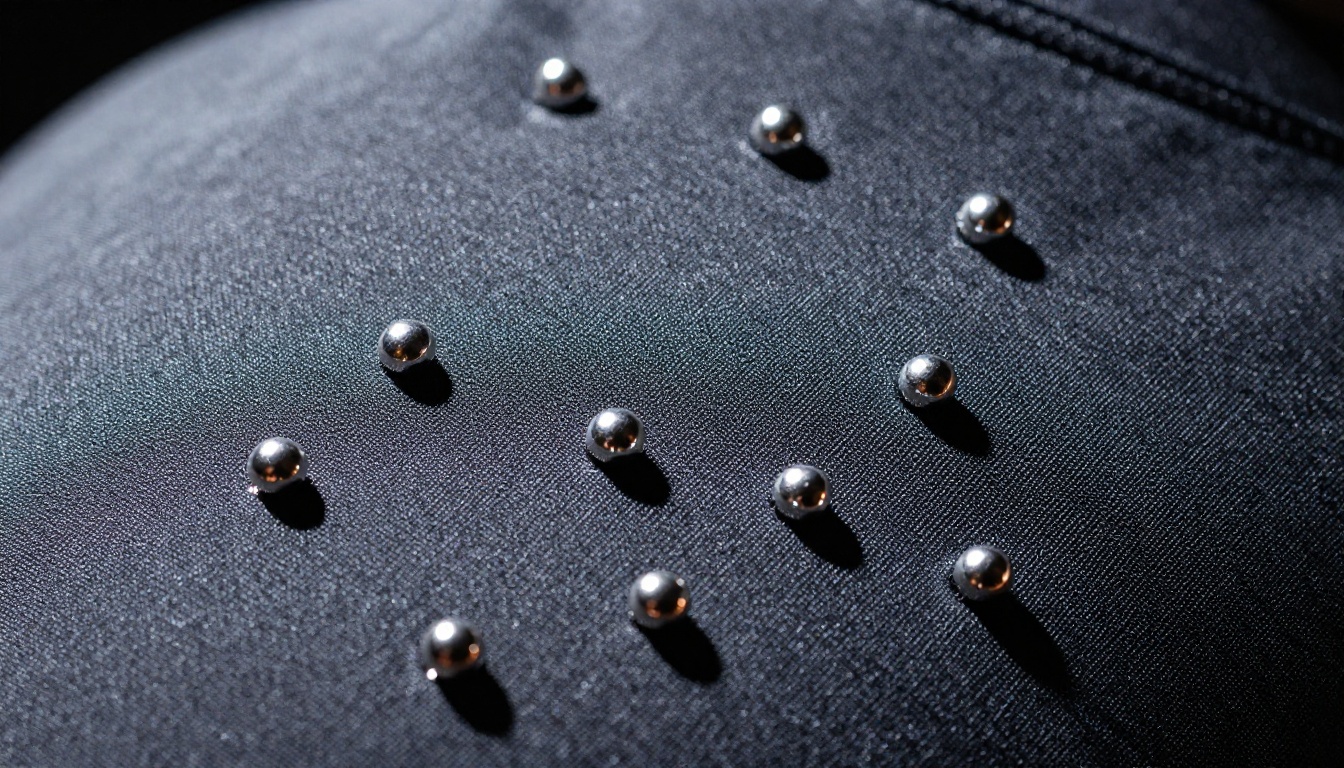
The pose guidance system in Kling v3 Motion Control works from skeleton-based keyframing. You provide reference frames that define the character's body configuration at specific timestamps within the five-second clip. The model then interpolates between those keyframes, maintaining physical plausibility while staying true to your specifications.
The skeleton covers full-body keypoints: shoulders, elbows, wrists, hips, knees, ankles, and head orientation. The system does not require a keyframe at every moment. Even two keyframes, one at the start and one at the end, give the model enough constraint to generate coherent motion between them. Adding intermediate keyframes tightens the animation arc and gives you more control over nuanced mid-motion positions.
💡 Tip: For best accuracy, provide reference images with a clear figure-to-background contrast. The model extracts the skeleton automatically from your reference, so image clarity directly affects pose extraction quality.
How Pose Accuracy Works in Practice
Kling v3 demonstrates noticeably better adherence to specified pose positions than its predecessors. Kling v2.6 Motion Control could drift significantly from defined positions during fast sequences, particularly in limb placement at high-velocity moments. Kling v3 holds poses reliably, especially at keyframe timestamps.
A raised arm stays raised. A bent knee stays bent. The interpolation between keyframes produces motion that looks physically natural rather than mechanical, because the model has learned to generate realistic transitions between physically grounded position specifications. This is what makes the system useful for actual character choreography rather than just approximate motion direction.
Trajectory Control in Character Animation
Where pose guidance controls what a character's body does, trajectory control governs where that character goes within the frame over time. These two systems working together produce results that neither can achieve alone.
Path, Speed, and Timing
In Kling v3 Motion Control, trajectory control lets you specify three distinct parameters for character movement:
- Spatial path: The route the character follows through the scene, defined as a smooth curve or a sequence of waypoints placed in the frame.
- Speed profile: Whether motion accelerates, decelerates, or holds constant velocity along different segments of the path.
- Timing: How long each phase of the trajectory takes to complete within the total clip duration.
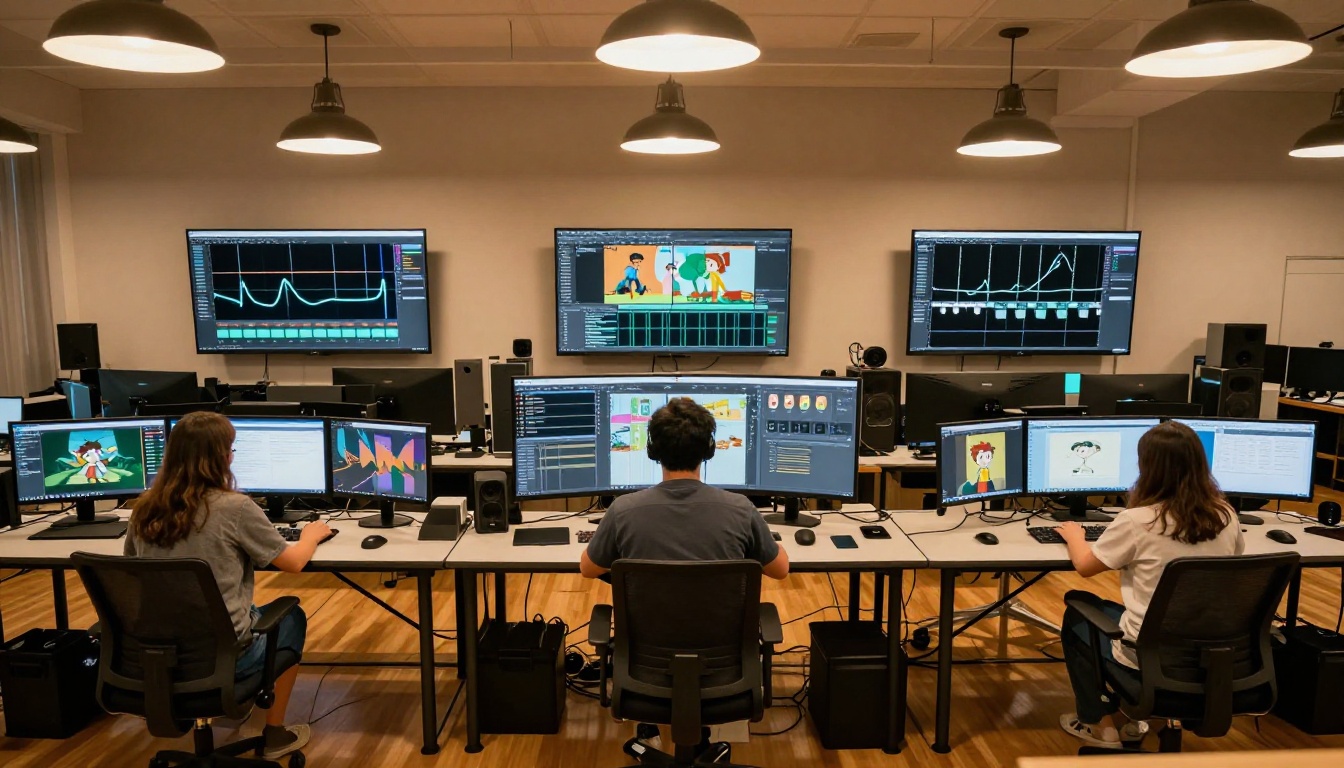
This granularity enables specific choreographic choices that were previously impossible through text prompting alone. A character can enter the frame from the left, decelerate to a stop at center frame, pivot in place, and then exit to the right. Each of those motion phases can be defined independently, with its own speed profile and timing.
The trajectory system operates in 2D within the frame's plane. Depth changes, such as a character approaching the camera or receding from it, are handled through the model's understanding of perspective applied to the path you draw.
Combining Motion Paths with Body Poses
The real power of Kling v3 emerges when trajectory and pose guidance work in combination. You can define a character walking forward along a specific path and specify the arm positions and torso angles at key moments during that walk. The model produces animation where the character follows the trajectory while hitting the body poses you defined at their respective timestamps.
This combination addresses one of the most persistent problems in AI character animation: the tension between controlled movement and natural-looking body mechanics. Trajectory alone produces motion that can feel mechanical. Pose guidance alone can produce characters that move in place without going anywhere purposefully. Together, they produce animation that feels both intentional and physically real.
Camera Motion That Follows Characters
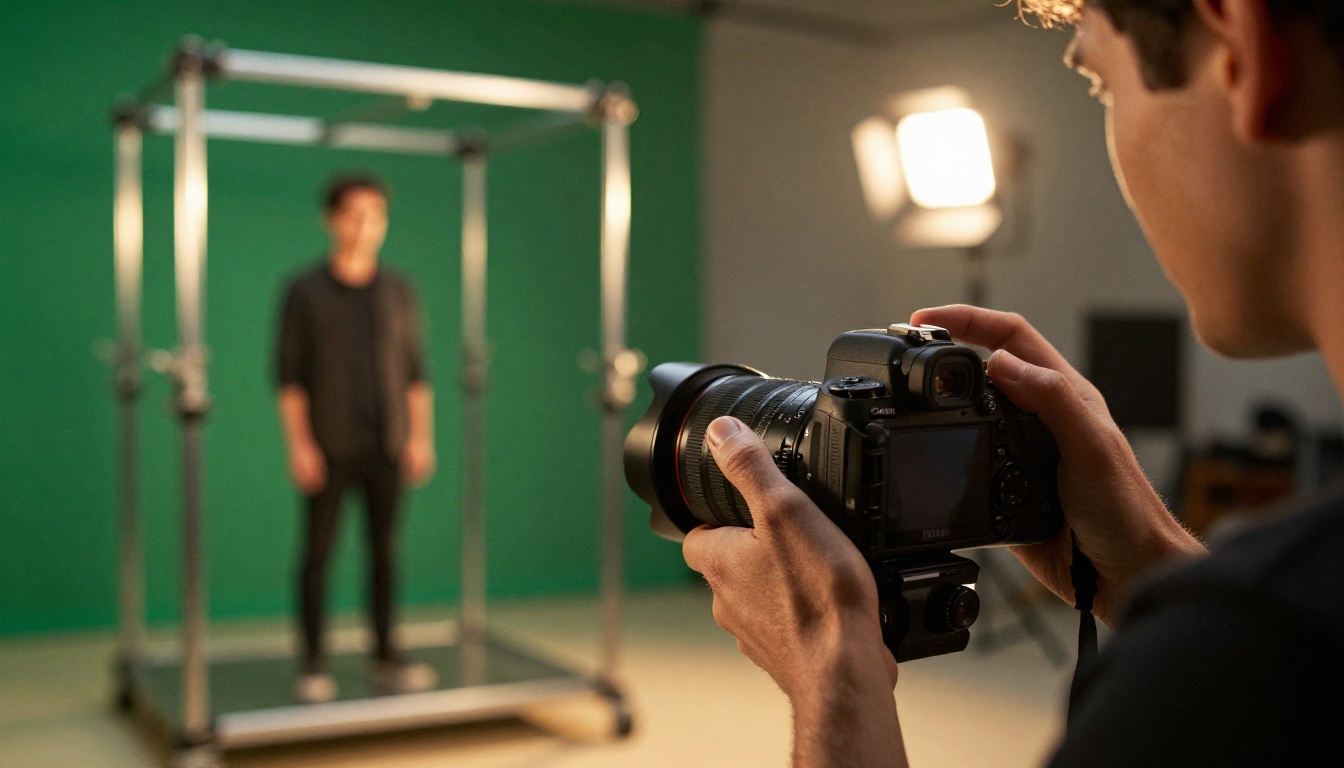
Camera movement is where many AI video tools stop short. They offer basic camera presets but treat the camera as independent from the character. Kling v3 Motion Control treats them as a unified system.
Camera Types Available
Kling v3 Motion Control provides seven defined camera movement modes:
| Camera Type | Description | Best For |
|---|
| Dolly In | Camera advances toward subject | Dramatic reveals, emotional close-ups |
| Dolly Out | Camera retreats from subject | Context establishment, scene endings |
| Pan | Camera rotates horizontally | Following lateral character movement |
| Tilt | Camera rotates vertically | Full-body reveals, upward action |
| Orbit | Camera circles subject | Character showcases, 360-degree views |
| Track | Camera follows character path | Walking sequences, chase scenes |
| Static | No camera movement | Dialogue scenes, stationary focus |
Each mode pairs with a speed setting, from slow to fast, that controls how aggressively the camera moves relative to the clip's total duration. Slow speeds almost always produce more cinematic results than fast ones, particularly for dramatic or emotional sequences.
Syncing Camera to Character Movement
The most sophisticated element of Kling v3 camera control is motion-responsive tracking. Camera speed and direction can be tied to the character's trajectory, so a character who accelerates mid-clip triggers a corresponding camera acceleration, and a character who comes to a stop allows the camera to slow and settle naturally.
This synchronization distinguishes Kling v3 from tools like Video 01 Director, which offers camera control but without deep integration with character pose data. Kling v3 treats camera and character as one coordinated system rather than two independent layers applied to the same clip.
Kling v3 vs. Earlier Versions
The Kling series has evolved at an unusually fast pace. The jump from v1.x to v3 represents fundamental architectural changes, not just parameter tuning. Here is how the motion control capabilities compare across the lineage:
| Feature | Kling v1.5 Pro | Kling v2.6 Motion Control | Kling v3 Motion Control |
|---|
| Pose guidance | None | Basic 2-keyframe | Full skeleton, 4+ keyframes |
| Trajectory control | None | Limited path drawing | Full path with speed profiles |
| Camera coordination | None | Camera types, no character sync | Character-synced motion |
| Resolution | 1080p | 720p to 1080p | 1080p |
| Pose adherence accuracy | N/A | Moderate, prone to drift | High, stable at keyframes |
| Multi-system coordination | N/A | Partial | Full simultaneous control |
The gap between Kling v2.6 Motion Control and v3 is particularly significant. The v2.6 model introduced motion control as a concept but executed it inconsistently. Pose drift during fast sequences was common. Camera controls operated largely independently from character motion, requiring manual coordination in post-processing. Kling v3 resolves both limitations by treating the three control systems as genuinely unified from the ground up.
Real Use Cases Right Now
Content Creators and Social Video
For creators producing short-form content, Kling v3 Motion Control removes one of the biggest frustrations with AI video: unpredictable character behavior. A creator producing a dance video no longer needs to generate dozens of variations hoping one happens to hit the right moves. They specify the motion, and the model delivers it.
This is particularly valuable for character consistency across multiple clips. By reusing the same pose keyframes across generations, creators can produce multiple shots of the same character performing related but distinct actions, with consistent body mechanics throughout. The result is a coherent, professional-looking short film rather than a collection of stylistically mismatched clips.
Film Pre-visualization
Pre-visualization is where Kling v3 Motion Control genuinely competes with professional-grade tools. Directors and cinematographers can produce rough animated previsualization clips that show camera angles, character blocking, and scene timing with a level of precision that standard text-to-video could never achieve.
A director can demonstrate to an actor exactly where they should stand, how they should move, and what the camera will be doing during a scene, all without a production crew on set. This has practical value not just for indie filmmakers but for advertising production, music video directors, and any project where pre-production planning saves expensive shoot days.
Character-Driven Short Films
Independent animators have found Kling v3 Motion Control particularly capable for narrative animation. The ability to specify pose keyframes means character performances can be deliberately choreographed rather than generated randomly, which is the fundamental requirement of storytelling through character animation.
Combined with Kling Avatar v2, which animates specific face likenesses into video, creators can build coherent animated performances that maintain a consistent character identity throughout a short film. Dreamactor M2.0 from ByteDance offers a complementary approach for animating characters from reference images, and Wan 2.7 R2V translates reference footage into new animated sequences, both useful additions to a Kling v3-centered pipeline.
How to Use Kling v3 Motion Control on PicassoIA
PicassoIA provides direct access to Kling v3 Motion Control without API setup, third-party account management, or local installations. The workflow is straightforward once you understand what each control layer does.
Step-by-Step Setup
Step 1: Prepare your source image
Start with a reference image that establishes your character's appearance, environment, and starting position. For best results, use a clear, well-lit photograph or AI-generated image with a single primary character in full-body or three-quarter-body framing. A background that supports the motion you plan to add makes the output more visually coherent.
If you do not have a suitable source image, generate one through PicassoIA's text-to-image tools before opening Kling v3 Motion Control.
Step 2: Define your trajectory
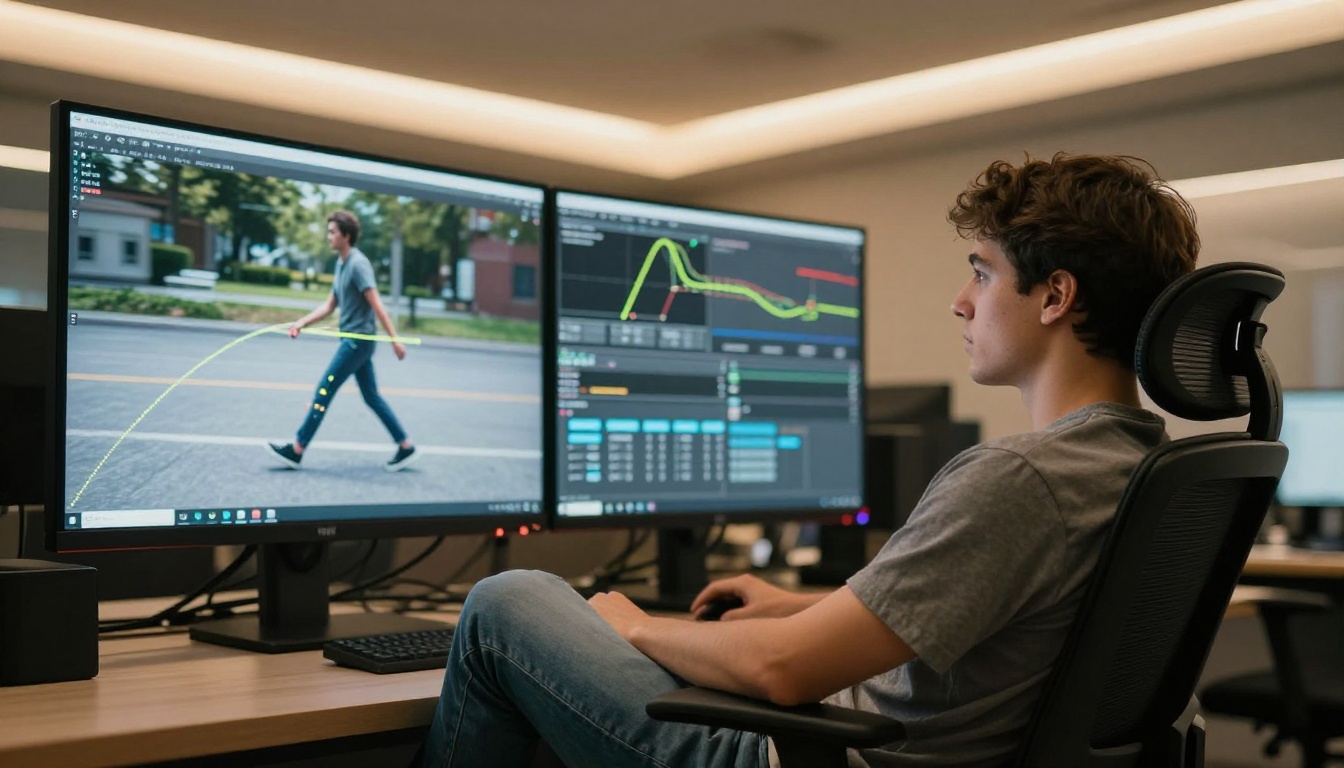
Once your source image is loaded, the trajectory interface appears. Place waypoints in the frame to define the path your character should follow. The interface shows a preview of the path before generation.
- Use 2 to 3 waypoints for simple linear or gently curved paths
- Use 4 or more waypoints for complex paths with direction changes
- Drag the curve handles between waypoints to set the speed profile on each segment
Step 3: Set pose keyframes
Switch to the pose keyframe panel and upload reference images showing the body positions you want at specific moments in the clip. The model extracts the skeleton from your references automatically.
At minimum, set a start pose and an end pose. Add a midpoint pose for complex movements like jumps, turns, or actions with a clear apex. The model fills in the in-between frames through physically-informed interpolation.
Step 4: Configure camera motion
Select your camera mode. For most character animation work, Track and Dolly In are the most useful starting points. Set camera speed to match the energy of your character's motion. For dramatic or emotional scenes, always start with slow camera movement.
Step 5: Generate
With all three systems configured, generate the clip. Processing typically takes 60 to 90 seconds for a standard five-second output.
Parameter Tips for Better Results
💡 Source image quality: Higher-resolution source images with clear lighting produce better skeleton extraction and more accurate pose adherence throughout the clip.
💡 Trajectory smoothness: Abrupt angle changes in your path produce physically awkward motion. Keep paths smooth and curved rather than sharp and angular. The model interpolates most naturally between waypoints that form organic curves.
💡 Camera speed: Slow camera movements produce more cinematic results than fast ones in nearly every situation. Start at slow or medium and increase only if the motion feels sluggish relative to the character action.
💡 Pose reference selection: Use reference images from the same approximate camera angle as your source image. A front-facing source image paired with a side-profile pose reference will confuse the skeleton extraction.
Other Models Worth Pairing With Kling v3
A complete character animation pipeline on PicassoIA benefits from several tools that work alongside Kling v3 Motion Control:
For extended footage: Kling v3 Omni Video and Kling v2.5 Turbo Pro handle text-to-video generation without motion control constraints, useful for environmental shots, establishing sequences, and b-roll that does not require precise character positioning.
For facial identity: Kling Avatar v2 animates specific face likenesses into video clips. Pair this with your Motion Control clips to maintain consistent facial identity across an animated sequence.
For reference-to-video workflows: Wan 2.7 R2V translates reference images or video into new animated sequences in a different visual style. This is useful for adapting existing motion reference footage into your project's look.
For longer motion sequences: Kling v2.1 Master produces 1080p video with strong motion quality and pairs well with Motion Control clips in edited sequences where some shots need more footage duration than five seconds.
For atmosphere and style variation: Veo 3 and Gen 4.5 offer distinct visual characteristics useful for stylistic diversity within a multi-shot animation project. Neither offers motion control at Kling v3's level, but their output quality for non-character shots is excellent.
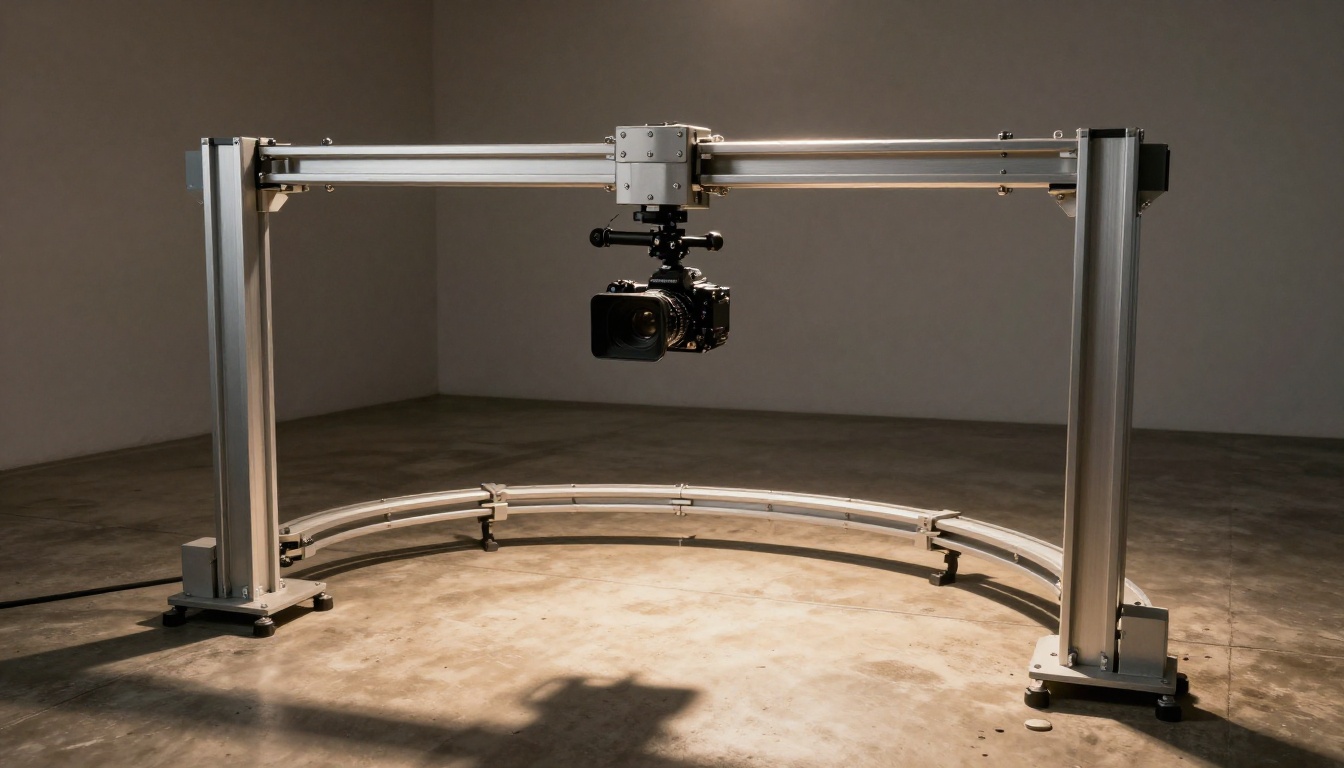
Create Your Own on PicassoIA
The gap between "AI generates random motion" and "I direct exactly how the character moves" is now closed. Kling v3 Motion Control on PicassoIA gives independent creators, small studios, and individual filmmakers access to a character animation system that produces results which were genuinely out of reach for anyone without a full motion capture pipeline just eighteen months ago.
The best way to understand what the system can do is to use it. Start with a simple motion, a character walking forward with arms swinging, define two pose keyframes, draw a straight trajectory, and add a slow dolly-in camera movement. The gap between that first result and what you imagined it would look like will tell you immediately how much more intentional control you now have compared to standard text-to-video generation.
From there, the complexity of what you can choreograph is limited only by how precisely you want to define the motion. Short films, pre-visualization sequences, character showcases, social video, and commercial production are all within reach.
PicassoIA gives you access to Kling v3 Motion Control and the full suite of video generation tools at picassoia.com/en/all-models. Pick a character, define the motion, and see what precision animation actually feels like.