How Nano Banana 2 Creates Photorealistic Portraits That Fool the Human Eye
Nano Banana 2 is Google's iterative text-to-image model that produces photorealistic portraits with pore-level skin texture, precise eye catchlights, and subsurface scattering. It accepts up to 14 reference images, exports at 4K, and lets you refine faces with plain-language follow-up instructions — all on PicassoIA with unlimited generations.
The difference between an AI portrait that looks almost right and one that stops people mid-scroll comes down to three things: skin texture at the pore level, the accuracy of eye catchlights, and the way light wraps around real bone structure. For a long time, text-to-image models handled two of those three reasonably well. Nano Banana 2 handles all three, and it does it while accepting plain-language refinements and up to 14 reference images in a single session.
This article breaks down exactly how the model works, why its outputs hold up at 4K, and how you can use it on PicassoIA to generate photorealistic portraits that are indistinguishable from professional photography. Whether you are building a product campaign, creating consistent story characters, or producing professional headshots without a camera, the workflow is the same.
What Nano Banana 2 Actually Does
Most image generators treat each generation as a completely fresh start. You write a prompt, get a result, rewrite the prompt, get a new result. If the nose is slightly too wide or the skin reads as plastic, you start over from scratch and hope the next attempt is closer. That process wastes time and rarely produces the iterative refinement that real portrait work demands.
Nano Banana 2 breaks that cycle. It is built for iterative creation: generate a portrait, type a follow-up instruction in plain language, such as "soften the jaw line" or "add more natural skin texture to the forehead," and the model refines the existing image without abandoning the composition, lighting setup, or character identity it already established. The feedback loop mirrors how portrait photography actually works in a professional studio: shoot, review, adjust the light or the subject's position, shoot again.
The 14-Image Reference System
The model accepts up to 14 reference images as simultaneous input. That capability is significant for portrait work above almost anything else.
When you are working to match a specific person's likeness, a single reference photo captures one angle under one type of light. Feed the model 14 photos of the same person, and it builds a far more complete internal model of the face: how the cheekbones catch directional light from the left, how the nose reads in a three-quarter profile, what the hairline looks like from slightly above. The generated portrait carries all of that accumulated information because the model processed all of it in the same session.
Character Consistency Across Multiple Scenes
One of the most persistent problems in AI portrait generation is character consistency: keeping the same recognizable face across multiple images when the background, lighting setup, or clothing changes between generations. Most models fail at this because each generation is independent and has no memory of the previous one.
Nano Banana 2 solves this by letting you anchor a reference image in every new generation. The character's bone structure, skin tone, eye color, and facial proportions stay locked while everything surrounding them can change freely. This matters enormously for brand campaigns with a consistent spokesperson, illustrated stories with a recurring protagonist, or any project where the same face needs to appear in many different contexts.
Real-Time Web Grounding for Context-Specific Portraits
A capability that separates Nano Banana 2 from most portrait generators is its real-time web and image search grounding. You can generate a portrait tied to a specific current context: a seasonal setting, a particular event backdrop, a trending visual style, or a real-world location, without manually describing every environmental detail in the prompt.
This matters for commercial portrait work where the subject needs to appear in a relevant, specific setting. Instead of constructing the setting entirely from memory and creative guesswork, you ground the prompt in live web data and let the model handle the environmental accuracy. Enable the Google Search grounding option in the PicassoIA model settings when generating portraits that need to appear in specific real-world or current contexts.
Why the Portraits Look Real
Photorealism in a portrait is not simply about high resolution. A 4K image of a plastic-looking face is still unconvincing. Actual photorealism comes from the presence of controlled imperfection: the slight asymmetry that real faces have between the left and right eye, the way skin shows different textures on the T-zone compared to the cheekbone, the faint blue-green of a subcutaneous vein visible at the temple when the skin is thin. These are the things our visual system checks automatically and below conscious awareness, which is why AI portraits fail so visibly when they get them wrong.
Skin Texture at the Pore Level
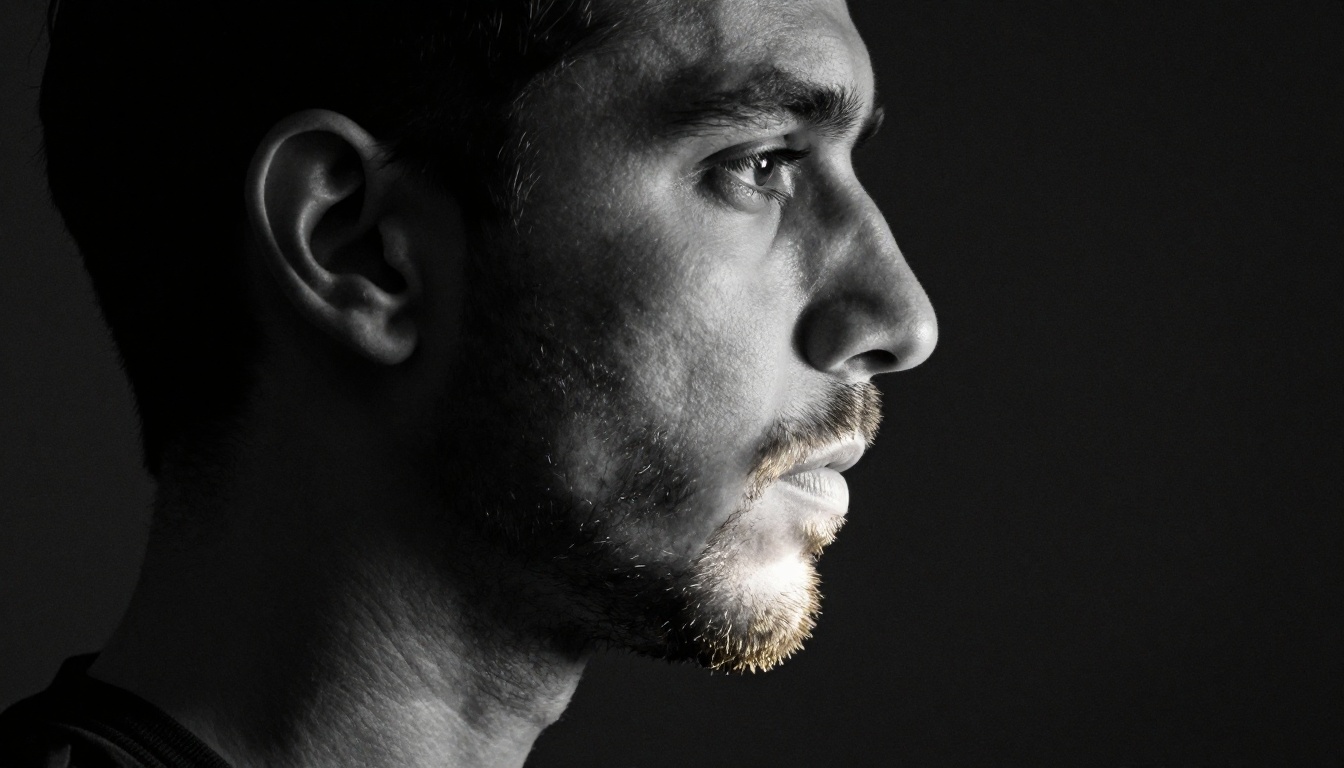
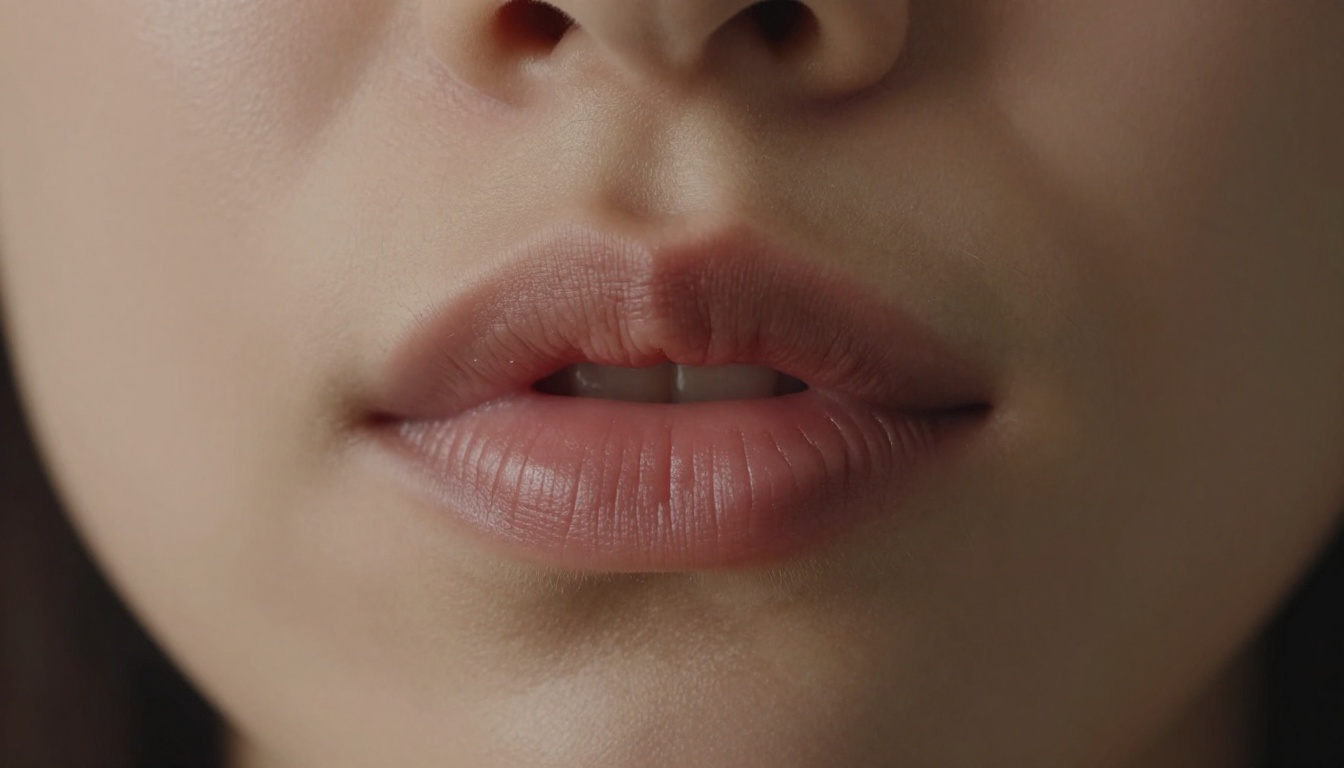
Nano Banana 2 generates skin with visible sebaceous texture, individual follicle shadows, and natural variation in pore density across different areas of the same face. The nose and forehead, where pores are larger and more open, look visually distinct from the under-eye area where skin is thinner, smoother, and more translucent. That variation is what signals to the human visual system that it is looking at real skin rather than a rendered surface.
The model also handles skin imperfections accurately: the natural redness at the nose tip, the slight asymmetric flush of exertion or temperature on the cheeks, the dryness at the corners of the lips in winter. These are not bugs to be corrected; they are the details that make a portrait convincing.
💡 Prompt tip: Describe your light source direction as specifically as a photographer would. "Soft volumetric light from a north-facing window at 45 degrees left" produces completely different skin texture behavior than "flat frontal ring light." The model responds to precise photographic language and rewards specificity.
Eye Rendering: Where Most Models Fail
The eye is the first thing the human brain checks in any portrait. We are neurologically wired to read eyes before anything else in a face, which is why AI-generated portraits are caught out so quickly and so instinctively. Uncanny eyes, even when only slightly wrong, trigger immediate disbelief regardless of how realistic everything else in the image is.
Nano Banana 2 generates eyes with:
Iris detail: visible concentric texture rings, darker limbal ring at the outer edge, color variation within the iris itself
Sclera realism: faint pink capillaries visible near the inner corner, slight natural yellowing in older subjects, moisture sheen across the surface
Catchlights: correctly positioned specular highlights from the described light source, not generic white dots in the center of the iris
Eyelash individualization: lashes that vary in thickness, curl radius, and separation rather than being evenly spaced identical filaments
Subsurface Scattering and the Warm Glow of Real Skin
Real skin is not a solid opaque surface. Light enters the outer layers and scatters beneath the skin before exiting, and this creates the warm, slightly translucent glow you see on cheeks when a window is positioned behind the subject. This effect is called subsurface scattering, and it is one of the most computationally demanding effects to render convincingly because it requires the rendering system to understand that skin has depth, not just a surface.
Nano Banana 2 handles this through its training on real photography rather than through a separate computational rendering pass. The result is that when you describe warm backlighting in your portrait prompt, the model places the correct warm translucency at the ears, along the jaw where the skin is thin, and through the fine hairs at the hairline. It does this because that is what actually happens in photographs taken under those conditions.
How to Use Nano Banana 2 on PicassoIA
The model is available on PicassoIA with no per-generation credit limits. You can iterate as many times as you need without watching a counter. The following workflow consistently produces the highest-quality photorealistic portrait outputs.
Step 1: Write the Foundational Prompt
Start with the subject, then the environment, then the light source, then the camera. This sequence mirrors how photographers actually plan a session. They start with who they are photographing, in what setting, under what quality of light, and through what lens.
Prompt structure that produces reliable results:
[Subject age/features/expression] + [Setting description] + [Light source, angle, and quality] + [Camera, lens, and aperture] + [Film stock or color science]
Practical example:
A woman in her mid-thirties, natural unretouched skin with visible pores, seated in a photography studio, volumetric morning light from the left through a large diffused window, 85mm f/1.4, Kodak Portra 400 film emulation, grain visible in shadow areas
The specificity of the light source and the film stock reference are doing significant work in this prompt. "Kodak Portra 400" tells the model a great deal about color science, highlight rolloff, shadow behavior, and grain character all at once.
Step 2: Upload Reference Images
If you are working to match a specific person's appearance or a particular photographic style, upload between 3 and 14 reference images before generating. More references produce better likeness accuracy, but they should show the same subject from different angles rather than different people.
What to include in your reference set for best portrait likeness:
A front-facing image in neutral, even light
A 45-degree three-quarter angle shot
At least one image showing the natural hair texture in good light
A close-up of the eye area if precise iris color matters
One image showing the jawline and neck in profile
Step 3: Refine With Follow-Up Instructions
After the first generation, do not rewrite the entire prompt. Type a specific correction that targets only what needs changing:
"Make the skin texture rougher on the forehead and nose, more visible pores"
"Add more depth to the shadows under the cheekbone and along the jaw"
"Increase the realism of the iris, add visible ring texture and limbal darkening"
"The jaw line reads as too sharp and symmetrical, soften it and add slight natural asymmetry"
"The skin under the eyes is too smooth, add the fine creping texture of real skin"
Each follow-up instruction keeps everything that is working and adjusts only the specified element. This is where the iterative workflow becomes substantially more efficient than single-shot generation.
Step 4: Export at 4K
When the portrait is right, export at 4K resolution. At that output scale, the pore detail, individual hair fiber texture, and lighting gradients are preserved at full fidelity. Downsampling from 4K to standard web resolution retains the photographic depth that makes the portrait convincing, because the high-resolution source data is still informing every pixel.
Portrait Prompt Formulas That Work
These structural templates have been tested against the model and produce reliably photorealistic portrait outputs across different styles and subjects.
The Studio Portrait Formula
[Subject description] seated in a photography studio, volumetric [direction] light from a [size] softbox, warm-grey seamless paper background, 85mm f/1.4 lens, shallow depth of field with soft bokeh, Kodak Portra 400 emulation, film grain visible in shadows and collar area
The Natural Light Formula
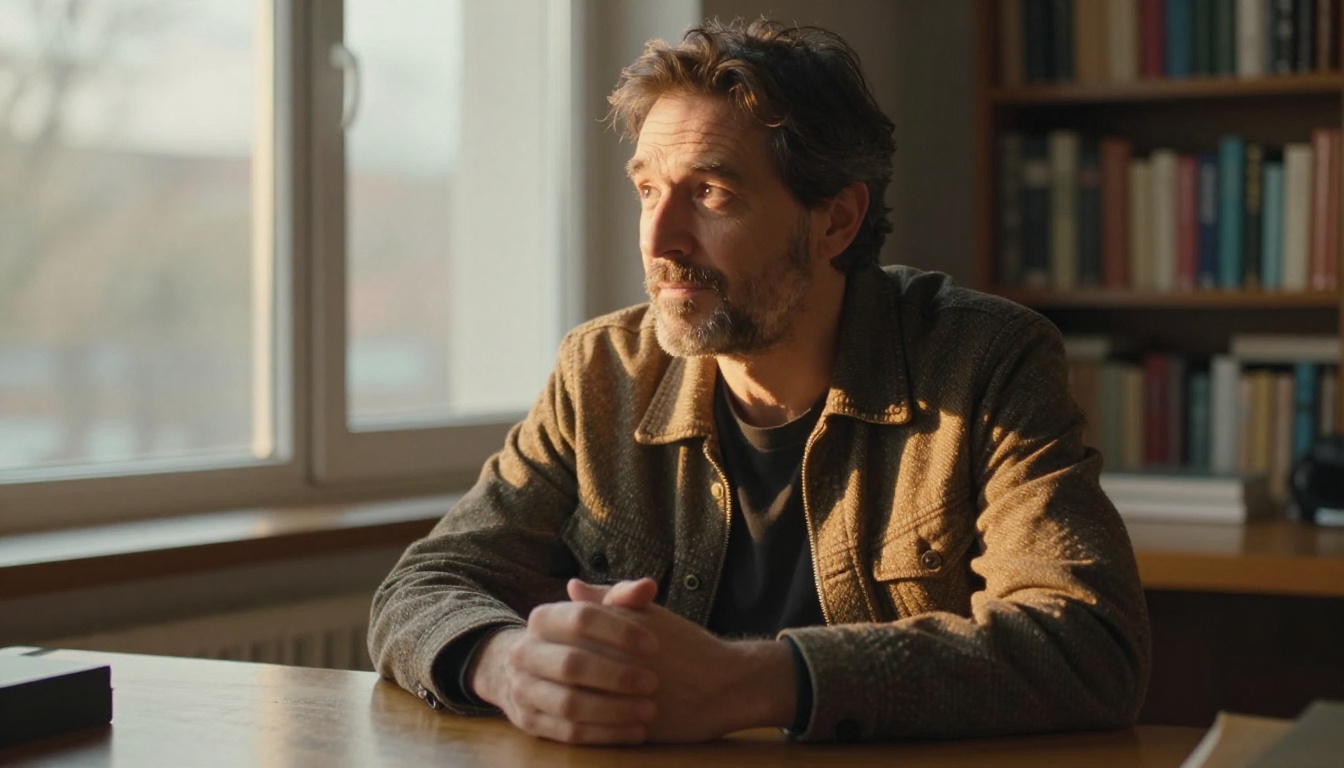
[Subject description] standing near a [north/south]-facing window in [morning/afternoon] light, natural catchlights in both eyes from the window, [brief setting detail], 50mm f/2.0 lens, soft overcast exterior diffusion, Fujifilm Pro 400H color profile, honest unposed documentary style
The Environmental Portrait Formula
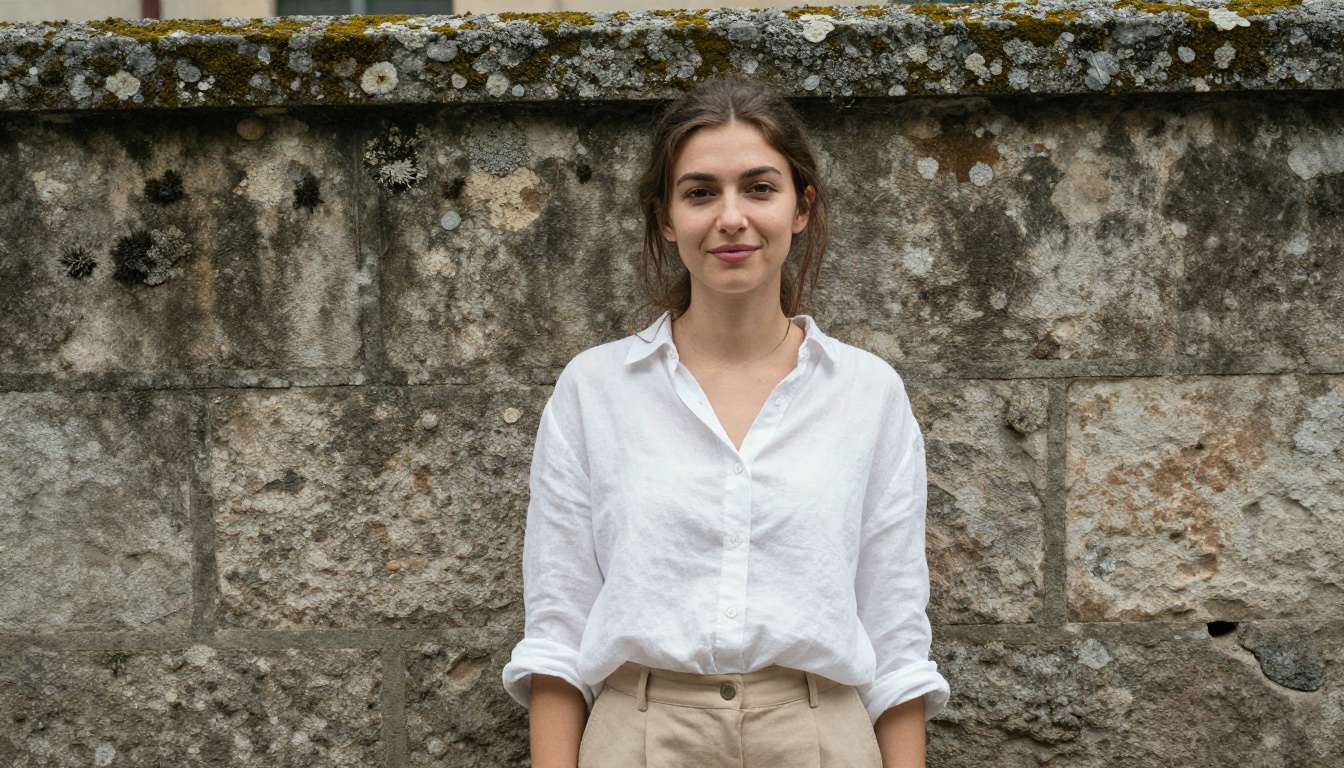
[Subject description] in [specific real environment], [light source] creating [shadow behavior description] across [specific facial area], 35mm f/2.8 lens at eye level, unposed and honest, Leica M aesthetic, fine grain throughout, no visible studio equipment
The LLM Layer Behind Portrait Generation
Photorealistic portrait generation at this quality level does not happen through visual pattern matching alone. It requires the model to understand photographic language: what "Kodak Portra 400" implies about color science and shadow rolloff, what "85mm f/1.4" implies about perspective compression and background separation, what "north-facing window light" implies about color temperature and the softness of shadows.
That language comprehension draws on the same underlying capabilities as large language models. PicassoIA offers access to models including GPT-5, Claude Sonnet 4.6, Gemini 3.5 Flash, and DeepSeek R1, which can help you draft and refine portrait prompts before you run them through the image generator.
A practical workflow: use one of the LLMs to expand a rough idea into a detailed, photographically specific prompt, then run that prompt through Nano Banana 2. The first-generation quality improves significantly when the prompt is written with the specificity and structure of an actual photography brief rather than a casual description.
Portrait Capabilities at a Glance
Capability
Nano Banana 2
Pore-level skin texture
Excellent
Eye catchlight accuracy
Excellent
Subsurface scattering
Very good
Character consistency (multi-scene)
Excellent
Hair fiber individualization
Good
Natural facial asymmetry
Good
Background bokeh separation
Excellent
4K resolution output
Yes
Iterative follow-up editing
Yes
Reference image fusion (up to 14)
Yes
Real-time web grounding
Yes
Unlimited generations on PicassoIA
Yes
Common Portrait Problems and Specific Fixes
Plastic Skin That Lacks Tactile Texture
Cause: The prompt does not specify a film stock, lighting imperfections, or skin-level detail.
Fix: Add "Kodak Portra 400 emulation, visible pores on nose and forehead, natural redness at nose tip, fine facial hair catching side-light" to the prompt. Then use a follow-up instruction: "increase skin texture realism, add sebaceous texture variation across T-zone."
Eyes That Look Too Perfect or Too Symmetric
Cause: The model defaults to idealized facial symmetry when the prompt does not specify otherwise.
Fix: Add "slight natural asymmetry in eye position and size, real-world imperfections, no airbrushing" to the prompt. Use a follow-up instruction to specify the exact adjustment: "make the right eye very slightly narrower than the left, natural rather than idealized."
Flat, Overlit Face With No Shadow Depth
Cause: No specific light source, direction, or shadow behavior was described in the prompt.
Fix: Always specify the light source type (softbox, window, sun), its size (creating soft or hard shadows), its angle relative to the face, and what parts of the face it is hitting versus shadowing. Shadow depth is where the three-dimensional quality of a portrait lives.
What You Can Build
Professional headshots without a camera or studio. For teams that need consistent-quality headshots across members in multiple cities, this workflow produces results at a fraction of the cost and coordination required for a photography day. Generate, refine, export at 4K, done.
Consistent characters for campaigns and visual stories. A brand character, a narrative protagonist, or an educational persona can appear across 50 different scenes with the same face and the same recognizable presence, because the reference image system keeps the likeness accurate across every generation.
Style-matched portraits for specific editorial aesthetics. High-fashion, documentary, corporate, environmental: each has a specific photographic language. The model responds to that language when you use it with precision. A fashion portrait shot on 85mm with strong directional light looks nothing like a documentary portrait shot on 35mm in available light, and Nano Banana 2 produces both when the prompt describes them correctly.
Iterative concept testing for art direction. Because generations are fast and refinements are cheap on PicassoIA with unlimited generations, you can run 40 variations of a portrait concept in the time it would take to set up a single studio session. Art direction decisions that used to require physical production can now be made entirely at the prompt and generation stage.
Start Generating on PicassoIA
Nano Banana 2 is live on PicassoIA with unlimited generations, no credit caps, and the full feature set: 14-image reference input, conversational editing with follow-up instructions, real-time web grounding, flexible aspect ratios, and 4K export.
The starting point does not need to be complex. Write a simple studio portrait prompt, run it, then spend two or three follow-up instructions pushing the skin texture, the eye detail, and the shadow depth. The difference between the first generation and the fifth, after targeted refinements, is almost always the gap between "impressive AI image" and "indistinguishable from professional photography."
You do not need a camera, a studio, or a photographer. You need a specific prompt and the willingness to iterate. Explore all models on PicassoIA and put the workflow to work.