Nano Banana 2 draws a precise line between what it generates and what it refuses, and once you understand exactly where that line sits, working with it for adult creative projects becomes far more productive. This Google-built model processes mature image requests through a layered content approach that allows suggestive, artistic, and glamour-style photography while filtering out anything explicitly pornographic. If you've been running into blocks, the problem almost certainly isn't the platform. It's the prompt framing. Here is what the model actually does with adult requests, how to get the best results from it, and when to switch to a different tool entirely.
What Nano Banana 2 Actually Is

Nano Banana 2 is a fast text-to-image model built for conversational, iterative creation rather than single-shot generation. Instead of writing one prompt, receiving one result, and starting over from scratch, you describe changes in plain language and the image updates in real time. That back-and-forth loop makes it particularly valuable for adult and suggestive photography, where lighting angle, fabric positioning, and atmospheric tone all require precise refinement that rarely comes together on the first attempt.
A Model Built for Iterative Workflows
Most image generators treat every generation as a completely fresh start. Nano Banana 2 doesn't. Type a follow-up instruction like "make the lighting warmer" or "lower the camera angle slightly" and the model adjusts the existing image without regenerating everything from scratch. For suggestive portraits where a five-degree angle change makes the difference between awkward and compelling, that iteration capability saves significant time and credits.
The model accepts up to 14 reference images in a single generation run, so you can blend multiple visual concepts, maintain character appearance across different scenes, or anchor the output to real-world photography you already have. Resolution goes up to 4K, and 15 preset aspect ratios cover everything from vertical portrait (9:16) to wide editorial (16:9) to square social formats. The model also supports real-time web grounding, meaning you can ground your prompt in current web data, trending visual styles, or specific aesthetic movements without manually describing every element.
Unlimited Generations with No Caps
On PicassoIA, Nano Banana 2 runs with no credit caps and no usage quotas. Adult content creation almost always requires 30 to 60 iterations before lighting, pose, and composition all align the way you want. Unlimited generation means you can iterate freely across an entire session without watching a counter or rationing attempts.
Multi-Image Fusion for Character Consistency
One underused capability of Nano Banana 2 for adult content workflows is multi-image fusion. Upload up to 14 reference photos and describe the merged result you want. This is particularly powerful when you need a subject to appear consistently across multiple scenes or settings. Use the same reference image of a model in one upload slot, then change backgrounds, lighting, and wardrobe through your text prompt. The character's face and general appearance stays consistent while everything else adapts to the new scene. For adult content creators building a series, this approach produces far more cohesive output than single-shot generation from text alone.
How Nano Banana 2 Handles Adult Requests

The question most creators have first: does Nano Banana 2 actually process adult prompts? The answer depends on what you are asking for and how you frame it.
The Default Moderation Layer
Nano Banana 2 uses Google's content moderation by default. Explicit sexual content is blocked, but a wide range of suggestive, artistic, and mature photography passes through without issue. Bikini photography, boudoir portraits, lingerie, implied nudity, glamour figure work, and artistic body studies all generate well. The model reads photographic framing and artistic context, so prompts structured like photography briefs produce very different results than content-focused descriptions of explicit acts.
💡 Practical tip: Frame every adult prompt from a photography perspective. "Boudoir portrait, satin robe sliding off one shoulder, morning light from the left, 85mm f/1.4 bokeh, Kodak Portra 400 grain" signals artistic intent and consistently produces better output than describing content directly.
What Passes and What Gets Blocked
Here is a practical breakdown based on how the default moderation layer behaves:
| Content Type | Nano Banana 2 Default |
|---|
| Bikini and swimwear photography | Passes |
| Lingerie and boudoir portraits | Passes |
| Artistic implied nudity | Passes |
| Glamour, pin-up, and editorial | Passes |
| Suggestive fashion and portrait work | Passes |
| Explicit sexual content | Blocked |
| Pornographic descriptions | Blocked |
The pattern is consistent: aesthetic and artistic framing produces strong results; explicit anatomical or sexual language triggers refusals. Mastering that framing distinction is the single most valuable skill for adult AI photography on this model.
Conversational Editing for Suggestive Results

The biggest practical advantage Nano Banana 2 offers for adult content is the conversational editing loop. You don't need the perfect prompt on the first generation. Work toward your result through incremental refinement:
- Start with a base: "woman in silk robe, luxury bedroom interior, morning window light, photorealistic"
- Refine composition: "pull the robe slightly off the left shoulder, lower the camera angle to waist height"
- Adjust atmosphere: "add soft film grain, shift tones warmer and more amber, deepen the shadow on the right side"
- Polish details: "increase skin texture realism, sharpen fabric edge definition, soften background into smooth bokeh"
Each follow-up builds on the previous result. The model preserves what's working and changes only what you specify. For adult creative work where nuance in lighting and positioning determines whether an image reads as tasteful or not, this approach produces noticeably better results than repeated full-prompt regeneration.
Seedream 4.5: The Strongest NSFW Option on PicassoIA

When Nano Banana 2's default filter doesn't match your project's requirements, Seedream 4.5 is the correct tool. This ByteDance model is the strongest option on PicassoIA specifically for mature content, because it includes a Disable Safety Checker parameter that relaxes content moderation to only block illegal material (CSAM). Everything else passes through.
The Disable Safety Checker Parameter
That single toggle changes the model's entire content range. With the safety checker disabled, Seedream 4.5 processes adult prompts that would be blocked by most other AI image generators, while maintaining a hard block on anything illegal. It's designed for adult creators producing legal, mature content, and the results align with the full scope of well-written prompts without the constant friction of refusals.
The model still responds better to photography-style prompts than to purely content-focused descriptions. Good lighting, composition, and atmosphere language produces sharper, more compelling results even with the safety checker off.
💡 Note: PicassoIA enforces strict policies against illegal content at all times. The Disable Safety Checker option is for legal adult creative work only, and illegal content generation is refused regardless of settings.
4K Output with Batch Generation
Seedream 4.5 outputs at 2K and 4K resolution, which matters for adult photography where skin texture, fabric weave, and lighting gradients all need to hold up at full size. A poorly upscaled adult image loses the textural realism that makes it believable. At 4K, those details are present from the first generation.
Additional capabilities that make it worth using:
- Up to 15 images per batch: Generate sequential character variations, outfit studies, or scene progressions in one run
- 14 reference image inputs: Blend pose references, lighting references, and style references simultaneously in a single generation
- Nine aspect ratios: Including 21:9 cinematic widescreen for editorial work
- Custom pixel dimensions: Set exact width and height between 1024 and 4096 pixels for precise layout integration
- No watermarks: Download clean, full-resolution files ready for immediate use or delivery
How to Use Nano Banana 2 on PicassoIA

Getting strong results from Nano Banana 2 for adult and suggestive photography requires a specific approach. Here is the full workflow.
Step-by-Step on PicassoIA
Step 1: Open the model. Navigate to Nano Banana 2 on PicassoIA. No account is required to start generating.
Step 2: Choose your aspect ratio. Use 9:16 for vertical portrait and social media formats. Use 16:9 for editorial, landscape, and wide compositions. Use 4:5 for Instagram-optimized portrait cropping.
Step 3: Set resolution. 2K works well for web and social publishing. 4K delivers noticeably more skin texture, fabric detail, and depth-of-field realism, making it worth the slightly longer generation time for final outputs.
Step 4: Write like a photographer. Photography vocabulary is the single most important factor in adult AI image quality. Structure your prompt: [Subject and general positioning] + [clothing or styling detail] + [environment description] + [lighting direction and quality] + [camera angle] + [lens specification] + [film stock].
Step 5: Iterate with follow-up instructions. After the first result, type specific adjustments in plain language rather than rewriting the full prompt. This is where Nano Banana 2 genuinely outperforms single-shot image generators.
Prompt Tips That Work
These prompt structures consistently produce strong results for suggestive and mature content:
For boudoir and bedroom photography:
"Portrait, woman in fitted silk camisole, rumpled white linen sheets, natural morning light through linen curtains from the right, overhead angle, 50mm f/2, fine skin pore detail, warm peachy skin tone, Kodak Ektar 100 grain"
For glamour and editorial:
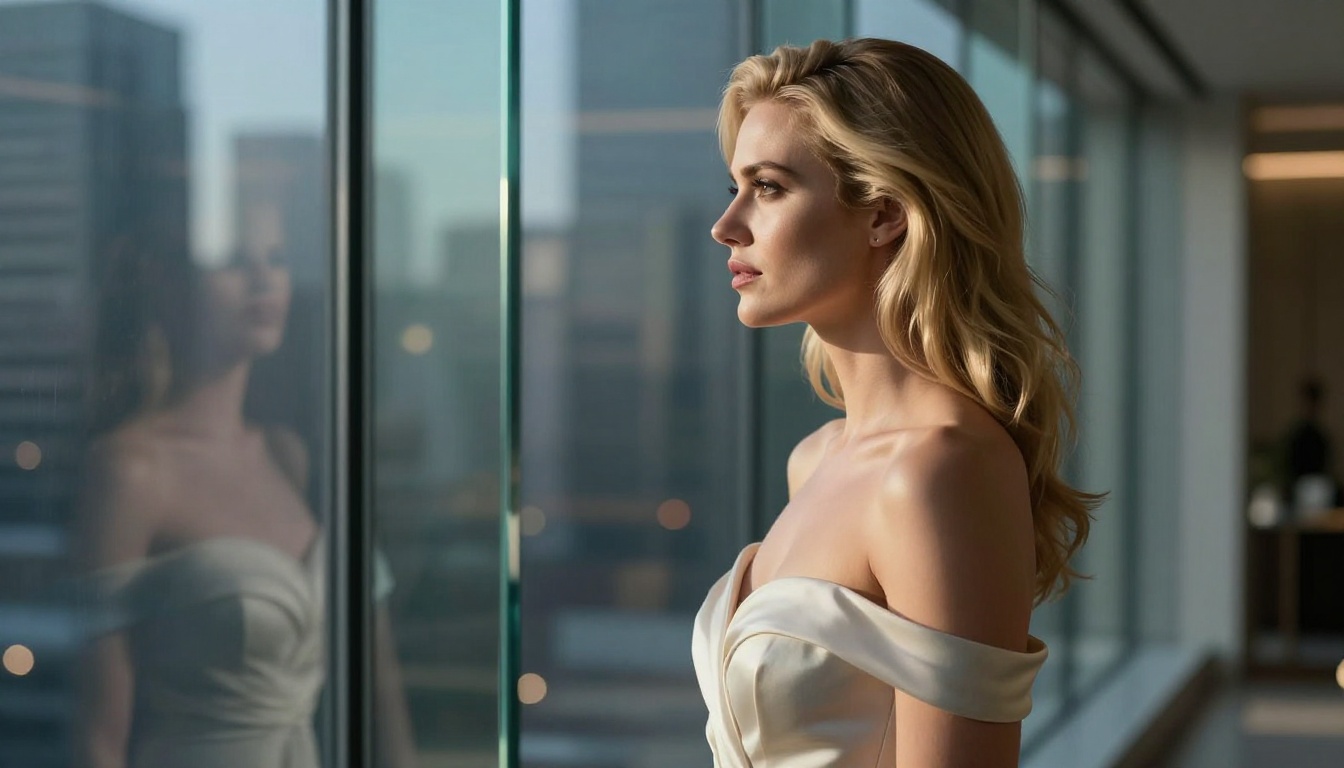
"Woman in off-shoulder evening gown, luxury penthouse interior, frosted glass partition, single key light from upper left, sharp chiaroscuro shadows on neck and bare shoulder, side profile, Zeiss 85mm f/1.4, creamy bokeh background, 8K RAW"
For artistic and figure work:
"Woman in minimalist bikini, infinity pool edge, turquoise ocean behind, diffuse morning sunlight from above, slightly elevated camera angle, 70-200mm telephoto compression, water droplets on shoulder blades, Fuji Provia 100F"
Common Prompt Mistakes That Trigger Refusals
Certain prompt patterns reliably produce refusals from Nano Banana 2's default moderation layer, even when the intended content is within the tasteful adult photography range:
- Explicit anatomical language: Any direct anatomical terminology in sexual contexts
- Action descriptions rather than photographic descriptions: Describing acts rather than composition and atmosphere
- Missing photography context: Prompts with no reference to lighting, setting, or camera work often produce weaker results and higher refusal rates
- Vague modifiers without specifics: "sexy photo" alone produces less consistent results than "boudoir portrait, warm studio lighting, 85mm f/1.4"
Switch to Seedream 4.5 with the safety checker disabled when you find Nano Banana 2's default filter is consistently too restrictive for your project type.
Other Strong Models for Mature Content
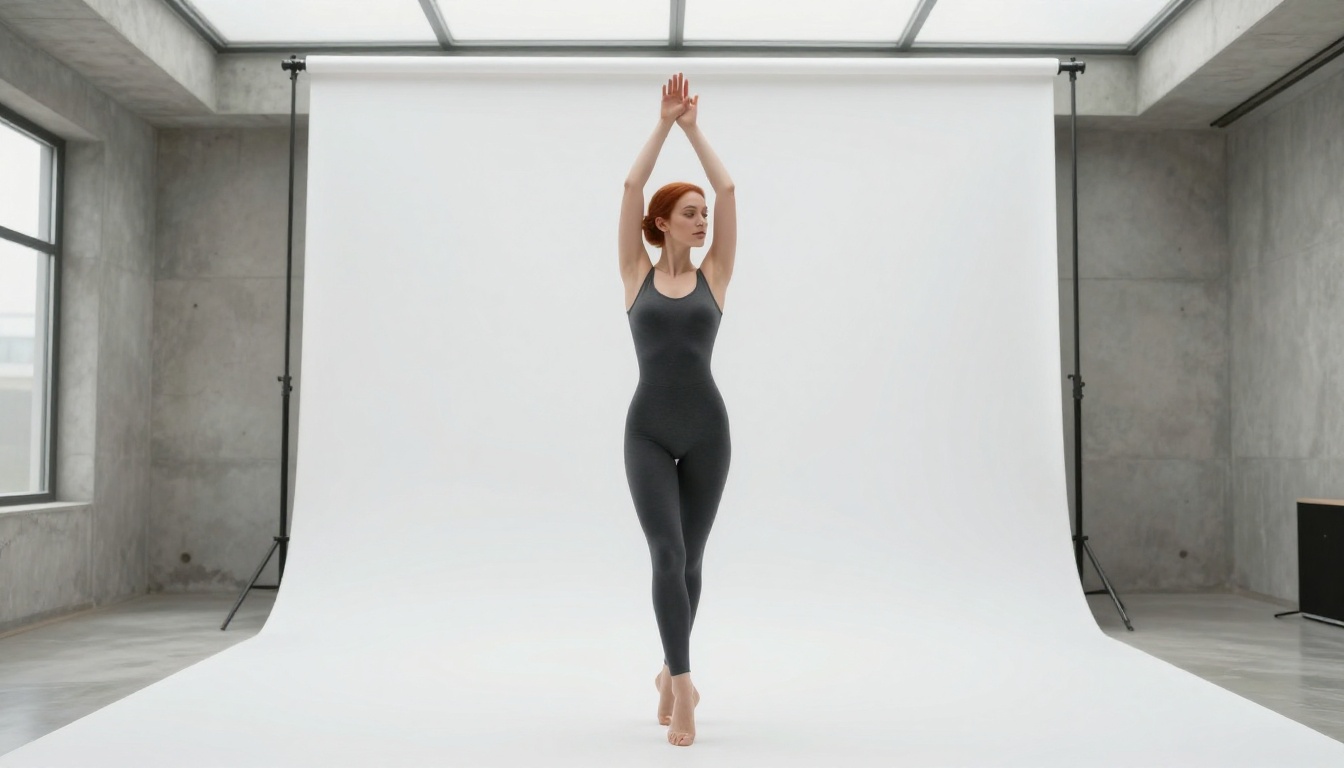
PicassoIA hosts over 91 text-to-image models. Several others perform well for adult and suggestive content alongside Nano Banana 2 and Seedream 4.5.
Seedream 5 Pro for Sharpness and Detail
Seedream 5 Pro produces exceptionally sharp 2K images with strong prompt adherence. For adult content that requires precise pose and composition control, this model delivers consistently. It pairs particularly well with reference images to maintain subject appearance across multiple scene variations, making it a strong option for creators working on cohesive series or character-based projects.
Nano Banana 2 Lite for Fast Iteration
Nano Banana 2 Lite is the faster version of the main model, designed for early-stage exploration. When you need to test 20 different compositions, lighting setups, or styling directions before committing to full 4K renders, the Lite version lets you cycle through ideas much faster. The same photography-first prompt strategies from the main model apply here.
Real-Time Web Grounding for Trend-Based Work
A feature that sets Nano Banana 2 apart from most adult AI image tools is its real-time web grounding capability. Enable this option and the model incorporates live data from the web into your generation, allowing you to reference current visual trends, specific aesthetic movements, or trending photography styles without manually describing every element of the look in your prompt.
After Generation: Upscaling and Background Removal

Once you have a strong result from Nano Banana 2 or Seedream 4.5, the PicassoIA platform gives you tools to take it further before it's ready for use.
Upscaling for Client-Ready Results
P Image Upscale sharpens and improves generated images in under two seconds. It works particularly well on portraits, where skin texture, hair strand detail, and fabric weave all benefit noticeably from the upscaling pass. Run your final adult photography image through it before downloading for any professional purpose.
Other upscalers worth using on the platform:
Background Removal for Compositing
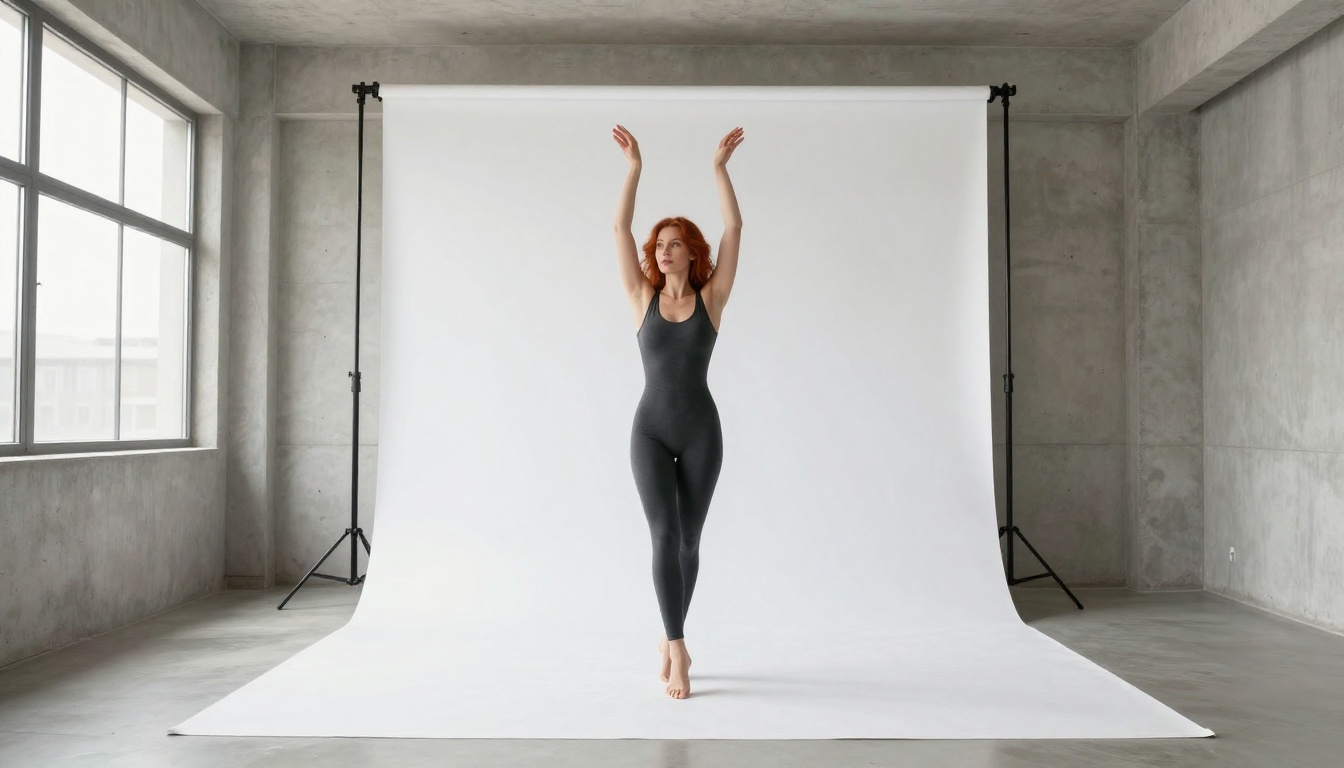
Remove Background by Bria gives you a clean cutout of your subject in seconds. Once you have the subject isolated, you can place them on any custom background: a luxury interior, an outdoor location, a branded environment, or a simple gradient for product-style presentation. This is particularly useful for adult content creators who want to repurpose a strong subject shot across multiple visual contexts without paying for additional generation runs. Generate the subject once, then composite them into five different backgrounds.
The Right Model for Every Situation
Nano Banana 2 handles adult image requests by allowing artistic, suggestive, and glamour-style photography while blocking explicitly sexual material. Photography-first prompting is what makes the difference. Describe light, lens, film stock, and atmosphere rather than explicit content, and the model produces output across the full range of tasteful adult photography.
For content that pushes past what the default filter allows, Seedream 4.5 with Disable Safety Checker is the clear answer on PicassoIA. It processes mature prompts that other models refuse, outputs at 4K, and delivers clean files without watermarks.
The workflow that consistently produces the best results:
- Start with Nano Banana 2 for rapid iterative testing and conversational refinement with unlimited generations
- Switch to Seedream 4.5 when you need the safety checker disabled for more explicit adult content
- Upscale finals with P Image Upscale for client-ready sharpness and skin texture
- Cut subjects with Remove Background for flexible compositing across multiple scene contexts
Start Generating Now on PicassoIA
Every model mentioned in this article is available on PicassoIA right now, with unlimited generations and no credit caps holding you back. Nano Banana 2 is where most adult creative projects should begin: fast iteration, conversational refinement, and the ability to blend up to 14 reference images into a single coherent output. When you need to push further, Seedream 4.5 is standing by with 4K resolution and an open content policy for legal adult work.
Take the platform for a run. Start with a photography-style prompt, iterate through five follow-up instructions, and see exactly how much the conversational editing loop changes the quality of your output. Then browse the full collection of over 91 image models at picassoia.com/en/all-models to find the right tool for whatever your project requires next.


