Nano Banana Pro transforms how creative professionals generate AI images with unprecedented speed and quality. This Google-developed model delivers photorealistic results across multiple aspect ratios, supports reference image inputs, and offers precise safety controls. From marketing visuals to concept art, learn how this technology accelerates creative workflows while maintaining exceptional detail at 4K resolution.
Nano Banana Pro transforms how creative professionals generate AI images with unprecedented speed and quality. This Google-developed model delivers photorealistic results across multiple aspect ratios, supports reference image inputs, and offers precise safety controls. From marketing visuals to concept art, learn how this technology accelerates creative workflows while maintaining exceptional detail at 4K resolution.
When you need images now, not tomorrow, the difference between waiting minutes versus seconds becomes critical. Creative deadlines don't wait for slow processing, and marketing campaigns need visual assets yesterday. That's where nano-banana-pro changes the game completely.
Why Speed Matters in AI Image Generation
Every second counts in creative production. The traditional workflow—sketching, rendering, revising—consumes hours or days. AI image generation promised to accelerate this, but many models still keep you waiting.
The waiting problem: Most text-to-image models process prompts sequentially, generating one image at a time with 30-60 second generation times. Multiply that by multiple variations, and you're looking at coffee-break delays.
💡 Time vs. Quality: With nano-banana-pro, you don't sacrifice quality for speed. The model maintains photorealistic detail while processing prompts in seconds, not minutes.
Real-time ideation: When creativity strikes, you need immediate visual feedback. Waiting breaks the flow, causing you to lose momentum and potentially abandon good ideas.
Business impact: Marketing teams need assets for social media posts, ads, and campaigns yesterday. Design agencies pitch concepts with tight deadlines. Product teams visualize prototypes before manufacturing decisions.
The Technical Architecture Behind the Speed
nano-banana-pro leverages Google's optimized inference architecture that processes multiple image elements in parallel rather than sequentially. This parallel processing pipeline handles:
Prompt tokenization: Simultaneous processing of descriptive elements
Reference image analysis: Parallel feature extraction when images are provided
Aspect ratio calculation: Immediate spatial composition planning
Safety filtering: Real-time content assessment during generation
The model's efficiency comes from its distributed attention mechanism that processes different image regions concurrently, rather than the traditional sequential attention used in earlier models like Stable Diffusion or Midjourney alternatives.
Nano Banana Pro's Architecture for Fast Processing
Understanding how nano-banana-pro achieves its speed requires looking under the hood. The model employs several architectural innovations:
Multi-stage parallel processing:
Stage 1: Prompt comprehension and semantic mapping (0.5-1 second)
Stage 2: Visual concept generation and composition (1-2 seconds)
Stage 3: Detail refinement and resolution enhancement (1-2 seconds)
Stage 4: Safety filtering and format conversion (0.5-1 second)
Each stage operates with partial overlap, meaning stage 2 begins before stage 1 completes, creating a pipeline effect that reduces total latency.
Memory-efficient attention: Traditional models use quadratic attention (O(n²) complexity) that slows with longer prompts. nano-banana-pro uses linear attention (O(n) complexity) that maintains speed regardless of prompt length.
Hardware optimization: The model is specifically tuned for modern GPU architectures, utilizing tensor cores and mixed precision (FP16) operations that provide 2-3x speedup over FP32 precision used in older models.
Website assets: Match your site's container dimensions
Print materials: 3:2 or 4:3 for standard print ratios
Batch generation tip: Generate the same prompt in multiple aspect ratios simultaneously by using the model's batch processing capability. Create a social media kit in one operation rather than multiple separate generations.
Reference Image Support: Building on Existing Visuals
Starting from scratch every time wastes creative energy. Often, you have existing visuals that just need adaptation, enhancement, or variation. nano-banana-pro accepts up to 14 reference images, using them to:
Maintain brand consistency: Keep colors, styles, and themes aligned
Accelerate iteration: Build variations on proven concepts
Reference processing speed: The model analyzes reference images in parallel with prompt processing, adding only 1-2 seconds to generation time even with multiple references.
Effective Reference Image Strategies
Quantity vs. quality: More references isn't always better. The model works most efficiently with:
7-14 specialized references: Specific element replication
Reference organization:
Primary references (positions 1-3): Overall composition and subject
Secondary references (positions 4-6): Color palette and lighting
Tertiary references (positions 7+): Specific textures or details
Common use cases:
Product variations: Show different colors/styles of the same product
Brand asset expansion: Create new visuals matching existing brand materials
Style transfer: Apply a specific artistic style to new subjects
Concept development: Evolve initial sketches into finished renders
Resolution Options: 1K, 2K, and 4K Output
Resolution choice impacts both quality and speed. nano-banana-pro offers three levels, each with different generation times and use cases:
1K Resolution (1024×1024 or equivalent)
Generation time: 2-3 seconds
Use case: Social media thumbnails, quick concepts, iterative testing
Detail level: Good for small displays, mobile viewing
2K Resolution (2048×2048 or equivalent)
Generation time: 4-6 seconds
Use case: Standard web content, presentations, marketing materials
Detail level: Excellent for most digital applications
4K Resolution (4096×4096 or equivalent)
Generation time: 8-12 seconds
Use case: Print materials, large displays, detailed product shots
Detail level: Photorealistic detail visible even at 100% zoom
Resolution Selection Guidelines
Workflow optimization: Start with 1K for concept testing, then generate final versions at higher resolutions:
Selection phase: Choose best concepts, generate at 2K for review
Final phase: Generate selected images at 4K for production
Performance considerations: Higher resolutions require more VRAM. The model automatically optimizes based on available hardware:
8GB VRAM: Comfortable with 2K, can handle 4K with batch size 1
12GB VRAM: Smooth 4K generation, batch size 2-3
16GB+ VRAM: Maximum performance for 4K with larger batches
Quality vs. speed trade-off: The time difference between resolutions isn't linear. 4K takes approximately 2x the time of 2K, not 4x, thanks to the model's efficient upscaling architecture.
Safety Filters for Professional Use
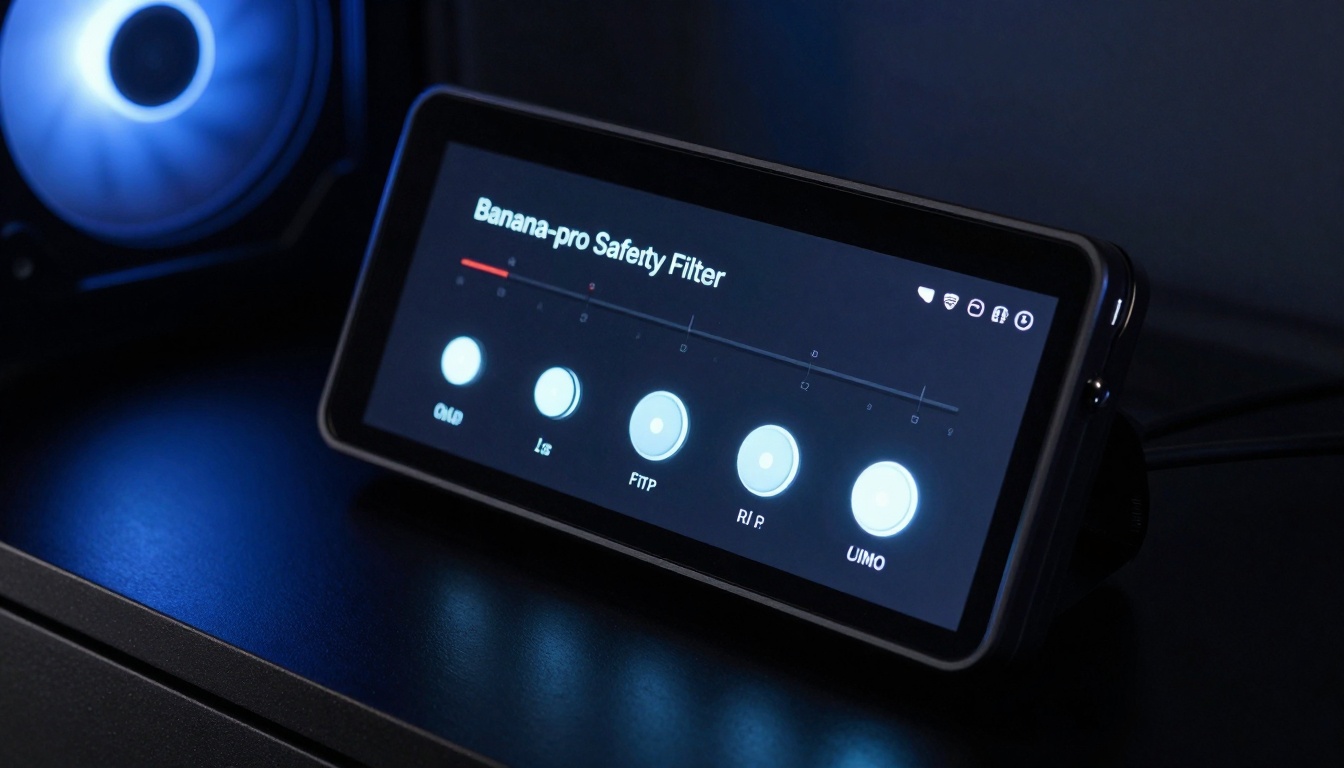
Professional environments need content controls. Marketing agencies, educational institutions, and corporate teams require appropriate imagery. nano-banana-pro provides three safety filter levels:
block_only_high (Most permissive)
Blocks: Explicitly harmful or illegal content
Allows: Artistic nudity, suggestive content with context
Use case: Creative studios, adult brands, artistic projects
Generation impact: No speed penalty
block_medium_and_above (Balanced)
Blocks: Medium and high-risk content
Allows: Mildly suggestive content in appropriate contexts
Use case: General marketing, most business applications
Generation impact: Adds 0.5-1 second for content analysis
block_low_and_above (Strict)
Blocks: Low, medium, and high-risk content
Allows: Only completely safe, family-friendly content
Use case: Education, children's content, conservative brands
Generation impact: Adds 1-2 seconds for thorough analysis
Safety Filter Implementation
How filters work: The model analyzes prompts and generated content in real-time:
Prompt analysis: Evaluates text for potentially problematic keywords
Content generation: Creates image with safety considerations
Output verification: Final check before delivery
Rejection handling: If content violates filters, provides alternative suggestions
False positive management: The model includes context understanding to reduce false positives:
Medical context: Anatomical references in educational prompts pass
Artistic context: Classical art references with nudity pass in appropriate settings
Historical context: Period-accurate content passes with educational framing
Enterprise features: For business accounts, custom filter rules can be implemented based on brand guidelines, industry standards, or regional regulations.
Output Formats: JPG vs PNG Comparison
Format choice affects file size, quality, and compatibility. nano-banana-pro offers both JPG and PNG output:
JPG Format
File size: 60-80% smaller than PNG
Generation time: 4-6 seconds (standard)
Quality: Excellent for most uses, slight compression artifacts
Best for: Web content, social media, email marketing
Quality: Lossless, perfect for editing and printing
Best for: Print materials, professional editing, archiving
Transparency: Supports alpha channel if needed
Format Selection Matrix
Use Case
Recommended Format
Reasoning
Website images
JPG
Smaller files load faster
Social media
JPG
Platforms compress anyway
Print materials
PNG
No compression artifacts
Further editing
PNG
Preserves maximum data
Email newsletters
JPG
Smaller attachments
Product mockups
PNG
Clean edges for compositing
Archival storage
PNG
Future-proof quality
Generation time difference: PNG adds approximately 1 second to generation time due to the lossless encoding process. This overhead remains consistent regardless of resolution or complexity.
Quality comparison: At 90% quality, JPG is virtually indistinguishable from PNG for digital display. The difference becomes noticeable only:
At 100% zoom on high-resolution displays
After multiple edit-save cycles (generation loss accumulates)
In areas with fine gradients (subtle banding may appear in JPG)
Workflow recommendation: Generate as PNG for master files, then export to JPG for specific use cases. The model's direct JPG output saves this conversion step for time-critical projects.
Real-World Applications and Use Cases
Speed without purpose is just technology showing off. nano-banana-pro's real value emerges in practical applications:
Marketing and Advertising
Social media campaigns: Generate daily content for multiple platforms
Ad variations: Create A/B testing assets in minutes, not days
Product visualization: Show products in different settings/styles
Brand consistency: Maintain visual identity across all touchpoints
Design and Creative
Concept art: Rapid iteration for film, game, and product design
Platform optimization: Create each in required aspect ratios (30 seconds)
Scheduling: Have a week's worth of visuals in under 5 minutes
Product designer workflow:
Concept phase: 20+ variations in 2 minutes
Refinement: Selected concepts at 4K for detailed review
Presentation: Professional renders ready for client meetings
Educational content creator:
Lesson planning: Generate all needed illustrations in one session
Adaptation: Create different versions for various age groups
Accessibility: Produce visual alternatives for text-heavy content
How to Use Nano Banana Pro on PicassoIA
The speed and quality of nano-banana-pro are most accessible through PicassoIA's implementation. The platform provides an optimized interface that maximizes the model's capabilities.
Find "Advanced Text-to-Image Generation with nano-banana-pro"
Click to open the generation interface
Step 2: Configure Your Generation
Enter your prompt: Use the structured format described earlier
Upload references (optional): Add up to 14 images for guidance
Select aspect ratio: Choose based on your target platform
Set resolution: 1K for testing, 2K for standard, 4K for premium
Choose output format: JPG for web, PNG for print/editing
Adjust safety filter: Select appropriate level for your use case
Step 3: Generate and Refine
First generation: Get initial result in 4-6 seconds
Variations: Use the "Generate variations" option for alternatives
Parameter adjustment: Tweak prompts based on initial results
Batch processing: Generate multiple images with different parameters
Step 4: Export and Use
Download: Get your image in chosen format
Integration: Use directly in your projects
Further editing (if needed): Open in Photoshop or other tools
Organization: Tag and categorize for future reference
PicassoIA-Specific Optimization Tips
Interface shortcuts:
Template prompts: Save successful prompt structures as templates
Parameter presets: Create configurations for common use cases
Batch profiles: Save settings for recurring generation tasks
Collaboration features:
Team sharing: Share generated images with colleagues
Commenting: Collect feedback directly on images
Version control: Track iterations and changes
Integration options:
API access: Automate generation through PicassoIA's API
Platform connections: Direct export to social media platforms
Design tool plugins: Connect with Adobe Creative Cloud or Figma
The combination of nano-banana-pro's technical excellence and PicassoIA's optimized interface creates the fastest path from idea to visual reality available today. Whether you're creating a single image or an entire campaign's worth of visuals, this platform delivers professional results at unprecedented speed.
What happens next: Your creative process accelerates. Ideas flow to visuals without technical friction. Campaigns launch faster. Products visualize earlier. Education becomes more engaging. The waiting disappears, replaced by immediate visual feedback that keeps creative momentum building.
Try generating your first image with nano-banana-pro on PicassoIA and experience the difference that seconds instead of minutes makes in creative production.