The rise of AI video generation has created opportunities for creators who previously lacked technical skills or artistic training. What used to require expensive equipment, years of practice, and professional studios can now be accomplished with text prompts and AI platforms. This shift has democratized content creation, particularly in the +18 niche where artistic expression meets adult themes without crossing into explicit territory.
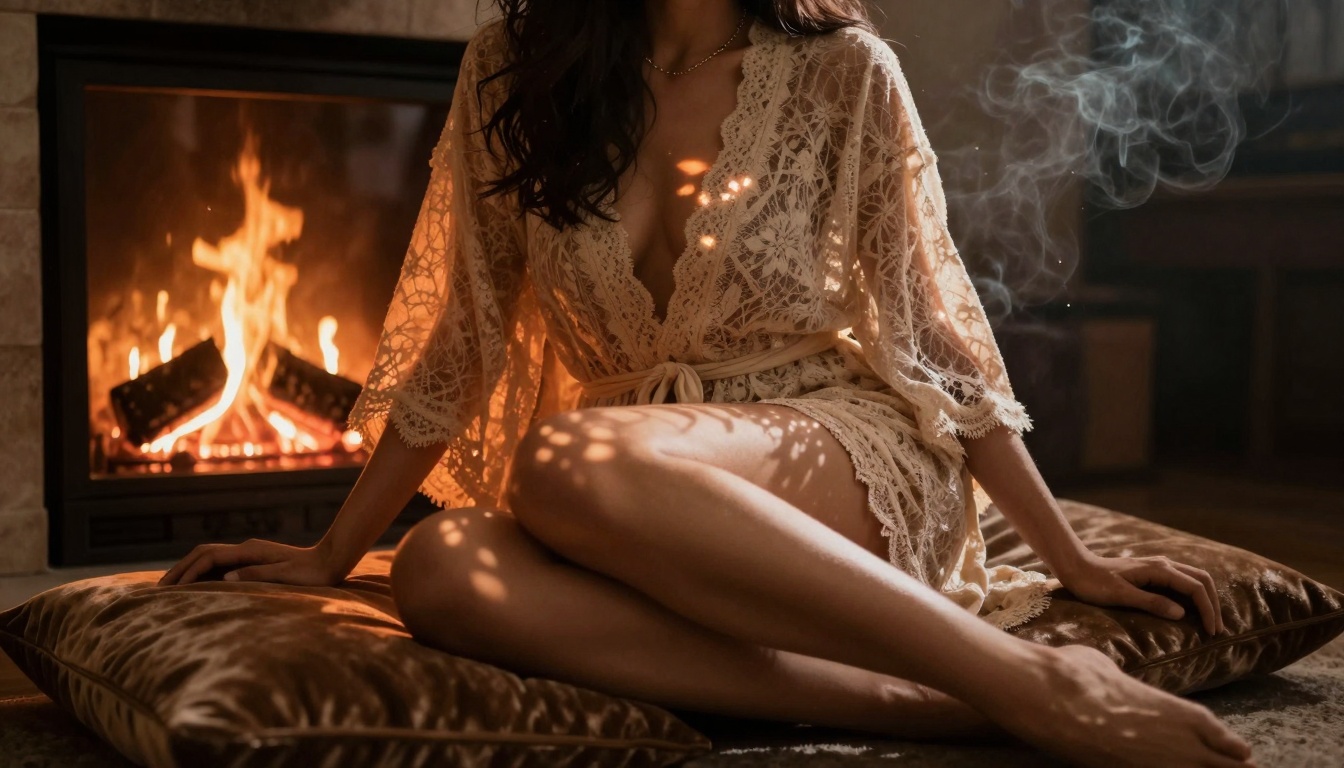
The AI Video Revolution Changed Everything
Three years ago, creating professional-looking adult content required a minimum investment of $5,000 in camera equipment, lighting setups, and editing software. Today, that same quality can be generated for less than $5 using AI video platforms. The barrier to entry has collapsed, creating what industry analysts call "the democratization of desire."
Why this matters now: Current AI video models can produce 10-30 second clips that would have taken a production team days to create. The visual quality has reached near-photorealistic levels, with models like Sora 2 Pro and Veo 3.1 generating footage indistinguishable from professional cinematography.
💡 Key insight: The most successful +18 AI creators don't focus on explicit content. Instead, they master the art of suggestion, creating videos that imply intimacy through lighting, composition, and subtle movement rather than explicit displays.
Understanding the Current AI Video Landscape
The market has exploded with specialized models for different types of adult content. Here's what's available right now:
| Model Type | Best For | Cost per Video | Quality Level |
|---|
| Text-to-Video | Concept scenes, mood setting | $0.10-$0.50 | Professional |
| Image-to-Video | Transforming photos into scenes | $0.20-$0.80 | Cinematic |
| Lip Sync | Adding voice to existing footage | $0.15-$0.60 | Realistic |
| Style Transfer | Applying artistic filters | $0.05-$0.30 | Variable |
Text-to-video models like Kling v2.6 allow creators to describe a scene in words and get a fully animated video. The prompt "a woman slowly turns to face the camera, morning light filtering through sheer curtains, wearing silk lingerie, intimate bedroom setting" generates content that would require hours of filming and editing.
Image-to-video tools such as WAN 2.6 I2V transform static images into moving scenes. Upload a photo of a model, add a prompt like "gentle breathing movement, hair swaying slightly, eyes blinking naturally," and the AI animates the image with realistic motion.
Step-by-Step: Creating Your First +18 AI Video
Follow this exact sequence to produce professional results on your first attempt:
-
Choose your platform: Start with PicassoIA's video section which aggregates multiple AI models in one place. The platform handles payment, generation queues, and file management.
-
Select the right model: For beginners, WAN 2.2 I2V Fast offers the best balance of speed, quality, and cost. At $0.25 per 10-second clip, it's affordable for testing.
-
Craft your prompt: Use this template: [Subject description] + [Action/emotion] + [Lighting/atmosphere] + [Camera movement] + [Style reference]
-
Generate and refine: Create 3-5 variations of the same prompt with small adjustments. AI is probabilistic - different seeds produce different results.
The Prompt Engineering Secret
Successful +18 AI videos use specific language patterns that trigger the desired results:
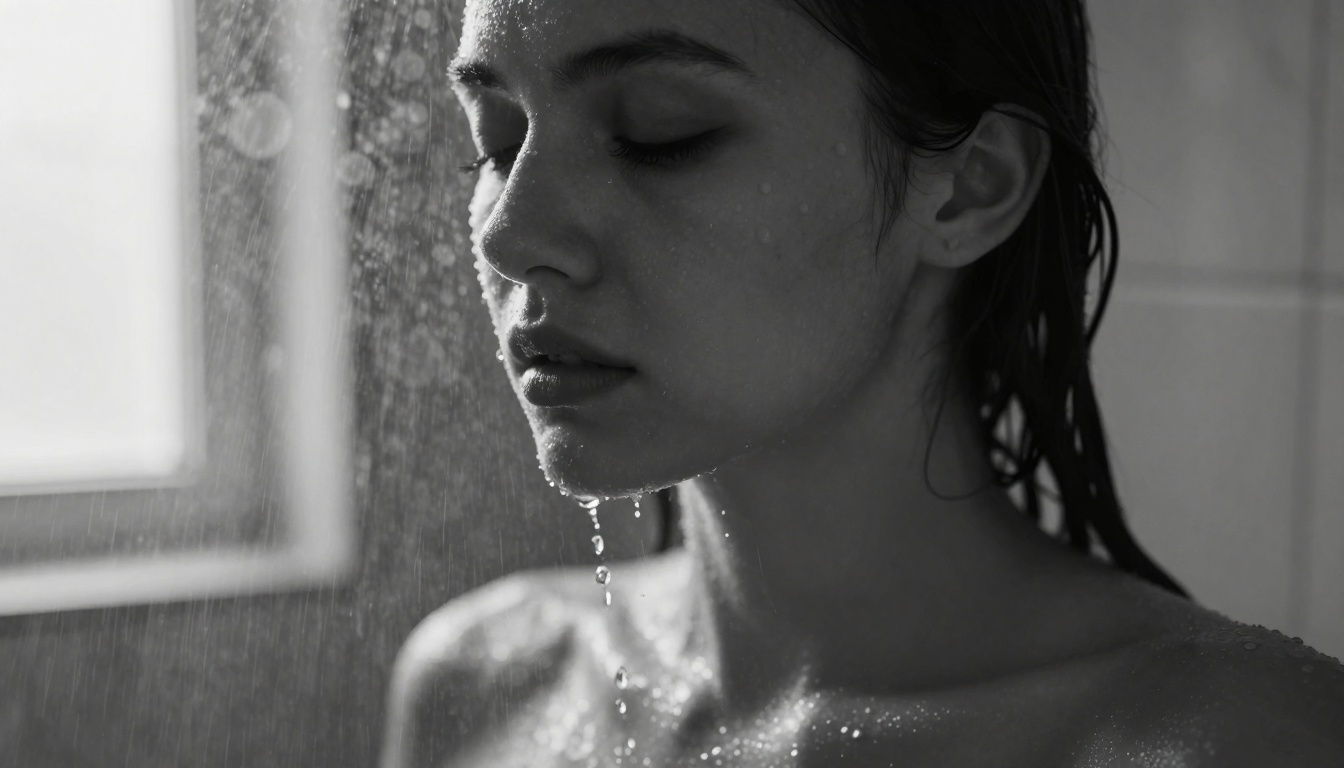
Effective: "Cinematic close-up of a woman's face as water droplets run down her cheek, steam creating soft focus around edges, intimate vulnerability, 85mm lens, shallow depth of field"
Ineffective: "Girl in shower getting wet"
The difference is specificity. AI models respond to detailed visual descriptions, not generic statements. Include these elements in every prompt:
- Camera specifics: Lens type (85mm, 24mm), aperture (f/1.8, f/4), focal length
- Lighting details: Direction (side lighting, backlight), quality (soft, harsh), color temperature (warm, cool)
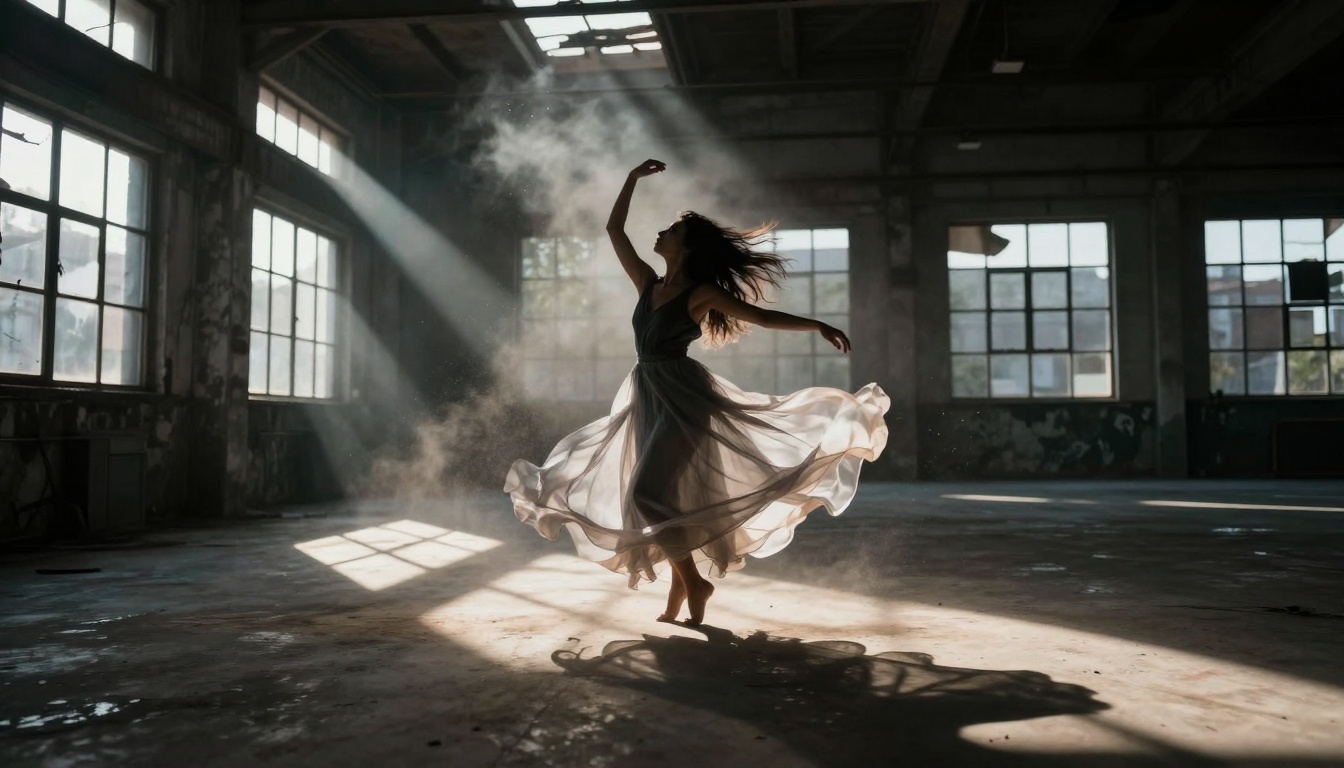
- Atmospheric effects: Steam, rain, dust particles, lens flares, bokeh
- Emotional cues: Intimate, vulnerable, contemplative, playful, sensual
Budget Breakdown: What It Really Costs
Let's examine the actual expenses involved in creating a portfolio of +18 AI videos:
| Component | Monthly Cost | What You Get |
|---|
| AI Generation Credits | $50-$100 | 200-400 video clips |
| Storage & Hosting | $10-$20 | Unlimited uploads |
| Editing Software | $0 (free tools) | Basic trimming & effects |
| Total | $60-$120 | Professional portfolio |
Compare this to traditional content creation:
- Camera equipment: $2,000+ one-time cost
- Lighting setup: $800+ one-time cost
- Studio rental: $500+ per month
- Model fees: $200+ per hour
- Editor salary: $3,000+ per month
The AI approach costs 95% less while producing comparable visual quality for suggestive, artistic adult content.
Advanced Techniques for Professional Results
Once you've mastered basic generation, these techniques separate amateur work from professional content:
1. Sequential Prompting
Don't try to create complex scenes in one prompt. Instead, generate components separately:
Step 1: Create background environment using Sora 2 with prompt: "Empty luxury apartment at golden hour, sun setting over city skyline, cinematic wide shot"
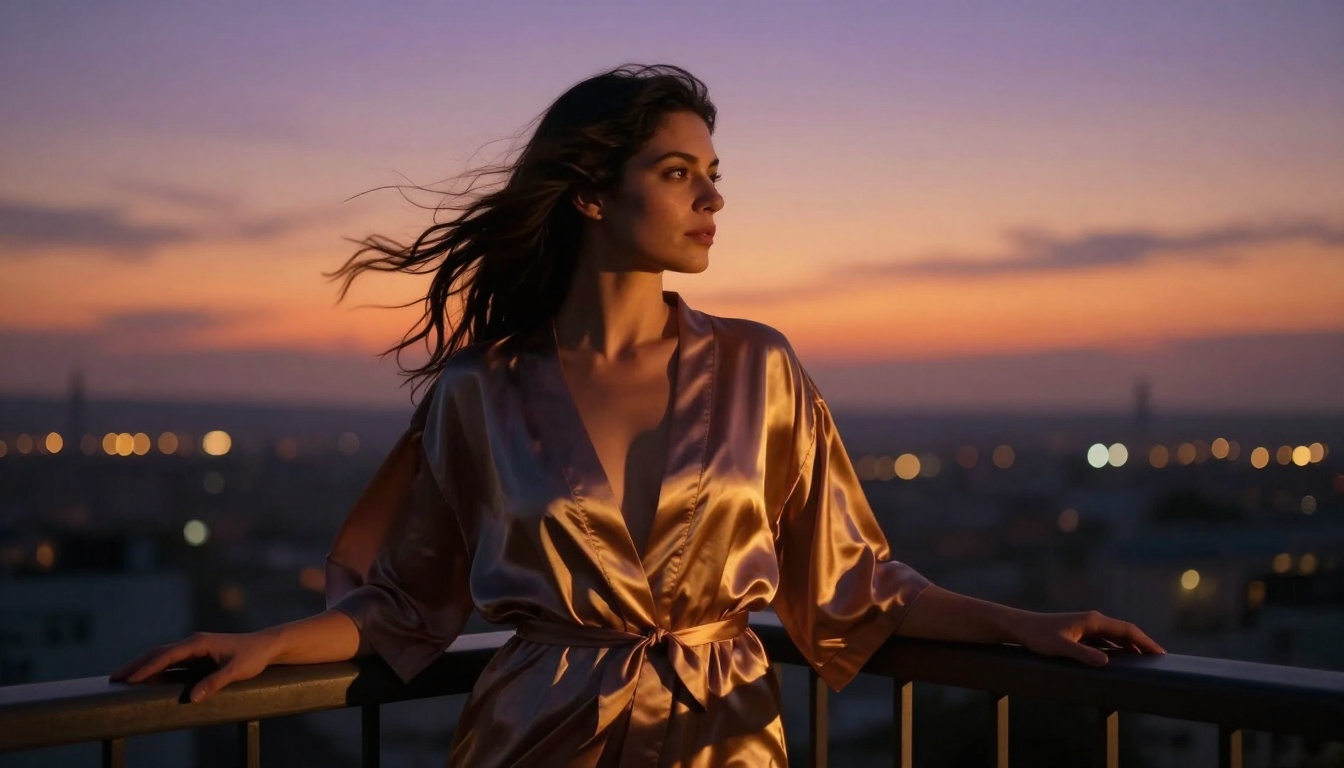
Step 2: Generate character using Kling v2.6 Motion Control: "Woman leaning against balcony railing, silk robe flowing in breeze, looking contemplatively at sunset"
Step 3: Composite using free editing software like DaVinci Resolve
2. Style Consistency
Maintain visual coherence across your content by using consistent prompt elements:
- Same lens specifications (always use 85mm f/1.8)
- Consistent lighting direction (always side lighting from left)
- Unified color grading (always warm Kodak Portra 400 look)
- Repeated atmospheric effects (always slight film grain)
3. Motion Control Precision
Models like Video 01 Director allow camera movement specifications:
- "Slow dolly in toward subject's face"
- "Gentle pan from left to right"
- "Static shot with subtle handheld shake"
- "Crane shot rising above scene"
Legal & Ethical Considerations
Creating +18 AI content requires careful navigation of legal boundaries:
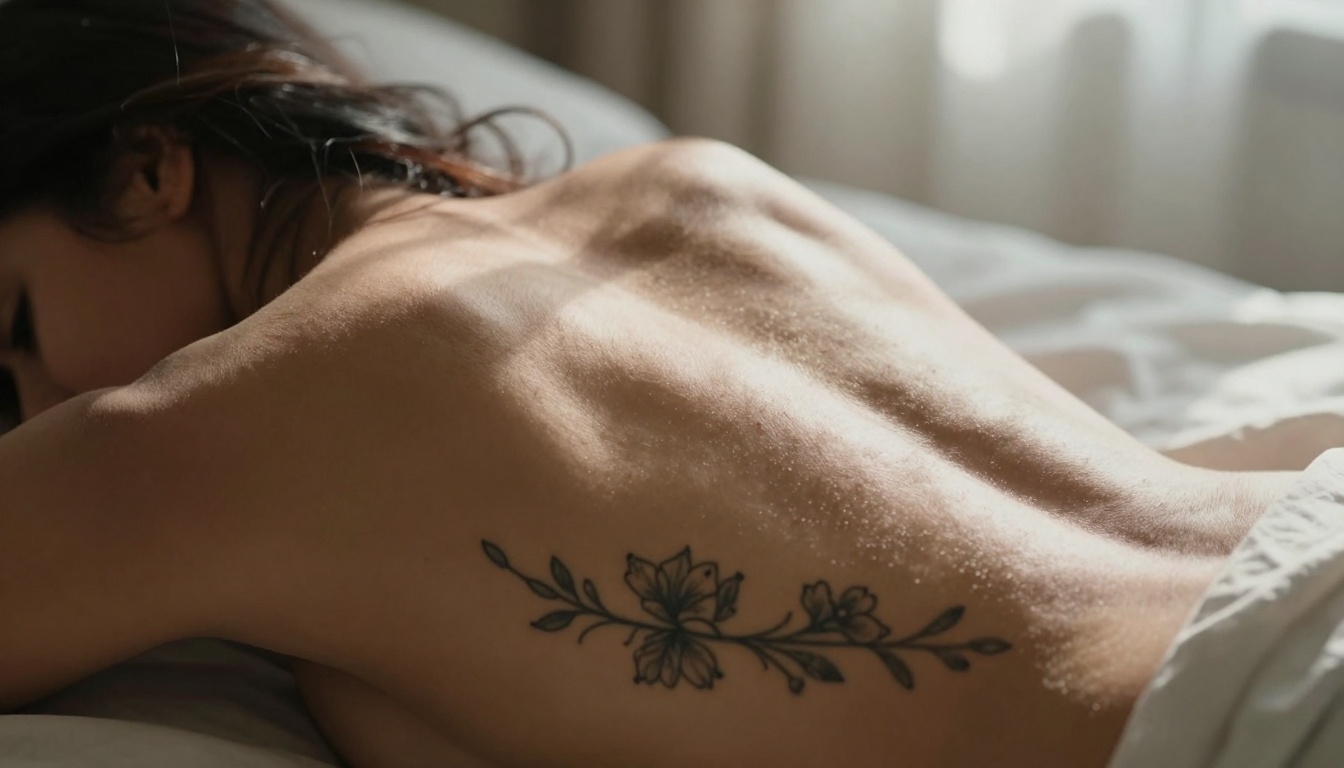
What's allowed: Artistic nudity, suggestive posing, intimate settings, implied scenarios, tasteful adult themes
What's prohibited: Explicit sexual acts, identifiable real persons without consent, underage appearances, non-consensual scenarios
Platform restrictions: Most AI services have content policies. PicassoIA allows artistic adult content but prohibits explicit material. Always check platform guidelines before generating.
Watermarking: Some creators add subtle digital watermarks to establish ownership and prevent unauthorized distribution.
Monetization Strategies That Work
Successful +18 AI video creators use these revenue streams:
Subscription platforms: Sites like Patreon and OnlyFans accept AI-generated content if properly disclosed. Monthly subscriptions range from $5-$50 per subscriber.
Content licensing: Sell video clips to stock footage sites. Artistic adult content sells for $50-$200 per clip on specialized platforms.
Custom commissions: Offer personalized video generation for clients. Charge $100-$500 per custom scene based on complexity.
Educational content: Create tutorials teaching others how to generate AI adult content. Course prices range from $50-$300.
Revenue Comparison Table
| Method | Time Investment | Monthly Earnings | Scalability |
|---|
| Subscription Site | 20 hours/week | $2,000-$10,000 | High |
| Stock Footage | 10 hours/week | $500-$2,000 | Medium |
| Commissions | 15 hours/week | $1,000-$5,000 | Low |
| Education | 5 hours/week | $200-$1,000 | High |
Common Mistakes to Avoid
New creators often make these errors:
Mistake 1: Using vague prompts like "sexy girl" instead of specific descriptions
Solution: Always include camera, lighting, and atmospheric details
Mistake 2: Generating content that violates platform terms
Solution: Study each AI service's content policy before creating
Mistake 3: Inconsistent visual style across portfolio
Solution: Create a style guide with standardized prompt elements
Mistake 4: Neglecting post-processing
Solution: Use free tools like DaVinci Resolve for color grading and audio addition
Mistake 5: Overinvesting in premium models too early
Solution: Start with affordable models like WAN 2.2 T2V Fast before upgrading
Technical Specifications for Optimal Results
These settings produce the highest quality +18 AI videos:
Resolution: 720p minimum, 1080p ideal for most platforms
Frame rate: 24fps for cinematic look, 30fps for smoother motion
Aspect ratio: 16:9 for general use, 9:16 for mobile platforms
Bitrate: 8-12 Mbps for good quality, 20+ Mbps for premium
Codec: H.264 for compatibility, H.265 for better compression
Generation parameters:
- Seed variation: Generate 3-5 seeds per prompt to select best result
- Prompt strength: 7-9 for strong adherence to description
- Style guidance: 5-7 for balanced artistic interpretation
- Motion intensity: 3-5 for subtle, natural movement
The Future of +18 AI Video Creation
Industry trends suggest several developments:
1. Improved realism: Models like Veo 3.1 Fast already produce near-photorealistic results. Next-generation models will eliminate the "AI look" completely.
2. Longer durations: Current limits of 30-60 seconds will expand to 2-5 minutes, allowing complete narrative scenes.
3. Character consistency: Future models will maintain identical characters across multiple scenes, enabling serialized content.
4. Interactive generation: Real-time adjustment of scenes based on viewer feedback or live input.
5. Multi-model integration: Seamless combination of video, audio, and special effects in single workflows.
Getting Started Today: Your Action Plan
Follow this 7-day plan to launch your +18 AI video creation:
Day 1-2: Research & platform selection
Day 3-4: Skill development
- Complete free tutorials on prompt engineering
- Generate 20-30 test videos with different models
- Develop your personal style guide
Day 5-6: Portfolio creation
- Produce 50-100 videos using your optimized prompts
- Organize into thematic collections
- Apply basic color grading and editing
Day 7: Launch & distribution
- Set up subscription platform profile
- Upload initial content portfolio
- Begin promotion on relevant social channels
Free resources:
- DaVinci Resolve (video editing)
- Audacity (audio editing)
- GIMP (image editing)
- PicassoIA free tier (initial generations)
Paid services worth investing in:
- PicassoIA Pro for bulk generation
- Premium stock music libraries
- Professional hosting with fast delivery
- Analytics tools for performance tracking
Learning platforms:
- YouTube tutorials on AI video generation
- Discord communities for prompt sharing
- Reddit forums for technical questions
- Creator marketplaces for inspiration
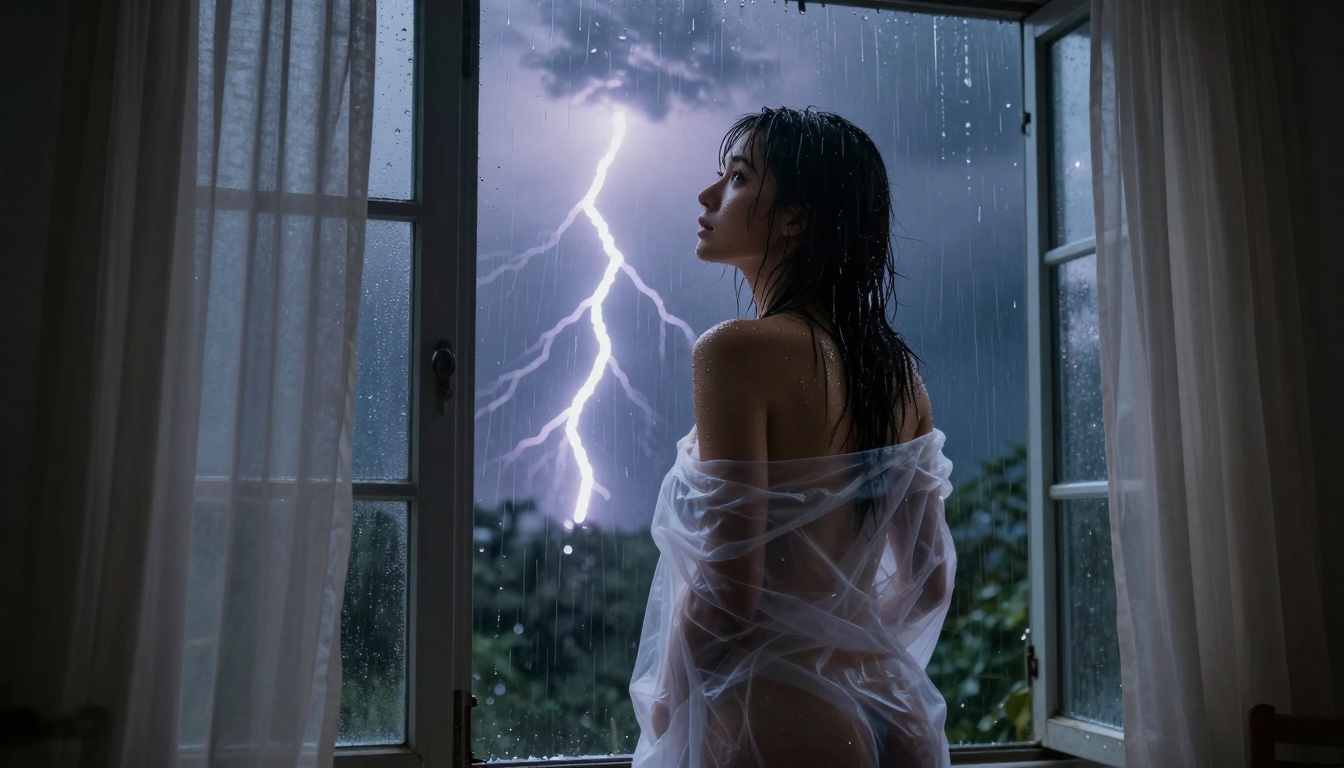
Final Thoughts on Sustainable Creation
The most successful +18 AI video creators focus on three principles:
1. Quality over quantity: Ten exceptional videos outperform one hundred mediocre ones. Invest time in perfecting each scene.
2. Consistency in style: Develop a recognizable visual signature that makes your content instantly identifiable.
3. Ethical boundaries: Stay well within platform guidelines and legal requirements. Artistic suggestion creates more sustainable content than explicit displays.
The tools exist. The platforms are available. The audience is waiting. What separates successful creators from observers is simple action: generating your first video today, then another tomorrow, building a portfolio through consistent creation.
Your journey begins with a single prompt. Visit PicassoIA, select a model like WAN 2.2 I2V Fast, and describe the scene you want to create. The technology handles the complex cinematography, lighting, and composition. You provide the creative vision.


