The difference between a mediocre AI image and a stunning one is almost never the model. It is the prompt. Two people can use the exact same text-to-image AI, type slightly different instructions, and walk away with results that look like they came from completely different programs. That gap, that enormous quality gap, comes down to how you write.
Prompt engineering is the practice of writing precise, structured, descriptive text that tells an AI model exactly what to produce. It is not about using magic words or secret codes. It is about communication. The more clearly you describe what you want, the closer the output gets to what you had in mind. And the further you push that specificity, the more striking the difference becomes.
What a Prompt Actually Does
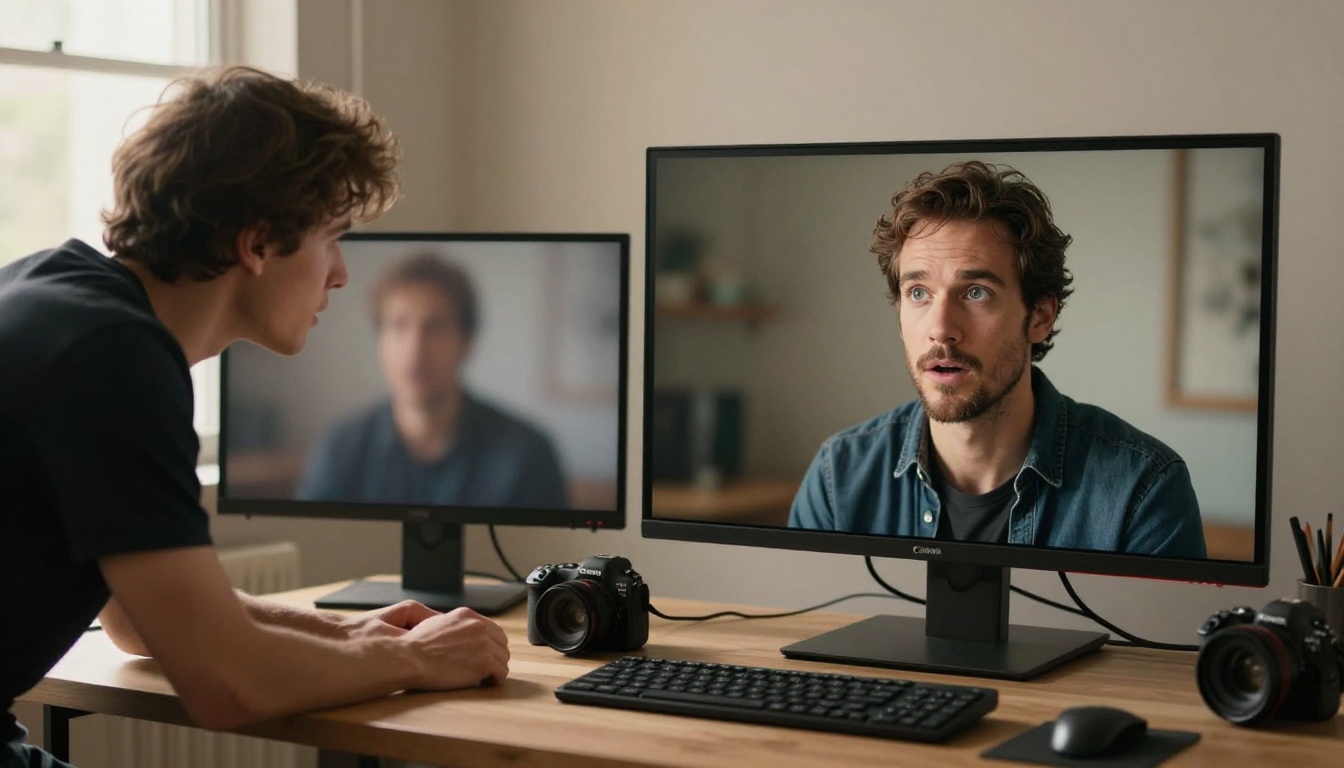
It reads your words as visual probability
When you type a prompt into a model like Flux Pro or Stable Diffusion 3.5 Large, the model is not reading your sentence the way a human does. It processes your words as a set of visual tokens, each carrying statistical associations with specific pixel patterns learned from millions of training images during training.
"Woman" activates certain pattern clusters. "Woman in a park" narrows those clusters. "Woman in a park at golden hour, backlit by setting sun, 85mm lens, shallow depth of field" activates an extremely specific slice of the model's learned visual space. The result is not just more detailed. It is more controlled.
Every word shifts the probability distribution
Think of each word as a dial. Turning one dial changes the entire image. Add "overcast sky" and the lighting softens. Add "Kodak Portra 400" and the color palette shifts toward warm, slightly desaturated film tones. Add "low angle" and the perspective tilts. The model is constantly balancing all of those dials simultaneously to produce a single coherent output.
This is why two prompts that feel similar in meaning can produce images that feel completely different visually. It is not randomness. It is precision, or the absence of it.
Vague vs. Specific: The Real Gap
What "woman in a park" gives you
Type "woman in a park" into any model and you will get something technically correct. A person, outdoors, with green things around her. But the AI has to fill in every visual decision on its own: the time of day, her clothing, her expression, the lighting direction, the camera angle, the depth of field, the color mood. It makes average choices for all of them, because average is what statistical probability produces when given no constraints.
The result looks like a stock photo from 2014. Technically correct. Visually forgettable.
What 30 more words give you
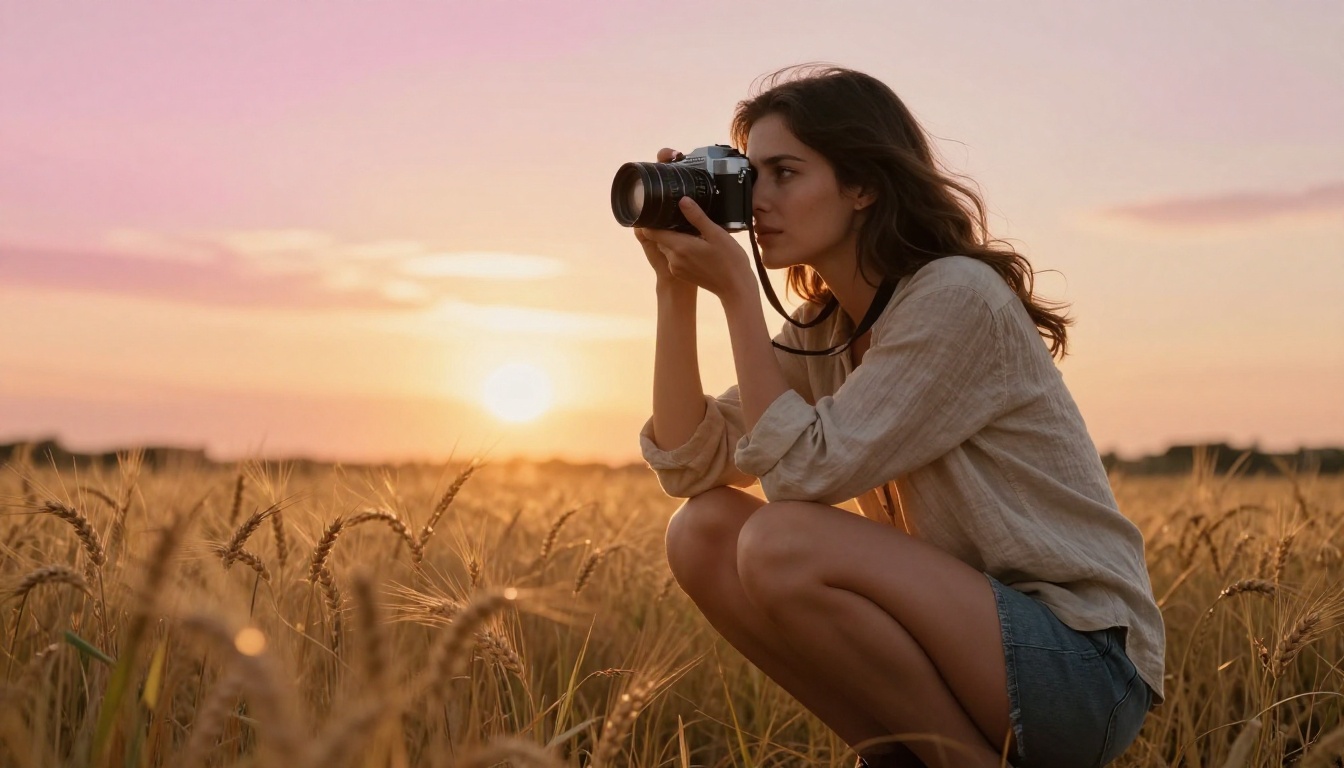
Now try: "a young woman in a linen shirt crouching in a wheat field at golden hour, backlit by setting sun creating a halo through her hair, low-angle ground-level shot, 24mm wide lens, soft golden bokeh in foreground grass, Kodak Portra 400 film grain."
Every single visual decision is now yours. The lighting is specified. The lens is specified. The depth of field treatment is specified. The color palette is specified. The composition is specified. The AI does not have to guess. It executes your vision instead of averaging the training data.
That is the core shift that prompt engineering produces. Not better AI. Better instructions.
The 5 Building Blocks of a Strong Prompt
A well-constructed prompt has five components. You do not need all five every time, but the more you include, the more control you have over what comes out the other side.
1. Subject
Who or what is the primary focus? Be specific about physical traits, clothing, pose, and emotional state. "A woman" becomes "a 30-year-old woman with curly dark hair in a tailored blazer, looking directly into the camera with a composed expression." Each added detail removes a variable the model would otherwise decide for you.
2. Setting
Where is this happening? Time of day, location, background elements, and environmental conditions all shape the image dramatically. "In a city" becomes "on a rain-slicked cobblestone street at 11pm, streetlamps reflecting amber pools on the wet ground, distant headlights blurred by motion." Now the background has texture, depth, and atmosphere.
3. Lighting
This is the single most powerful element in any photographic prompt. Lighting changes the emotional register of an image more than any other factor.
| Lighting Term | What It Produces |
|---|
| Golden hour backlight | Warm halos, silhouette edges, amber tones |
| Overcast diffused | Soft, even shadows, cool tones, low contrast |
| Rembrandt lighting | 45-degree directional light, dramatic face shadow |
| Volumetric light | Visible light rays through atmosphere |
| Practical lighting | Light sources visible in frame, lamps and screens |
4. Camera and Lens
Models like Flux 1.1 Pro Ultra and Imagen 4 Ultra have been trained on enormous amounts of photography metadata. Specifying lens focal length and aperture produces dramatically more realistic depth-of-field effects.
- 85mm f/1.4: Tight portrait compression, creamy background blur
- 24mm f/1.8: Wide environmental context, slight edge distortion
- 135mm f/2.0: Strong background compression, telephoto intimacy
- 100mm macro: Extreme close-up detail, very thin focal plane
5. Mood and Atmosphere
Words that describe the emotional feel of the image influence texture, contrast, color grading, and even the implied narrative. "Melancholic," "tense," "nostalgic," and "serene" each pull the output in measurably different directions. These work because the model has absorbed the emotional language attached to millions of images during training.
Negative Prompts: What You Are Removing

Why exclusion changes everything
Negative prompts tell the AI what to actively avoid. They are not just the opposite of positive prompts. They work on a separate suppression mechanism that steers the generation away from specific pattern clusters.
Without negative prompts, a portrait generation might produce slightly blurry eyes, extra fingers, flat lighting, or a watermark-like texture in the image. Adding explicit exclusions to your negative field removes those statistical attractors from the output before the image is even formed.
What to exclude by default
💡 For photorealistic outputs, always consider adding these to your negative prompt: cartoon, illustration, painting, CGI, 3D render, anime, digital art, overexposed, underexposed, blurry, watermark, text overlay, distorted hands, extra fingers
Models like Flux Dev and SDXL respond strongly to negative prompts. On Stable Diffusion 3.5 Large, well-crafted negative prompts can move the image from passable to portfolio-worthy in a single generation, without changing a single word of your positive prompt.
Style Descriptors That Actually Work
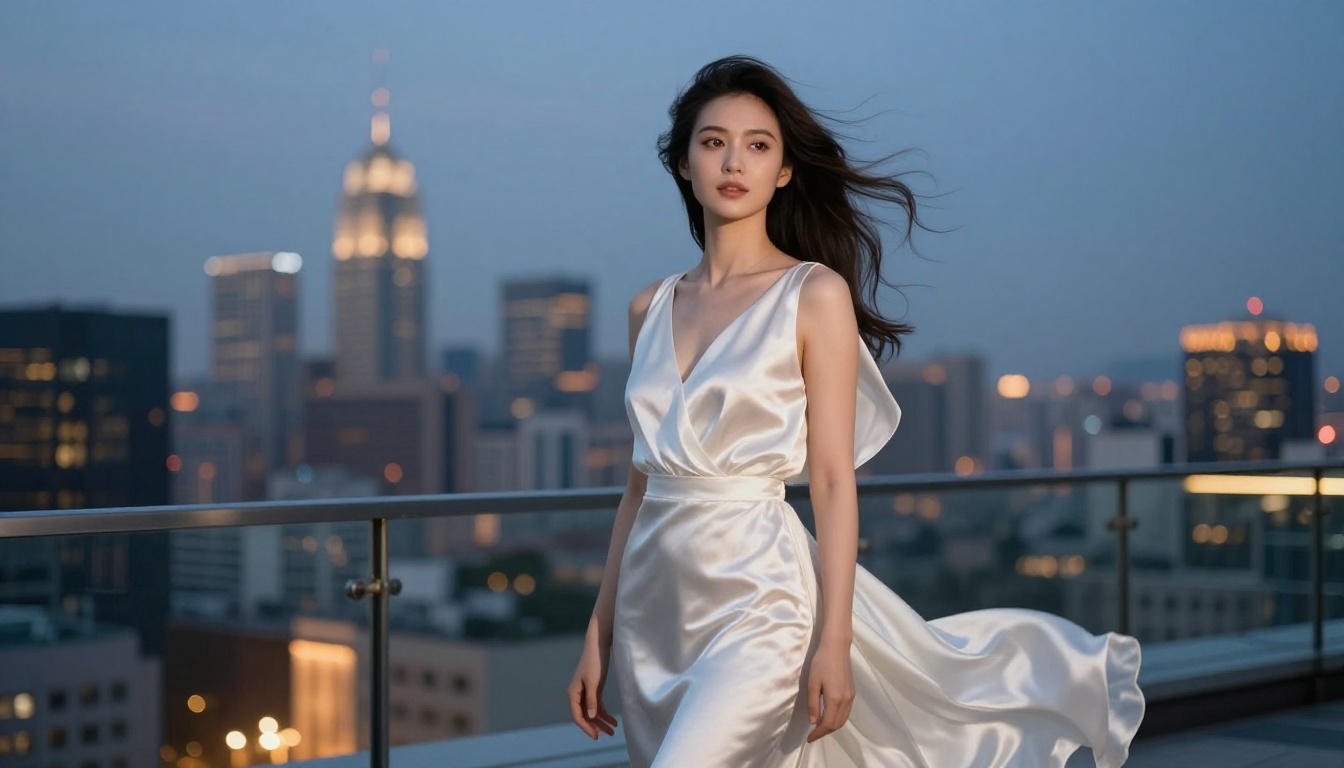
Photography styles vs. art styles
There is an important distinction between photography-style prompts and art-style prompts. Photography prompts produce realistic outputs. Art-style prompts produce illustrations, paintings, or CGI renders. If you want photorealism, your style language needs to come from photography, not visual art.
Use this for photorealism:
- RAW 8K photography
- Shot on Sony A7 IV
- Kodak Portra 400
- Film grain
- Photorealistic
Avoid this for realistic outputs:
- Digital art
- Cinematic render
- 3D illustration
- Trending on ArtStation
- Hyperrealistic painting
The word "painting" alone, even in a positive context, can push the entire output toward an illustrated aesthetic. Specificity about the photographic medium anchors the model where you want it.
Words that carry weight
Certain words have much stronger influence than their dictionary meaning suggests. This is because they appear frequently in high-quality photography captions in the training data, so the model has learned to associate them with technically excellent imagery.
- "photorealistic": Steers away from painterly and illustrated styles
- "film grain": Adds organic texture and reduces digital sterility
- "volumetric light": Creates visible atmosphere and depth in lighting
- "depth of field": Activates realistic optical blur effects
- "natural lighting": Avoids artificial studio-lamp aesthetics
- "RAW": Signals an unprocessed, high-fidelity photographic output
How Different Models Respond to Prompts
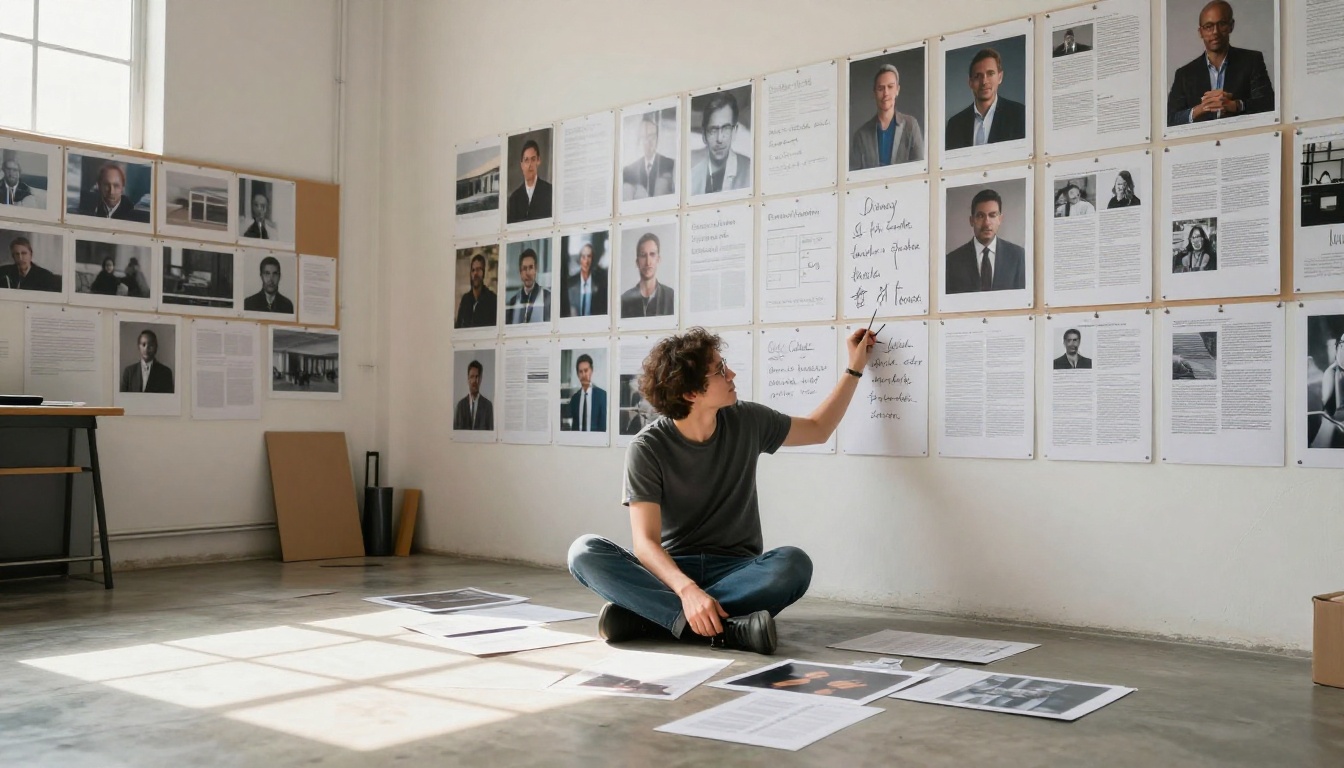
The same prompt can produce different results depending on which model processes it. Knowing how each model interprets your words helps you write prompts specifically for the tool you are using rather than writing generic instructions that land differently every time.
Flux models and prompt fidelity
The Flux family, including Flux Pro, Flux 1.1 Pro, and Flux Schnell, has an exceptionally high prompt adherence rate. These models are built to follow instructions closely. Long, detailed prompts do not overwhelm them. They actually perform better with more specificity than with short, vague inputs.
For Flux models, front-load your most important visual information. The subject should come first, followed by environment, then lighting, then lens details.
Stable Diffusion and style control
SDXL and Stable Diffusion 3.5 Large respond strongly to artistic style descriptors. These models are flexible across styles, from photorealistic to painterly. The prompt needs to be explicit about staying in photorealistic territory if that is what you want, or the model may drift toward a stylized output by default.
💡 Tip for SD models: Add "photorealistic photography, RAW" early in your prompt and "digital art, illustration, painting" in your negative prompt simultaneously. Both signals together produce stronger grounding in the photographic style.
Imagen and photorealism
Imagen 4 and Imagen 4 Ultra from Google are specifically optimized for photorealism. They produce exceptional skin texture and lighting without requiring as many technical photography modifiers. However, they still respond well to detailed compositional descriptions. Lighting angle, background depth, and subject placement in the frame all produce measurable differences in the final image.
Prompt Weight and Priority
Front-loading your subject
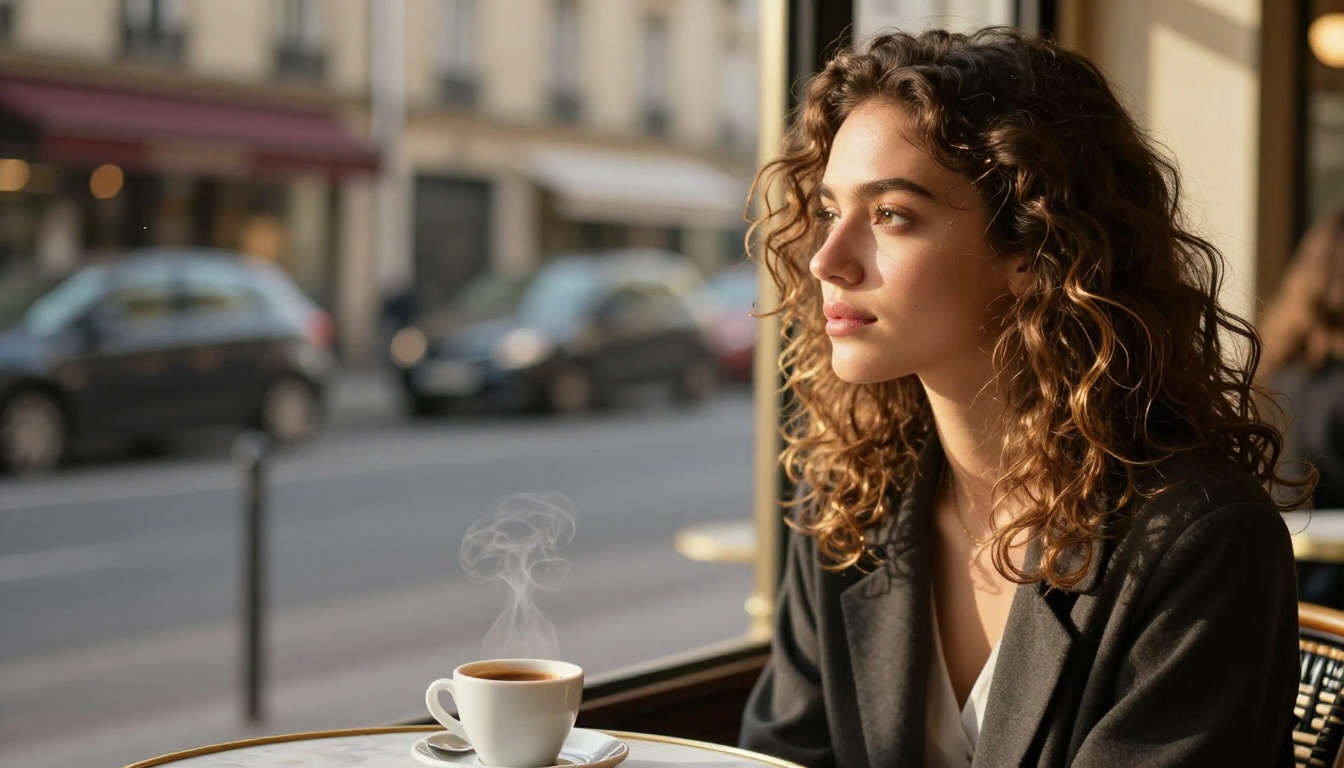
Most modern text-to-image models weight the beginning of your prompt more heavily than the end. The first 20 to 30 words carry the most influence on the primary visual subject. If your subject drifts toward the end of a long prompt, it risks being de-prioritized in favor of environmental details mentioned earlier.
Structure your prompts with this hierarchy:
- Primary subject (who, what, doing what)
- Environment and background
- Lighting conditions
- Camera and lens
- Style and atmosphere modifiers
Repetition and emphasis
If one element of your image is absolutely critical, repeat it or reference it twice using slightly different language. "A woman in a red dress, her crimson gown catching the light" signals to the model that the red garment is a priority element that must appear clearly in the output. This is especially important for color-critical images where the model might otherwise produce a muted or shifted color result.
💡 Practical test: Generate the same scene with the subject mentioned first vs. last. Compare the two outputs. The difference in subject clarity is usually significant and immediate.
3 Common Prompt Mistakes
Mistake 1: Relying on "photorealistic" alone
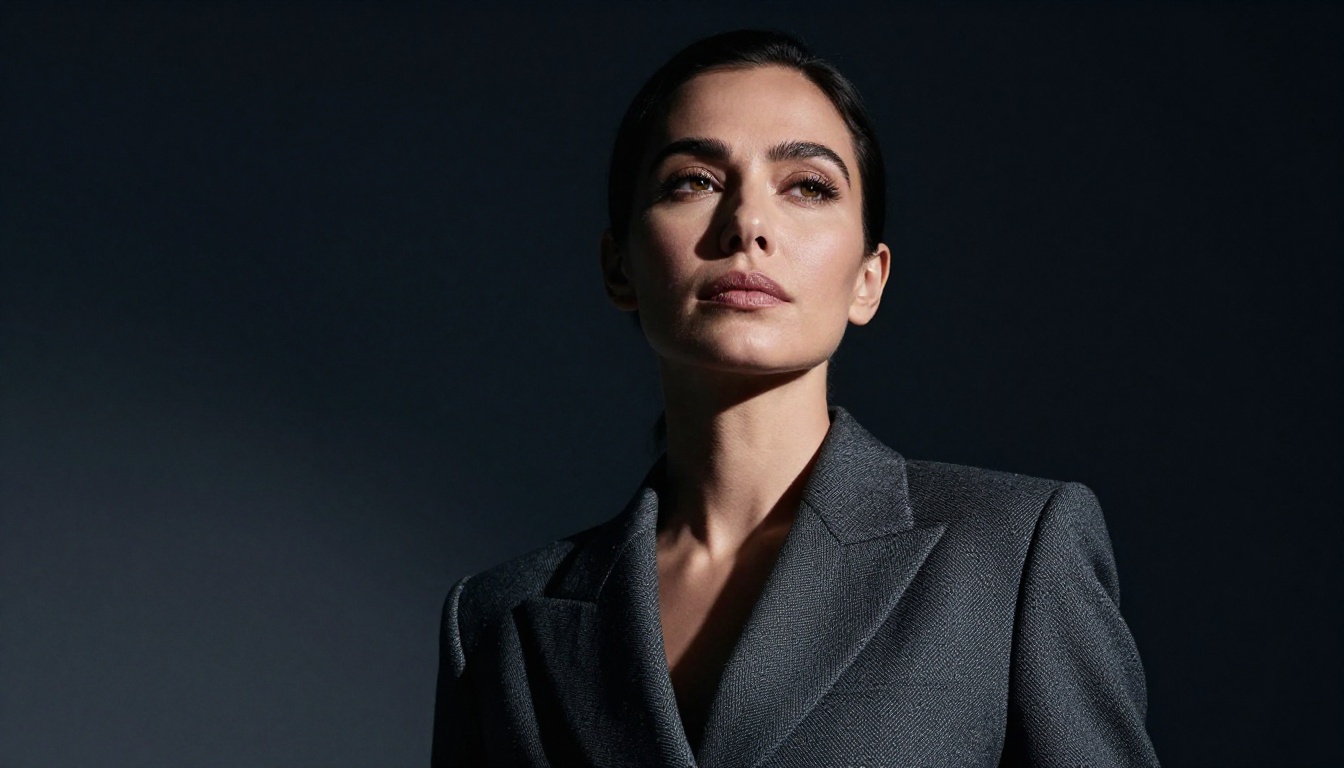
"Photorealistic" is a style signal, not a quality signal. It tells the model what category of output to produce, but without supporting technical details like lens specs, lighting direction, and texture descriptions, the result can still feel flat and generic.
Weak: "a portrait of a woman, photorealistic"
Strong: "a portrait of a woman in natural morning light from the left, 85mm f/1.4 lens, skin pores visible, slight film grain, Kodak Portra 400, photorealistic 8K RAW"
The supporting details do more for output quality than the word "photorealistic" alone ever could.
Mistake 2: Conflicting style signals
Mixing photographic and artistic style descriptors confuses the model. "Photorealistic painting in the style of an oil portrait" tells the model to do two contradictory things at once. The output becomes an awkward blend that satisfies neither intention. Pick one lane and stay in it.
Mistake 3: Forgetting the background
Subject description without background description means the AI invents a background. Sometimes that works. More often it produces a muddy, averaged environment that competes visually with your subject. Always specify the background, even in minimal terms. "Plain white studio backdrop" is better than nothing. "Rain-slicked street at dusk" is better still.
How Prompt Engineering Works on Picasso IA
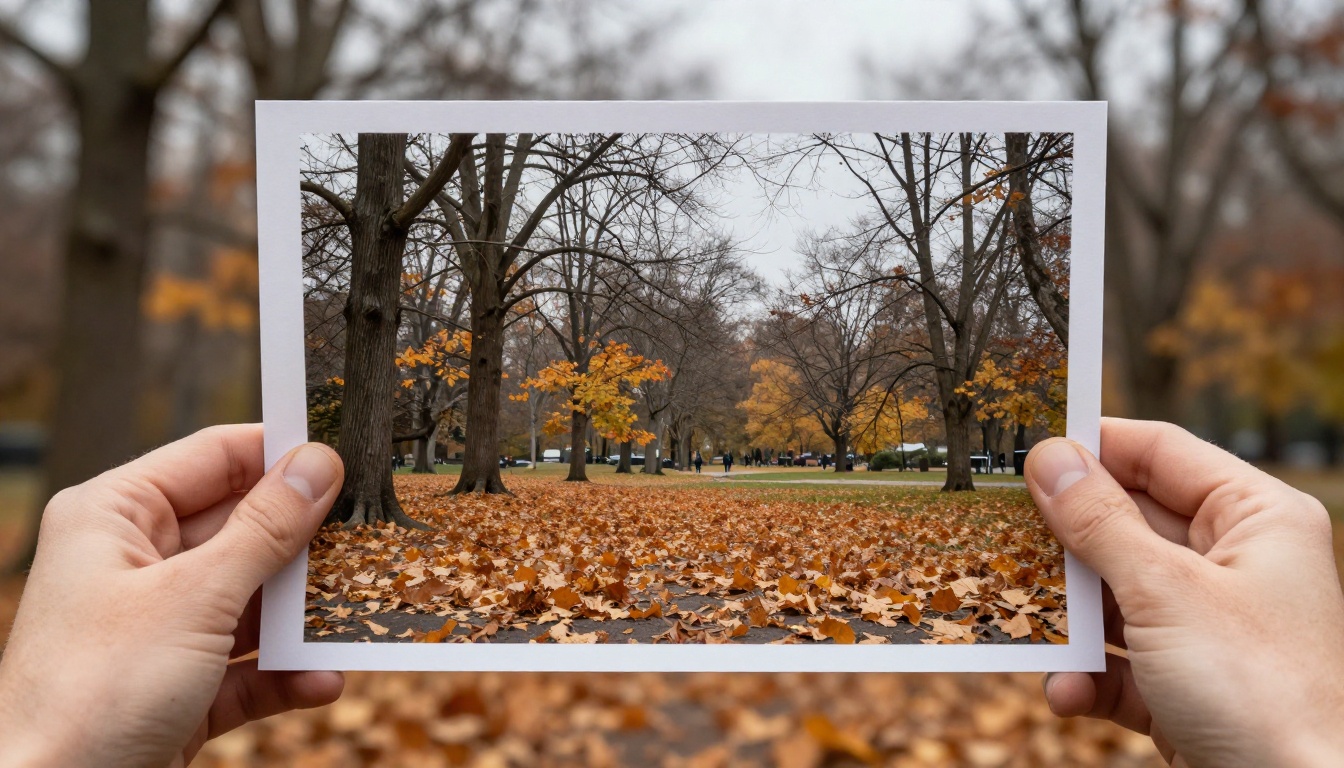
Picasso IA gives you direct access to 91 text-to-image models, all responding to the same input: your prompt. The variety available means you can test the same prompt across Flux 1.1 Pro Ultra, Imagen 4 Ultra, SDXL, and Flux Dev side by side, seeing exactly how the same words land differently in each model's visual space.
This is the fastest way to build intuition for prompt engineering. Write one strong prompt. Run it through three different models. Observe where each model made its own visual decisions within your constraints, and where it followed your instructions precisely. Adjust. Repeat. Within a few sessions, you will have a clear feel for which models reward which types of descriptions.
The platform also gives you access to super-resolution tools to upscale your output after generation, and inpainting tools to fix specific areas without regenerating the entire image. Both workflows depend on strong base prompts. A well-prompted image has cleaner structure for the upscaler to work with, and more coherent regions for the inpainting model to reference when filling or fixing areas.
Start Creating Your Own Images
The most effective way to see how prompt engineering changes your results is not to read about it. It is to try it in a controlled way.
Take one concept, something simple, like a portrait or a landscape, and write three versions of the same prompt.
Version 1: Two words. "Mountain lake."
Version 2: One sentence with lighting and time of day. "A mountain lake at dawn, mist rising from the water surface, soft pink morning light."
Version 3: Full structured prompt with subject, environment, lighting, lens, and style. "A calm alpine lake at dawn surrounded by pine trees, mist rising from the still water surface, soft volumetric pink and gold morning light from the east, shot from low to the waterline with a 24mm f/2.8 lens, foreground rocks sharp with middle-distance mist creating depth, Kodak Portra 400 film grain, photorealistic 8K RAW photography."
Run all three on Flux Pro or Imagen 4. Compare them side by side. The gap between Version 1 and Version 3 is not subtle. It is striking. The model did not change. Its capabilities did not change. Your output shifted because your instructions did.
That is exactly how prompt engineering changes your results. Not through technical settings or hidden parameters. Through language. Through specificity. Through the deliberate choice of words that carry visual weight in ways the model has been built to respond to.
Pick a scene you have always wanted to see rendered in perfect photographic detail. Write the prompt that describes it with everything: subject, lighting, lens, background, mood. Then open Picasso IA, choose a model, and see what precision looks like when the model finally has everything it needs from you.


