Two models have been drawing serious attention in the text-to-image space: Qwen Image 2 Pro from Alibaba and Recraft V4.1 Pro from Recraft. Both deliver strong results. Both claim photorealism. And both support in-image text rendering, which has historically been one of the weakest points of AI image generation. But use them back to back on the same prompts and real differences emerge fast. This article breaks down how each model performs across the metrics that matter in a real workflow: photorealism, text legibility, prompt adherence, generation speed, aspect ratio flexibility, and cost per image. By the end, you will know exactly which one to reach for and when.
What These Two Models Actually Do
The comparison starts at architecture, because the design decisions each team made explain most of the differences in output.
Qwen Image 2 Pro, in plain terms
Qwen Image 2 Pro was built by Alibaba's Qwen team on a 7-billion-parameter diffusion decoder paired with a multimodal encoder from the Qwen3-VL family. That combination targets two specific gaps in the market: legible text inside images and native 2K resolution (up to 2048x2048 pixels) without post-processing upscale steps.
The model accepts a text prompt and an optional reference image. You can generate from scratch, or upload an existing photo and describe what you want changed. The core controls include negative prompting, seed-based reproduction for consistent results, and auto prompt expansion, which enriches a short description before generation starts. Average generation time runs around 8 to 9 seconds.
Recraft V4.1 Pro, in plain terms
Recraft V4.1 Pro was built specifically for design workflows. It emphasizes what Recraft calls "art-directed composition": the idea that framing, visual hierarchy, and compositional balance should look intentional, not random. The model accepts prompts up to 10,000 characters, which is a hard technical advantage for users who write detailed creative briefs.
It supports 14 aspect ratio presets and generates a standard 1024x1024 image in seconds. The focus is on prompt accuracy and integrated text rendering, making it a strong fit for any output that needs readable type inside the frame. Generation times vary widely by complexity, ranging from about 11 seconds for simple images to over a minute for highly complex compositions.
Where They Stand on Photorealism
This is often the first thing people test. The results are more nuanced than most benchmark tables suggest.
Skin, texture, and fine detail
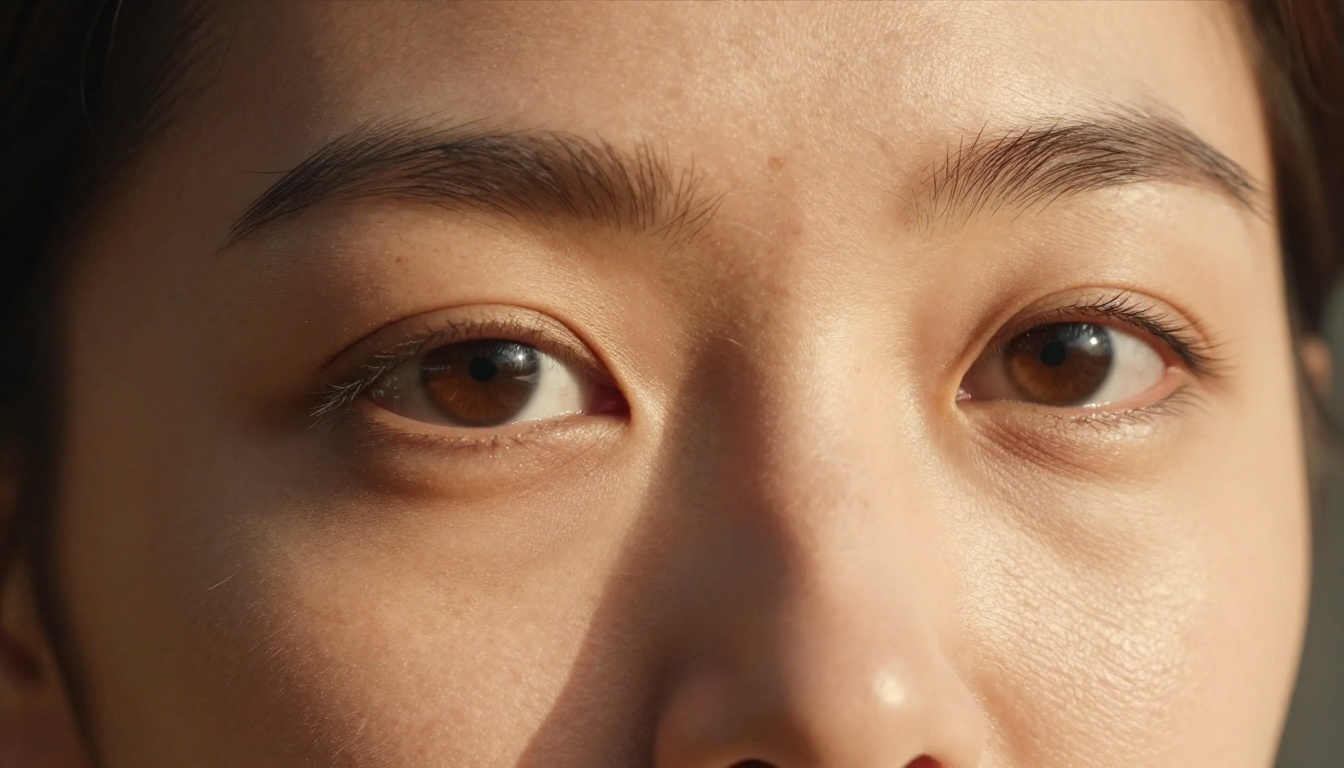
Qwen Image 2 Pro produces consistent fine-grain texture: visible skin pores, fabric weave detail, and realistic surface imperfection. The native 2K resolution means that texture survives at large print sizes without softening. In portrait generation specifically, the lighting model behaves realistically. Shadows fall where they should, and specular highlights on skin read as actual reflections of a light source, not painted-on brightness.
Recraft V4.1 Pro takes a different approach. Its portraits tend toward editorial polish rather than raw photographic realism. The skin rendering is clean and attractive, but less gritty. For commercial work, that can actually be an advantage: clients often prefer the polished look over the hyper-detailed texture you see in a technical benchmark. But for documentary-style, nature, or forensic-detail photography prompts, Qwen Image 2 Pro wins on raw realism.

Scenes and environments
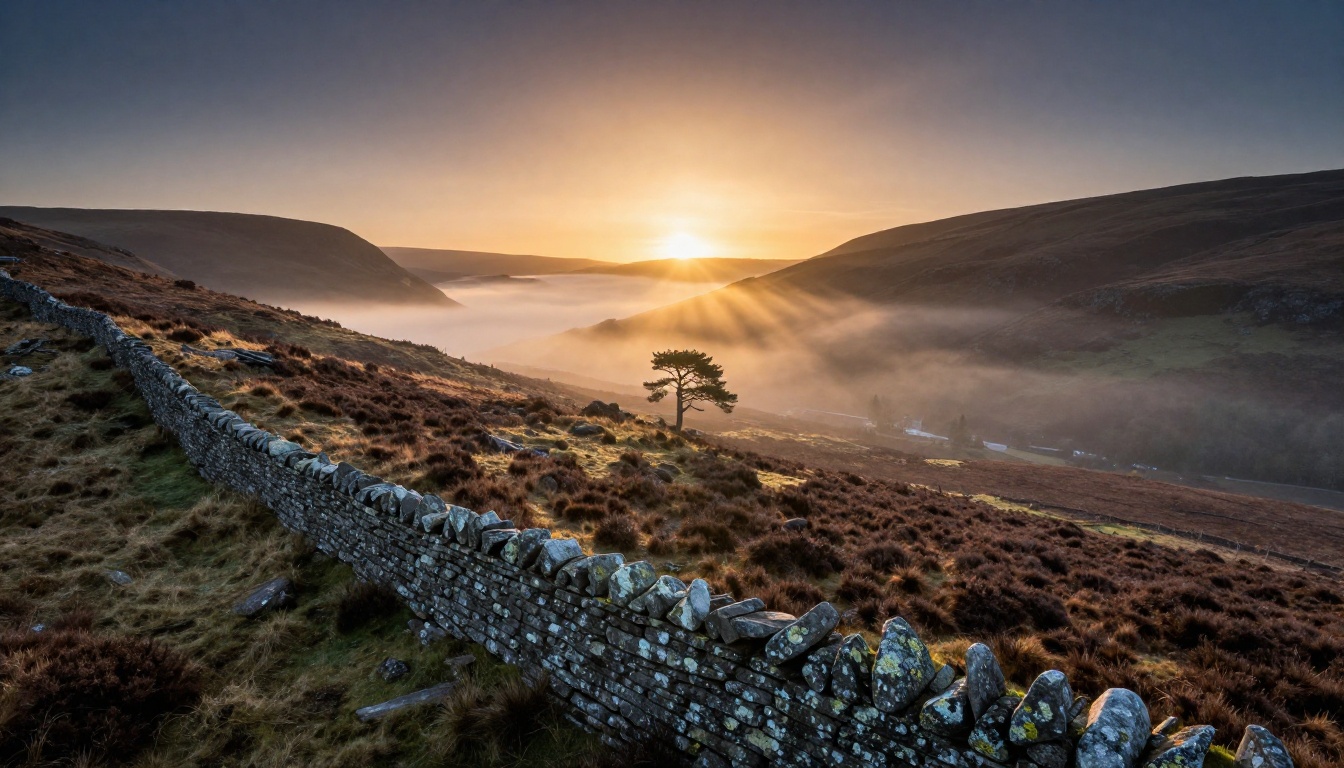
For wide landscapes and architectural subjects, both models perform well, but their outputs read differently. Qwen Image 2 Pro prioritizes atmospheric depth, realistic aerial haze, and the kind of subtle color temperature shifts that make landscape photography feel authentic. Ask it for a dawn highland scene and you get mist physics that look real.
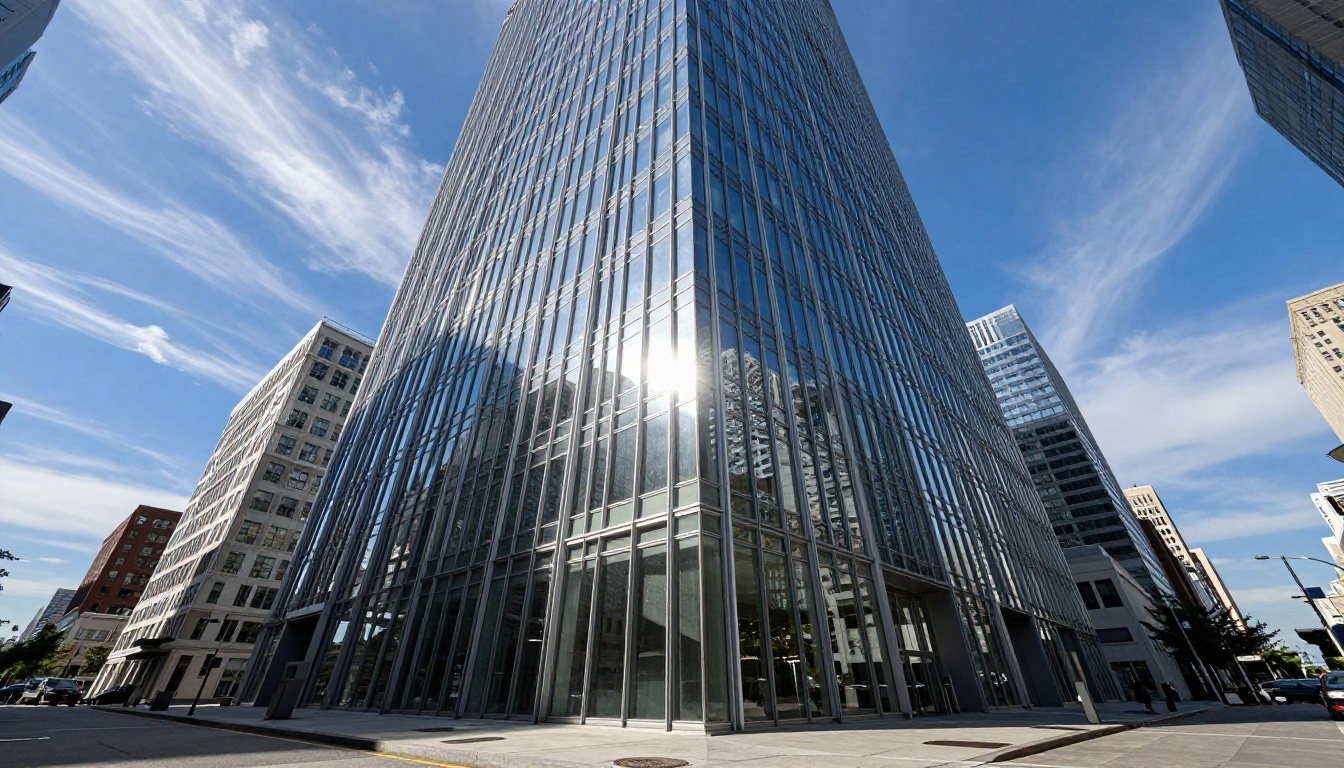
Recraft V4.1 Pro is stronger on structured scenes: urban environments, interiors, product compositions, and anything where geometry matters. Its rendering of glass, metal, and clean architectural lines is particularly sharp. Ask it for a glass-and-steel skyscraper and the reflections in the facade panels will actually match what the surrounding environment would look like.
💡 Quick tip: If your primary output is nature photography or organic textures, start with Qwen Image 2 Pro. If you are generating product shots, architecture, or polished editorial work, start with Recraft V4.1 Pro.
Text Inside Images
In-image text rendering has been the weakest point of AI image generators for years. Both of these models treat it as a primary capability, and both are genuinely good at it.
Qwen's legibility advantage
Qwen Image 2 Pro renders words inside images with a precision that goes beyond just getting the letters right. It handles multi-line text, mixed scripts, and varied typographic placement across a composition. In benchmark tests, it produces poster concepts with headlines, body copy, and footnotes all legible in the same frame. The Qwen team specifically built a complex typography engine capable of handling 1,000-token instruction prompts for professional layouts.
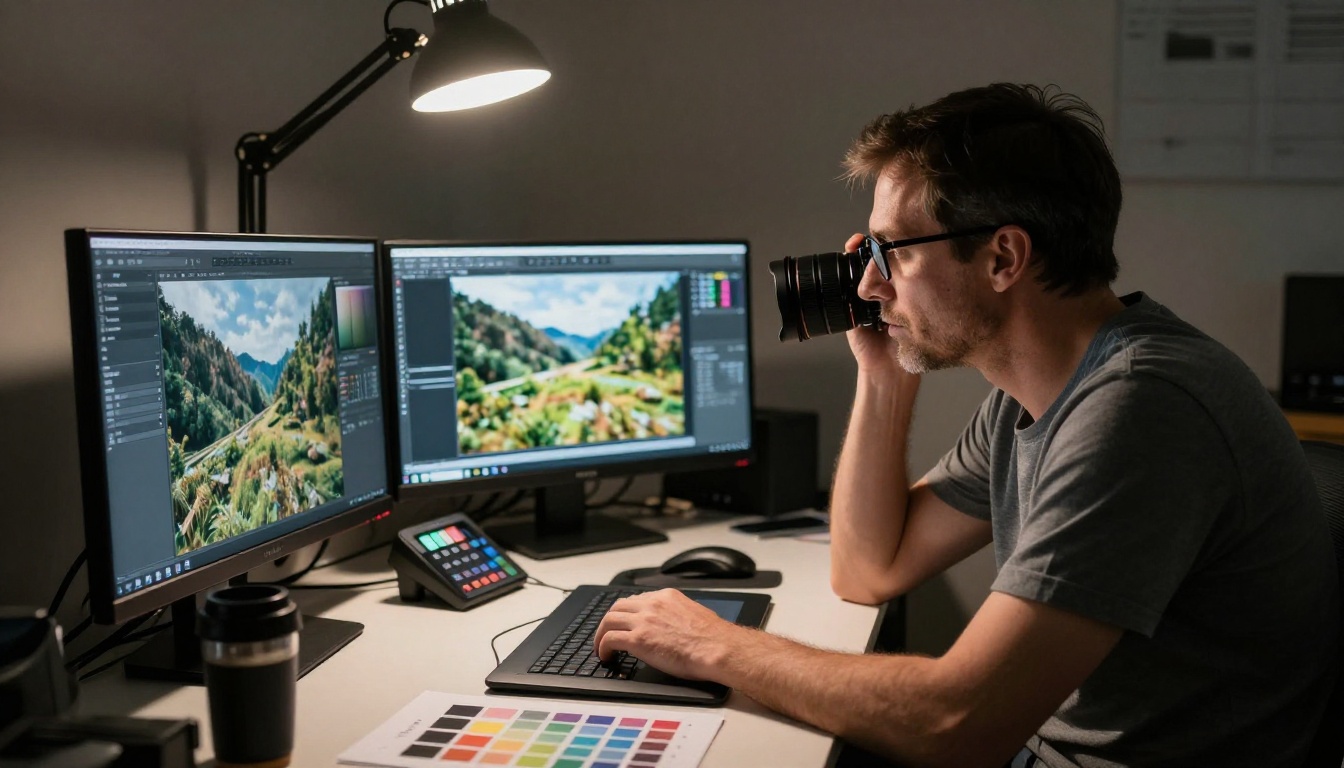
This makes it the stronger choice for infographics, book cover mockups, product label previews, and social media graphics where text must be both readable and compositionally integrated. The auto prompt expansion feature further improves text-in-image outputs by adding context around sparse text placement instructions.
Recraft's typographic precision
Recraft V4.1 Pro approaches text differently. Its strength is in design-oriented typography: the kind of text placement you see in advertising, brand identity work, and editorial layouts. It handles prompts like "a jazz festival poster with 'Blue Note Sessions' at the top in bold sans-serif" and produces something that looks like it came from a design studio.
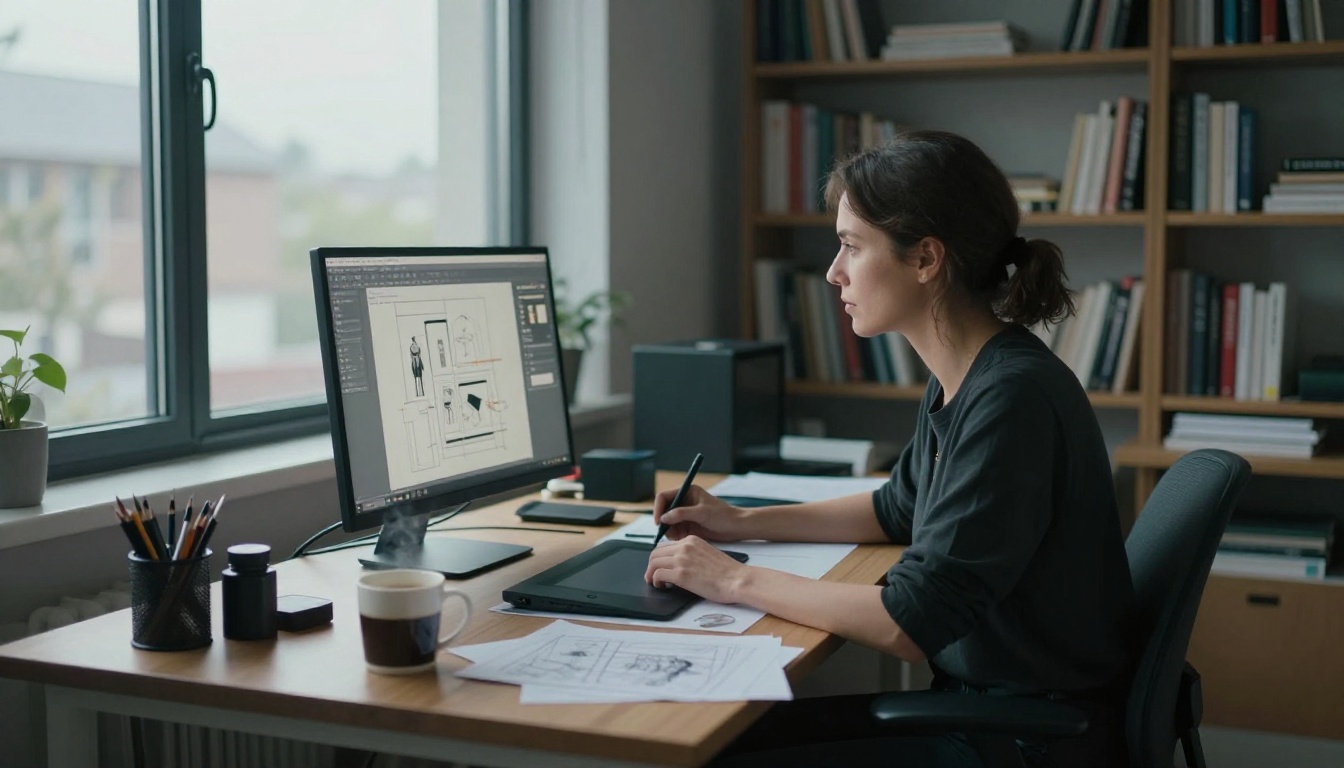
The tradeoff is that Recraft focuses on one or two text elements done with design precision rather than dense multi-text compositions. For poster design, branding mockups, and single-headline social assets, it is hard to beat. The model's compositional intelligence means the text integrates with the surrounding visual elements rather than being dropped on top of them.
💡 Worth knowing: Both models support negative prompts. Using them to exclude distorted text or unclear letterforms noticeably improves output consistency across multiple generations.
Prompt Adherence
Following complex instructions
Qwen Image 2 Pro benefits from its multimodal encoder. Because the same model family handles both vision and language tasks, it has a deeper semantic understanding of what words mean visually. This shows up most clearly in complex prompts: scenes with specific lighting directions, subjects with particular clothing details, or images with multiple distinct elements that all need to coexist in one frame.
Recraft V4.1 Pro's 10,000-character prompt limit is the most obvious advantage here. Long prompts let you specify creative direction at a level that shorter-prompt models cannot match. The results tend to stay closer to the brief on details like color palette, compositional framing, and mood. In side-by-side tests, Recraft V4.1 Pro is slightly better at honoring unusual visual constraints when they are described in full detail.

Negative prompt control
Qwen Image 2 Pro supports negative prompts with a dedicated parameter. It works reliably for excluding unwanted visual elements, styles, or artifacts. The auto prompt expansion feature adds detail before generation, which can sometimes conflict with specific negative prompt constraints. You may want to disable expansion when your negative prompts are precise.
Recraft V4.1 Pro does not expose a dedicated negative prompt field in its standard interface. Constraints are incorporated into the main prompt instead. This simplifies the workflow but gives you less surgical control over what the model excludes from the frame.
Speed and Cost
Generation time in practice
| Model | Simple image | Complex composition |
|---|
| Qwen Image 2 Pro | ~8 seconds | ~9 seconds |
| Recraft V4.1 Pro | ~11 seconds | Up to 64 seconds |
Qwen Image 2 Pro is notably more consistent. Complex prompts do not significantly extend its generation time, which matters in production workflows where time-per-image affects throughput. Recraft V4.1 Pro's generation time scales with complexity: simple food photography completes in seconds, but a fully art-directed poster layout with detailed rendering can take over a minute.
What you actually pay
Both models are available on PicassoIA where they can be accessed without API configuration or local setup. PicassoIA handles the infrastructure, so you get browser-based access to both models with no additional tooling required.
Cost-per-image varies by resolution, complexity, and subscription tier. For quick iteration and concept testing, Qwen Image 2 Pro's consistent speed gives it a practical cost advantage. For final-output design work where quality and prompt fidelity matter more than speed, Recraft V4.1 Pro's credit-efficient standard resolution makes it a reasonable choice for polished one-off outputs.
Qwen Image 2 Pro vs Recraft V4.1 Pro at a Glance
| Feature | Qwen Image 2 Pro | Recraft V4.1 Pro |
|---|
| Native resolution | Up to 2K (2048x2048) | Up to 1344x768 |
| Text rendering | Multi-line, multi-script, dense layouts | Design-grade single and dual-element text |
| Photorealism style | Raw, textured, documentary | Polished, editorial, art-directed |
| Prompt length | Standard | Up to 10,000 characters |
| Negative prompts | Dedicated parameter | Inline in main prompt |
| Reference image input | Yes | No |
| Generation time | 8 to 9 seconds | 11 to 64 seconds |
| Aspect ratios | 9 presets | 14 presets |
| Auto prompt expansion | Yes | No |
When Each Model Wins
Choose Qwen Image 2 Pro when...
- You need photorealistic portraiture with genuine texture and depth at 2K resolution
- Your output requires in-image text across multiple lines or scripts, from product labels to infographic layouts
- You want to edit or reinterpret an existing photo using the reference image input
- You need consistent generation speed across both simple and complex prompts
- You are working at high resolutions for print, large-format display, or detailed creative review
Choose Recraft V4.1 Pro when...
- You are producing branding, advertising, or editorial design where visual polish matters more than raw photographic realism
- Your workflow involves highly detailed creative briefs that benefit from 10,000-character prompt support
- You need poster, packaging, or single-headline visuals with precise typographic placement that looks like it was designed, not generated
- You want 14 aspect ratio options for platform-specific sizing without manual cropping
- Your creative process involves iterating on a polished design direction rather than photographic naturalism
💡 Best of both: Many professionals use Qwen Image 2 Pro for the initial realism pass and Recraft V4.1 Pro for design-focused refinements. Running both on the same concept brief quickly shows which aesthetic direction works for the project.
How to Use Both on PicassoIA
Both models are available directly on PicassoIA without any API authentication, downloads, or configuration. Here is how to use each one effectively.
Running Qwen Image 2 Pro
- Open Qwen Image 2 Pro on PicassoIA
- Type your prompt in the text field. For dense text-in-image outputs, be specific about placement, font weight, and the exact words you want rendered.
- Set your aspect ratio from the 9 presets: 16:9 for banners and headers, 1:1 for social posts, 9:16 for stories and vertical formats.
- Add a negative prompt to exclude unwanted elements. "Blur, distortion, watermark, noise, artifacts" works well for cleaner outputs on complex scenes.
- Enable auto prompt expansion for general creative prompts. Disable it when your prompt is already highly detailed or when your negative prompt constraints are precise.
- Set a seed to reproduce a result exactly. Change the seed to explore variations while keeping the same compositional logic.
- Upload a reference image if you want to edit an existing photo or use it as a visual starting point.
- Generate, review, and iterate. With an 8 to 9 second generation time, rapid iteration across multiple variations is practical.
Running Recraft V4.1 Pro
- Open Recraft V4 on PicassoIA
- Write a detailed prompt. Use the full 10,000-character capacity for art-directed work: describe the mood, color palette, compositional framing, lighting direction, and any text you want rendered in the image.
- Choose your aspect ratio from the 14 presets. Recraft is particularly strong at portrait formats (3:4, 2:3) for editorial and packaging work.
- For text-in-image outputs, specify the exact words as you want them to appear, including the visual style: serif or sans-serif, bold or light, centered or left-aligned.
- Run the generation. Complex compositions take longer, so budget 30 to 60 seconds for fully art-directed outputs.
- Refine by rewriting the prompt with more specific direction rather than trying to use negative constraints.
💡 Workflow tip: For branding projects, run the same brief through both models, then also try Seedream 5 Pro on PicassoIA for a strong third data point that sits between photorealism and editorial polish. When typographic accuracy inside an image is your top priority, P Image Ideogram is also worth a test run.
Try Both and See What Sticks
The clearest way to know which model fits your work is to run the same prompt through both. Pick something from your actual workflow, whether that is a product background, a campaign poster, a portrait series, or a packaging concept, and compare the outputs side by side. The difference in aesthetic is immediately obvious, and that clarity is more useful than any benchmark score.
PicassoIA gives you browser access to both Qwen Image 2 Pro and Recraft V4, along with over 90 other text-to-image models, with no setup required. You can also try Reve 2.1 for a different take on photorealistic image editing, or P Image Ideogram when precise typographic accuracy inside an image is the top priority.
The models are there. Generate something real, look at it, and you will have your answer in under a minute.


