Character drift in AI video is not a minor inconvenience. When you spend hours crafting a compelling story, only to have your protagonist look like a completely different person from scene three onward, the entire production falls apart. Seedance 2.0 by ByteDance addresses this problem at the architectural level, and the results are striking. This is how it actually works.
The Real Problem with Multi-Scene AI Video
Most people who have tried building multi-scene narratives with AI video generators have hit the same wall. Scene one looks exactly right. Scene two is close. By scene five, your hero has different bone structure, a different nose, and clothing that somehow shifted from blue to grey. This is not a minor bug. It is a fundamental challenge in how diffusion-based video models process information.
Why Characters Drift Between Scenes
Each AI video scene is generated as a largely independent output. Without a persistent character representation, the model re-samples identity-related features from scratch every time it generates a new clip. Think of it like asking a different artist to draw the same character with only a text description as reference. The broader features survive, but the micro-details — the exact curve of a jaw, the particular spacing of eyes, the precise shade of hair — are lost in translation.
The technical name for this is identity erosion. It compounds scene by scene, and it is one of the primary reasons that AI-generated short films have historically felt fragmented even when the shots themselves are individually beautiful.
What Makes Temporal Coherence So Hard
Temporal coherence means that visual information stays stable over time. In real film, a human actor solves this automatically. In AI video, the model must learn to preserve:
- Facial geometry: bone structure, eye placement, nose shape
- Texture details: skin tone, freckles, scars, tattoos
- Clothing: color, texture, fit, wear patterns
- Hair: length, color, curl pattern, natural movement direction
- Body proportions: height ratios, shoulder width, posture
Maintaining all of these simultaneously across scenes that were generated in separate inference passes is genuinely difficult. It requires the model to hold a persistent representation of the subject rather than regenerating it from scratch.
How Seedance 2.0 Solves This
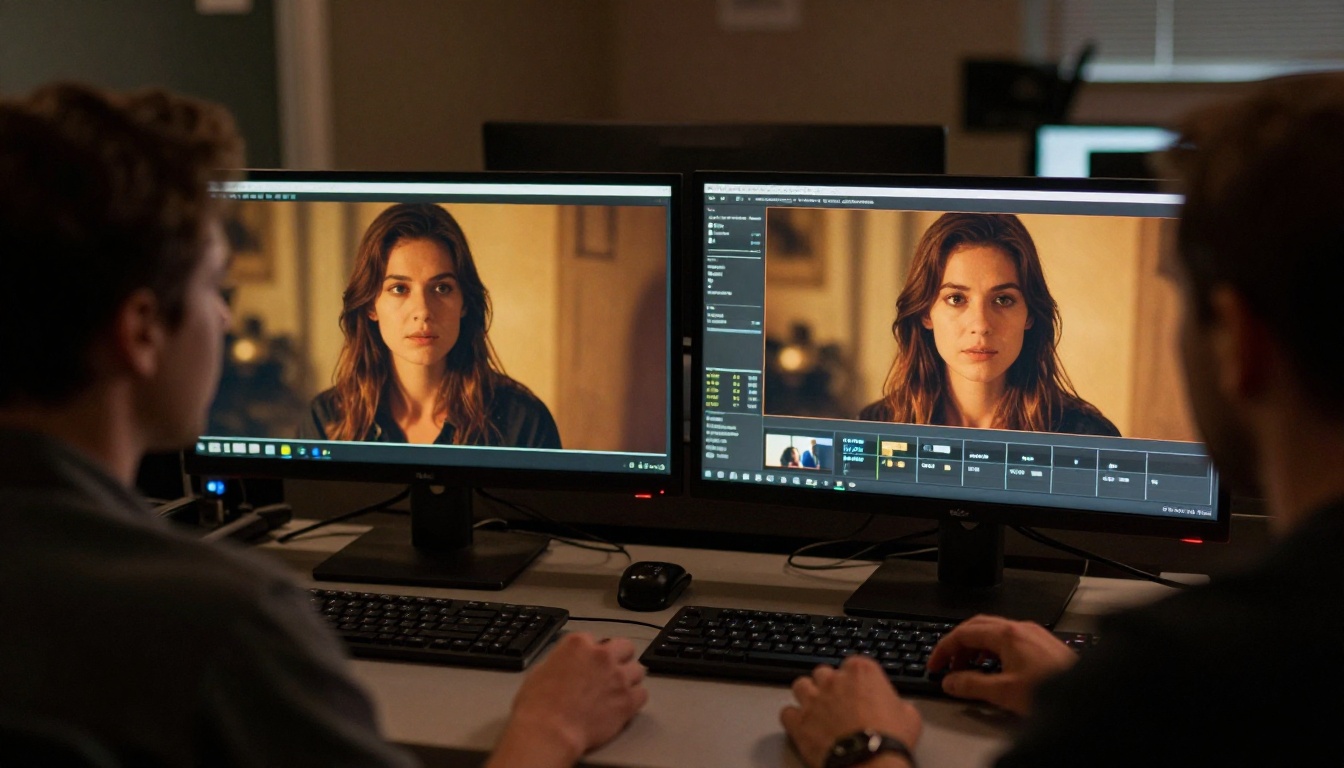
Seedance 2.0 approaches character consistency through several interlocking systems that work at both the training and inference level. Rather than treating each clip as a standalone generation task, the model maintains what can be described as a character state vector, a compressed representation of the subject's identity that persists across the generation pipeline.
Identity Anchoring Through Reference Frames
The most significant mechanism in Seedance 2.0 is reference frame injection. When you provide an image input alongside your text prompt, the model does not simply use that image as a stylistic suggestion. It performs a deep encoding of the subject's visual identity, extracting:
- Facial landmark positions at sub-pixel precision
- Texture maps for skin, hair, and fabric surfaces
- Lighting-normalized color profiles that can be reapplied under different illumination
- Silhouette and proportion data for the full body
These extracted features are then injected into the generation process at multiple attention layers, not just at the beginning. This means the identity influence is applied continuously throughout the inference, pulling the output back toward the reference character even as the scene's environment, lighting, and action change.
Cross-Scene Attention Mechanisms
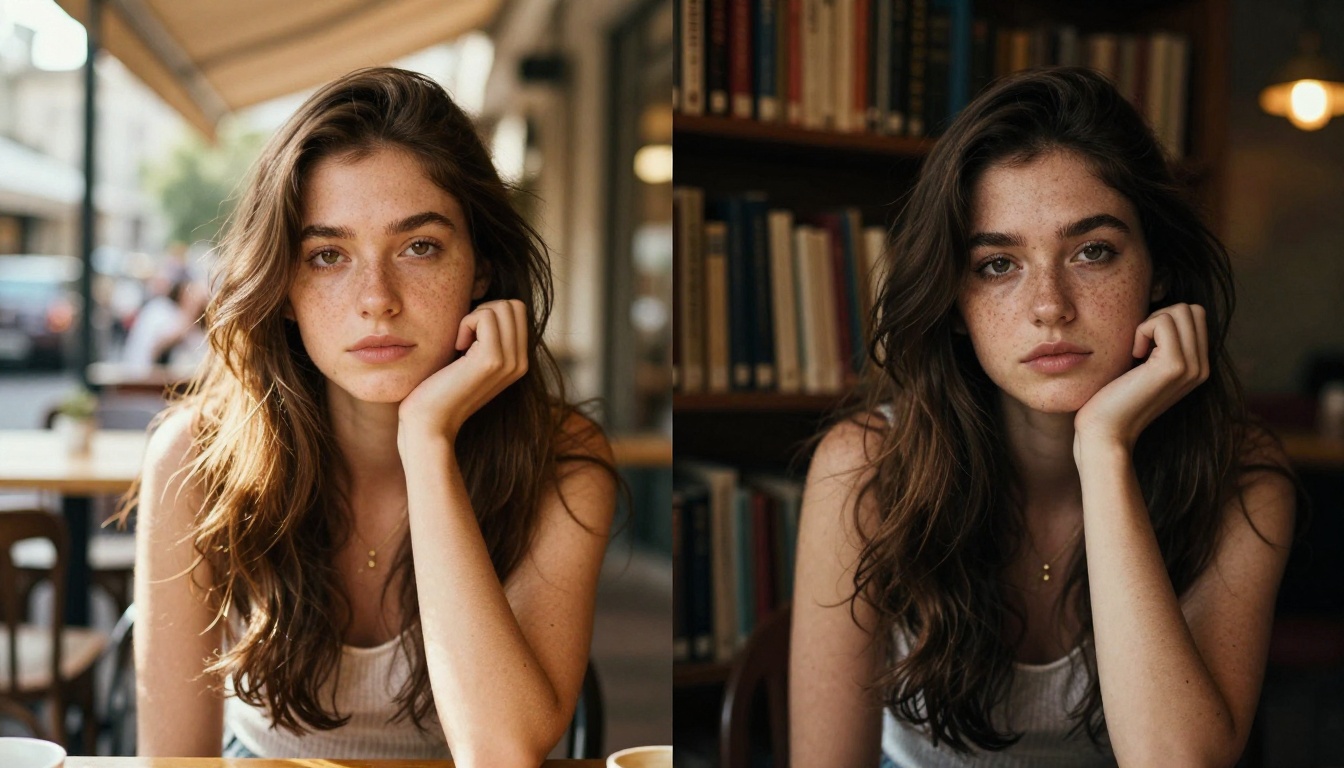
Beyond single-scene generation, Seedance 2.0 supports cross-shot conditioning. When generating a sequence of scenes, the model can take the final frame of the previous clip and use it as a soft anchor for the next generation. This is different from simple image-to-video continuation. The model does not need the exact pose or lighting to match. Instead it extracts the identity components from that previous frame and uses them as conditioning, allowing the action, camera angle, and environment to change freely while the character's core visual identity remains locked.
Tip: For best results, always use the same source reference image for every scene in a sequence. Cross-shot conditioning works well, but a consistent high-quality reference is still the most reliable anchor for multi-scene productions.
Temporal Encoding in the Architecture
The underlying architecture of Seedance 2.0 uses a dual-stream transformer that processes spatial and temporal information in parallel rather than sequentially. This matters for character consistency because it allows the model to consider frame-to-frame relationships within a clip and, through the conditioning system, clip-to-clip relationships within a sequence.
In practice, this means:
| Feature | Standard Video Model | Seedance 2.0 |
|---|
| Identity source | Text prompt only | Text + Reference image deep encoding |
| Scene-to-scene link | None | Cross-shot conditioning |
| Temporal processing | Sequential | Dual-stream parallel |
| Character drift rate | High after scene 2-3 | Minimal across 6+ scenes |
| Lighting adaptation | Resampled each scene | Identity-normalized, then relit |
What Actually Stays Consistent
Understanding what the model does and does not preserve helps set realistic expectations for production work.
What Holds Stable
- Face shape and key facial features: jawline, eye spacing, nose bridge, lip structure
- Hair color and general length: the model respects these even under different lighting
- Clothing color and broad design: a red jacket stays a red jacket, though fine texture may vary
- Skin tone: consistent even across indoor and outdoor scene transitions
- Body proportions: height, shoulder width, general build
Where to Watch for Drift
- Fine clothing texture: intricate patterns or logos can shift between scenes
- Accessories: jewelry, glasses, and hats need reinforcement in the prompt
- Hair fine detail: individual strand behavior varies, though color and length hold
- Very long sequences: beyond 8-10 scenes, some drift accumulates even with strong conditioning
Tip: When generating long sequences, periodically re-introduce the original reference image as the anchor rather than chaining from the previous scene's output. This resets the identity clock and prevents gradual drift.
Scene Transitions Without Losing Identity
One of the practical applications where Seedance 2.0's consistency shines is in handling different types of scene transitions. Creating a seamless narrative requires the character to survive not just continuous motion, but also hard cuts, lighting changes, location shifts, and emotional shifts.
Hard Cuts vs. Continuous Motion
Hard cuts, where you generate two entirely separate clips and cut between them in post, are the biggest test of character consistency. Here, there is no visual continuity at all between the source images. The only thing linking the two scenes is the conditioning signal.
Seedance 2.0 handles hard cuts well when the reference image is consistent. The character's identity re-emerges in the new scene even across radical changes in camera angle, lighting, or environment. This is what separates it from earlier models like Seedance 1.5 Pro, where hard cuts almost always produced noticeable identity drift.
Lighting Changes Between Scenes
Moving a character from a bright exterior noon scene to a dim evening interior is one of the most revealing tests for an AI video model. Most models either collapse the identity into flat features under low light or introduce hallucinated details that were not present in the reference.
Seedance 2.0's lighting-normalized identity encoding means the model separates the character's intrinsic appearance from the scene's illumination. It then re-applies the lighting conditions of the new scene to the stable identity, rather than regenerating the identity under those new conditions. The result is that the same freckles, the same eye color, the same skin tone all survive the lighting transition, just rendered differently as real lighting would render them.
Seedance 2.0 vs. Other Models

It is worth placing Seedance 2.0 in context with other models available for multi-scene video work.
Kling V3 offers strong per-scene quality and has its own motion control system, but cross-scene identity persistence requires more manual intervention in the prompt structure. DreamActor-M2.0, also by ByteDance, takes a different approach by focusing on animating a single source image with motion, which sidesteps the cross-scene problem entirely but limits narrative flexibility.
For creators building actual multi-scene stories, Seedance 2.0 currently offers the best balance of per-scene visual quality and cross-scene character persistence in its class.
How to Use Seedance 2.0 on PicassoIA
PicassoIA makes Seedance 2.0 accessible without any setup. Here is a step-by-step workflow for generating a consistent multi-scene narrative.
Step 1: Prepare Your Character Reference
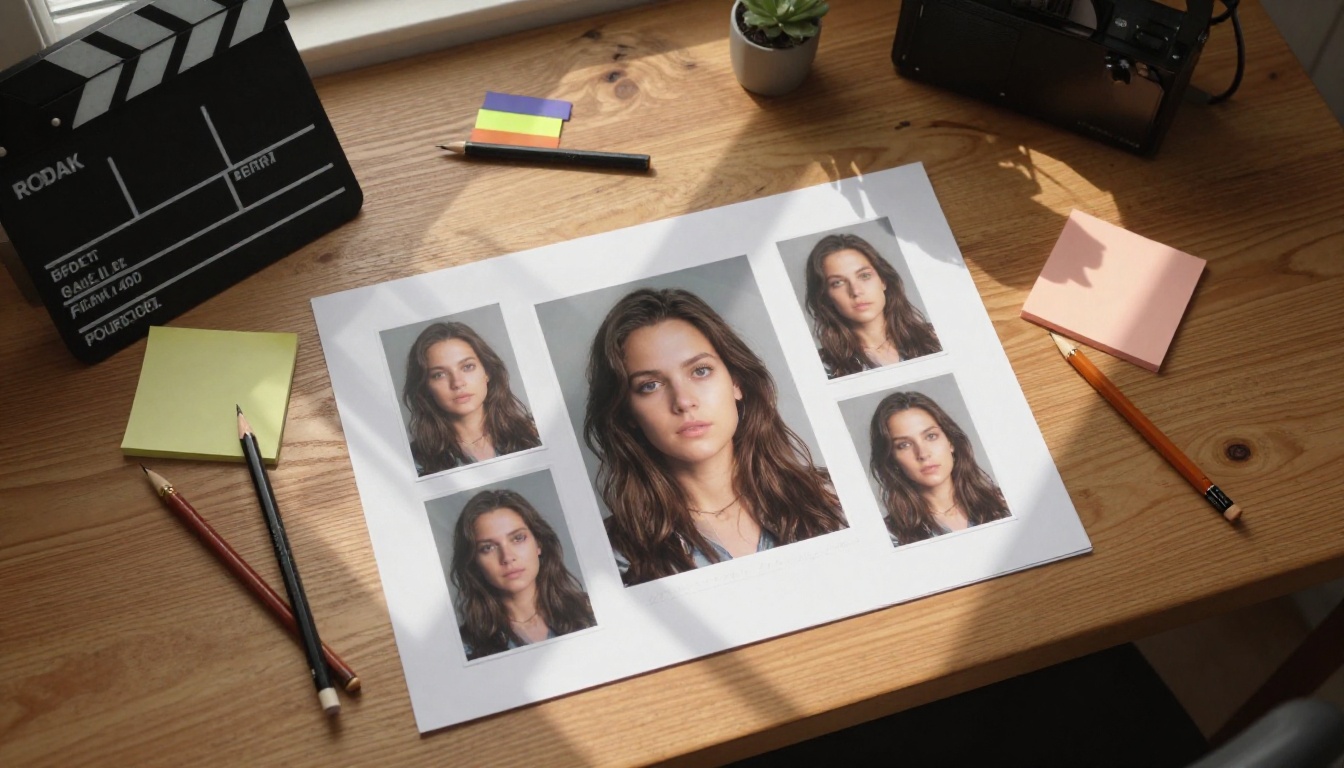
Choose a single, high-quality reference image for your character. The ideal reference is:
- A clear front-facing or 3/4 portrait with the face fully visible
- Natural, even lighting with no heavy shadows or extreme contrast
- The character wearing the clothing they will wear throughout the story
- Shot at or above 512px resolution with the subject taking up most of the frame
Step 2: Write Scene Descriptions That Reinforce Identity
Your text prompts should describe the action and environment, but also include brief identity reinforcement. A good structure is:
[Character description] + [Action] + [Environment] + [Camera and Lighting]
Example: "Young brunette woman with amber eyes, wearing a red canvas jacket, walking through a rain-wet cobblestone street at night, warm streetlight from above, 35mm lens, cinematic"
The character description does not need to be exhaustive because the reference image carries the detail load, but mentioning a few anchor features like hair color, eye color, and key clothing items helps the model stay locked to the reference.
Step 3: Generate Scene One
Upload your reference image and text prompt to Seedance 2.0 on PicassoIA. Run the generation and review the output. If the character looks right, save this clip and note which generation settings you used.
Step 4: Chain Your Scenes
For the next scene, use the same original reference image combined with a new text prompt describing the next scene. If you want to use cross-shot conditioning, export the last frame of the previous clip and use that alongside your original reference.
Step 5: Review and Iterate
Check each generated clip for identity drift before moving to the next scene. Specifically look at:
- Eye shape and color
- Jawline and chin
- Hair color consistency
- Clothing color match
If you spot drift, re-run that specific scene with the original reference image before chaining forward. Do not chain from a drifted clip or the drift compounds.
Step 6: Assemble in Post
Once all scenes are generated and identity-checked, bring them into your video editing software. Seedance 2.0 pairs naturally with AI video enhancement tools for upscaling and stabilization before final export.
Tip: Use Seedance 2.0 Fast for initial test passes to check composition and action before running full-quality generations on scenes you are happy with. This saves credits and speeds up iteration.
When Character Consistency Actually Matters
Not every AI video use case requires multi-scene character consistency. But for several categories of work, it is not optional. It is the entire product.
Short film narratives: Any story-driven content where the viewer needs to follow a specific character across scenes. Consistency is not a nice-to-have, it is what makes the narrative coherent.
Brand character content: Companies creating mascot-led content or spokesperson videos need the character to be instantly recognizable across different settings, campaigns, and formats.
Social series: Episodic content where the same character appears week after week. Audience retention depends on the character feeling familiar, and identity drift between episodes breaks that bond.
Product demonstrations: When a brand character interacts with a product across multiple scenes or videos, visual consistency is directly tied to brand recognition and trust.
Real Results: What Changes in Practice
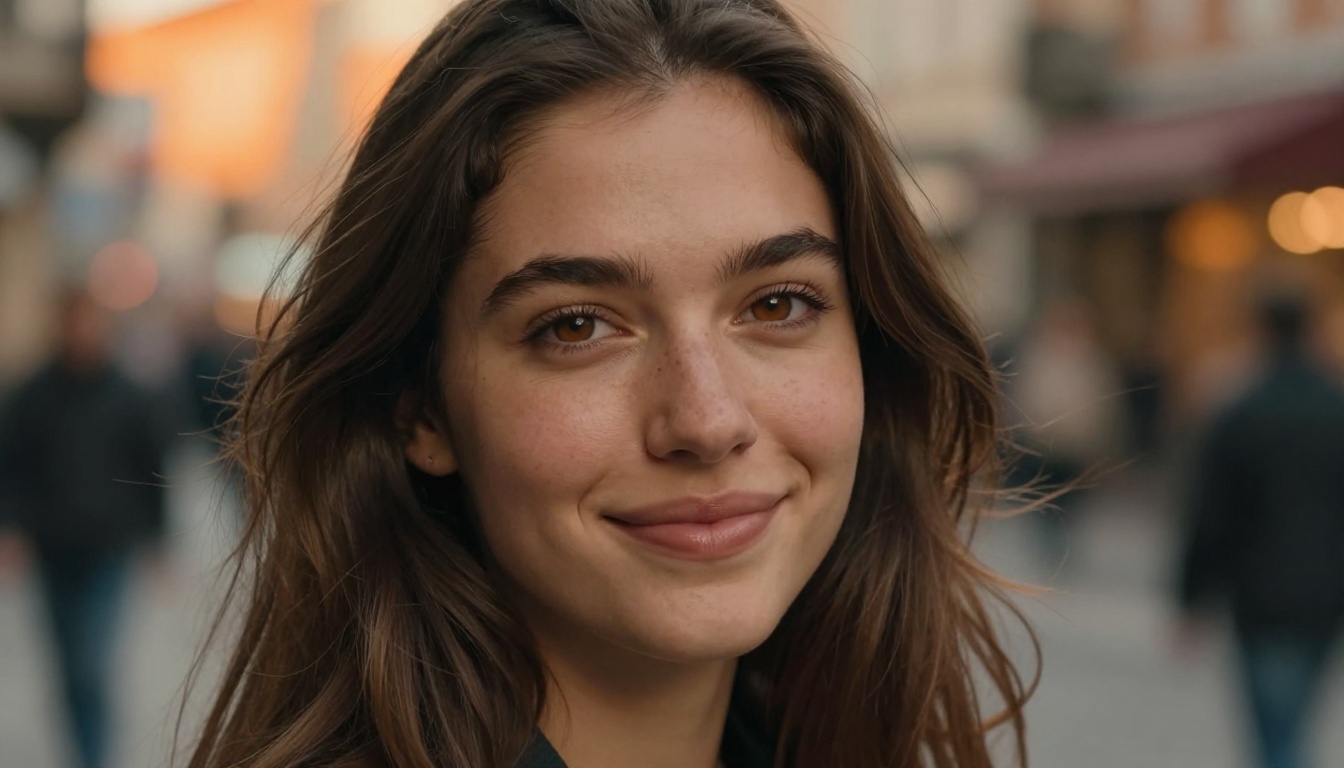
Users who have moved from earlier generation models to Seedance 2.0 report the most dramatic improvement in two areas: face stability across lighting changes and clothing color persistence. Both of these were significant pain points in prior workflows.
The model is not perfect. Fine accessories and complex clothing patterns still require careful prompting. Very long sequences still benefit from periodic reference resets. But the baseline consistency, the level you get without any special workflow tweaks, is substantially higher than what earlier video AI models offered.
For creators working on anything beyond a single-scene video, that baseline matters. It is the difference between a multi-scene output that looks professionally produced and one that looks like a random collection of clips.
The three biggest wins users notice immediately after switching to Seedance 2.0:
- Less time in remediation — fewer re-generates needed to fix drifted identity
- More creative freedom — you can write bolder scene changes without worrying that your character will look like a stranger
- Stronger narrative output — consistent characters build emotional connection with viewers, and that shows in engagement metrics
Start Creating with Seedance 2.0 Today
The technology behind Seedance 2.0's character consistency is sophisticated, but using it does not have to be. On PicassoIA, you can start generating multi-scene videos with a single reference image and a few descriptive prompts. The platform handles the infrastructure, and Seedance 2.0 handles the character. You focus on the story.
Whether you are building a short narrative, a brand campaign, or an episodic social series, the workflow is the same: one strong reference image, clear scene descriptions, and the right model. Seedance 2.0 gives you the tools to build it, and Seedance 2.0 Fast lets you iterate quickly before committing to full-quality renders.
Try your first multi-scene generation on PicassoIA and see how far consistent character identity takes your storytelling.


