Camera control is the last frontier most AI video models have struggled to cross. You can describe a subject in fine detail, choose a mood, specify lighting — and then the camera does whatever it wants. Seedance 2.0 Mini from ByteDance takes a different approach, baking spatial reasoning directly into the model so that when you write "slow pan left across a desert at sunset," that is precisely what you get. This article breaks down exactly how Seedance 2.0 Mini handles camera movement, what types of motion it supports, and how to write prompts that give you consistent, director-level control over every frame.

What Seedance 2.0 Mini Actually Does
Seedance 2.0 Mini is a text-to-video model developed by ByteDance, the company behind TikTok. It sits in the mid-tier of the Seedance 2.0 family, positioned between the lightweight Seedance 2.0 Fast and the full-resolution Seedance 2.0. The "Mini" label refers to its parameter count, not to any reduction in output quality for motion control tasks.
What separates it from most models in the text-to-video space is a specific architectural focus on prompt-driven camera path reasoning. Rather than treating camera movement as a post-hoc stylistic element, the model was trained to interpret spatial language as a first-class instruction. When you specify motion in your prompt, the model generates the entire scene with that motion baked into the geometry, not added artificially afterward.
The Model Specs That Matter
| Spec | Value |
|---|
| Output duration | Up to 10 seconds |
| Native audio | Yes, synchronized |
| Primary resolution | 720p (recommended) |
| Input | Text or image |
| Developer | ByteDance |
The native audio output is worth highlighting. Most camera movement generates incidental audio cues — the hiss of wind during a fast aerial pan, the muted ambient sound of a slow dolly through an interior. Seedance 2.0 Mini generates this in-sync audio automatically, so a fast whip pan comes with the corresponding rush of air rather than a mismatched ambient bed.
Where It Fits in the ByteDance Lineup
ByteDance has released multiple Seedance variants across different resolution and speed tiers. The Mini variant prioritizes motion quality and prompt adherence at 720p over raw resolution. Its sibling, Seedance 2.5, extends duration to 30 seconds, while Seedance 1.5 Pro handles 1080p at higher computational cost. For camera movement specifically, the Mini variant's spatial reasoning capabilities are on par with or ahead of the larger model in most practical tests.

The 5 Camera Movements It Handles
Knowing how Seedance 2.0 Mini interprets motion language determines whether you get reliable results. The model responds to five distinct categories of camera instruction, each with its own prompt vocabulary.
Pan Left and Right
A pan is a horizontal rotation of the camera around a fixed vertical axis. In traditional filmmaking, this means the camera stays in one spot and sweeps left or right across the scene. Seedance 2.0 Mini responds clearly to phrases like:
- "slow pan left across the mountain range"
- "wide pan right revealing the city skyline"
- "pan right following the subject"
Speed matters. The words "slow," "gentle," "fast," and "rapid" all produce measurably different motion velocities. A slow pan gives the model more time to render fine spatial detail in each frame, which is why it tends to produce the sharpest panning results.

Tilt Up and Down
Tilt is the vertical equivalent of a pan — the camera rotates around a horizontal axis without changing position. It is one of the most reliable camera movements in Seedance 2.0 Mini, responding consistently to:
- "tilt up from ground level to reveal the skyscraper facade"
- "slow tilt down from the treetops to the forest floor"
- "tilt up toward the night sky from the campfire"
💡 Tip: Tilt shots work best when your prompt describes both the starting and ending point of the movement. "Tilt up" alone is fine, but "tilt up from the cobblestones to the cathedral spire" gives the model a clear spatial arc to follow.
Dolly and Zoom
These two movements are often confused but behave very differently in the model. A dolly moves the entire camera toward or away from the subject through space, creating a genuine depth change. A zoom changes the focal length of the lens, compressing or expanding apparent depth without moving the camera.
Seedance 2.0 Mini handles both. For a dolly:
- "slow dolly forward into the empty corridor"
- "dolly out from the couple to reveal the street around them"
For a zoom:
- "slow zoom in to the subject's face"
- "zoom out from the product to reveal the surrounding environment"
The Hitchcock effect — a simultaneous dolly-out and zoom-in that creates a surreal depth compression — is achievable with a carefully worded prompt, though results vary between generations.

Orbital and Arc Shots
An orbital shot moves the camera in a circular path around a fixed subject, keeping it framed at the center throughout the revolution. This is one of the more computationally demanding movements and the one where AI video models most often fail. Seedance 2.0 Mini handles it with surprising consistency.
Effective orbital prompts:
- "camera slowly orbits clockwise around the statue, 360 degrees"
- "arc shot moving right around the car to reveal the driver's side"
- "orbital movement around the product, full rotation, studio lighting"
The critical phrase is the direction of the orbit. "Clockwise" and "counter-clockwise" as viewed from above are both reliably understood. Without a direction, the model may choose either and switch mid-shot.

First-Person and Tracking Shots
First-person (POV) shots and tracking shots are the most dynamic movement types supported by Seedance 2.0 Mini.
A first-person shot places the viewer directly in the subject's perspective:
- "first-person view walking through a crowded market"
- "POV perspective running through a forest trail at dawn"
A tracking shot follows a moving subject while the camera itself also moves:
- "camera tracks alongside a cyclist moving through a city street"
- "tracking shot following a cheetah sprinting across the savannah"
💡 Tip: First-person shots with fast movement can produce motion artifacts at the edges of frame. Using "smooth" or "stabilized" in the prompt reduces this. Example: "smooth first-person walk through the gallery, camera steady."
How to Write Camera Prompts That Work
The biggest factor in getting reliable camera movement from Seedance 2.0 Mini is prompt specificity. The model responds to structured, layered descriptions rather than vague directional terms.
The Prompt Structure That Gets Results
A well-performing camera movement prompt follows this architecture:
[Subject and setting] + [Camera movement type and speed] + [Direction and endpoint] + [Lighting and atmosphere]
| Element | Weak Version | Strong Version |
|---|
| Movement type | "pan" | "slow pan left" |
| Direction | "to the side" | "revealing the harbor on the right" |
| Speed | none | "gentle", "rapid", "steady" |
| Atmosphere | none | "warm afternoon light, slight haze" |
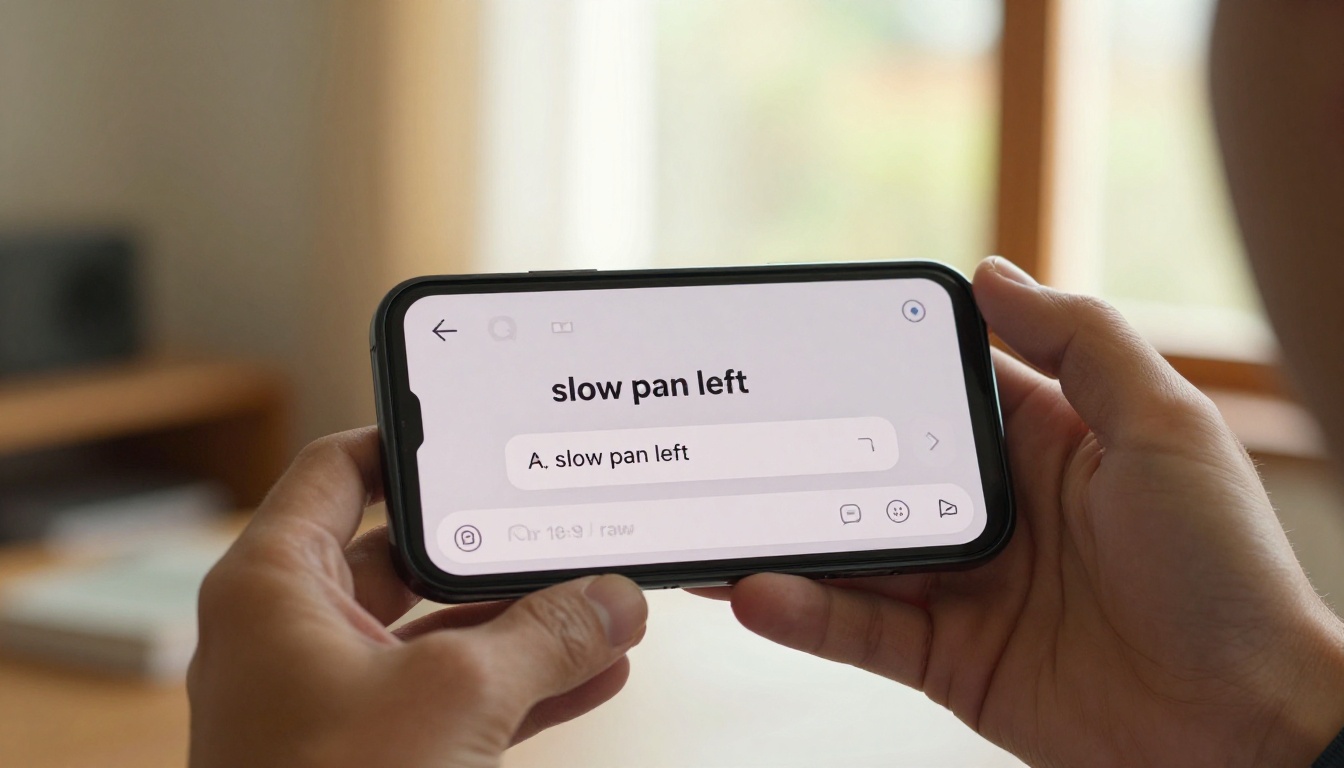
Weak prompt: "Camera pans across the mountains"
Strong prompt: "Slow pan left across snowcapped mountain peaks at golden hour, the camera moving steadily while the valley below catches the last warm light of the day"
The difference in output quality between these two is significant. The model needs spatial anchors, lighting cues, and speed descriptors to produce a consistent, cinematically coherent camera path.
What Not to Write
Certain phrases consistently confuse the model or produce unintended results:
- Ambiguous directions: "move the camera around" without specifying axis or endpoint
- Contradictory instructions: "pan left while also pulling back" (dolly and pan simultaneously often produces inconsistent motion)
- Over-stacking effects: piling four or five movements into a single prompt reduces adherence to any one of them
- Abstract language: "the camera dances through the scene" — spatial language must be literal, not poetic
💡 One movement per generation. If you need a complex multi-shot sequence with different movements, generate each shot separately and edit them together. Seedance 2.0 Mini excels at single, clean camera movements within a 5-10 second window.
How to Use Seedance 2.0 Mini on PicassoIA
PicassoIA gives you direct access to Seedance 2.0 Mini through a straightforward interface. Here is how to get consistent camera movement results from the platform.
Step 1: Go to the model page
Navigate to the Seedance 2.0 Mini page on PicassoIA. No installation or setup required — the model runs entirely in the browser.
Step 2: Write your prompt using the structure above
Start with your scene, then layer in the camera movement. Be explicit about speed and direction.
Step 3: Select resolution
720p is the recommended setting for camera movement work. It provides the best balance of frame detail and motion consistency.
Step 4: Generate and evaluate
The first generation gives you a reference. If the movement direction is off, add more explicit directional language. If the speed is wrong, swap the speed descriptor.
Step 5: Iterate on a single variable at a time
Change one element per generation — speed, direction, or atmosphere — not multiple at once. This isolates what is working and what is not.
Settings That Affect Motion
| Setting | Effect on Camera Movement |
|---|
| Duration (longer) | More complex paths possible, but consistency can drop after 7s |
| Resolution (720p) | Best motion coherence |
| Seed (fixed) | Reproducible movement path for iteration |
💡 Fix your seed once you find a generation that gets the movement right. Then change only the prompt to refine other elements. This prevents the model from picking a completely different camera path on the next run.
How It Compares to Other Video Models
Camera control is becoming a contested feature across the AI video landscape. Here is how Seedance 2.0 Mini stacks up against the models most often compared to it.
vs Kling v3 Motion Control
Kling v3 Motion Control offers a different approach: it uses a separate motion control interface where you can draw or specify camera paths graphically rather than through text alone. For precise, reproducible camera paths, this gives Kling an edge. For creators who want to stay in a text-based workflow, Seedance 2.0 Mini is faster to iterate and produces more natural motion for organic scene types. Kling v2.6 Motion Control is the intermediate option if you want the graphic path system at lower cost.
vs Video 01 Director
Video 01 Director from Minimax is specifically built for camera control, with explicit camera instruction tokens baked into its prompt syntax. It is arguably more precise on highly specific movements like "track 90 degrees arc from front to side." Seedance 2.0 Mini wins on scene naturalism — the way subjects, lighting, and backgrounds respond to camera movement feels more physically grounded.
vs Veo 3
Veo 3 and Veo 3.1 from Google produce cinematic output at a high level and handle camera language well. The primary difference is generation speed and access: Seedance 2.0 Mini is faster and available at lower cost on the platform. Veo 3.1 has a quality ceiling that is higher, but for most social, commercial, and content creation use cases, Seedance 2.0 Mini's output is indistinguishable in a side-by-side comparison at 720p.
Ray 3.2 from Luma also deserves a mention — it handles panning and tracking shots with strong HDR output, which is useful for outdoor scenes with high dynamic range lighting.
Where It Struggles
Honest assessment: Seedance 2.0 Mini has real limitations in camera movement that are worth knowing before you build a workflow around it.
Complex Multi-Shot Sequences
The model is excellent at a single, clean camera movement. It is not designed for sequences where the camera changes movement type mid-clip — for example, starting with a dolly-in and then transitioning to a pan right. When you prompt for this, the output typically commits to whichever movement appears first in the prompt and ignores the second. Generate these as two separate clips and cut between them.
Long Camera Paths in 5-10 Seconds
A full 360-degree orbital in 5 seconds requires the model to move very fast, which often degrades spatial consistency. Wider orbital paths produce better results when the arc is partial: "orbit 180 degrees around the subject" tends to outperform "full 360-degree orbit" in a single generation. For full orbits, Wan 2.7 T2V at longer durations is worth comparing.
Subjects That Break Spatial Coherence
Highly complex foreground subjects — crowds, foliage-heavy environments, reflective surfaces — sometimes produce temporal artifacts when combined with camera movement. A pan across a sparse mountain landscape is cleaner than a pan across a dense forest with moving leaves. Simplifying the scene description when you prioritize camera movement gives you better results.
Real Use Cases for Creators
Product Videos
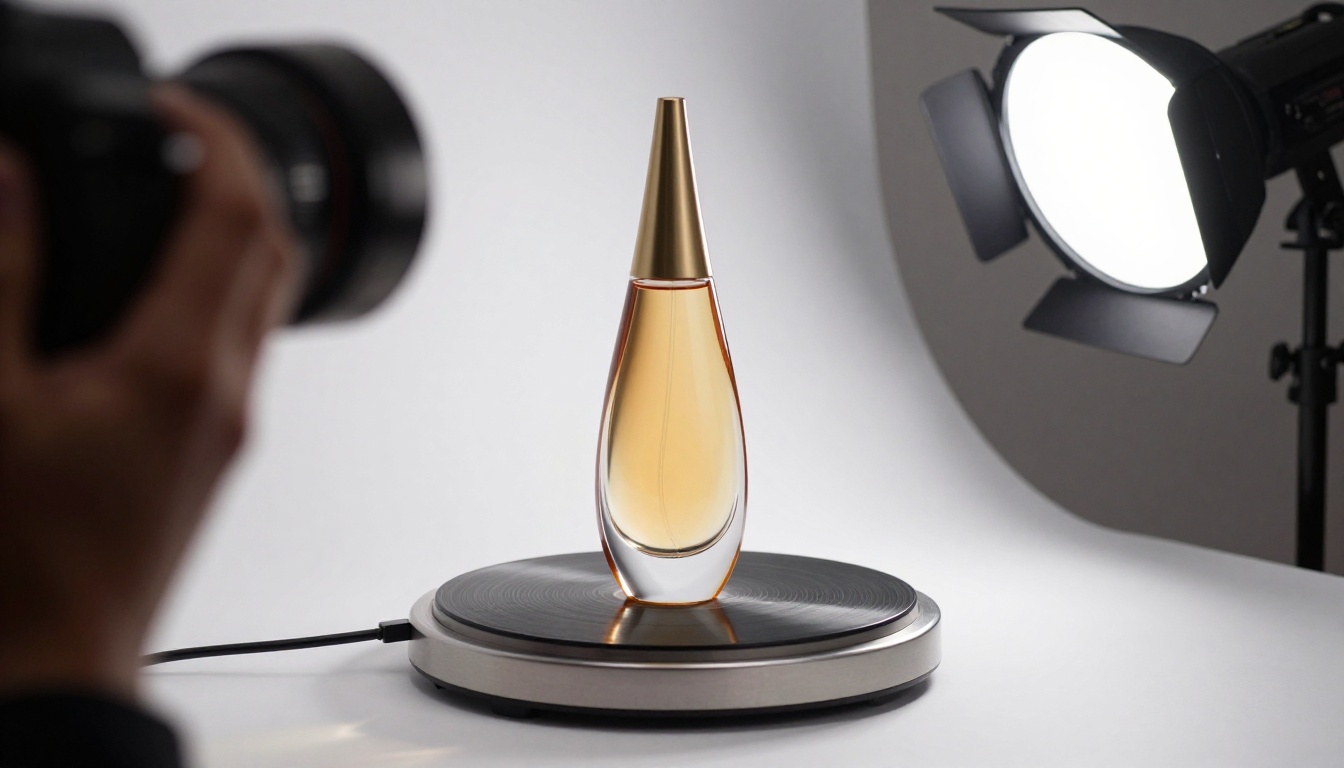
The orbital shot is the most commercially valuable camera movement in product video. A slow clockwise orbit around a product against a clean background — with synchronized ambient audio — is exactly the type of content brands need for e-commerce. Seedance 2.0 Mini generates this reliably from a single text prompt, without any 3D modeling, turntable setup, or physical production.
Example prompt: "Camera slowly orbits clockwise around a black leather watch on a white marble surface, soft studio lighting from above, 720p, 7 seconds"
Social Content and Reels
Short-form content depends on motion to retain attention. A 5-second dolly-in on an eye-catching subject, paired with synchronized audio, performs well across social platforms. Seedance 2.0 Mini's native audio generation means the output is ready to post without additional audio work.
Use slow pans and tilts to establish scenes, and fast dollies for punchy product reveals. The model's prompt adherence is high enough that you can batch-generate multiple variations with different speeds and choose the best one.
Demo and Tutorial Openers
First-person tracking shots through relevant environments work well as openers for tutorial or explainer content. A POV walk through a server room, a tracking shot through a design studio, a slow dolly into a code editor — these contextual establishing shots take seconds to generate and give professional polish to content that would otherwise start with a talking head.
When you pair Seedance 2.0 Mini with AI writing and scripting tools available in PicassoIA's Large Language Models catalog — such as Claude Sonnet 5 for long-form scripting or GPT 5 for structured content — you can go from a concept to a fully scripted, visually produced piece of content without leaving the platform.
Create Your First Camera Movement Clip
The most direct way to see how Seedance 2.0 Mini performs is to run your own side-by-side comparison. Pick a single scene, write four prompt variations — one for a pan, one for a tilt, one for a dolly, one for an orbital — and generate each. The differences in output will show you exactly how the model responds to spatial language in your specific use case.
PicassoIA gives you access to Seedance 2.0 Mini alongside more than 80 other text-to-video models, including Seedance 2.5 for longer clips, Kling v3 Motion Control for graphic path editing, and Pixverse v5.6 for high-definition output. Start with Seedance 2.0 Mini for camera movement work, then branch out as your needs grow. All models are available at picassoia.com/en/all-models.


