How Seedance 2.5 Handles Camera Movement in AI Video Generation
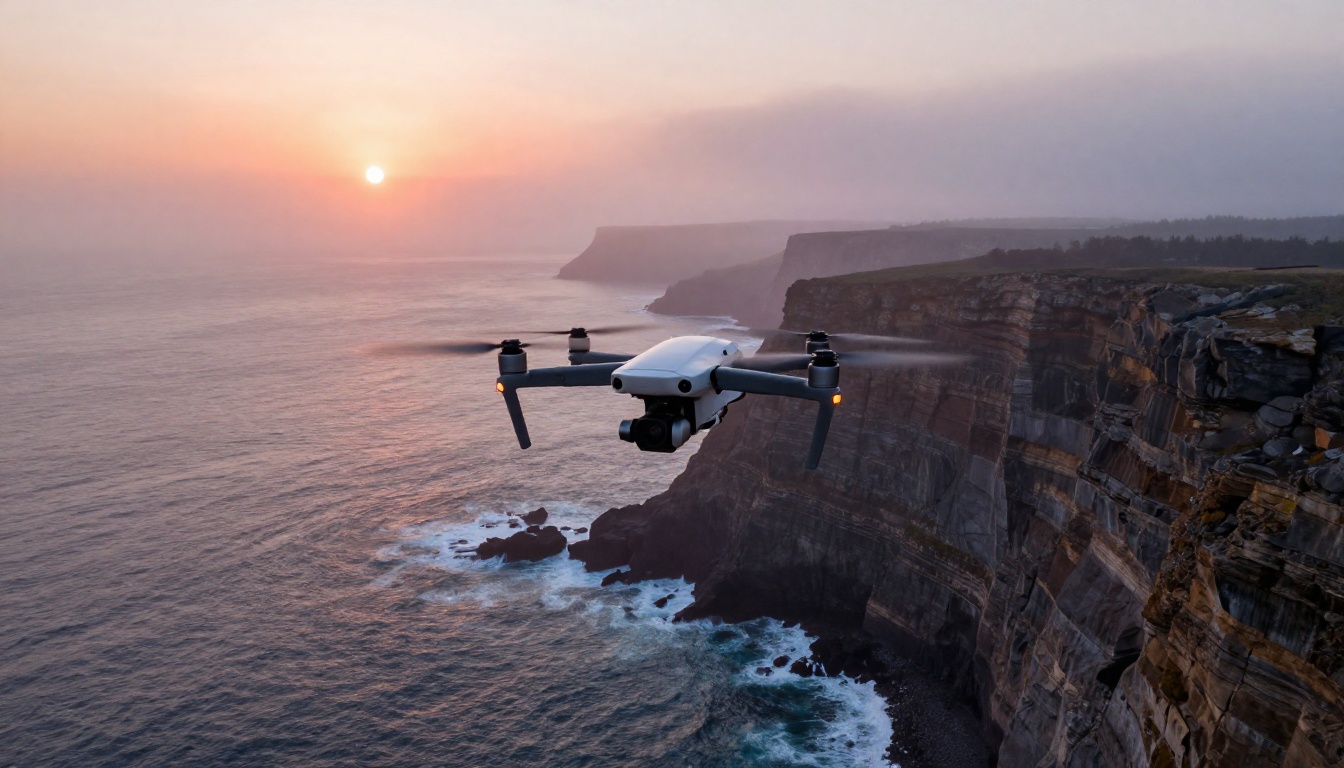
Seedance 2.5 brings a level of camera motion control that rival AI video models rarely match. This article breaks down every camera movement type the model supports, how to prompt for each one, and why ByteDance's latest release is redefining what cinematic AI video actually looks like in 2027.
If you have spent any time generating AI video, you already know that camera movement is where most models fall apart. The subject moves, the background warps, and what was supposed to be a smooth dolly-in turns into a stuttering mess of pixel artifacts. Seedance 2.5 from ByteDance approaches this problem differently, and the results are genuinely worth paying attention to.
What Makes Camera Motion Hard for AI
Before getting into what Seedance 2.5 does specifically, it helps to know why camera movement is such a persistent challenge for text-to-video models.
The Parallax Problem
When a real camera moves through physical space, objects at different distances shift at different speeds relative to each other. This is parallax, and it is the primary signal that tells your brain "the camera is moving" rather than "the content is sliding." Most AI video models struggle to maintain consistent parallax because they generate frames without a stable spatial model of the scene. Each frame is its own approximation, and those approximations drift.
Temporal Coherence Across Frames
Every frame in a clip needs to be geometrically consistent with the frames before and after it. Slight inconsistencies accumulate into visible jitter, drift, or content that morphs unexpectedly mid-clip. Maintaining temporal coherence while executing a deliberate camera path requires the model to hold a stable world-model across the entire clip duration, not just from one frame to the next.
Translating Prompts Into Physical Trajectories
A human camera operator knows the physical constraints of real equipment: a dolly cannot instantly reverse direction, a handheld camera has natural micro-vibration curves, a crane shot follows a characteristic arc. Text-to-video models have to absorb these physical intuitions from training data alone, and then translate a short text prompt into a trajectory that obeys those constraints. That is a non-trivial inference problem.
The Camera Motion System in Seedance 2.5
Seedance 2.5 uses a dedicated camera motion module that operates separately from the subject motion system. This architectural decision matters. It means the model can execute camera movement without treating that movement as content motion, which is what causes the warping artifacts you see in weaker models. The camera path is planned before content generation begins, not inferred after the fact.
Six Core Camera Movement Types
The model reliably supports six primary camera motion categories, each with its own prompt vocabulary.
1. Dolly / Push
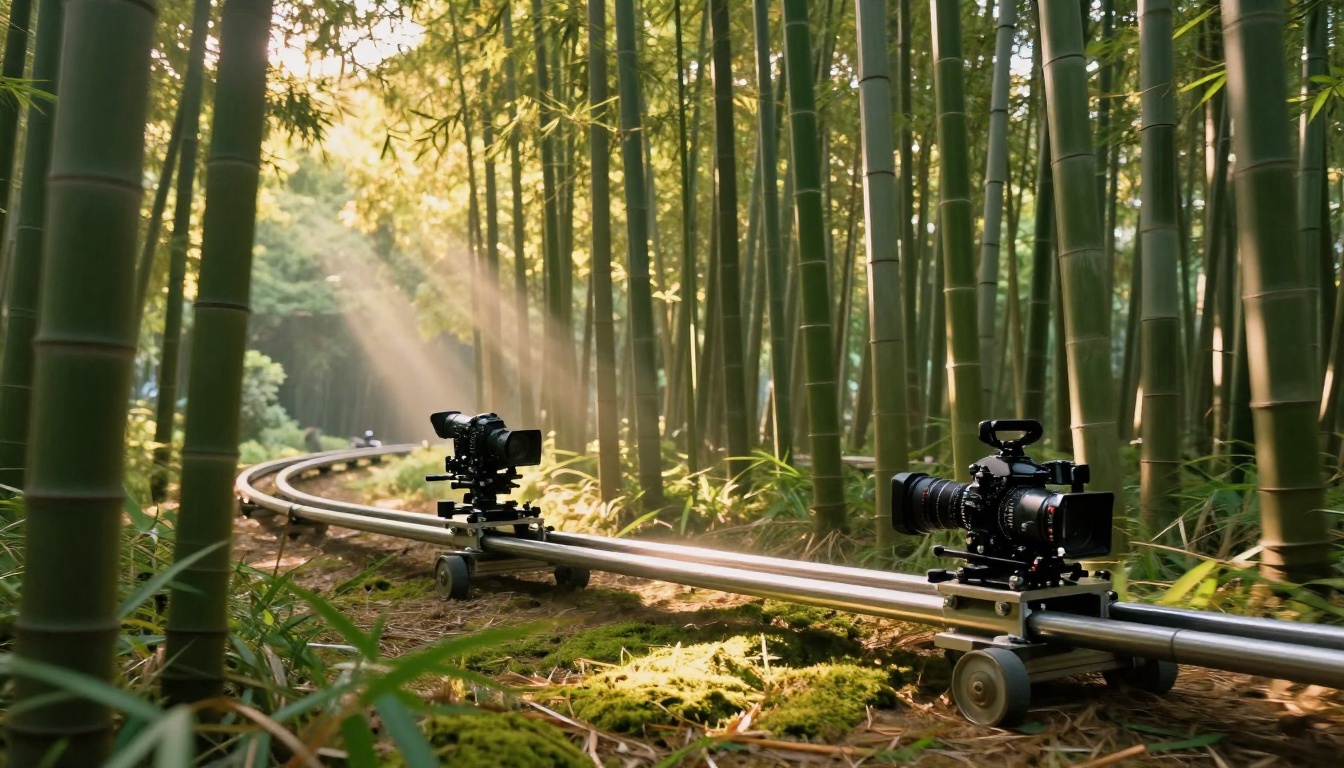
A dolly shot moves the camera physically forward or backward through the scene. In Seedance 2.5, this creates genuine depth parallax where foreground elements pass by faster than background elements, producing a real sense of moving through space.
Prompt keywords: slow push in, dolly forward, camera moves toward subject, steady dolly in
2. Pan
A pan rotates the camera horizontally on a fixed axis. Seedance 2.5 maintains consistent horizon lines during panning, which requires accurate frame-to-frame geometric anchoring.
Prompt keywords: slow pan left, camera pans right, horizontal sweep, tracking pan
3. Tilt
Tilting moves the camera angle up or down on a fixed axis. Used for vertical reveals, establishing scale, or following vertical subject motion.
Prompt keywords: camera tilts up, slow tilt down, upward reveal, downward tilt to floor
4. Orbit / Arc
The camera circles around a central subject, maintaining focus on it while the background rotates around it. This is one of the most demanding movements for any AI model because it requires holding subject position in the frame while rotating the entire world-model.
Prompt keywords: orbit around subject, circular arc shot, camera circles the subject, 360-degree dolly arc
5. Crane / Pedestal
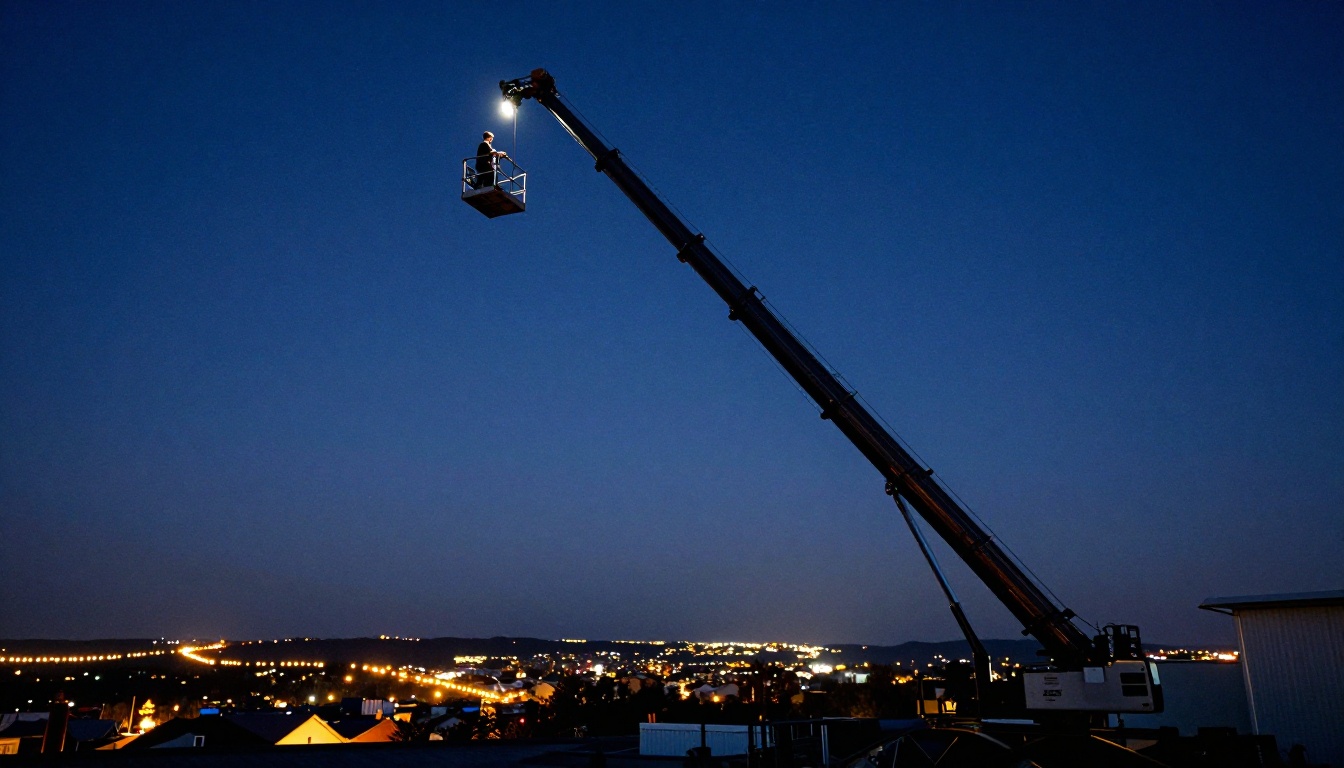
The camera moves vertically while maintaining a level horizon. Creates a sense of ascent or descends to reveal a scene from above.
Prompt keywords: camera rises, crane up shot, ascending camera, pedestal down, descending overhead reveal
6. Handheld / Verité
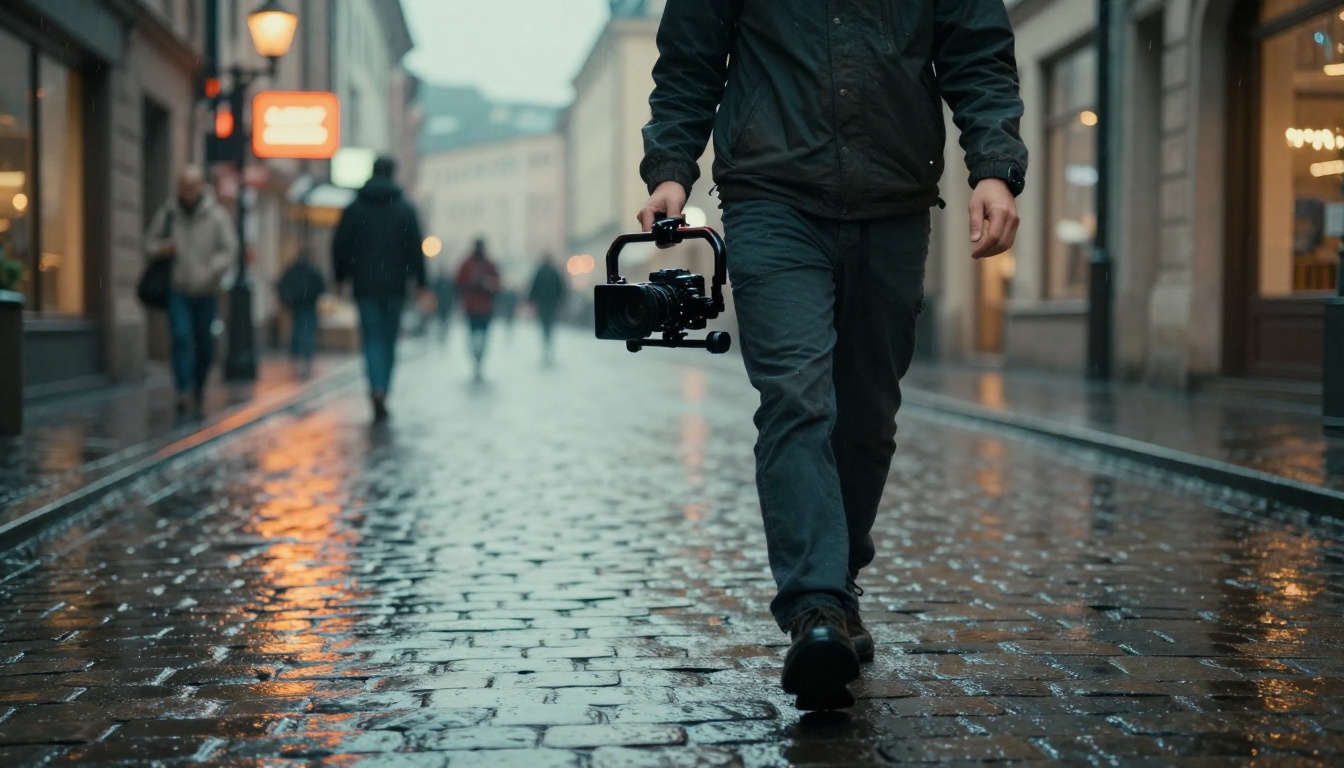
Simulates the natural micro-vibration of a handheld camera. Seedance 2.5 applies realistic, non-random motion curves to avoid the artificial jitter that makes handheld simulation look synthetic.
The quality of your camera motion in Seedance 2.5 depends heavily on how clearly you describe the movement in your prompt. The model responds well to positional language, speed qualifiers, and standard cinematographic terminology.
Prompt Structure That Works
💡 Prompt Formula: [Scene description] + [Camera movement type] + [Direction] + [Speed qualifier] + [Lighting/Mood]. This order mirrors how the model was trained to parse cinematic descriptions from real production documentation.
Speed qualifiers that work well:
slow, gradual, gentle for subtle, deliberate movements
steady, controlled for smooth intentional motion
quick, fast for dynamic energy and urgency
imperceptible for barely-visible drift effects
Combining Movements
Seedance 2.5 handles compound movements when prompted clearly. A push combined with a tilt creates a "pedestal push" used for dramatic subject reveals:
A forest at dawn, camera slowly pushes in while tilting upward to reveal the tree canopy, morning light breaking through leaves, cinematic photography style
Keep compound movements to two axes at most. Three simultaneous movements overwhelm the motion system and produce inconsistent trajectories.
What to Avoid in Prompts
Avoid
Use Instead
"zoom in" (optical zoom)
"dolly in" or "push in"
"rotate" (ambiguous)
"pan left" or "orbit around"
"move" (too vague)
"track alongside" or "dolly forward"
"fast" alone
"quick pan" or "rapid dolly"
"shake the camera"
"handheld camera with natural movement"
Seedance 2.5 vs. Other Motion Control Models
Seedance 2.5 is not the only AI video model with camera motion capabilities available on PicassoIA. Here is how it stacks up against the alternatives:
The primary advantage of Seedance 2.5 over competitors is the 30-second clip duration. Most motion-capable models cap out at 6 to 10 seconds, which severely limits what you can express with camera movement. A meaningful dolly shot needs room to breathe. A crane reveal needs time to develop. Thirty seconds gives you the space to execute real cinematic sequences that hold together narratively.
The secondary advantage is motion-aware subject consistency. When the camera moves in Seedance 2.5, subjects maintain their texture, proportions, and lighting from frame to frame. This is where lighter models like Seedance 2.5 Lite and earlier versions like Seedance 2.0 show their limits: the subject starts drifting or morphing when camera motion accelerates past a certain threshold.
The Technical Architecture Behind the Motion
ByteDance built Seedance 2.5 on a training dataset that includes a large proportion of professionally shot video with labeled camera motion types. This means the model has internalized what a dolly actually looks like from the inside, not just a rough approximation inferred from consumer footage.
DiT-Based Frame Generation
Seedance 2.5 uses a Diffusion Transformer (DiT) architecture. Unlike older U-Net based models, the DiT processes all frames with global attention, meaning frame N can directly inform frame N+15 during generation. This is what enables longer, more coherent camera paths without accumulated drift.
Motion Vector Conditioning
The model uses motion vector conditioning during inference. The estimated direction and magnitude of movement in the prompt influences the generation trajectory from the first denoising step. This is distinct from simply applying a camera motion LoRA on top of a base model, which is how some competing systems achieve motion control. The conditioning approach produces smoother and more physically plausible results because the motion is baked into the generation, not applied as a post-hoc modifier.
Resolution and Frame Rate
At full quality, Seedance 2.5 generates at up to 1080p at 24fps. Camera motion at 24fps requires substantially more frame-to-frame precision than 12fps generation, and the model handles this through temporal interpolation refinement: keyframes are generated first, then a separate lightweight network fills in the intermediate frames while preserving the established camera trajectory.
Practical Prompt Examples by Scene Type
Nature Documentary
For slow, deliberate camera movements over natural subjects:
Dew-covered spider web in a forest at dawn, camera slowly pushes in from wide to extreme close-up of a single water droplet, morning light from the left, natural handheld micro-vibration, documentary photography style
Architecture and Real Estate
For smooth reveals of interior or exterior spaces:
Modern open-plan kitchen interior, camera performs a slow 180-degree pan from left to right revealing the full space, afternoon sunlight through large windows, steady controlled movement, architectural photography
Portrait and Intimate Scene
For subtle, flattering subject movement:
Young woman sitting at a café window, camera gently dollies in from medium shot to close-up portrait, warm afternoon backlight, shallow depth of field, slow gentle push, cinematic portrait photography
Action and Sport
For dynamic tracking of moving subjects:
A trail runner on a mountain path, camera tracks alongside at the same speed maintaining subject in frame, background blurs naturally, steady parallel dolly, natural afternoon lighting, sports photography
How to Use Seedance 2.5 on PicassoIA
PicassoIA gives you direct access to Seedance 2.5 without any API keys, setup files, or local installation. Here is the exact workflow:
Step 1: Open the Model Page
Go to the Seedance 2.5 page on PicassoIA. The text input field and generation controls are visible immediately on arrival.
Step 2: Write Your Prompt with Camera Motion
Structure your prompt using the formula above. Be specific about movement type, speed, and direction. Here is a reusable template:
Coastal lighthouse at dusk, camera slowly orbits clockwise while tilting slightly upward, orange and purple sunset sky, warm side lighting, cinematic photography
Step 3: Set Your Duration
Seedance 2.5 supports clips up to 30 seconds. Start with 5 to 10 seconds when testing new motion prompts. Camera errors accumulate over time, so shorter test clips validate the trajectory before you commit to a full 30-second generation.
Step 4: Choose Resolution
Use 1080p for final output. Use 720p for iteration and testing. Camera motion quality at 720p is representative of what you will get at 1080p, making it a reliable and faster proxy for prompt testing.
Step 5: Review and Iterate
After generation, check the motion in the first 2 seconds. If the camera movement starts correctly, it will typically maintain that trajectory throughout. If the first 2 seconds show drift or the wrong movement type, adjust your prompt and regenerate rather than waiting through a long clip.
💡 Stabilization Tip: Add steady camera or controlled camera movement to any prompt where you want deliberate rather than organic motion. This reduces the model's tendency to add natural variation that can sometimes read as instability in longer clips.
Common Mistakes and How to Fix Them
The Drift Problem
Symptom: Camera appears to drift in an unintended direction, usually slightly upward or sideways.
Fix: Add explicit directional anchoring: camera remains level, fixed horizon line, no vertical drift. These constraints help the model lock the camera trajectory to the intended axis.
Subject Morphing During Motion
Symptom: The subject changes shape, loses texture detail, or appears to distort as the camera approaches.
Fix: Add subject consistency cues: subject remains stable throughout, consistent lighting on subject, photorealistic subject detail maintained. Also try a shorter duration first to confirm the motion works before extending the clip.
Motion That Starts and Stops
Symptom: The camera moves for 2 to 3 seconds and then freezes while the scene content continues.
Fix: This typically happens when the scene description is too dense and the model prioritizes rendering content over executing movement. Simplify the scene description and place the camera motion instruction at the start of the prompt.
Wrong Movement Type
Symptom: You prompt for an orbit and receive a pan instead.
Fix: Use the most specific language possible. Instead of camera circles subject, use camera performs a full 360-degree orbital arc around the subject, maintaining the subject in the center of frame throughout. The added specificity removes ambiguity about the intended movement type.
When Other Models Are Worth Considering
Seedance 2.5 is the strongest choice for most camera motion scenarios, but there are cases where other models fit better.
Image-to-video with motion control: Kling v2.6 Motion Control and Wan 2.7 I2V are better when you have a specific starting frame you need to animate with controlled camera motion.
Fast iteration runs: Seedance 2.5 Lite is faster and less expensive when 10 seconds is sufficient for your use case.
Audio-synced content: Veo 3.1 generates native audio alongside video, which matters when camera motion needs to sync with sound design.
Camera movement is not a technical feature. It is storytelling language. A slow push-in creates intimacy. A crane rise creates awe. A handheld close-up builds tension. Models that handle camera motion well are not just better at generating video, they are better at communicating emotion through visual composition.
The fact that Seedance 2.5 can reliably execute these movements across a 30-second timeline makes it the first text-to-video model capable of producing a genuine short film scene from a single prompt. Earlier models in the Seedance line, including Seedance 2.0 Mini and Seedance 1 Pro, offered glimpses of what motion-aware generation could be. Seedance 2.5 delivers on that promise with a level of consistency that holds up at production scale.
For creators who think in cinematographic terms, this is a meaningful shift. The gap between "this looks like AI video" and "this looks like real footage" is largely a camera motion problem. Seedance 2.5 closes that gap more decisively than any previous model in this category.
Start Creating on PicassoIA
PicassoIA puts Seedance 2.5 alongside over 87 text-to-video models in a single interface. You can compare results directly, switching between Seedance 2.5, Kling v3 Motion Control, Ray 3.2, and dozens of others without leaving the platform.
If you want to see how camera motion language affects your outputs, start with a simple dolly prompt on Seedance 2.5, then run the same prompt on Seedance 2.5 Lite and a competing model. The differences become obvious within seconds, and you will quickly build an intuition for which models interpret motion prompts most faithfully.
Every camera move you can describe in words, you can now generate. That is what makes this worth trying.